Products
Skills, prompt kits and templates for working with AI.
For market research, reviewing sources, cleaning and analysing data, and dashboards.
Product list
- SkillNew
Create English paper digests with AI
Build an English research digest and local reading queue with verified paper identities, evidence-rich cards and a history that avoids repeated recommendations.
Free - SkillNew
Read long PDFs with AI
Split a local document into page-based PDF and text chunks, read them in sequence and consolidate source-linked notes, checking important visuals against the original.
Free - SkillNew
Read research papers in stages with an agent
Choose a reading depth that fits your research question, then keep claims, evidence, assumptions and unperformed checks distinct in your notes.
Free - SkillNew
Create SVG charts with AI
Choose a chart around the finding, record its data once and generate an inline SVG. An optional route turns that same specification into editable PowerPoint shapes.
Free - SkillNew
Check research sources with AI
Keep claims tied to inspected sources and a search log. Local scripts check citation structure, identifiers and reachability, leaving substantive support for human review.
Free - SkillNew
Research primary sources with an agent
Delegate a focused question to a background agent and keep a Markdown report with a source for each claim. Requires a host with background-agent and file capabilities.
Free - SkillNew
Map a research field with AI
Connect representative papers, method families and open questions in a local report
Free - SkillNew
Technical SVG diagrams with AI
Organise nodes, connections and legends in a self-contained technical diagram
Free - SkillNew
Create draw.io diagrams with AI
Create editable process and relationship diagrams, validate their XML and optionally convert Mermaid into documentation images that retain an editable source.
Free - SkillNew
Market reality check with AI
Compare competing products and review patterns before changing your product brief
Free - SkillNew
Build interactive data stories with AI
Develop a sourced visual argument through a brief, storyboard and interactive implementation, with staged review of evidence, mobile behaviour and the final result.
Free - SkillNew
Prioritise research papers with AI
Choose what to read for a specific question, connect claims to primary evidence and distinguish conflicting findings from results obtained under different conditions.
Free - SkillNew
Plot scientific data with AI
Generate a reproducible plotting script and figure in a consistent scienceplots lab style.
Free - SkillNew
Estimate your carbon footprint with AI
Use your own bills and receipts to build an emissions range, retain the source behind each figure and compare changes without hiding uncertainty.
Free - SkillNew
Research paper notes with AI
Turn a paper you already have into Markdown reading notes. Keep its central claim, method, strongest comparisons and unanswered questions in one place.
Free - SkillNew
Read a research paper critically with AI
Trace a paper’s conclusion to its methods, tables and figures. Build a short reading memo that distinguishes reported findings from interpretation and missing evidence.
Free - SkillNew
Write a dashboard brief with AI
Agree what a dashboard should answer, how each metric is calculated and who needs to see it before your data team begins the build.
Free - SkillNew
AI architectural precedent research
Build a study dossier that shows which source supports each dimension, design attribution or observation, and where the evidence still disagrees.
Free - SkillNew
Make a chart with AI
Turn a labelled dataset into a branded chart or diagram. Check units, axis baselines and relationships before exporting a PNG or SVG for your report.
Free - SkillNew
Format a bibliography with AI
Turn rough source notes into consistent entries and see which publication details still need checking before you hand in a draft.
Free - SkillNew
Find official statistics with AI
Ask a specific question of a PxWebApi v2 statistics service. Get the figures with the table, units and time period needed to quote them accurately.
Free - SkillNew
Read a research paper with AI
Work through one paper from its research question to the figures behind its conclusions. Get an English or Chinese explanation with page references and clearly marked evidence gaps.
Free - SkillNew
Draw a neural network diagram with AI
Turn a PyTorch model definition into an editable Excalidraw scene, with a block overview or a closer view of individual operations.
Free - SkillNew
Explain data findings with AI
Find the point a reader needs from a finished analysis. Pick evidence for each claim and connect the recommendation to what the figures actually show.
Free - SkillNew
Build an interactive map with AI
Combine locations and public layers in GISMap Online, check the view against your question and decide how the finished map should be shared.
Free - SkillNew
Build an interactive web map with AI
Start with one verified location or boundary, choose the opening view and keep the map files editable in your own project.
Free - SkillNew
Plan a replication study with AI
Turn a paper into a side-by-side protocol and record the evidence that would support, weaken or leave its original finding unsettled.
Free - SkillNew
Review astrophotography data with AI
Work out which stage to revisit when a stack has dust shadows, uneven colour or stars that look different across the frame.
Free - SkillNew
Organise Zotero papers in Notion with AI
Build collection-specific research notes with a Chinese synthesis, the paper’s original variable names and an evidence check for every claimed relationship.
Free - SkillNew
Analyse raster data in QGIS with AI
Inspect a raster band, check for missing cells and choose a calculation that answers your question. Work with local elevation data and compare the result to the input.
Free - SkillNew
Write QGIS expressions with AI
Build an expression for a label, filter or calculated field. Test it against a real feature and distinguish a parsing error from a problem in the data.
Free - SkillNew
Georeference a scanned map in QGIS with AI
Match recognisable points on a scan to map coordinates, inspect the residuals and decide whether the output needs a world file or a warped raster.
Free - SkillNew
Diagnose a misplaced QGIS layer with AI
Find out whether a shifted layer has the wrong CRS label, reversed axes or a transformation problem. Check a known point before rewriting the data.
Free - SkillNew
Extract PDF text and tables with AI
Recover reading order and tables from a mixed-layout report, with a readable document and a structured record of where each element appeared.
Free - SkillNew
Compare European statistics with AI
Find a Eurostat dataset, inspect what its rows measure and compare countries or regions with consistent units, periods and geographic levels.
Free - SkillNew
Choose the right chart with AI
Start from the comparison your reader needs to make, then choose the chart form, scale and labels that make that comparison possible.
Free - SkillNew
Review a research paper for a lab meeting with AI
Connect a paper’s claims to the evidence you can actually show, then prepare speaking notes and questions that suit the time available.
Free - SkillNew
Plan an observing night with AI
Estimate how many targets fit the available windows and check a target table before the observing session begins.
Free - SkillNew
Query weather data with AI
Turn a place, time and weather question into an Xweather request, check its access cost and choose whether to fetch the results.
Free - SkillNew
Extract a bibliography for Zotero with AI
Turn citations in a document into a review file. Follow each proposed reference back to its source and decide which entries belong in your Zotero library.
Free - SkillNew
Find report citations in Zotero with AI
Choose a report passage and compare possible APA references from your own Zotero library. The agent shows what each paper supports before editing your report.
Free - SkillNew
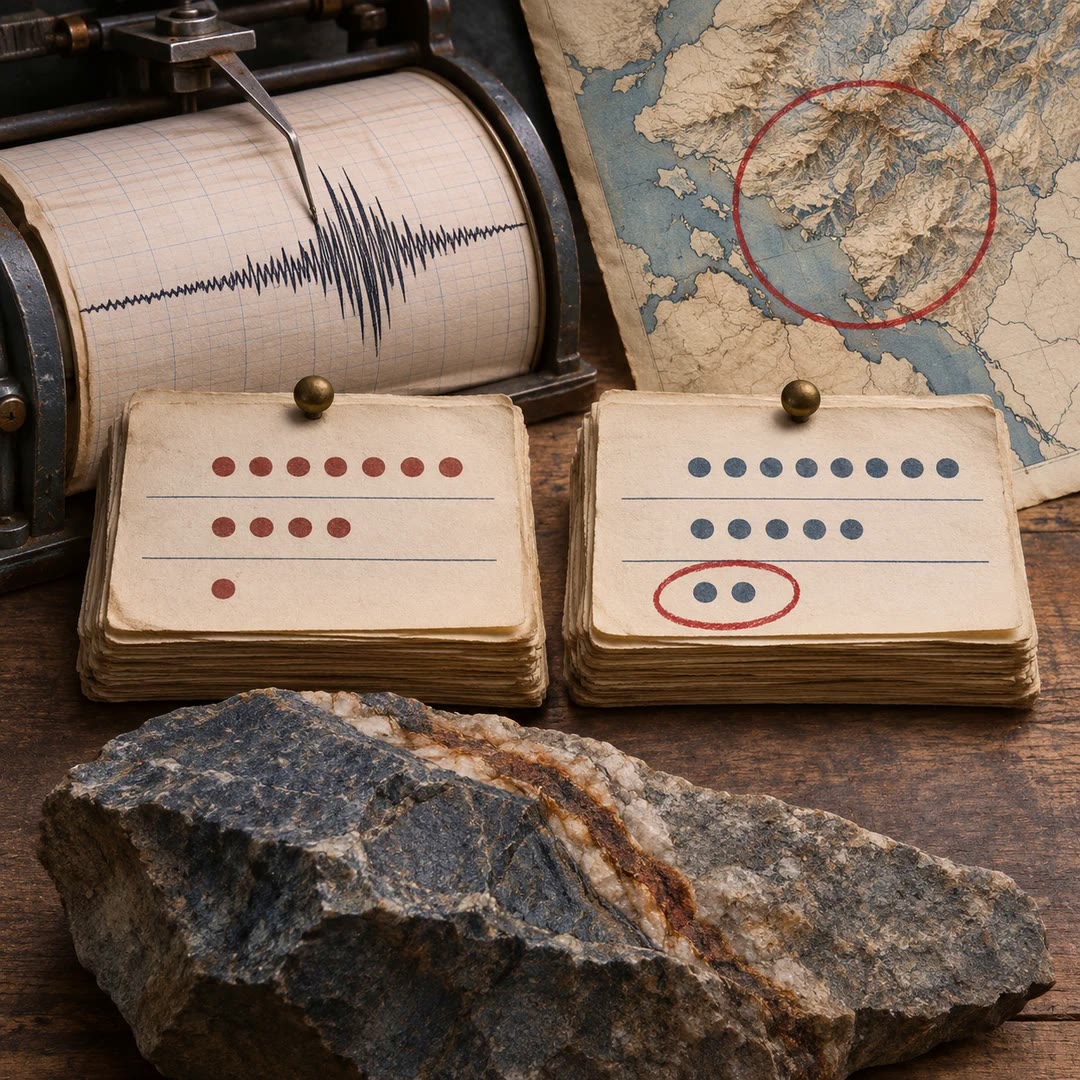
Compare earthquake catalogues with AI
Look up recorded seismic events, distinguish catalogue identifiers and compare counts within a clearly defined place, time window and magnitude threshold.
Free - SkillNew
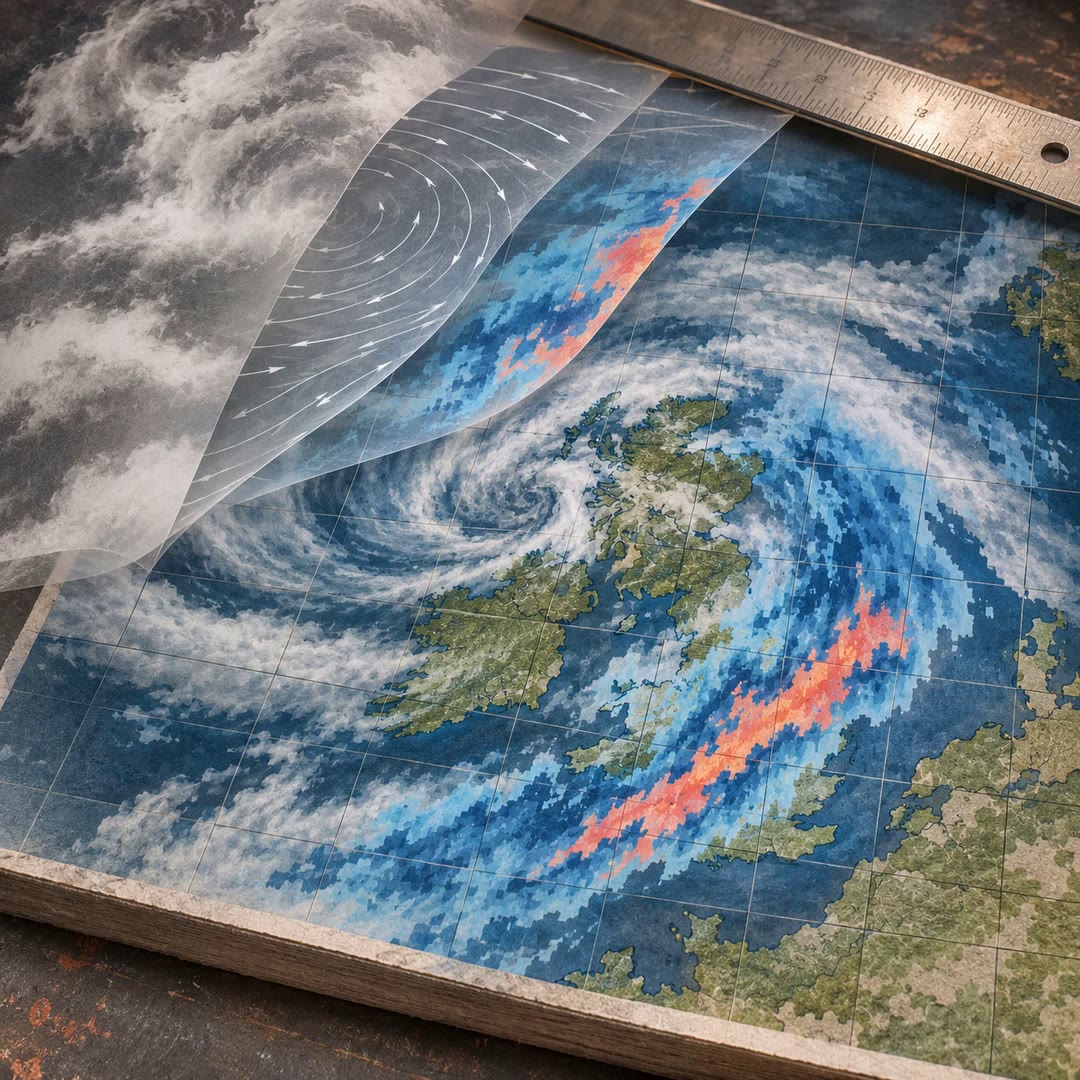
Build a weather map with AI
Compose an Xweather raster map or tile template, arrange its layers and estimate the map units before requesting a live image.
Free - SkillNew
Add citations from Zotero with AI
Match selected statements to evidence in your own Zotero library, approve the sources and add APA citations to a report with a shared reference list.
Free - SkillNew
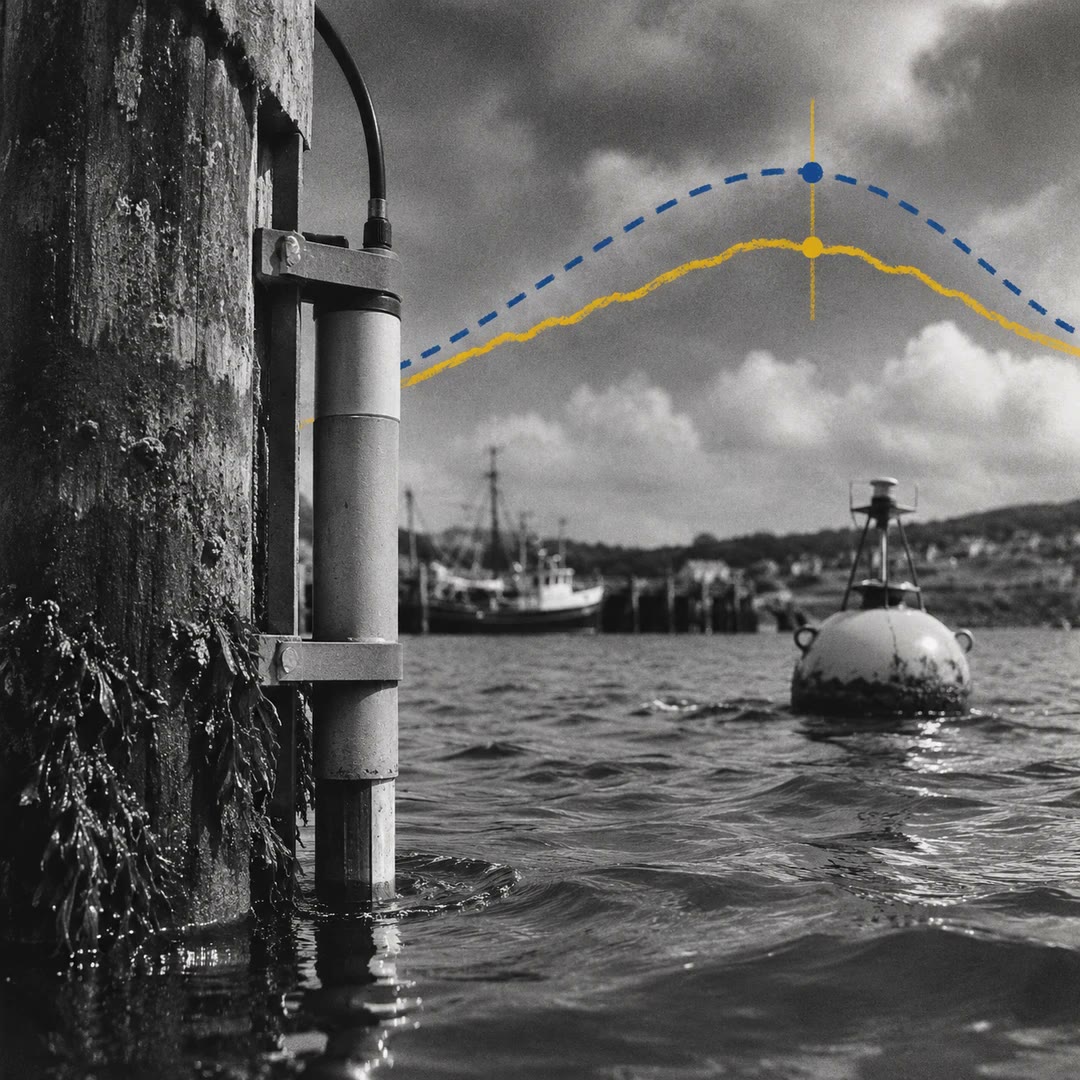
Explore tide station data with AI
Compare a NOAA tide prediction with measured water levels and nearby buoy observations, retaining the station, datum, units and observation time.
Free - SkillNew
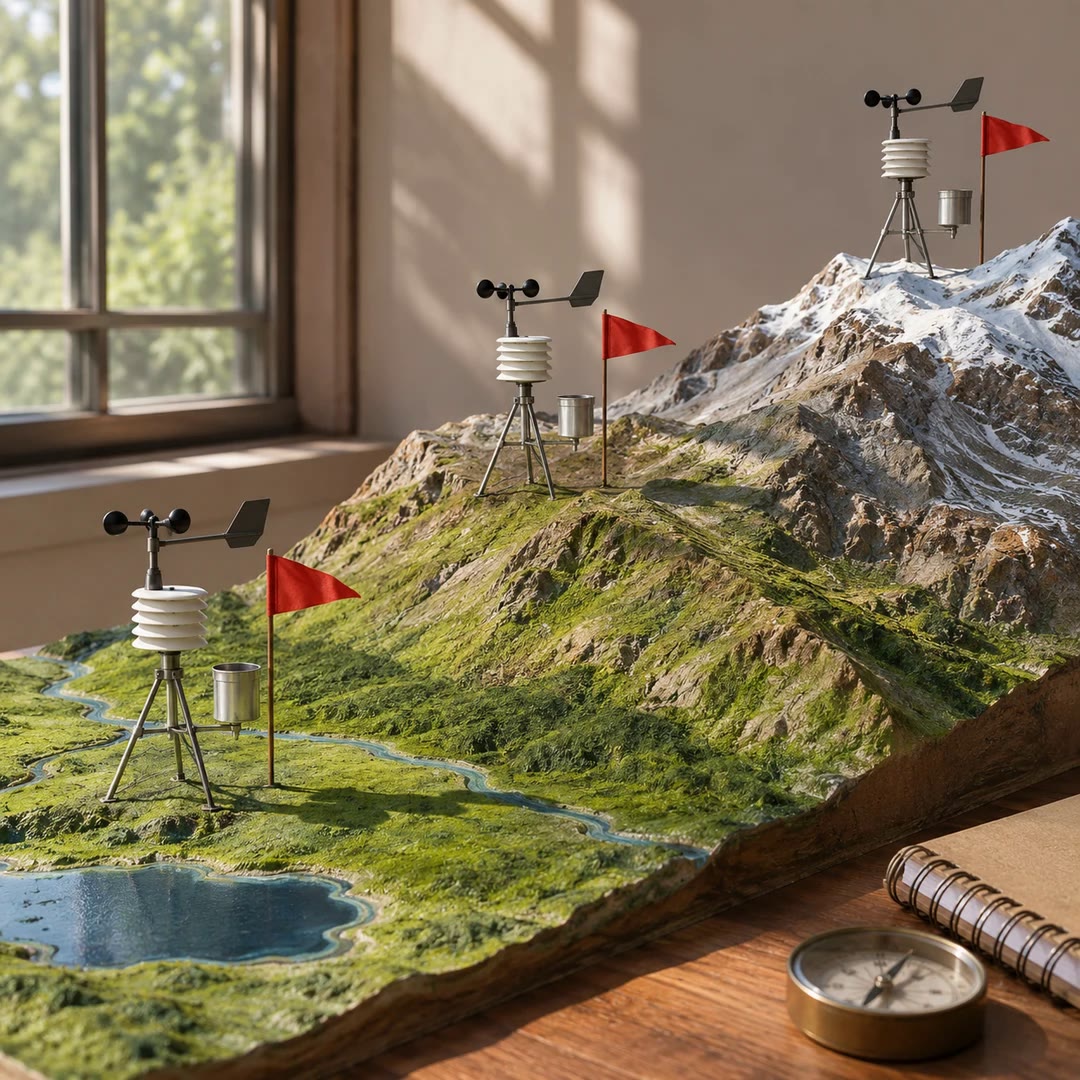
Compare weather station records with AI
Choose stations by location and elevation, retrieve the same variables for each and keep the dates needed to investigate an extreme.
Free - SkillNew
Convert Word citations to Zotero with AI
Turn numbered citations in an existing manuscript into live Word fields, with a separate output document and a mapping you can review.
Free - SkillNew
AI JSON file conversion
Turn a nested export into a table, keep selected fields or combine several JSON lists. Describe the output you need and check it against your rules.
Free - SkillNew
AI document preparation with Docling
Give an agent a local document it can inspect, with extracted text and a record of what converted well, what needed recovery and what still looks unreliable.
Free - SkillNew
AI family history fact review
Compare a proposed fact with the source that supports it, then decide whether to accept it, dispute it or leave it open in your private archive.
Free - SkillNew
Check journal figures with AI
Find print-size readability issues and trace some of them to the plotting code. Keep publisher requirements separate from visual suggestions.
Free - SkillNew
Read screenshot text on a Mac with AI
Copy a message out of a screenshot, locate a label in a busy window or see which parts of a photo draw attention.
Free - SkillNew
Analyse a funding call with AI
Read the call for its stated objectives, assessment criteria and format limits, then connect each suggested proposal change to its supporting passage.
Free - SkillNew
Choose an exhibition theme with AI
Compare possible themes for a collection and find an opening object, a defined audience and enough evidence to sustain the exhibition.
Free - SkillNew
AI paper review before submission
Check your own manuscript for gaps between claims, methods and results. A report points back to the draft so you can decide which corrections matter.
Free - SkillNew
Format a Markdown table with AI
Turn raw figures into a table with meaningful headings, consistent units, an intentional sort order and a source line.
Free - SkillNew
Build an IIIF manifest with AI
Describe a digitised object for an IIIF viewer, from the order of its images to the credit line and annotations that belong with them.
Free - SkillNew
Design maths paper figures with AI
Turn one step of a proof into an editable figure, then check the labels against the manuscript at its actual print width.
Free - SkillNew
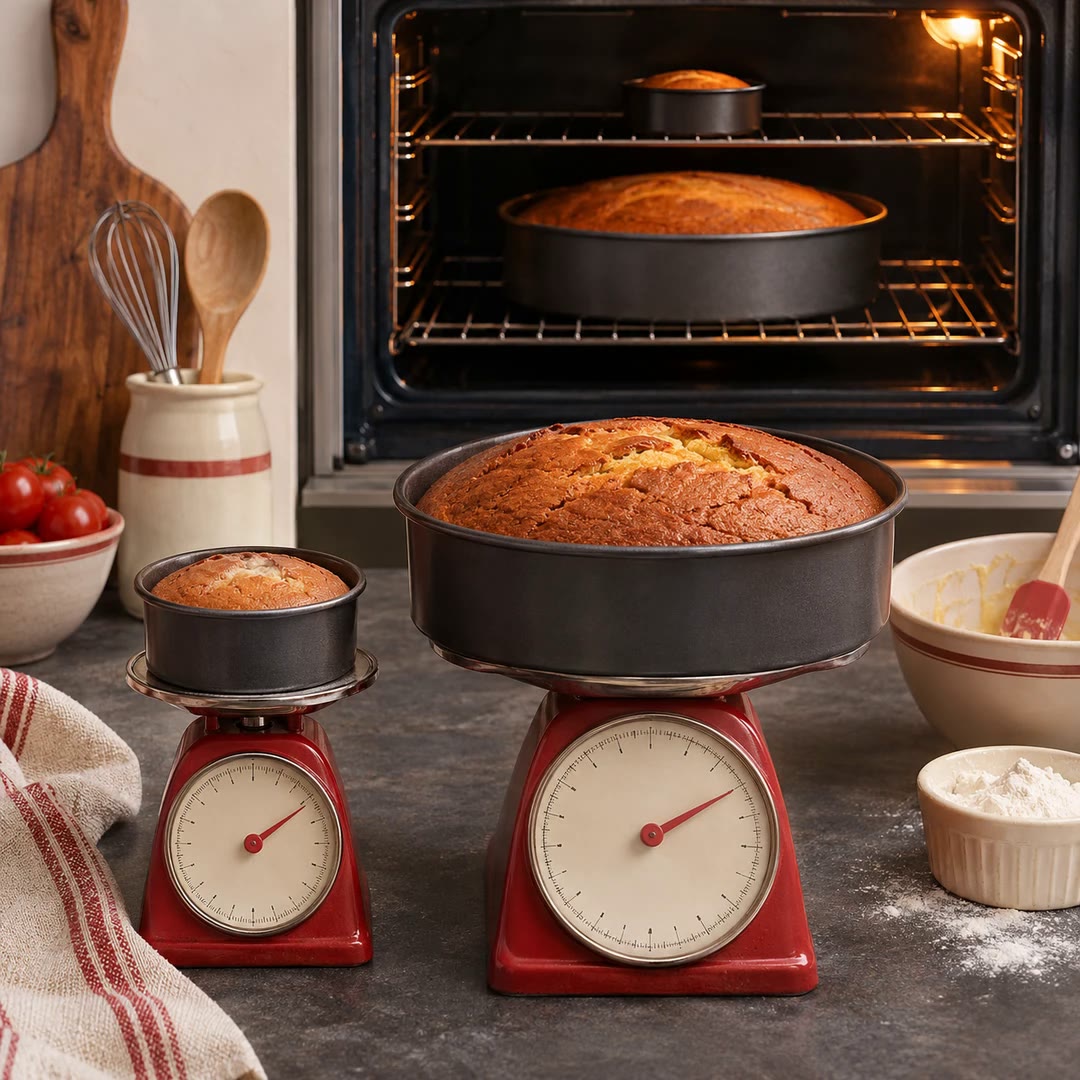
Scale recipe portions with AI
Calculate a new yield and work out where the pan, cooking sequence or batch size needs to change along with the ingredient quantities.
Free - SkillNew
Make a diagram readable with AI
Fit an auto-generated graph to the space where it will actually appear, then check that its labels and connections still tell the same story.
Free - SkillNew
Draw a workflow diagram with AI
Turn annotated project steps into editable Mermaid source so a reader can follow how inputs, scripts and outputs fit together.
Free - SkillNew
Draw D2 diagrams with AI
Describe a process or system as editable text, try alternative layouts and inspect the result at the size your audience will see.
Free - SkillNew
Create Mermaid diagrams with AI
Turn a written process or comparison into editable Mermaid code, with labelled decisions and a layout suited to its readers.
Free - SkillNew
Run a PESTLE analysis with AI
Examine external conditions in a specific market, weigh their impact and decide what would make you revisit a business decision.
Free - SkillNew
Analyse market competitors with AI
Compare five direct competitors on customer fit, pricing, product strengths and gaps. Use the comparison to decide which claims your own product can defend.
Free - SkillNew
Get Overture map data with AI
Download a public map layer for a chosen area and inspect the file’s feature count, fields and geographic extent.
Free - SkillNew
Map database columns with AI
Document which source fields feed a destination table, where values change and which fields still need a decision before migration.
Free - SkillNew
Create QGIS maps with AI
Style authorised spatial data, prepare a print layout and check the visible extent before exporting a map or a series of atlas pages.
Free - SkillNew
Peer review a data analysis with AI
Agree the review scope, document specific issues and give the analyst a way to answer each one. Close the review only when the material issues are resolved.
Free - SkillNew
Define analytics requirements with AI
Turn an open-ended request into an agreed decision, scope and definition of done. Prepare targeted questions for the people who will use the analysis.
Free - SkillNew
Check data analysis quality with AI
Run a local check on an output file and pair the result with a human review of definitions, reasoning and presentation before a report leaves the team.
Free - SkillNew
Synthesise analysis findings with AI
Turn a collection of observations into a short brief for a decision. Keep measured facts apart from possible explanations and actions that still need testing.
Free - SkillNew
Document a data analysis with AI
Turn source records, methodological choices and results into a handover that explains both the business decision and the steps behind the numbers.
Free - SkillNew
Estimate market size with AI
Compare top-down and bottom-up estimates, define the market you can serve and expose the assumptions that drive the result.
Free - SkillNew
Format manuscript references with AI
Check a bibliography against the requested style, verify public identifiers and flag citations that appear in only one part of a manuscript.
Free - SkillNew
Explain an analysis method with AI
Describe how a result was obtained for an executive, business analyst or technical peer, with the assumptions and limitations each reader needs.
Free - SkillNew
Write a dashboard specification with AI
Define who needs the dashboard, which decision it serves and what its metrics, filters and acceptance checks must mean in practice.
Free - SkillNew
Explain a SQL query with AI
Turn filters, joins and calculations into a business-readable account of what a report includes, with questions for anything the query cannot establish.
Free - SkillNew
Reconcile two reports with AI
Work out why two credible-looking totals differ. Compare definitions, time boundaries and the records counted before declaring one source wrong.
Free - SkillNew
Track analysis assumptions with AI
Record the decisions underneath a result, the evidence for them and the consequences if they turn out to be wrong. Keep a reviewable log for the next analyst.
Free - SkillNew
Track grocery prices from receipts with AI
Read item prices from your receipt photos, correct unclear product names and build a local grocery price history.
Free - SkillNew
Analyse large tables with AI
Ask a question about a local CSV or Parquet file and get a supporting table with a repeatable Python calculation.
Free - SkillNew
Build linked charts with AI
Let readers select a group of points in one view and see which records survive in the others.
Free - SkillNew
Find a Mathlib lemma with AI
Search Lean declarations by mathematical shape, inspect close matches and get the import and name needed to try the result in your project.
Free - SkillNew
Record gaps between a paper and Lean with AI
Write a traceable note when a formal declaration and its cited mathematical source disagree or appear to require different hypotheses.
Free - SkillNew
Research a market with AI using public sources
Scope a market question, compare competitors and build a defensible estimate without presenting assumptions as observed demand.
Free - SkillNew
Plan original content research with AI
Define a question and a defensible method, then turn a verified result into a clear finding with its sample, dates and limits attached.
Free - SkillNew
Find suitable grants with AI
Compare funding opportunities against an organisation’s remit, location, funding need and capacity before committing time to an application.
Free - SkillNew
Build an interactive GeoLibre map with AI
Create a map project with styled layers and a matching legend, then check which data travels with the file and which sources the viewer still needs.
Free - SkillNew
Analyse a dataset with AI
Check what each row represents, choose a defensible comparison and report a result that someone else can reproduce.
Free - SkillNew
Research a question across sources with AI
Trace a claim to its original evidence, look for a credible challenge and say which conclusion the available sources support.
Free - SkillNew
Choose a chart with AI
Turn an analytical question and a set of columns into a chart specification with a reason for each visual choice.
Free - SkillNew
Prepare Postman test data with AI
Decide whether a single input file will do, or combine and filter several sources into a view the collection can run one row at a time.
Free - SkillNew
Choose climate records with AI
Choose a climate data record by variable, dates, footprint and sampling interval before looking for individual files.
Free - SkillNew
Find satellite products with AI
Find matching products in the EUMETSAT Data Store and decide which files are worth transferring.
Free - SkillNew
Find archived website versions with AI
Look up captures of a public page, check the actual replay date and keep a defensible record when an index is unavailable.
Free - SkillNew
Assess technology announcements with AI
Separate what has actually been announced from possible consequences, then test the most relevant ideas against your project’s constraints.
Free - SkillNew
Extract PDF figures with AI
Locate a cited figure by its number, caption and page, check the crop, and link a verified image into your notes.
Free - SkillNew
Set up a business analytics profile with AI
Record the business model, primary conversion and traffic scale behind your reporting. Keep a local reference so later analysis starts with the team’s actual definitions.
Free - SkillNew
Build a Kibana dashboard with AI
Create a reviewable dashboard definition with Lens panels, filters and controls. Match chart layers to the dataset, then check the saved view in its target space.
Free - SkillNew
Run checkpointed research with AI
Investigate a question in bounded passes, keeping the evidence and current summary in one place. Pause, redirect the next pass or ask for a final report when ready.
Free - SkillNew
Enrich Portolan metadata with AI
Match a geospatial file or table to its public catalogue record, then use the correct producer, description and licence when preparing the collection metadata.
Free - SkillNew
Analyse customer journey drop-off with AI
Compare aggregate entry and completion counts across a funnel. Review the number lost, conversion rate and volume-weighted priorities before choosing an experiment.
Free - SkillNew
Check ticket response times with AI
Compare recorded first-response and resolution times with the limits for each ticket priority. Identify the missed threshold and keep incomplete records visible.
Free - SkillNew
Plan a community needs assessment with AI
Compare existing data, community input and services already available. Design a proportionate assessment that can inform a decision to launch, change or discontinue a programme.
Free - SkillNew
Measure nonprofit programme outcomes with AI
Choose indicators that describe a change for participants, separate them from activity counts and give each one a source, baseline, collection schedule and owner.
Free - SkillNew
Assess Rootly service health with AI
Compare errors, latency and traffic with a suitable baseline, then place active incidents and verified deployments alongside the result. Gaps stay visible in the assessment.
Free - SkillNew
Run Google Analytics reports with AI
Build a report for one property with the dates, dimensions and metrics that answer a specific question, such as active users by day or city.
Free - SkillNew
Analyse LinkedIn post performance with AI
Compare post-level performance with account-wide figures and follower growth without collecting individual followers’ profiles.
Free - SkillNew
Analyse RevenueCat subscription charts with AI
Compare revenue, acquisition, conversion or retention using the same metric and cohort window. Keep the date range, filters and denominator attached to each result.
Free - SkillNew
Manage Mixpanel boards with AI
Inventory dashboards, duplicate an existing board or rebuild a template in another project. Review destructive edits and read the saved layout back after changes.
Free - SkillNew
Build a Mixpanel dashboard with AI
Give a product team a live board that answers a specific question. Check events and chart results first, then group the measures and add context where it matters.
Free - SkillNew
Interpret a Mixpanel report with AI
Read a saved Mixpanel chart in context. Bring the metric, time window, filters and strongest segment into a short explanation that a colleague can check.
Free - SkillNew
Research glossary entries with AI
Build an entry someone can check, with a worked example, relevant sources and links to the vocabulary around it.
Free - SkillNew
Write a research progress brief with AI
Bring together the decisions, proposed changes and milestones for one research project. Keep disagreements visible and date the evidence behind each material update.
Free - SkillNew
Prioritise research papers with AI
Review a prepared set of papers against your research interests and existing notes, then keep a reasoned shortlist for further reading.
Free - SkillNew
Test data quality with AI in GX
Turn plain-language data rules into checks against a known batch and find out which conditions passed, failed or could not be evaluated.
Free - SkillNew
Write SQL with AI in DataHub
Draft a query against your own catalogue and see which table, definition or assumption supports each part of the answer.
Free - SkillNew
Connect data to Great Expectations with AI
Set up a readable batch from a file collection, database table or dataframe, with a small live read to confirm the selection.
Free - SkillNew
Review a research paper with AI
Check a specified manuscript against its evidence and receive a separate review identifying consequential claims, source locations, uncertainty and coverage gaps.
Free - SkillNew
Create research diagrams with AI
Turn a research workflow or argument into editable Mermaid source, keeping the figure’s question, evidence and relationship labels visible to reviewers.
Free - SkillNew
Review research literature with AI
Investigate a bounded question, record which sources were actually read and produce a synthesis that distinguishes agreement, disagreement and missing evidence.
Free - SkillNew
Build an editable business chart with AI
Turn a prepared table into an editable VisActor chart configuration. Add a meaningful annotation, produce an image or deliver a supported chart to an authorised document.
Free - SkillNew
Make an interactive data report with AI
Shape a set of findings into a browser report or web presentation. Connect each claim to its chart, source and time period, then inspect the reading experience.
Free - SkillNew
Analyse competitor SEO gaps with AI
Identify domains that compete for the same searches, compare the gaps in keywords and links, and shortlist opportunities that make sense for your own site.
Free - SkillNew
Build Omni dashboards with AI
Turn a specific reporting need into dashboard tiles, filters and readable charts in an Omni document that the intended audience can actually use.
Free - SkillNew
Query Omni data with AI
Ask a business question through Omni’s semantic model, inspect the fields and filters behind the result, then follow up without changing the metric halfway through.
Free - SkillNew
Explore Omni data models with AI
Find the topic, field or measure an analyst needs before building a report. Inspect the relationships and definitions available to the current Omni account.
Free - SkillNew
Estimate market size with AI
Compare an industry figure with an estimate built from potential customers and spend. Record the assumptions, confidence and range that the evidence supports.
Free - SkillNew
Trace downstream data dependencies with AI
Identify what reads a table or pipeline output, distinguish direct consumers from later ones and plan a change around the reports that people rely on.
Free - SkillNew
Trace data sources with AI
Follow a report field or warehouse table back through the Airflow tasks that supplied it, keeping calculations, joins and evidence gaps visible.
Free - SkillNew
Check data freshness with AI
Find the latest timestamp in a warehouse table, compare recent row counts and check whether an apparent delay makes sense for the normal loading schedule.
Free - SkillNew
Review a spatial SQL query with AI
Check the units, geographic relationship and join behaviour in an existing query. Get revised SQL and a small control case for the database you actually use.
Free - SkillNew
Find map data with AI
Identify a geographic dataset for a specific question. Compare what each source actually covers, how to obtain the relevant version and which reuse terms apply.
Free - SkillNew
Analyse survey results with AI
Interpret a survey question by question, group open responses into themes and separate supported conclusions from ideas that need a follow-up study.
Free - SkillNew
Build Directus dashboards with AI
Put counts, time series and filtered lists together in Insights. The dashboard uses each viewer’s own access to the underlying collections.
Free - SkillNew
Choose a chart for data with AI
Select a chart around a reader’s question, then prepare a specification or configuration for the tool that will draw it. Test it with representative values.
Free - SkillNew
Write a data availability statement with AI
Describe what readers can access, which version of the code produced the results and how to request a restricted dataset when a legitimate route exists.
Free - SkillNew
Inspect Metabase metadata with AI
Explore database, table and field definitions from a local Metabase metadata export, including the keys that connect one table to another.
Free - SkillNew
Extract answers from paper forms with AI
Map scanned or photographed answers to a SurveyJS form, flag uncertain fields for human review and reconcile channels using a verified response identifier.
Free - SkillNew
Review chart accessibility with AI
Check how a chart communicates without colour or a mouse. Inspect text alternatives, keyboard behaviour and access to values, then test the findings on the page.
Free - SkillNew
Transfer spatial data in CARTO with AI
Import a spatial file, export a warehouse result or prepare a tileset for a large map. Check the source, destination and job result on the route you choose.
Free - SkillNew
Compare CARTO rasters with AI
Check bands, units and grid compatibility before comparing two numerical maps cell by cell. Keep missing observations distinct from zero differences.
Free - SkillNew
Make an inline CARTO map with AI
Explore a spatial question in a supported chat. Choose what a symbol or colour means and keep a legend beside the temporary map.
Free - SkillNew
Preview a saved CARTO map with AI
Open the existing Builder map inside a supported chat. Preserve its layers, popups and initial view while checking that the right saved version is on screen.
Free - SkillNew
Build a CARTO map with AI
Create a saved Builder map from authorised warehouse data. Choose layers, styling, popups and sharing settings, then check what viewers can actually see.
Free - SkillNew
Find geospatial datasets in CARTO with AI
Search the external data catalogue by topic, area and fields. Inspect a dataset’s coverage and licence before subscribing through the right account.
Free - SkillNew
Get historical weather data with AI
Request a historical point series or an authorised archive subset. Keep track of the dataset, grid point, units and retrieval route when interpreting the result.
Free - SkillNew
Make an ECMWF weather map with AI
Choose a weather layer, area and valid time. Get an ECMWF chart image or a small interactive web map backed by the service’s own map tiles.
Free - SkillNew
Get an ECMWF weather forecast with AI
Look up the forecast for a location and distinguish the model’s run time from the time it predicts. Get values from the nearest available grid point.
Free - SkillNew
Write MotherDuck queries with AI
Turn a reporting question into DuckDB SQL and check the result against a known example. Keep the metric definition and join assumptions visible.
Free - SkillNew
Explore MotherDuck tables with AI
Find the relevant table in an unfamiliar database. Inspect its fields and a limited sample to understand what one row represents before counting or joining data.
Free - SkillNew
Model MotherDuck data with AI
Define the grain, keys and relationships behind a reporting model. Verify a few source records and calculations before sharing a view with analysts.
Free - SkillNew
Load data into MotherDuck with AI
Inspect an authorised source, choose the right ingestion method and validate the target table. Decide in advance what should happen when the same input arrives twice.
Free - SkillNew
Build a MotherDuck dashboard with AI
Plan a dashboard around its audience and decisions, check the metrics against the underlying data and choose a delivery format with suitable access.
Free - SkillNew
Design a MotherDuck Dive with AI
Create or update an interactive report with read-only data queries, clear loading and empty states, and an explicit choice about sharing or embedding.
Free - SkillNew
Convert a Streamlit app to marimo with AI
Move widgets, layout and calculations into a reactive Python notebook. Review how state, caching and custom controls behave after the conversion.
Free - SkillNew
Find World Bank data with AI
Look up an indicator, its unit and its observation year. Compare like periods and keep missing values visible when preparing a table for a report.
Free - SkillNew
Build a Shiny dashboard with AI
Arrange filters, headline figures and charts around the reader’s first question. Preview the layout with a small dataset before connecting the full report.
Free - SkillNew
Create charts from SQL data with AI
Express a visualisation alongside the data query using ggsql. Choose layers, scales, facets and labels that fit the underlying data and the comparison you need.
Free - SkillNew
Build amCharts charts with AI
Choose a chart that fits the question and integrate it into a web project. Configure axes, legends and interactions using the relevant amCharts 5 examples.
Free - SkillNew
Compare research papers with AI
Map how several papers relate, check which results can be compared and distinguish agreement, unresolved disputes and useful next readings.
Free - SkillNew
Critique a research paper with AI
Check the central claims against the evidence, distinguish consequential weaknesses from minor faults and identify what would change the conclusion.
Free - SkillNew
Read a research paper with AI
Get a structured reading guide to the problem, central idea and reported results, with pointers to the sections that deserve closer attention.
Free - SkillNew
Fact-check a news story with AI
Keep each claim beside the evidence that supports or contradicts it. Give an editor a clear record of what remains open before publication.
Free - SkillNew
Search ImageKit documentation with AI
Ask a focused ImageKit question and get an answer with references. Use the official guides, API details, SDK examples and community material for different purposes.
Free - SkillNew
Choose a MapLibre data source with AI
Compare a GeoJSON file, vector tiles and raster tiles against a real map. Consider shape complexity, update frequency and how the first view performs on a phone.
Free - SkillNew
Analyse store performance with AI
Compare like-for-like periods, locate changes by product group and distinguish supported explanations from questions that need more evidence.
Free - SkillNew
Draw a flowchart with AI and D2
Describe a process and get a text-based diagram you can edit, plus a rendered file for readers. Change a label or route without rebuilding the drawing by hand.
Free - SkillNew
Filter Airtable records with AI
Compose filters that match Airtable field types. Combine dates, select options and attachment checks to retrieve a focused set of rows from a table or interface page.
Free - SkillNew
Analyse competitors with AI
Compare competitors’ public claims, pricing and content, then prepare a dated internal brief that makes its sources and gaps clear.
Free - SkillNew
Validate a data analysis with AI
Review the calculations, comparison periods and conclusions behind a report, then decide which issues need attention before it is shared.
Free - SkillNew
Analyse statistics with AI
Choose a summary that suits your data, investigate unusual observations and judge whether a measured difference matters in practice.
Free - SkillNew
Check data quality with AI
Explore a new table before analysis and find out which missing, repeated or unusual values could change the answer to your question.
Free - SkillNew
Make a chart from Excel with AI
Choose a chart for your question, generate it in Python and keep the figure and plotting code for the next reporting cycle.
Free - SkillNew
Analyse an Excel file with AI
Ask a question about an authorised workbook, compare periods or categories and see the calculations and limitations behind the answer.
Free - SkillNew
Investigate a website traffic drop with AI
Compare the suspected drop with a baseline in PostHog, find the dimension that explains most of it and identify one check that could confirm the cause.
Free - SkillNew
Find a Replicate model with AI
Describe the inputs you have and the output you need, then get a shortlist based on current model documentation rather than a familiar name.
Free - SkillNew
Build Plotly charts with AI
Give your agent a table and the question behind it. Get a Plotly figure with labelled axes, details on hover and an export suited to its readers.
Free - SkillNew
Compare Replicate models with AI
Pick models that accept the input you need, then compare output quality, timing and cost on a small, clearly bounded test.
Free - SkillNew
Review product metrics with AI
Compare a change with its baseline, check which group accounts for it and distinguish a useful hypothesis from something the data actually establishes.
Free - SkillNew
Manage Google Sheets data with AI
Read a selected range, append a row or edit spreadsheet data under the permissions of your work account.
Free - SkillNew
Research Notion pages with AI
Ask one question across a workspace and get an answer that shows which page supports each finding and where the evidence is incomplete.
Free - SkillNew
Compare training runs in Trackio with AI
Log the measurements from a training run, compare them in a dashboard and inspect alerts from a particular point in the experiment.
Free - SkillNew
Compare AI models with an agent
Compare candidates for one task using public benchmark results. When local use matters, include the machine’s memory to see which models warrant a closer look.
Free - SkillNew
Find AI research papers with an agent
Look up a paper by subject or arXiv ID, inspect its available text and find Hub resources that refer to the same work.
Free - SkillNew
Organise research files in Google Drive with AI
Keep the paper, the team's observations and the request for peer review attached to a recognisable piece of research.
Free - SkillNew
Find services in Stripe Directory with AI
Search for a provider or a capability, compare what the directory returns and see the documented route for taking the next step.
Free - SkillNew
Extract article text with AI
Extract the readable part of a web page, save it as Markdown or request just its title, description or domain.
Free - SkillNew
Read Google Sheets data with AI
Choose a tab and cell range, then give the agent the values it needs from that part of the spreadsheet. The original cells keep their contents.
Free - SkillNew
Add rows to Google Sheets with AI
Append an entry or a batch of rows to a chosen spreadsheet tab. Match the values to the existing column order before writing them to the table.
Free - SkillNew
Compare Google Sheets tabs with AI
Read two ranges from one Google Sheets file and ask the agent to explain what changed. The supplied workflow leaves the source cells untouched.
Free