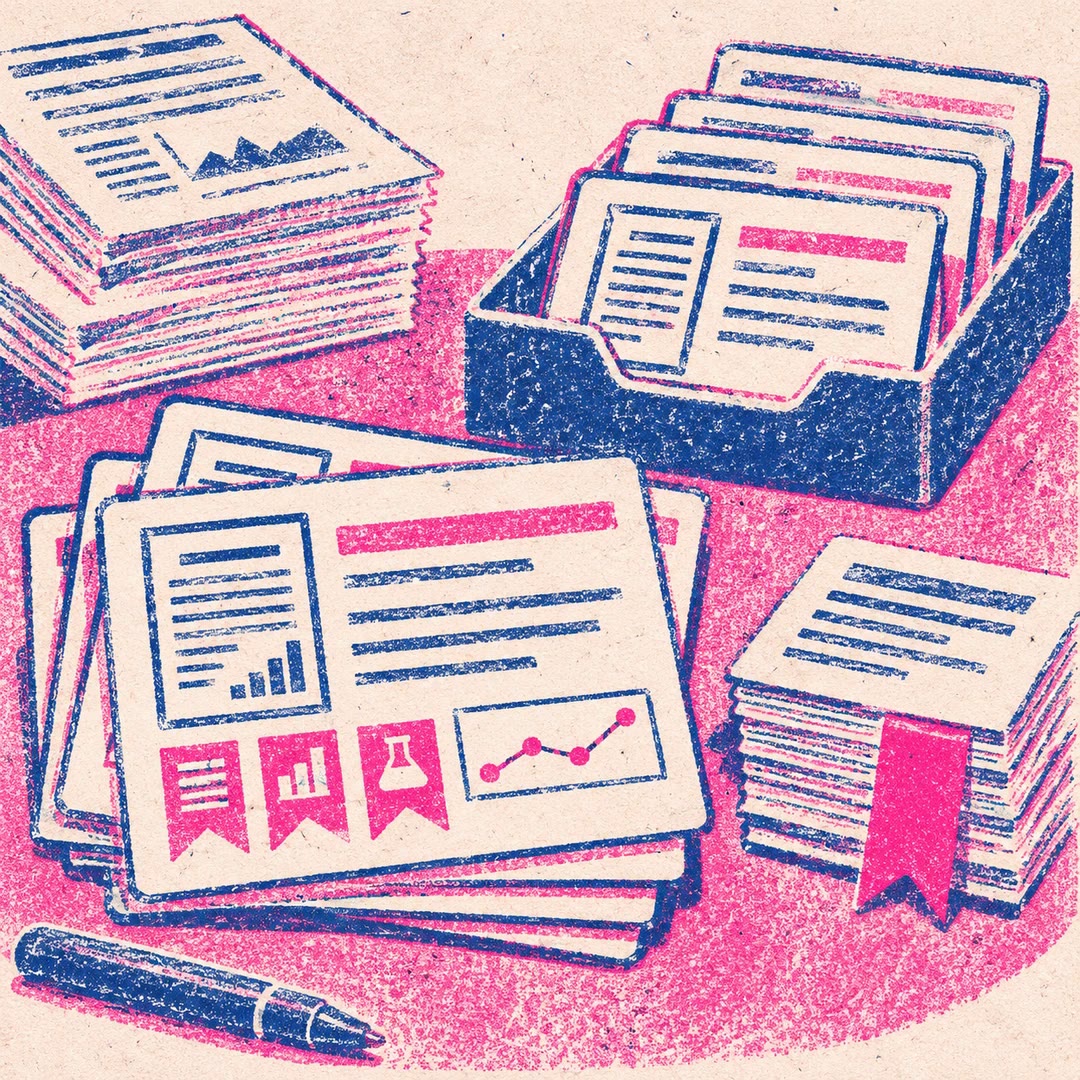
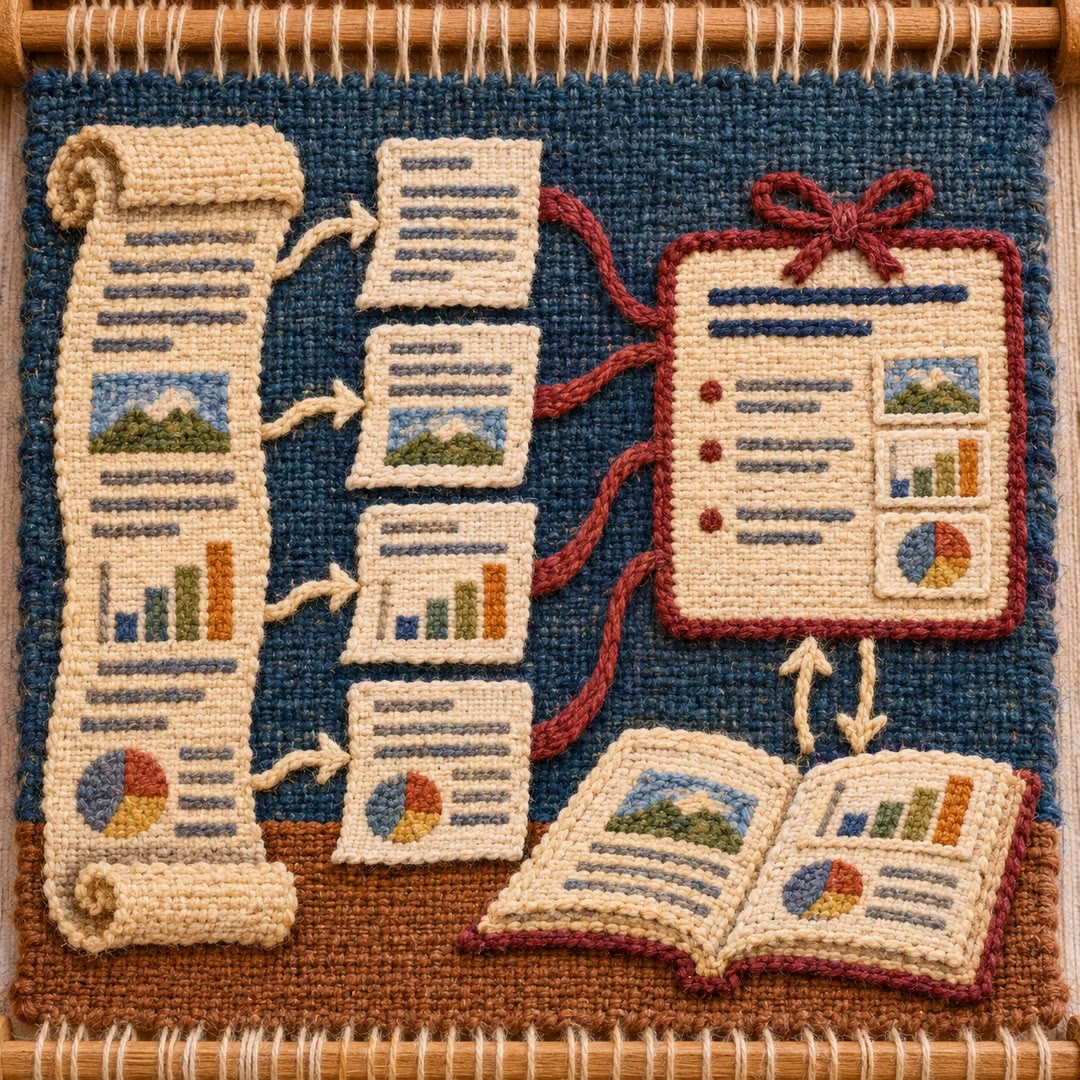
Research paper notes with AI
Turn a paper you already have into Markdown reading notes. Keep its central claim, method, strongest comparisons and unanswered questions in one place.
Research paper notes with AI can help when a result sticks in your memory but the experiment behind it does not. Give research-paper-reading an article and it starts with a quick pass over the figures, abstract and conclusion. A second pass reconstructs the problem and the authors’ reasoning. A final pass looks for gaps, assumptions and comparisons that might change your interpretation.
The Markdown note opens with the paper’s identity and a one-sentence account of its contribution. Technical detail follows the main idea. A result earns its place by explaining what changed, compared with what, and under which conditions. You can come back later and see which question you wanted to put to the reading group.
What it does
- Pull a paper’s contribution out of a densely written introduction.
- Separate familiar parts of a method from the piece the authors introduced.
- Retain a few quantitative results with the reference needed to find them again.
- Identify a difference in experimental conditions that might affect a comparison.
- Record a follow-up experiment or an open question for the next discussion.
Install and use
- Use Cursor with the skill folder installed and supply a readable PDF or the article text. The skill requires no additional account.
- Ask, “Prepare a reading note for this paper. Which comparison does most to support its main claim?”
- Reopen the cited figures before using the note in a presentation. Add your own interpretation where the evidence admits more than one explanation.
FAQ
Source
Made by Monthlyaway. Original skill: research-paper-reading, published on GitHub under the MIT licence.
View on GitHubRelated products
- SkillNew
Create English paper digests with AI
Build an English research digest and local reading queue with verified paper identities, evidence-rich cards and a history that avoids repeated recommendations.
Free - SkillNew
Read long PDFs with AI
Split a local document into page-based PDF and text chunks, read them in sequence and consolidate source-linked notes, checking important visuals against the original.
Free - SkillNew
Read research papers in stages with an agent
Choose a reading depth that fits your research question, then keep claims, evidence, assumptions and unperformed checks distinct in your notes.
Free