Products
Skills, prompt kits and templates for working with AI.
Product list
- SkillNew
PowerPoint translation with AI
Translate slide text and review the output for language and layout issues.
Free - SkillNew
Check translation accuracy with AI
Give an editor both versions of a text and get an English report showing where meaning, emphasis or register changed, with a suggested correction for each point.
Free - SkillNew
Write natural Arabic with AI
Draft Arabic for a particular audience or edit an existing translation. Review register, common word combinations, spelling and punctuation in context.
Free - SkillNew
Review a UI translation with AI
Compare source strings, translated copy and the screen where people read them. Spot terminology drift, lost placeholders and awkward line breaks.
Free - SkillNew
Localise a Persian storefront with AI
Review mixed-direction product names, checkout spacing and display formats while keeping catalogue identifiers and stored amounts consistent.
Free - SkillNew
Localise a Salesforce storefront with AI
Connect storefront labels, form feedback and formatted values to the right locale resources, then check the complete customer journey in a test site.
Free - SkillNew
Translate and summarise documents with AI
Get a readable translation, a brief summary and a glossary that explains specialist terms in the context of the document.
Free - SkillNew
Localise an app with AI and i18next
Find visible text, connect it to locale resources and check the result in the application, with the option to keep all translations in the repository.
Free - SkillNew
Localise an app with AI in Multilocale
Bring existing strings and translations into a workspace, identify missing languages and write reviewed dictionaries back in the format the application uses.
Free - SkillNew
Add Lingui translator comments with AI
Explain ambiguous labels and placeholders in the catalogue so a translator understands the screen without having to reconstruct it from a short string.
Free - SkillNew
Write Arabic interface copy with AI
Rewrite buttons, errors and notifications in an Arabic register that suits the audience and the moment.
Free - SkillNew
Translate research questionnaires with AI
Keep question IDs, response options and branching intact across language versions. Prepare blinded review files and connect returned feedback to the right draft.
Free - SkillNew
Review Chinese product translations with AI
Refine a Chinese draft for its actual market and writing system, from regional feature names to the measure word beside a quantity.
Free - SkillNew
Edit Arabic product translations with AI
Check an Arabic draft against an agreed market and register, including agreement, dual forms and the wording around changing quantities.
Free - SkillNew
Review Japanese product copy with AI
Refine a Japanese draft for its audience, paying attention to politeness, counters and the way a sentence reads once a name or quantity appears.
Free - SkillNew
Edit German product translations with AI
Review compounds, forms of address and regional spelling in a German draft, including whether a label fits the control a reader will use.
Free - SkillNew
Review French product translations with AI
Refine an approved draft for a particular French-speaking audience, covering forms of address, interface wording, punctuation and protected terminology.
Free - SkillNew
Sync Crowdin content with AI
Move selected content between an authorised Crowdin project and an installed integration. Check exact paths, transfer direction and the actual job result.
Free - SkillNew
Localise an app with AI and glot
Extract interface strings, plan a translation run, check variables and record how each entry was produced or reviewed. An offline mock mode is available for testing.
Free - SkillNew
Write translator context in Crowdin with AI
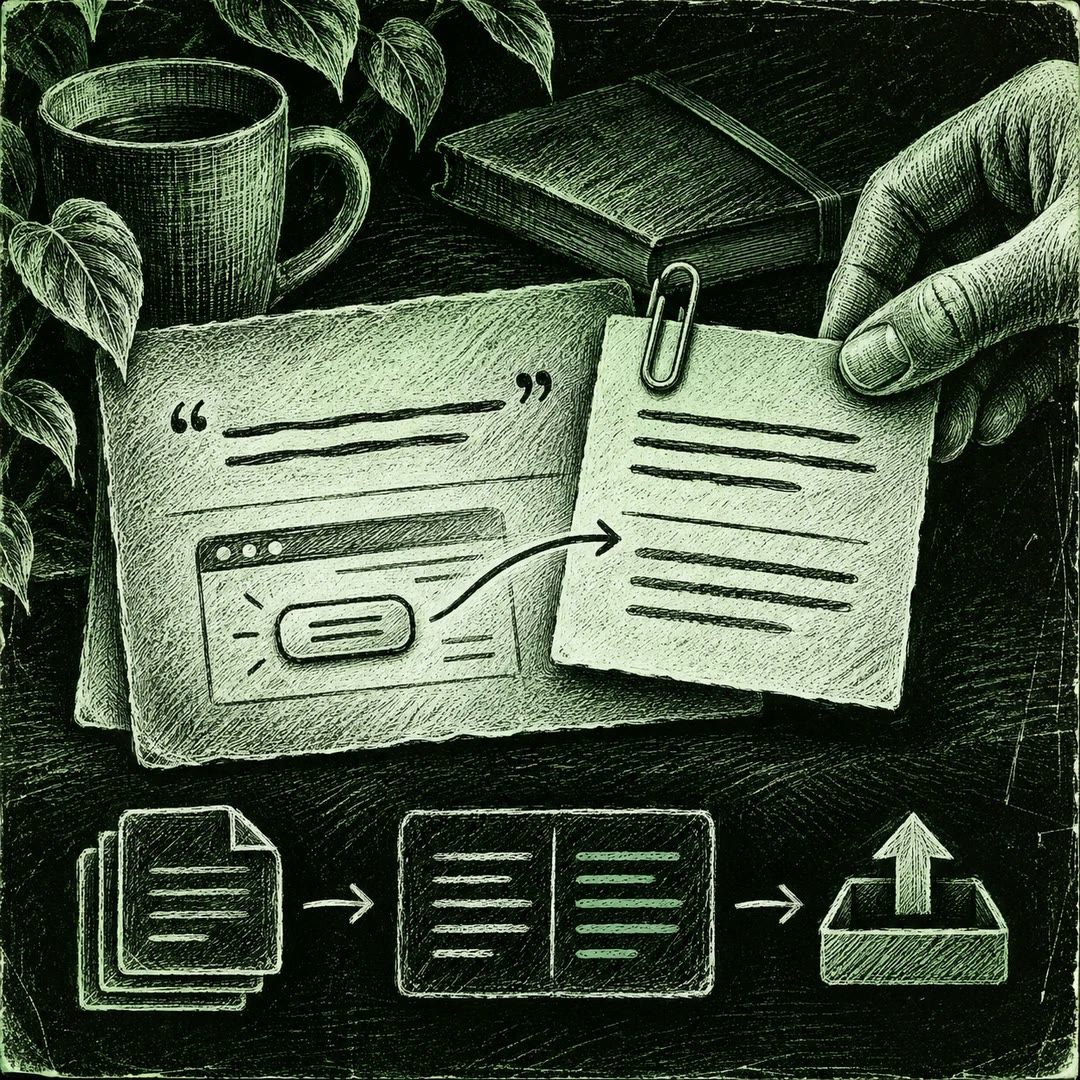
Explain where an ambiguous string appears and what it does. Prepare context in a local export, preview the proposed changes and upload the checked entries.
Free - SkillNew
Fill Crowdin glossary translations with AI
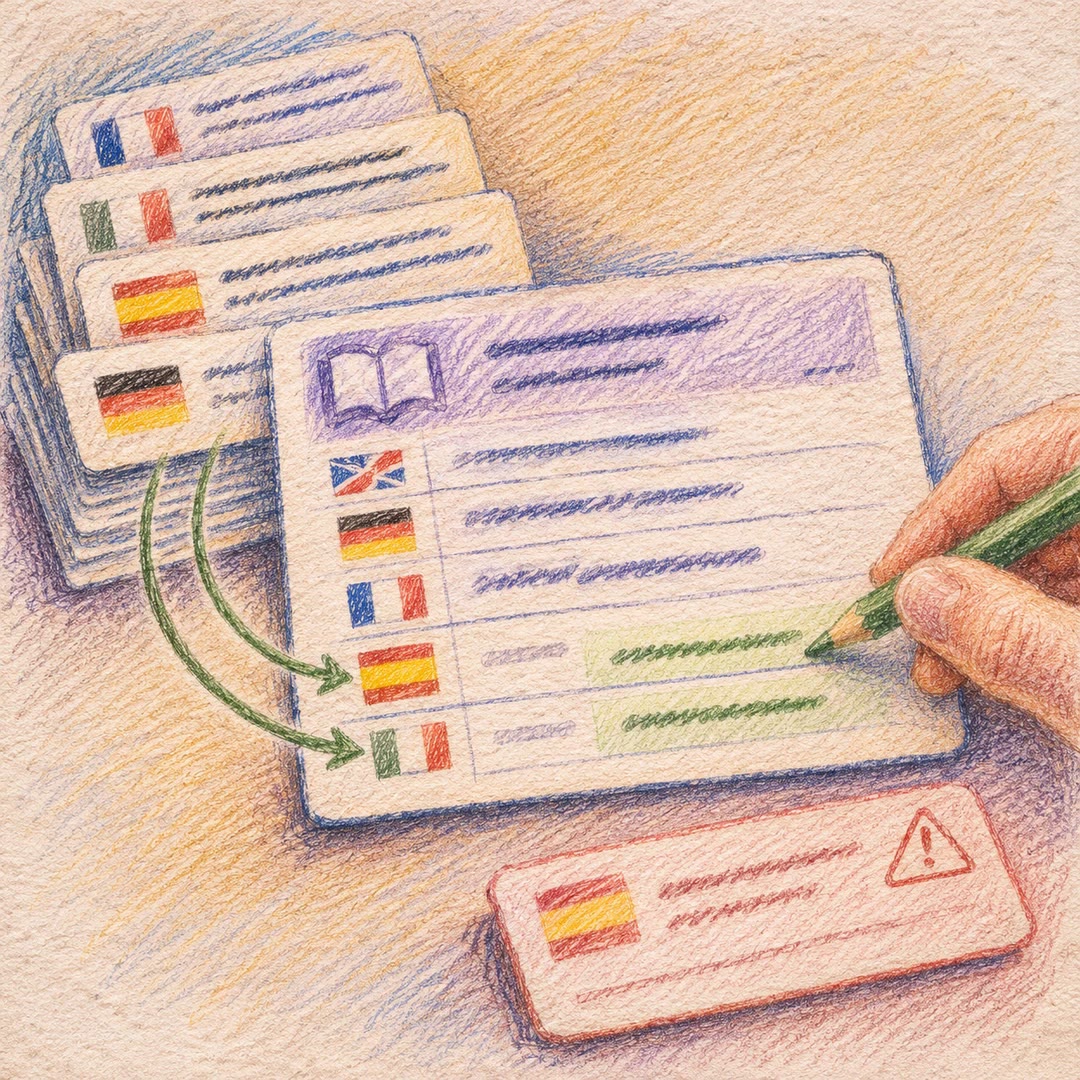
Look up approved equivalents in the project's own translations and complete missing glossary languages. Keep conflicting or weak evidence visible for review.
Free - SkillNew
Build a Crowdin glossary with AI
Find terminology worth standardising in real product content. Review proposed entries, protected names and supporting evidence before adding them to a shared glossary.
Free - SkillNew
Draft Crowdin UI translations with AI
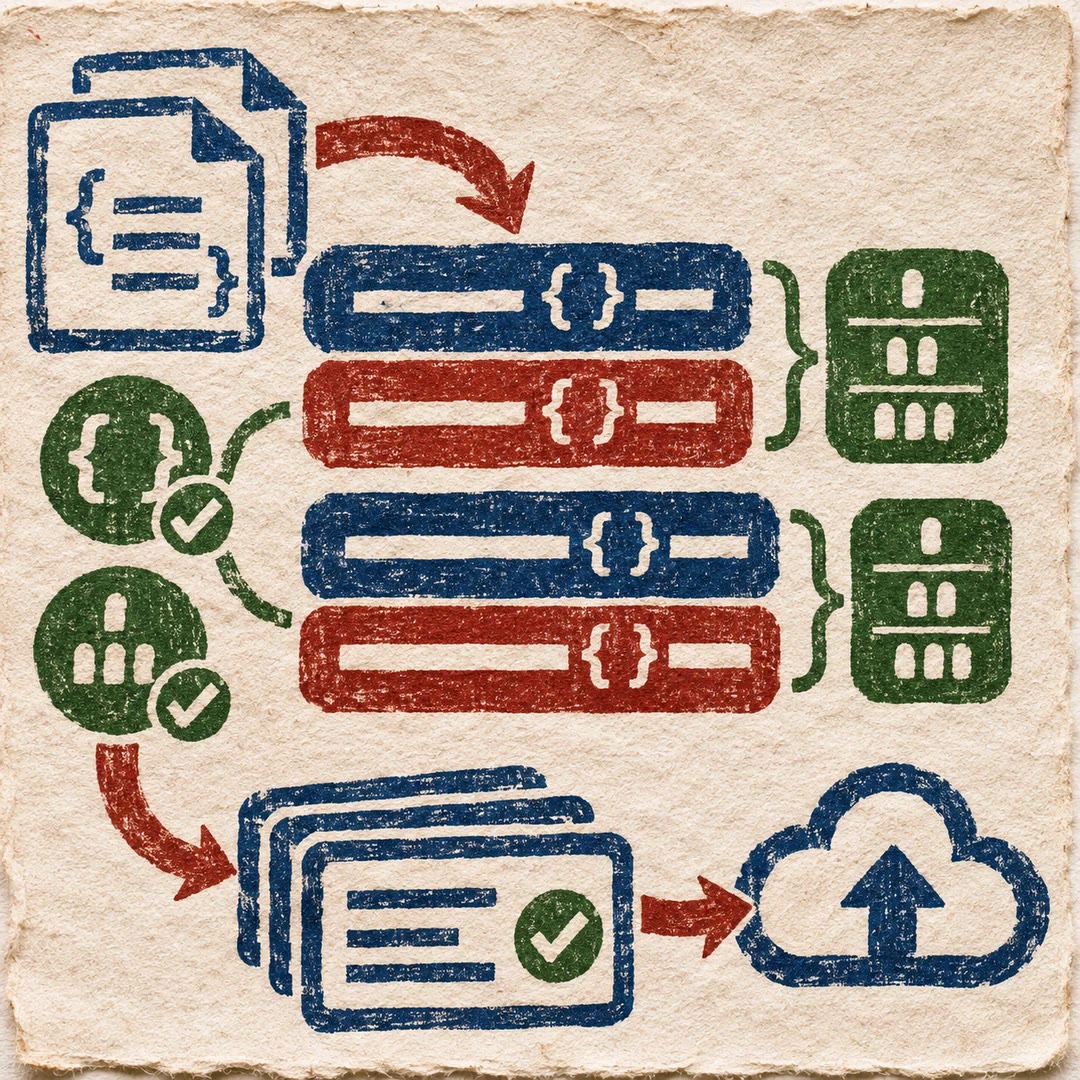
Fill missing app strings in the project's resource files, validate placeholders and plural forms, then upload reviewable suggestions to Crowdin.
Free