AI document preparation with Docling
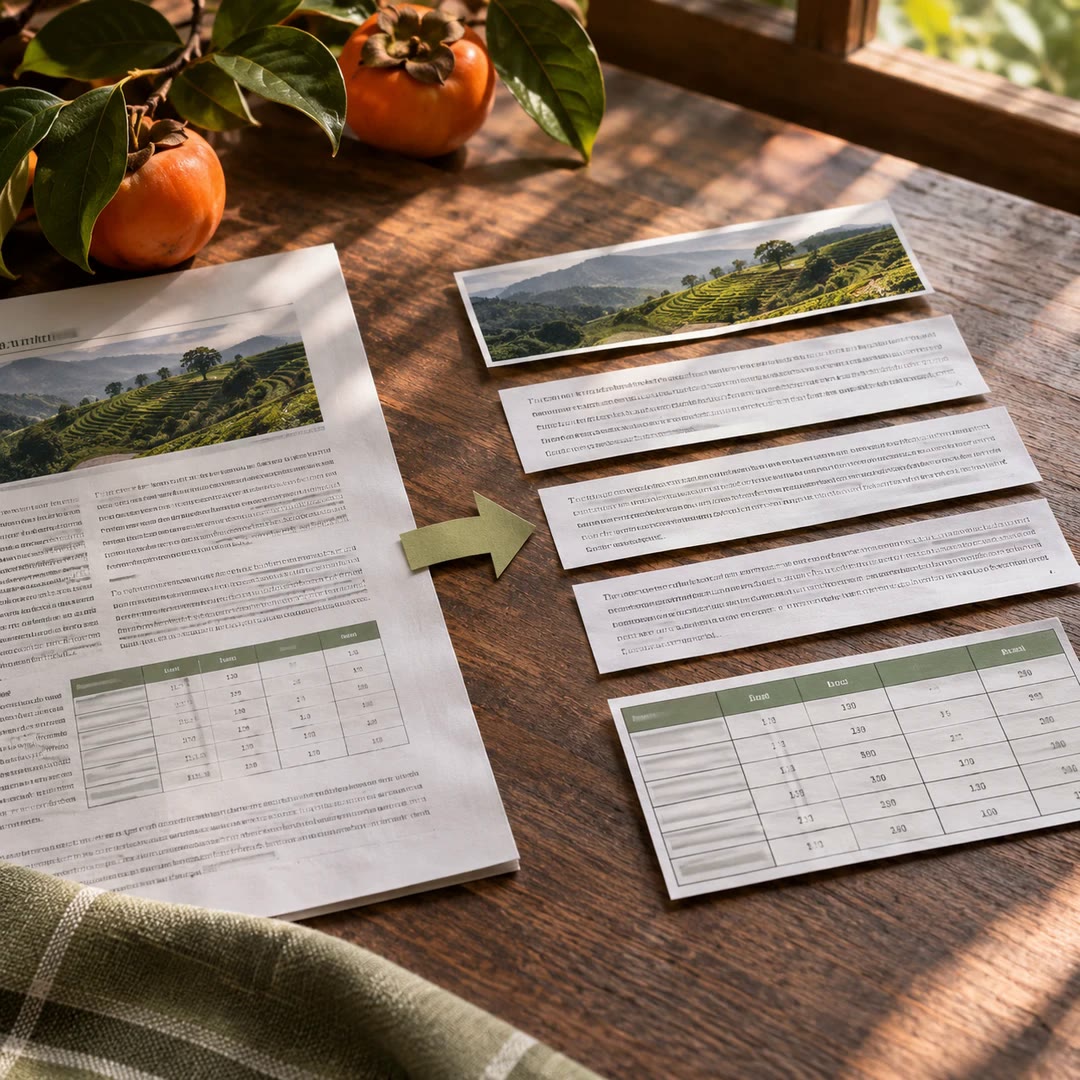
Give an agent a local document it can inspect, with extracted text and a record of what converted well, what needed recovery and what still looks unreliable.
AI document preparation with Docling gives you a chance to catch a conversion error before it becomes an answer. If the opening page of a long report fails, the remaining text may still look convincing. With docling-skill the extraction comes with a manifest that tells the agent where to find evidence about coverage and quality.
A spreadsheet needs a different reading strategy from an ordinary letter. The Markdown preview may hide the way headings span several columns. The structured output preserves information about sheets and merged cells so the agent can inspect that arrangement before interpreting a figure.
What it does
- Convert a local document into Markdown and companion evidence.
- See whether the first page of a long PDF failed extraction.
- Inspect the workbook structure behind a plain-text preview.
- Identify image files that yielded no usable recognised text.
- Separate files ready for use from conversions needing a closer look.
Install and use
- Install the skill and its original Python package using Python 3.10 or newer. For scans, configure a supported OCR engine and language.
- Choose a local input and an explicit output directory. Ask, “Prepare this report and tell me if any page is missing.”
- Read the manifest first. Follow its reading order and check warning details against the source.
FAQ
Source
Made by Rael. Original skill: docling-skill, published on GitHub under the MIT licence.
View on GitHubRelated products
- SkillNew
Extract PDF text and tables with AI
Recover reading order and tables from a mixed-layout report, with a readable document and a structured record of where each element appeared.
Free - SkillNew
AI JSON file conversion
Turn a nested export into a table, keep selected fields or combine several JSON lists. Describe the output you need and check it against your rules.
Free - SkillNew
Read screenshot text on a Mac with AI
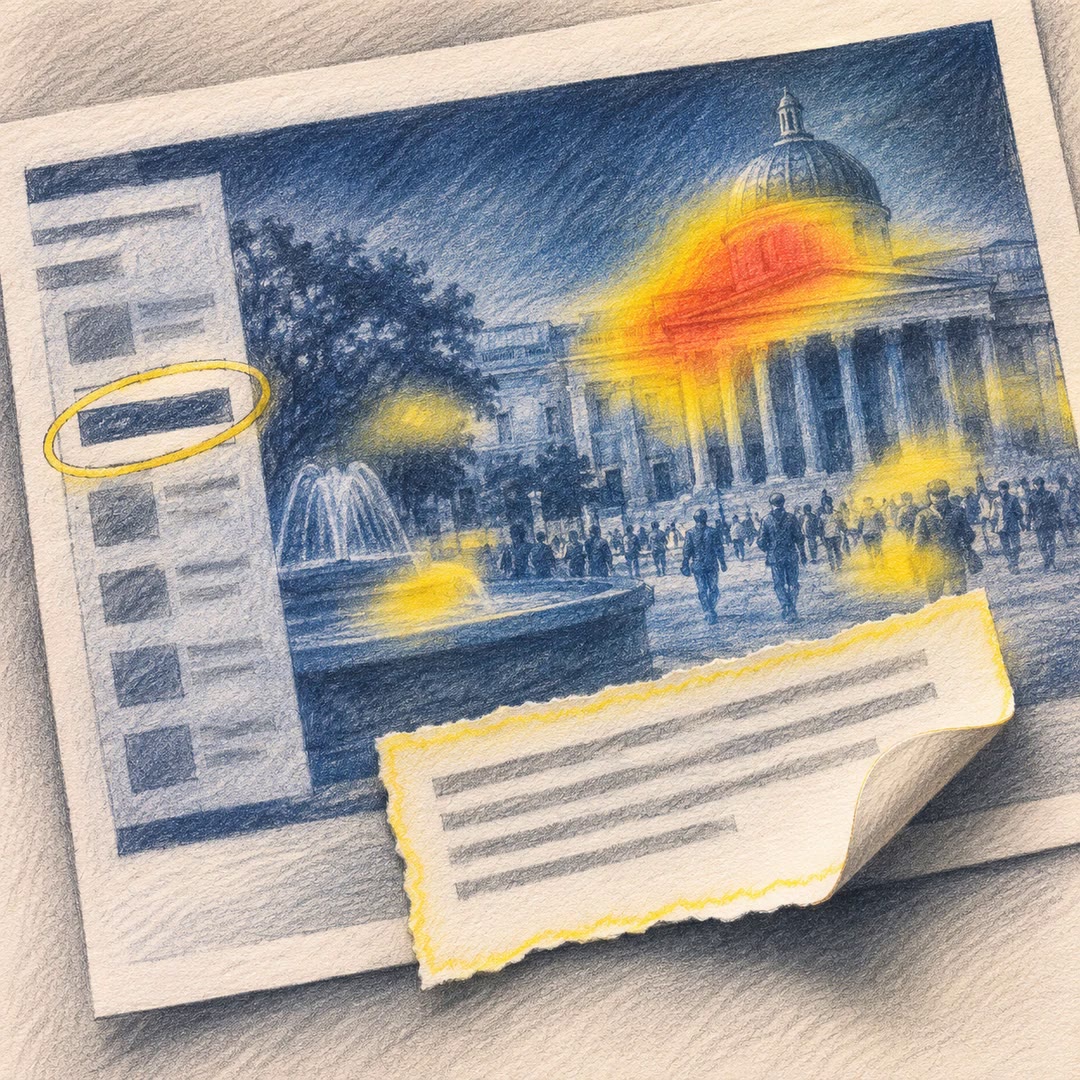
Copy a message out of a screenshot, locate a label in a busy window or see which parts of a photo draw attention.
Free