Products
Skills, prompt kits and templates for working with AI.
For scripts, making and editing video, podcasts and music.
Product list
- SkillNew
Edit English and Thai demo videos with AI
Prepare editable FCP7 XML timelines and English/Thai caption images from your footage, then finish and export in your video editor.
Free - SkillNew
Prepare Amazon videos with AI
Inspect a video for its selected Amazon placement, review evidence frames and reports, and deliberately export a corrected MP4 when useful.
Free - SkillNew
Compose a talking-head video with AI
Combine prepared landscape footage, subject masking, timed text and premixed audio into a reviewed talking-head export.
Free - SkillNew
Edit talking-head reels with AI
Use the toolkit’s templates to cut a talking-head video, retime captions, match colour and review drafts while keeping the project and source mapping for revisions.
Free - SkillNew
Check recorded footage with AI
Inspect local recordings, verify selected copies with hashes and keep practical reports for an editing handoff, using the equipment and files you actually have.
Free - SkillNew
Animate SVG scenes with AI
Create editable scene JSON containing vector artwork and keyframe tracks, choose a visual style and inspect the action through a local preview player.
Free - SkillNew
Create animated GIFs with AI
Turn text frames, image folders or vector motion into GIF/APNG, control timing and looping, and extract an existing animation into frames with their original delays.
Free - SkillNew
Create cartoon shorts with AI
Plan an invented vertical cartoon, author vector scenes, synchronise speech and captions, then review the render and prepare video files without automatic publishing.
Free - SkillNew
Clean voice recordings with AI
Reduce noise and uneven speech levels, then compare the result with the original. Optional filler removal produces a cut list that needs listening and review.
Free - SkillNew
Create interactive Rive animations with AI
Build a character or interface control, then inspect its actual motion and response
Free - SkillNew
Create voxel animations with AI
Build a blocky 3D scene, review its motion and export from the same editable page
Free - SkillNew
Design video typography with AI
Coordinate word emphasis, placement and readable timing in short-form video
Free - SkillNew
Track album progress with AI
Review track status, workflow stages and blockers in a structured text report
Free - SkillNew
Write music prompts with AI
Shape a musical brief into a prompt for the chosen generator, placing style, lyrics and section cues in the appropriate fields.
Free - SkillNew
Create whiteboard animations with AI
Build editable JSON scenes with local SVG artwork, validate their timing and use the supplied renderer to produce an MP4 explainer.
Free - SkillNew
Build technical animations with AI
Explain a mechanism through verified state changes, using readable SVG diagrams or Blender scenes when depth carries information.
Free - SkillNew
Create web motion graphics with AI
Build a browser motion piece with a brand-led concept, a controlled timeline and real HTML text, then export frames to video when needed.
Free - SkillNew
Create maths animations with AI
Turn a mathematical idea into editable Manim scenes, with optional local narration, subtitle timing and a chaptered viewer for focused revisions.
Free - SkillNew
Create a spoken dialogue with AI
Make a source-grounded host-and-expert dialogue and listen through an interactive browser speech player.
Free - SkillNew
Write Veo prompts with an agent
Turn a video idea into a shot list, clear camera directions and editable prompts, with reference roles and revision choices defined before generation.
Free - SkillNew
Edit video in FilmCraft with AI
Plan a focused FilmCraft edit, save its native project and verify the exported video, keeping codec support and the app’s alpha limitations visible.
Free - SkillNew
Make motion graphics in EffectCraft with AI
Create compositions, layers and keyframes in EffectCraft, then check a saved project, a reference frame and a short render before preparing the final output.
Free - SkillNew
Practise guitar tabs with AI
Turn a guitar score into an interactive practice page with slower playback, selected-bar loops and a source image for checking the transcription.
Free - SkillNew
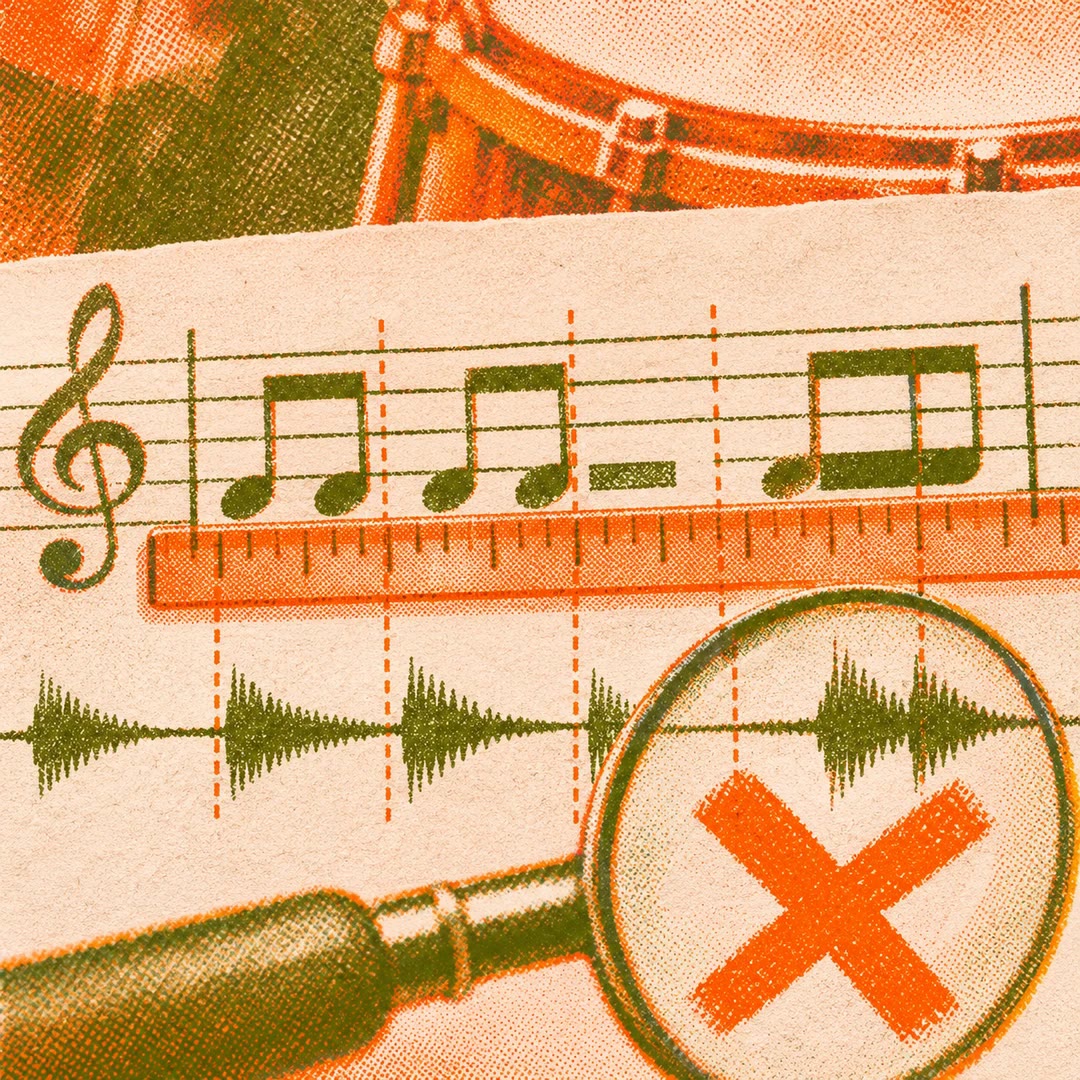
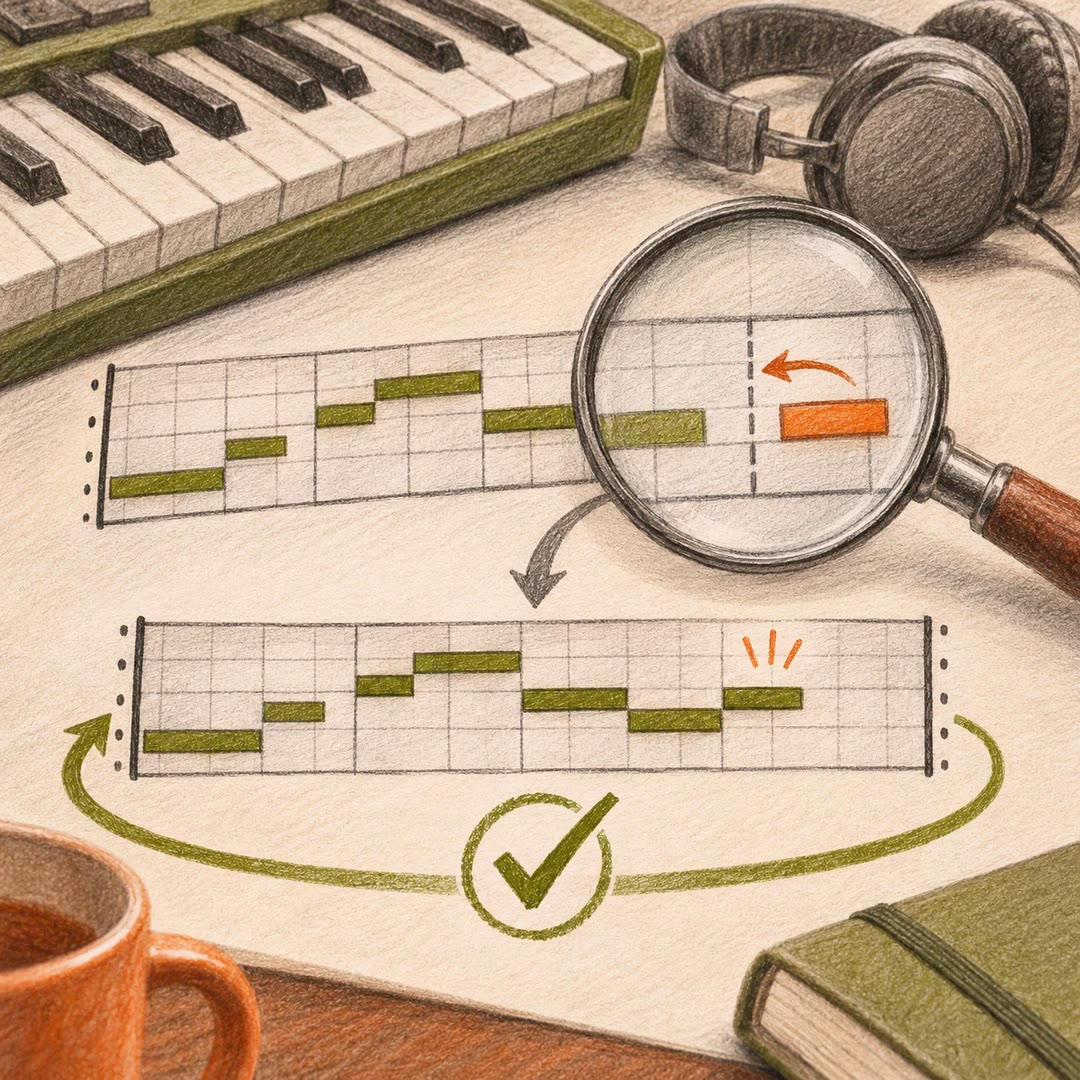
Check score rhythm with AI
Inspect bar lengths, gaps and overlaps in structured notation, then distinguish an arithmetic pass from comparison with the score and actual playback.
Free - SkillNew
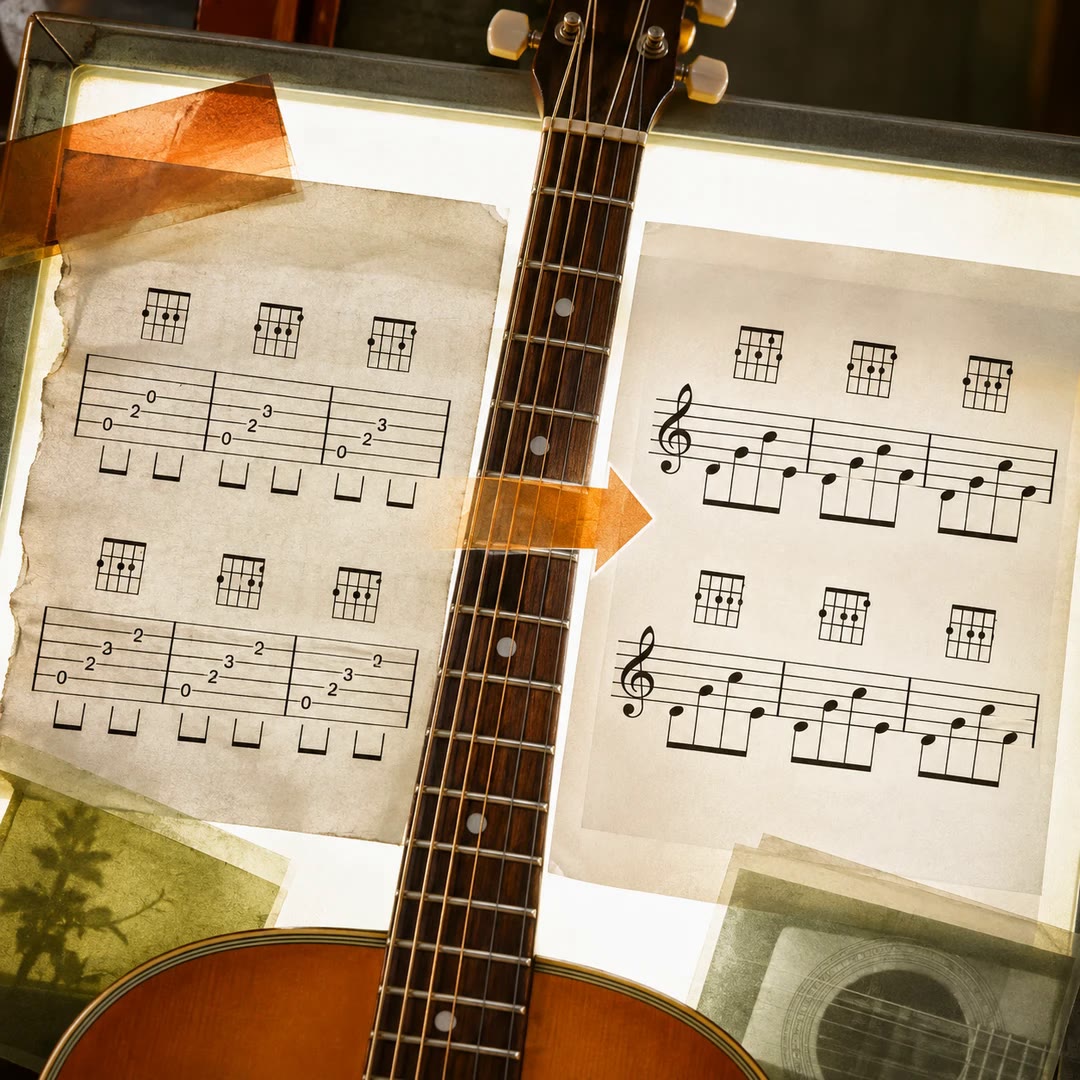
Convert tab images to Yopu with AI
Turn a guitar tablature image into editable Yopu notation, keeping chord and rhythm placement visible for comparison with the original.
Free - SkillNew
Adjust KATANA Gen3 tone with an agent
Describe a sound for your KATANA Gen3, try related controls together and listen before deciding whether to save or overwrite a patch.
Free - SkillNew
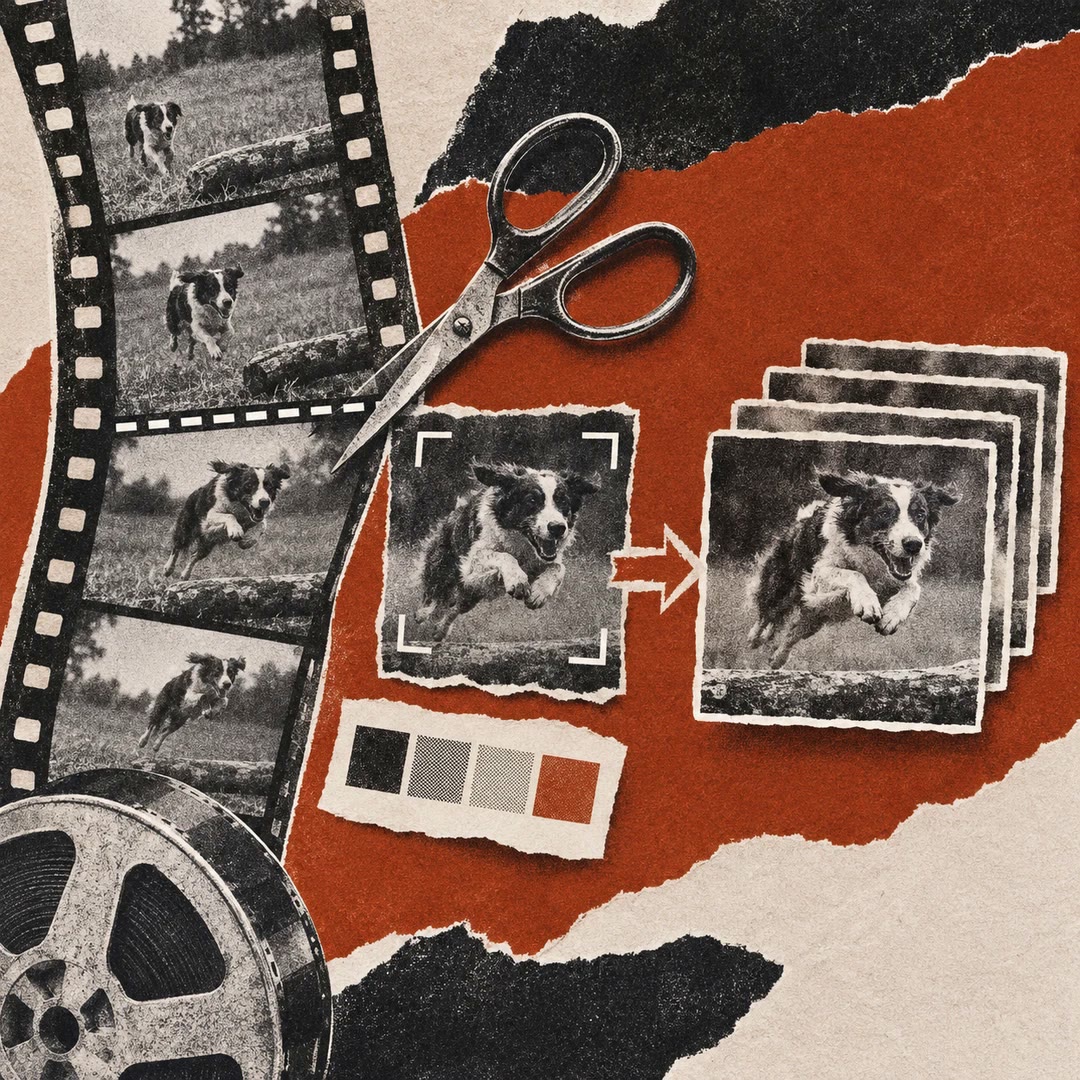
Convert video to GIF with AI
Turn a local MP4 into a short silent GIF with trimming, centre cropping and palette optimisation, then balance dimensions and frame rate against file size.
Free - SkillNew
Write music prompts with AI
Turn a musical brief into concise style tags and a separate description, then refine one aspect at a time after listening to generated results.
Free - SkillNew
Micro-drama writing with AI
Develop an authorised story into episodes, dialogue and a production continuity record.
Free - SkillNew
Plan After Effects compositing with AI
Analyse a live-action plate and prepare a shot-specific Cinema 4D, Redshift and After Effects integration plan, with measured and estimated values distinguished.
Free - SkillNew
Edit audio in SoundCraft with AI
Inspect SoundCraft sessions, edit clips and prepare checked audio bounces through local CLI or MCP tools, with clear pre-alpha limits.
Free - SkillNew
Review music practice with AI
Analyse a WAV practice recording for timing, estimated tempo, pitch stability and dynamics, then request exercises or compare two attempts at the same piece.
Free - SkillNew
Design a motion system with AI
Define shared motion intent, named behaviours, tokens and reduced-motion alternatives, with contracts and change rules sized to the project.
Free - SkillNew
Review animations with AI
Turn vague animation feedback into located observations, practical changes and clear notes on what should survive the revision.
Free - SkillNew
Make 2D animations in AniCraft with AI
Guide AniCraft layers, frames and exports through its command-line or MCP tools, with version checks and clear limits on imported animation files.
Free - SkillNew
Time voice-overs with AI
Extract word timings from recorded narration and convert seconds into project frames for animation and motion-design timing.
Free - SkillNew
Software demo videos with AI
Show one operation from a code repository in a short motion graphic. Review the planned shots and choose a video, GIF or standalone browser player.
Free - SkillNew
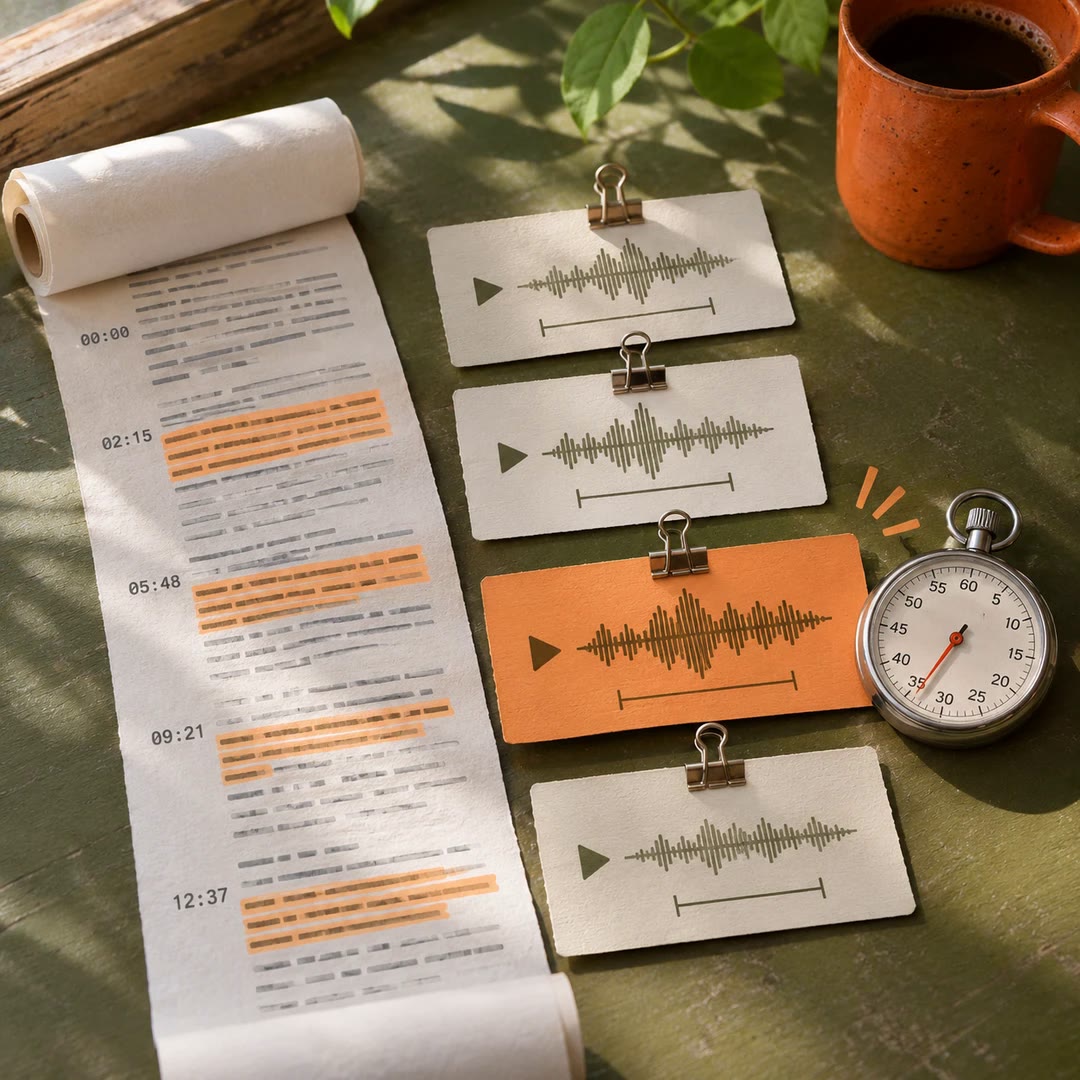
Choose podcast clips with AI
Turn a timestamped episode transcript into four reel briefs. An editor gets the source lines, timing, on-screen text and a recommendation for the trial cut.
Free - SkillNew
Storyboard a reel with AI
Agree the still frames of a vertical video before paying for new motion. Keep dialogue, captions and performance on separate layers and check the encoded delivery file.
Free - SkillNew
Plan film post-production with AI
Build a shared schedule from the first assembly to picture lock, sound and delivery. Keep the target settings for each version in a project file the editor can revisit.
Free - SkillNew
Make motion graphics with AI
Turn a few lines of copy into a timed sequence, starting with a still frame. A small offline renderer lets you try a title, a moving panel and a reserved caption area.
Free - SkillNew
Design sound effects with AI
Plan separate cues for a scene, write prompts for an effects generator and check each result against the action before mixing it.
Free - SkillNew
Prepare a film festival submission with AI
Build a festival dossier and a dated submission plan around your film's running time, screening history and available budget.
Free - SkillNew
Make short music cues with AI
Write a small score around the moment an image changes. Get audio and a timing map that an editor can line up against a cut.
Free - SkillNew
Plan a film shoot with AI
Break the script down by scene, cast, location and props. Build a shot list and a daily call sheet that reflect the crew’s actual availability.
Free - SkillNew
Arrange a guitar singalong with AI
Prepare an accompaniment you can sing over, check where the words land and practise a passage with the same score and recording on screen.
Free - SkillNew
Plan an animation storyboard with AI
Lay out the action before drawing the finished frames. Keep camera position, movement and sound cues on the same timing sheet.
Free - SkillNew
Plan film sound design with AI
Mark what the audience should hear, where it should begin and who will supply it. Turn a spotting session into notes an editor can use.
Free - SkillNew
Add music to video with AI
Replace a video's soundtrack, keep its ambience or let the original audio pull the music down as someone speaks.
Free - SkillNew
Write podcast show notes with AI
Use your transcript or episode outline to write a listener-facing summary, chapter titles, takeaways and a guest introduction drawn from approved details.
Free - SkillNew
Translate a subtitle file with AI
Work from an existing subtitle file or an authorised local recording. Keep the original cue times while building a translated or bilingual copy for review.
Free - SkillNew
Pitch a film idea with AI
Shape a filmmaker’s notes into a treatment, an outline for a pitch deck or a talk that fits the time you have in the room.
Free - SkillNew
Turn notes into a podcast with AI
Adapt material you have permission to use into a script written for listening. Produce a local episode or prepare an RSS feed when the tools and rights are in place.
Free - SkillNew
Outline a film story with AI
Break an idea into a short sequence of playable beats. Give each moment a visible action, an emotional change and a reason for the camera to be there.
Free - SkillNew
Plan a product screen demo with AI
Choose what a product walkthrough must prove before you record. Map the starting state, visible result, pacing, privacy checks and any simulated steps.
Free - SkillNew
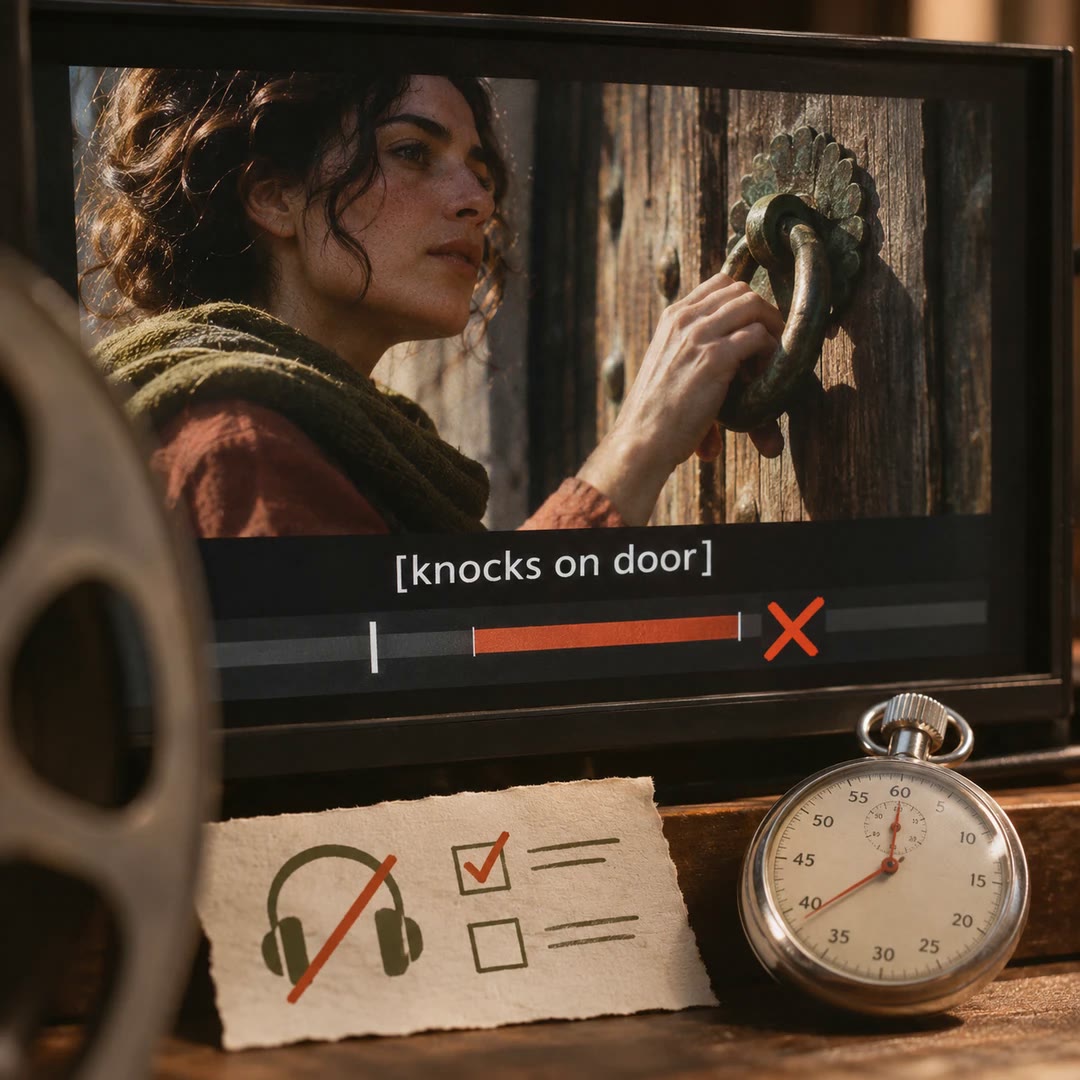
Check video captions with AI
Check a caption file for timing problems and review the details a viewer might miss with the sound off. Use the local validator on SRT or WebVTT files.
Free - SkillNew
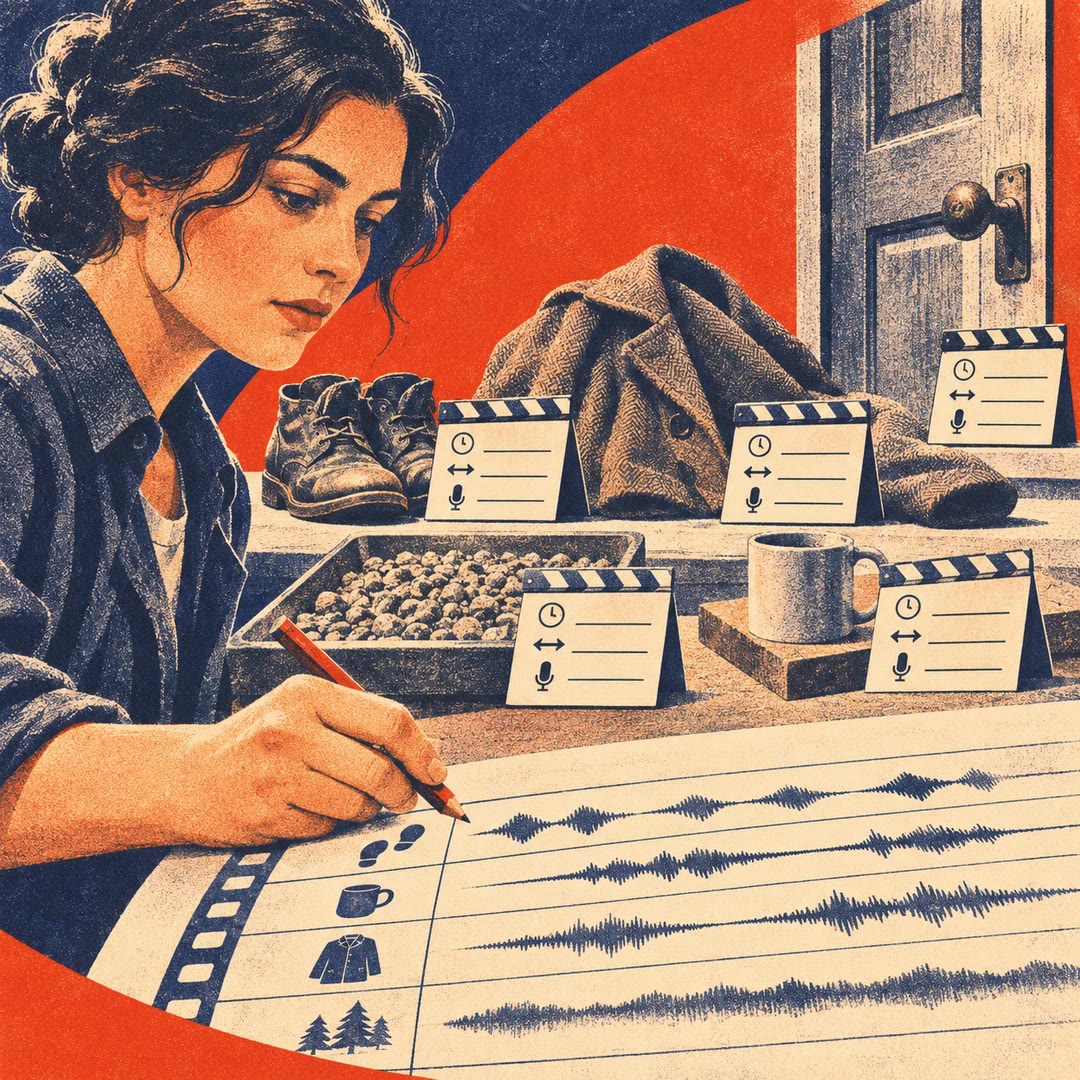
Plan film sound effects with AI
Build a cue sheet for footsteps, objects, clothing and ambience. Give each sound a time, perspective and source before recording or searching a library.
Free - SkillNew
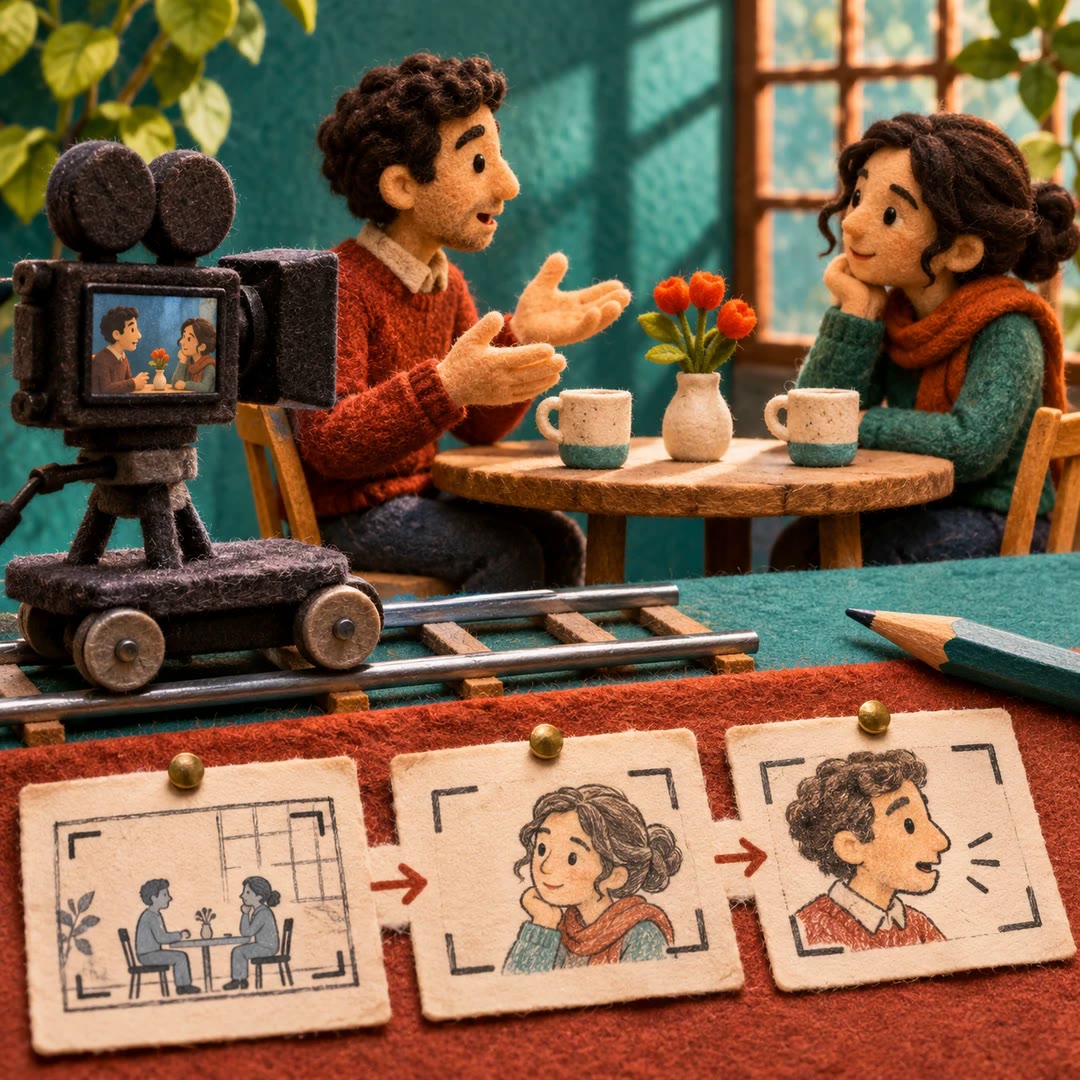
Plan dialogue shots with AI
Work out where to put the camera for a conversation, which reactions to cover and when a closer shot will tell the audience something new.
Free - SkillNew
Describe film locations with AI
Build a written reference for a setting, with landmarks, materials, lighting and scale. Use it to keep adjacent shots recognisable as the same place.
Free - SkillNew
Track film continuity with AI
Give the next shot a reliable starting point. Keep a written record of character details, props, movement and changes to the location across sessions.
Free - SkillNew
Choose a cinematic lens look with AI
Describe how a specific shot should feel, then shape its lens, focus, grain and highlight treatment into a concise visual brief.
Free - SkillNew
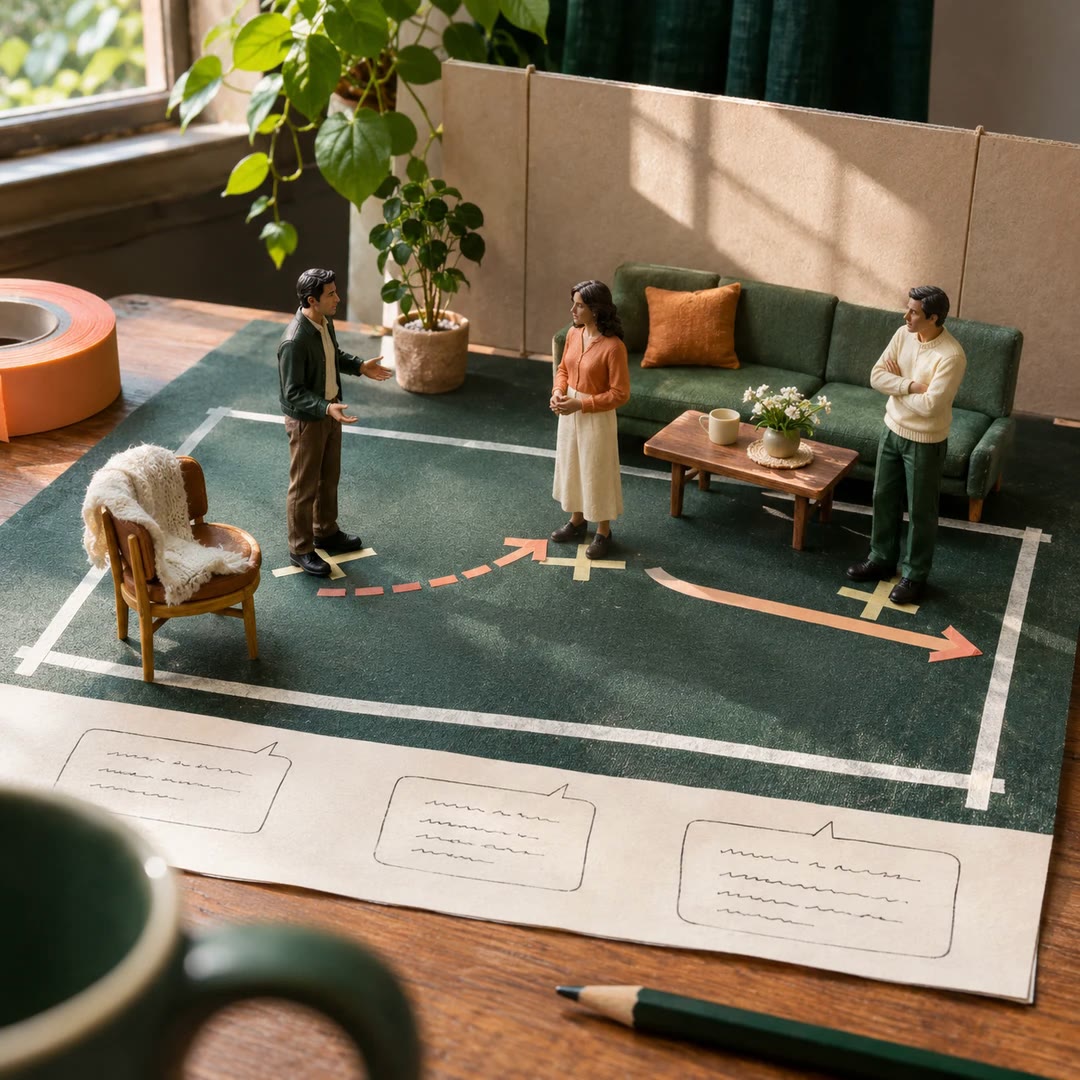
Plan dialogue blocking with AI
Keep the spoken lines and decide what the actors do around them. Build a staging note from each character’s objective, gaze and reaction.
Free - SkillNew
Rehearse early music pronunciation with AI
Read original words, IPA and English meaning alongside a vocal score, with performance notes for unfamiliar sounds and alternative historical readings.
Free - SkillNew
Make a private podcast with AI
Turn material you choose into a listenable episode and receive it in a private PodBox feed that works with a compatible podcast player.
Free - SkillNew
Compare sound recordings with AI
Compare a new listening note or recording with records from your own archive. Trace changes over time and keep a clear account of what each claim rests on.
Free - SkillNew
Check Japanese narration with AI
Compare a Japanese script with recorded speech, listen to the disputed syllables and keep a review record before repairing individual sentences.
Free - SkillNew
Review voice consent evidence with AI
Trace a claim about recorded or synthetic speech back to its source, and keep unanswered permission questions visible to the editor who needs them.
Free - SkillNew
Trace an audio recording chain with AI
Describe how a sound was captured, transformed, transmitted and played back. Keep device metadata separate from what the recording actually supports.
Free - SkillNew
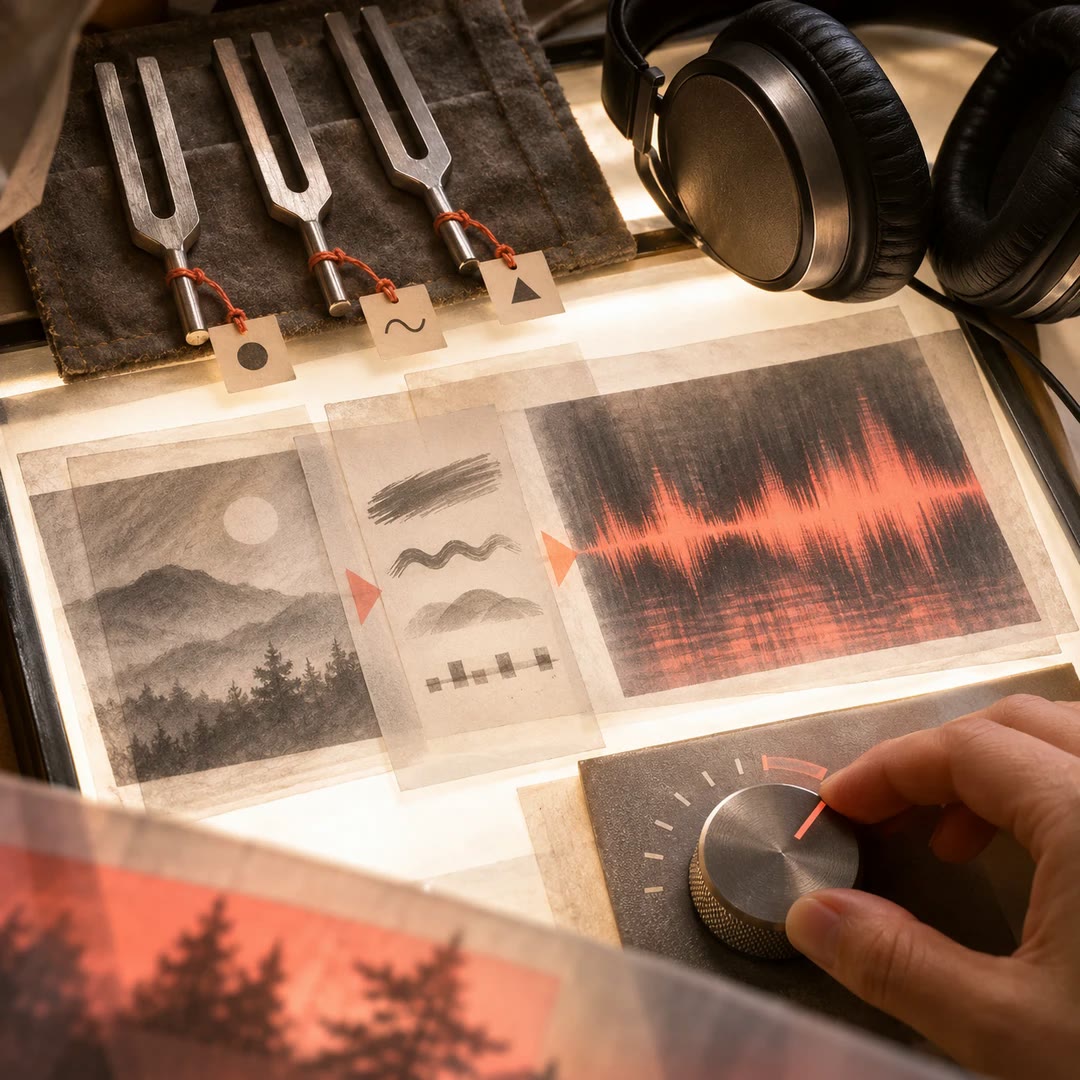
Describe sound texture with AI
Listen for onset, grain, movement and decay before naming a source. Turn the differences into a practical note for editing or sound selection.
Free - SkillNew
Design synth patches with AI
Describe the sound of a single note and get a parameter sheet plus playable examples for SuperCollider and the browser.
Free - SkillNew
Create sonic fiction with AI
Turn an authorised recording or a written sound cue into a story idea. Keep the audible details, your interpretation and the invented world distinct.
Free - SkillNew
Explore sound resonance with AI
Trace a sound from its first contact through vibration and decay. Keep observations about timing apart from guesses about the material or room.
Free - SkillNew
Plan lighting continuity with AI
Review adjacent shot descriptions for changes in key direction, shadow density, reflections and the light sources the audience can see.
Free - SkillNew
Plan a video shot list with AI
Break an idea into shots with framing, movement, timing and a purpose. Track what carries across each cut before you film or build a visual storyboard.
Free - SkillNew
Plan screen direction between shots with AI
Review a storyboard for reversed movement, inconsistent eyelines and cuts that interrupt a gesture. Decide how to carry the action into the next shot.
Free - SkillNew
Format a screenplay in Fountain with AI
Turn a scene outline into plain-text screenplay pages with clear headings, visible action and dialogue that sits under the right character cue.
Free - SkillNew
Check album files with AI
Review a Bitwize album workspace for missing files, misplaced audio and inconsistent track details. Use the report to decide which changes to make.
Free - SkillNew
Inspect an audio waveform with AI
Use a waveform, spectrogram or measurement report to locate passages worth hearing again. Keep measured properties distinct from possible explanations.
Free - SkillNew
Analyse sound and image with AI
Examine how a sound, movement or caption changes the meaning of a scene and trace each observation to what the agent could actually access.
Free - SkillNew
Analyse rhythm and texture with AI
Develop listening notes that distinguish changes in pulse, density and tone colour. Work from an authorised recording, measurements or a description you supply.
Free - SkillNew
Convert scanned sheet music to MusicXML with AI
Make an editable score from a printed page and compare the finished engraving against the notation you supplied.
Free - SkillNew
Prepare an orchestra recording for YouTube with AI
Choose the take, trim the performance and measure its peak before adjusting gain. Use a still image to make a separate video from the finished audio.
Free - SkillNew
Write a movement shot list with AI
Turn an existing sequence into a crew brief with camera framing, lighting, performer direction and holds for each movement, in the order they happen.
Free - SkillNew
Animate a line drawing with AI
Reveal a diagram or sketch stroke by stroke, choose a drawing order and review the watermarked MP4 before deciding whether to unlock it.
Free - SkillNew
Edit a travel film with AI
Catalogue the footage, build a scene around a confirmed memory and review precise changes to the cut. Keep the original material and earlier versions available.
Free - SkillNew
Mix a song with an AI agent
Give your agent a mix or a set of WAV stems. Listen to one change at a time and keep a separate stereo file for the mastering session.
Free - SkillNew
Write a webtoon script with AI
Develop a chapter from a premise, then describe the cast, framing, action and dialogue for each panel in a structured script for an illustrator or renderer.
Free - SkillNew
Write a museum audio guide with AI
Adapt exhibition labels for listening, choose what a visitor should notice and keep uncertain readings separate from the narration.
Free - SkillNew
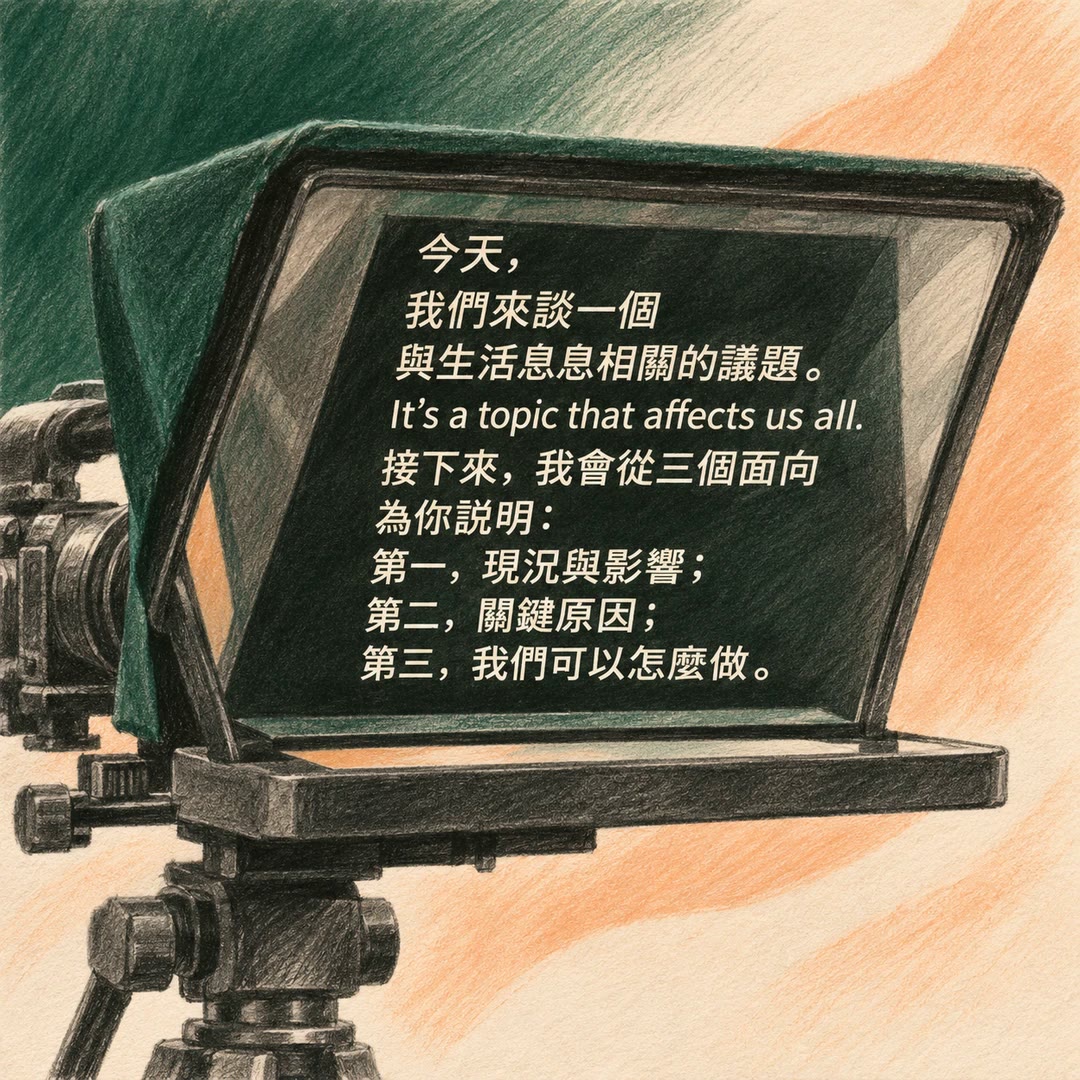
Format a Chinese teleprompter script with AI
Set natural line breaks in Mandarin scripts and short captions, keeping complete phrases, units and embedded English sentences together.
Free - SkillNew
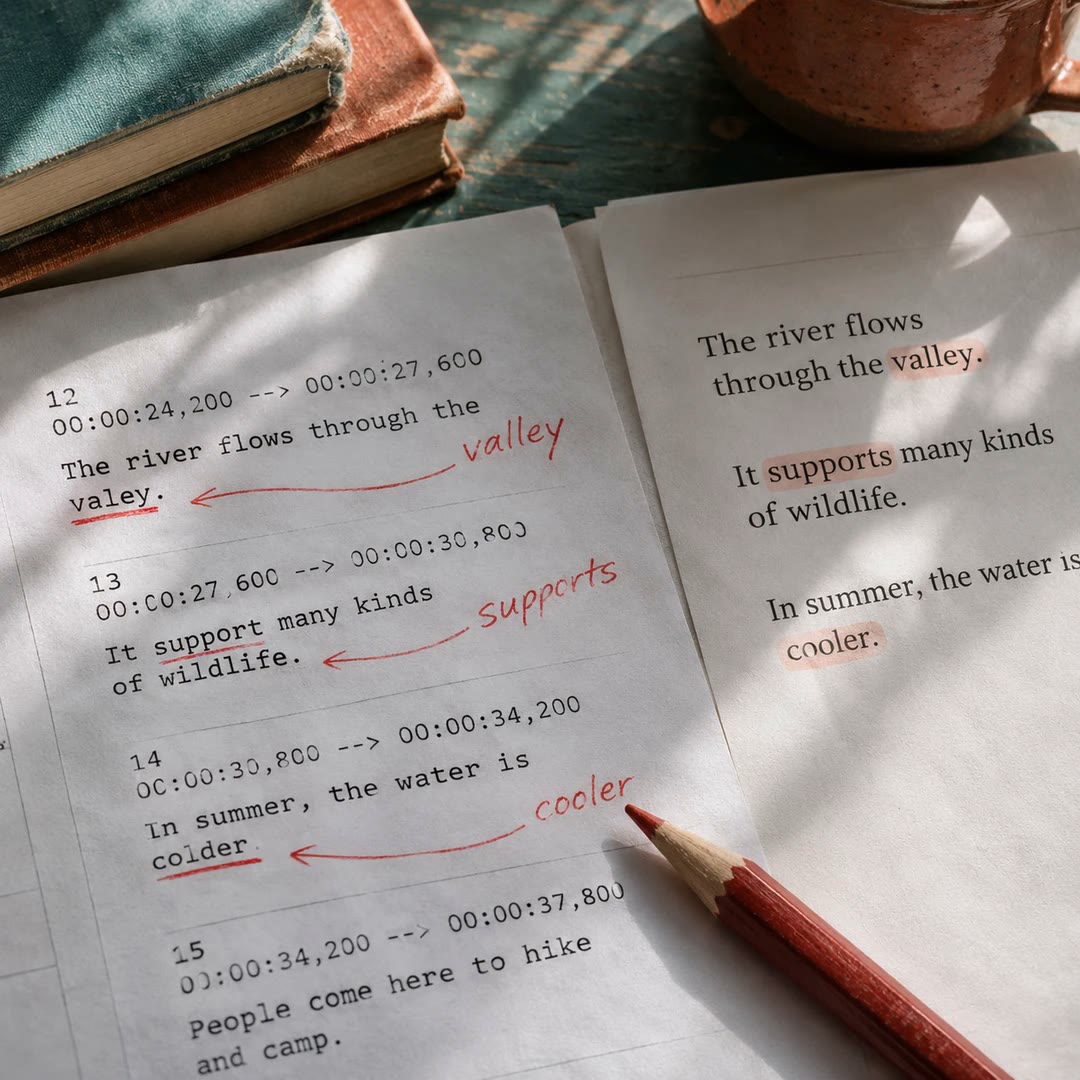
Proofread subtitles with AI
Compare an automatic SRT with the narration script, correct recognition errors and retain the existing cue numbers and timestamps.
Free - SkillNew
Create YouTube chapters with AI
Build a timestamp list around what a viewer wants to find and check each starting point against the finished edit.
Free - SkillNew
Write a film logline with AI
Try three single-sentence versions of your premise and find out where the character, conflict or consequences still need definition.
Free - SkillNew
Reduce background noise in video with AI
Clean up speech in an audio or video file. For supported videos the agent can return the original picture with the cleaned voice track in place.
Free - SkillNew
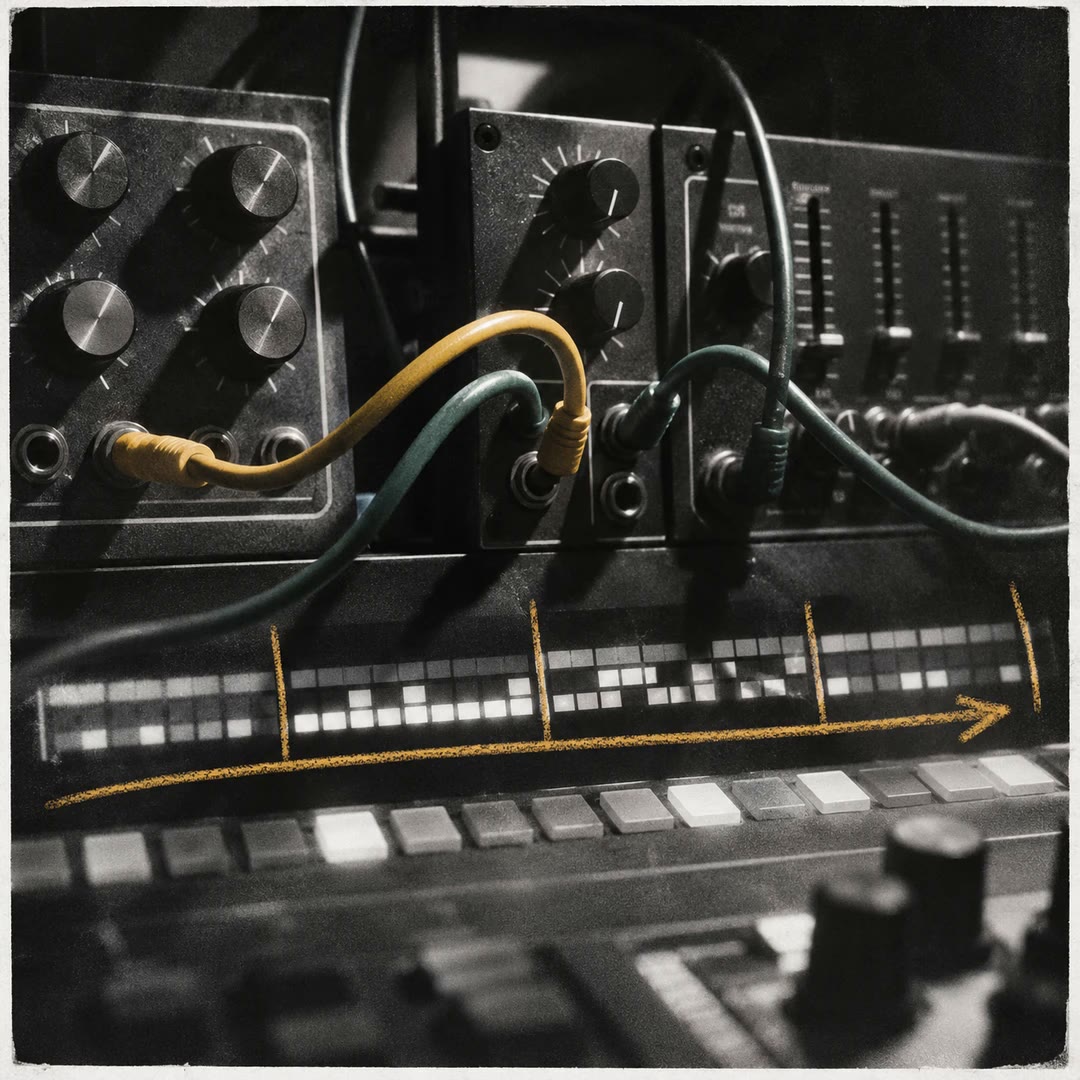
Plan house and techno rhythms with AI
Explore two starting grids for a dance track, including tempo, accents, bass movement and section lengths that you can adjust for your own arrangement.
Free - SkillNew
Get screenplay feedback with AI
Read development notes on the draft you have, starting with the issue that affects the rest of the story and the scenes where it shows.
Free - SkillNew
Write podcast show notes with AI
Give listeners a reason to press play and a way to find the discussion they came for, using the material already in your episode.
Free - SkillNew
Plan filming equipment with AI
Build a packing list around the shoot, the people available to carry the kit and the equipment already on location.
Free - SkillNew
Plan documentary picture lock with AI
Prepare the sheet the editor, producer and post supervisor need when deciding whether downstream teams can work against the cut.
Free - SkillNew
Write an app walkthrough script with AI
Plan the recording from the viewer’s side, with a line of narration beside each tap, pause or change of screen.
Free - SkillNew
Find scales from notes with AI
Compare scale candidates for a set of pitches, inspect the notes of a mode and explore what a different tuning changes in PyTheory.
Free - SkillNew
Clean up recorded speech with AI
Reduce room noise and electrical hum, even out the level and compare the finished recording with the source.
Free - SkillNew
Time video dialogue and subtitles with AI
Build a recording plan around the actual cut, keep each line replaceable and make captions that follow the finished performance.
Free - SkillNew
Keep video characters consistent with AI
Build reference sheets for recurring people, props and products, then reuse the same descriptions whenever they appear in another shot.
Free - SkillNew
Join video clips with AI
Assemble compatible clips locally, review the picture and sound at each join, and make platform-specific versions from a single master.
Free - SkillNew
Adapt a novel into a series with AI
Decide which storylines survive, where each episode turns and which locations the adaptation would need.
Free - SkillNew
Write a short drama script with AI
Turn an episode outline into playable scenes, get a dialogue list and see how much of the running time each scene uses.
Free - SkillNew
Plan a song in REAPER with AI
Turn an idea or an original riff into a section-by-section song sheet, approve the structure and audition a first arrangement in a fresh project tab.
Free - SkillNew
Arrange MIDI in REAPER with AI
Write a complementary part for an existing arrangement, then compare the planned notes with what REAPER received and what the instrument actually plays.
Free - SkillNew
Translate subtitles with AI
Translate a timed caption track while preserving cue boundaries and speaker labels, then check a single-language or bilingual result against source cues.
Free - SkillNew
Build retro game audio with AI
Plan a whole retro-style game sound system with a limited voice budget, event priorities and an optional looping score.
Free - SkillNew
Design an arcade sound kit with AI
Give common actions brief effects and reserve recognisable jingles for transitions and milestones.
Free - SkillNew
Make procedural Godot sounds with AI
Give Godot events their own synthesised sounds and vary them as speed, danger or a combo changes during play.
Free - SkillNew
Animate unfolding paper with AI
Reveal a sketch or short message as a crumpled note opens. Get individual transparent frames you can time, reposition and reuse against your own background.
Free - SkillNew
Prepare video footage for editing with AI
Create a timed transcript, review images and evidence-linked chapter notes before deciding how to cut the footage.
Free - SkillNew
Make short clips from a video with AI
Choose passages that stand alone, then make reviewed horizontal or vertical clips from the approved main edit.
Free - SkillNew
Add B-roll to a video with AI
Match a specific line of speech to an authorised cutaway, then check the selected frames before they enter the edit.
Free - SkillNew
Compose an editable MIDI track with AI
Draft melody, chords and rhythm as separate MIDI parts, then choose sounds and polish the arrangement in your own music software.
Free - SkillNew
Plan game audio with AI
Give music, dialogue, effects and ambience distinct roles, then document how the mix should respond to the player and the game state.
Free - SkillNew
Adapt a story for another medium with AI
Prepare a separate narration script, screenplay or comics plan and retain a clear record of what changed from the authorised manuscript.
Free - SkillNew
Plan a song arrangement with AI
Explore an unresolved musical decision, compare contrasting sketches and carry the chosen melody, groove or structure into the next draft.
Free - SkillNew
Produce a music demo with AI
Use an approved musical brief to choose a suitable audio model, test one production decision and keep a record of how each version was made.
Free - SkillNew
Review a music revision with AI
Compare a revised arrangement with its brief, check that approved musical choices survived and identify the smallest correction each finding needs.
Free - SkillNew
Animate subtitles as whiteboard drawings with AI
Turn existing SRT timings into a sequence of illustrated reveals, review each region’s cue and render the approved scenes locally.
Free - SkillNew
Diagnose an Ableton mix with AI
Describe one audible problem, inspect relevant session settings and audition a single change before deciding what to try next.
Free - SkillNew
Build a video edit list with AI
Connect script beats to approved footage and sound cues in a versioned edit decision list that another editor can check.
Free - SkillNew
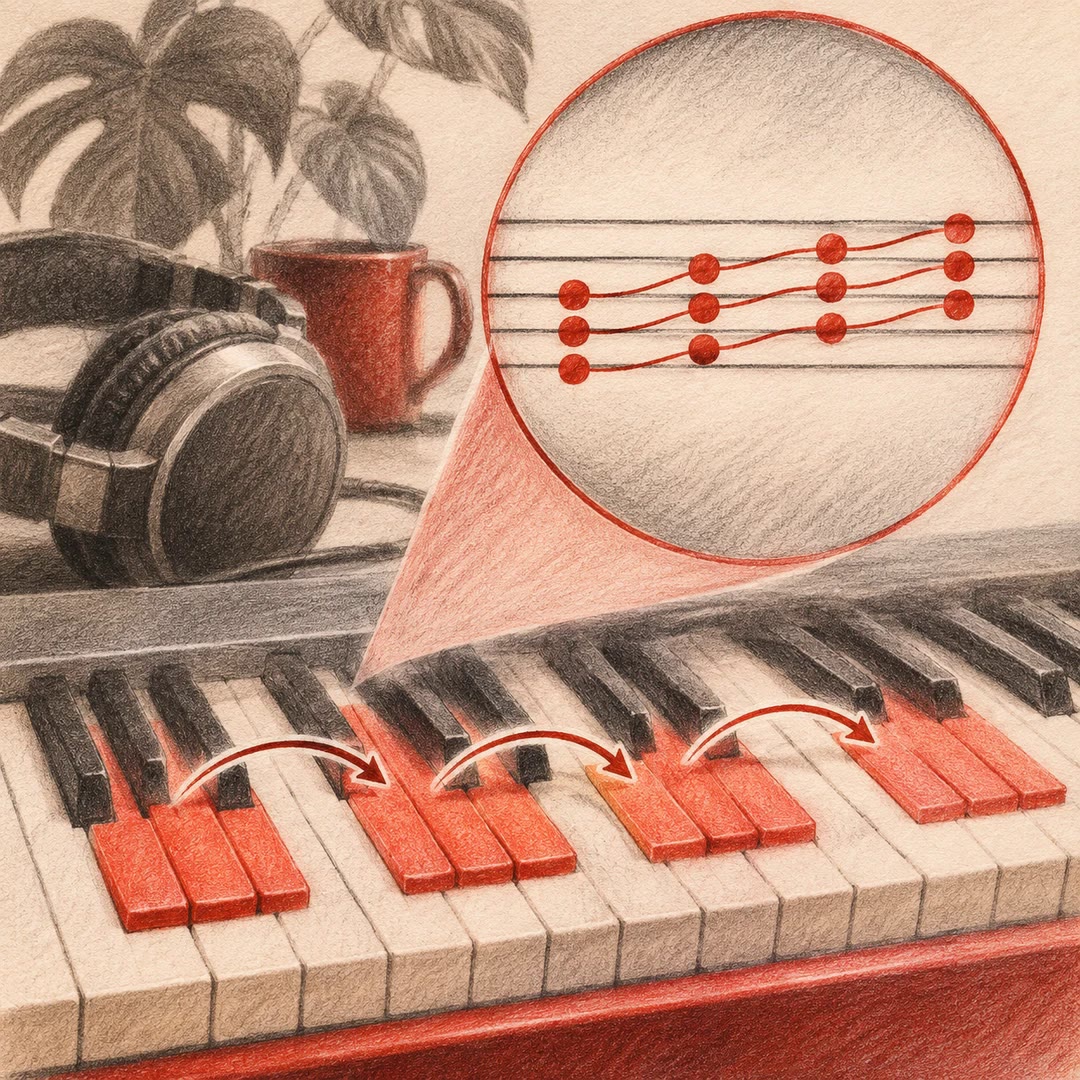
Build Ableton chord progressions with AI
Choose a progression around a musical idea, voice it for the instrument and compare how smoothly the notes move from one chord to the next.
Free - SkillNew
Review MIDI loops with AI
Read the notes that actually reached the clip, check the musical structure and listen for the details that note data cannot reveal.
Free - SkillNew
Build drum and bass patterns with AI
Give the kick, snare, hats and bass distinct jobs on a four-beat grid, then add small variations that mark the end of a phrase.
Free - SkillNew
Arrange electronic music with AI
Turn a strong loop into contrasting sections by deciding when layers enter, how long a phrase lasts and what changes at the next boundary.
Free - SkillNew
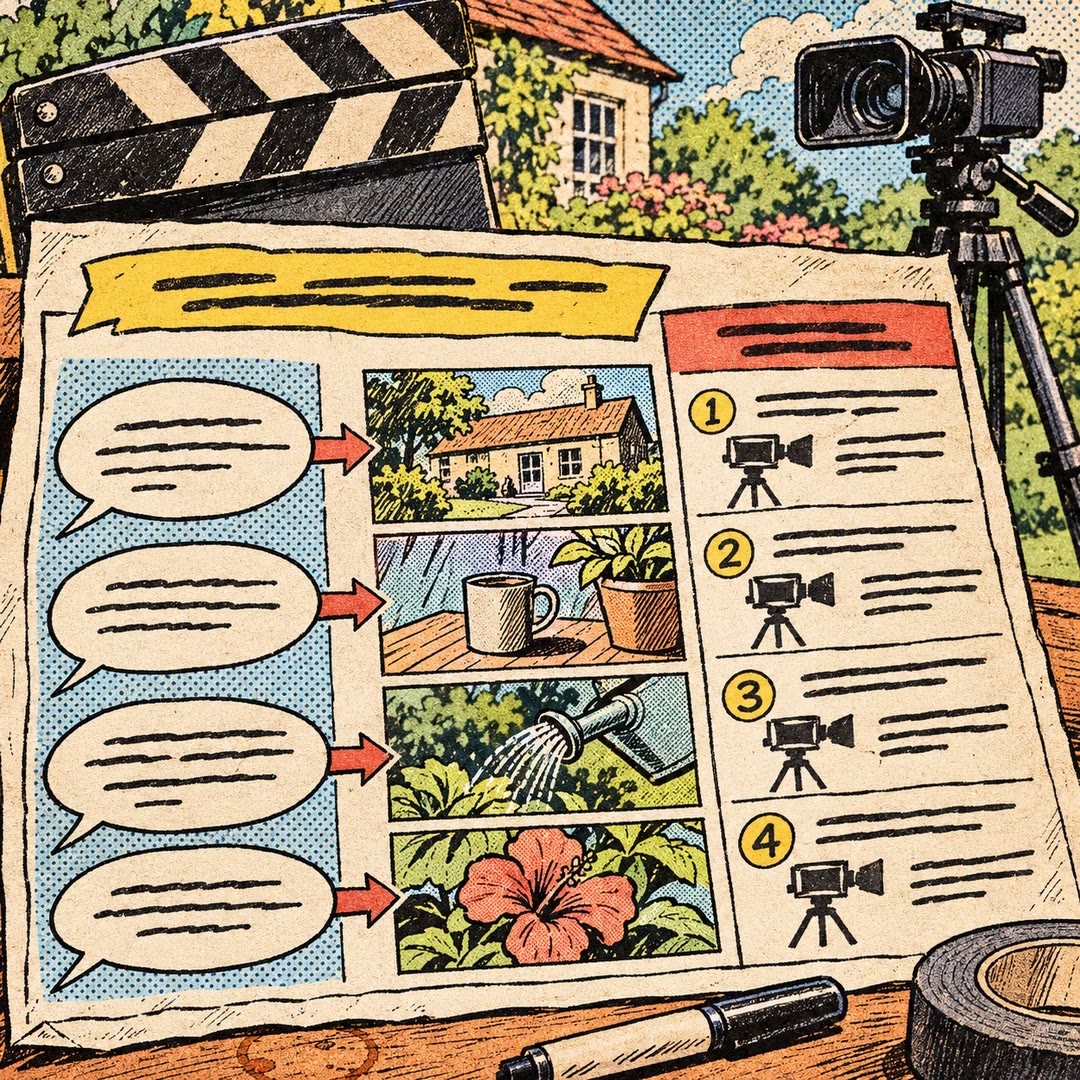
Write a video shooting plan with AI
Pair spoken lines with practical shots and give the crew an ordered list of what to capture before editing begins.
Free - SkillNew
Build a learning storyboard with AI
Put narration, visuals and learner actions on the same screen-by-screen plan before recording a lesson or commissioning assets.
Free - SkillNew
Track film continuity with AI
Keep recurring details stable while recording changes that belong to a particular scene, from a stained sleeve to a window left open.
Free - SkillNew
Build a shot list with AI
Work out what the viewer needs to see in each shot, how adjacent shots connect and which props or character details must carry through the cut.
Free - SkillNew
Write a screenplay scene with AI
Turn a dramatic intention into playable action, tighten dialogue and separate production notes from a scene you want to import as Fountain.
Free - SkillNew
Develop a short film idea with AI
Turn a striking image into a choice a character has to make, then test whether the resulting story fits your cast, locations and running time.
Free - SkillNew
Compare a video edit with the original using AI
Inspect delivered frames beside their matching moments in the original shot, with a black panel wherever the editor removed footage.
Free - SkillNew
Colour grade video with AI in cut-as-code
Assess the footage, build a neutral correction, compare creative looks and export a local grade with its portable LUT.
Free - SkillNew
Review a ChatCut edit with AI
Inspect the composed frame, hear the affected audio or watch a short draft to establish what changed on the timeline.
Free - SkillNew
Make motion graphics with AI in ChatCut
Create editable titles and overlays in a ChatCut project, align them with a real shot and review how the composition reads on screen.
Free - SkillNew
Export a video with AI in ChatCut
Render a selected ChatCut timeline or time range, preserve the requested settings and locate the resulting file for delivery.
Free - SkillNew
Create ChatCut subtitles with AI
Locate a spoken line by its timestamp, correct the source wording and prepare captions once ChatCut has finished analysing the clip.
Free - SkillNew
Play a local audio file with an AI agent
Ask for a saved recording by name and hear it through the default output of the computer running the local playback tool.
Free - SkillNew
Make editable subtitles with AI in Sonilo
Receive a timed source transcript and separate subtitle files for selected translations, ready for an editor to review before any dubbing.
Free - SkillNew
Lower music under speech with AI
Use an existing voice recording or video and a separate music bed to keep words audible and bring the music back during pauses.
Free - SkillNew
Create a video soundtrack with AI in Sonilo
Generate music and picture-aware effects as one finished mix, with explicit choices about dialogue and the original production sound.
Free - SkillNew
Add sound effects to video with AI in Sonilo
Generate effects against a finished clip, describe timed events where needed and review their placement beside the original picture.
Free - SkillNew
Make sound effects from text with AI
Describe one audible action and get a standalone sound file for an interface, a game or a scene you plan to edit yourself.
Free - SkillNew
Make music from text with AI in Sonilo
Describe a cue in ordinary words, set a duration when timing matters and receive original audio with optional separated stems.
Free - SkillNew
Score a video with AI in Sonilo
Build a new cue around an existing edit and choose whether to receive an audio file or a video with the score mixed in.
Free - SkillNew
Prepare web video with AI
Encode a browser-ready clip locally, generate its poster and reserve the right amount of space for it on the page.
Free - SkillNew
Add text to video with AI in Scenario
Typeset an exact line separately from the footage, review the transparent layer, then composite the approved text over a still or video.
Free - SkillNew
Colour grade video with AI and LUTs
Try several looks on representative frames, check where a colour treatment breaks down and export a reusable LUT for the finished grade.
Free - SkillNew
Make a looping motion background with AI
Create a deterministic, brand-coloured animation in a local HTML canvas and check the seam before exporting it.
Free - SkillNew
Create a storyboard with AI in Scenario
Plan shots around an approved character reference, generate each frame separately and check continuity before lettering a comic or moving into video production.
Free - SkillNew
Caption a video with AI in Scenario
Transcribe the final edit or use an existing subtitle file, then choose between captions rendered into the picture and a separately delivered text track.
Free - SkillNew
Edit video in Blender with AI
Assemble local footage, stills, titles and a music bed in Blender’s Video Sequencer, with an optional separate camera-tracking workflow.
Free - SkillNew
Write a visual production brief with AI
Plan stills and moving footage around a clear reference frame, the real product assets and the output you need.
Free - SkillNew
Make a video with AI and Remotion
Plan a frame-based composition, render it and inspect the file that will actually be delivered.
Free - SkillNew
Improve voice agent audio input with AI
Trace echo, clipped speech or poor recognition through the actual microphone and playback path, changing one processing layer at a time.
Free - SkillNew
Connect Cartesia speech APIs with AI
Add speech synthesis or transcription to an application using a real voice ID, the correct API version and a server-side credential for the chosen workflow.
Free - SkillNew
Narrate a document with AI
Create a spoken edition of approved text using Conversion Tools and audition a short passage before requesting the full recording.
Free - SkillNew
Edit a video with OpenClip AI
Apply a specific operation such as trimming, cropping or resizing, then inspect the result before starting another edit.
Free - SkillNew
Segment a broadcast master with AI
Identify probable programme breaks in a master file and build a reviewable segment report with durations, timecodes and representative frames.
Free - SkillNew
Make subtitles from audio with AI
Transcribe local speech into timed segments for SRT or WebVTT, or format a supplied list of segments without transcribing the recording again.
Free - SkillNew
Log burned-in subtitles with AI
Create a frame-referenced inventory of dialogue subtitles visible in the picture, with a visual check for each transcription and timing boundary.
Free - SkillNew
Turn audio into subtitles with AI
Transcribe an authorised recording into timed segments and separate subtitle files. OpenClip can label speaker changes and deliver JSON, SRT and WebVTT outputs.
Free - SkillNew
Convert video formats with AI in OpenClip
Convert a video or extract its soundtrack through OpenClip. Choose the output format for the next person or application that needs the file.
Free - SkillNew
Make music with AI in MiniMax
Turn a musical brief into a vocal or instrumental track, with an option to review lyrics, tempo and instrumentation before generation.
Free - SkillNew
Choose film takes with AI
Review generated takes against the shot plan, select usable ranges and document continuity issues. Give the editor a timeline that retains the original media.
Free - SkillNew
Track AI video generation jobs
Route approved shot requests to an authorised provider and keep job IDs with their outputs. Check which shots were actually produced before handing them to an editor.
Free - SkillNew
Write AI prompts for film shots
Turn an approved shot plan into image and video requests. Keep the starting frame, action, references and model limits visible before generation.
Free - SkillNew
Design film asset briefs with AI
Give characters, locations and props written design briefs that can be reused across shots. Record the details that stay fixed and the story events that allow a variation.
Free - SkillNew
Plan a film story with AI
Use an existing script breakdown to build a creative brief, an ordered story plan and continuity notes. Each turning point stays tied to the underlying scene.
Free - SkillNew
Plan a camera shot list with AI
Plan coverage from the story beats, including where the camera sits, how the performers move and which visual details must match across the cut.
Free - SkillNew
Break down a screenplay with AI
Break a script into scenes and dramatic beats, then trace each production detail back to the passage that supports it.
Free - SkillNew
Edit a sound recording with AI
Take the sound out of a video, join compatible recordings or save an excerpt for a podcast. The tools work on files in your own workspace.
Free - SkillNew
Adjust subtitle timing with AI
Move a subtitle track forwards or backwards, convert a text file for a web player or produce a video with captions fixed to the picture.
Free - SkillNew
Check video file details with AI
Read the dimensions, duration and streams in a local media file, or compare two exports to see what changed when one was encoded again.
Free - SkillNew
Build a Runway avatar conversation with AI
Connect an authorised interactive character to a live call interface. Handle permission, connection, failure and teardown without exposing the account's API secret.
Free - SkillNew
Integrate a Runway Recipe with AI
Connect a documented multi-step media Recipe to an application, check its current contract and handle results and failures before approving a billable test.
Free - SkillNew
Convert MIDI to audio with AI
Render a score into a recording that anyone can play. Compare tempos, change the instrument or hear what a note-cleaning pass does to the performance.
Free - SkillNew
Create a cinematic shot with AI
Define framing, lighting and camera movement for a still or short clip, then judge the result against the intended composition.
Free - SkillNew
Plan video shots with AI
Break a short story into timed shots. Decide what a viewer should learn from each cut and what must look the same when the camera changes position.
Free - SkillNew
Change a recorded voice with AI in ElevenLabs
Use an authorised recording and target voice to audition a performance with a different vocal sound while retaining the delivery of the source.
Free - SkillNew
Remove background noise with AI in ElevenLabs
Process an authorised recording and save a speech-focused version for comparison. Use it to prepare an interview for editing or transcription.
Free - SkillNew
Turn text into speech with AI in ElevenLabs
Render a written script with a voice available to your account. Check a sample with names, dates or abbreviations before producing the full narration.
Free - SkillNew
Generate sound effects with AI in ElevenLabs
Describe the action in a scene, choose a duration and request a sound file for your edit. A compatible model can also produce looping ambience.
Free - SkillNew
Compose a track with AI in ElevenLabs
Describe the role of each section in a video or podcast. Generate an instrumental track or use a composition plan for a piece with your own lyrics.
Free - SkillNew
Dub a video with AI in ElevenLabs
Create a project from your own media, add a target language and retrieve its completed audio. Review the source transcript first when your workspace permits edits.
Free - SkillNew
Make a Slack GIF with AI
Design a small looping reaction, export the frames as a GIF and check how it looks at emoji size before adding it to a workspace.
Free