Products
Skills, prompt kits and templates for working with AI.
Product list
- SkillNew
Create interactive diagrams with AI
Turn a process description into an editable HTML diagram with animated connections, detail windows and a switch for planned parts.
Free - SkillNew
Draw data flows with openhop and AI
Describe a sequence in YAML and inspect it in a local step-through renderer, with messages, example data and expandable sub-flows.
Free - SkillNew
Create Chinese Xiaohongshu posts with AI
Arrange Chinese text into coordinated cover and content cards, then render and inspect PNGs from editable HTML templates.
Free - SkillNew
Generate and edit images with AI
Create an image from text, guide a new composition with references or edit a base image through Beatra, reviewing the result before further paid work.
Free - SkillNew
Build editable Illustrator text with AI
Record text alongside generated SVG layouts, then build a reviewed Illustrator script that recreates paragraphs as native text boxes for final inspection.
Free - SkillNew
Create a digital magazine with AI
Organise authorised articles into an editable HTML issue with coherent art direction, readable pages and restrained visual motion, then review the actual reader.
Free - SkillNew
Create animated isometric diagrams with AI
Explain a system through angled cards, continuous routes and a readable sequence of activity, keeping the build script and a self-contained SVG for later revisions.
Free - SkillNew
Draw explanatory figures with AI
Create an editable figure that explains an arrangement, process or comparison, with a local drawing script, structural checks and reviewed SVG/image output.
Free - SkillNew
Create animated README banners with AI
Explain a repository through a looping SVG hero, keeping one editable source for light and dark versions and reviewing it at README and phone widths.
Free - SkillNew
Draw maths diagrams with Penrose and AI
Describe mathematical objects and relationships, keep their visual rules separate and render reproducible SVG diagrams through the official Penrose toolchain.
Free - SkillNew
Design Lucide-style icons with AI
Fill a gap in an icon set with an original line symbol, paired SVG and metadata, while preserving the relevant notices for any adapted official icon.
Free - SkillNew
Reconstruct scientific figures with AI
Rebuild authorised figures as editable SVG artwork, distinguish structural redraw from fidelity-led tracing and verify labels, layering and rendered differences.
Free - SkillNew
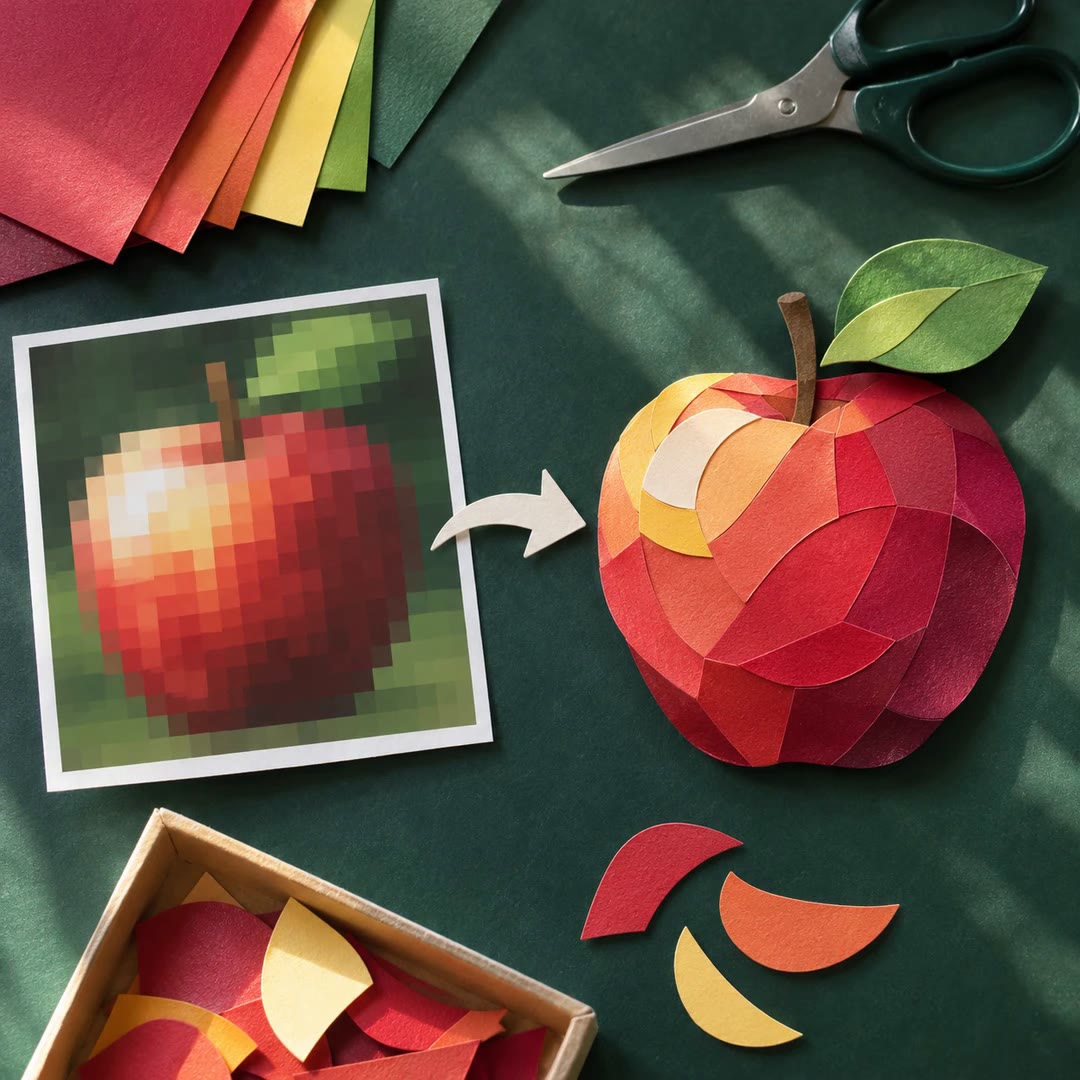
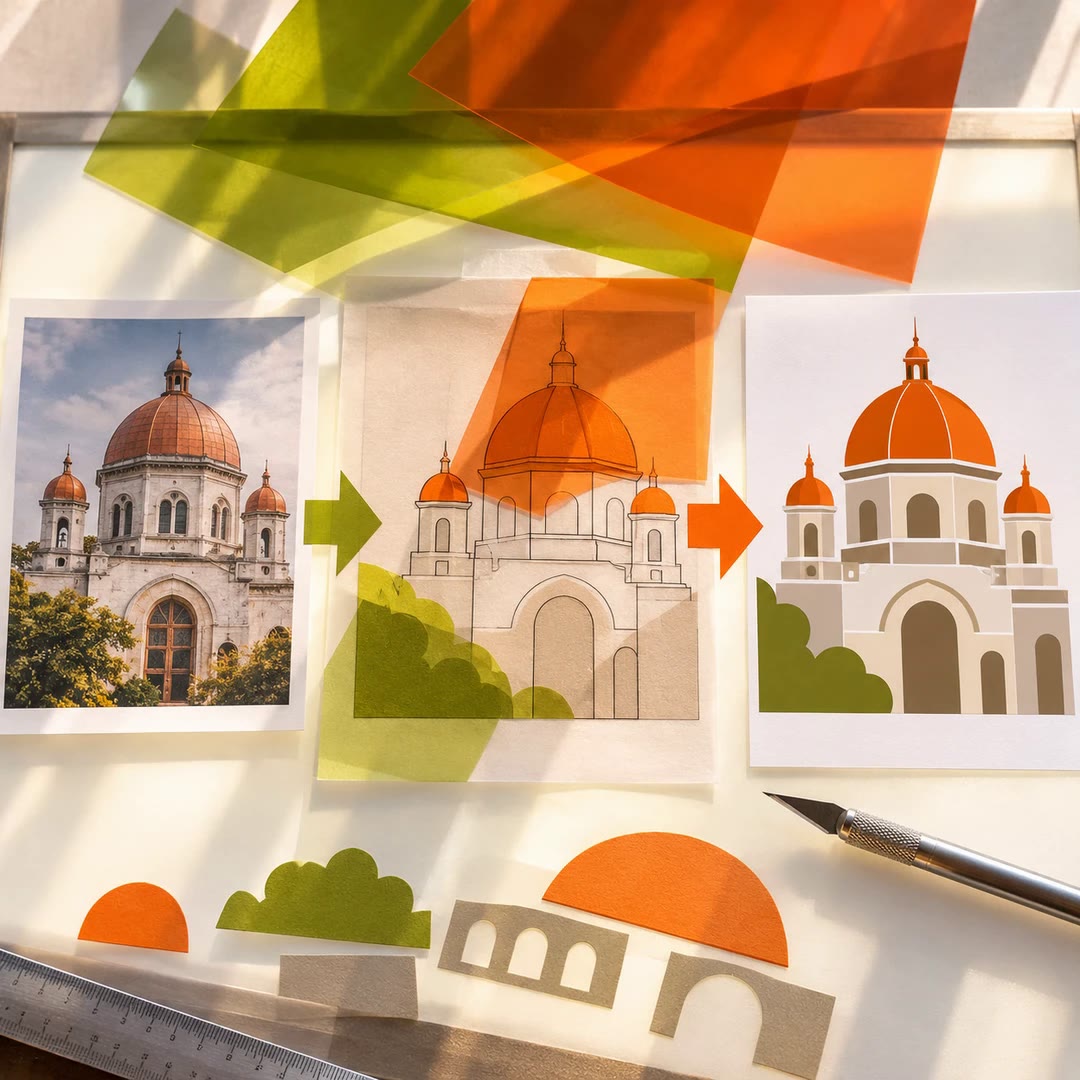
Convert images to SVG with AI
Rebuild an authorised raster reference as meaningful vector shapes, retain its proportions and inspect the rendered result rather than embedding the original bitmap.
Free - SkillNew
Plan illustrations with AI
Choose an illustration’s direction, meaningful parts and constraints before production, then hand over a readable plan rather than a premature image.
Free - SkillNew
Create animated SVG infographics with AI
Explain a concept through editable vector shapes, staged entrances and gentle loops, composed for a dark background rather than exported as a finished video.
Free - SkillNew
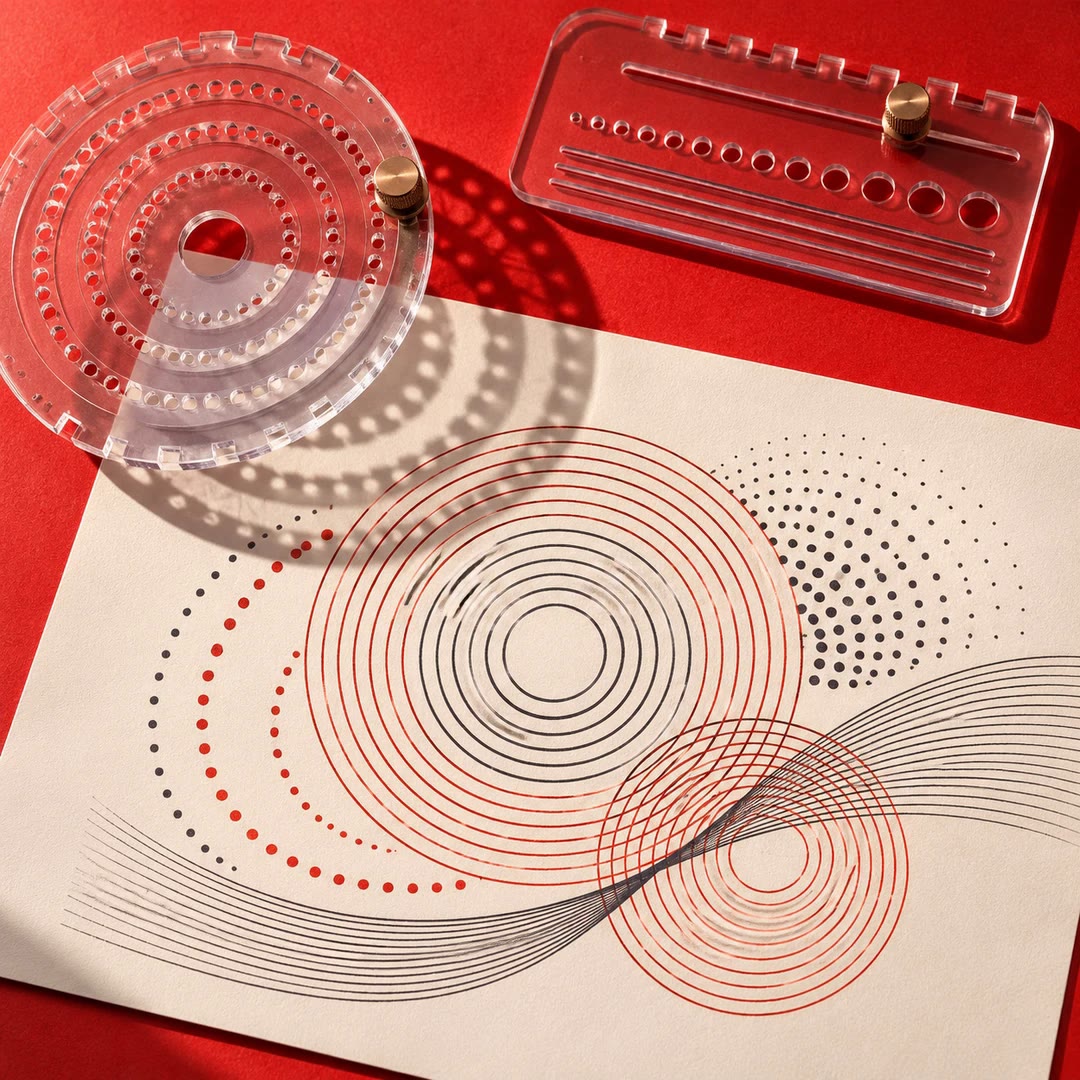
Create SVG backgrounds with AI
Build parameter-controlled rings, dots and line textures, then retain the configuration so a project can reproduce or adapt the graphic later.
Free - SkillNew
Convert images to SVG with AI
Trace an image at its native resolution or reconstruct it with SVG geometry, then check proportions, transparency and important details in the vector output.
Free - SkillNew
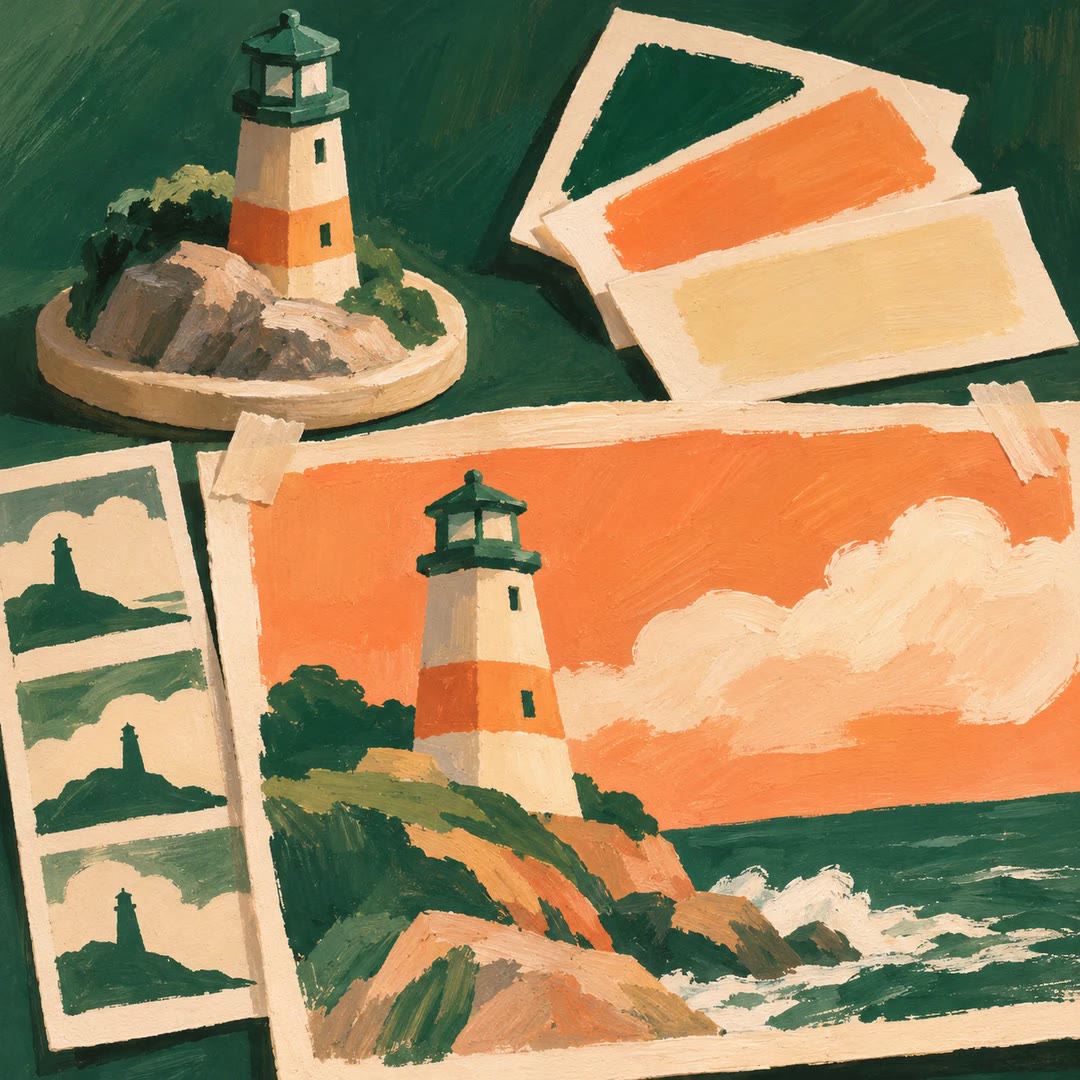
Define a visual style with AI
Turn a description or reference into a structured style entry, compare it with an existing library and review its colours, textures and composition before saving.
Free - SkillNew
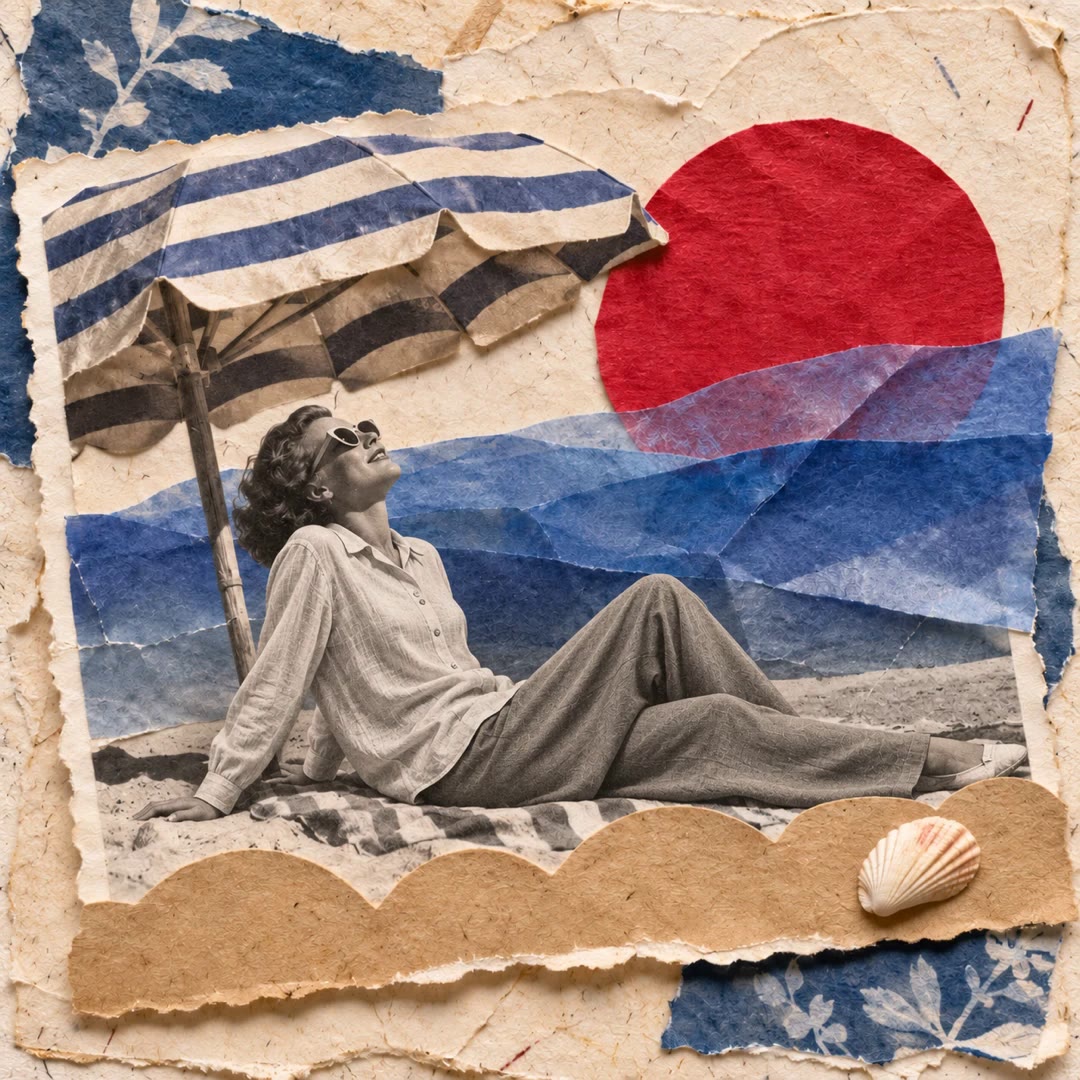
Create surreal photo collages with AI
Keep a recognisable monochrome subject while reshaping its surroundings with flat colours and one scene-derived impossible object.
Free - SkillNew
Analyse and choose typefaces with AI
Compare typeface anatomy, reading roles and pairing choices through structured recommendations with reasons and source references.
Free - SkillNew
Create UI illustrations with AI
Create editable SVG illustrations from recognisable interface objects, with project colour roles, controlled layers and visual checks at the intended size.
Free - SkillNew
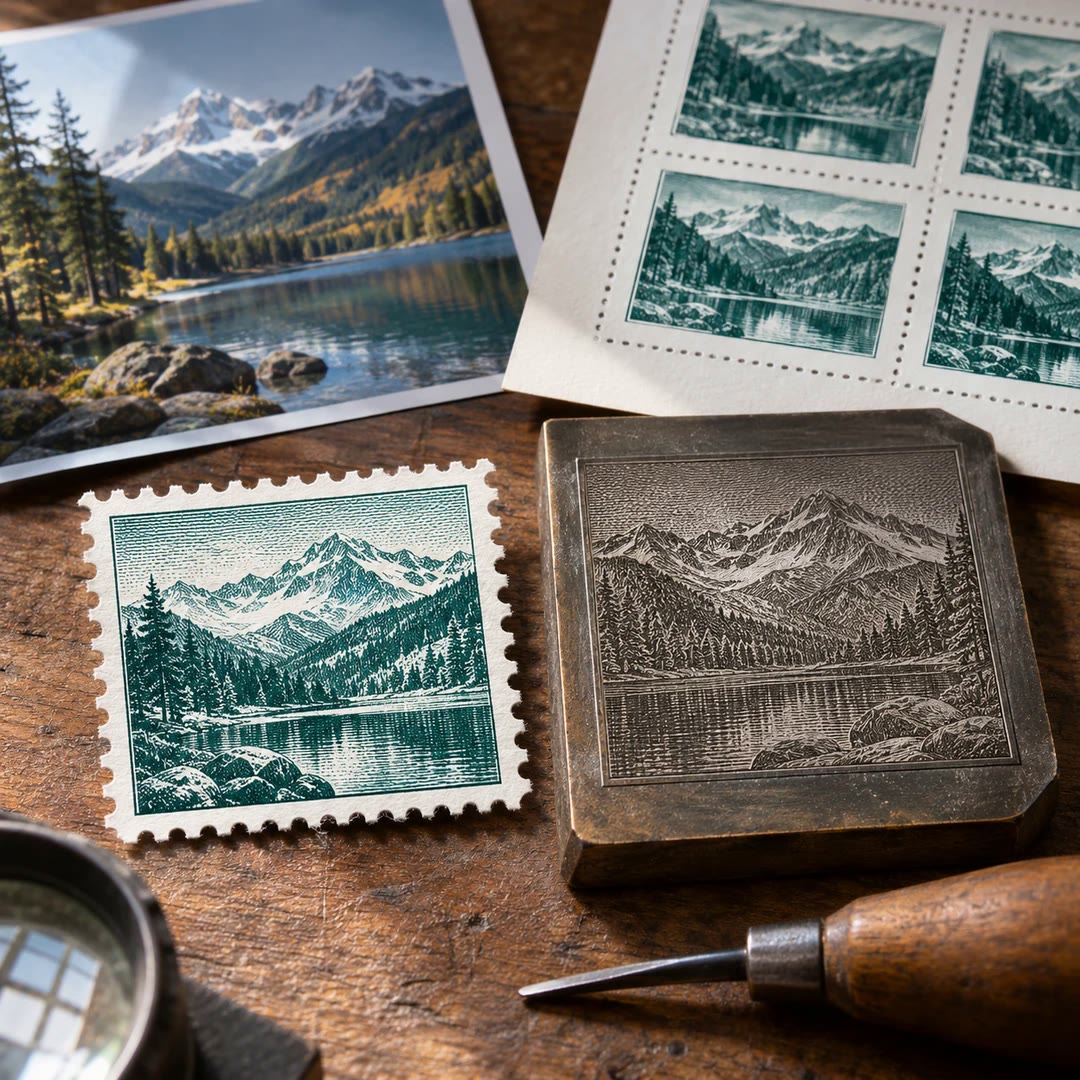
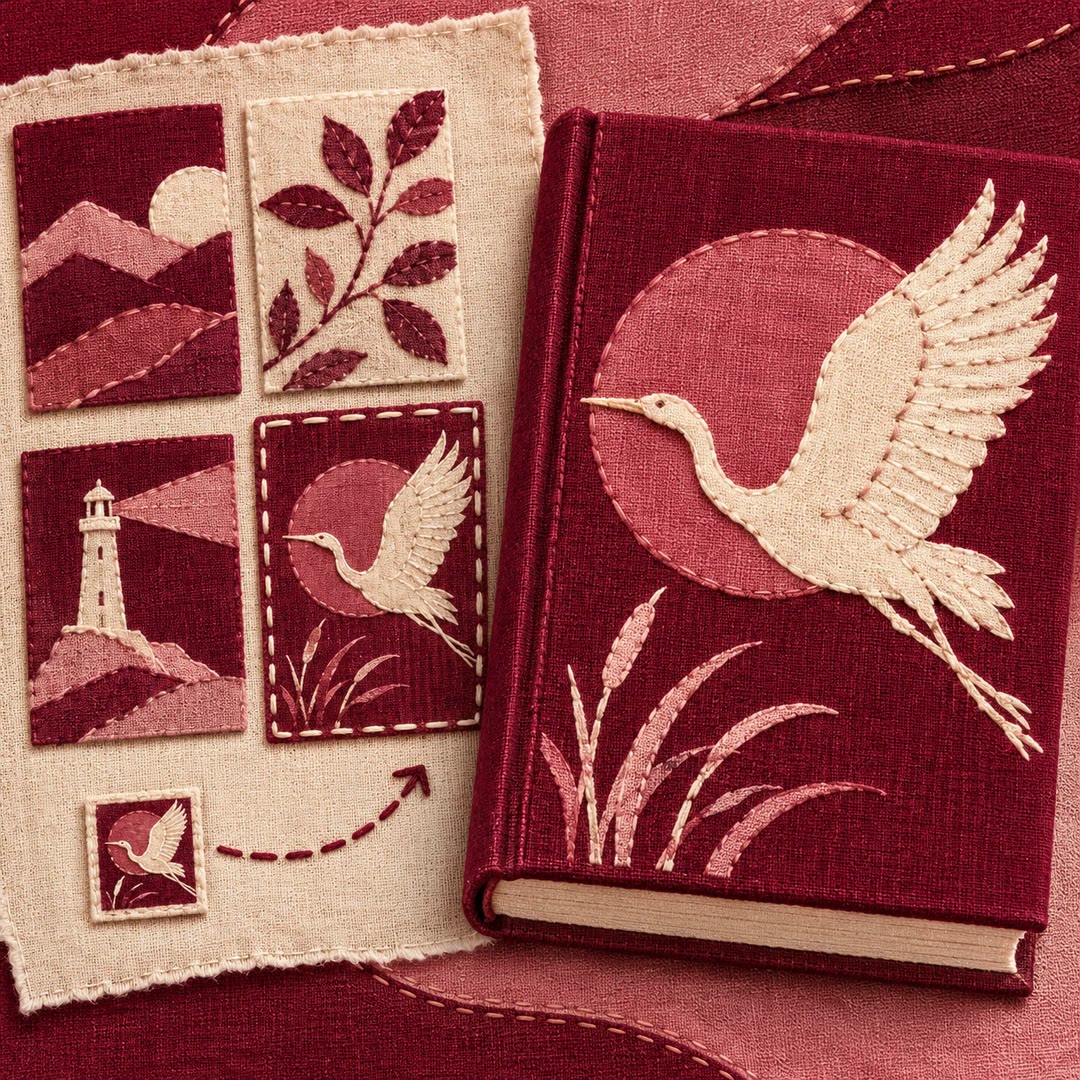
Create stamp artwork with AI
Turn an authorised travel or landscape photo into commemorative stamp artwork, with a chosen print style, precise lettering and a documented visual review.
Free - SkillNew
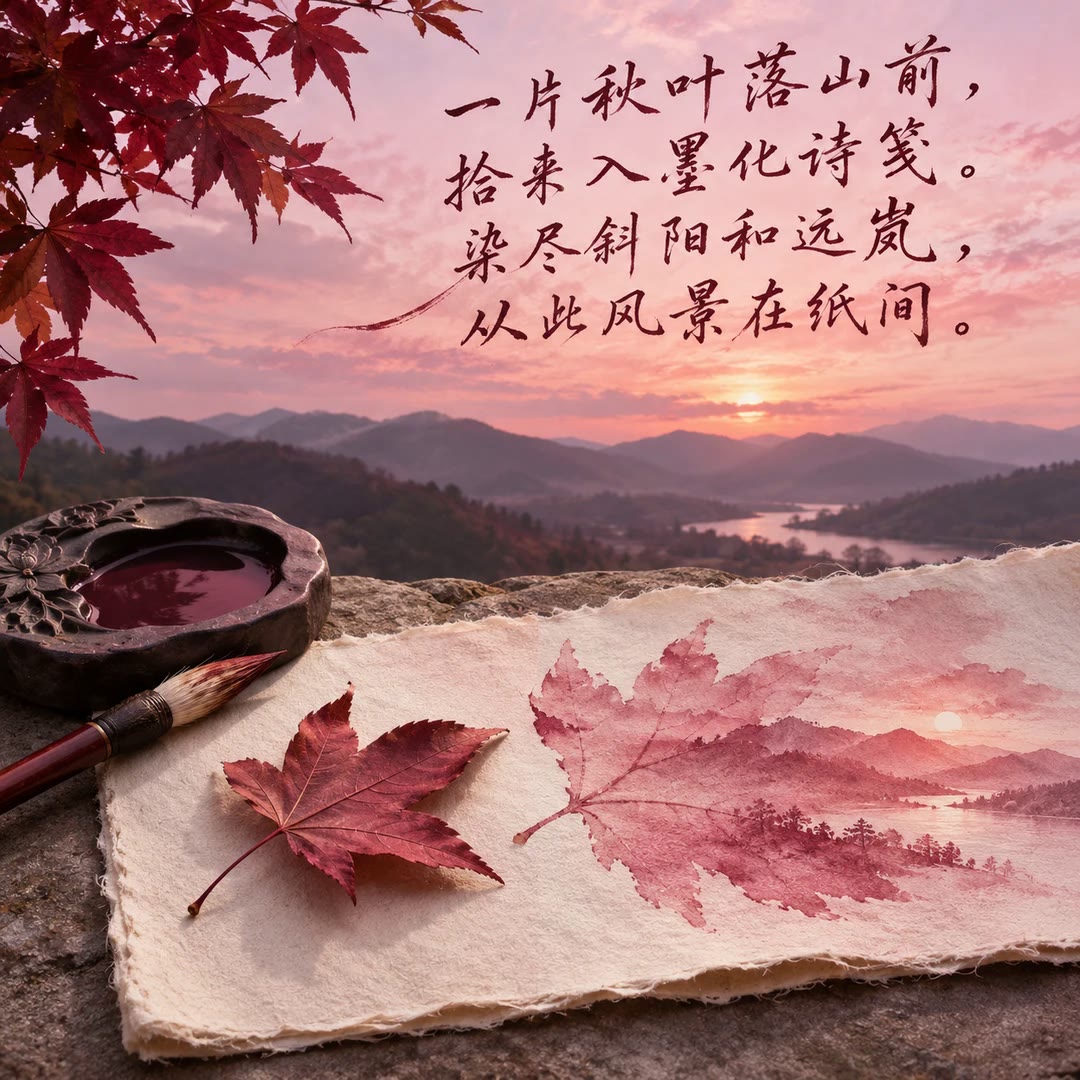
Blend poetry into photos with AI
Write a short original Chinese poem from your photo’s details, then integrate the text with the scene’s colours and surfaces while preserving the original subject.
Free - SkillNew
Edit vector art with AI in VectorCraft
Guide an agent through VectorCraft drawing, editing and export, with checks for file conversion losses and differences between app versions.
Free - SkillNew
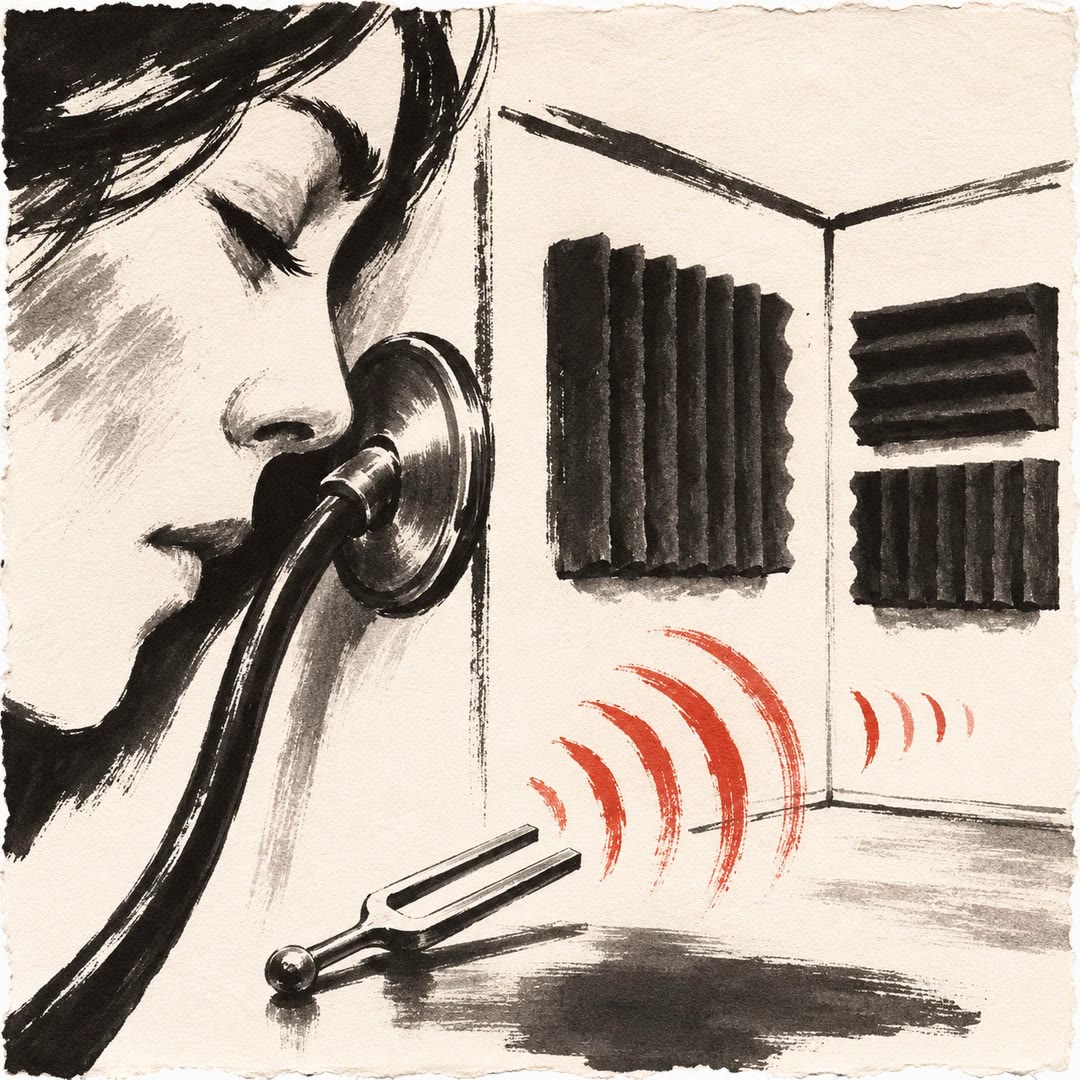
Room acoustics with AI
Describe what you hear and where you hear it. Get a shortlist of changes to test and a clearer idea of when the issue needs an acoustics specialist.
Free - SkillNew
Make a photo collage with AI
Turn a photograph into a portrait-format journal page. Its colours, subjects and textures guide the choice of paper and supporting details.
Free - SkillNew
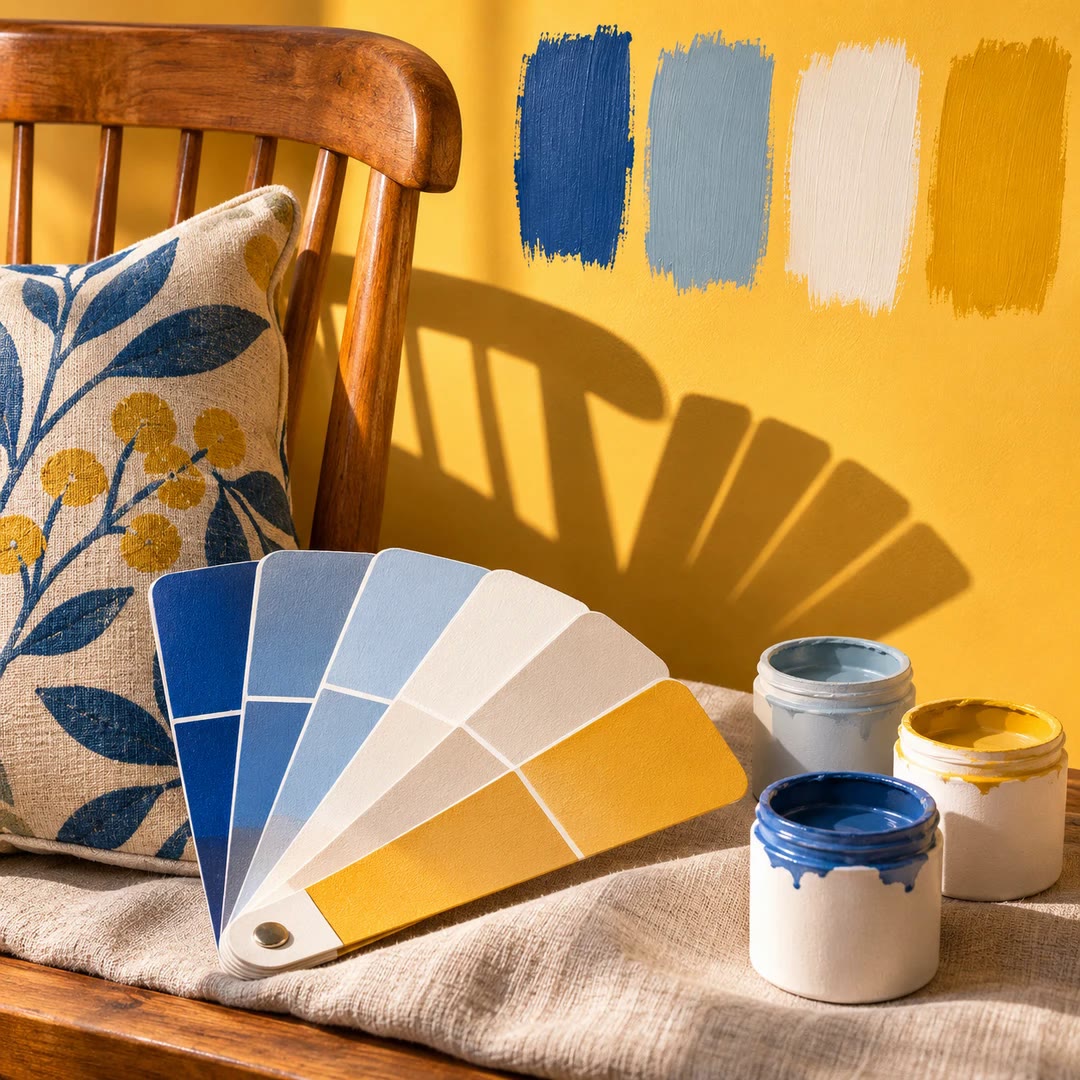
Room colour planning with AI
Build a paint palette around the things you are keeping. Get a reason for each colour, a finish suggestion and a short list of samples to test.
Free - SkillNew
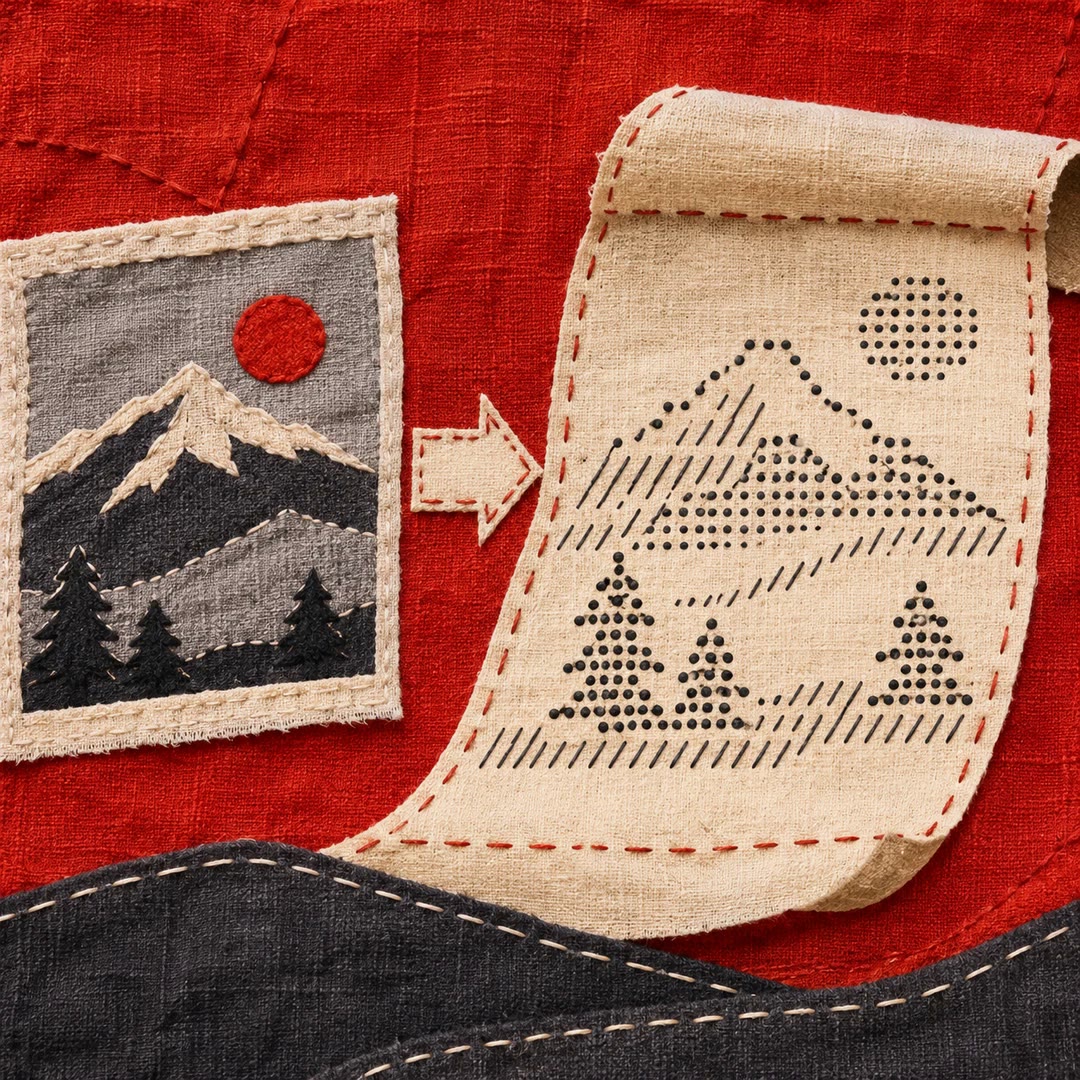
Create ASCII art with AI
Turn a title, a short message or an existing picture into text artwork that fits a terminal or a project readme.
Free - SkillNew
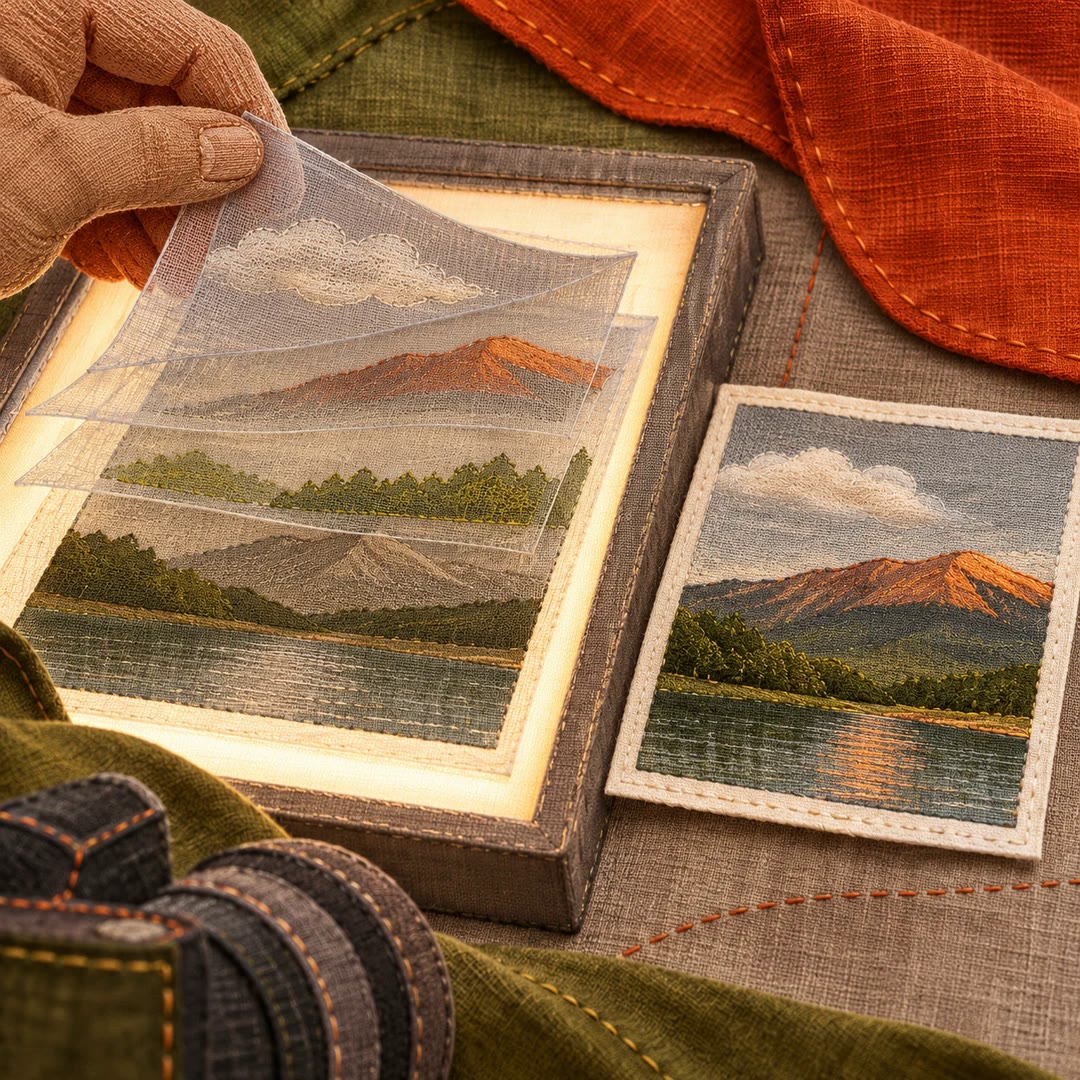
Edit photo layers with AI
Use PhotoCraft to adjust an existing photograph, preserve a layered working file and export a separate image for delivery.
Free - SkillNew
Build a type scale with AI
Choose a base size and a ratio, then generate separate body and heading tokens for CSS or Tailwind. Preview them in the actual typefaces you use.
Free - SkillNew
Lay out a brochure with AI
Use DesignCraft to build a brochure you can revise. Set up pages and linked text frames, then review the print file against the printer’s specifications.
Free - SkillNew
AI PNG to SVG icon conversion
Rebuild a raster icon as editable vector shapes and compare the rendering with the original before using it in an interface.
Free - SkillNew
AI design for matching icon sets
Approve a shared visual direction in a raster sheet, then reconstruct the chosen icons as clean SVGs and check them at their intended size.
Free - SkillNew
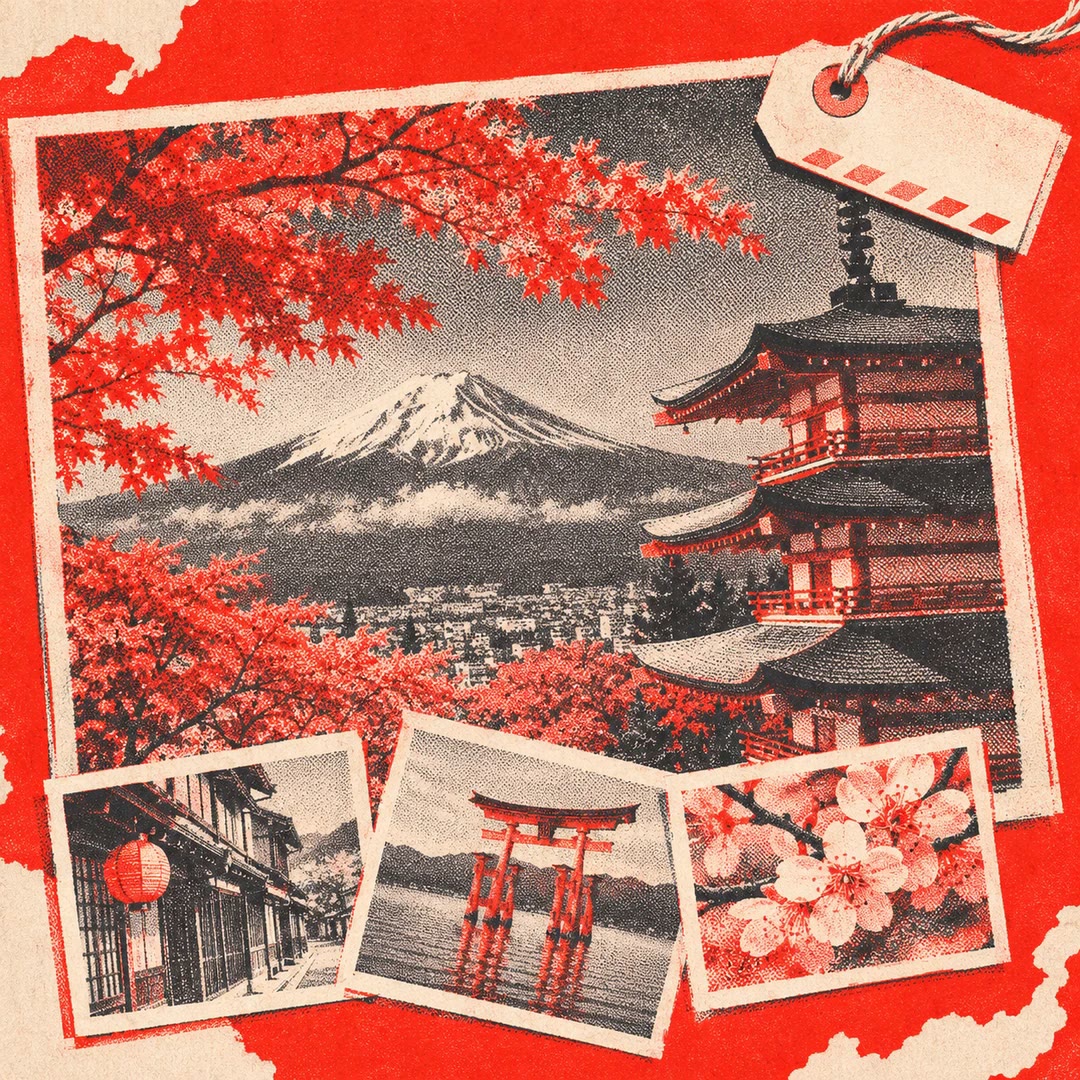
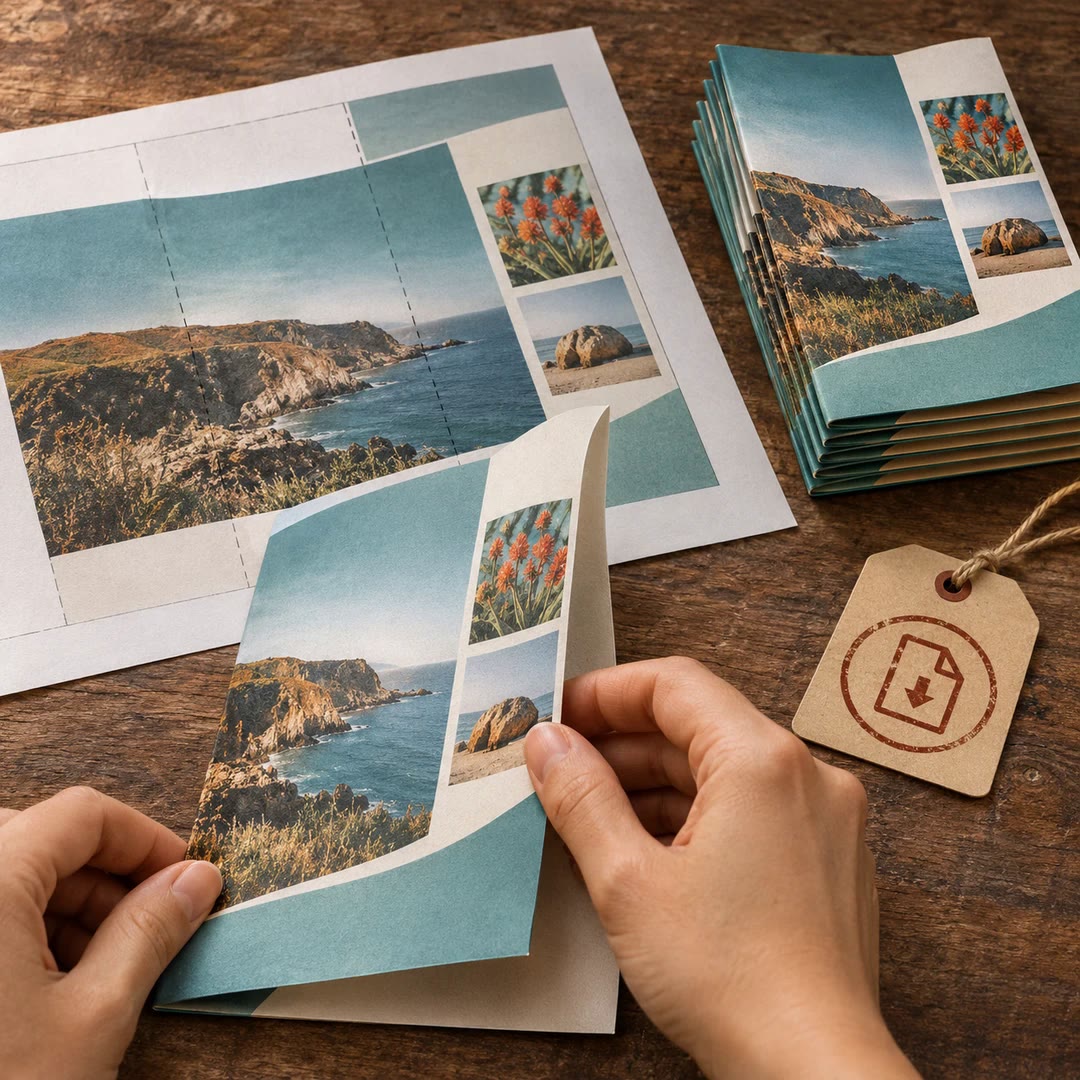
Make a travel photo poster with AI
Arrange a main photograph, a few supporting views and a short location note into an editorial travel poster. Choose the images and decide where the eye should land first.
Free - SkillNew
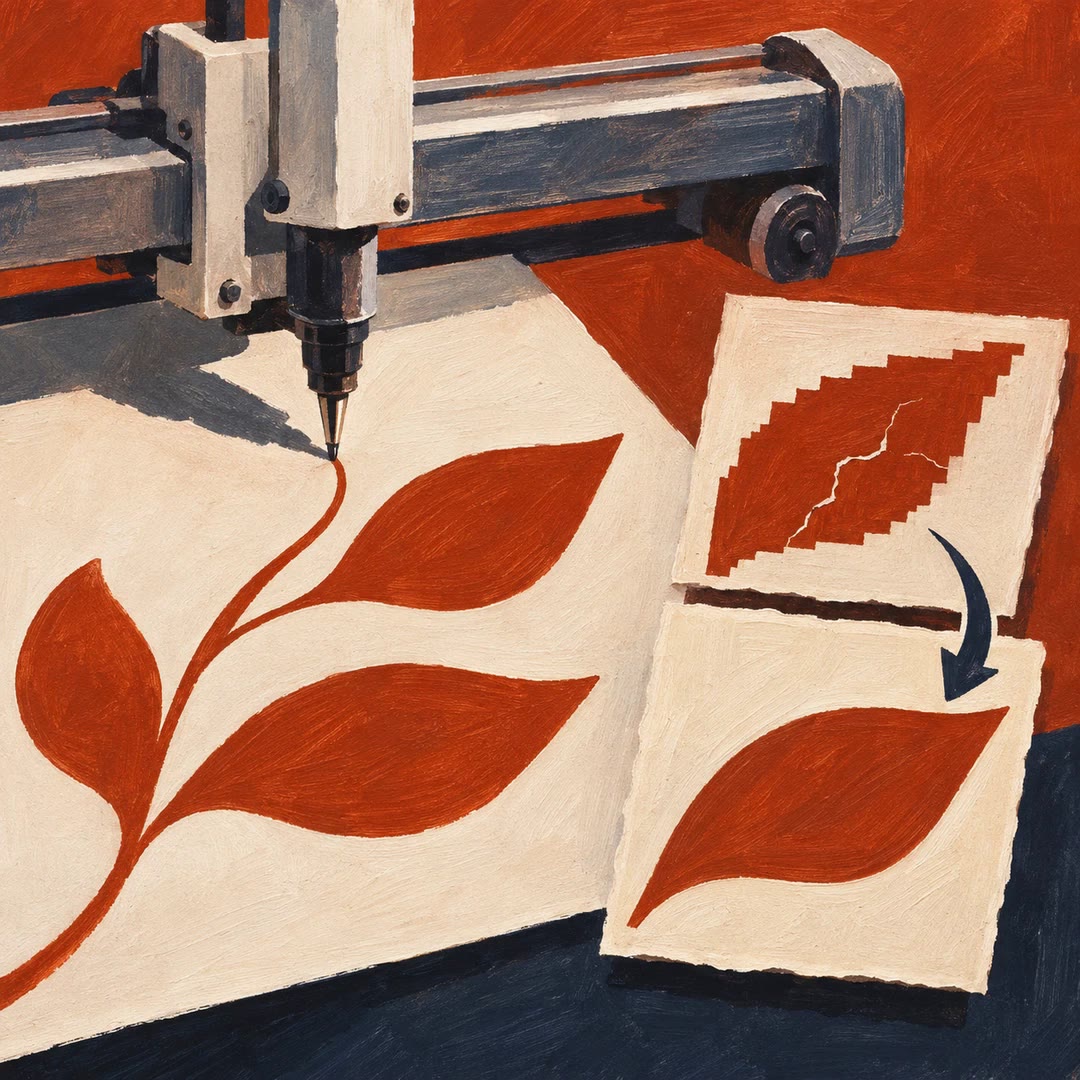
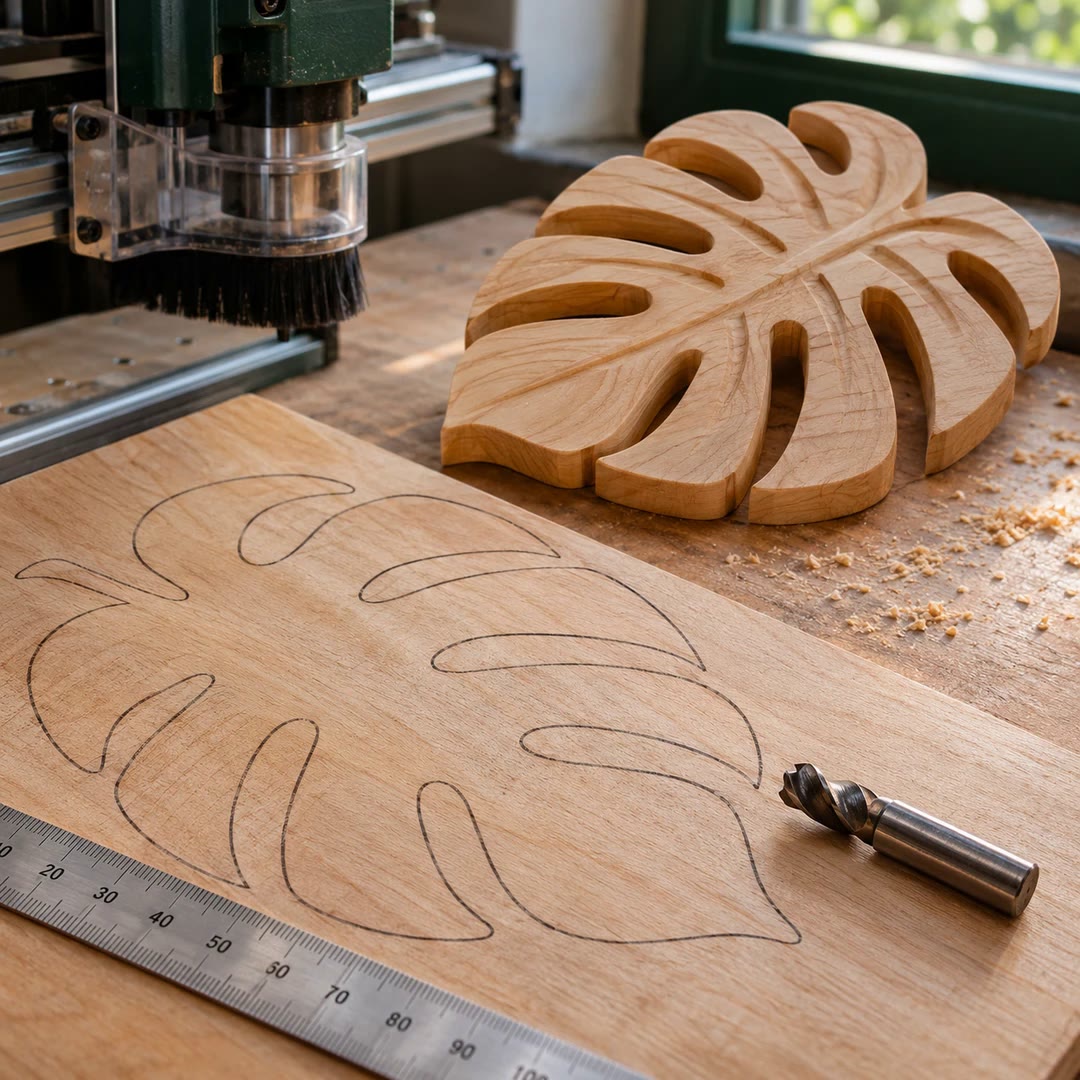
AI image tracing for CNC carving
Turn a photo or a clean illustration into an SVG sized in millimetres, with a PNG preview and a summary for the person preparing the toolpath.
Free - SkillNew
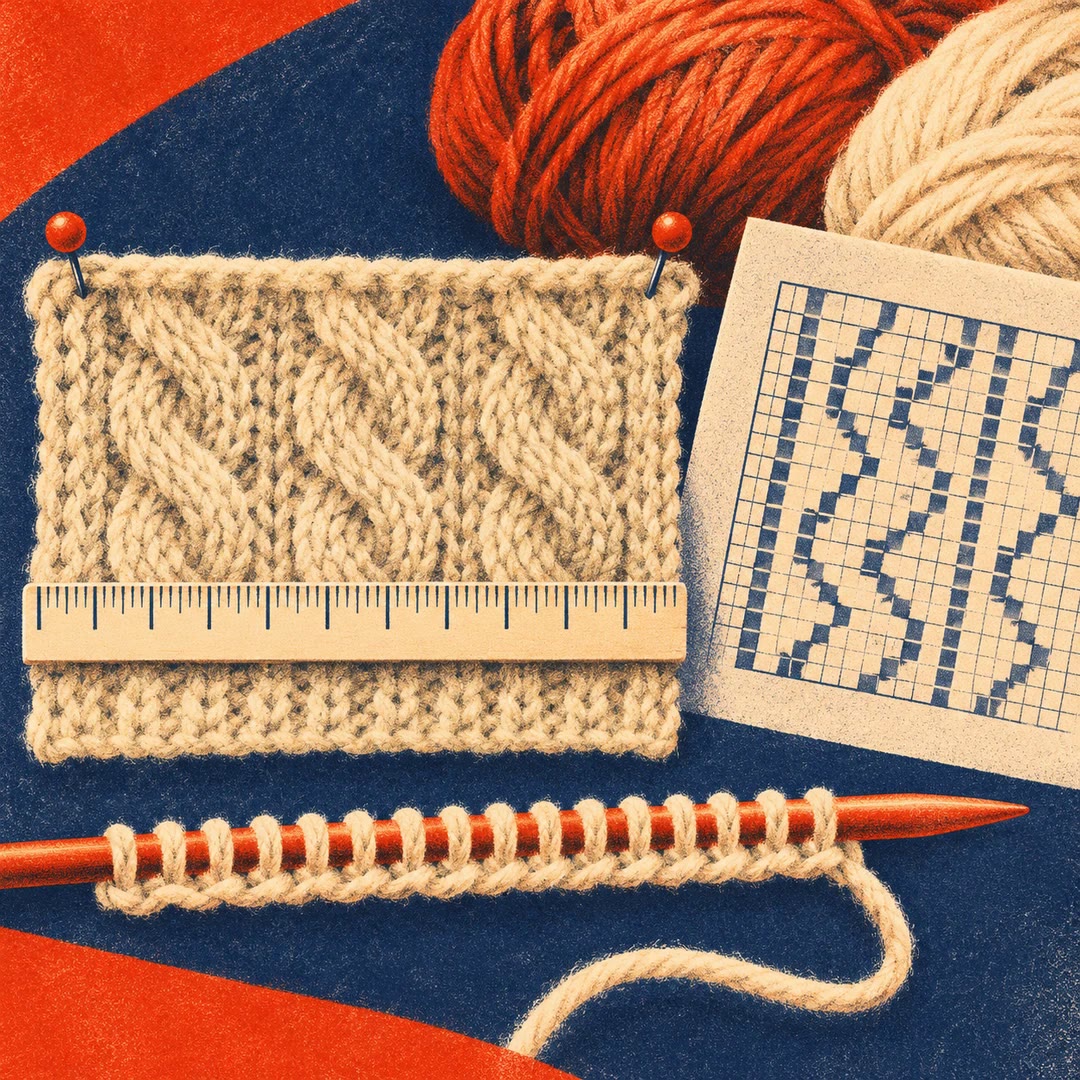
Calculate knitting cast-on stitches with AI
Measure a swatch, compare your gauge with the pattern and work out a starting count that fits the repeat. Check the expected width and estimate skeins separately.
Free - SkillNew
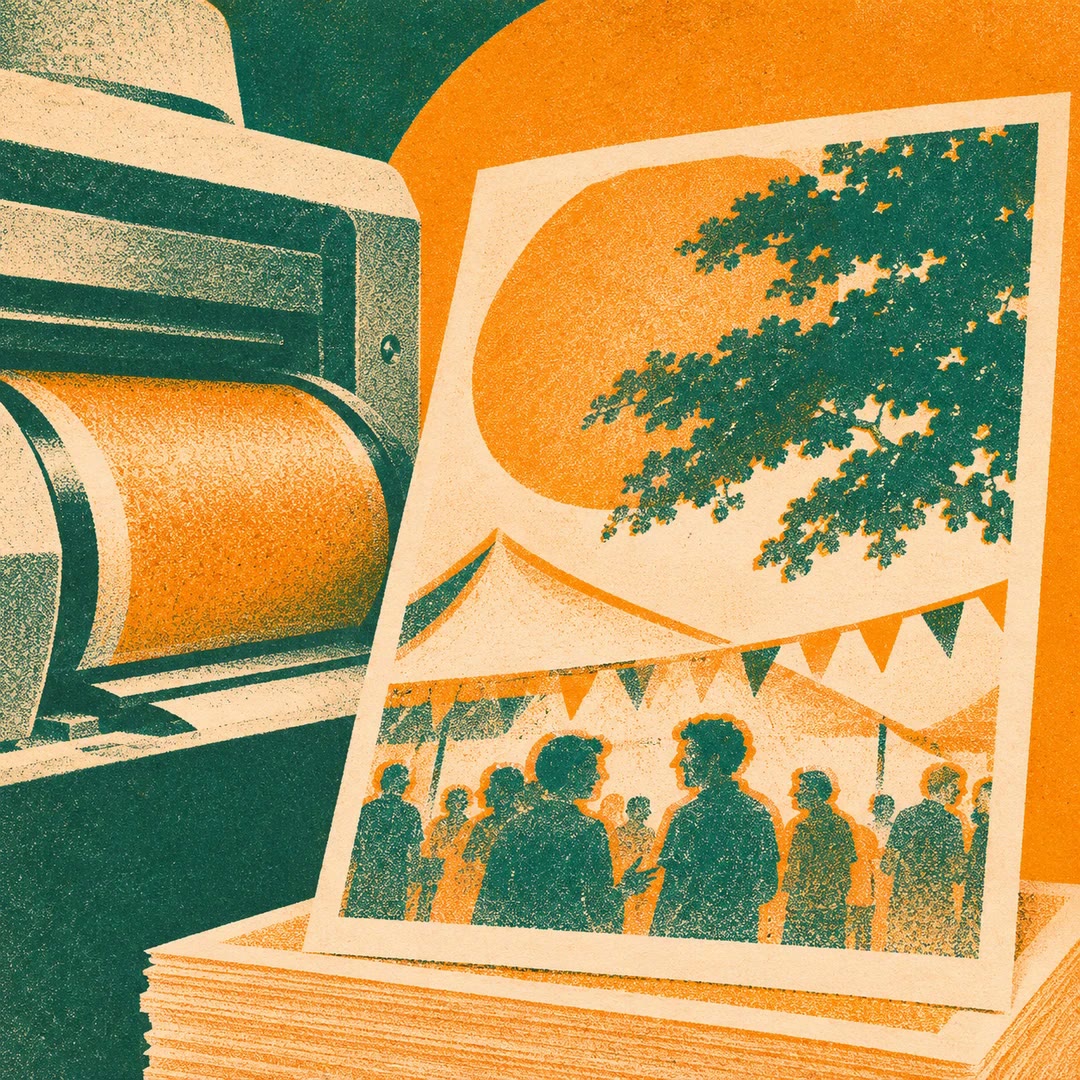
Design a risograph website with AI
Set a digital event page in warm paper tones with a limited ink palette, a poster headline and deliberately offset colour on a few display elements.
Free - SkillNew
Design a book cover with AI
Compare cover proofs for an existing Typst book, check the title at thumbnail size and apply the chosen design to the cover block.
Free - SkillNew
Recover old fonts with AI
Inspect a legacy type collection, convert recoverable outlines into usable files and review the exceptions without installing the results.
Free - SkillNew
Make an Adobe Express PDF with AI
Choose a static design template, customise the wording and export a PDF. Keep the file for printing or choose how to share it afterwards.
Free - SkillNew
Turn a photo into a poster with AI
Fit lettering, colour and graphic details around the photograph you took. Get one finished direction or a complete recipe for your image tool.
Free - SkillNew
Write an image prompt from a reference with AI
Give your agent an image you can adapt and a fresh topic. In a Chinese-language discussion, choose what carries over and take the resulting prompt to your image tool.
Free - SkillNew
Build an online zine with AI
Give each instalment a readable web page, with a shared masthead, an editorial layout and a route through the rest of the series.
Free - SkillNew
Design a publication grid with AI
Specify margins, columns, gutters and recurring spreads for a magazine, report or catalogue. Give the designer a measured plan they can test against real content.
Free - SkillNew
Select portfolio projects with AI
Choose work for a particular audience, decide its order and explain your contribution to group projects. Get a written plan for the homepage and project pages.
Free - SkillNew
AI album cover prompt writing
Find a visual idea in your tracks and turn it into a prompt for your image tool. Keep the chosen prompt with the album for later revisions.
Free - SkillNew
Convert SVG to PNG with AI
Render a local vector drawing at a chosen size, keeping transparency or choosing a solid background to suit its destination.
Free - SkillNew
Design from Adobe Express templates with AI
Find templates for a specific job, choose one yourself and adapt the text or background. Available editing and export tools depend on your Adobe account.
Free