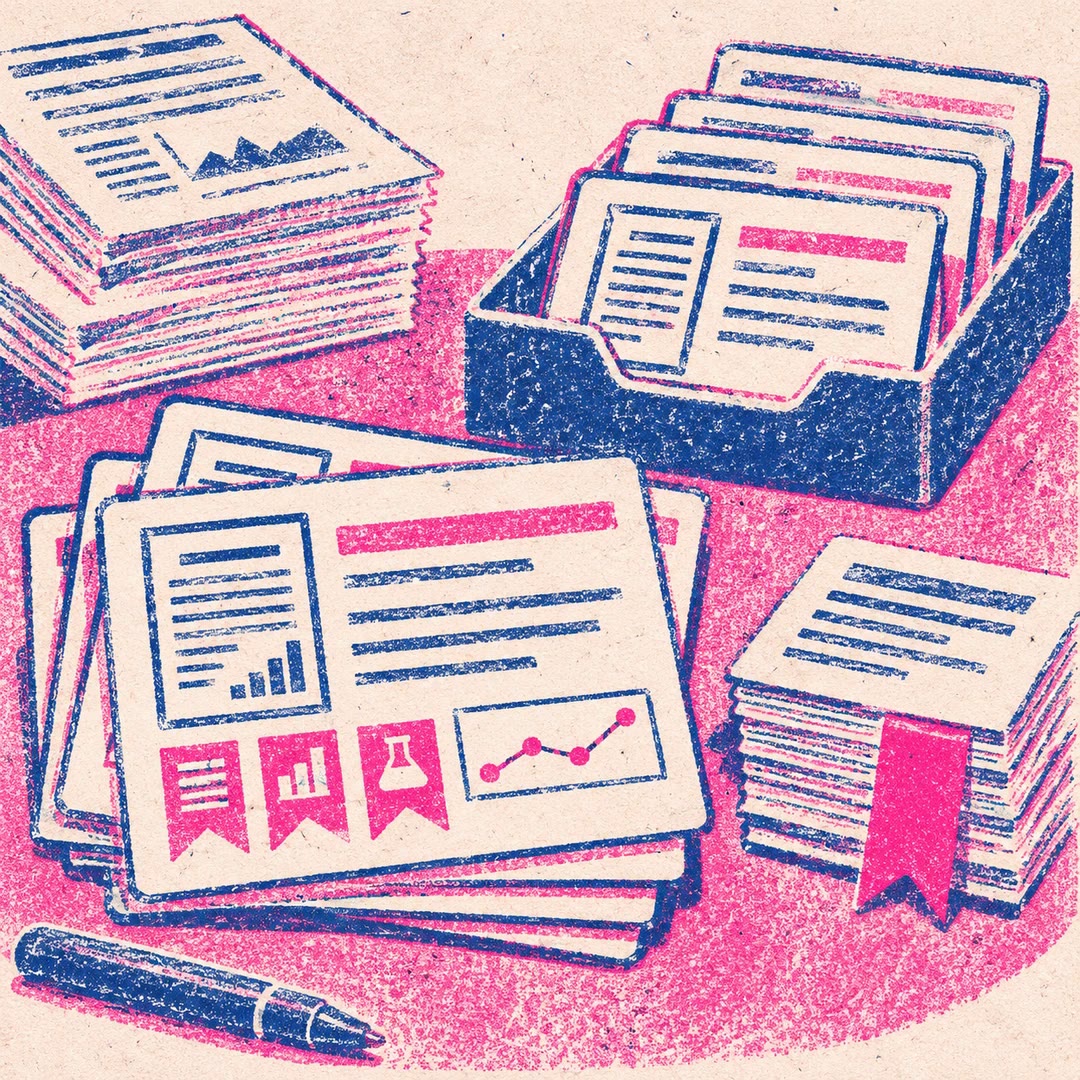
Find report citations in Zotero with AI
Choose a report passage and compare possible APA references from your own Zotero library. The agent shows what each paper supports before editing your report.
Find report citations in Zotero with AI when a sentence makes several claims and each needs evidence. The agent-python-cli skill searches the personal library on your computer. Its Python helper fetches matching records and passages from indexed PDFs. The agent then judges whether a passage supports the whole sentence, one clause or simply the background.
You can stop at the shortlist, ask for a closer look or approve particular references. If you choose to edit, the agent checks the sentence in context and makes a backup before changing the report. It also checks new entries against the existing project bibliography.
What it does
- Search several phrases for each claim without repeating identical queries.
- Read a wider window around an indexed passage before choosing it.
- See which suggestions rely on an abstract and where evidence is missing.
- Place an APA citation beside the particular clause it supports.
- Match approved references against entries already recorded in the project.
Install and use
- Install the skill with its helper. Use Python 3.10 or later and open Zotero desktop with local application access enabled.
- Identify your report folder and ask, “Which papers in my library support these two sentences? Show me the relevant passages.”
- Approve the matches you want and check the edited report alongside its references.
FAQ
Source
Made by Eric Lawrey, Australian Institute of Marine Science. Original skill: agent-python-cli, published on GitHub under the MIT licence.
View on GitHubRelated products
- SkillNew
Create English paper digests with AI
Build an English research digest and local reading queue with verified paper identities, evidence-rich cards and a history that avoids repeated recommendations.
Free - SkillNew
Read long PDFs with AI
Split a local document into page-based PDF and text chunks, read them in sequence and consolidate source-linked notes, checking important visuals against the original.
Free - SkillNew
Read research papers in stages with an agent
Choose a reading depth that fits your research question, then keep claims, evidence, assumptions and unperformed checks distinct in your notes.
Free