Products
Skills, prompt kits and templates for working with AI.
Product list
- SkillNew
Light outdoor Godot scenes with AI
Review sunlight, sky, tone mapping, contact shading and fog in order, using your own scene views and performance checks.
Free - SkillNew
Create Blender mockups with AI
Place your artwork or model in a Blender scene, review lighting and framing, and export stills or a turntable with editable source files.
Free - SkillNew
Build a Blender forest with AI
Develop a natural environment through staged scene scripts, reference-based camera planning and small render comparisons, using assets you are authorised to supply.
Free - SkillNew
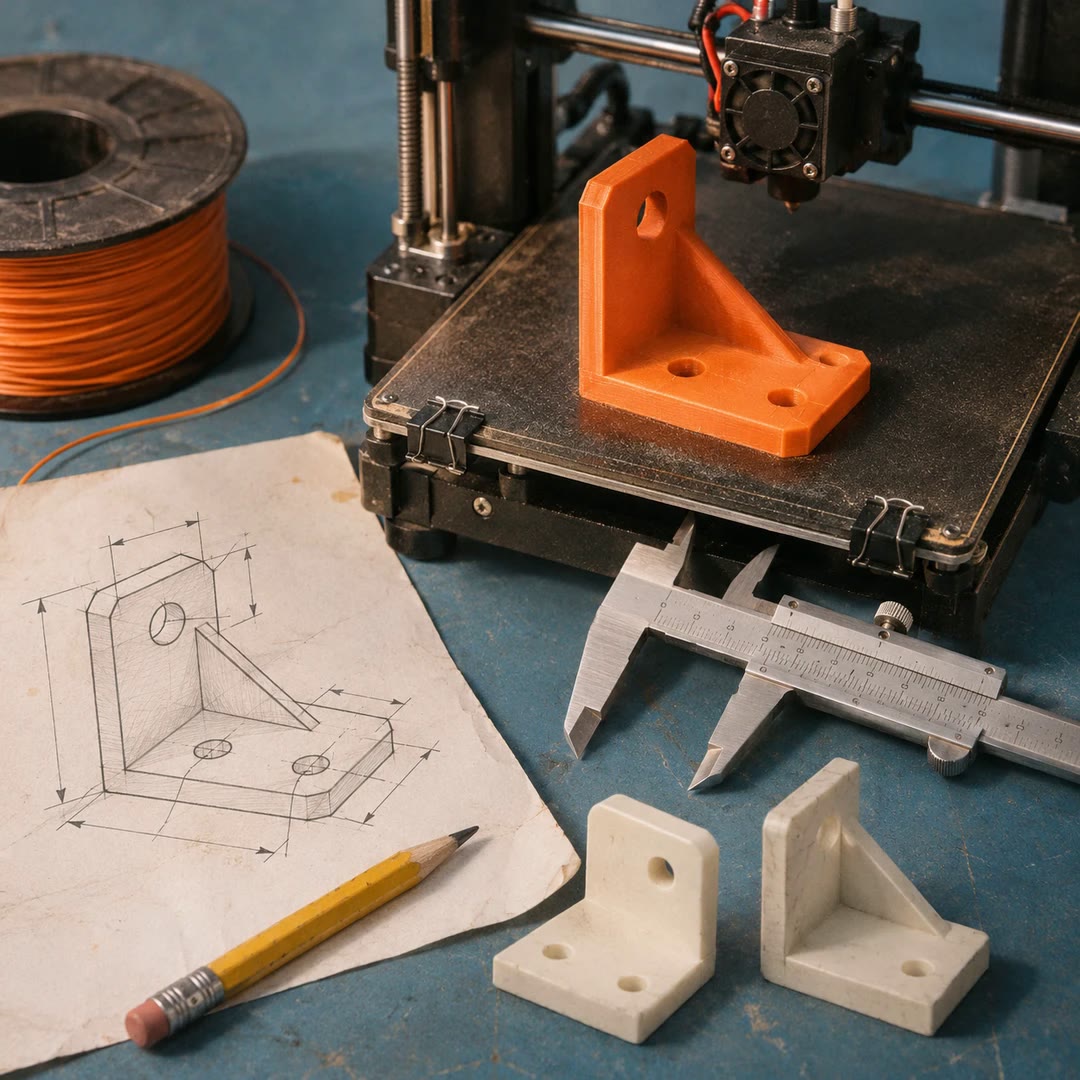
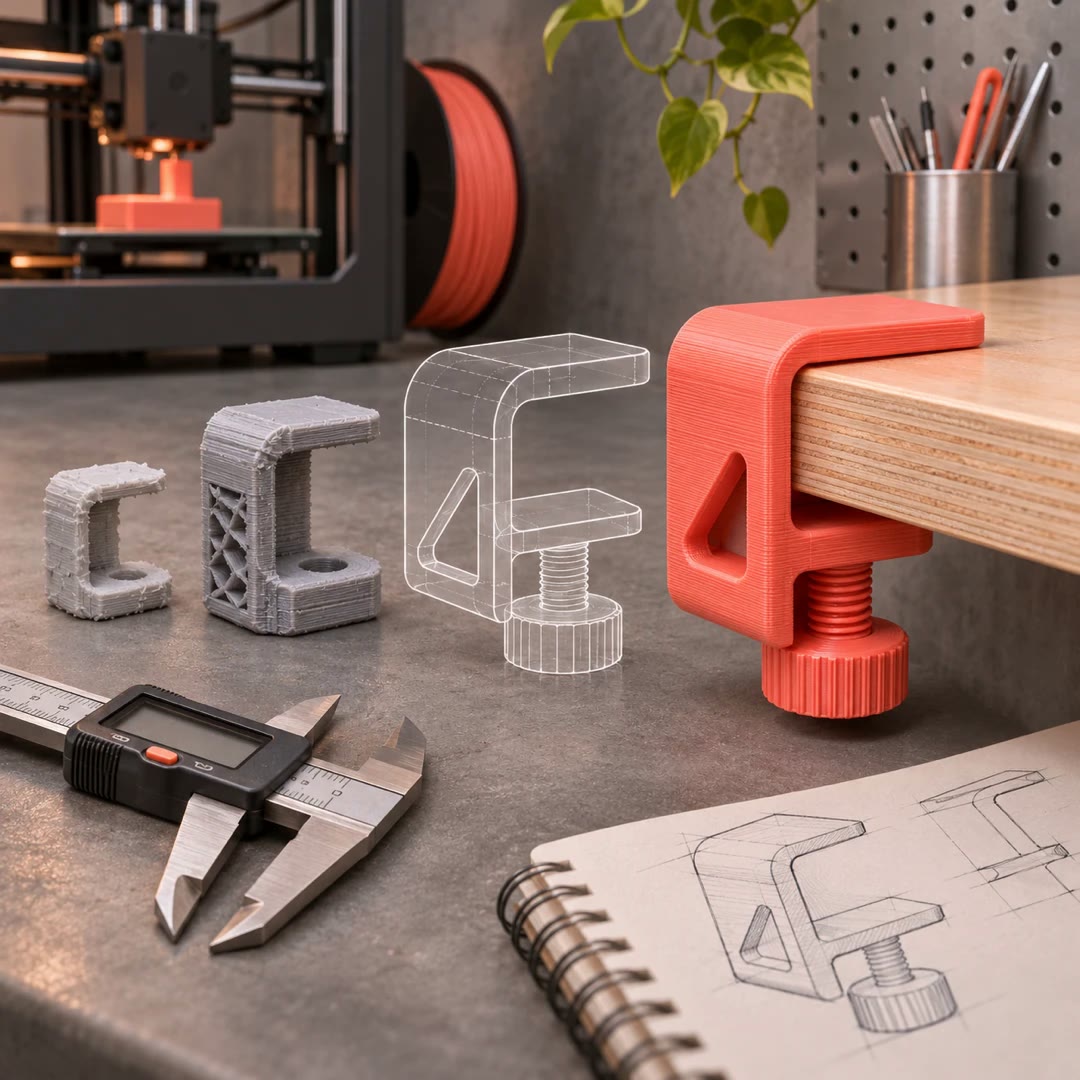
Create 3D-printing models with AI
Build or revise a dimensioned model, retaining editable sources alongside exported geometry, useful previews and an explicit account of what was checked.
Free - SkillNew
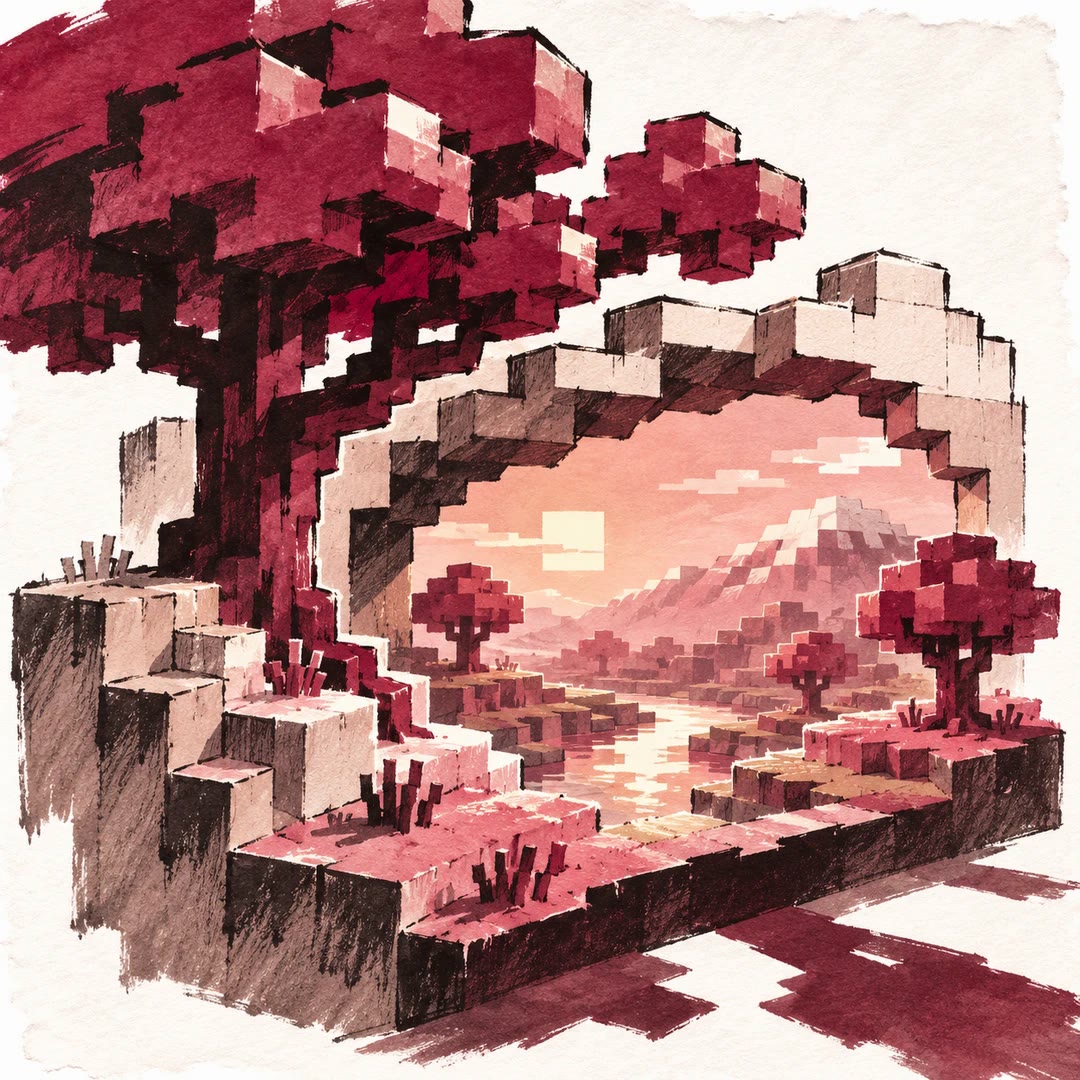
Create pixel-style 3D scenes with AI
Develop depth, lighting and pixel artwork around a clear viewing experience
Free - SkillNew
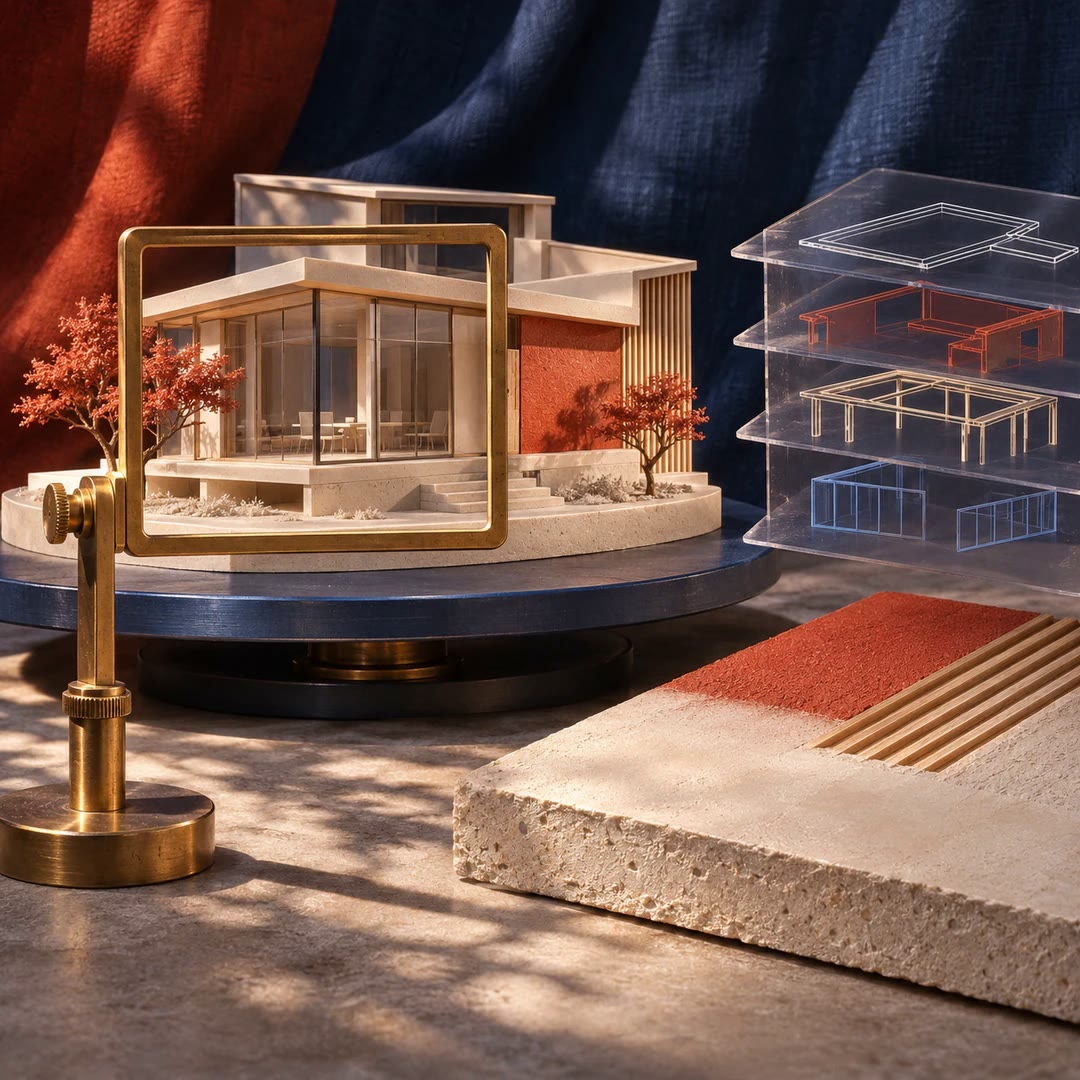
Architectural Blender renders with AI
Build from supplied dimensions and compare alternatives through matched views
Free - SkillNew
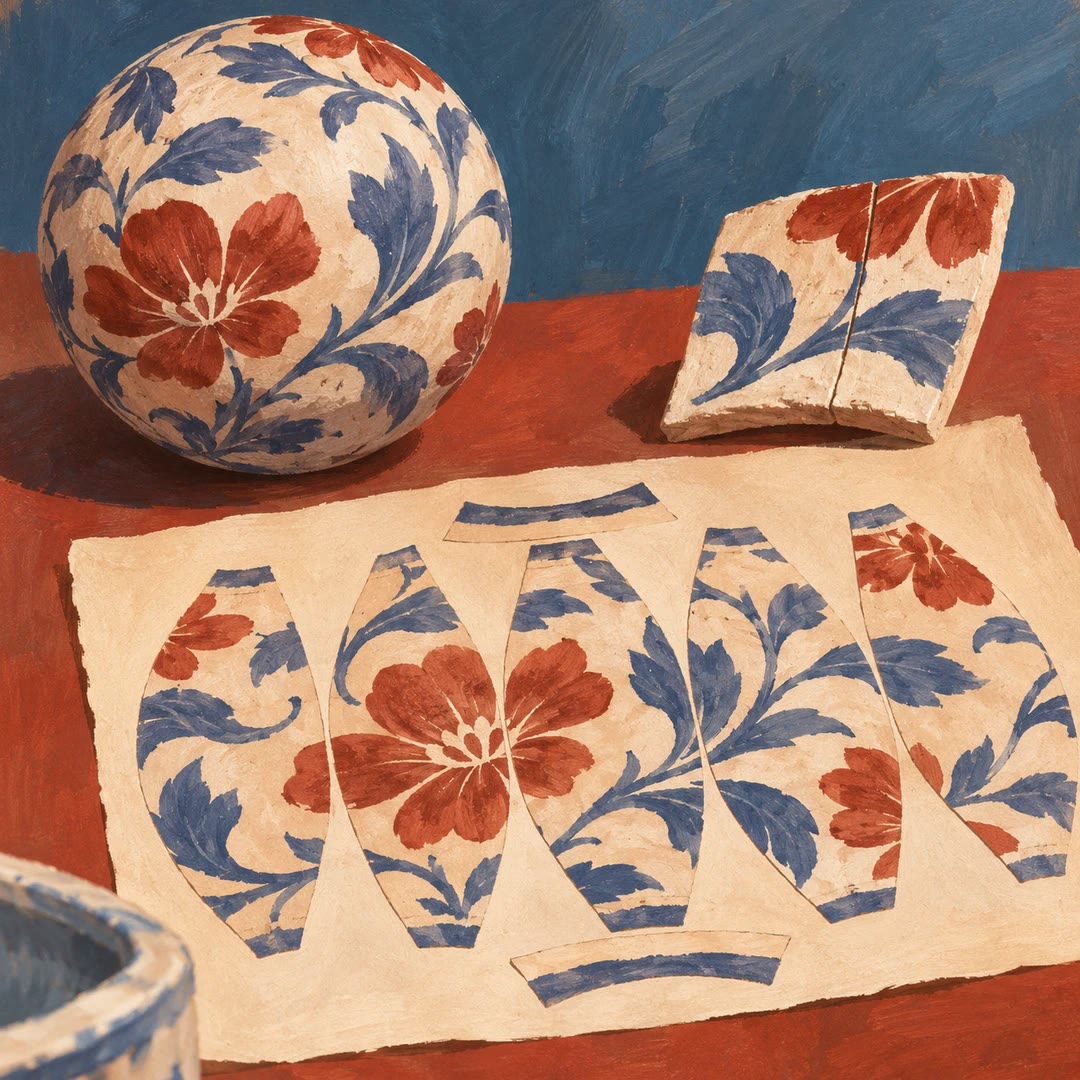
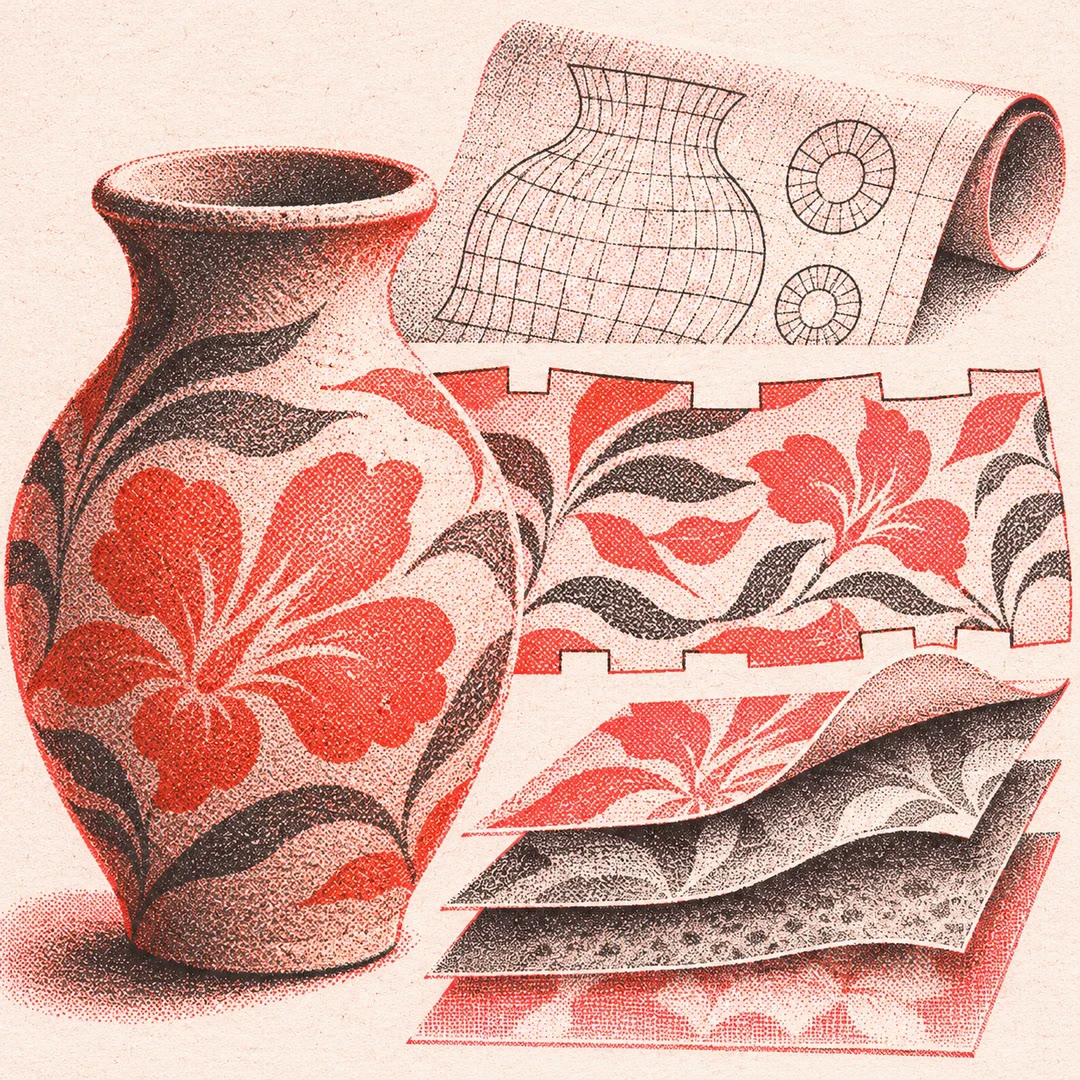
Blender UV baking with AI
Prepare UV layouts and transfer surface detail through small tests and previews
Free - SkillNew
Add four seasons to a 3D scene with AI
Coordinate foliage, ground, lighting and sky across four seasons while retaining the scene’s camera, controls and existing interactions.
Free - SkillNew
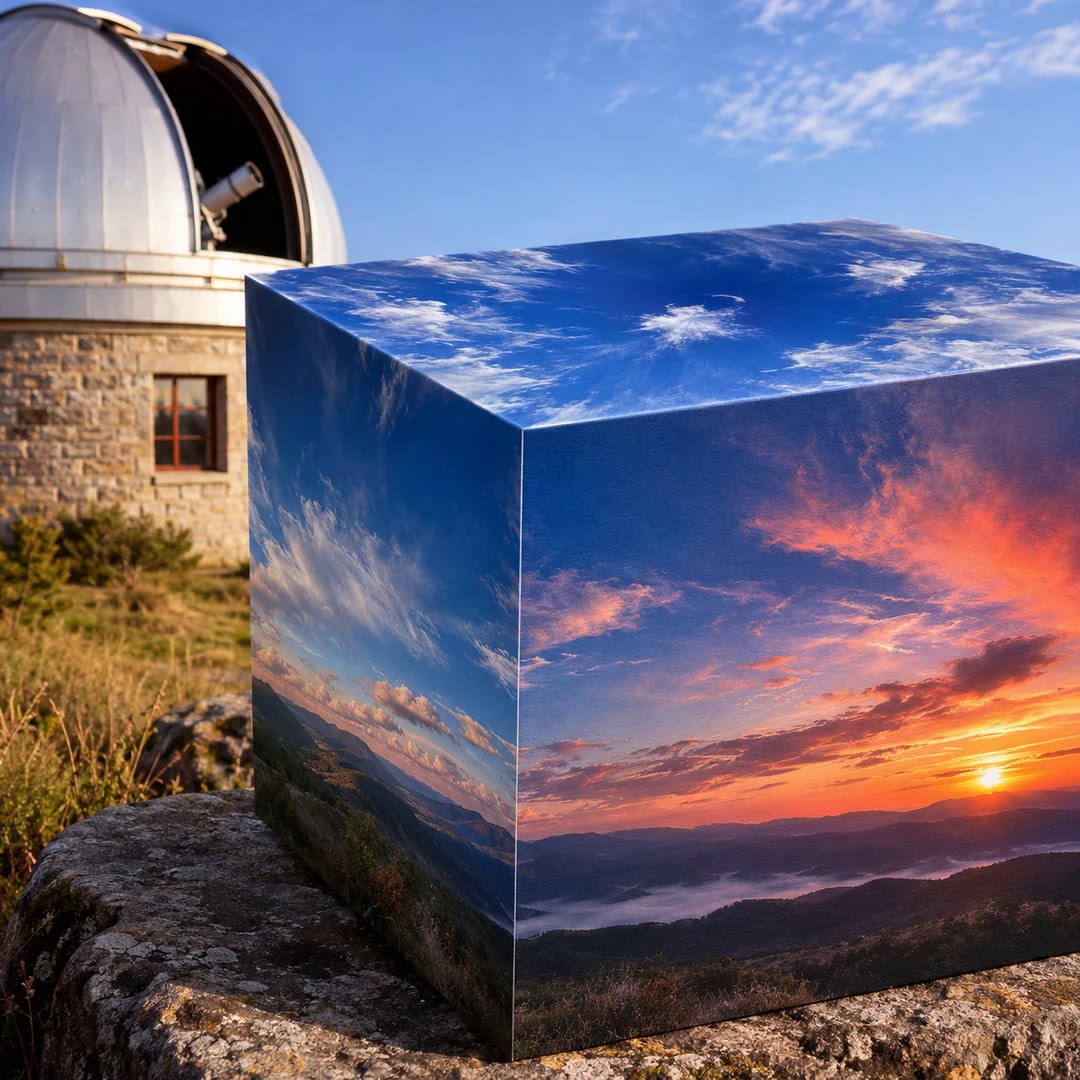
Create 3D skies with AI
Build a sky that fits an existing 3D scene, with coherent sunlight, reflections, camera movement and a usable fallback when textures fail.
Free - SkillNew
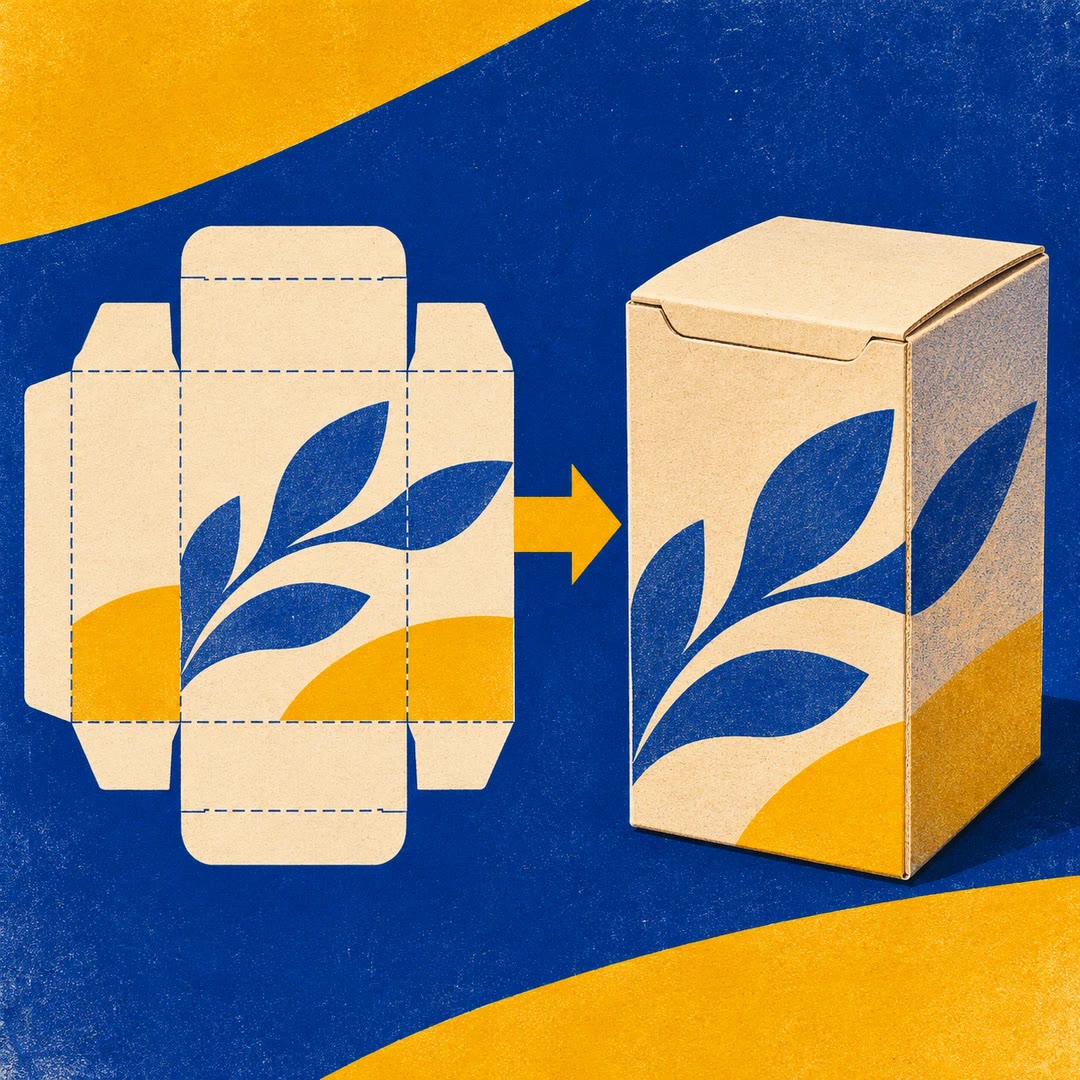
Turn a dieline into a Blender model with AI
Check a straight-tuck carton’s SVG dieline, build an editable Blender model and inspect folds and board thickness before making the final render.
Free - SkillNew
Create materials in MaterialCraft with AI
Build a procedural surface, adjust its colour and roughness, then inspect exported maps alongside a preview and an editable source project.
Free - SkillNew
Texture 3D models in TextureCraft with AI
Work with TextureCraft layers, materials and baked mesh maps, then inspect the project, preview and exported texture files through documented tools.
Free - SkillNew
Capture Rhino model views with AI
Take a review image from the intended saved model, check what the camera framed and record which layers were visible.
Free - SkillNew
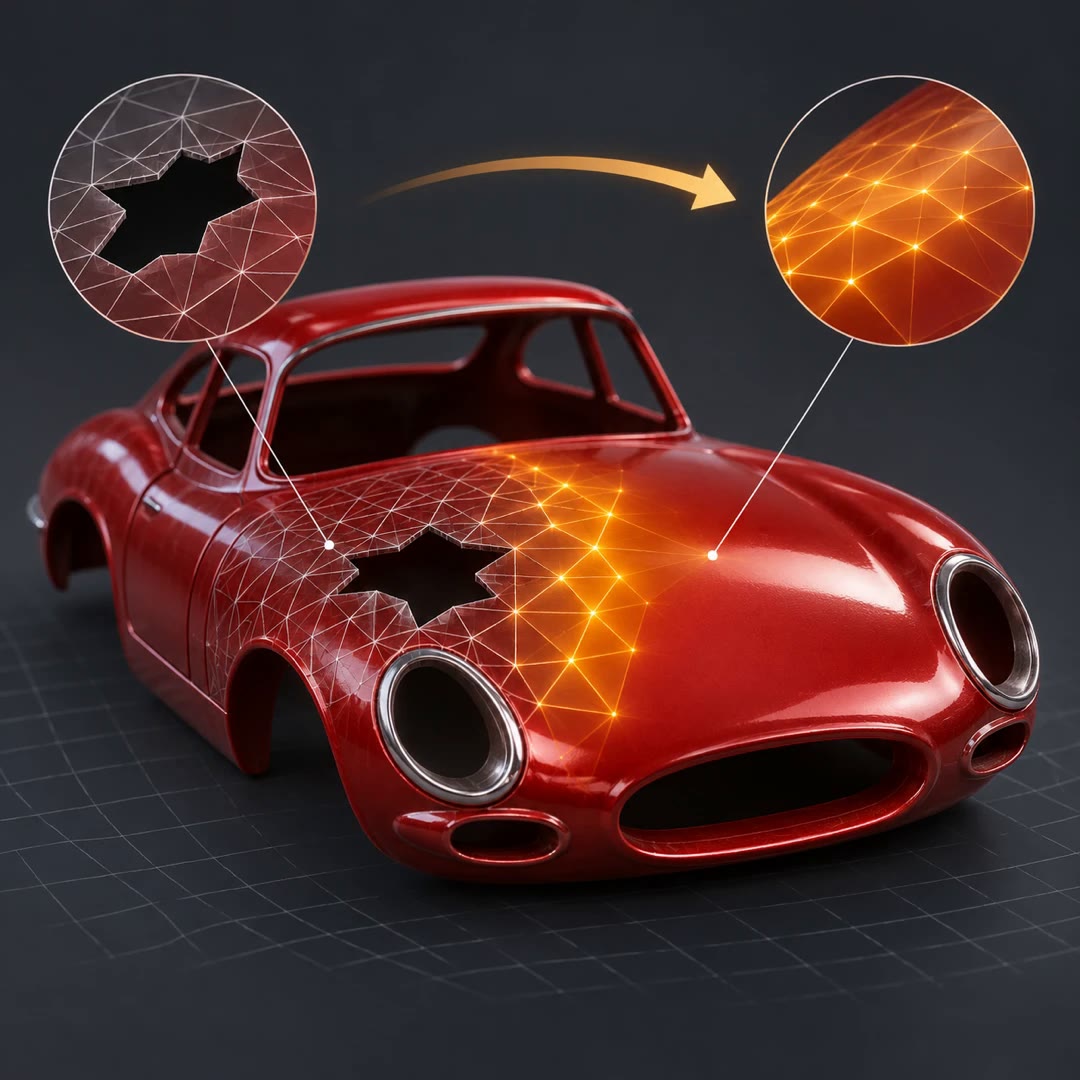
AI STL repair for scale models
Check a model for open edges and loose fragments, then test whether a replacement part can actually move past its neighbours into place.
Free - SkillNew
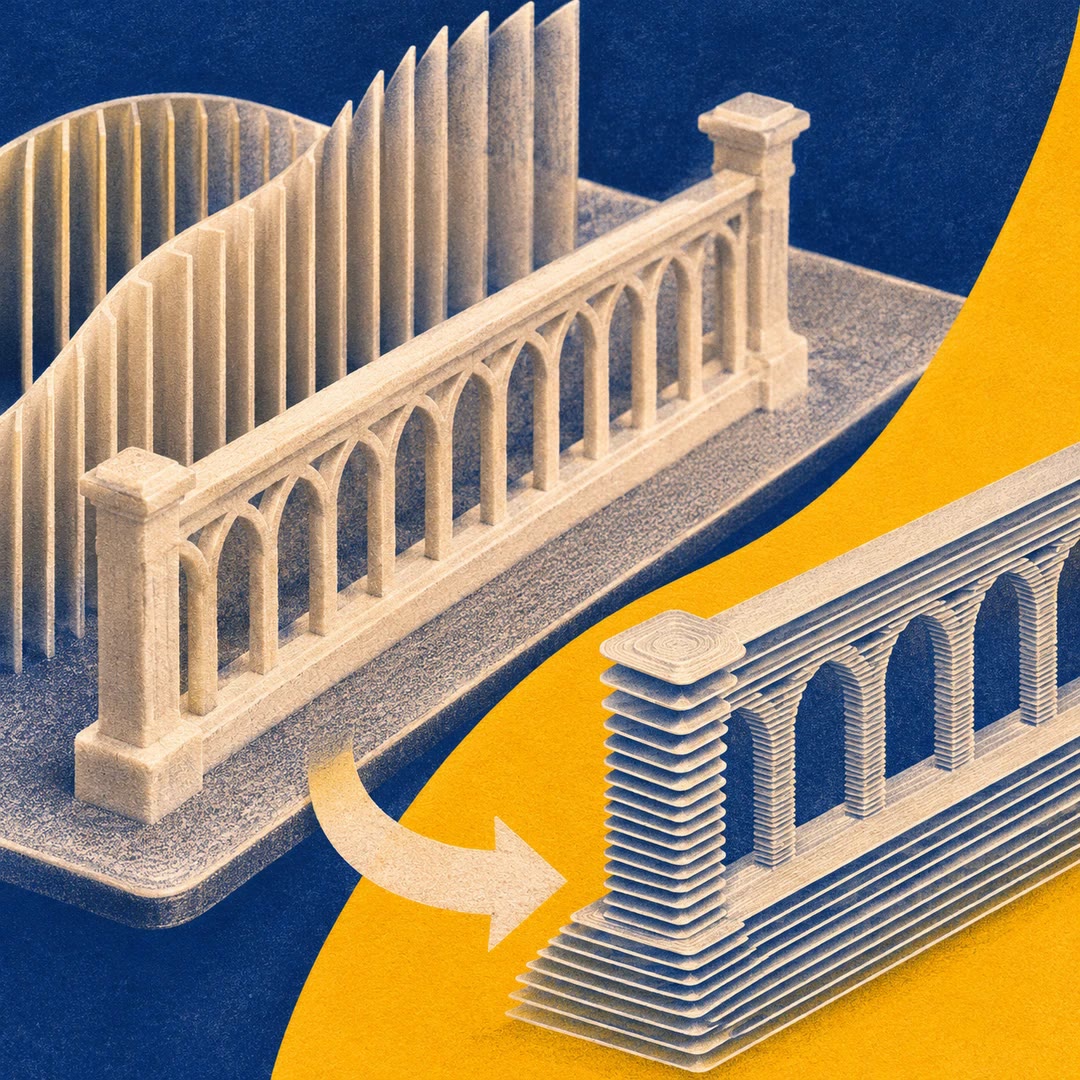
AI Bambu Studio settings for model parts
Choose a starting profile for architectural parts and inspect the sliced plate before delicate railings or fins reach the printer.
Free - SkillNew
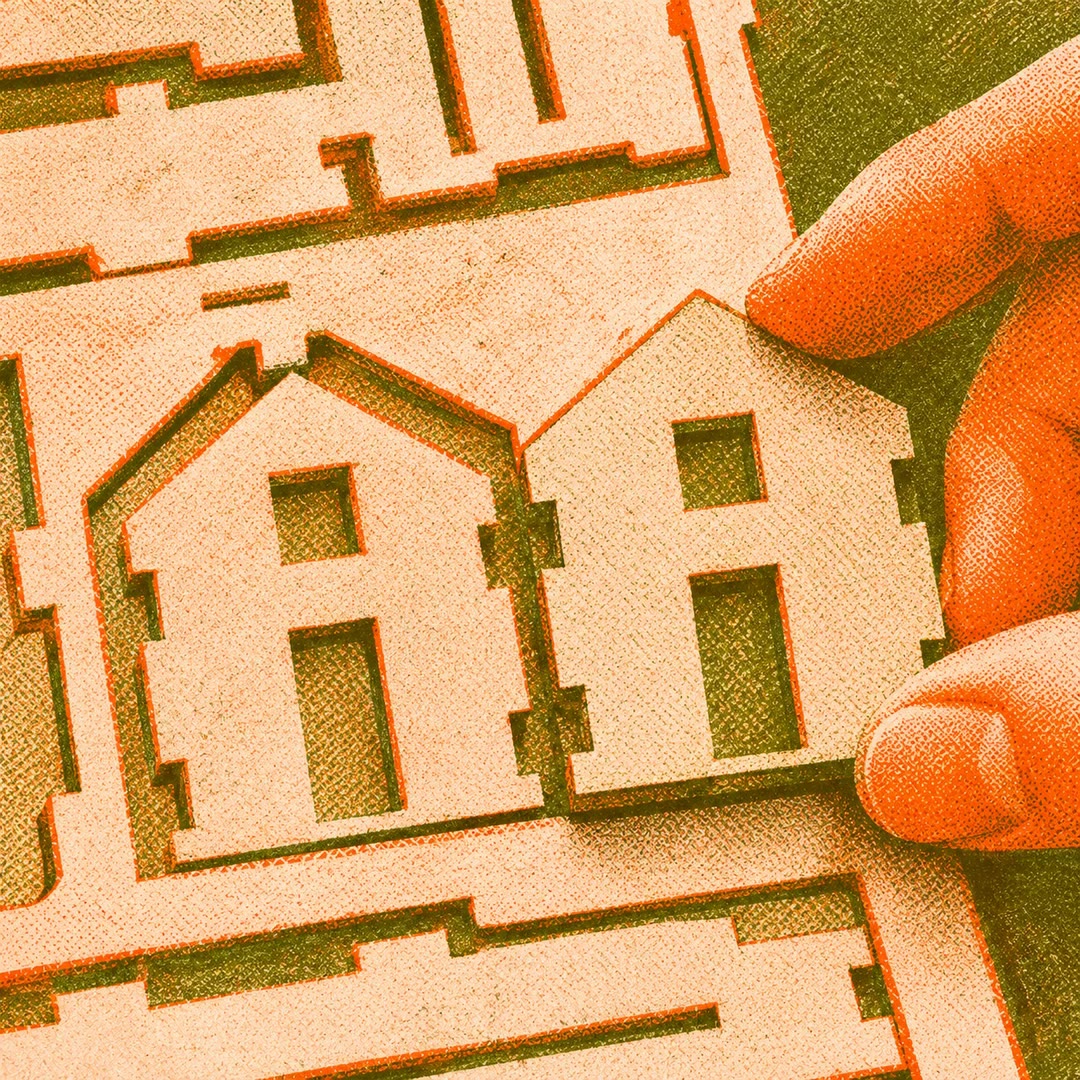
AI file preparation for architecture models
Prepare the laser and print files for a scale model, check the geometry and verify the copy that actually goes to the workshop.
Free - SkillNew
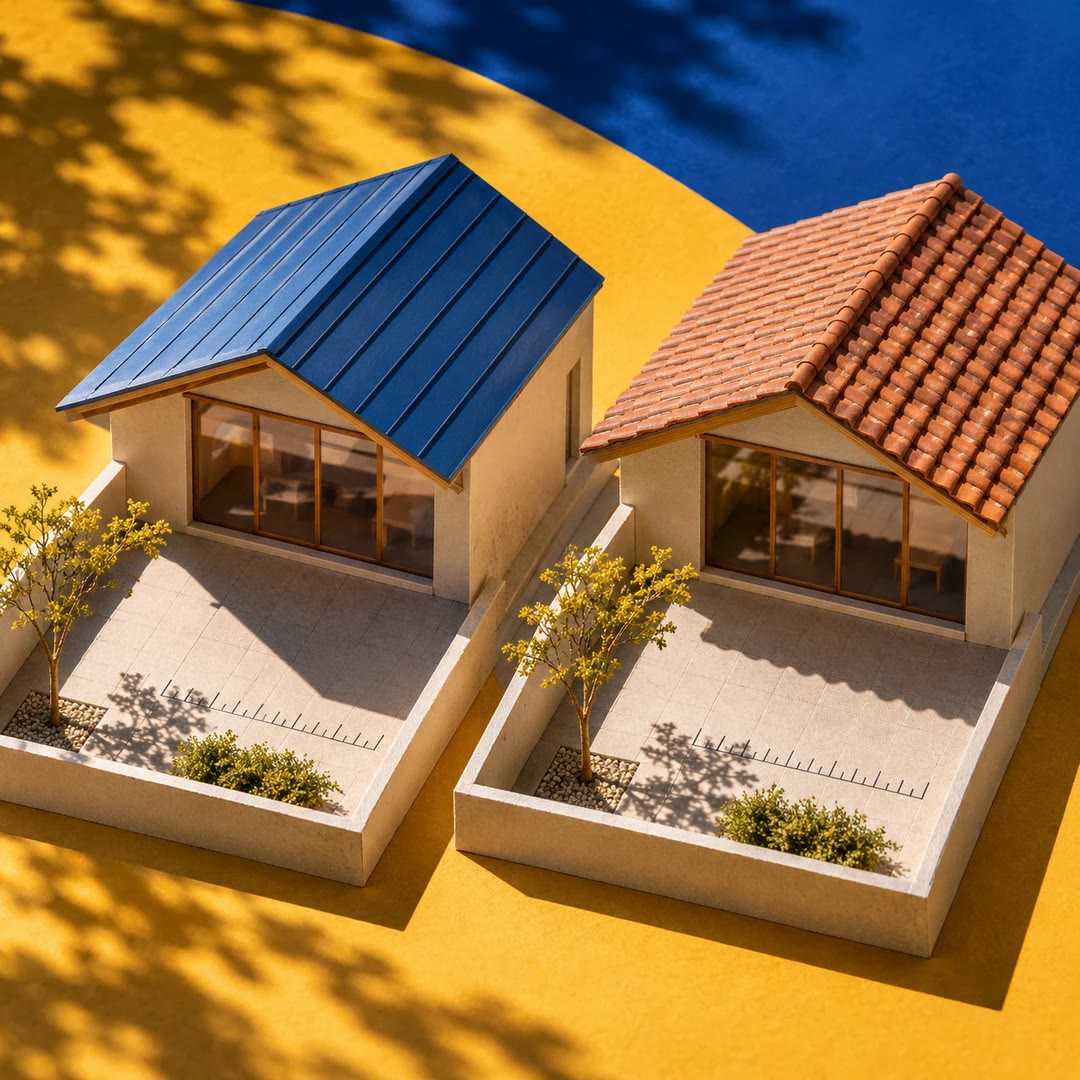
AI sun hours for site models
Compare direct sunlight across a courtyard or another part of a site. Read hours from individual grid points and see the pattern on a plan heatmap.
Free - SkillNew
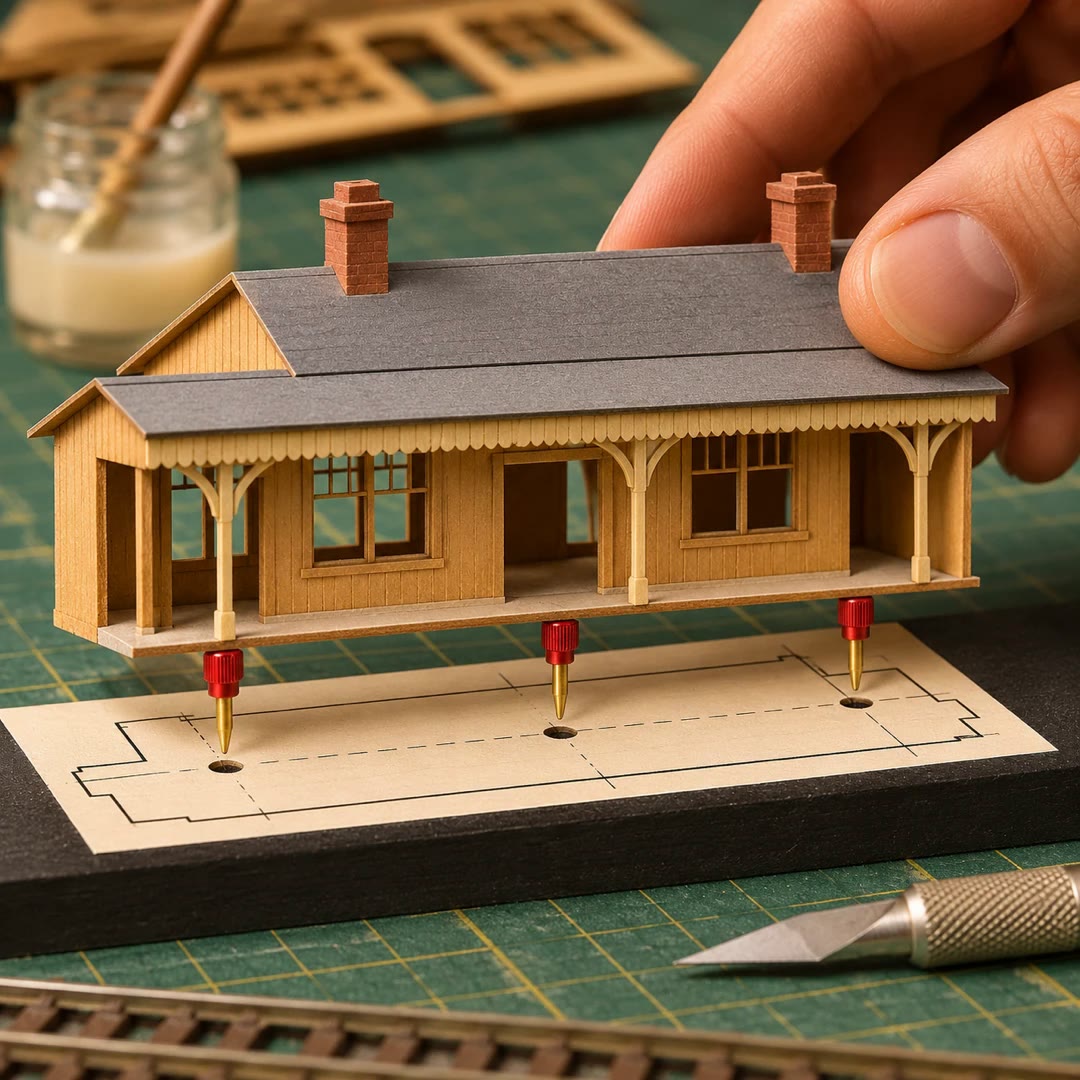
AI assembly templates for scale models
Print a full-size placement guide for loose model parts, with labelled post holes and a cut list that accounts for how the model sits on its base.
Free - SkillNew
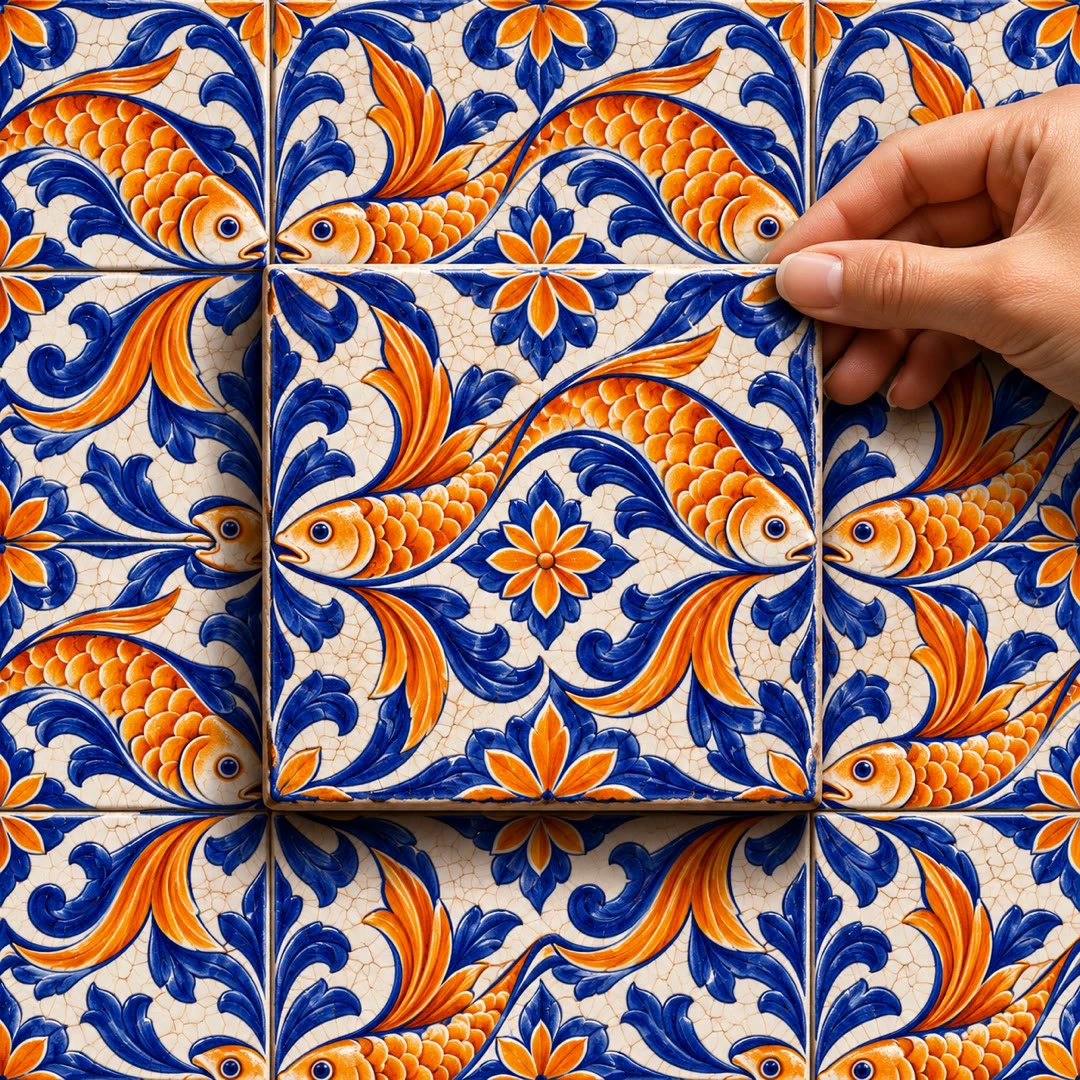
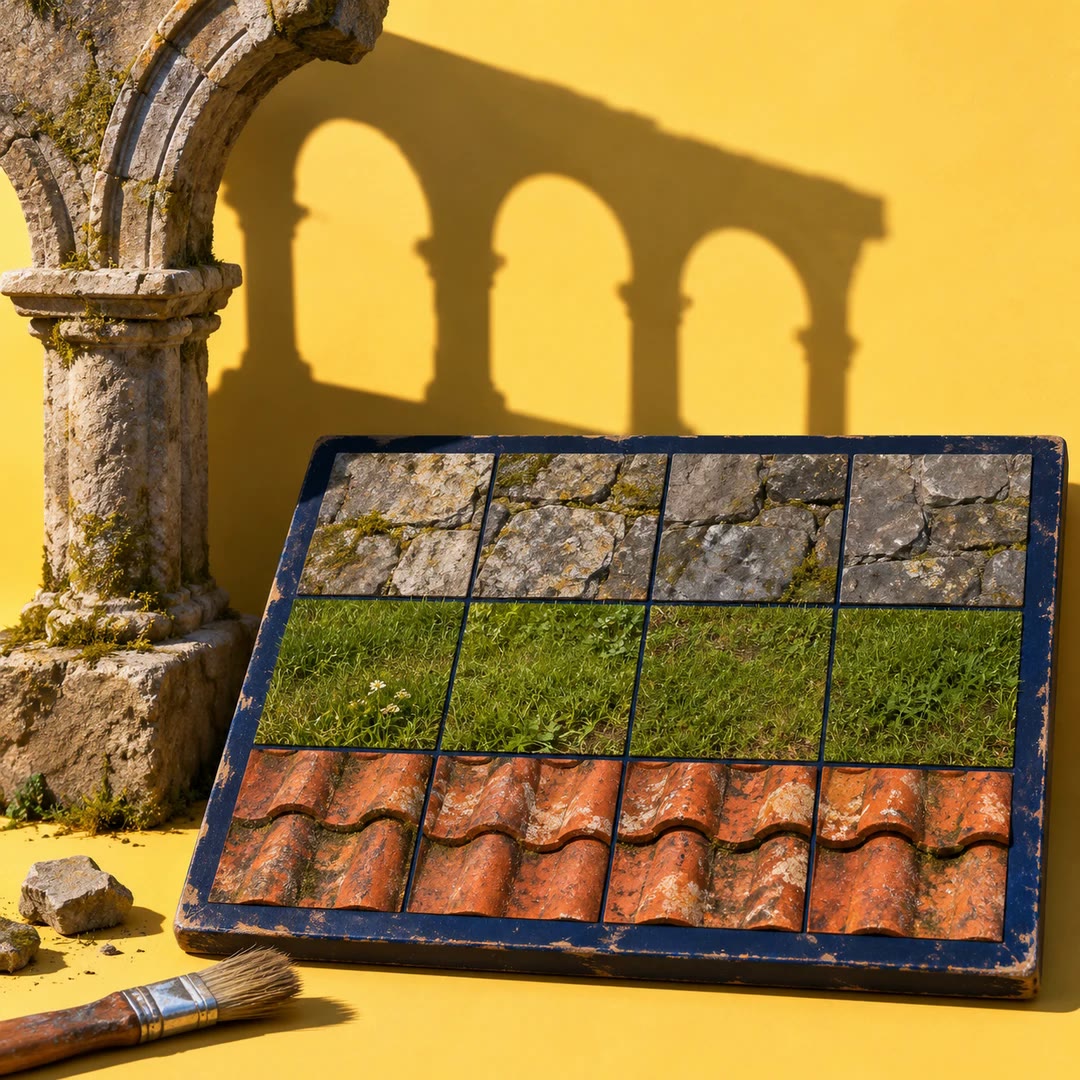
Make a seamless texture with AI
Prepare a repeating material from a surface photograph and inspect its join. Generate separate colour, height, normal and roughness images for a 3D material.
Free - SkillNew
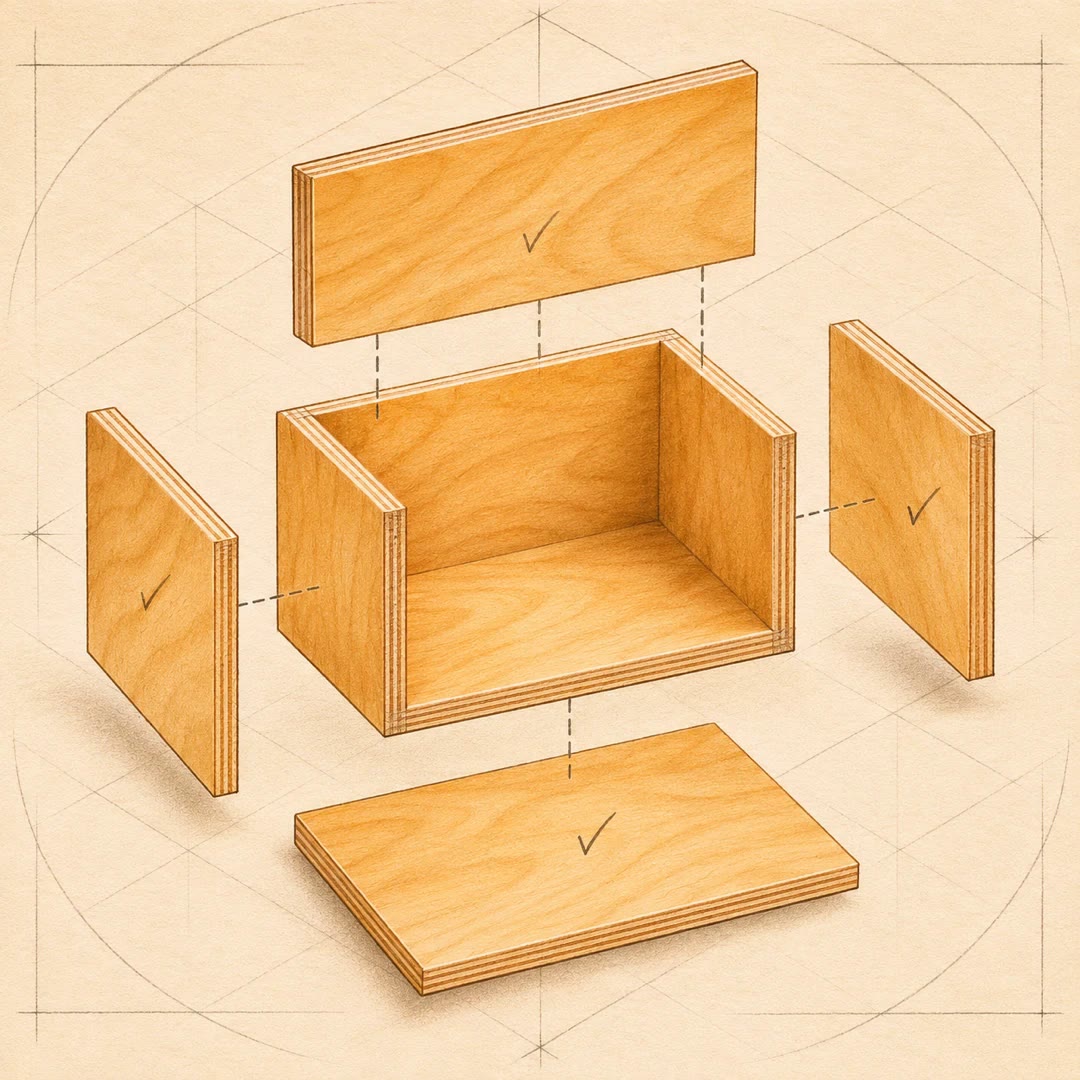
Make a woodworking cut list with AI
Turn the dimensions of a simple box, frame or shelf into a parts table and shopping estimate. Account for the actual thickness of boards and the space lost to cuts.
Free - SkillNew
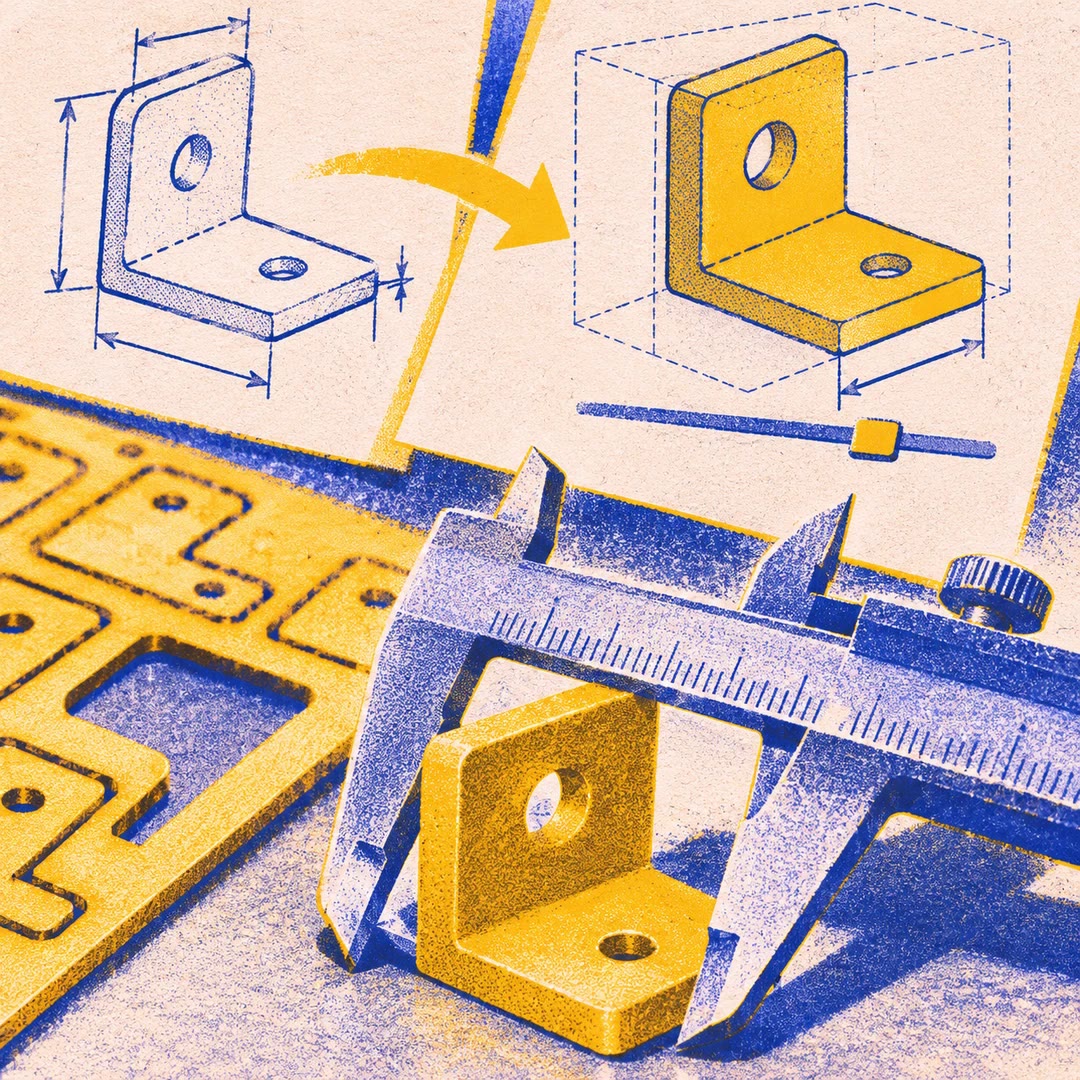
Design OpenSCAD parts with AI
Turn a dimensioned sketch into an editable model. Adjust its parameters, inspect the preview and choose an appropriate file for printing or cutting.
Free - SkillNew
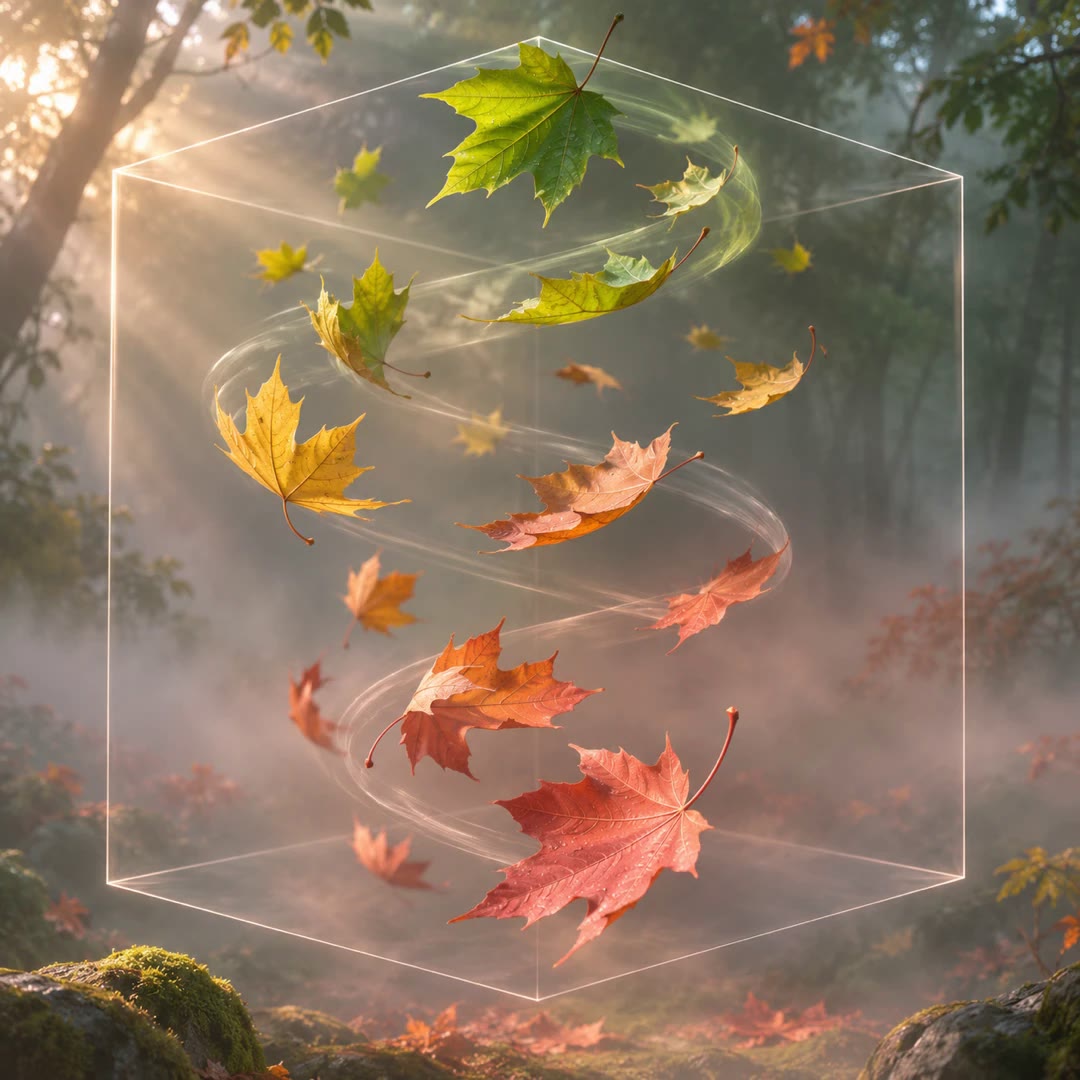
Create 3D falling leaves with AI
Build drifting autumn foliage in a 3D scene. Vary the leaves’ turns and timing, then check the effect around roofs, walls and a moving camera.
Free - SkillNew
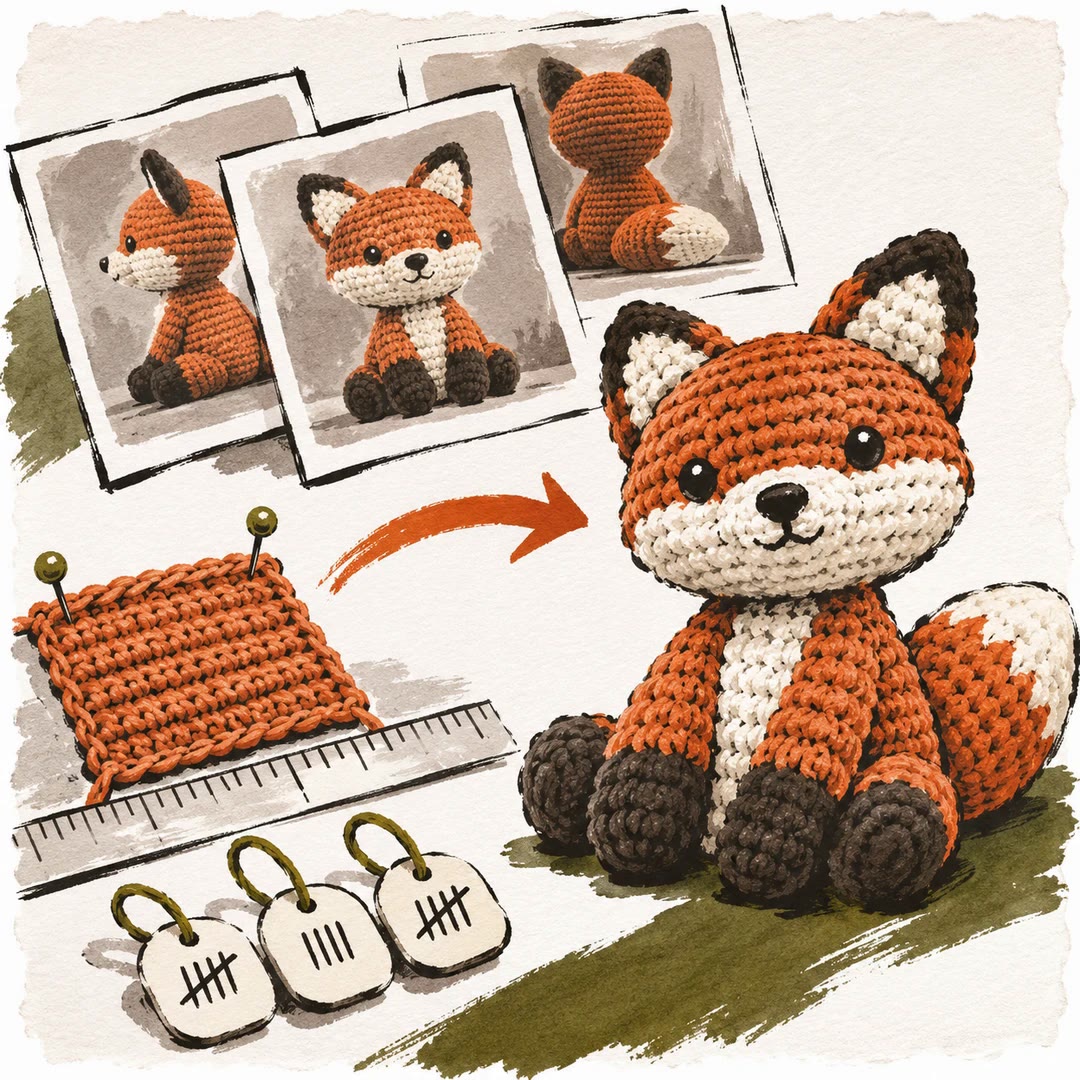
Design a crochet pattern from photos with AI
Use several views and a measured swatch to plan stitch and row counts, then check each part against the piece on your hook or needles.
Free - SkillNew
Draft a skirt pattern for Style3D with AI
Build a measured four-panel skirt outline, preview the flat pieces and compare them after saving and reopening a supported Style3D project.
Free - SkillNew
Design a 3D-printable part with AI
Turn measured dimensions into an editable OpenSCAD model, check how the pieces fit and export separate files for slicing.
Free - SkillNew
Export Blender models with AI
Choose a preset for the destination, reopen the exported model and check dimensions, orientation, animation and materials against the source.
Free - SkillNew
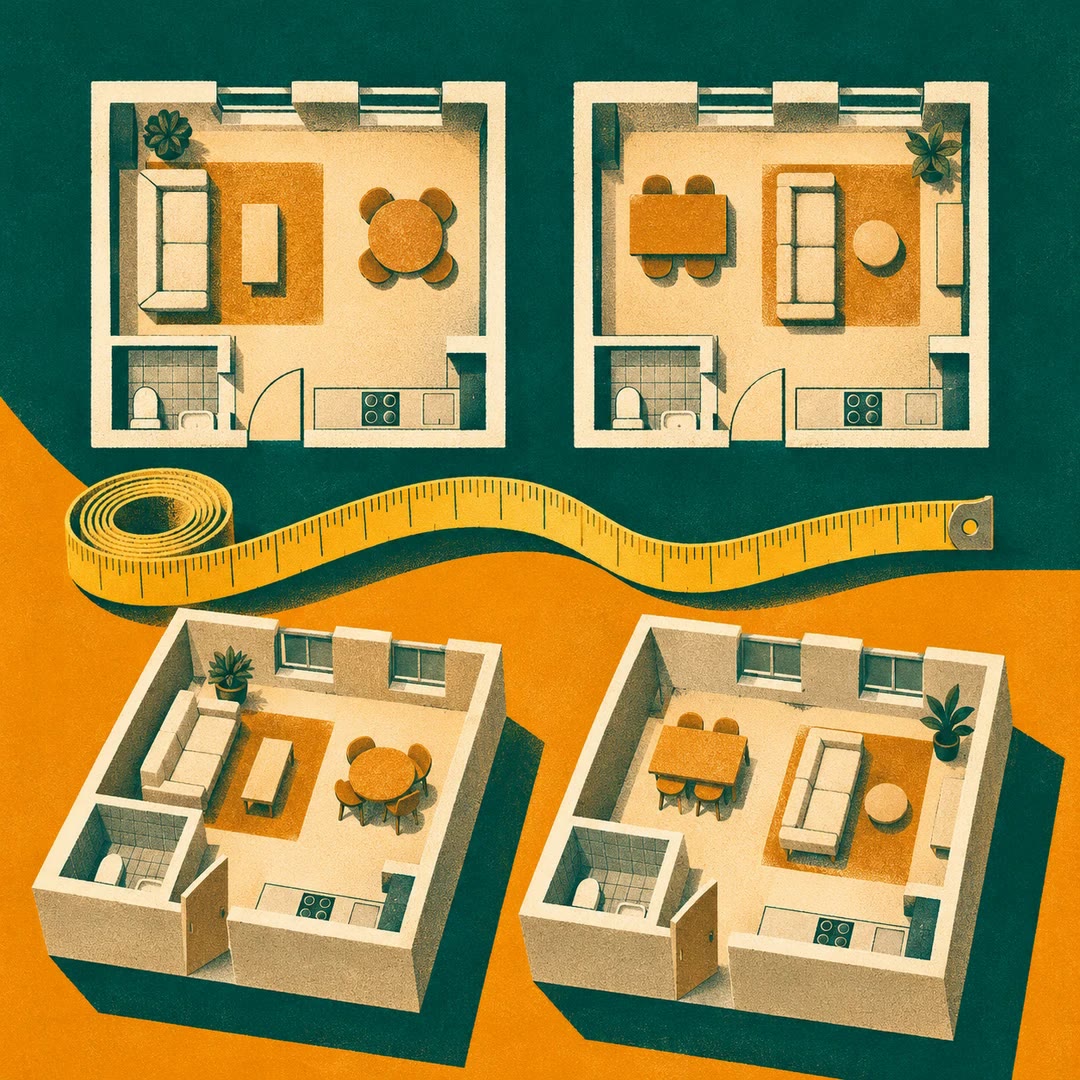
Present room layouts with AI
Render top and three-dimensional views from an existing Flat Planner model and present the measurable differences between layout options.
Free - SkillNew
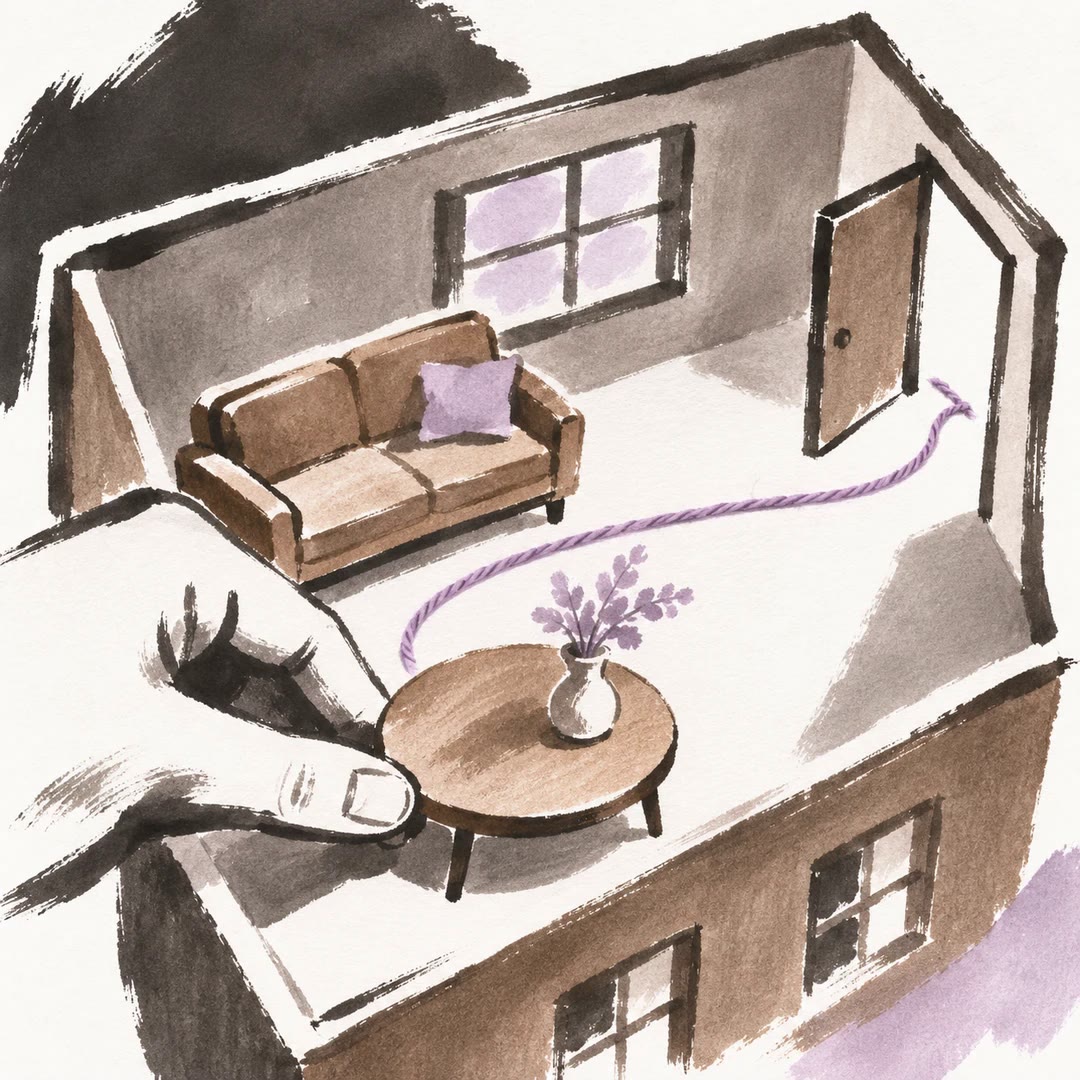
Plan furniture layouts with AI
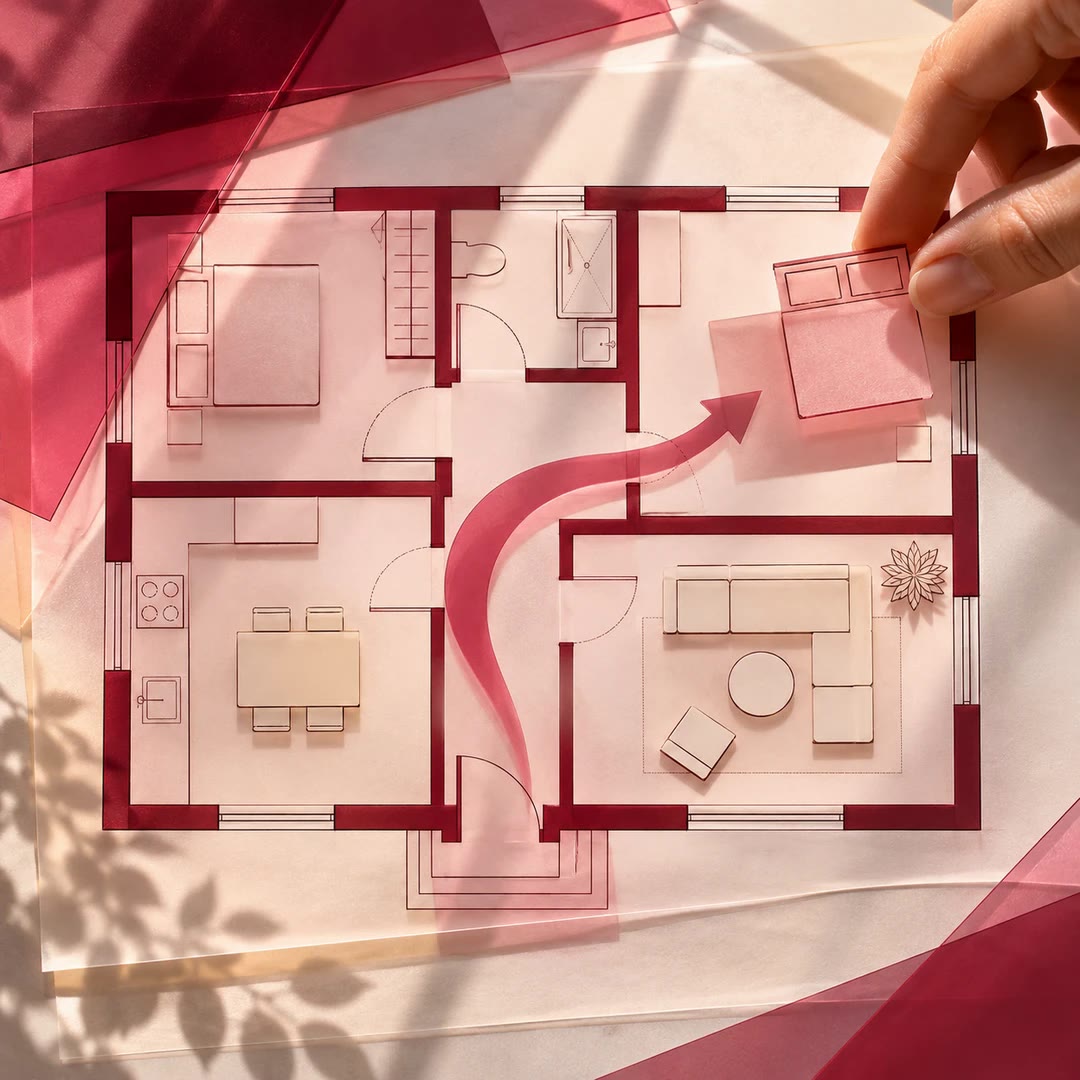
Compare placements in Flat Planner against room dimensions, door movement and the routes people need to use.
Free - SkillNew
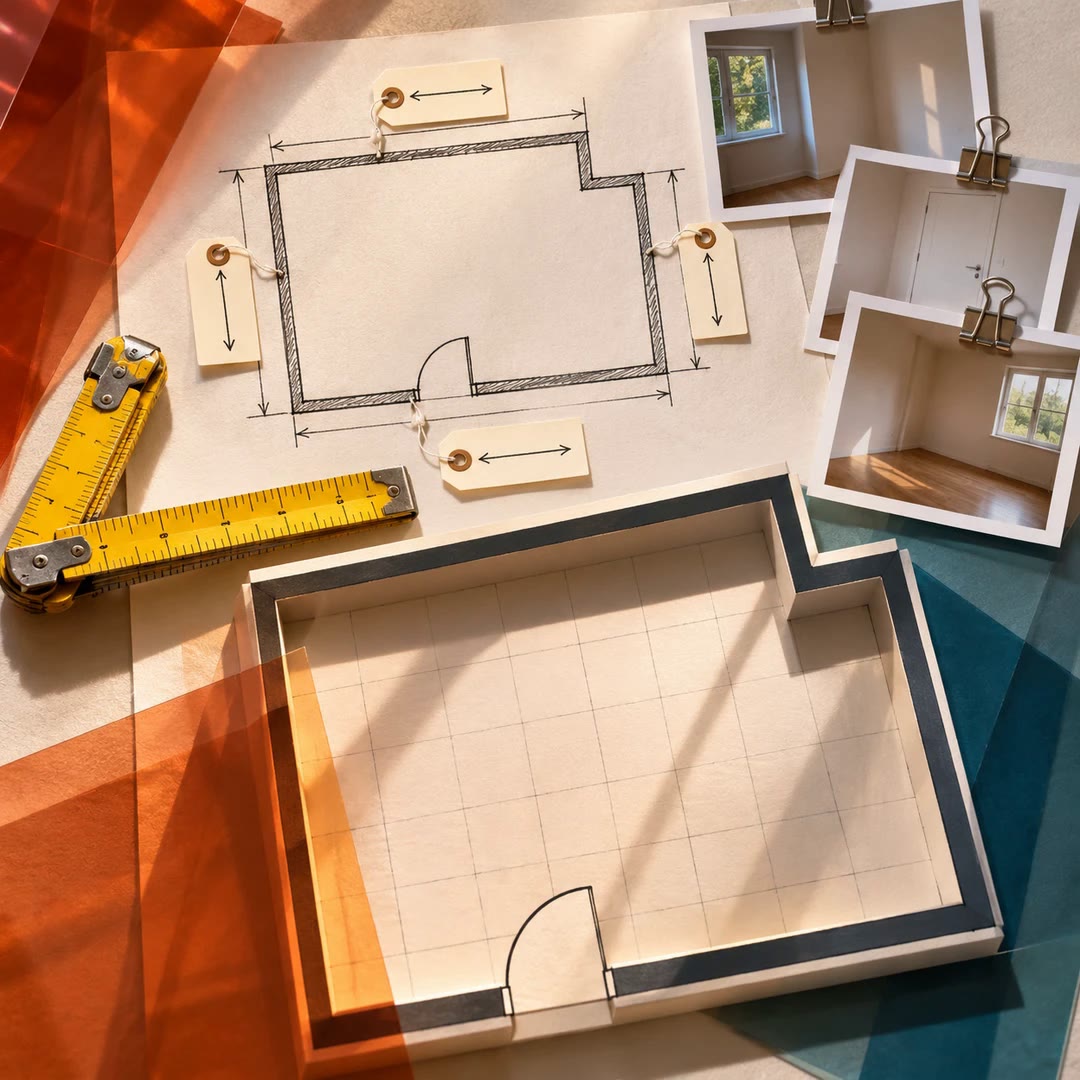
Record room measurements with AI
Build a first Flat Planner model from a sketch, authorised photographs and measured dimensions, keeping the source of each number visible.
Free - SkillNew
Create CAD files with AI in OpenCAD
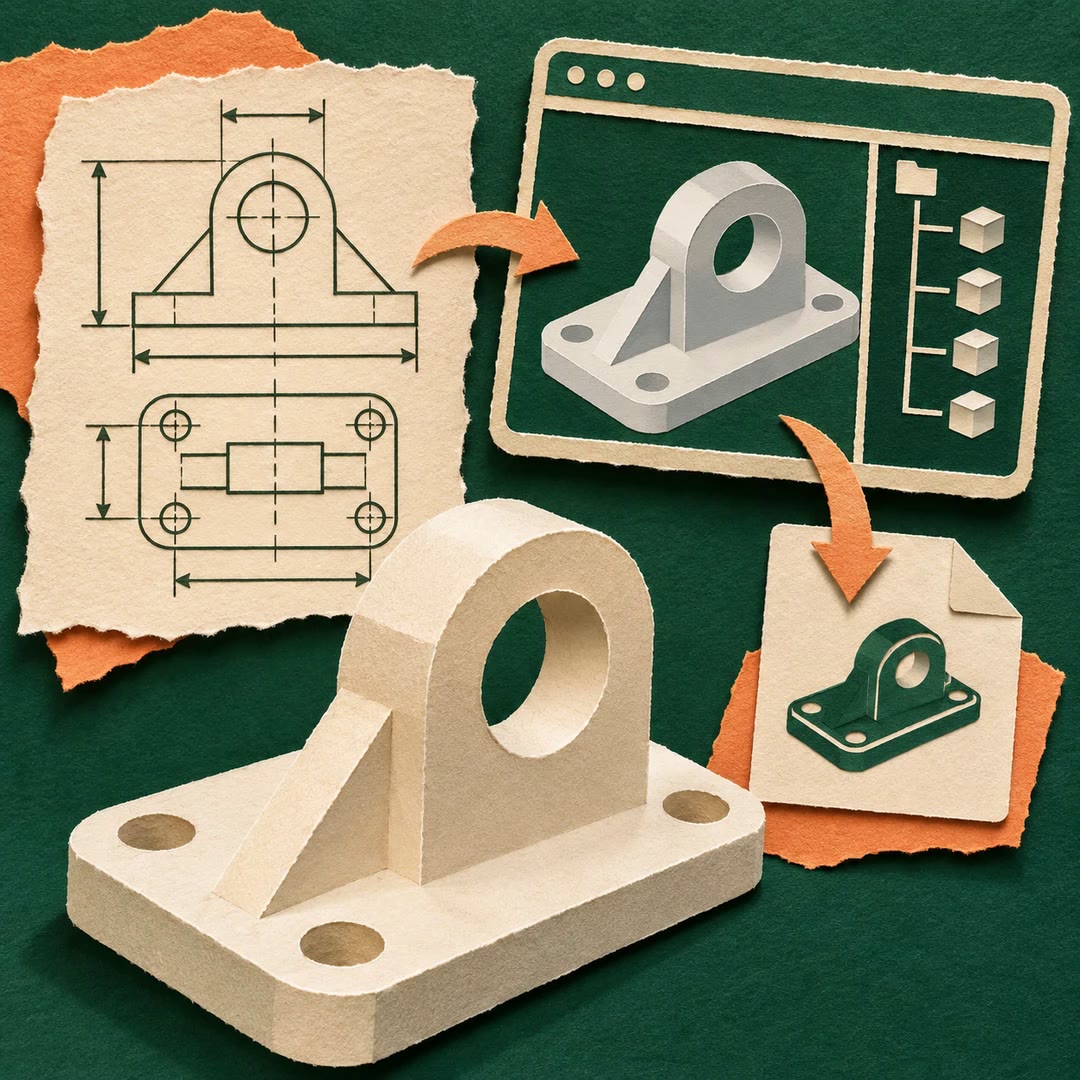
Turn a dimensioned part brief into an editable local project and export STEP or STL files with a recorded feature tree.
Free - SkillNew
Redesign a room photo with AI in MeltFlex
Generate visual alternatives from an authorised room photo, with optional reference images or a mask that narrows the edit.
Free - SkillNew
Create CAD product images with AI
Use an existing model’s geometry to produce stills, turntables or a Blender scene that can be edited afterwards.
Free - SkillNew
Create an OpenPlan3D floor plan with AI
Write an editable plan for the web editor or an interchange file for a compatible planner, with units and openings checked for the chosen format.
Free - SkillNew
Draw an SVG floor plan with AI
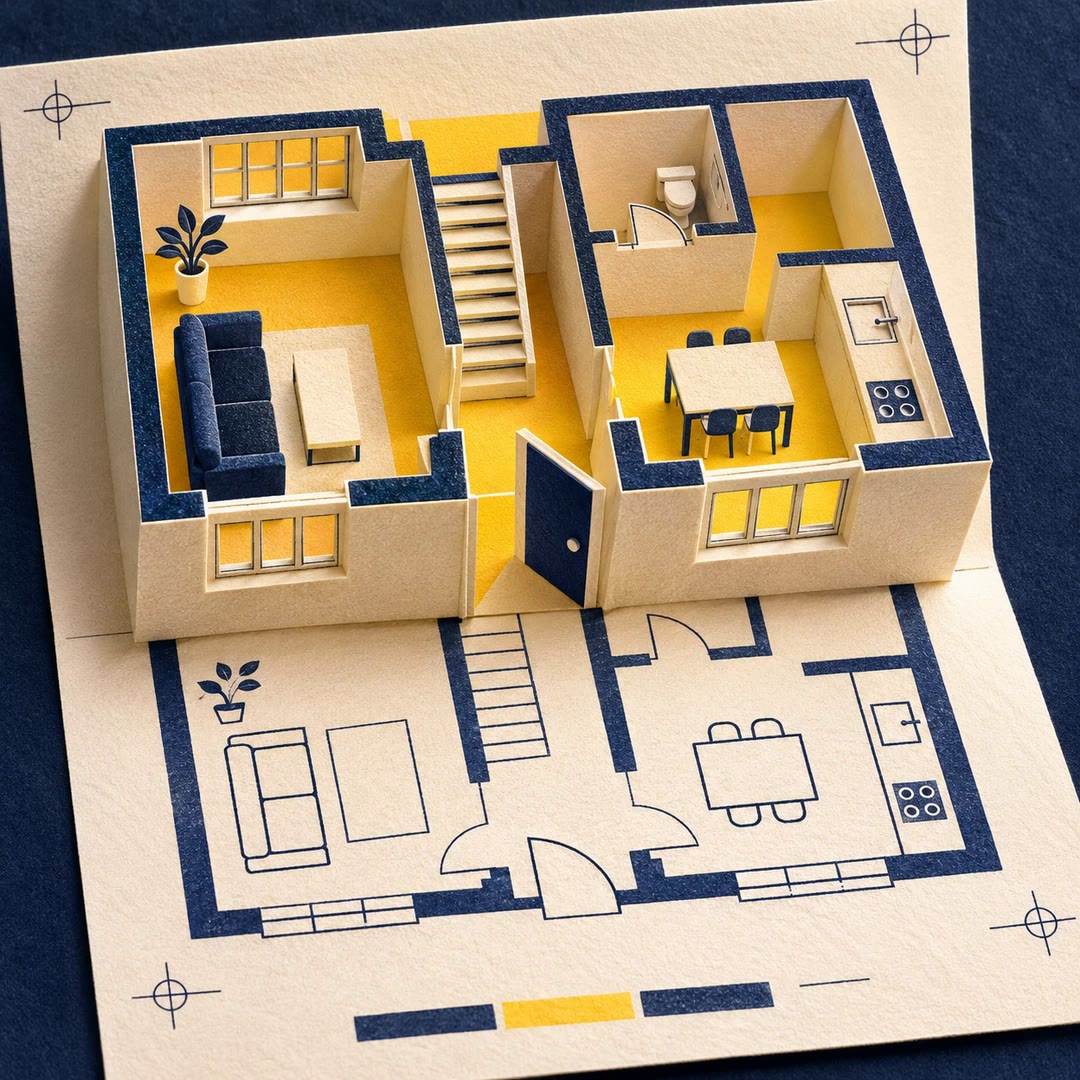
Compile an editable structural plan to SVG, then add furniture from a separate file after the rooms and openings have been reviewed.
Free - SkillNew
Map a multi-level floor plan with AI
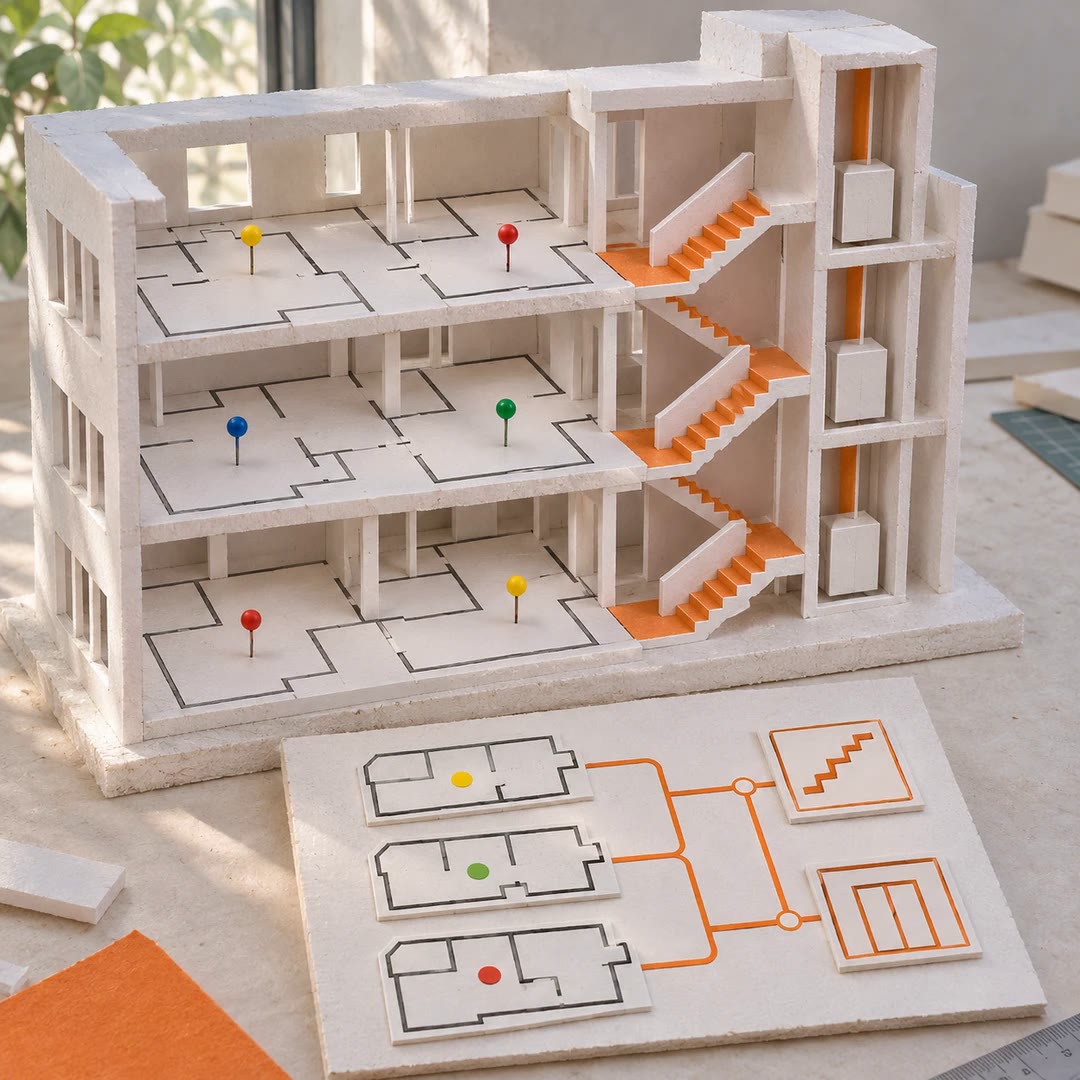
Place physical elements on the correct levels and record how rooms connect in a resolved OAS layout.
Free - SkillNew
Define floor plan geometry with AI in OAS
Describe points, curved features and closed boundaries in a consistent coordinate system before using them in a layout.
Free - SkillNew
Write an architectural space brief with AI
Write down which spaces a project needs, how much room each should have and which relationships are essential before placing any walls.
Free - SkillNew
Model floor plan elements with AI in OAS
Represent rooms, partitions and openings as connected records that a compatible plan viewer can read.
Free - SkillNew
Create multiple object views with AI in Scenario
Use a rough 3D reconstruction to guide several views of one subject, match the starting camera and keep its position consistent across the set.
Free - SkillNew
Create a 360 skybox with AI in Scenario
Build a panoramic environment for a game or virtual scene and check its wrap, poles and output format before paying for a larger render.
Free - SkillNew
Create game textures with AI in Scenario
Generate a surface for a particular use, inspect repeated tiles for seams or distracting patterns and upscale only after choosing a workable result.
Free - SkillNew
Build a 3D scene with AI in PixiJS
Place a lit 3D model inside a PixiJS interface and keep ordinary controls, captions and other 2D elements around it.
Free - SkillNew
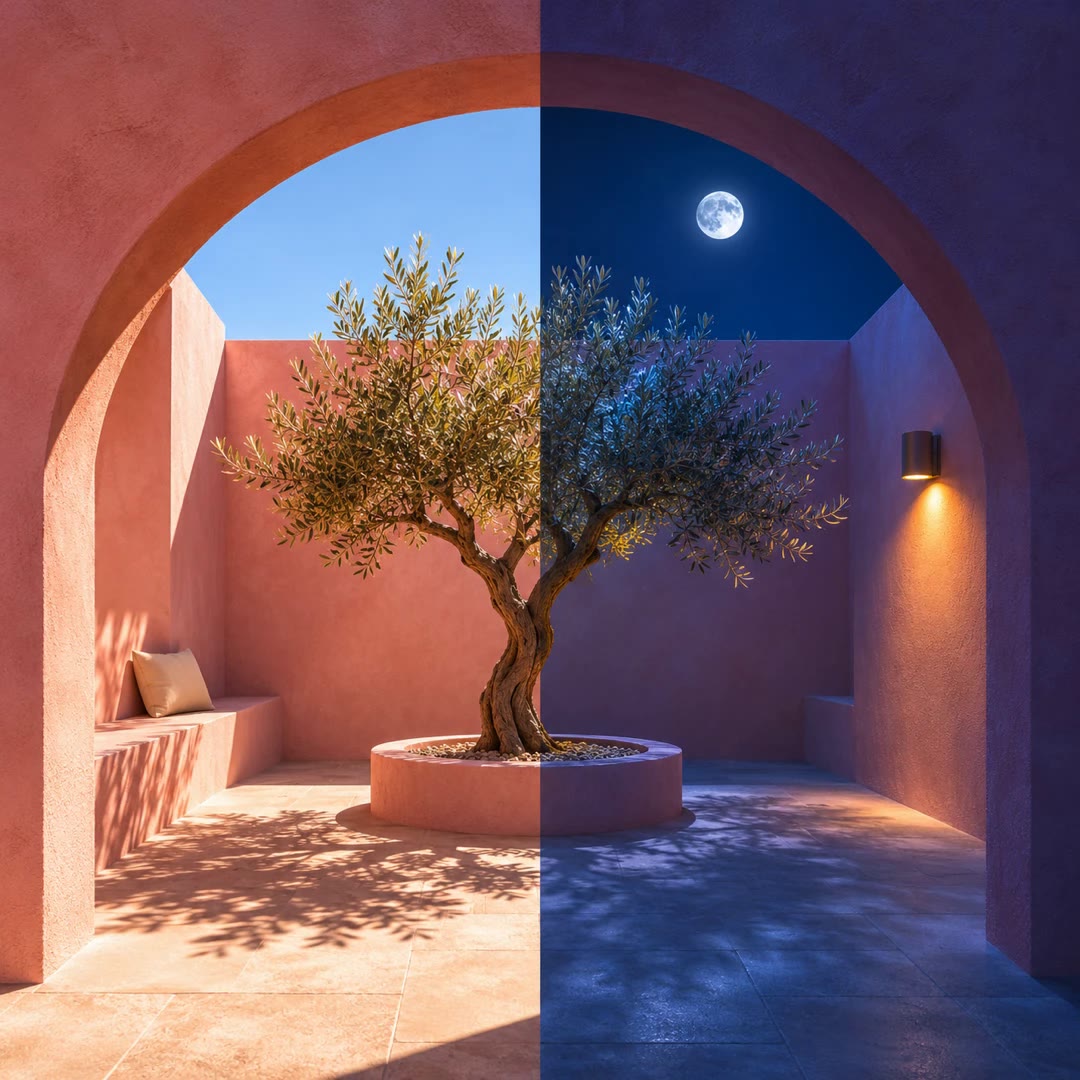
Set Blender daylight and night lighting with AI
Set the sky, sun or moon and optional fog together when comparing the same scene at different times of day.
Free - SkillNew
Bake Blender textures with AI
Bake detail from a high-resolution mesh or procedural material into image maps for the target asset.
Free - SkillNew
Audit a Blender scene with AI
Inspect a scene for common handoff problems and decide which changes, if any, are appropriate for that file.
Free - SkillNew
Batch render Blender scenes with AI
Render a camera set or frame range with one plan for quality, resolution, naming and output format.
Free - SkillNew
Build Blender PBR materials with AI
Build a material from a folder of texture maps or a measured preset, with colour and data inputs treated separately.
Free - SkillNew
Light a Blender model with AI
Set up a camera orbit and a repeatable lighting rig to see how an asset reads as the viewing angle changes.
Free