Extract answers from paper forms with AI
Map scanned or photographed answers to a SurveyJS form, flag uncertain fields for human review and reconcile channels using a verified response identifier.
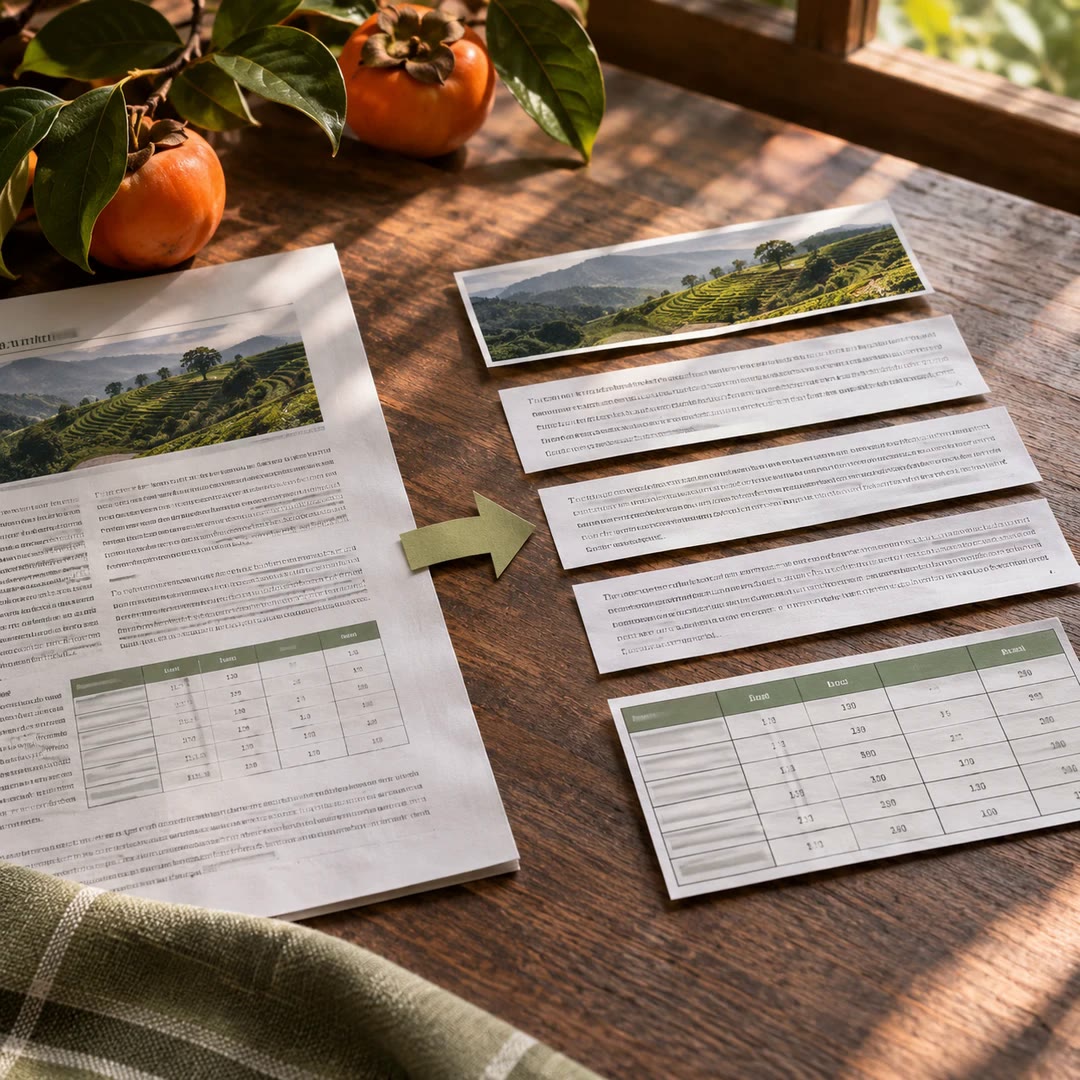
To extract answers from paper forms with AI, the system needs to know which question each box represents. A permitted scan and the matching SurveyJS definition provide that context. The surveyjs-response-extractor guide prepares candidate values and confidence flags so a reviewer can inspect faint marks or unclear handwriting before storage.
An online submission and a paper return need a dependable identifier before they can be merged. Similar names or adjacent file numbers are poor substitutes. Decide how conflicts should be handled and retain enough provenance to explain what the reviewer accepted or changed.
What it does
- Read answers from authorised form images
- Map extracted values to defined questions
- Flag low-confidence fields for human review
- Match paper and online responses by identifier
- Keep track of the source of a merged answer
Install and use
- Install the official extractor package in a Node.js server and configure an authorised vision provider. Cloud processing sends the pages to that provider; local Ollama supports suitable image input.
- Ask “Extract the marked answers from this permitted sample and flag uncertain fields. Do not merge them with online submissions yet.”
- Verify flagged answers and response identifiers against the original before saving to the intended system.
FAQ
Source
Made by SurveyJS (Devsoft Baltic OÜ). Original skill: surveyjs-response-extractor, published on GitHub under the MIT licence.
View on GitHubRelated products
- SkillNew
Extract PDF text and tables with AI
Recover reading order and tables from a mixed-layout report, with a readable document and a structured record of where each element appeared.
Free - SkillNew
AI JSON file conversion
Turn a nested export into a table, keep selected fields or combine several JSON lists. Describe the output you need and check it against your rules.
Free - SkillNew
AI document preparation with Docling
Give an agent a local document it can inspect, with extracted text and a record of what converted well, what needed recovery and what still looks unreliable.
Free