Products
Skills, prompt kits and templates for working with AI.
Product list
- SkillNew
Animate SVG scenes with AI
Create editable scene JSON containing vector artwork and keyframe tracks, choose a visual style and inspect the action through a local preview player.
Free - SkillNew
Create animated GIFs with AI
Turn text frames, image folders or vector motion into GIF/APNG, control timing and looping, and extract an existing animation into frames with their original delays.
Free - SkillNew
Create cartoon shorts with AI
Plan an invented vertical cartoon, author vector scenes, synchronise speech and captions, then review the render and prepare video files without automatic publishing.
Free - SkillNew
Create interactive Rive animations with AI
Build a character or interface control, then inspect its actual motion and response
Free - SkillNew
Create voxel animations with AI
Build a blocky 3D scene, review its motion and export from the same editable page
Free - SkillNew
Design video typography with AI
Coordinate word emphasis, placement and readable timing in short-form video
Free - SkillNew
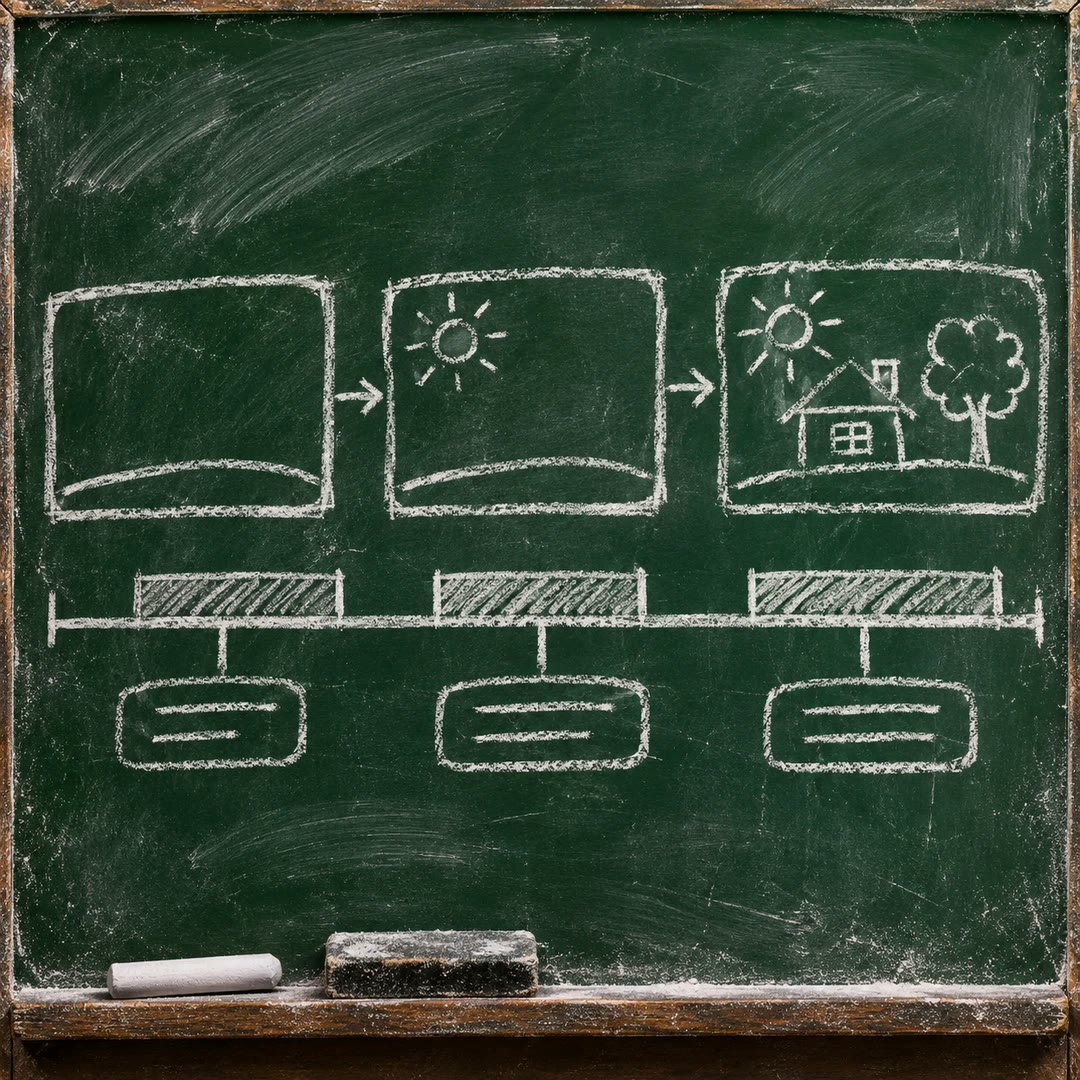
Create whiteboard animations with AI
Build editable JSON scenes with local SVG artwork, validate their timing and use the supplied renderer to produce an MP4 explainer.
Free - SkillNew
Build technical animations with AI
Explain a mechanism through verified state changes, using readable SVG diagrams or Blender scenes when depth carries information.
Free - SkillNew
Create web motion graphics with AI
Build a browser motion piece with a brand-led concept, a controlled timeline and real HTML text, then export frames to video when needed.
Free - SkillNew
Create maths animations with AI
Turn a mathematical idea into editable Manim scenes, with optional local narration, subtitle timing and a chaptered viewer for focused revisions.
Free - SkillNew
Make motion graphics in EffectCraft with AI
Create compositions, layers and keyframes in EffectCraft, then check a saved project, a reference frame and a short render before preparing the final output.
Free - SkillNew
Convert video to GIF with AI
Turn a local MP4 into a short silent GIF with trimming, centre cropping and palette optimisation, then balance dimensions and frame rate against file size.
Free - SkillNew
Plan After Effects compositing with AI
Analyse a live-action plate and prepare a shot-specific Cinema 4D, Redshift and After Effects integration plan, with measured and estimated values distinguished.
Free - SkillNew
Design a motion system with AI
Define shared motion intent, named behaviours, tokens and reduced-motion alternatives, with contracts and change rules sized to the project.
Free - SkillNew
Review animations with AI
Turn vague animation feedback into located observations, practical changes and clear notes on what should survive the revision.
Free - SkillNew
Make 2D animations in AniCraft with AI
Guide AniCraft layers, frames and exports through its command-line or MCP tools, with version checks and clear limits on imported animation files.
Free - SkillNew
Software demo videos with AI
Show one operation from a code repository in a short motion graphic. Review the planned shots and choose a video, GIF or standalone browser player.
Free - SkillNew
Make motion graphics with AI
Turn a few lines of copy into a timed sequence, starting with a still frame. A small offline renderer lets you try a title, a moving panel and a reserved caption area.
Free - SkillNew
Plan a product screen demo with AI
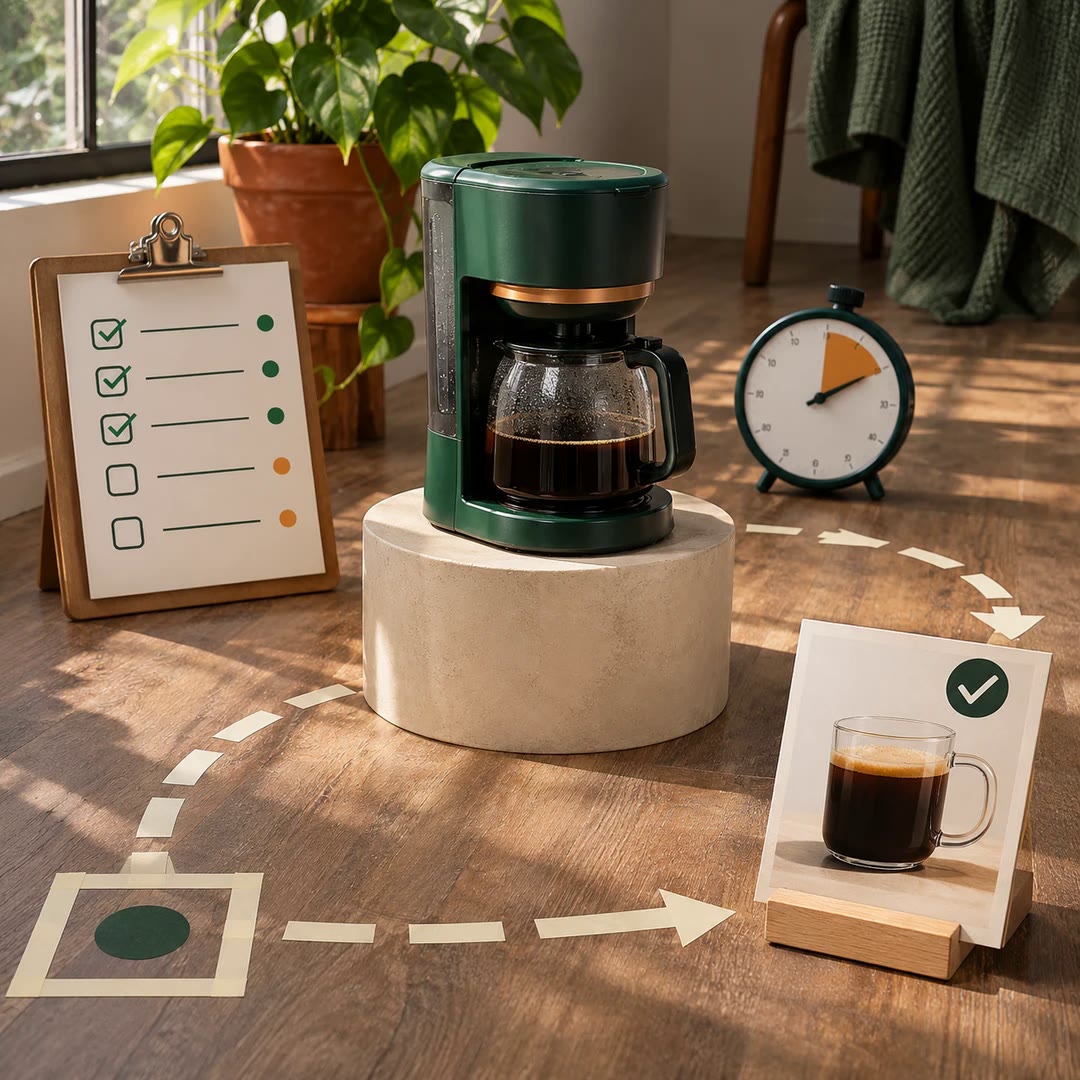
Choose what a product walkthrough must prove before you record. Map the starting state, visible result, pacing, privacy checks and any simulated steps.
Free - SkillNew
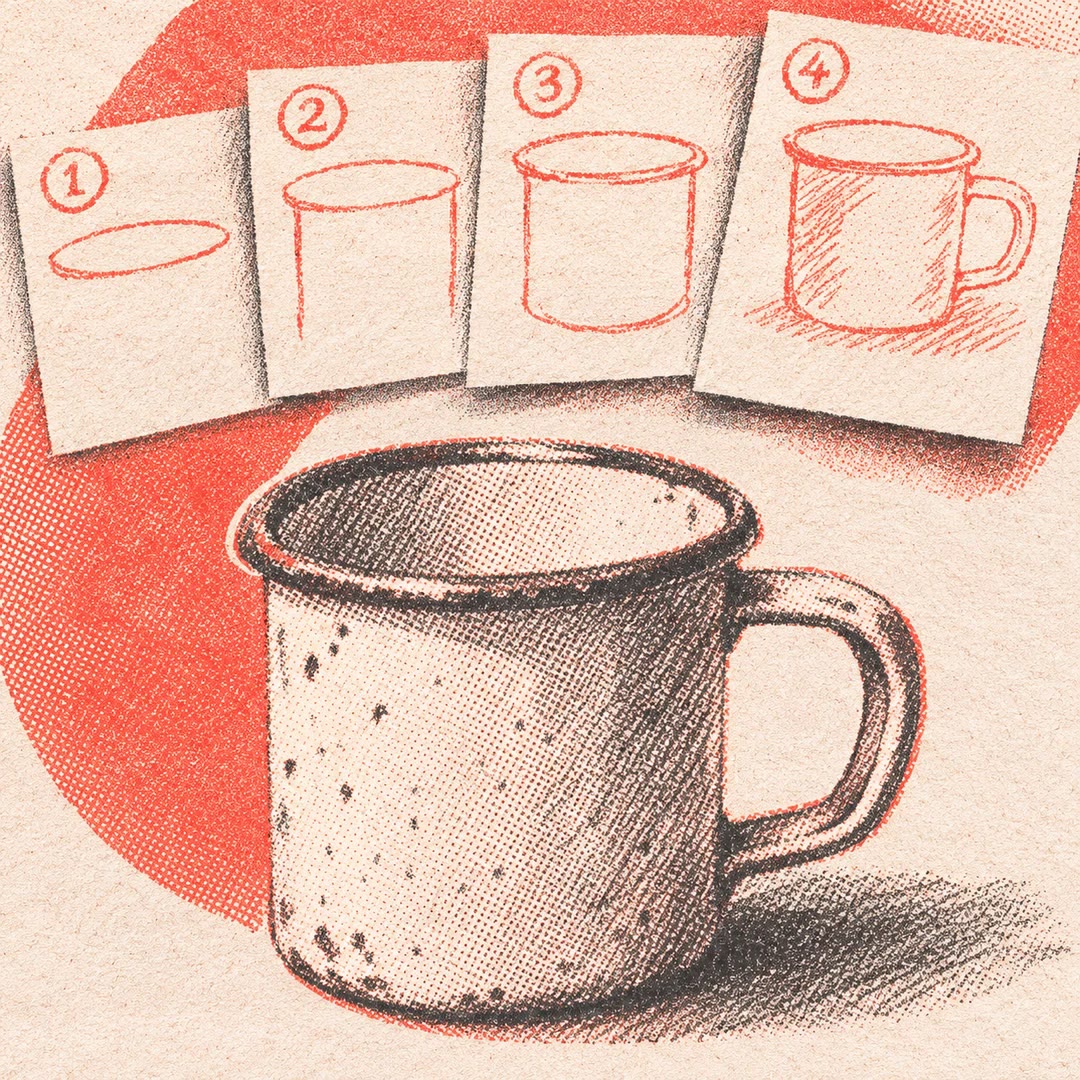
Animate a line drawing with AI
Reveal a diagram or sketch stroke by stroke, choose a drawing order and review the watermarked MP4 before deciding whether to unlock it.
Free - SkillNew
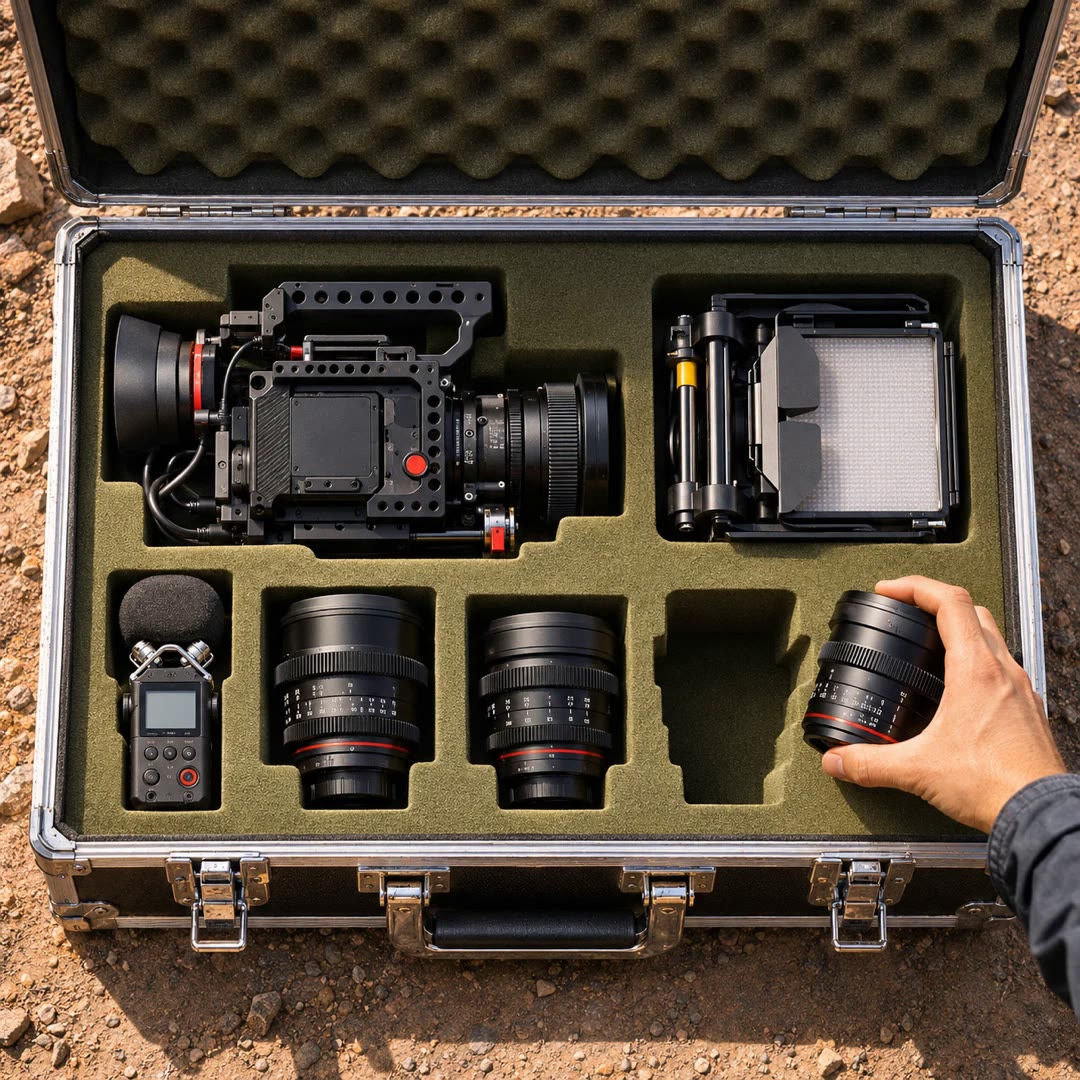
Plan filming equipment with AI
Build a packing list around the shoot, the people available to carry the kit and the equipment already on location.
Free - SkillNew
Animate unfolding paper with AI
Reveal a sketch or short message as a crumpled note opens. Get individual transparent frames you can time, reposition and reuse against your own background.
Free - SkillNew
Animate subtitles as whiteboard drawings with AI
Turn existing SRT timings into a sequence of illustrated reveals, review each region’s cue and render the approved scenes locally.
Free - SkillNew
Make motion graphics with AI in ChatCut
Create editable titles and overlays in a ChatCut project, align them with a real shot and review how the composition reads on screen.
Free - SkillNew
Make a looping motion background with AI
Create a deterministic, brand-coloured animation in a local HTML canvas and check the seam before exporting it.
Free - SkillNew
Make a video with AI and Remotion
Plan a frame-based composition, render it and inspect the file that will actually be delivered.
Free - SkillNew
Track AI video generation jobs
Route approved shot requests to an authorised provider and keep job IDs with their outputs. Check which shots were actually produced before handing them to an editor.
Free - SkillNew
Integrate a Runway Recipe with AI
Connect a documented multi-step media Recipe to an application, check its current contract and handle results and failures before approving a billable test.
Free - SkillNew
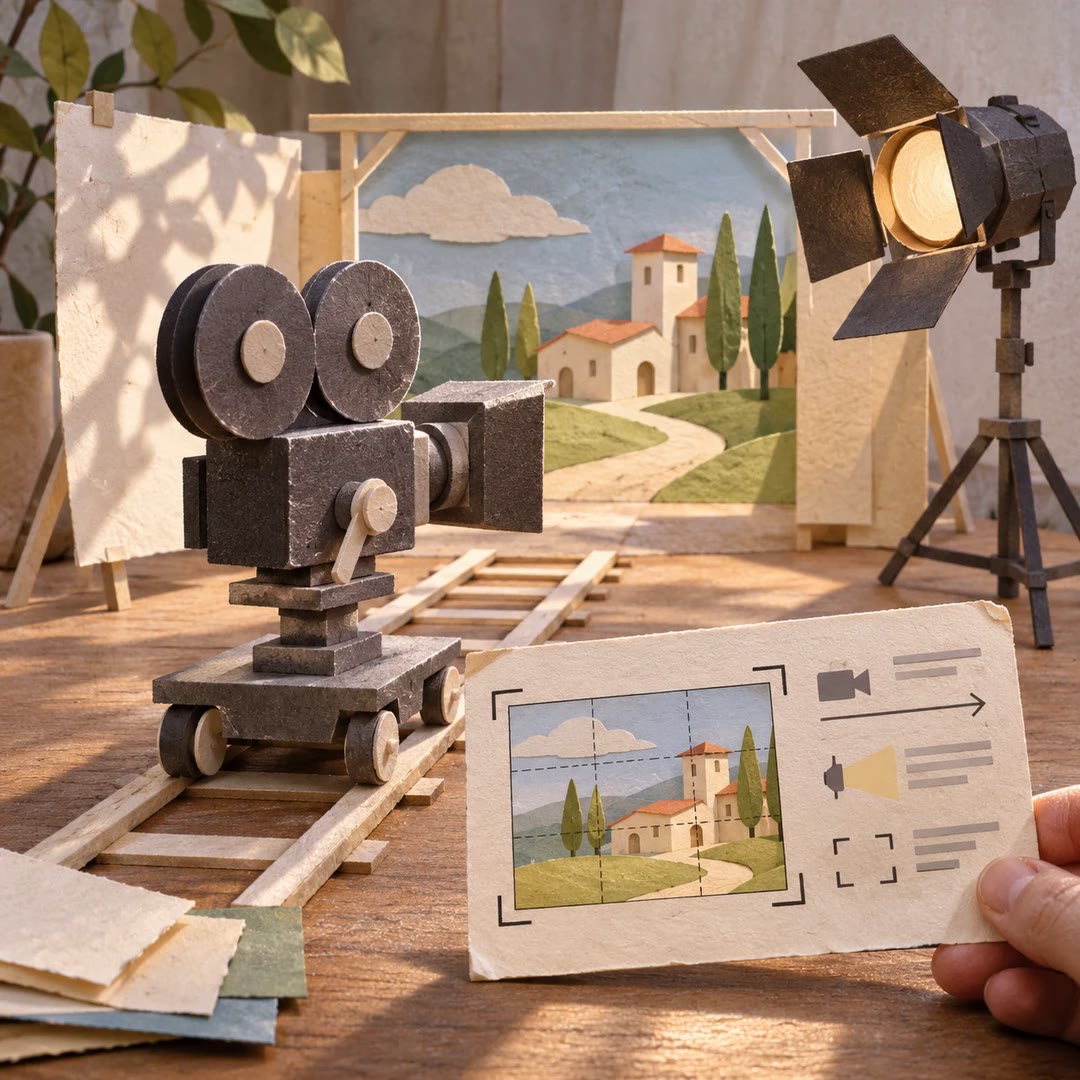
Create a cinematic shot with AI
Define framing, lighting and camera movement for a still or short clip, then judge the result against the intended composition.
Free - SkillNew
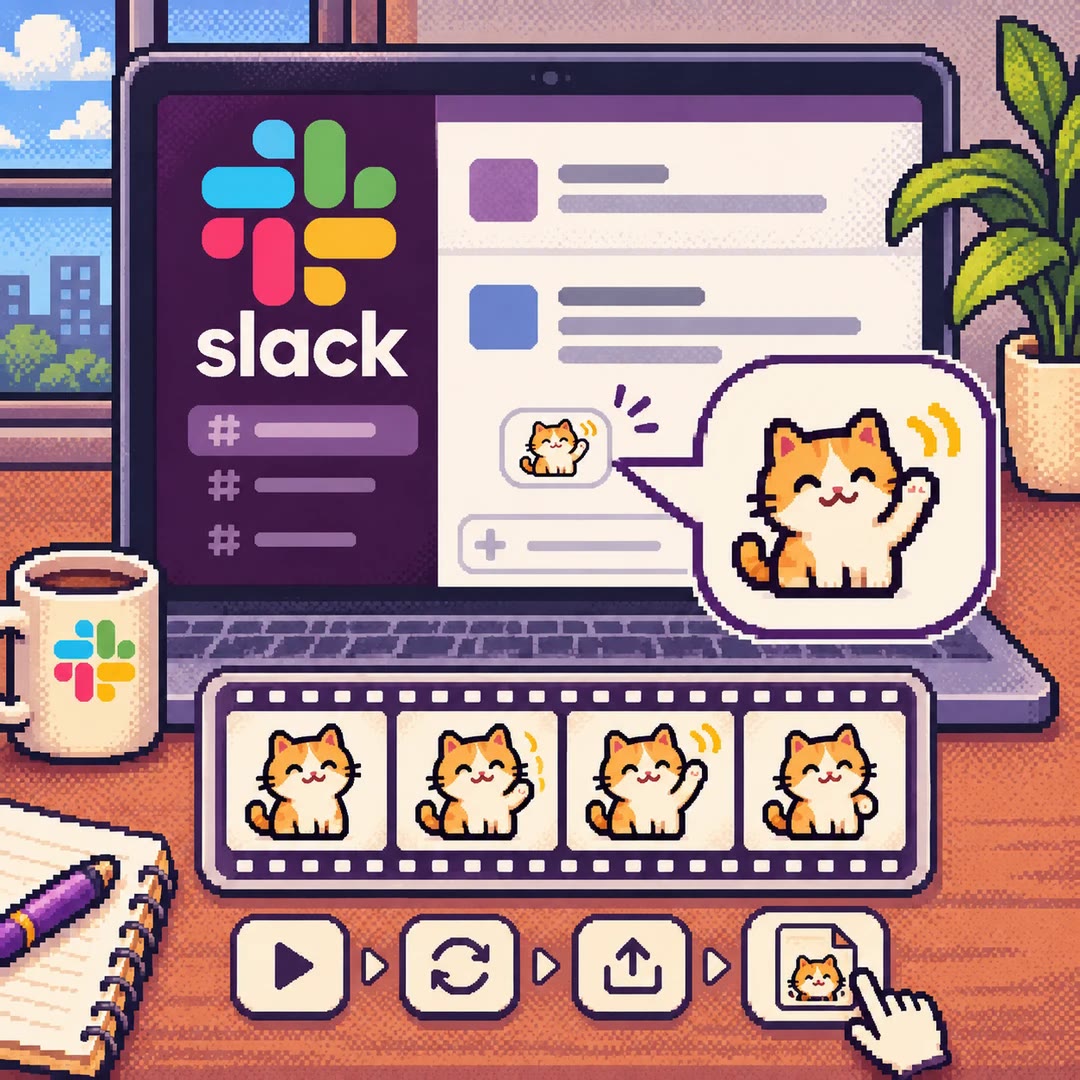
Make a Slack GIF with AI
Design a small looping reaction, export the frames as a GIF and check how it looks at emoji size before adding it to a workspace.
Free