Products
Skills, prompt kits and templates for working with AI.
Product list
- SkillNew
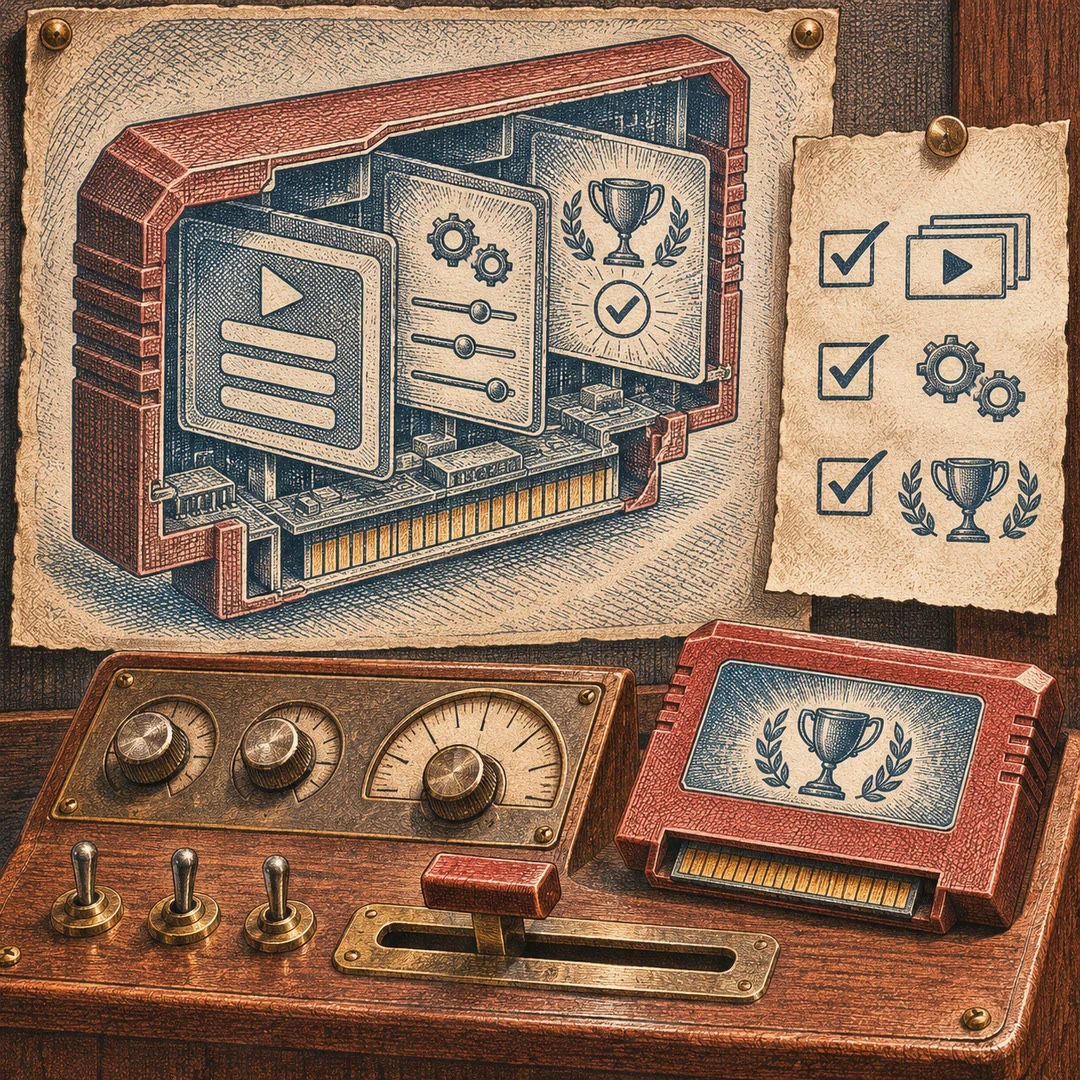
Build FactorIA game menus with AI
Prepare menus, settings and game-finishing checks using FactorIA’s own kit.
Free - SkillNew
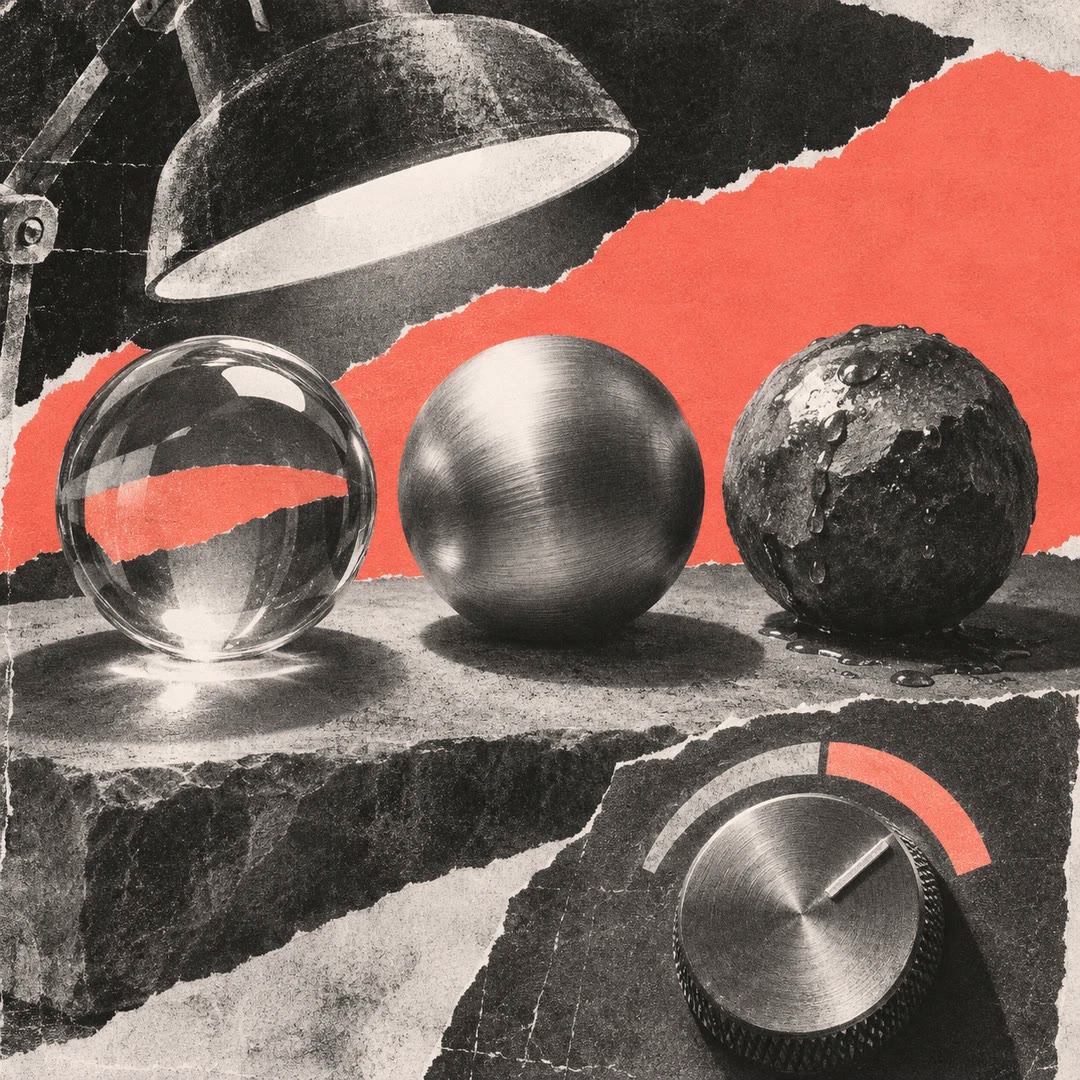
Create FactorIA shaders with AI
Change a material’s appearance using snippets, parameters and compilation checks in FactorIA.
Free - SkillNew
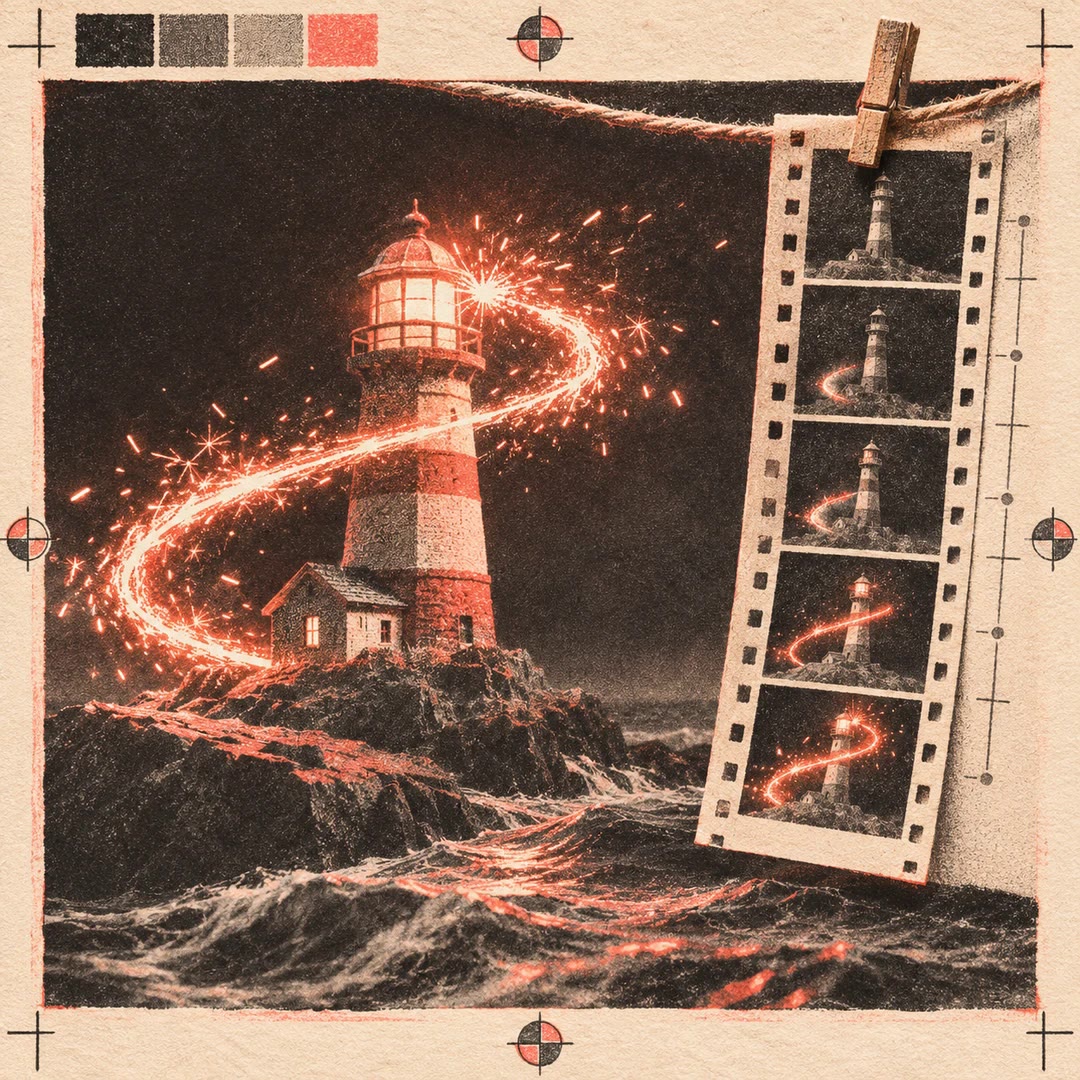
Create glow effects in FactorIA with AI
Guide FactorIA glow, particle bursts and short animated effects, then inspect frames at gameplay size to refine timing, colour and readability.
Free - SkillNew
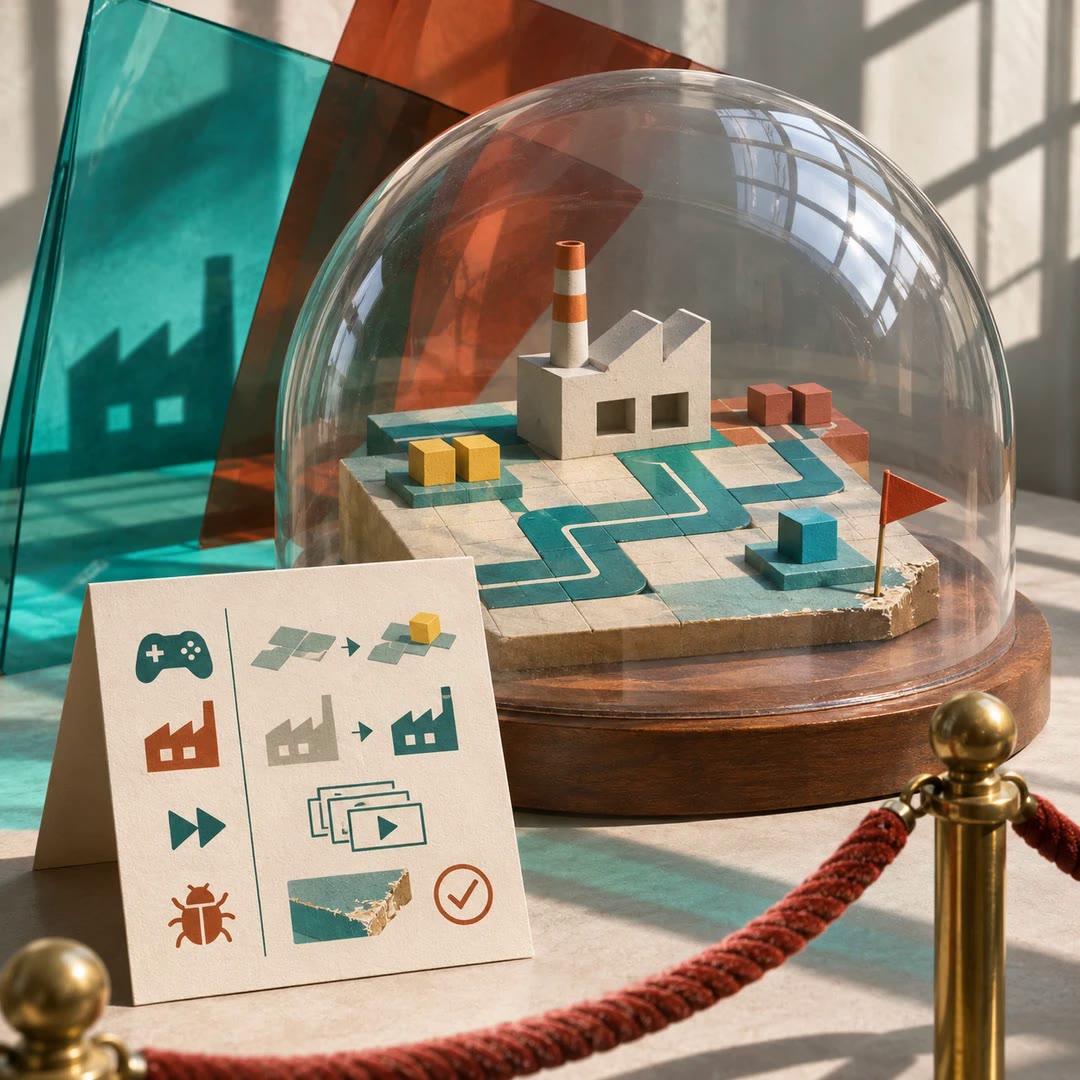
Prepare a FactorIA game for review with AI
Prepare play instructions, build status, fast scene access and known issues so reviewers can inspect a FactorIA game without editing it.
Free - SkillNew
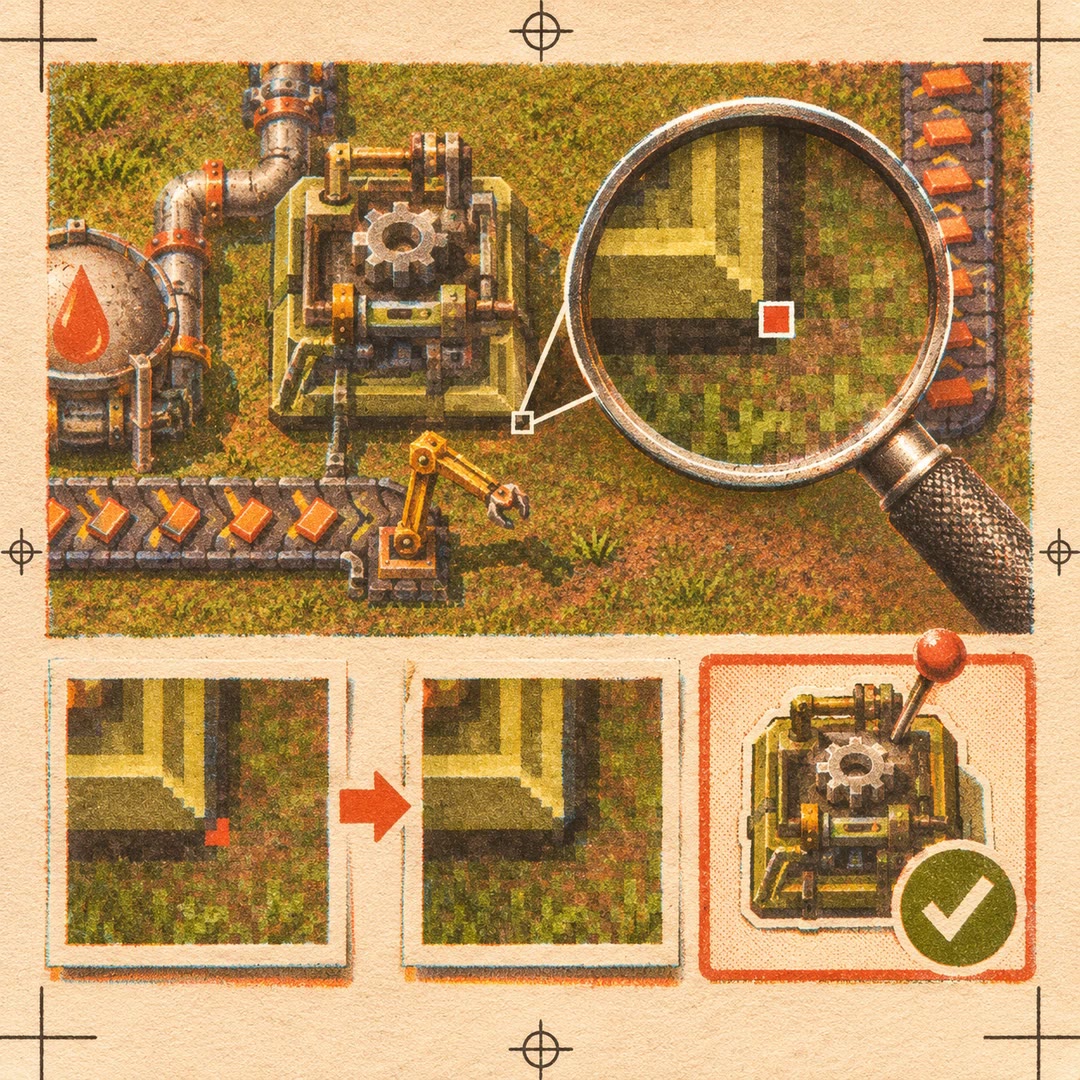
Inspect game screenshots with AI
Zoom into a FactorIA scene, compare consecutive frames and ask the engine which objects cover a troublesome pixel. Keep selected images for a later comparison.
Free - SkillNew
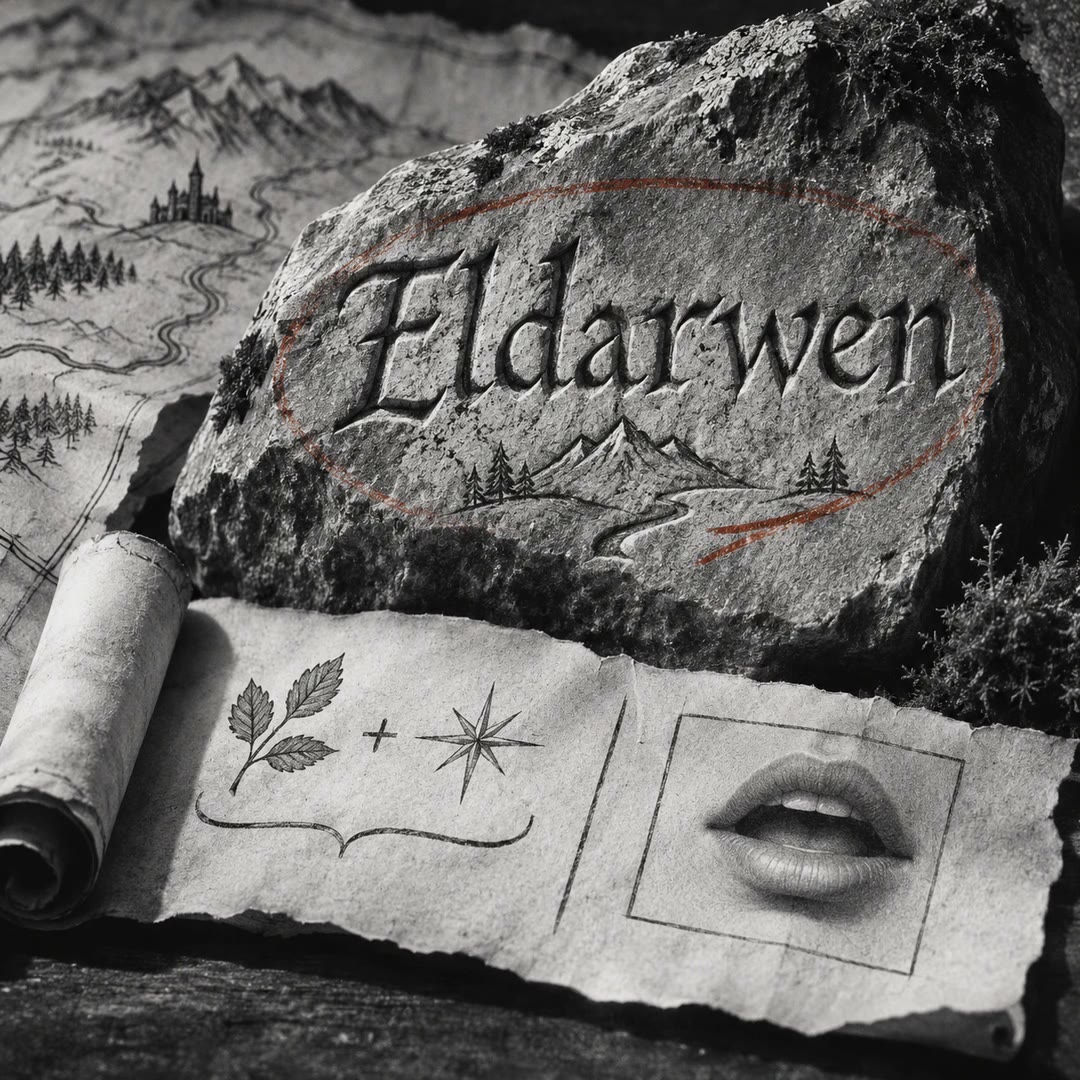
Generate fantasy names with AI
Create a name for a fictional person, place or item, then see the source language, word meanings and pronunciation that make it usable at the table.
Free - SkillNew
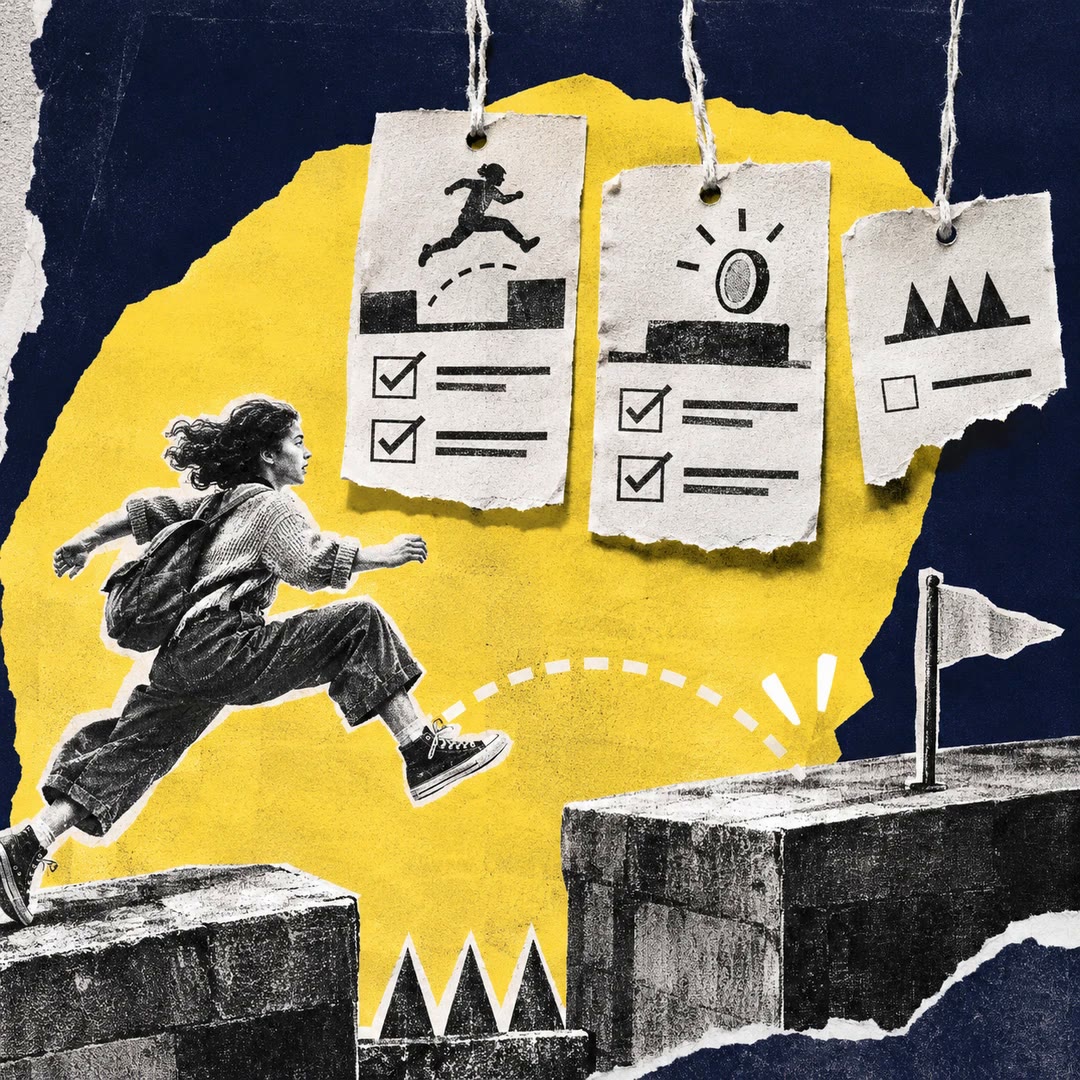
Write platform game rules with AI
Describe a player action in plain language and get structured rule data. See which parts the platformer vocabulary can express and where it falls short.
Free - SkillNew
Review game accessibility with AI
Turn barriers in a playable action into design changes the team can test, prioritise and record before release.
Free - SkillNew
Build a visual novel with AI
Develop a branching story in NarraLeaf Studio, inspect the edits live and test how each route plays before building the game.
Free - SkillNew
Make animated sprites with AI in Scenario
Turn character art into a sprite cycle, check the loop and its transparency, then arrange the frames for a game project.
Free - SkillNew
Build a 2D scene with AI in PixiJS
Plan and implement an interactive browser scene with separate artwork, controls and labels, using the current PixiJS v8 conventions.
Free - SkillNew
Set up PlayCanvas animation with AI
Diagnose a character that stays frozen even as playback time advances, and check that its clips bind to joints on the rendered model.
Free - SkillNew
Assemble a PlayCanvas scene with AI
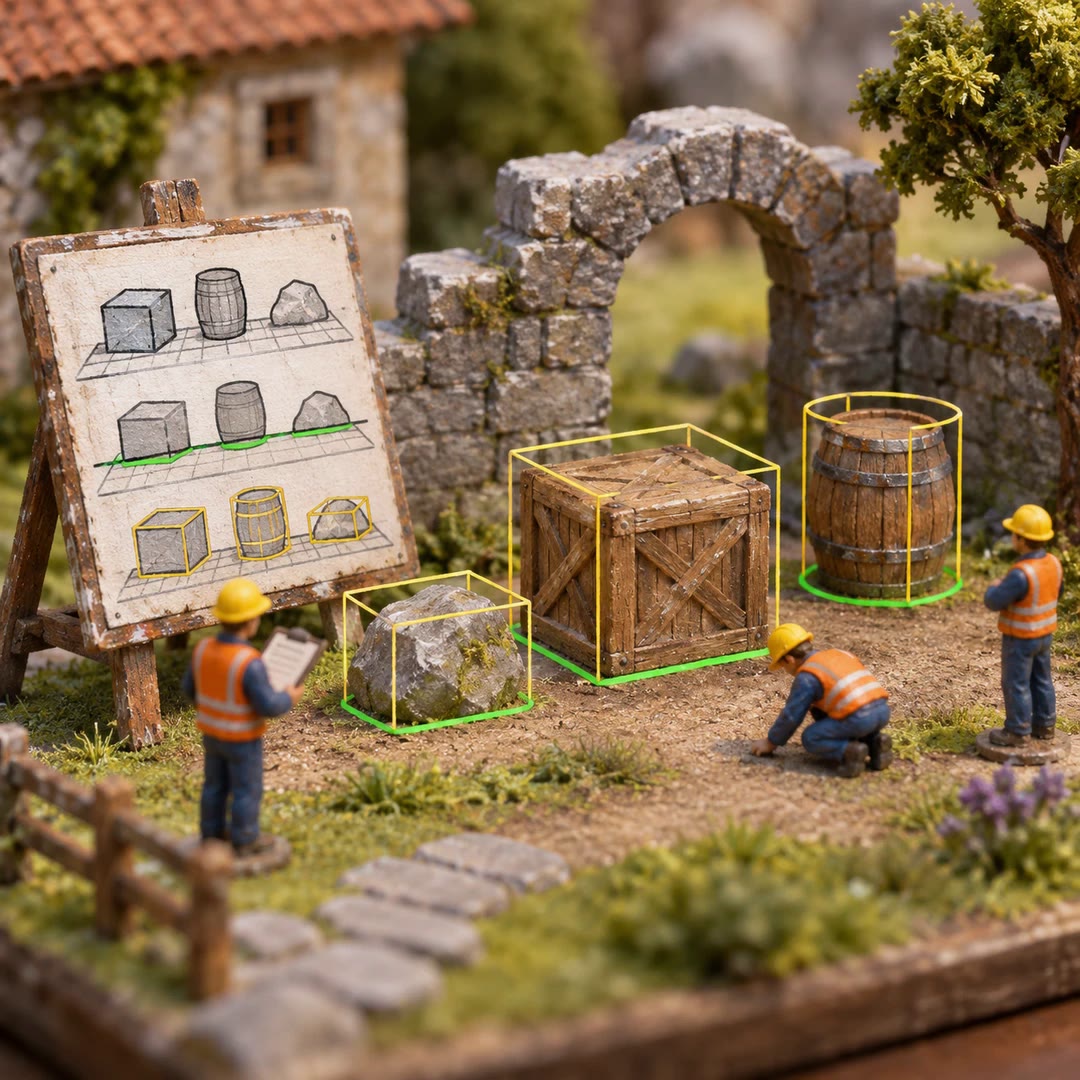
Place calibrated objects in a scene and check that their visible geometry, ground contact and collision bounds agree.
Free - SkillNew
Fix Godot gameplay with AI
Follow a gameplay problem from the scene and input that trigger it to an observable check in your Godot project. Keep the project's existing language and engine version.
Free - SkillNew
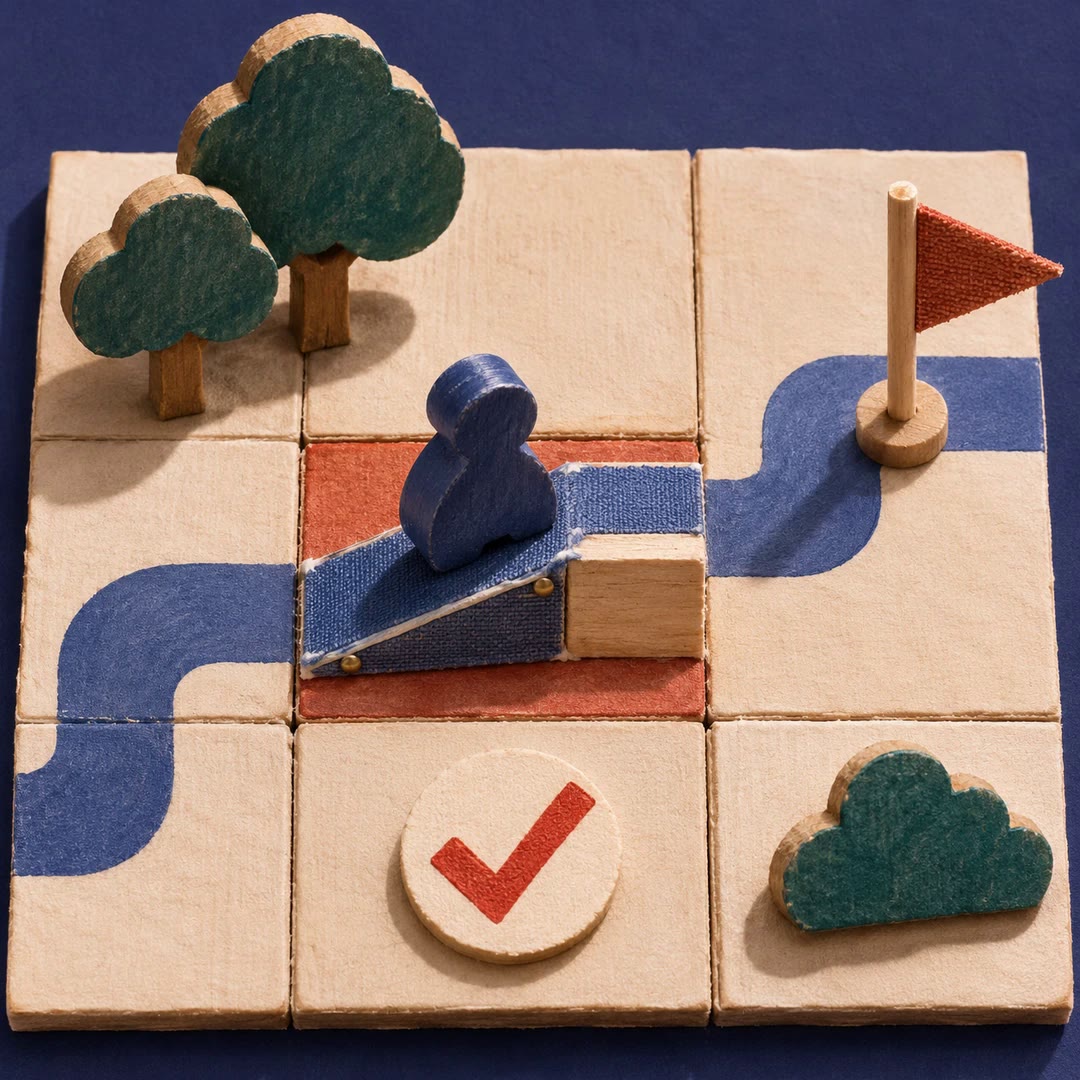
Design game mechanics with AI
Turn an intended player experience into rules, choices and a small playtest. Record what you expect to happen and what evidence would make you change the design.
Free