Products
Skills, prompt kits and templates for working with AI.
Product list
- SkillNew
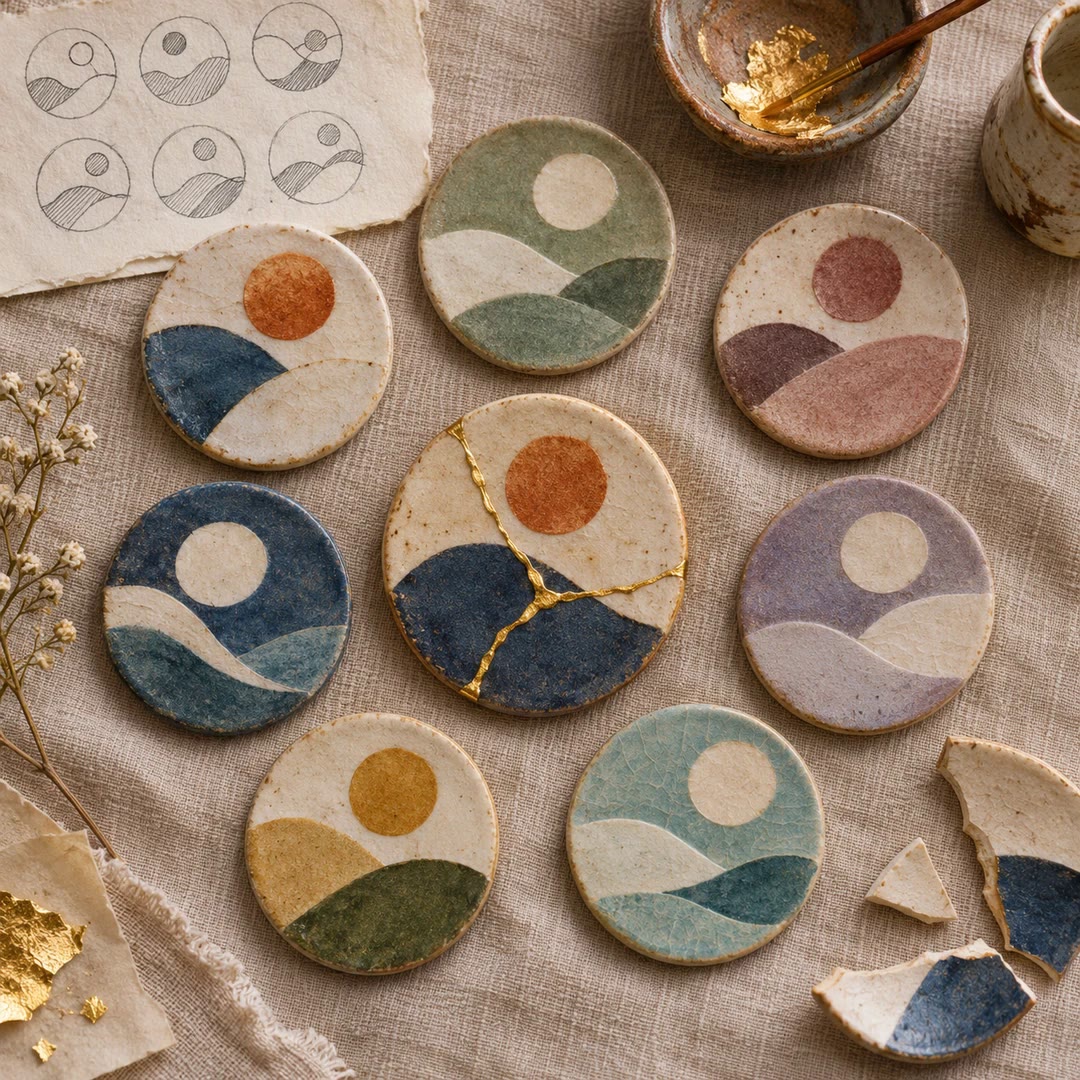
Design illustrated portrait marks with AI
Develop illustrated portrait-mark directions and separate square raster candidates, varying palette and composition while preserving a simple visual language.
Free - SkillNew
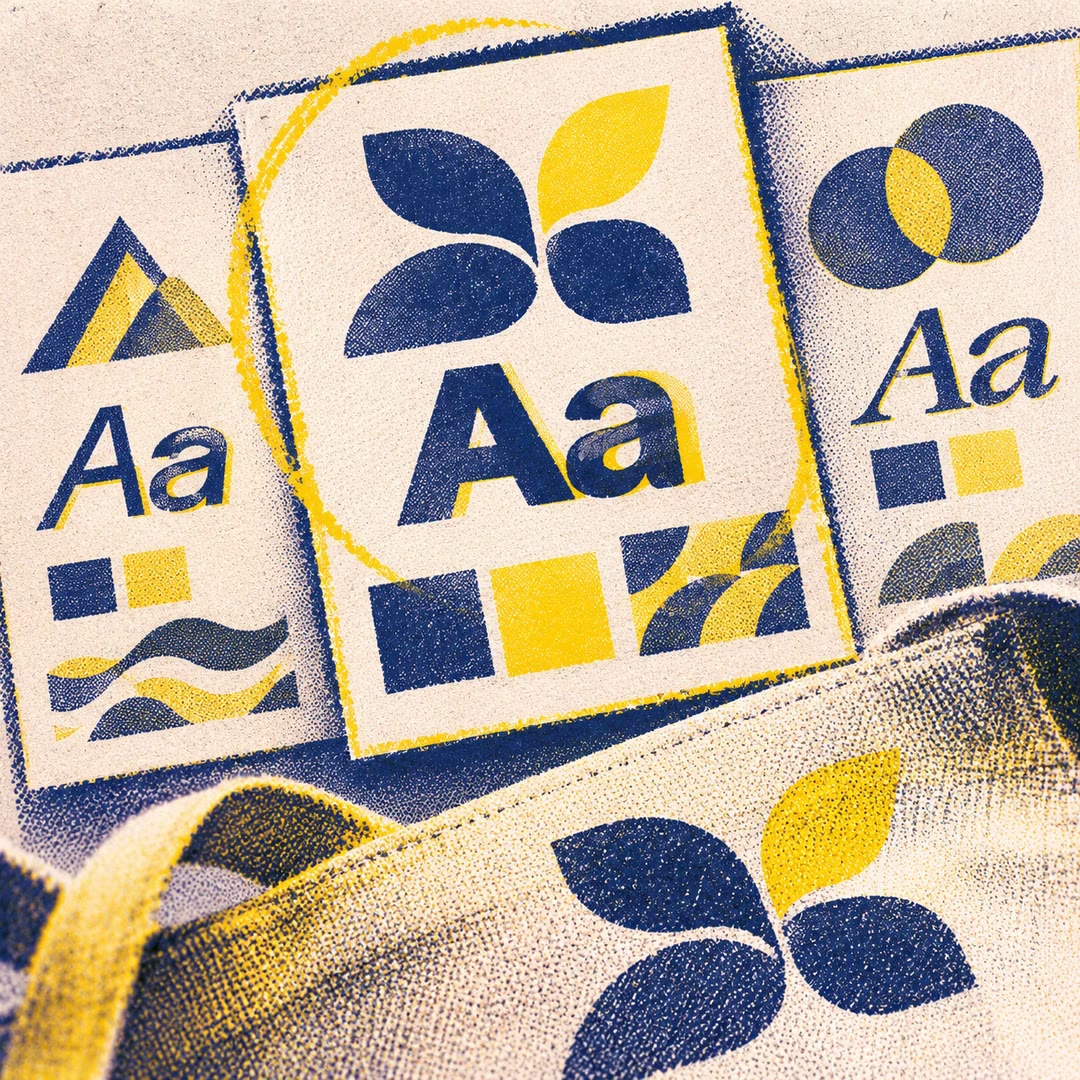
Design a visual identity with AI
Compare coordinated logo, typography and colour directions before choosing a kit
Free - SkillNew
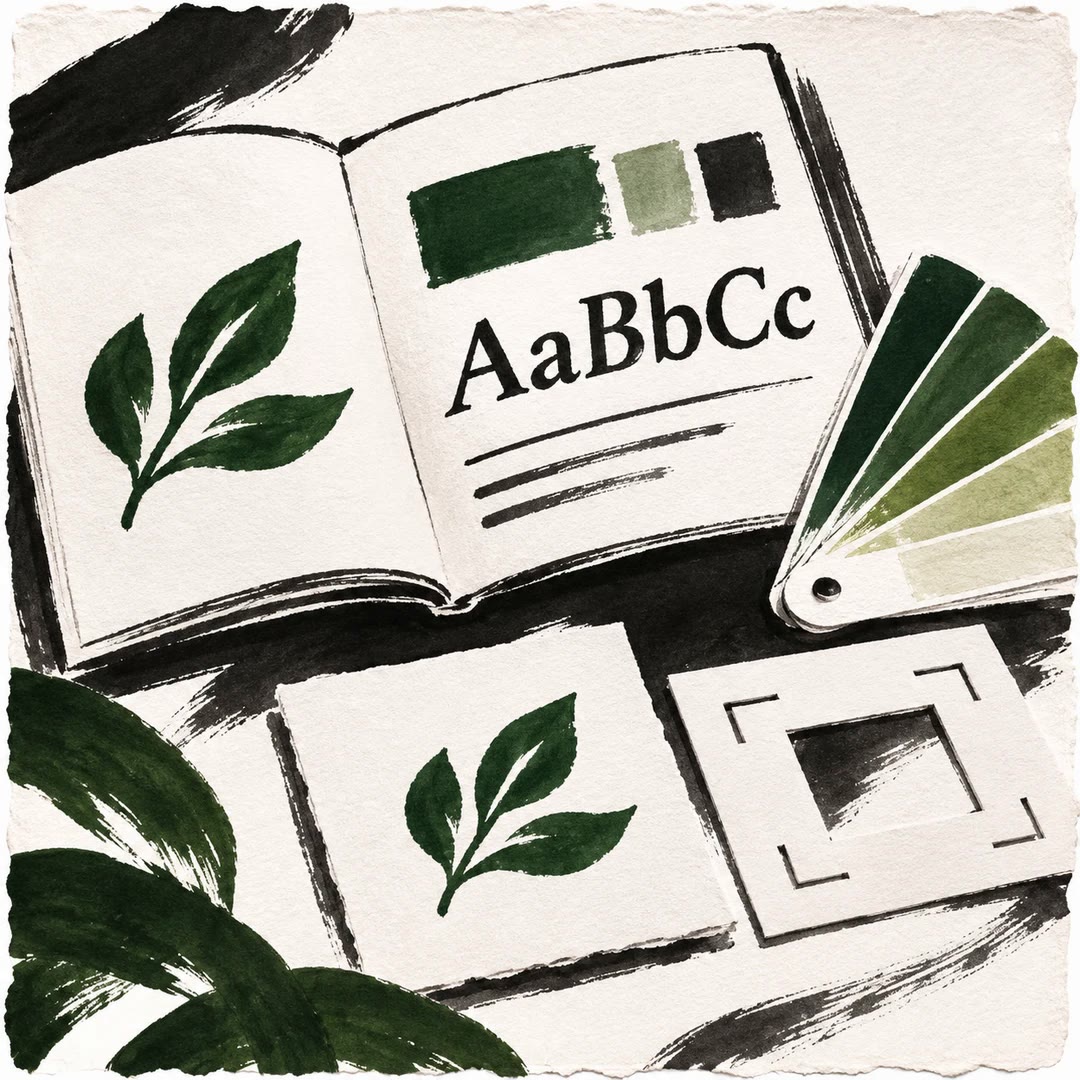
Brand style guides with AI
Turn an approved identity into a practical reference for design and voice.
Free - SkillNew
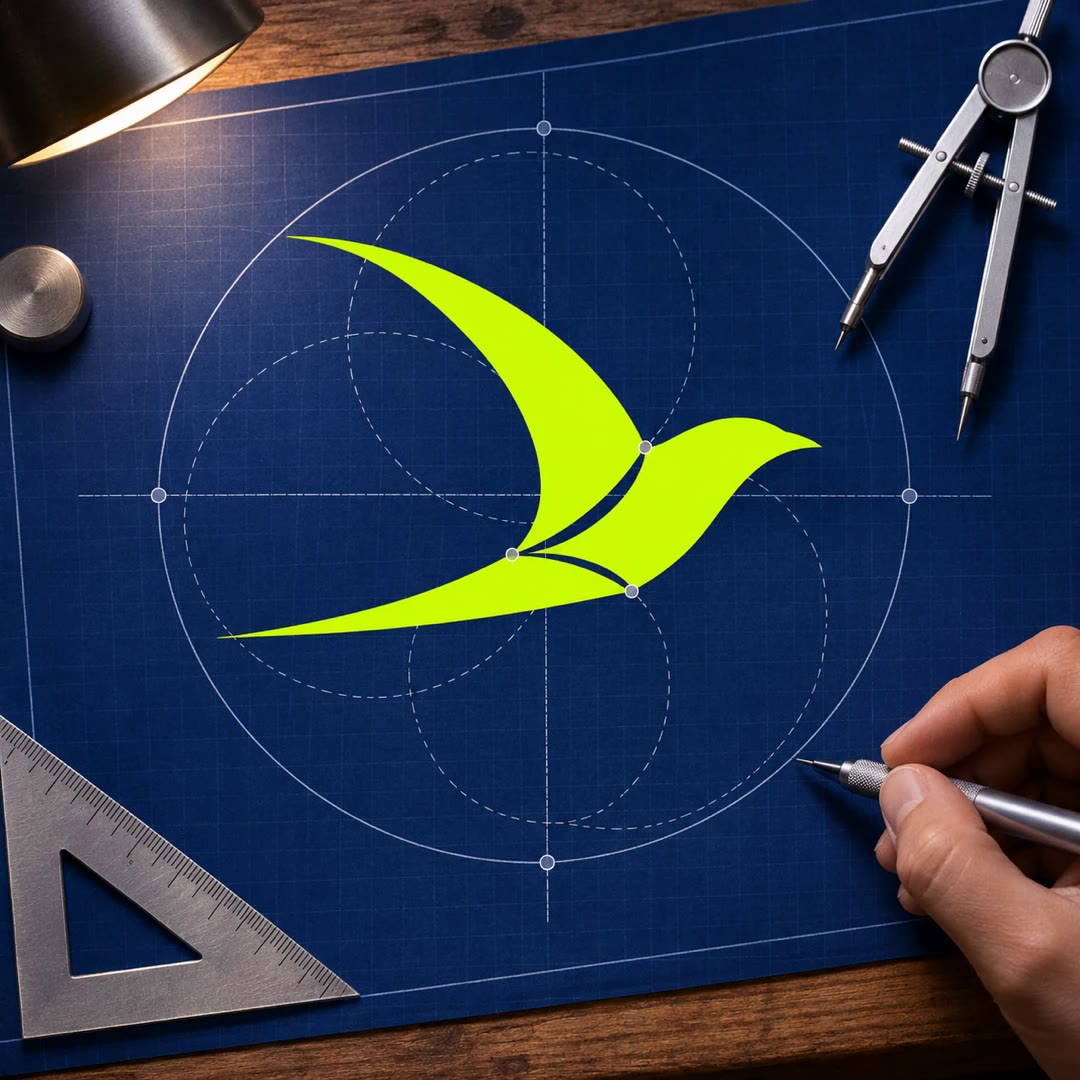
Design a vector logo with AI
Build a mark from editable shapes, check how it reads at its smallest size and keep the approved master separate from exchange files and previews.
Free - SkillNew
Design a brand board with AI
Plan the logo, colour and type for a specific use, then check how they hold together across a small set of panels.
Free - SkillNew
Design a brand identity with AI
Create a mark and wordmark, test them together and apart, and carry the chosen design into a favicon, sharing image and single-page brand reference.
Free - SkillNew
Audit brand consistency with AI
Compare live brand material with approved rules, record where it has drifted and distinguish an actual mismatch from a decision the team has never made.
Free - SkillNew
AI brand book design in Paper
Build an editable brand book on the Paper canvas. Keep a shareable PDF for the wider team and matching brand assets and rules for your project agent.
Free - SkillNew
AI brand guidelines in HTML
Build a browser-readable brand book and a companion skill for the agent working on your product. Both draw on the same colours, typography and usage rules.
Free - SkillNew
Industrial poster design with AI
Build a fictional product identity across two browser sheets, then save individual marks, icons and pattern tiles from the vector sheet.
Free - SkillNew
Build a brand kit with AI in Scenario
Start with a reusable vector mark and a short specification, then judge the monochrome version, favicon and branded applications against the same decisions.
Free - SkillNew
Plan a visual brand strategy with AI
Work through the feelings, references and constraints behind a visual identity. Keep the team’s answers and a shorter brief that designers can use for later decisions.
Free - SkillNew
Apply report branding with AI
Collect approved colours, fonts and logos in a brand.yml file and apply them to supported Quarto or Shiny outputs. Update an existing configuration without rebuilding it.
Free - SkillNew
Create a Stitch design system with AI
Capture a project's colours, typography and component shapes, review the proposed theme, then apply it to selected screens after approving the upload.
Free - SkillNew
Design SVG icons with AI
Make or edit a vector icon against the button or menu where it will appear. Compare its stroke and proportions at the intended display size.
Free - SkillNew
Check Canva brand consistency with AI
Review an existing design against its brand kit. Findings name the page and element, with a clear distinction between visible differences and verified style values.
Free