Products
Skills, prompt kits and templates for working with AI.
Product list
- SkillNew
Review photography with AI
Understand how composition, light, colour and expression affect a photograph, then turn the feedback into a specific experiment for your next image.
Free - SkillNew
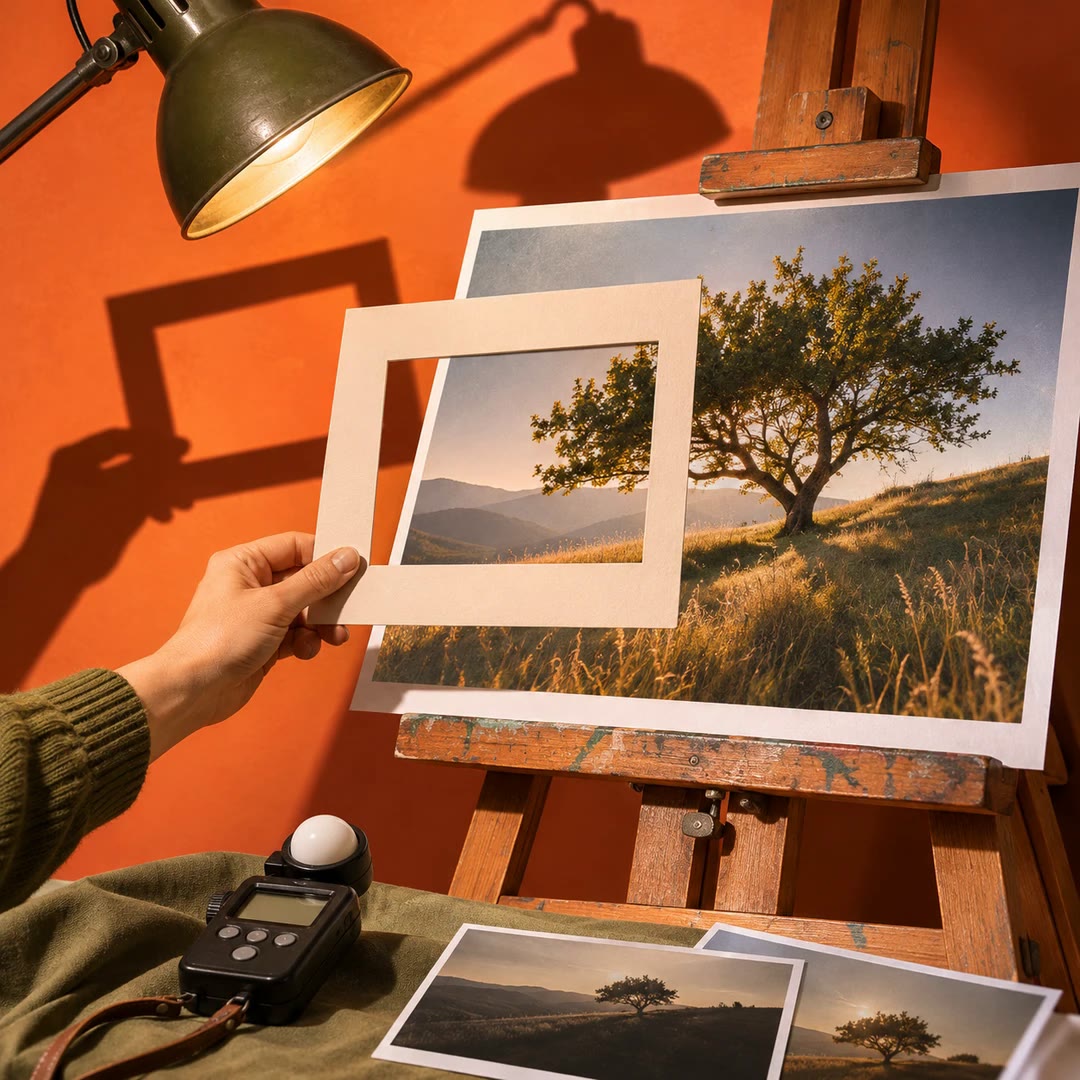
Photo critique with AI
Review composition, lighting and editing with advice suited to your actual tools.
Free - SkillNew
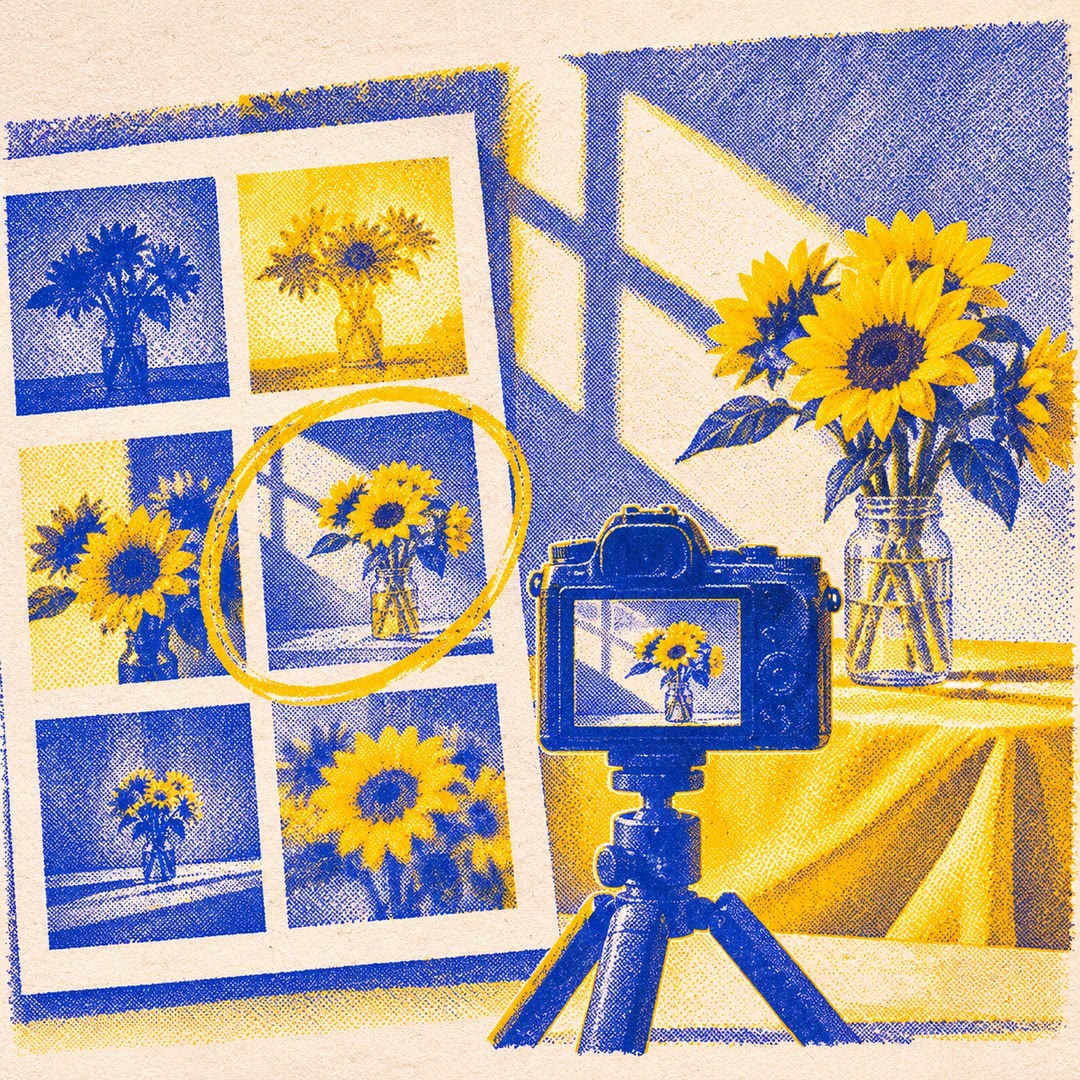
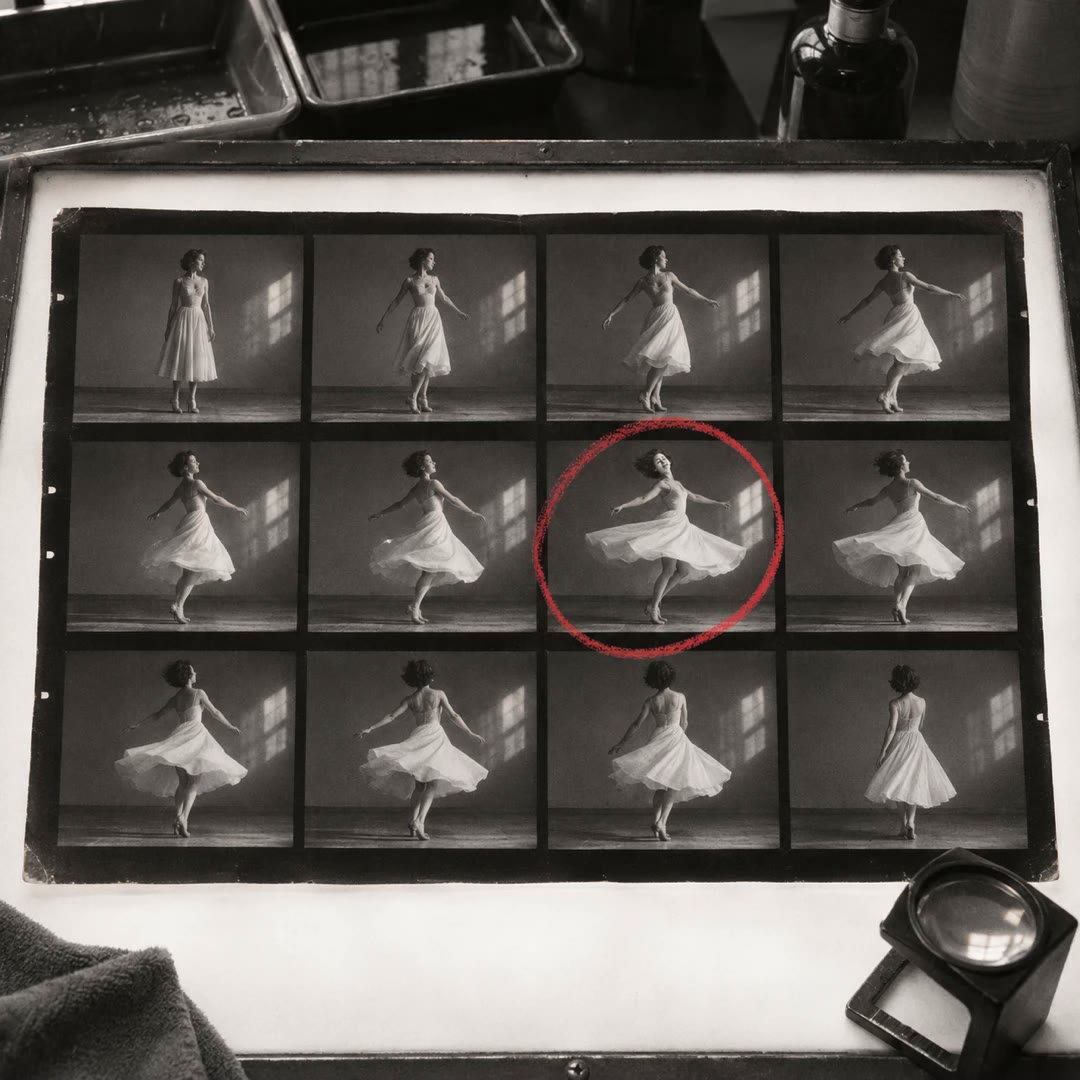
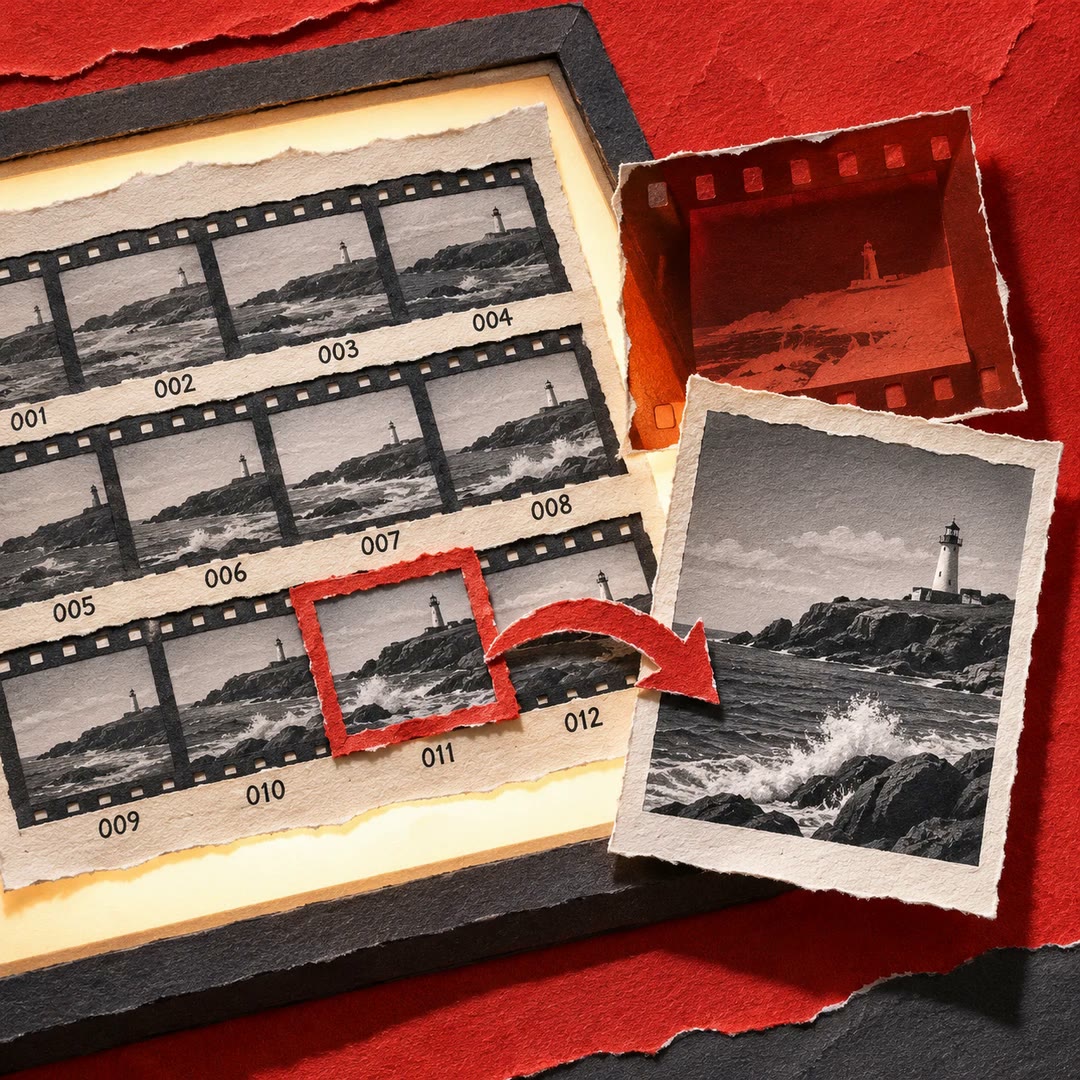
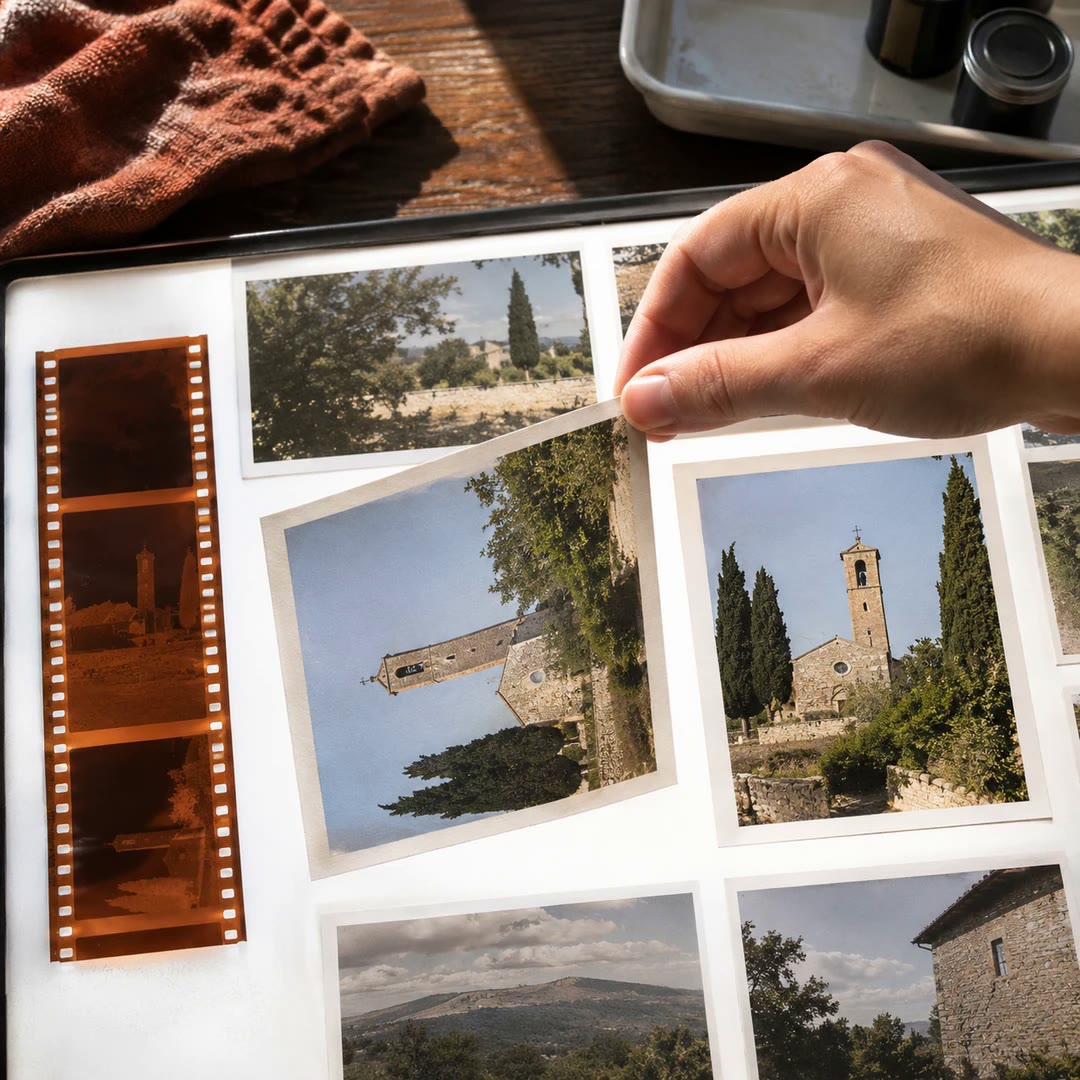
Make a photo contact sheet with AI
Give a reviewer one image showing a whole folder of shots. Add filenames or numbers so you can both refer to the same frame when choosing a shortlist.
Free - SkillNew
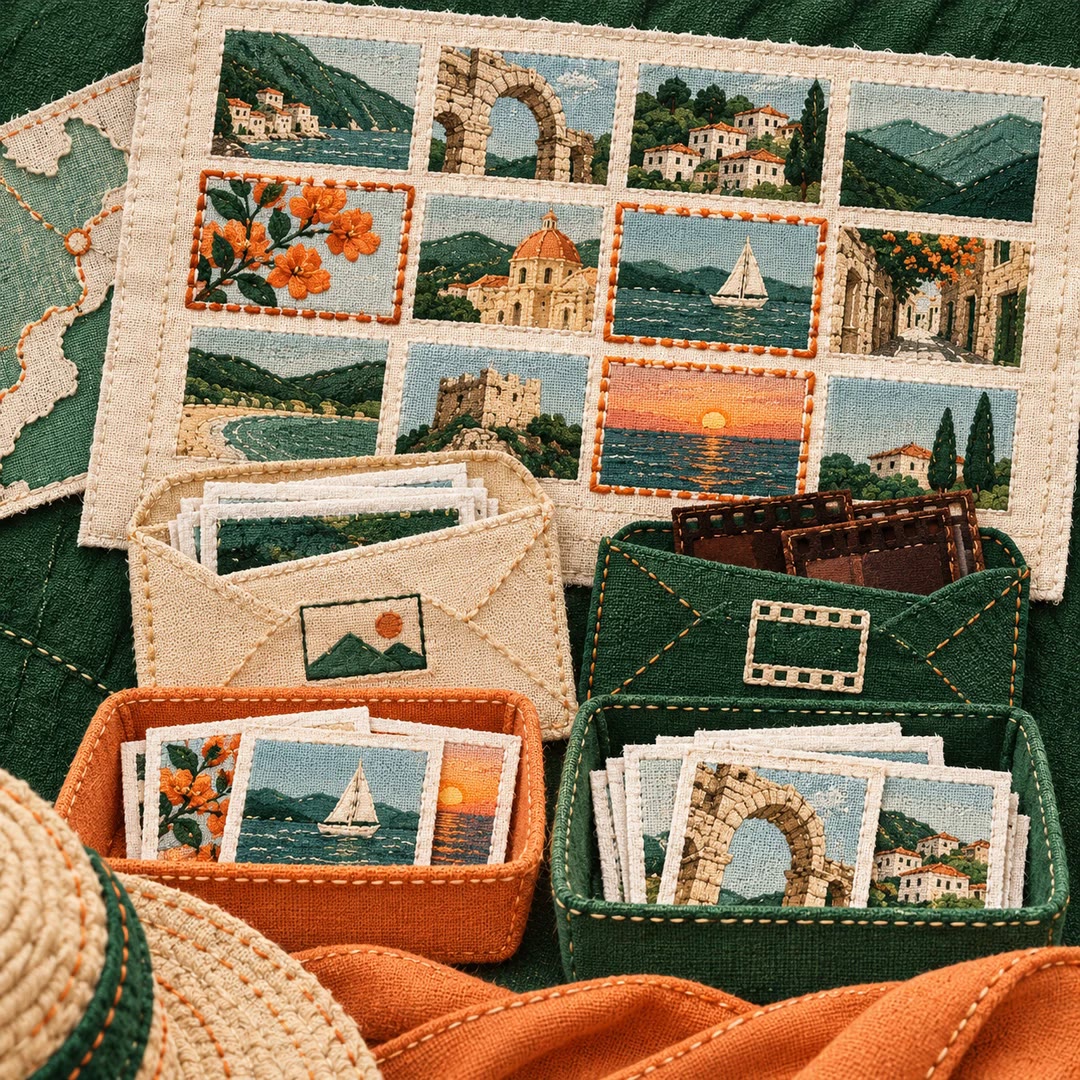
Choose travel photos with AI
Review a trip by contact sheet, keep JPEG and raw files together, and make separate selections for sharing and personal memories. Originals stay protected during the edit.
Free - SkillNew
Curate a photo portfolio with AI
Compare near-duplicates, choose edited work for display and sequence a collection around a theme.
Free - SkillNew
Edit photos in PhotoCraft with AI
Retouch a working copy with layers, masks and colour adjustments in PhotoCraft. Use LightCraft for raw development and keep an editable file alongside the export.
Free - SkillNew
Review JPEG photo exports with AI
Get numbered contact sheets and a CSV inventory from a local shoot folder. Match a thumbnail to its original and decide which frames deserve a closer look.
Free - SkillNew
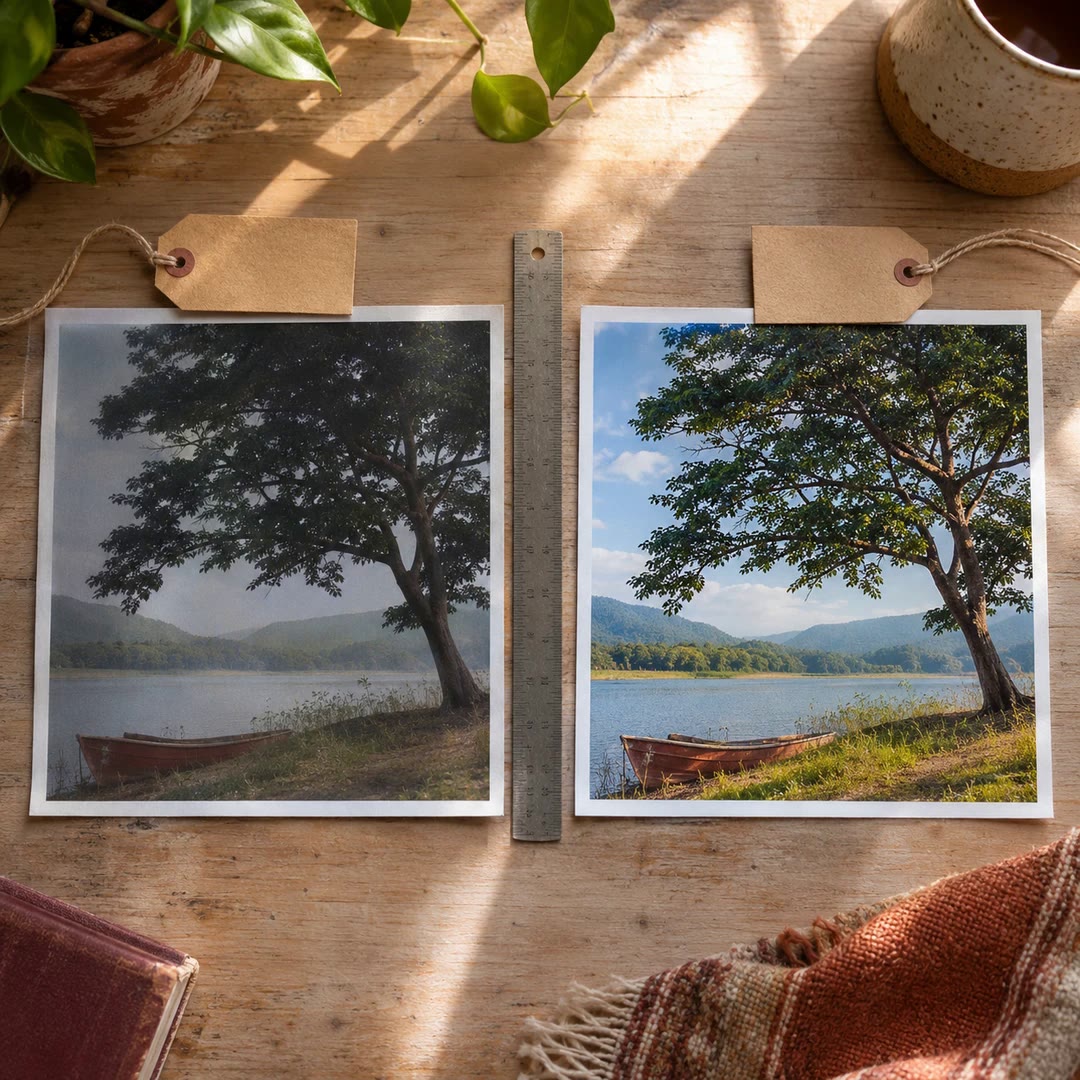
Compare before and after photos with AI
Put an original and an edited image in the right order, label the pair and get a visual comparison for reviewing the change with someone else.
Free - SkillNew
Adjust photo colours with AI
Develop a photograph in darktable and keep a full-size image alongside the settings used to make it.
Free - SkillNew
Rotate Immich photos with AI
Straighten a batch of sideways images in your Immich library with quarter-turn display edits that preserve the originals.
Free - SkillNew
Choose camera settings with AI
Work out which camera setting to change first by describing the light, the subject and the result you want in the frame.
Free - SkillNew
Stage product photos with AI in Scenario
Use an authorised photograph as the reference for a studio or lifestyle image and check that the item still matches what you sell.
Free - SkillNew
Remove a photo background with OpenClip AI
Separate a product or other subject from its surroundings and receive a transparent PNG to use against an appropriate background.
Free - SkillNew
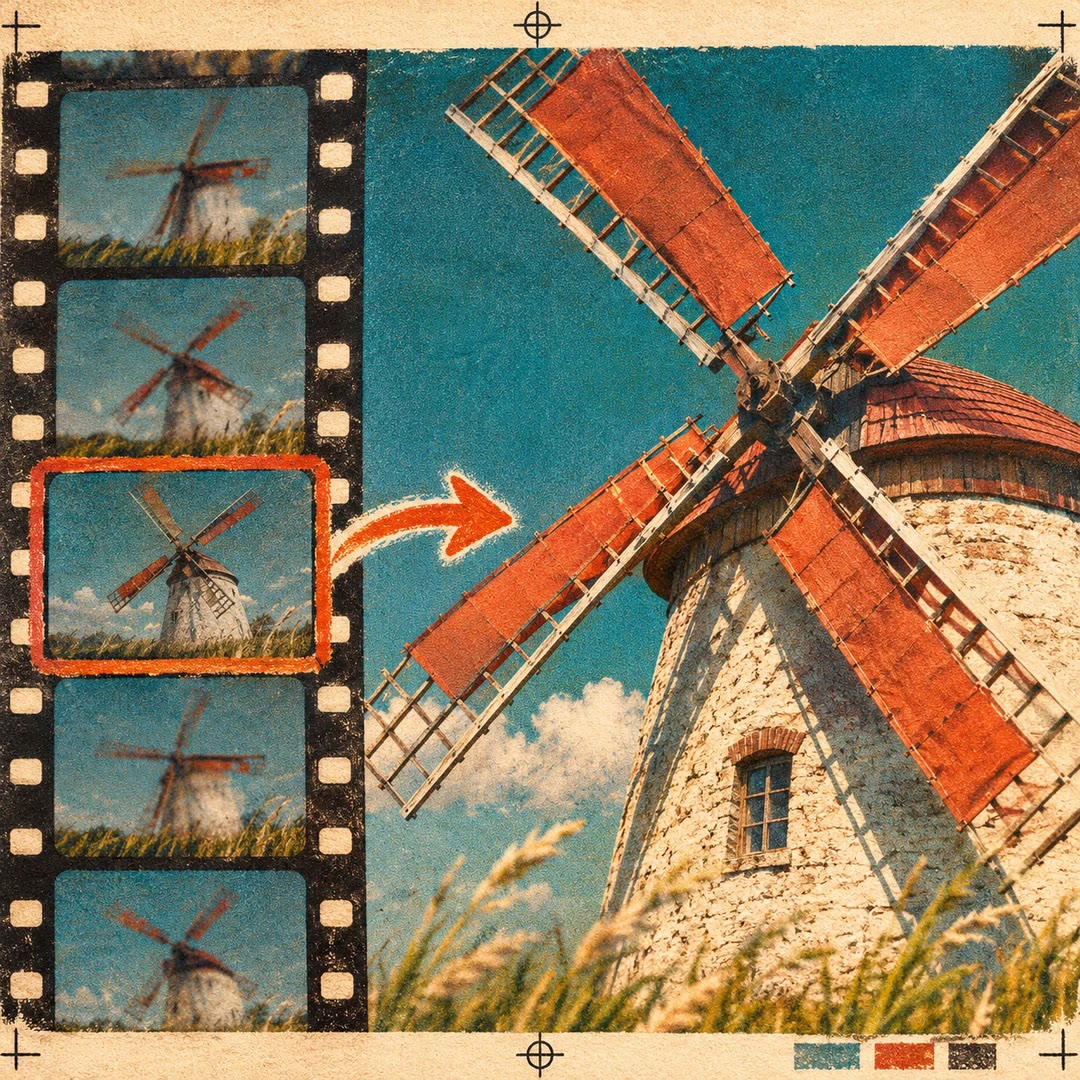
Extract video thumbnails with AI
Extract still frames from a video, choose the one that works at thumbnail size, then crop, resize or compress it through OpenClip.
Free - SkillNew
Add news photo metadata with AI
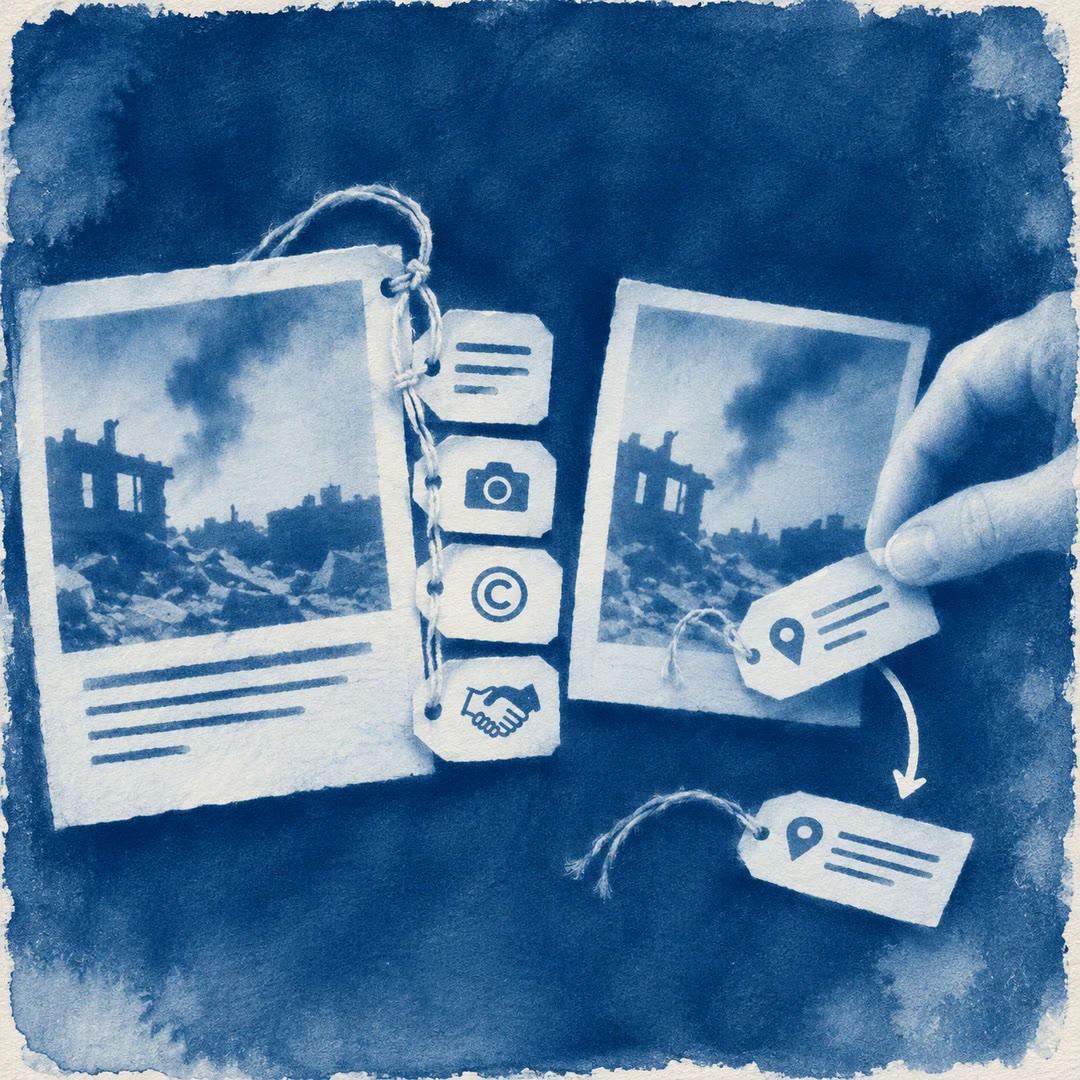
Keep captions, credit and usage terms with a press photo. Prepare a separate delivery copy and check which location details travel with it.
Free - SkillNew
Build ImageKit image URLs with AI
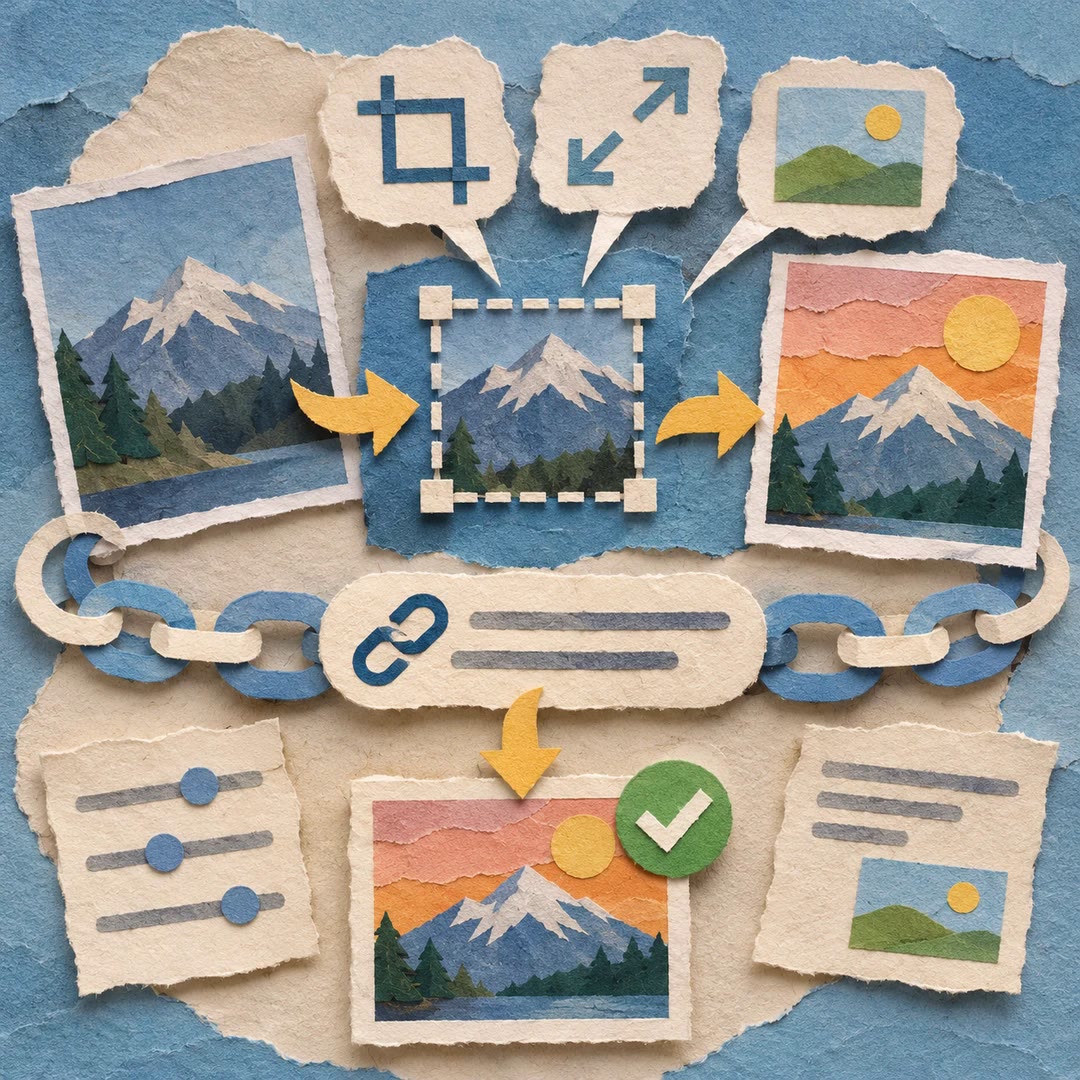
Describe the crop, size, background or overlay you need. Get a validated ImageKit delivery URL and check the resulting image without replacing your source file.
Free - SkillNew
Create product advertising images with AI
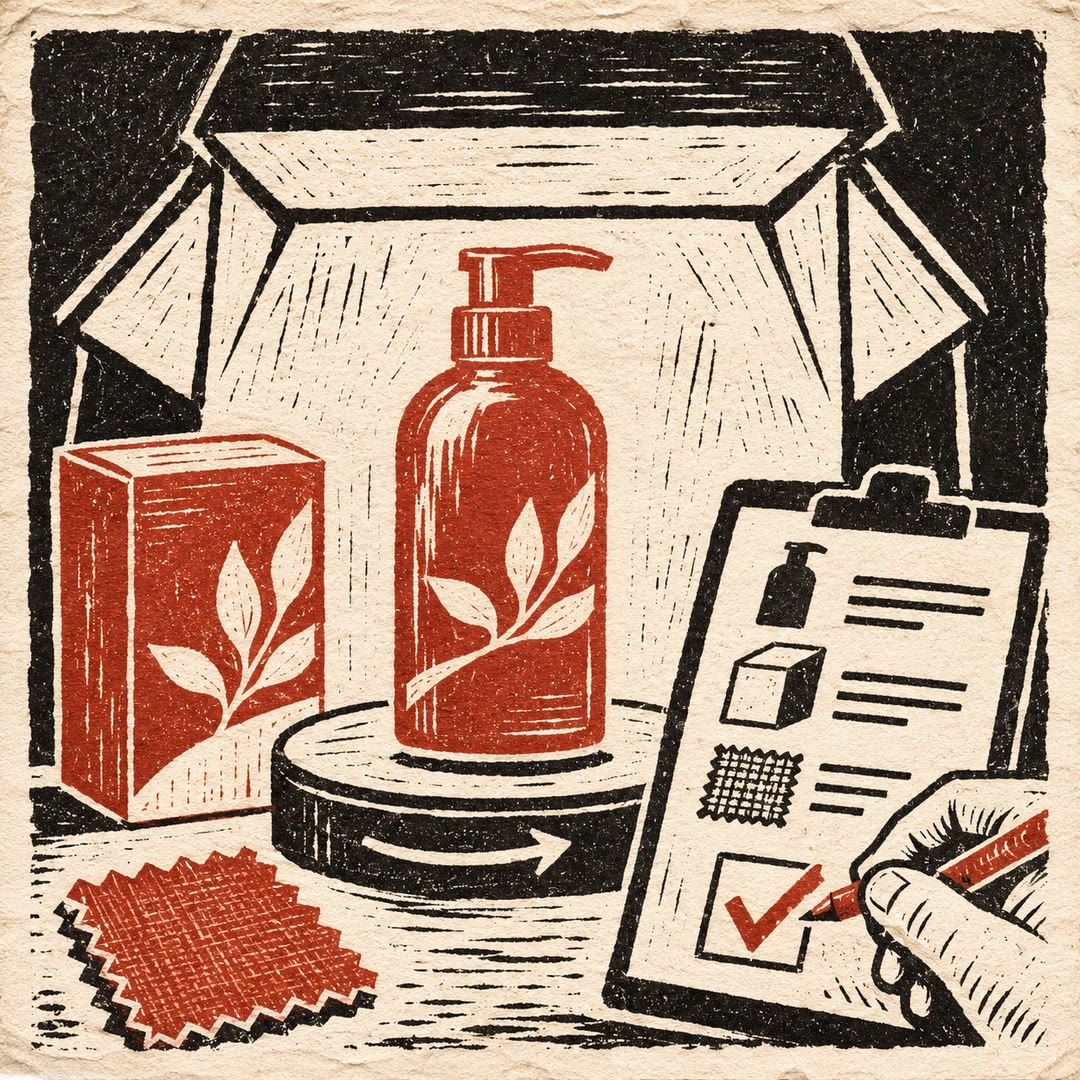
Develop a product image or short reveal using authorised references, then check the packaging, material and brand details before approving it.
Free