Format a bibliography with AI
Turn rough source notes into consistent entries and see which publication details still need checking before you hand in a draft.
When you format a bibliography with AI, you can start with the notes you actually kept. A producer might have the full details of a book, a link to a council report and a date for a recorded interview. Give those notes to source-bibliography-writer and specify the house style. Each citation follows the conventions for its own source type.
The marks beside incomplete entries give you a practical list of things to check. Ask for a short annotation if a reader needs to know why a particular source matters. Accurate spelling, publication dates and edition numbers still depend on your records.
What it does
- Prepare an alphabetical Chicago bibliography from a mixture of books and articles.
- Group official documents separately for a documentary research pack.
- Turn notes on an interview into a citation that reflects the details you can disclose.
- Produce an APA reference list and flag a missing volume or page range.
- Add a line on the relevance of a source for a colleague picking up a story.
Install and use
- Install the skill in your assistant and provide the source details. A reference manager or database subscription is optional.
- Choose Chicago Notes and Bibliography, APA or AP-style source listing. Specify the order and whether you want annotations.
- Review the flagged entries against the originals and compare the result with your editor’s current instructions.
FAQ
Source
Made by ur-grue. Original skill: source-bibliography-writer, published on GitHub under the MIT licence.
View on GitHubRelated products
- SkillNew
Create English paper digests with AI
Build an English research digest and local reading queue with verified paper identities, evidence-rich cards and a history that avoids repeated recommendations.
Free - SkillNew
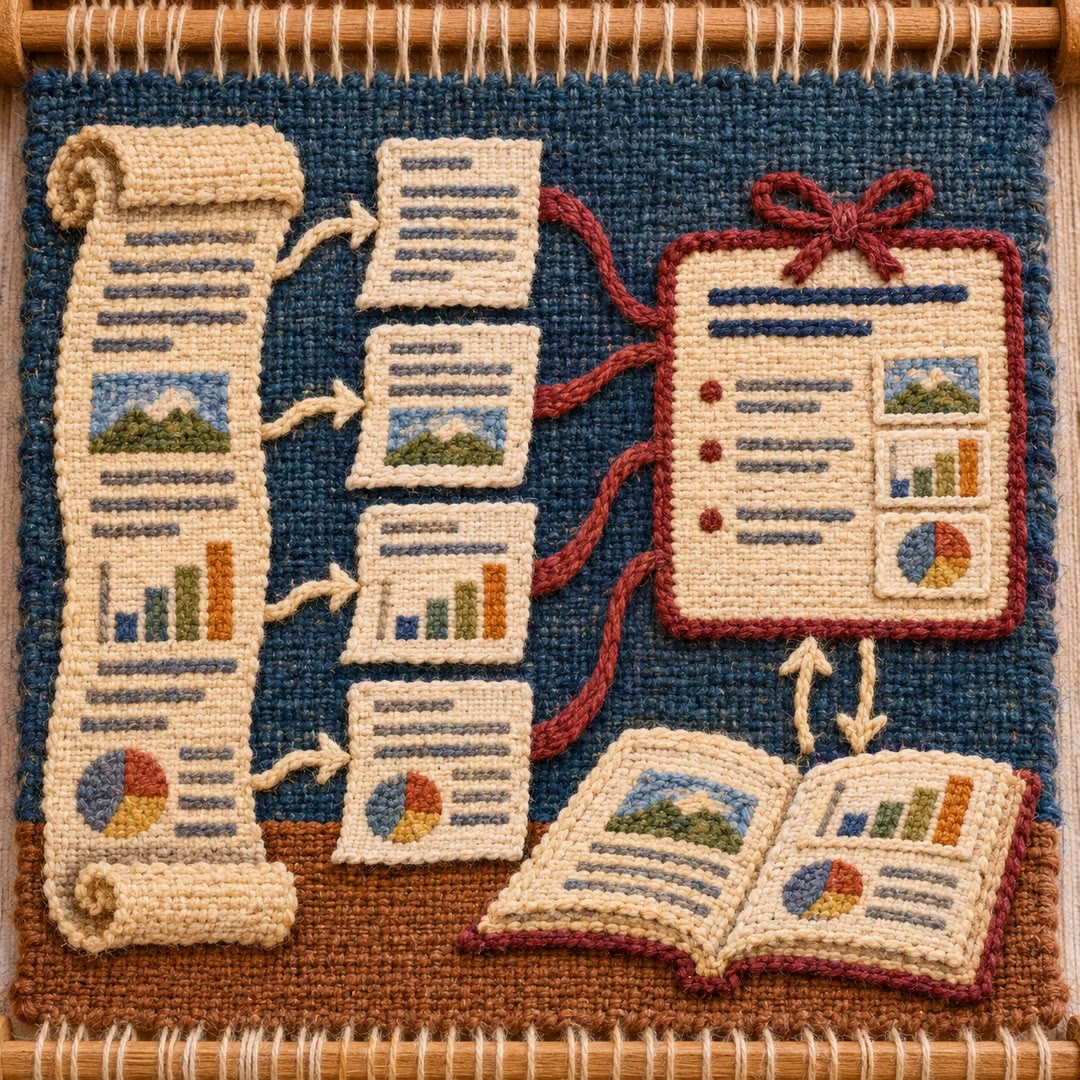
Read long PDFs with AI
Split a local document into page-based PDF and text chunks, read them in sequence and consolidate source-linked notes, checking important visuals against the original.
Free - SkillNew
Read research papers in stages with an agent
Choose a reading depth that fits your research question, then keep claims, evidence, assumptions and unperformed checks distinct in your notes.
Free