Products
Skills, prompt kits and templates for working with AI.
Product list
- SkillNew
Write Veo prompts with an agent
Turn a video idea into a shot list, clear camera directions and editable prompts, with reference roles and revision choices defined before generation.
Free - SkillNew
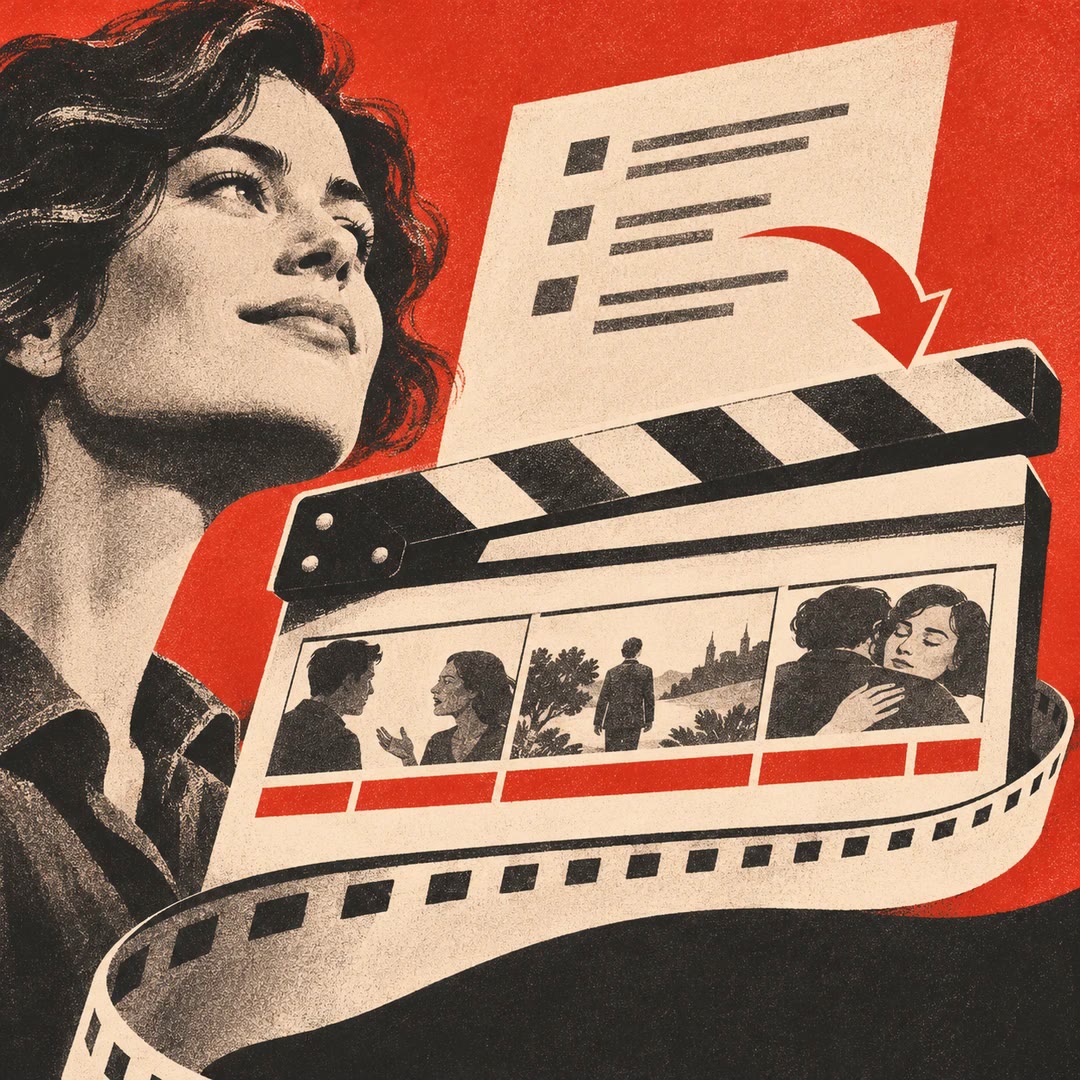
Micro-drama writing with AI
Develop an authorised story into episodes, dialogue and a production continuity record.
Free - SkillNew
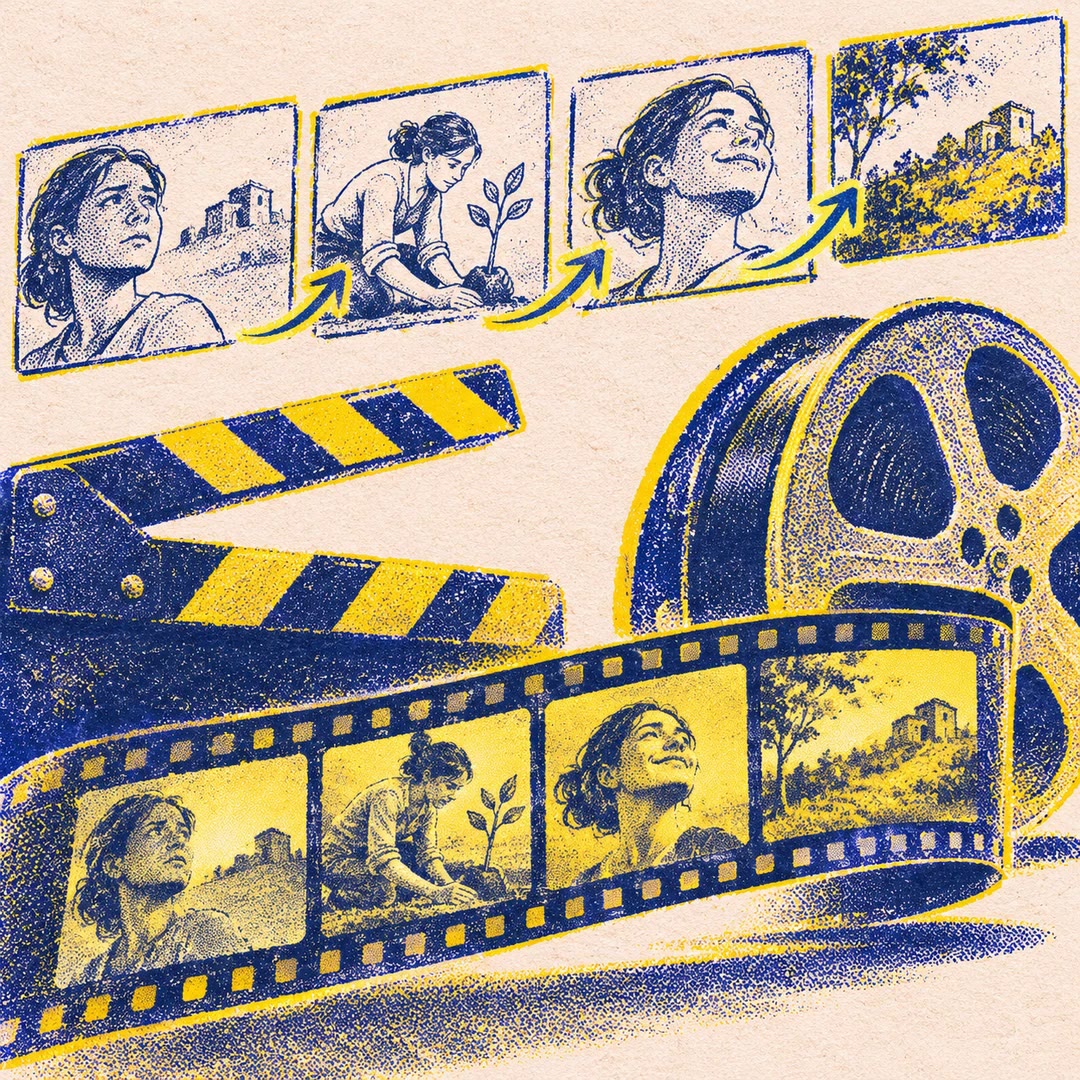
Storyboard a reel with AI
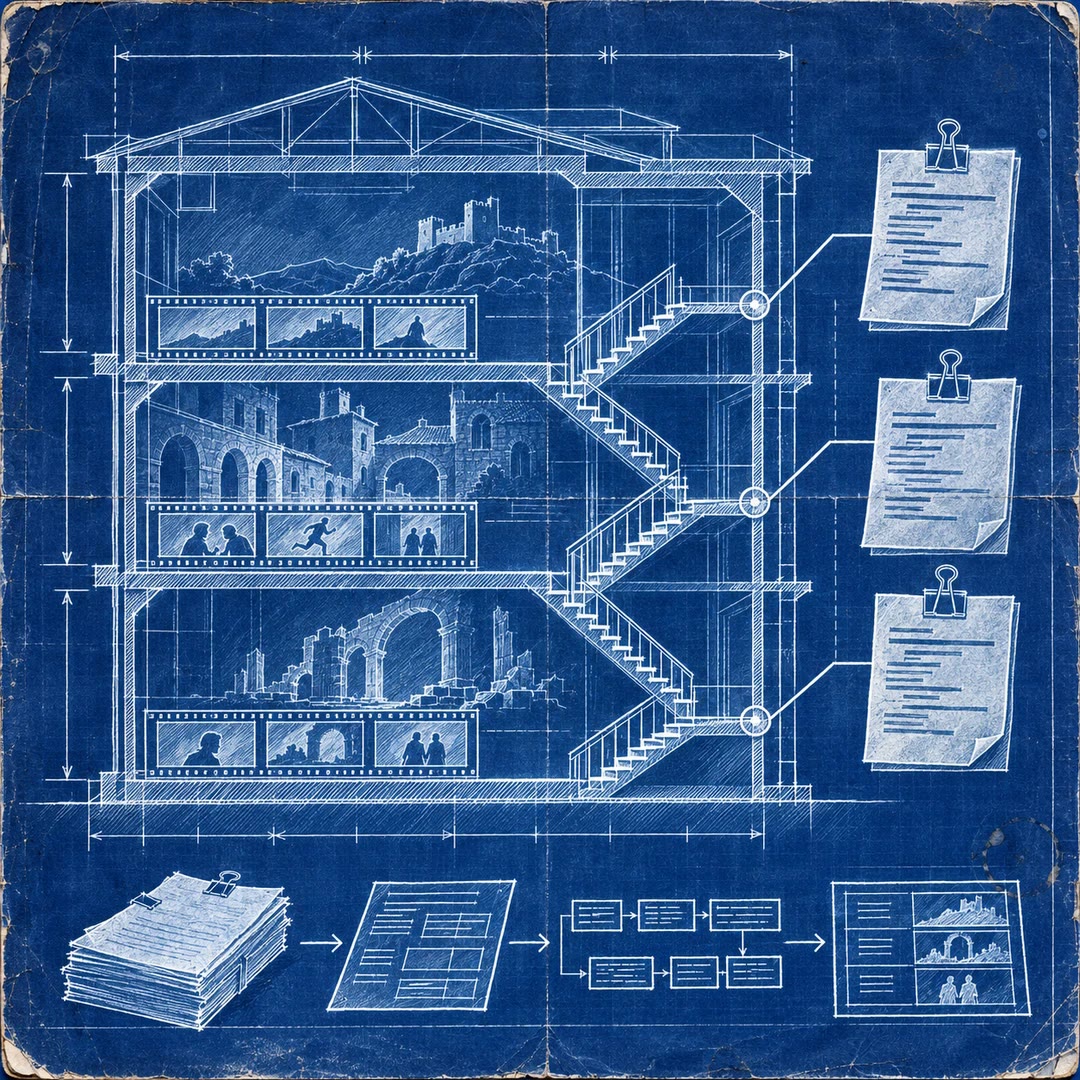
Agree the still frames of a vertical video before paying for new motion. Keep dialogue, captions and performance on separate layers and check the encoded delivery file.
Free - SkillNew
Prepare a film festival submission with AI
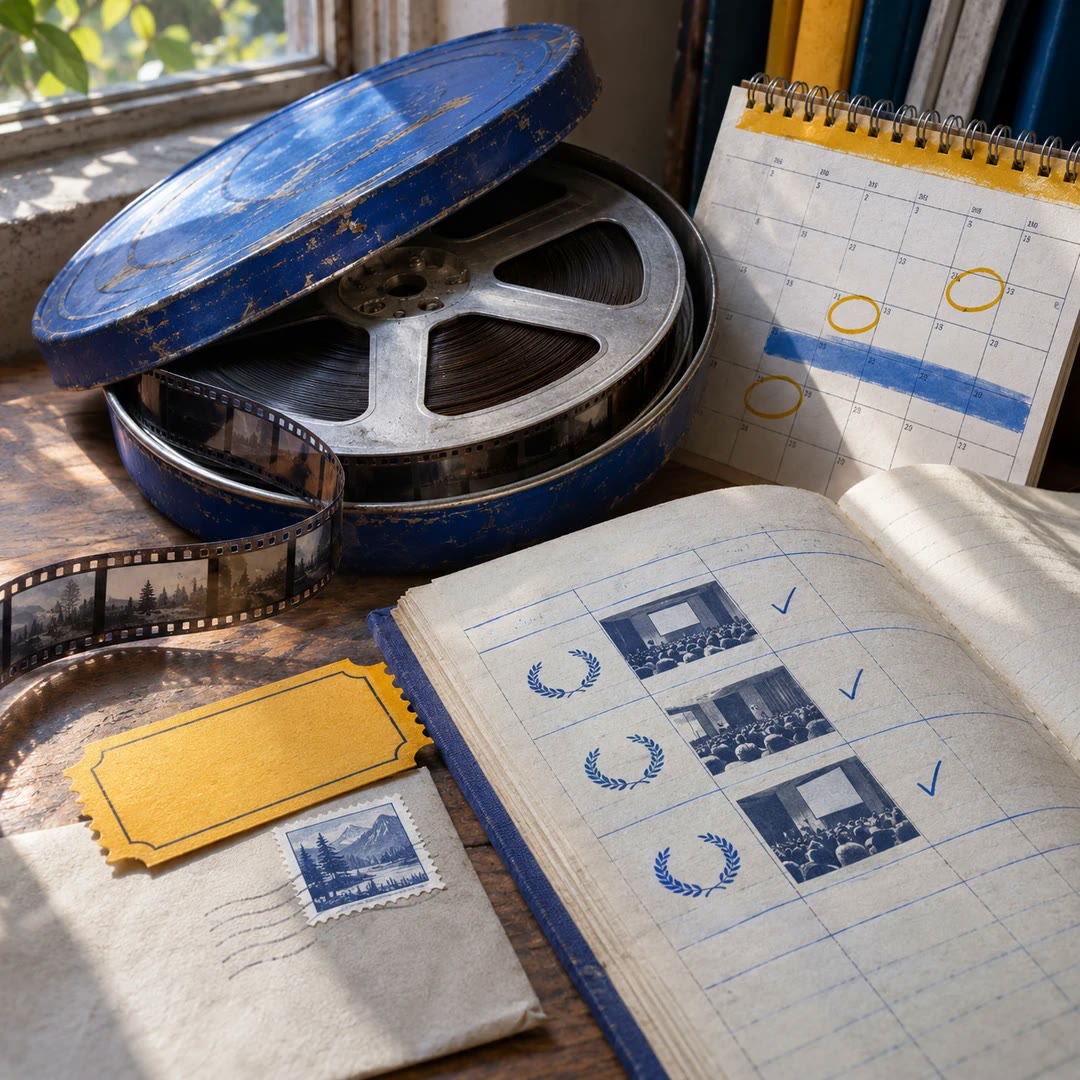
Build a festival dossier and a dated submission plan around your film's running time, screening history and available budget.
Free - SkillNew
Plan a film shoot with AI
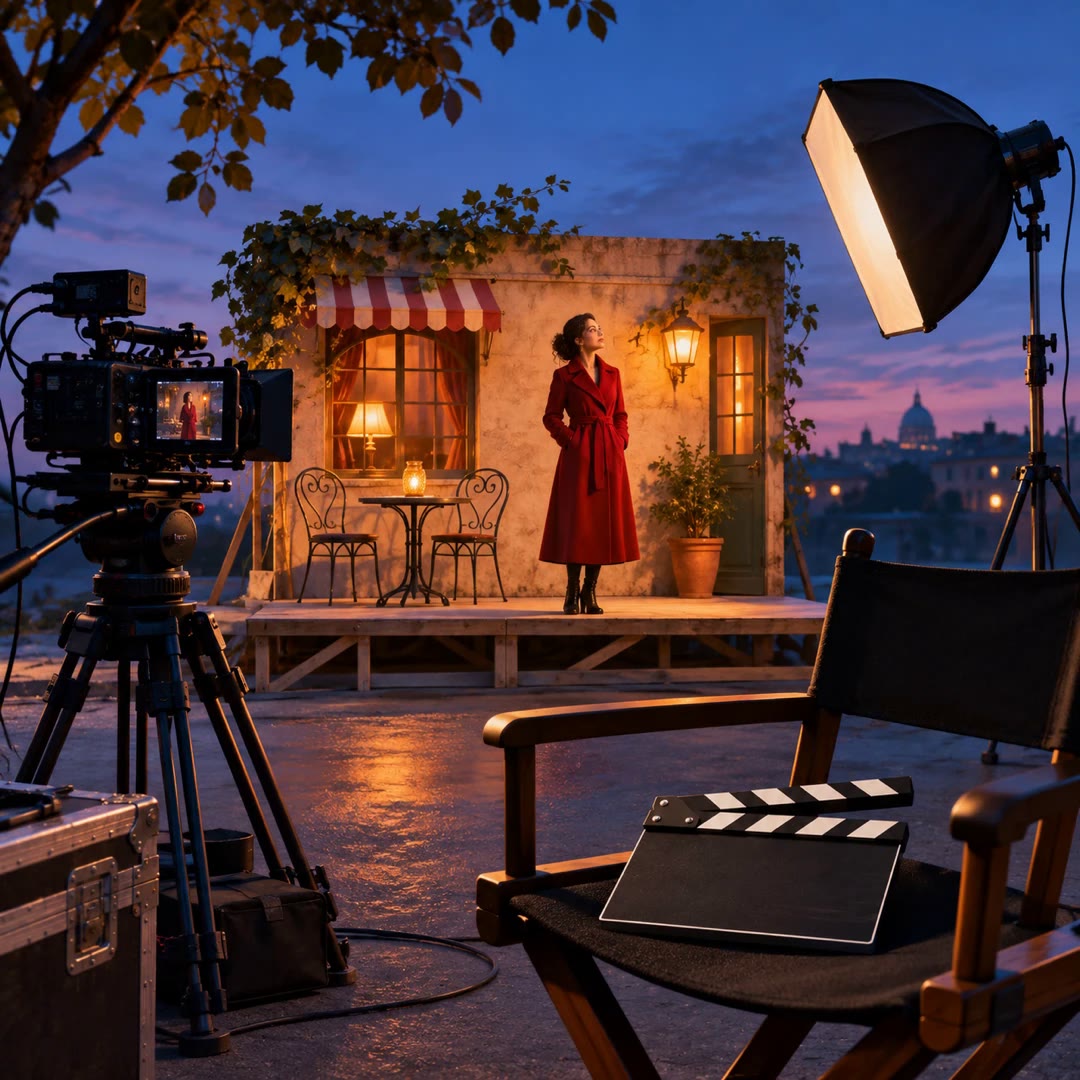
Break the script down by scene, cast, location and props. Build a shot list and a daily call sheet that reflect the crew’s actual availability.
Free - SkillNew
Plan an animation storyboard with AI
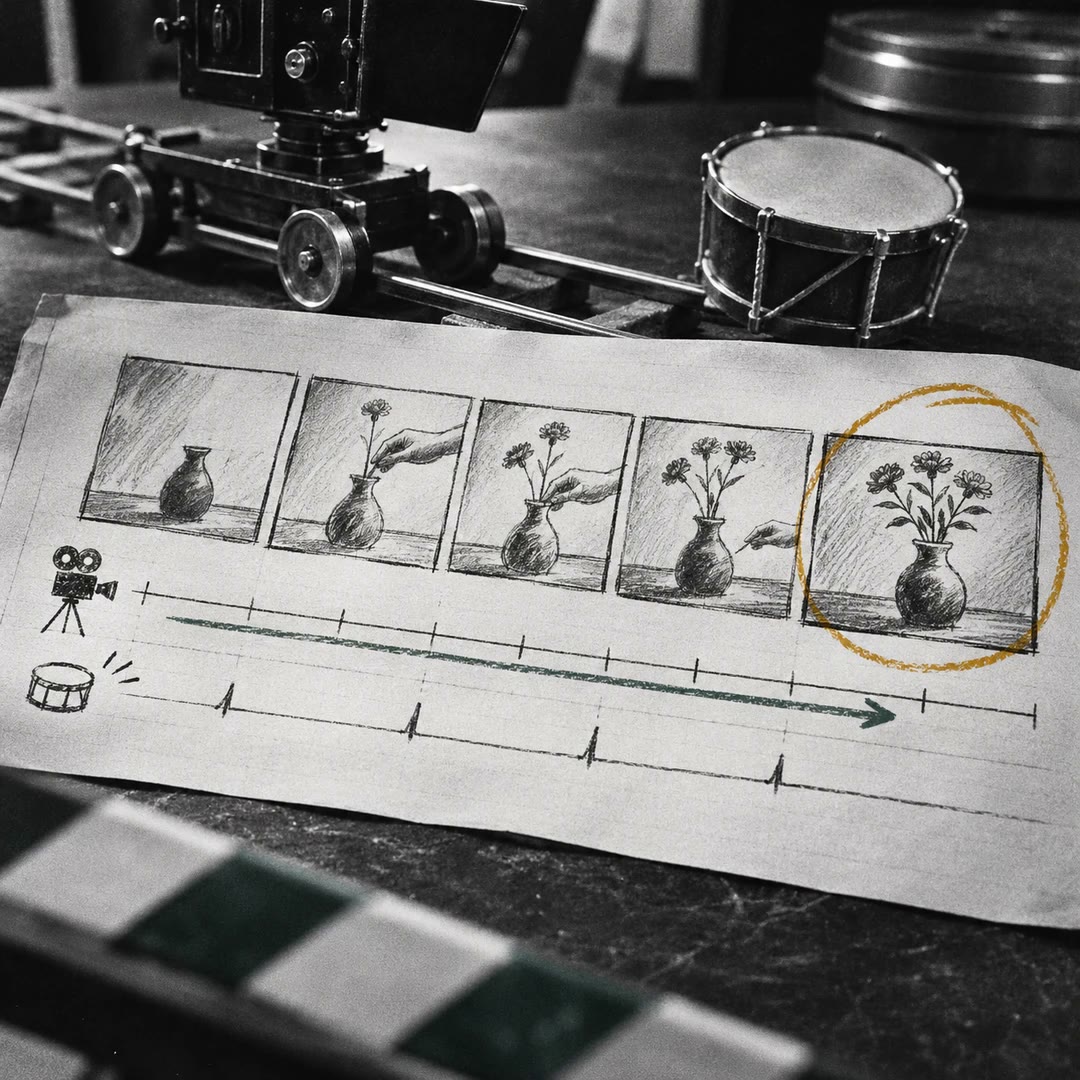
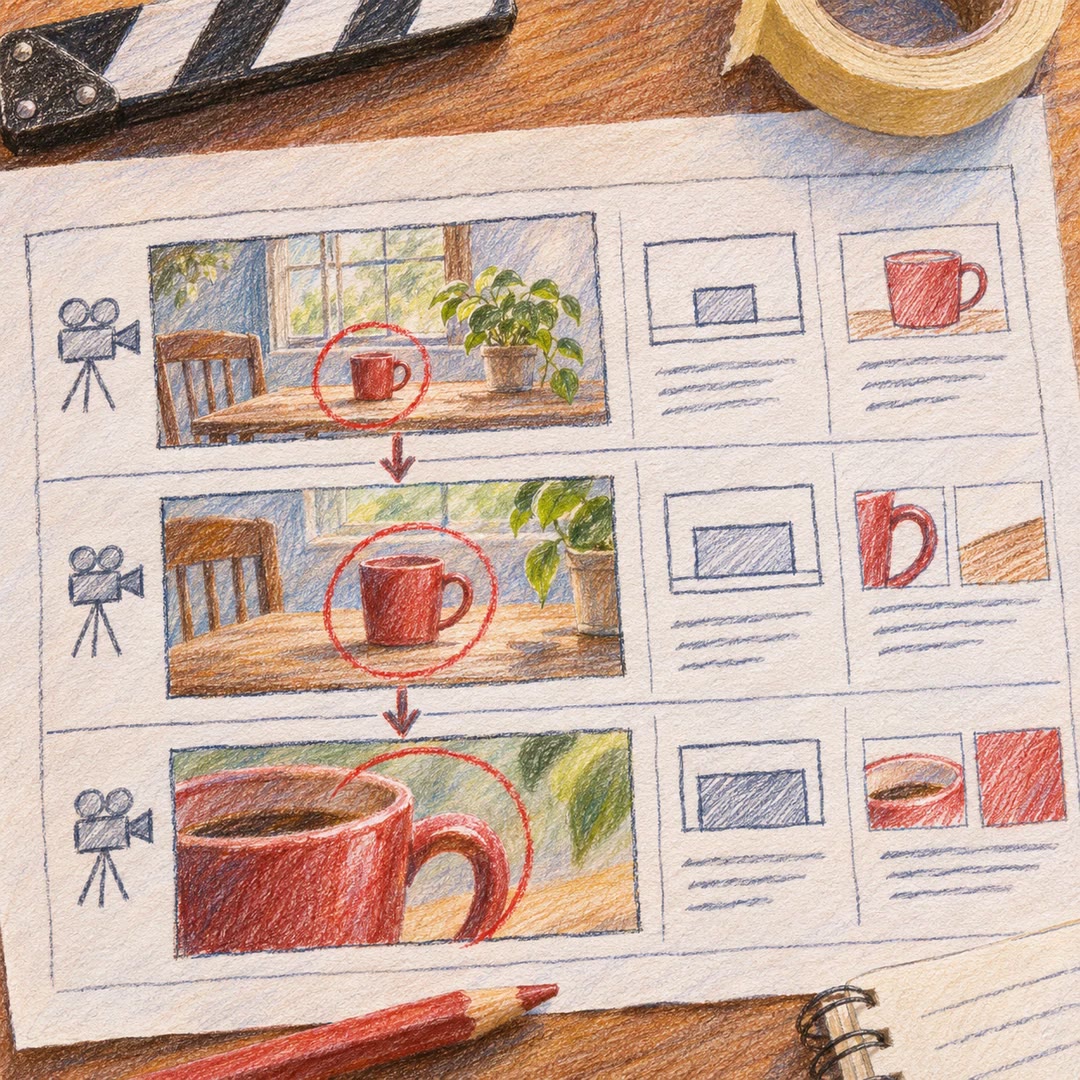
Lay out the action before drawing the finished frames. Keep camera position, movement and sound cues on the same timing sheet.
Free - SkillNew
Pitch a film idea with AI
Shape a filmmaker’s notes into a treatment, an outline for a pitch deck or a talk that fits the time you have in the room.
Free - SkillNew
Outline a film story with AI
Break an idea into a short sequence of playable beats. Give each moment a visible action, an emotional change and a reason for the camera to be there.
Free - SkillNew
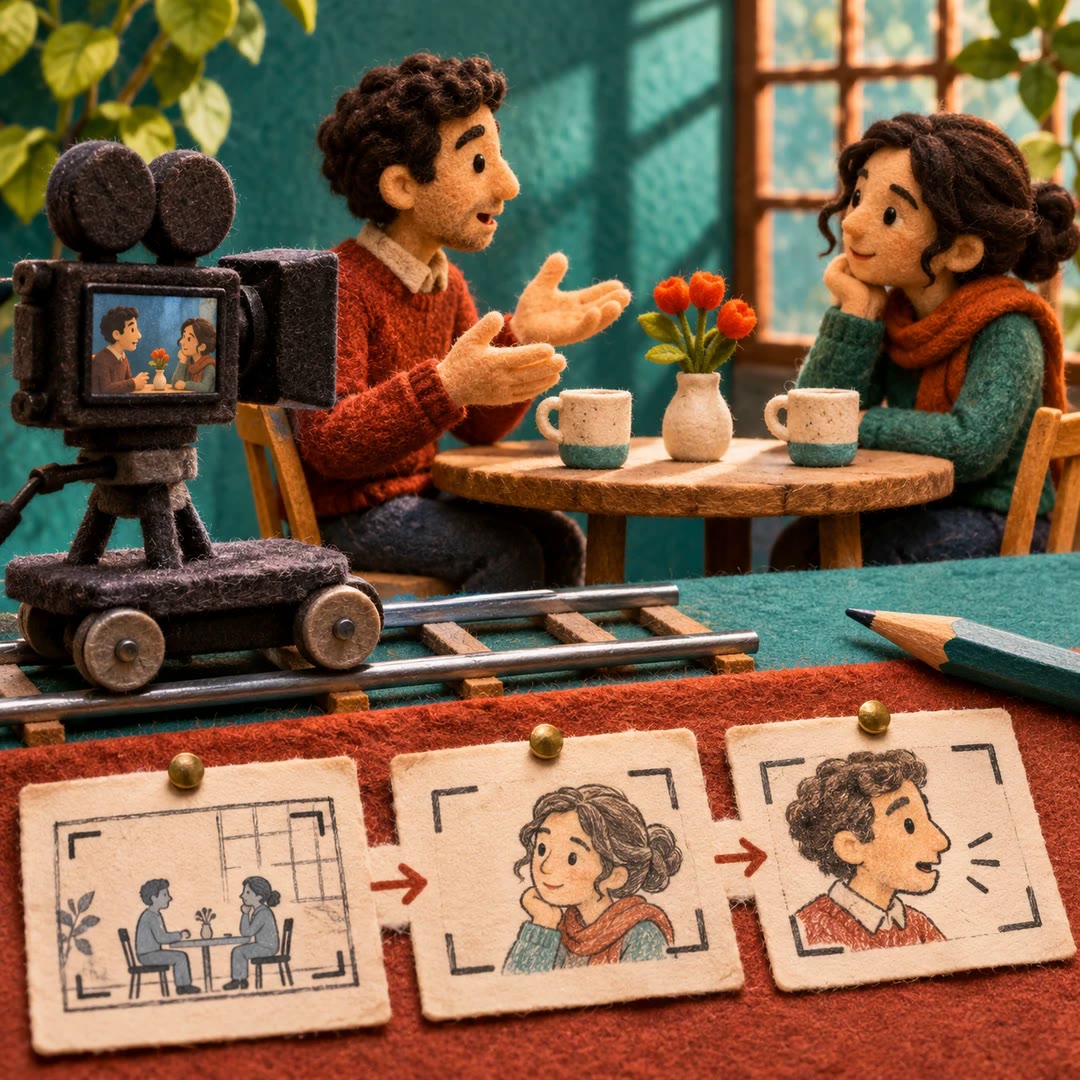
Plan dialogue shots with AI
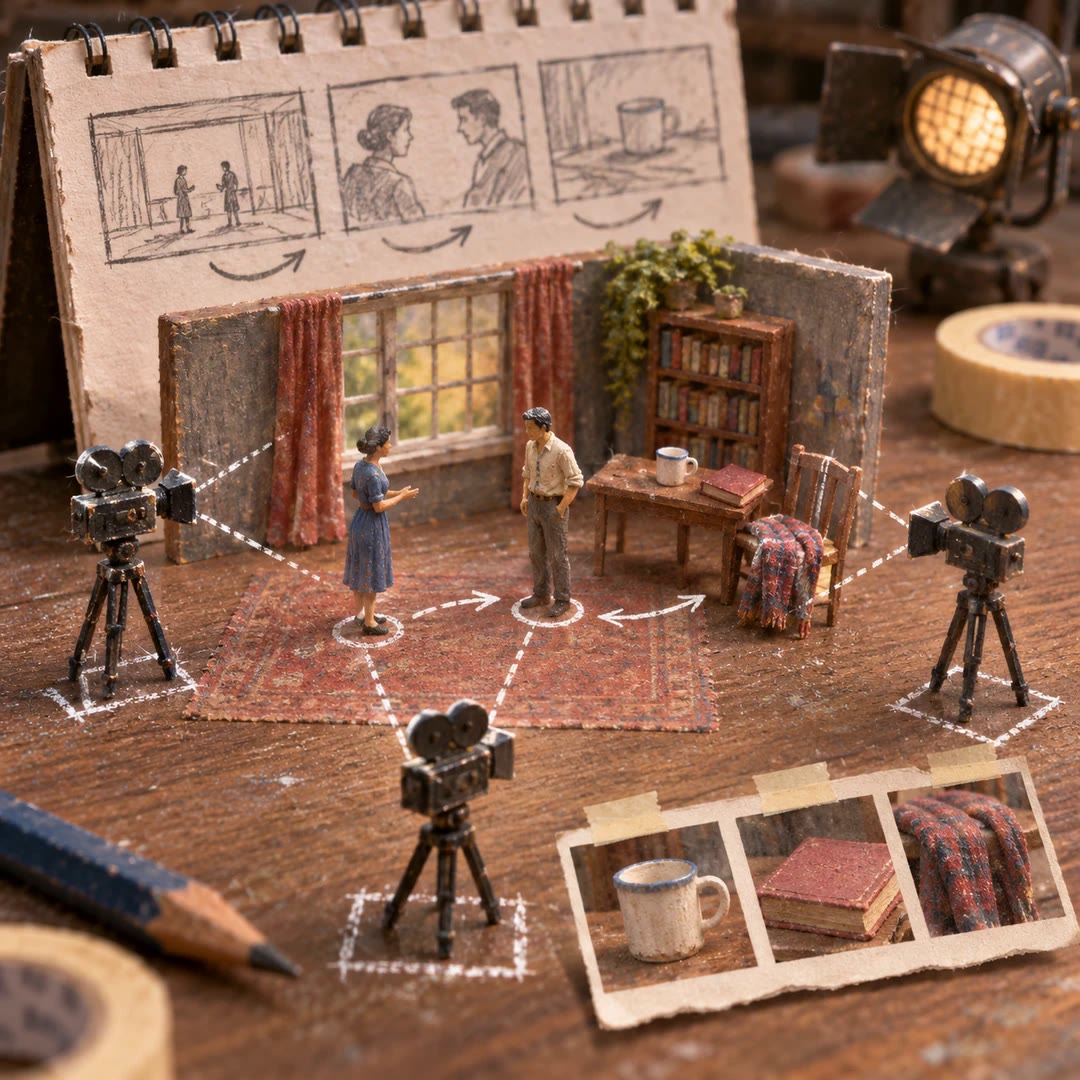
Work out where to put the camera for a conversation, which reactions to cover and when a closer shot will tell the audience something new.
Free - SkillNew
Describe film locations with AI
Build a written reference for a setting, with landmarks, materials, lighting and scale. Use it to keep adjacent shots recognisable as the same place.
Free - SkillNew
Track film continuity with AI
Give the next shot a reliable starting point. Keep a written record of character details, props, movement and changes to the location across sessions.
Free - SkillNew
Choose a cinematic lens look with AI
Describe how a specific shot should feel, then shape its lens, focus, grain and highlight treatment into a concise visual brief.
Free - SkillNew
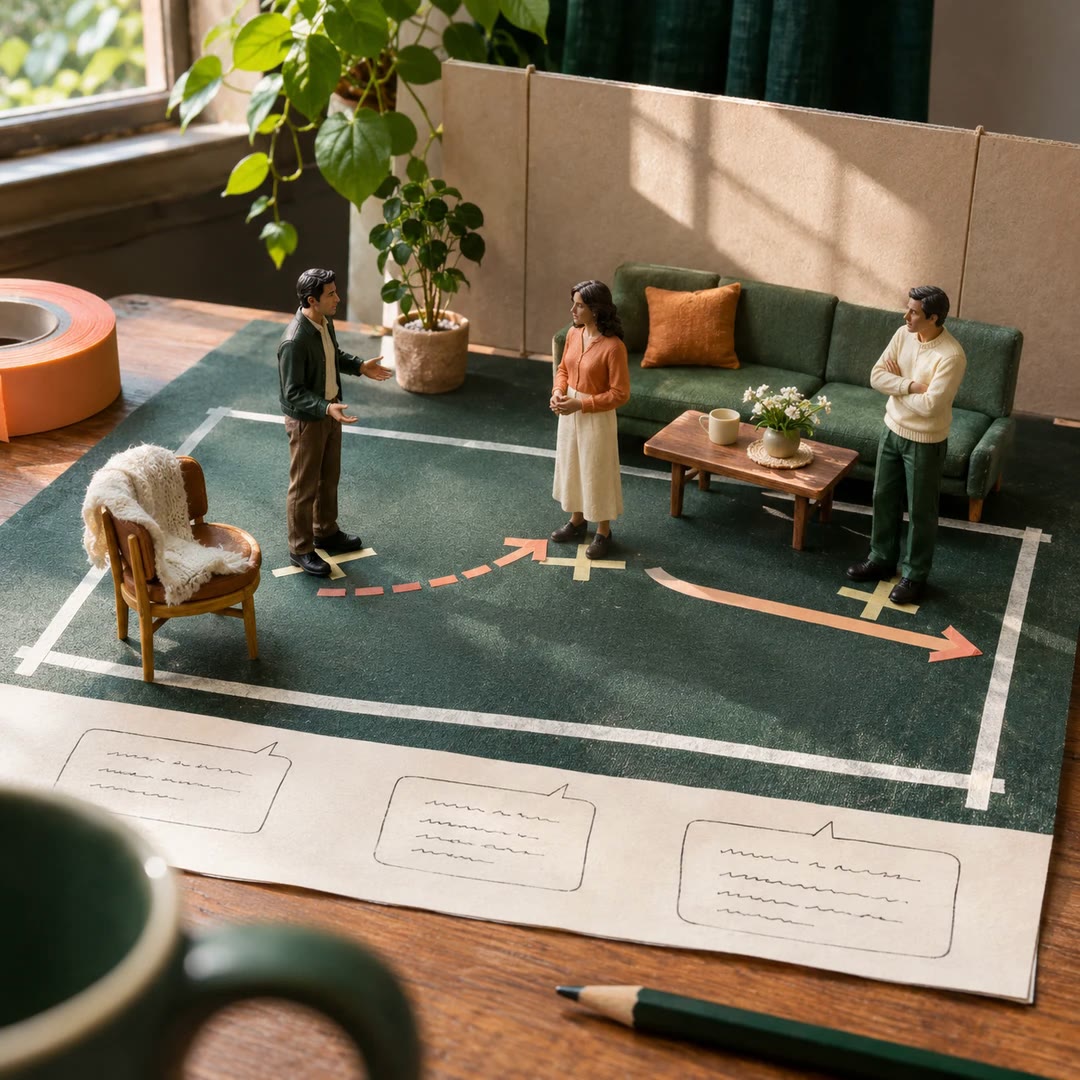
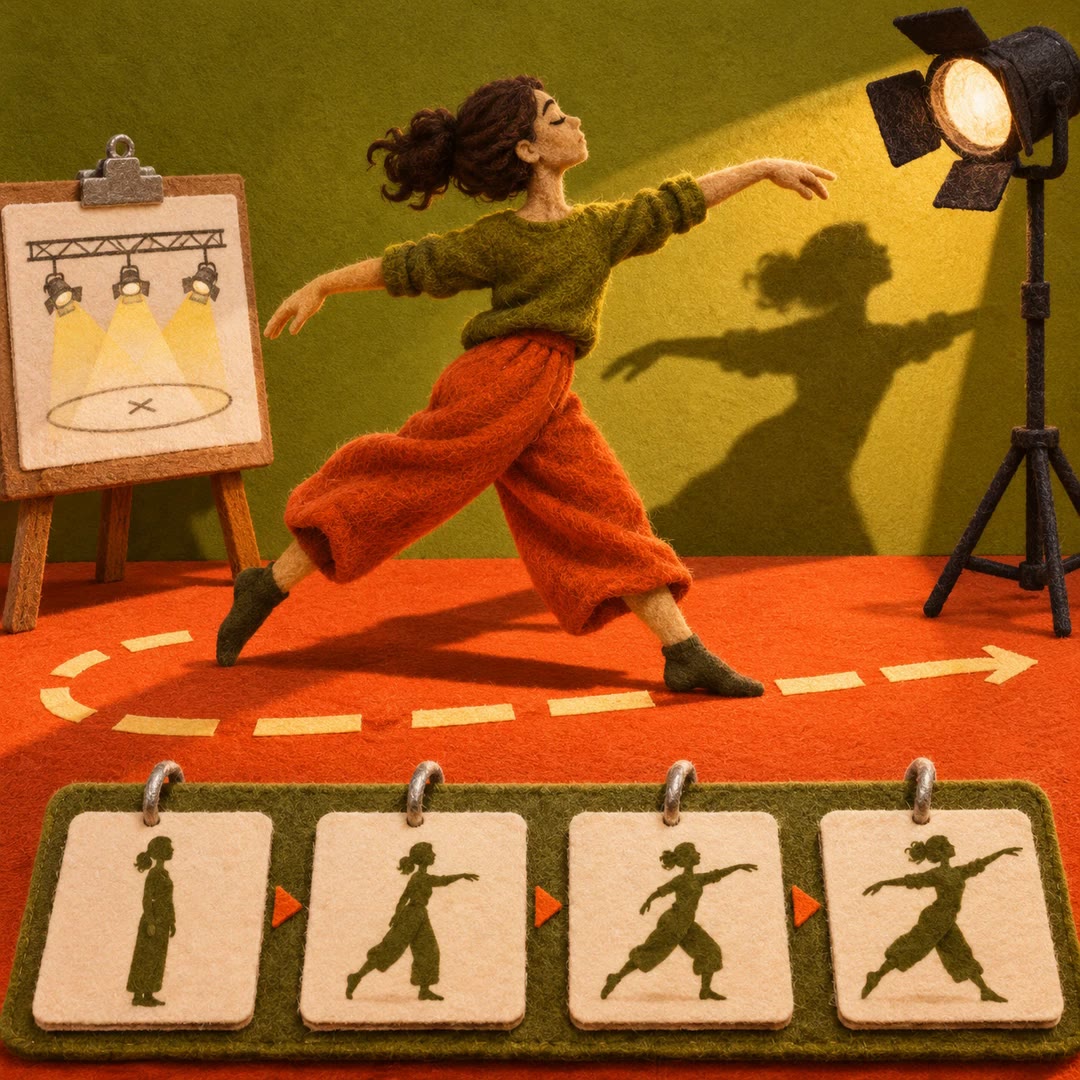
Plan dialogue blocking with AI
Keep the spoken lines and decide what the actors do around them. Build a staging note from each character’s objective, gaze and reaction.
Free - SkillNew
Plan lighting continuity with AI
Review adjacent shot descriptions for changes in key direction, shadow density, reflections and the light sources the audience can see.
Free - SkillNew
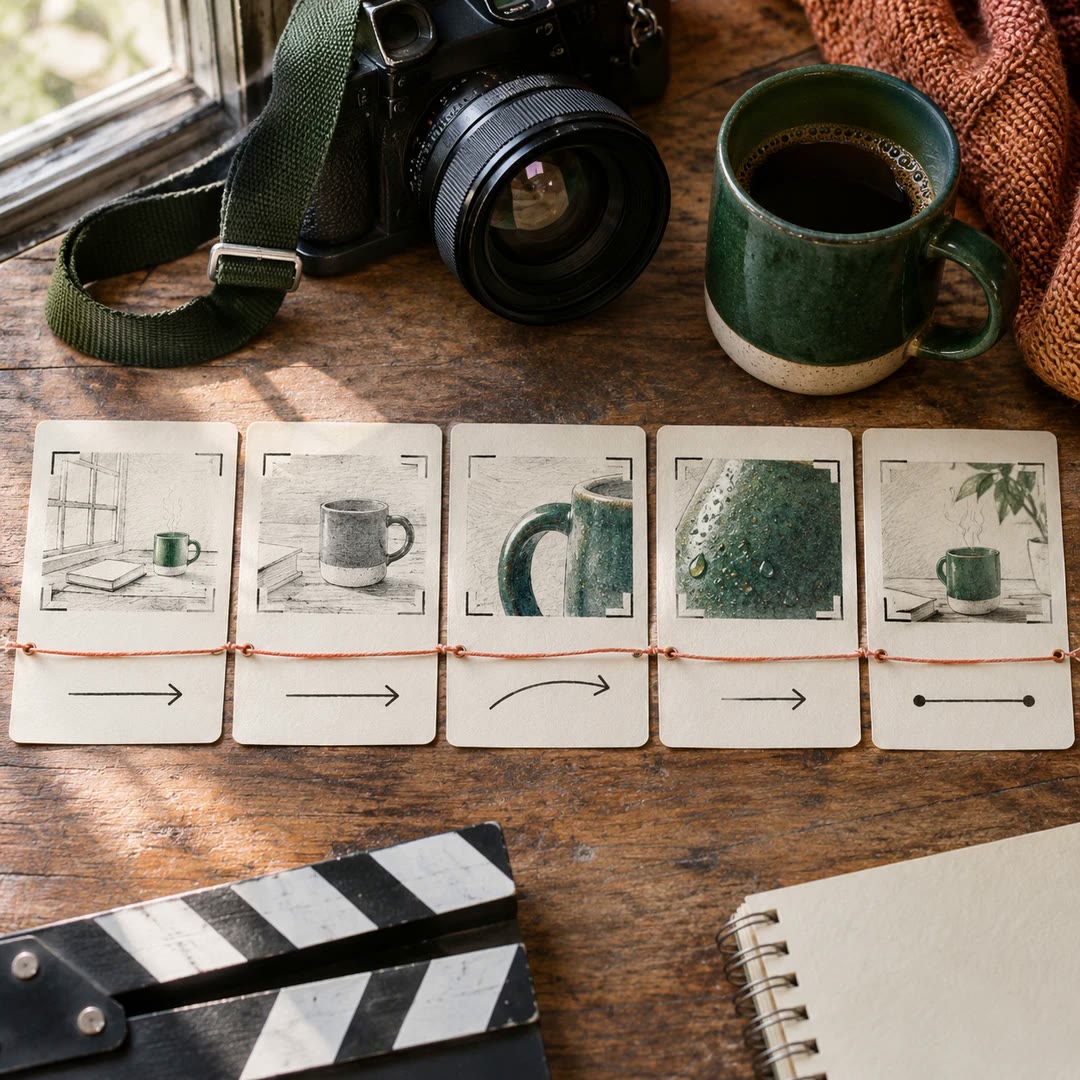
Plan a video shot list with AI
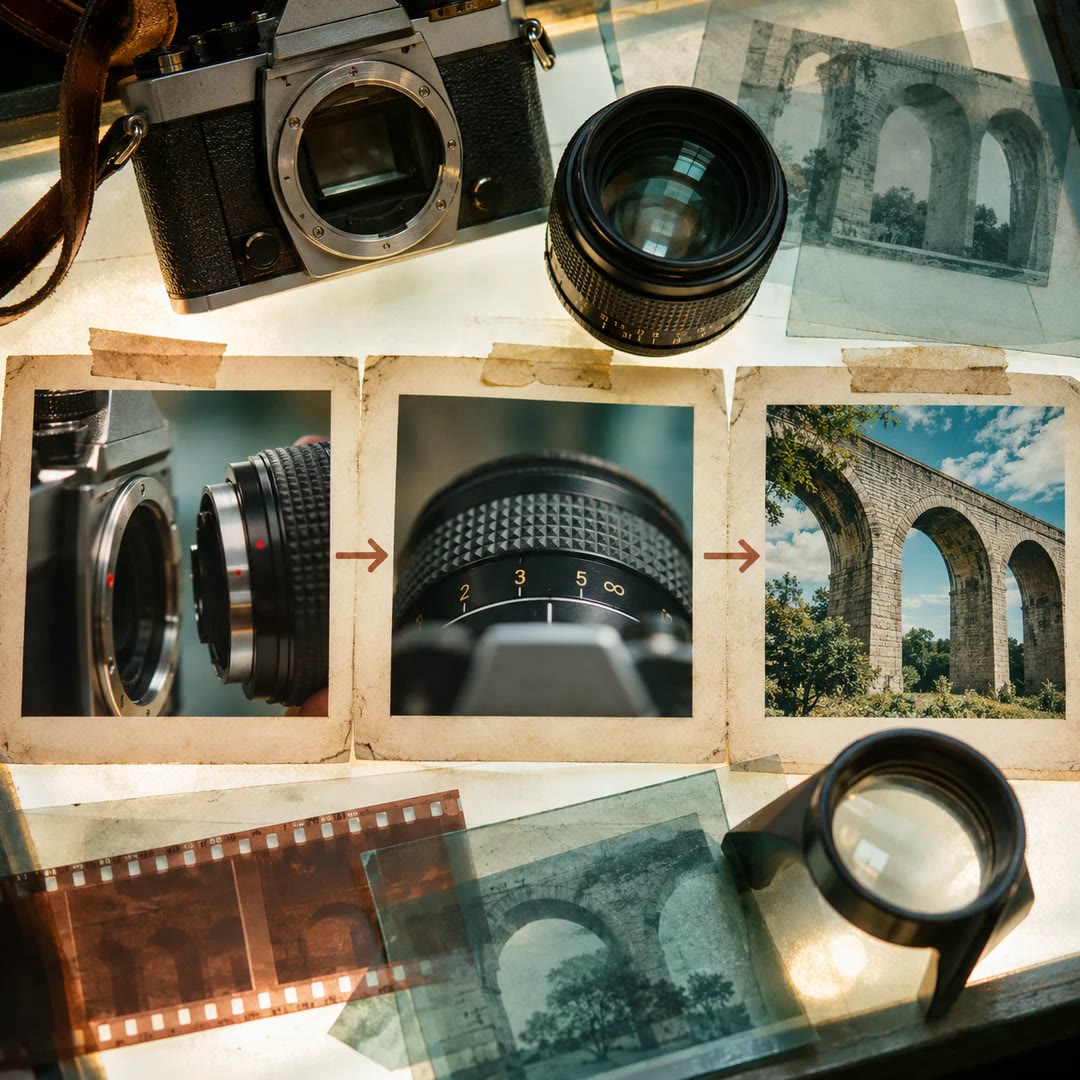
Break an idea into shots with framing, movement, timing and a purpose. Track what carries across each cut before you film or build a visual storyboard.
Free - SkillNew
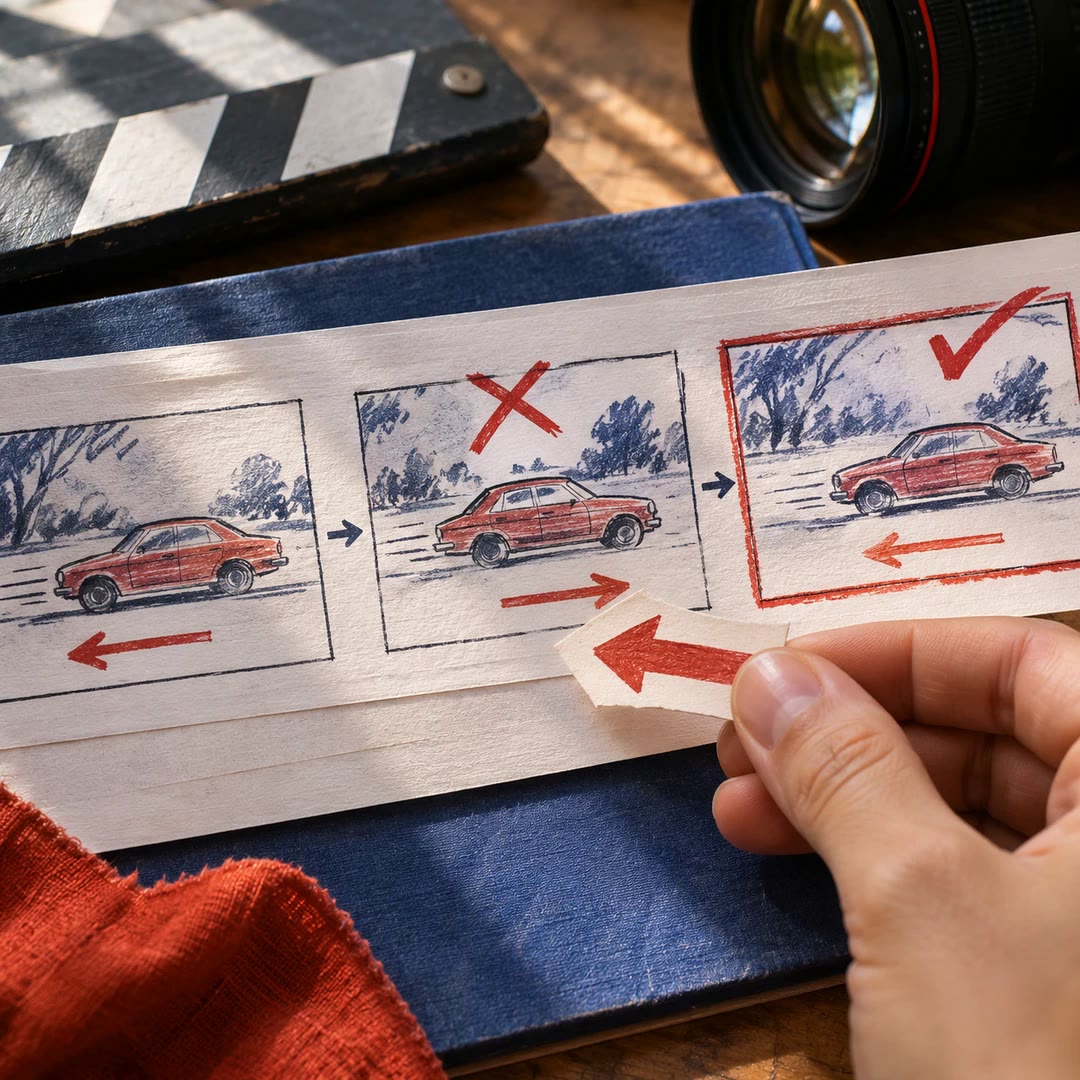
Plan screen direction between shots with AI
Review a storyboard for reversed movement, inconsistent eyelines and cuts that interrupt a gesture. Decide how to carry the action into the next shot.
Free - SkillNew
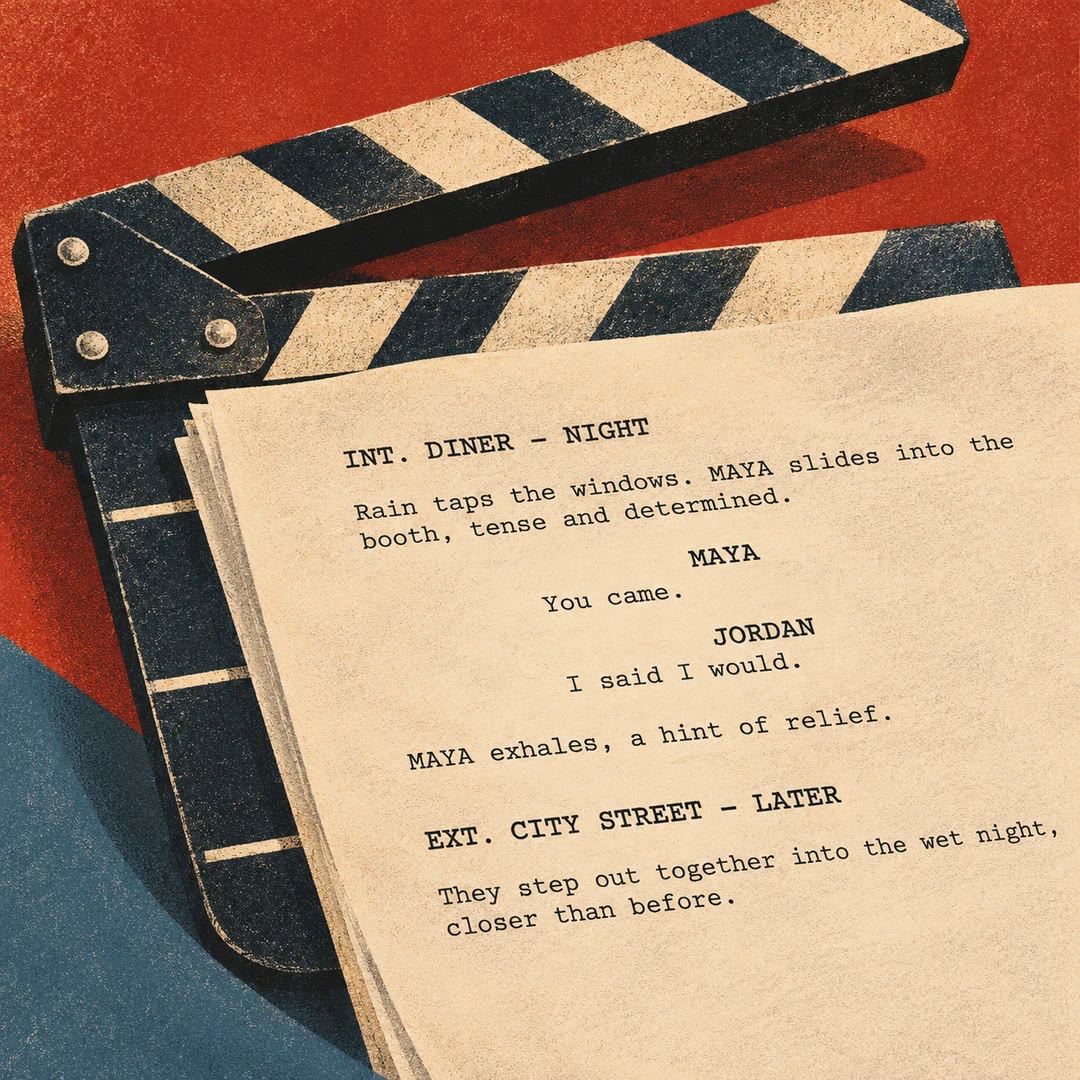
Format a screenplay in Fountain with AI
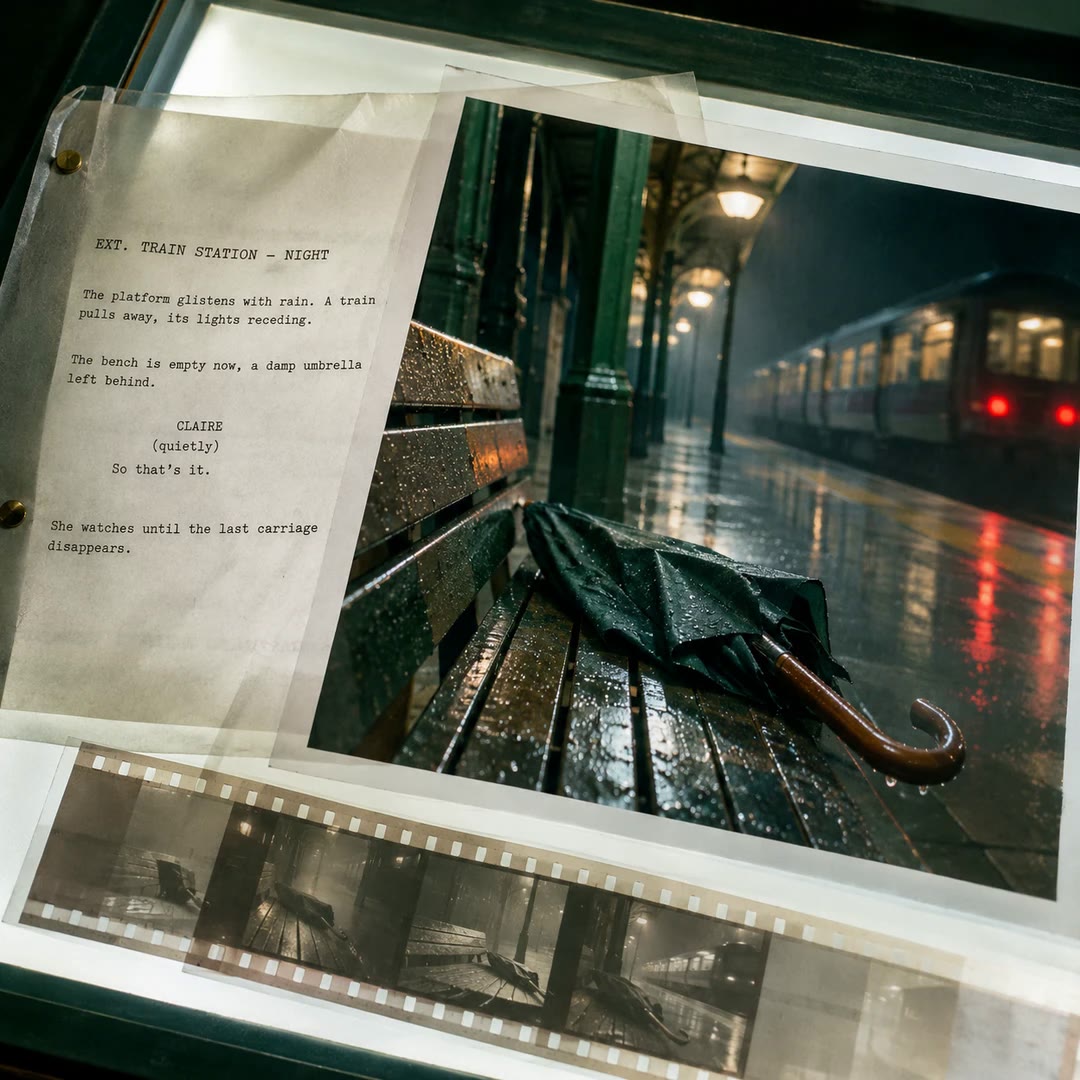
Turn a scene outline into plain-text screenplay pages with clear headings, visible action and dialogue that sits under the right character cue.
Free - SkillNew
Write a movement shot list with AI
Turn an existing sequence into a crew brief with camera framing, lighting, performer direction and holds for each movement, in the order they happen.
Free - SkillNew
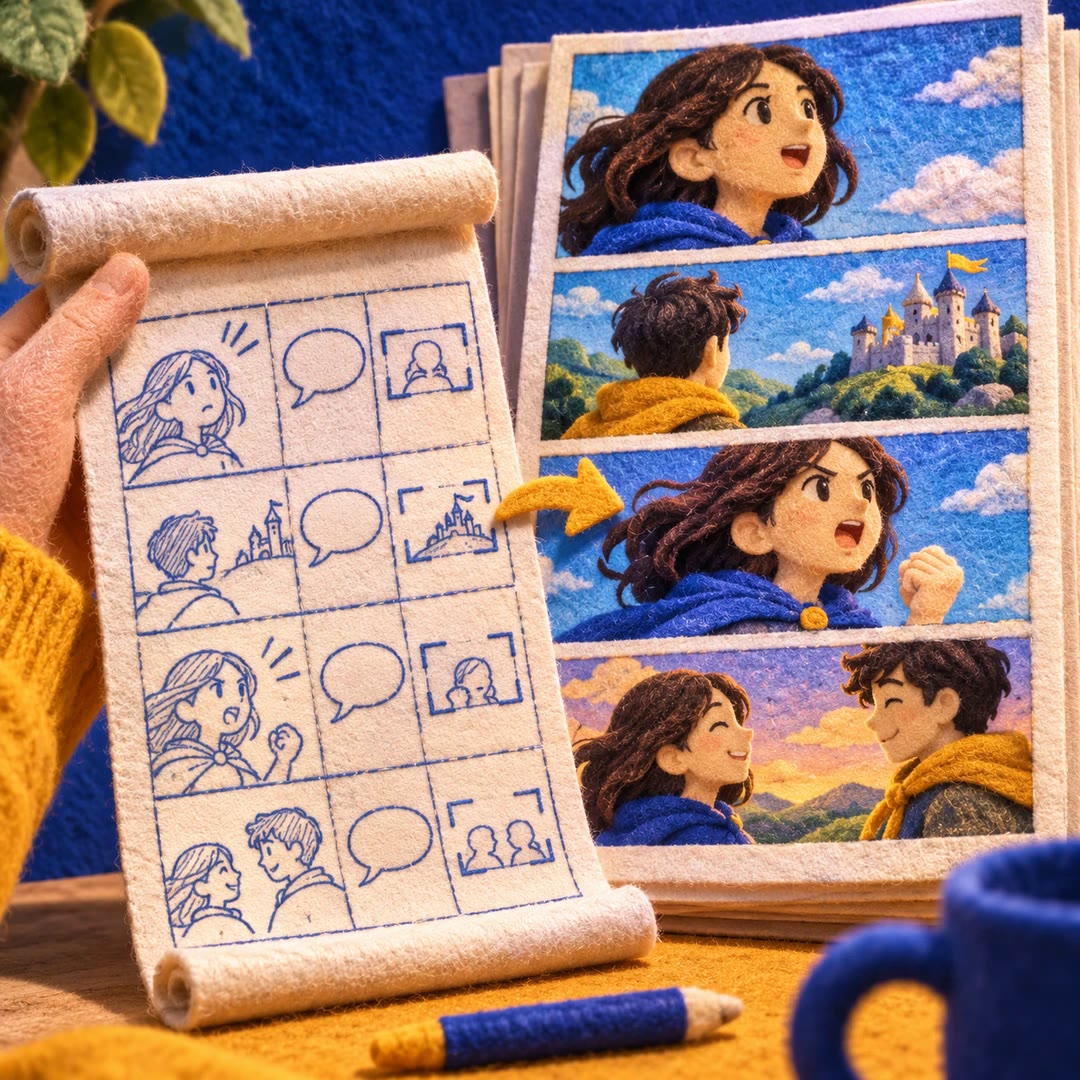
Write a webtoon script with AI
Develop a chapter from a premise, then describe the cast, framing, action and dialogue for each panel in a structured script for an illustrator or renderer.
Free - SkillNew
Write a museum audio guide with AI
Adapt exhibition labels for listening, choose what a visitor should notice and keep uncertain readings separate from the narration.
Free - SkillNew
Write a film logline with AI
Try three single-sentence versions of your premise and find out where the character, conflict or consequences still need definition.
Free - SkillNew
Get screenplay feedback with AI
Read development notes on the draft you have, starting with the issue that affects the rest of the story and the scenes where it shows.
Free - SkillNew
Write an app walkthrough script with AI
Plan the recording from the viewer’s side, with a line of narration beside each tap, pause or change of screen.
Free - SkillNew
Keep video characters consistent with AI
Build reference sheets for recurring people, props and products, then reuse the same descriptions whenever they appear in another shot.
Free - SkillNew
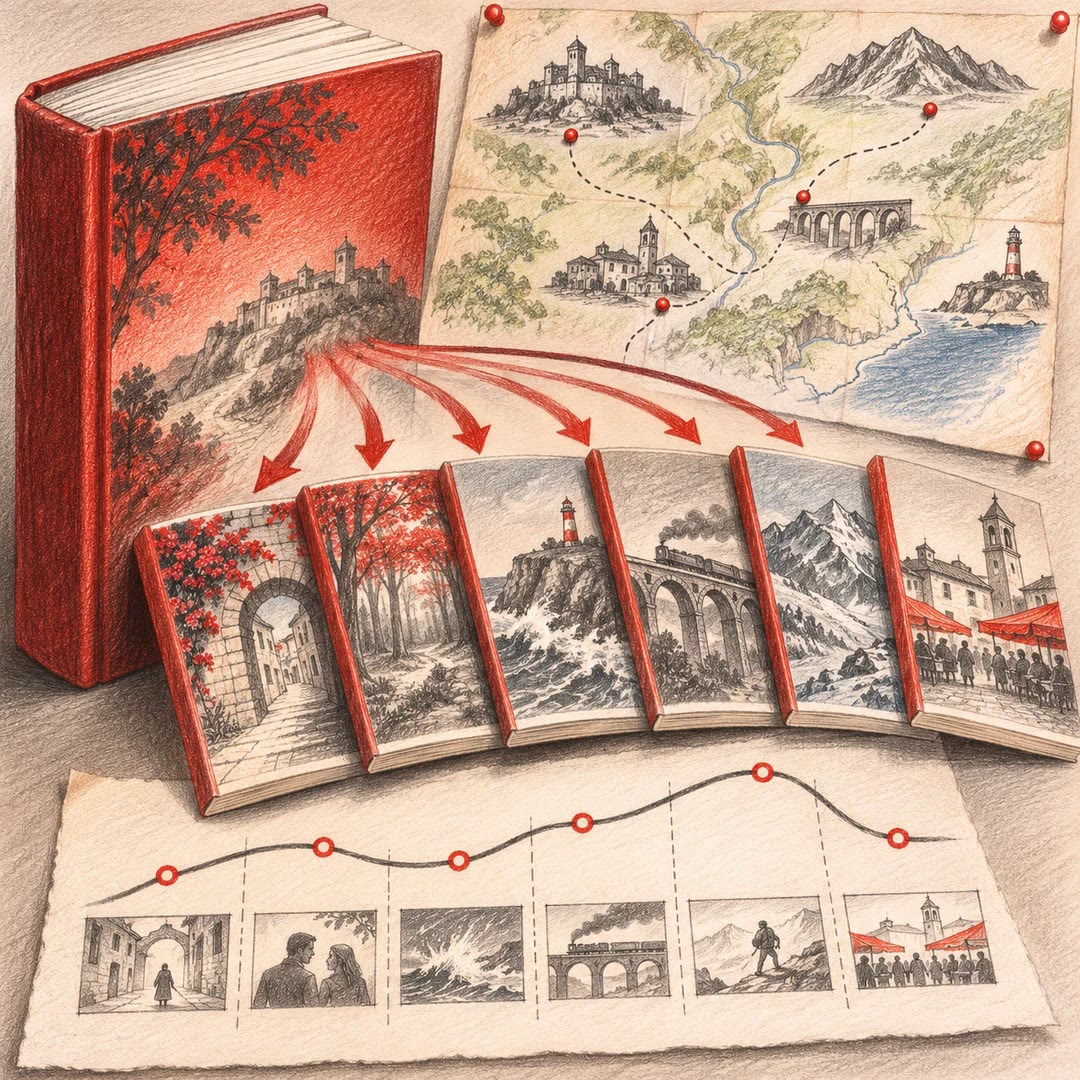
Adapt a novel into a series with AI
Decide which storylines survive, where each episode turns and which locations the adaptation would need.
Free - SkillNew
Write a short drama script with AI
Turn an episode outline into playable scenes, get a dialogue list and see how much of the running time each scene uses.
Free - SkillNew
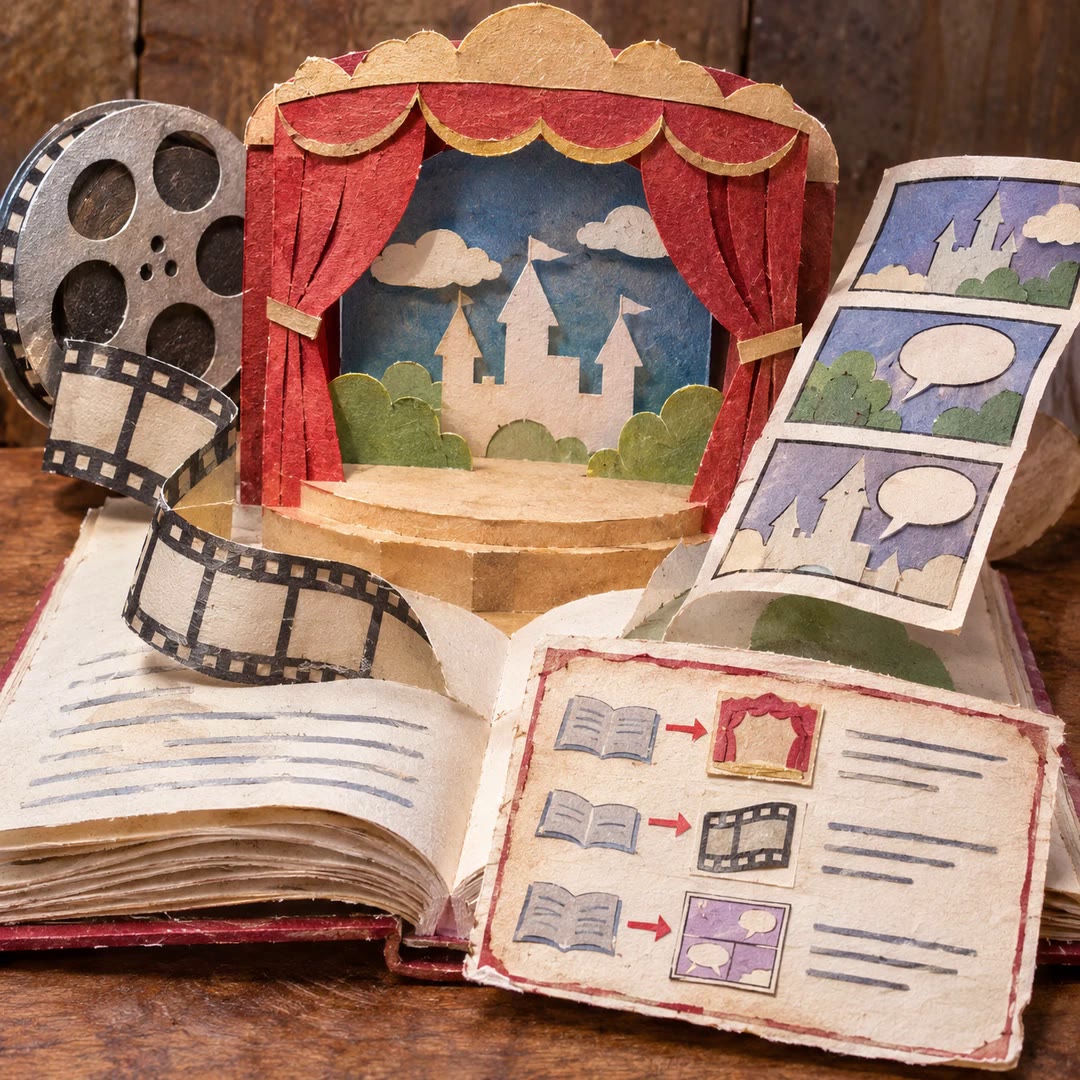
Adapt a story for another medium with AI
Prepare a separate narration script, screenplay or comics plan and retain a clear record of what changed from the authorised manuscript.
Free - SkillNew
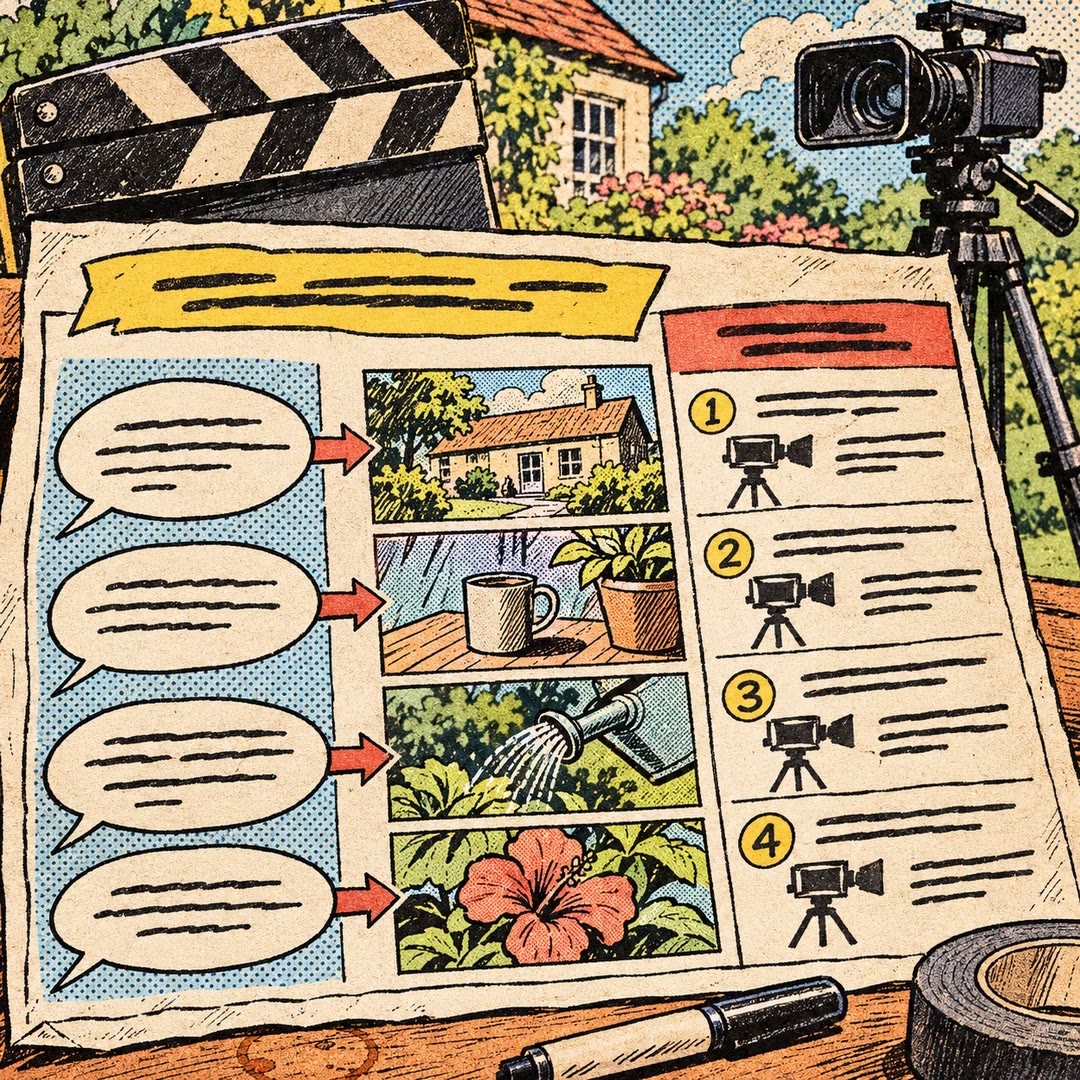
Write a video shooting plan with AI
Pair spoken lines with practical shots and give the crew an ordered list of what to capture before editing begins.
Free - SkillNew
Build a learning storyboard with AI
Put narration, visuals and learner actions on the same screen-by-screen plan before recording a lesson or commissioning assets.
Free - SkillNew
Track film continuity with AI
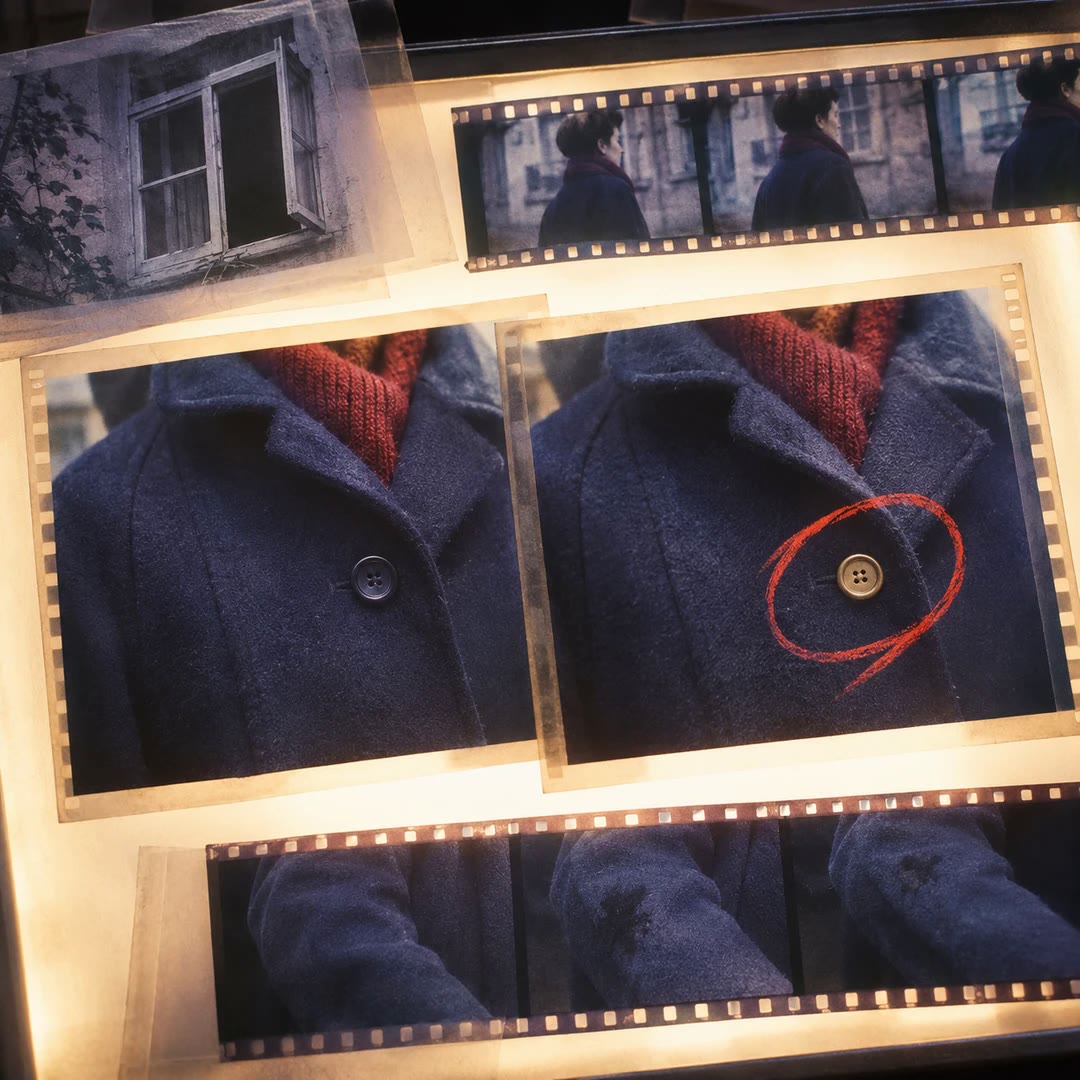
Keep recurring details stable while recording changes that belong to a particular scene, from a stained sleeve to a window left open.
Free - SkillNew
Build a shot list with AI
Work out what the viewer needs to see in each shot, how adjacent shots connect and which props or character details must carry through the cut.
Free - SkillNew
Write a screenplay scene with AI
Turn a dramatic intention into playable action, tighten dialogue and separate production notes from a scene you want to import as Fountain.
Free - SkillNew
Develop a short film idea with AI
Turn a striking image into a choice a character has to make, then test whether the resulting story fits your cast, locations and running time.
Free - SkillNew
Create a storyboard with AI in Scenario
Plan shots around an approved character reference, generate each frame separately and check continuity before lettering a comic or moving into video production.
Free - SkillNew
Write a visual production brief with AI
Plan stills and moving footage around a clear reference frame, the real product assets and the output you need.
Free - SkillNew
Write AI prompts for film shots
Turn an approved shot plan into image and video requests. Keep the starting frame, action, references and model limits visible before generation.
Free - SkillNew
Design film asset briefs with AI
Give characters, locations and props written design briefs that can be reused across shots. Record the details that stay fixed and the story events that allow a variation.
Free - SkillNew
Plan a film story with AI
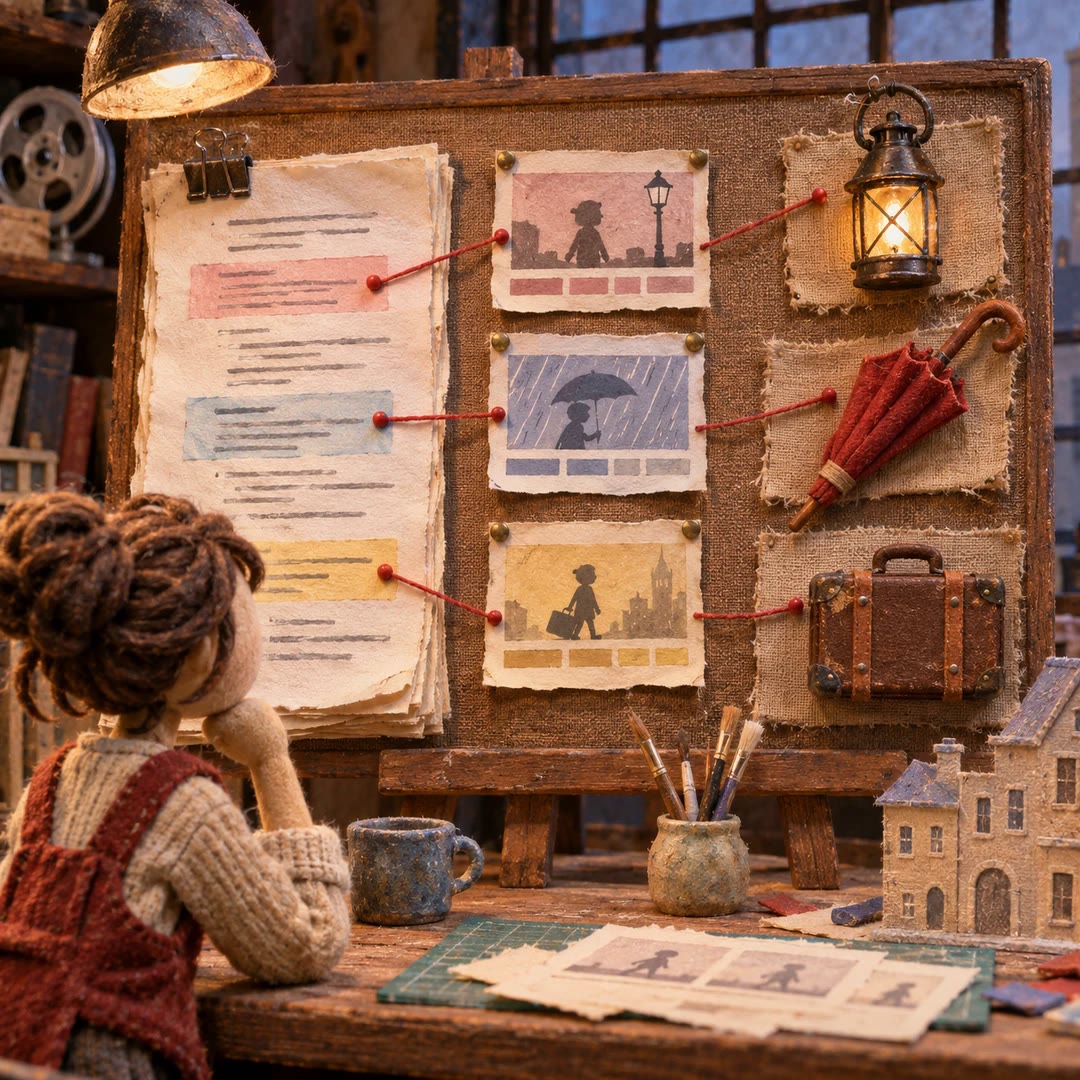
Use an existing script breakdown to build a creative brief, an ordered story plan and continuity notes. Each turning point stays tied to the underlying scene.
Free - SkillNew
Plan a camera shot list with AI
Plan coverage from the story beats, including where the camera sits, how the performers move and which visual details must match across the cut.
Free - SkillNew
Break down a screenplay with AI
Break a script into scenes and dramatic beats, then trace each production detail back to the passage that supports it.
Free - SkillNew
Plan video shots with AI
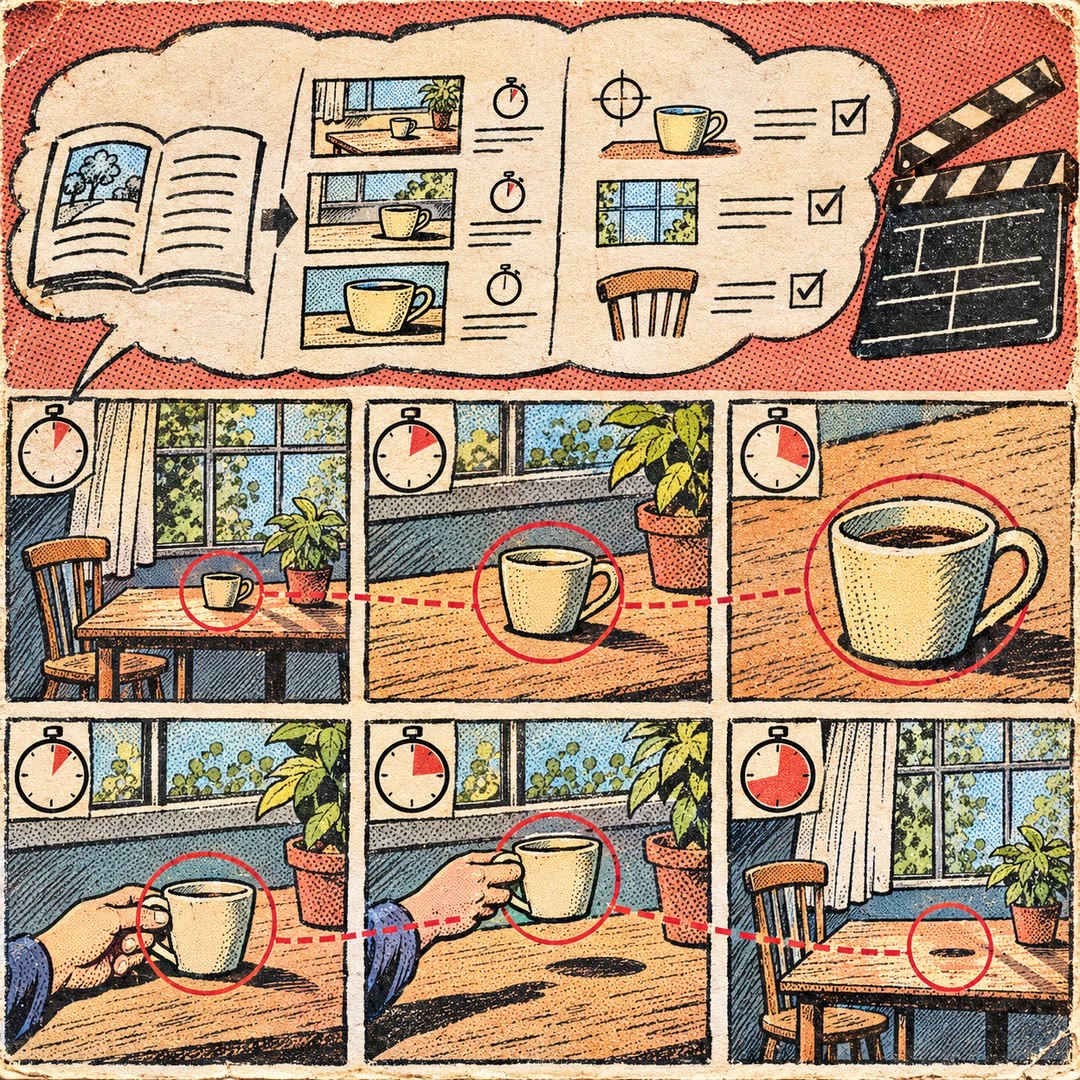
Break a short story into timed shots. Decide what a viewer should learn from each cut and what must look the same when the camera changes position.
Free