Extract PDF figures with AI
Locate a cited figure by its number, caption and page, check the crop, and link a verified image into your notes.
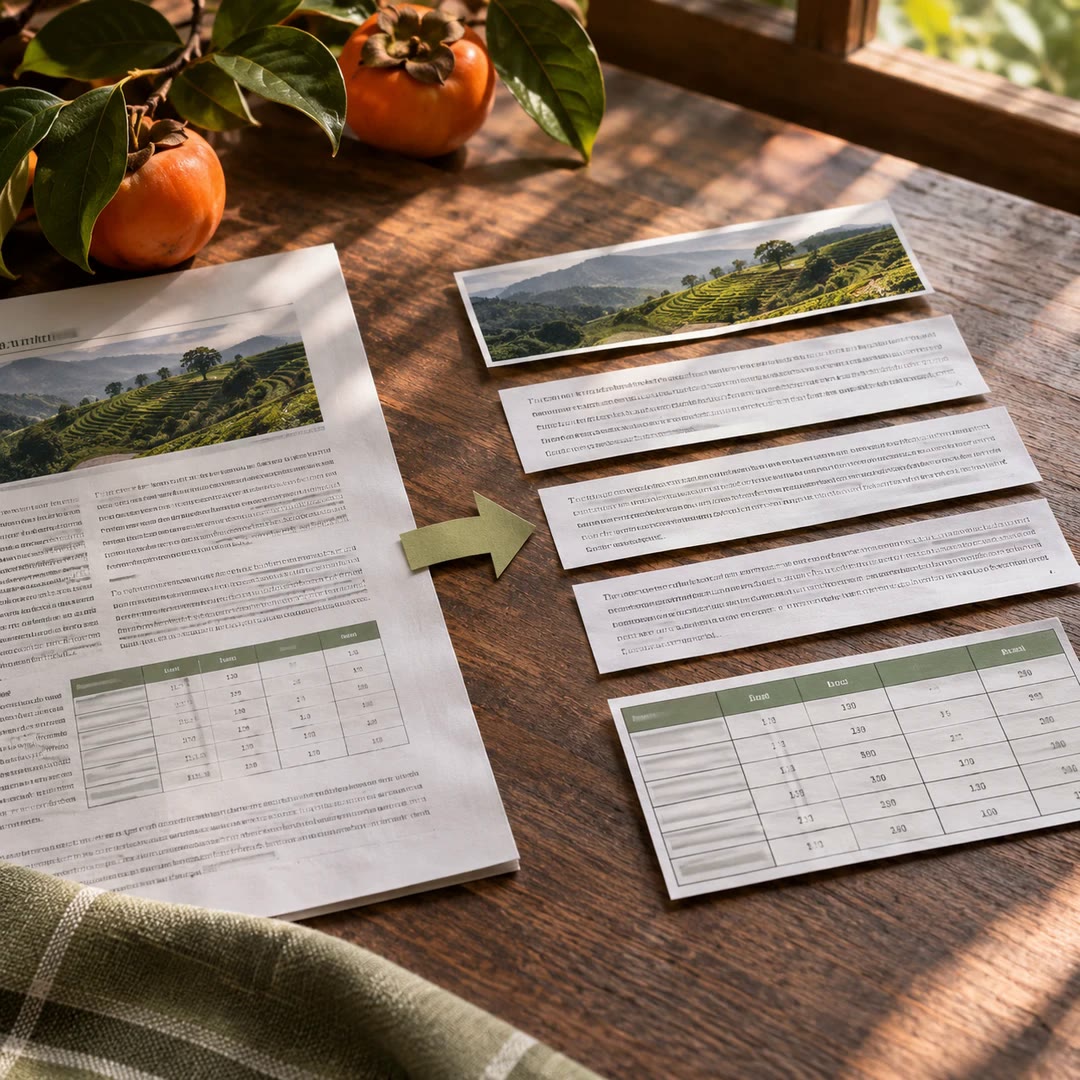
You can extract PDF figures with AI when a book’s pictures need to stay attached to the right notes. The figure-remap skill gives the agent more to work with than an image index. It compares the requested figure number and caption with the page geometry, then checks whether the proposed crop contains a plausible figure.
A report on furniture joints might cite two diagrams on the same spread. Saving the first embedded image could easily return the wrong joint. The strict path is allowed to leave the request unresolved. On a scanned page, a caption can guide a proposed crop, but an ambiguous result still needs a person or an authorised visual review before it belongs in the report.
What it does
- Locate a figure from its printed number and caption.
- Separate a requested illustration from neighbouring page material.
- Use caption position when a scan has no separate image object.
- Reject a blank crop, chapter banner or uncertain match.
- Reference the image that was actually saved in a note.
Install and use
- Prepare the maker’s repository, local Python and its PDF dependencies. Use a book you may process; share a page with a vision-capable agent only if authorised.
- Ask, “Find the joint diagram on this page. Compare the number and caption, and leave a note if you cannot distinguish the two drawings.”
- Check the crop beside the original page before adding its path to the document.
FAQ
Source
Made by Po-Wei Chen (drpwchen). Original skill: figure-remap, published on GitHub under the MIT licence.
View on GitHubRelated products
- SkillNew
Extract PDF text and tables with AI
Recover reading order and tables from a mixed-layout report, with a readable document and a structured record of where each element appeared.
Free - SkillNew
AI JSON file conversion
Turn a nested export into a table, keep selected fields or combine several JSON lists. Describe the output you need and check it against your rules.
Free - SkillNew
AI document preparation with Docling
Give an agent a local document it can inspect, with extracted text and a record of what converted well, what needed recovery and what still looks unreliable.
Free