Products
Skills, prompt kits and templates for working with AI.
Product list
- SkillNew
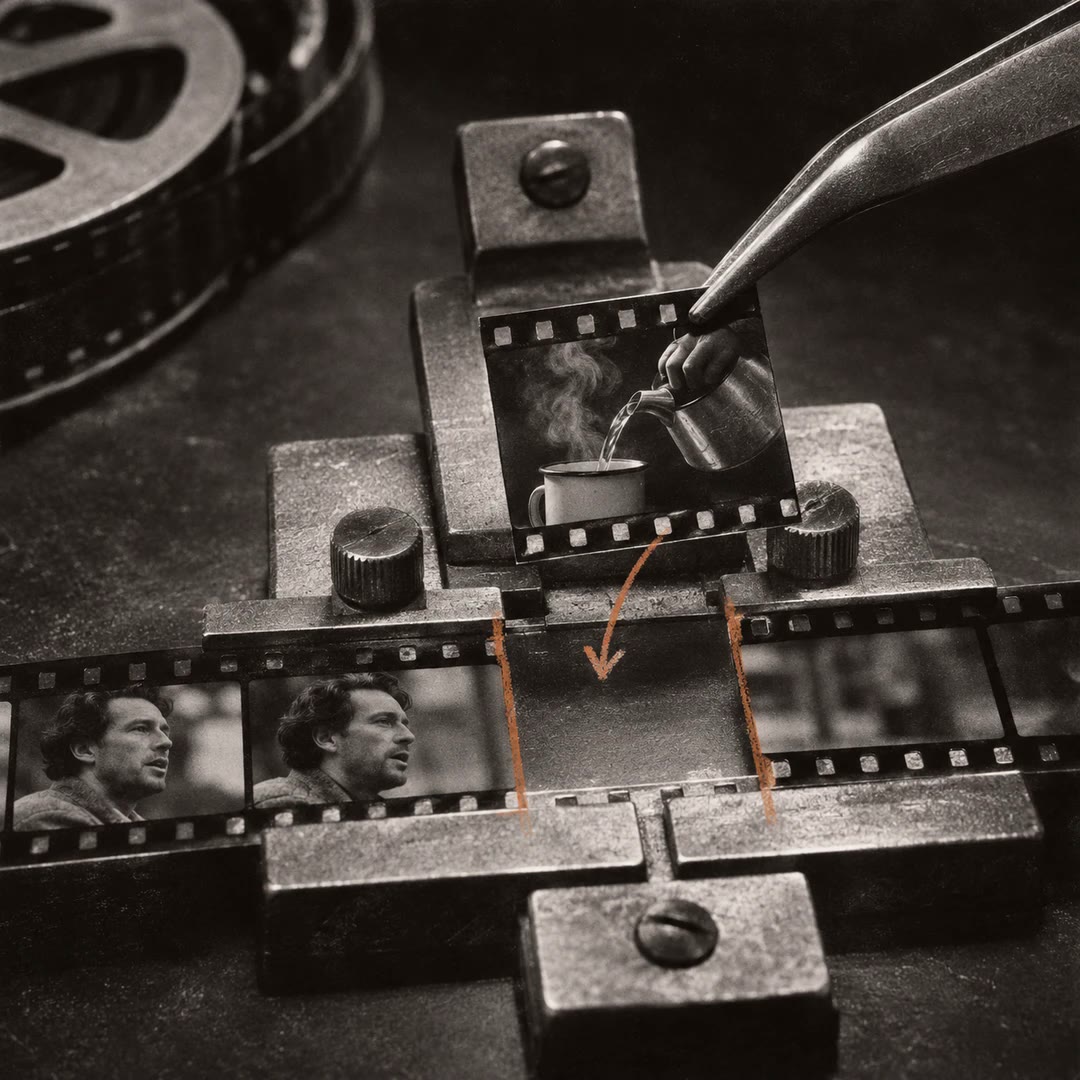
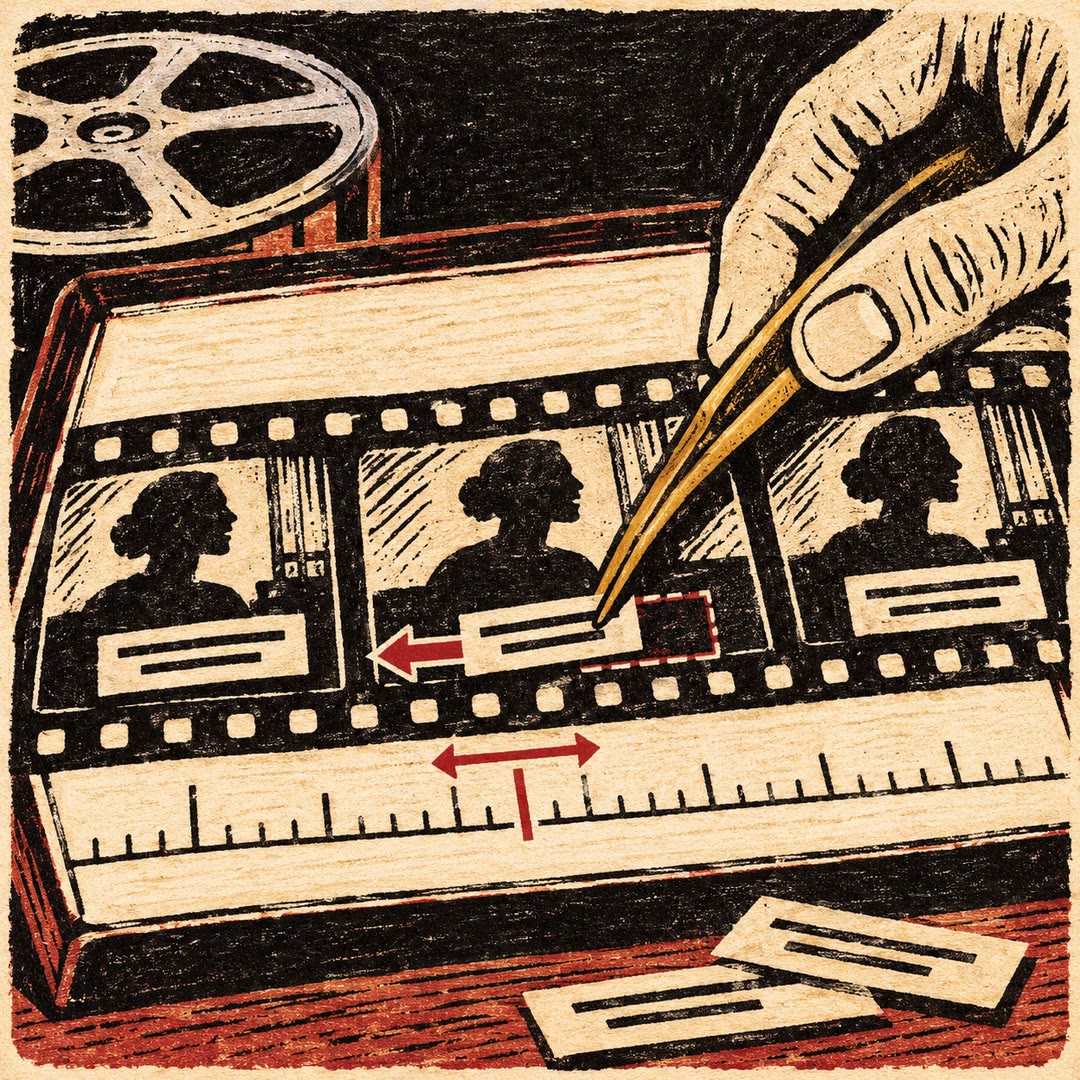
Edit English and Thai demo videos with AI
Prepare editable FCP7 XML timelines and English/Thai caption images from your footage, then finish and export in your video editor.
Free - SkillNew
Prepare Amazon videos with AI
Inspect a video for its selected Amazon placement, review evidence frames and reports, and deliberately export a corrected MP4 when useful.
Free - SkillNew
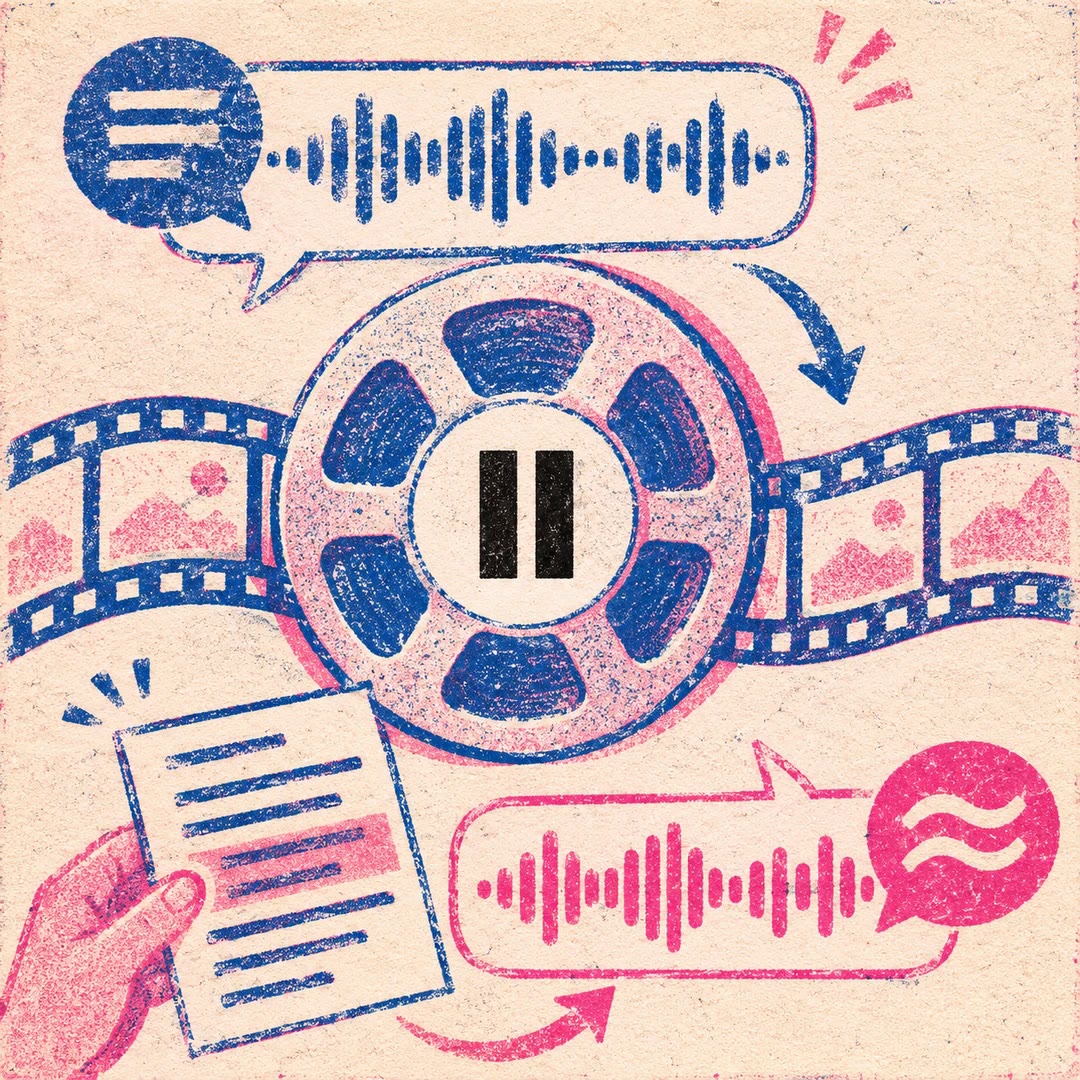
Compose a talking-head video with AI
Combine prepared landscape footage, subject masking, timed text and premixed audio into a reviewed talking-head export.
Free - SkillNew
Edit talking-head reels with AI
Use the toolkit’s templates to cut a talking-head video, retime captions, match colour and review drafts while keeping the project and source mapping for revisions.
Free - SkillNew
Check recorded footage with AI
Inspect local recordings, verify selected copies with hashes and keep practical reports for an editing handoff, using the equipment and files you actually have.
Free - SkillNew
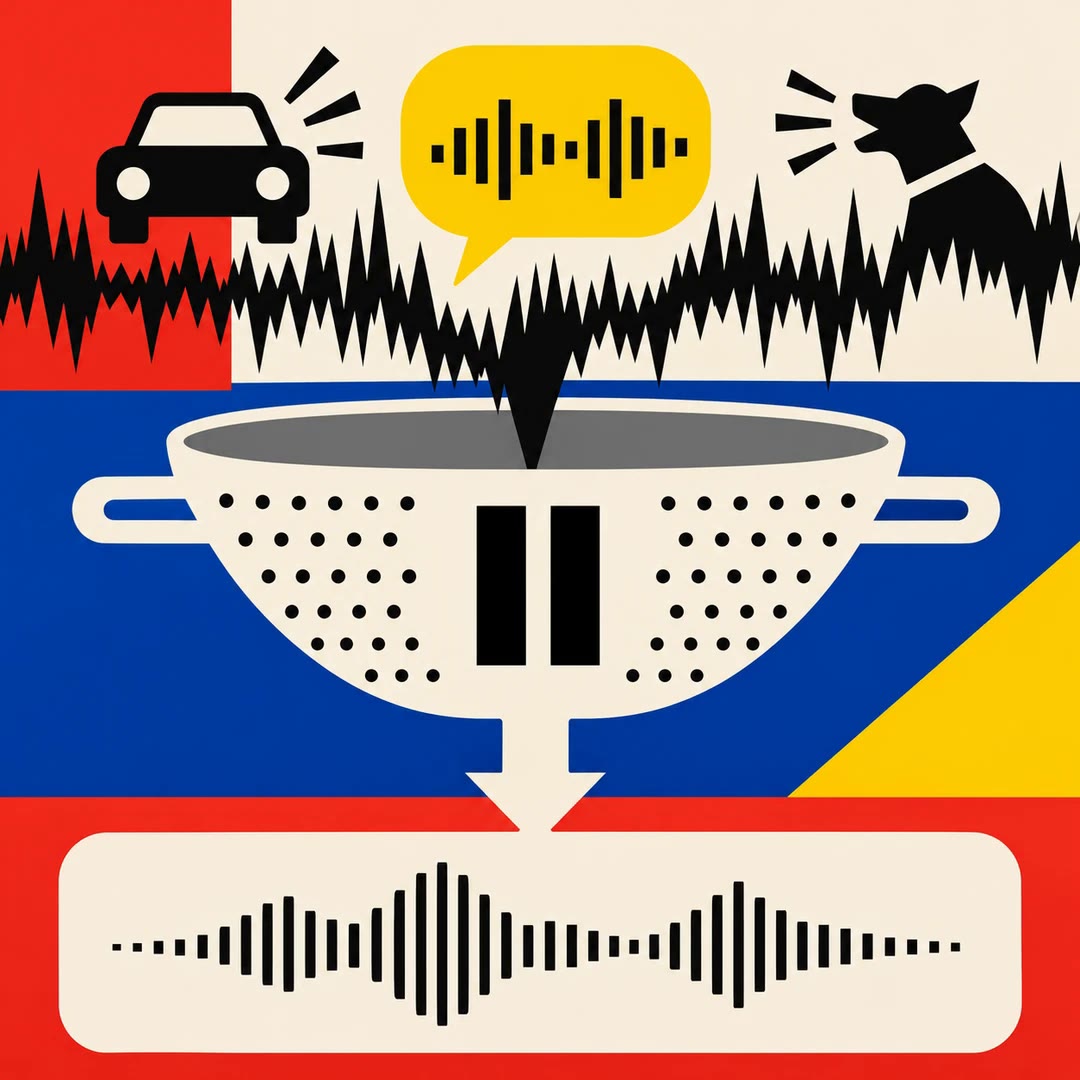
Clean voice recordings with AI
Reduce noise and uneven speech levels, then compare the result with the original. Optional filler removal produces a cut list that needs listening and review.
Free - SkillNew
Edit video in FilmCraft with AI
Plan a focused FilmCraft edit, save its native project and verify the exported video, keeping codec support and the app’s alpha limitations visible.
Free - SkillNew
Time voice-overs with AI
Extract word timings from recorded narration and convert seconds into project frames for animation and motion-design timing.
Free - SkillNew
Choose podcast clips with AI
Turn a timestamped episode transcript into four reel briefs. An editor gets the source lines, timing, on-screen text and a recommendation for the trial cut.
Free - SkillNew
Plan film post-production with AI
Build a shared schedule from the first assembly to picture lock, sound and delivery. Keep the target settings for each version in a project file the editor can revisit.
Free - SkillNew
Add music to video with AI
Replace a video's soundtrack, keep its ambience or let the original audio pull the music down as someone speaks.
Free - SkillNew
Translate a subtitle file with AI
Work from an existing subtitle file or an authorised local recording. Keep the original cue times while building a translated or bilingual copy for review.
Free - SkillNew
Check video captions with AI
Check a caption file for timing problems and review the details a viewer might miss with the sound off. Use the local validator on SRT or WebVTT files.
Free - SkillNew
Analyse sound and image with AI
Examine how a sound, movement or caption changes the meaning of a scene and trace each observation to what the agent could actually access.
Free - SkillNew
Edit a travel film with AI
Catalogue the footage, build a scene around a confirmed memory and review precise changes to the cut. Keep the original material and earlier versions available.
Free - SkillNew
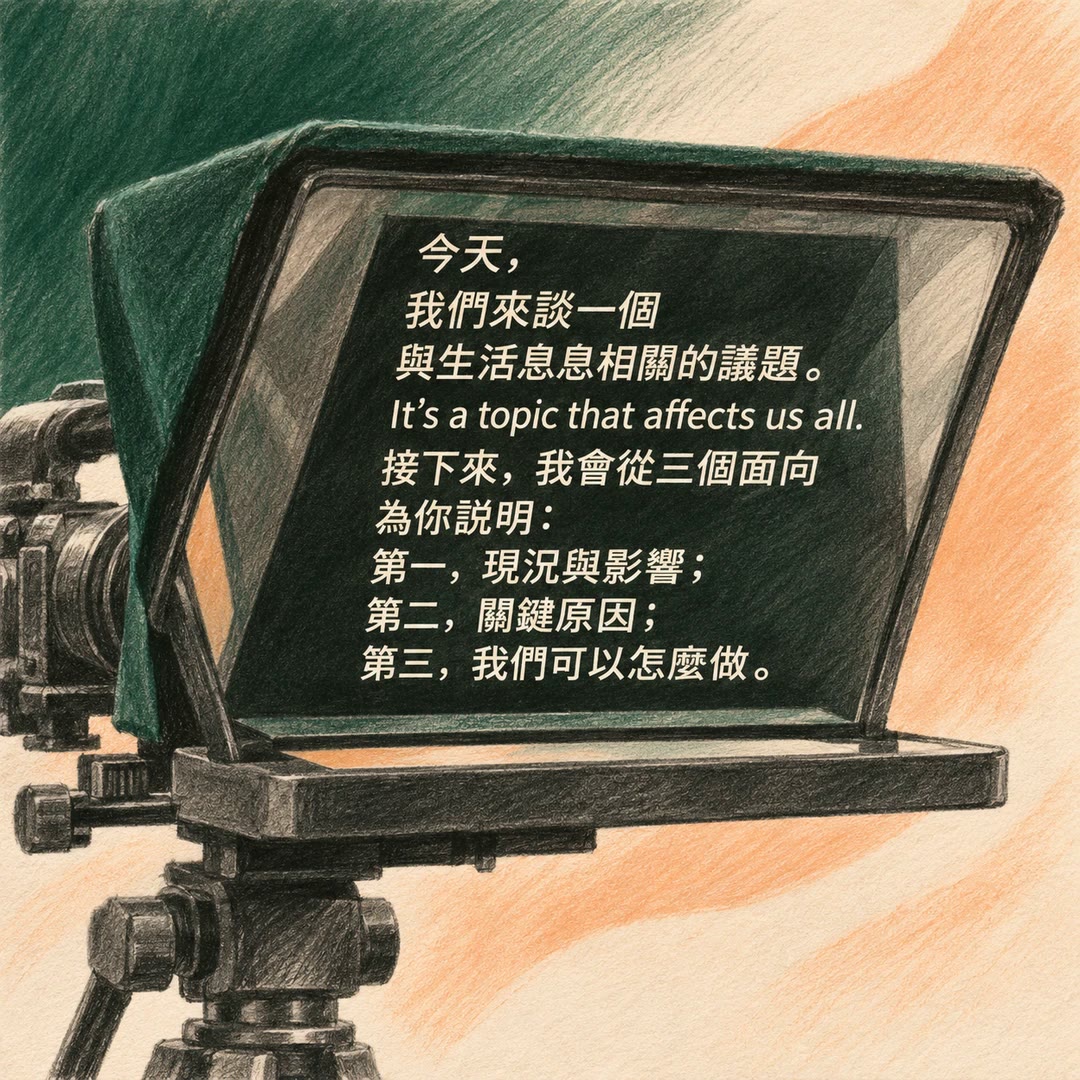
Format a Chinese teleprompter script with AI
Set natural line breaks in Mandarin scripts and short captions, keeping complete phrases, units and embedded English sentences together.
Free - SkillNew
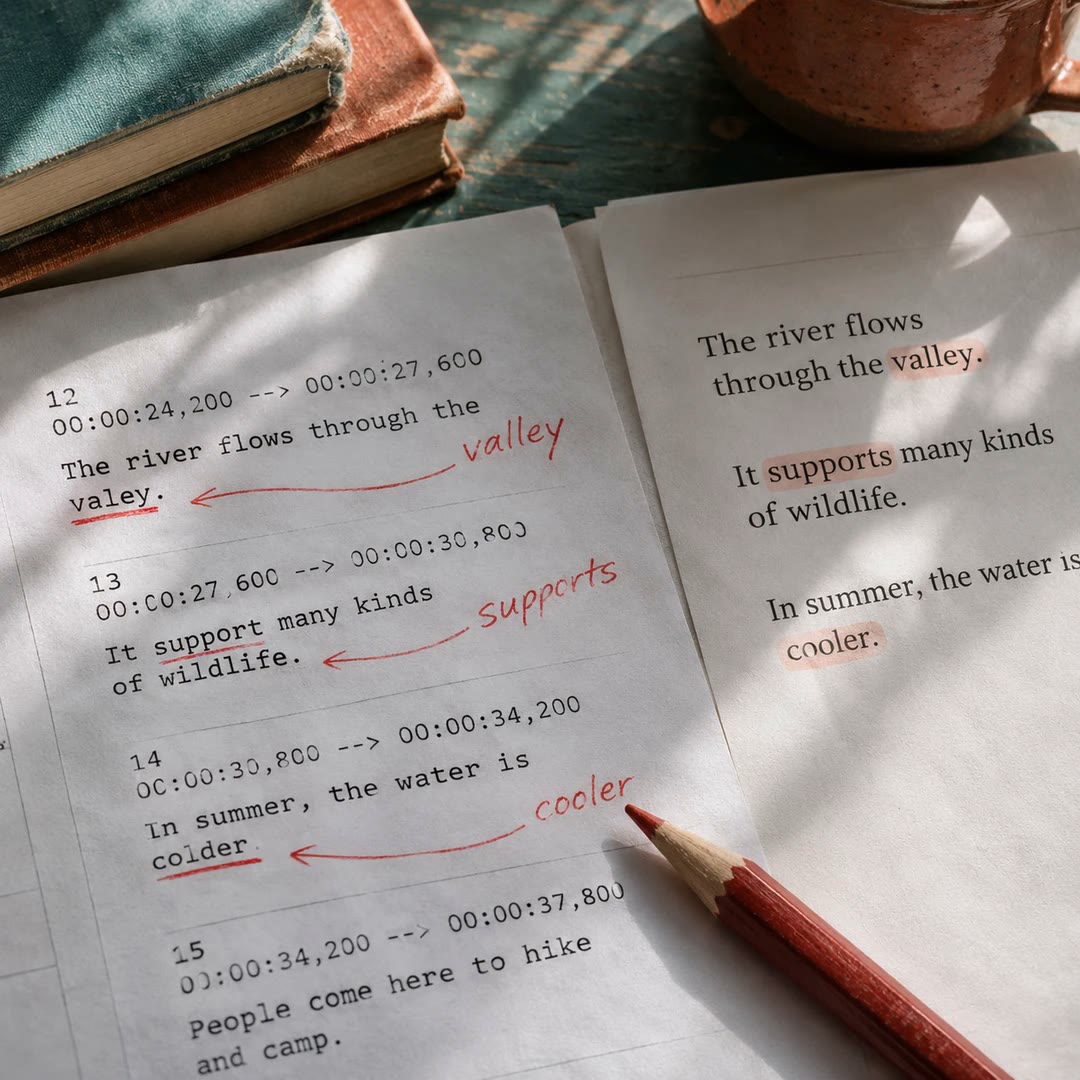
Proofread subtitles with AI
Compare an automatic SRT with the narration script, correct recognition errors and retain the existing cue numbers and timestamps.
Free - SkillNew
Create YouTube chapters with AI
Build a timestamp list around what a viewer wants to find and check each starting point against the finished edit.
Free - SkillNew
Reduce background noise in video with AI
Clean up speech in an audio or video file. For supported videos the agent can return the original picture with the cleaned voice track in place.
Free - SkillNew
Plan documentary picture lock with AI
Prepare the sheet the editor, producer and post supervisor need when deciding whether downstream teams can work against the cut.
Free - SkillNew
Clean up recorded speech with AI
Reduce room noise and electrical hum, even out the level and compare the finished recording with the source.
Free - SkillNew
Time video dialogue and subtitles with AI
Build a recording plan around the actual cut, keep each line replaceable and make captions that follow the finished performance.
Free - SkillNew
Join video clips with AI
Assemble compatible clips locally, review the picture and sound at each join, and make platform-specific versions from a single master.
Free - SkillNew
Translate subtitles with AI
Translate a timed caption track while preserving cue boundaries and speaker labels, then check a single-language or bilingual result against source cues.
Free - SkillNew
Prepare video footage for editing with AI
Create a timed transcript, review images and evidence-linked chapter notes before deciding how to cut the footage.
Free - SkillNew
Make short clips from a video with AI
Choose passages that stand alone, then make reviewed horizontal or vertical clips from the approved main edit.
Free - SkillNew
Add B-roll to a video with AI
Match a specific line of speech to an authorised cutaway, then check the selected frames before they enter the edit.
Free - SkillNew
Build a video edit list with AI
Connect script beats to approved footage and sound cues in a versioned edit decision list that another editor can check.
Free - SkillNew
Compare a video edit with the original using AI
Inspect delivered frames beside their matching moments in the original shot, with a black panel wherever the editor removed footage.
Free - SkillNew
Colour grade video with AI in cut-as-code
Assess the footage, build a neutral correction, compare creative looks and export a local grade with its portable LUT.
Free - SkillNew
Review a ChatCut edit with AI
Inspect the composed frame, hear the affected audio or watch a short draft to establish what changed on the timeline.
Free - SkillNew
Export a video with AI in ChatCut
Render a selected ChatCut timeline or time range, preserve the requested settings and locate the resulting file for delivery.
Free - SkillNew
Create ChatCut subtitles with AI
Locate a spoken line by its timestamp, correct the source wording and prepare captions once ChatCut has finished analysing the clip.
Free - SkillNew
Make editable subtitles with AI in Sonilo
Receive a timed source transcript and separate subtitle files for selected translations, ready for an editor to review before any dubbing.
Free - SkillNew
Lower music under speech with AI
Use an existing voice recording or video and a separate music bed to keep words audible and bring the music back during pauses.
Free - SkillNew
Prepare web video with AI
Encode a browser-ready clip locally, generate its poster and reserve the right amount of space for it on the page.
Free - SkillNew
Add text to video with AI in Scenario
Typeset an exact line separately from the footage, review the transparent layer, then composite the approved text over a still or video.
Free - SkillNew
Colour grade video with AI and LUTs
Try several looks on representative frames, check where a colour treatment breaks down and export a reusable LUT for the finished grade.
Free - SkillNew
Caption a video with AI in Scenario
Transcribe the final edit or use an existing subtitle file, then choose between captions rendered into the picture and a separately delivered text track.
Free - SkillNew
Edit video in Blender with AI
Assemble local footage, stills, titles and a music bed in Blender’s Video Sequencer, with an optional separate camera-tracking workflow.
Free - SkillNew
Improve voice agent audio input with AI
Trace echo, clipped speech or poor recognition through the actual microphone and playback path, changing one processing layer at a time.
Free - SkillNew
Edit a video with OpenClip AI
Apply a specific operation such as trimming, cropping or resizing, then inspect the result before starting another edit.
Free - SkillNew
Segment a broadcast master with AI
Identify probable programme breaks in a master file and build a reviewable segment report with durations, timecodes and representative frames.
Free - SkillNew
Make subtitles from audio with AI
Transcribe local speech into timed segments for SRT or WebVTT, or format a supplied list of segments without transcribing the recording again.
Free - SkillNew
Log burned-in subtitles with AI
Create a frame-referenced inventory of dialogue subtitles visible in the picture, with a visual check for each transcription and timing boundary.
Free - SkillNew
Turn audio into subtitles with AI
Transcribe an authorised recording into timed segments and separate subtitle files. OpenClip can label speaker changes and deliver JSON, SRT and WebVTT outputs.
Free - SkillNew
Convert video formats with AI in OpenClip
Convert a video or extract its soundtrack through OpenClip. Choose the output format for the next person or application that needs the file.
Free - SkillNew
Choose film takes with AI
Review generated takes against the shot plan, select usable ranges and document continuity issues. Give the editor a timeline that retains the original media.
Free - SkillNew
Adjust subtitle timing with AI
Move a subtitle track forwards or backwards, convert a text file for a web player or produce a video with captions fixed to the picture.
Free - SkillNew
Check video file details with AI
Read the dimensions, duration and streams in a local media file, or compare two exports to see what changed when one was encoded again.
Free - SkillNew
Remove background noise with AI in ElevenLabs
Process an authorised recording and save a speech-focused version for comparison. Use it to prepare an interview for editing or transcription.
Free - SkillNew
Dub a video with AI in ElevenLabs
Create a project from your own media, add a target language and retrieve its completed audio. Review the source transcript first when your workspace permits edits.
Free