Extract article text with AI
Extract the readable part of a web page, save it as Markdown or request just its title, description or domain.
To extract article text with AI, give defuddle an accessible page and tell the agent what you want to keep. It uses a page-reading tool that separates the article from common navigation and advertising. The result is useful for an editor who wants a readable working note or a researcher collecting material they are permitted to retain.
You can request a single metadata value instead of bringing the full article into the conversation. For a reading list, the page title and domain may be sufficient. For a close reading, saving Markdown to a named file lets you annotate a separate working copy.
What it does
- Create a Markdown version of the main article.
- Remove common page furniture from a reading copy.
- Save extracted text to an agreed local path.
- Retrieve a title or description on its own.
- Collect the domain for an entry in a source list.
Install and use
- Install the skill and the official Defuddle npm package in a shell-capable agent. The source page must be accessible to the tool.
- Ask “Save this article as Markdown in my research notes and report its title separately.”
- Compare the opening and closing passages with the source before relying on the extraction.
FAQ
Source
Made by Steph Ango and Obsidian contributors. Original skill: defuddle, published on GitHub under the MIT licence.
View on GitHubRelated products
- SkillNew
Create English paper digests with AI
Build an English research digest and local reading queue with verified paper identities, evidence-rich cards and a history that avoids repeated recommendations.
Free - SkillNew
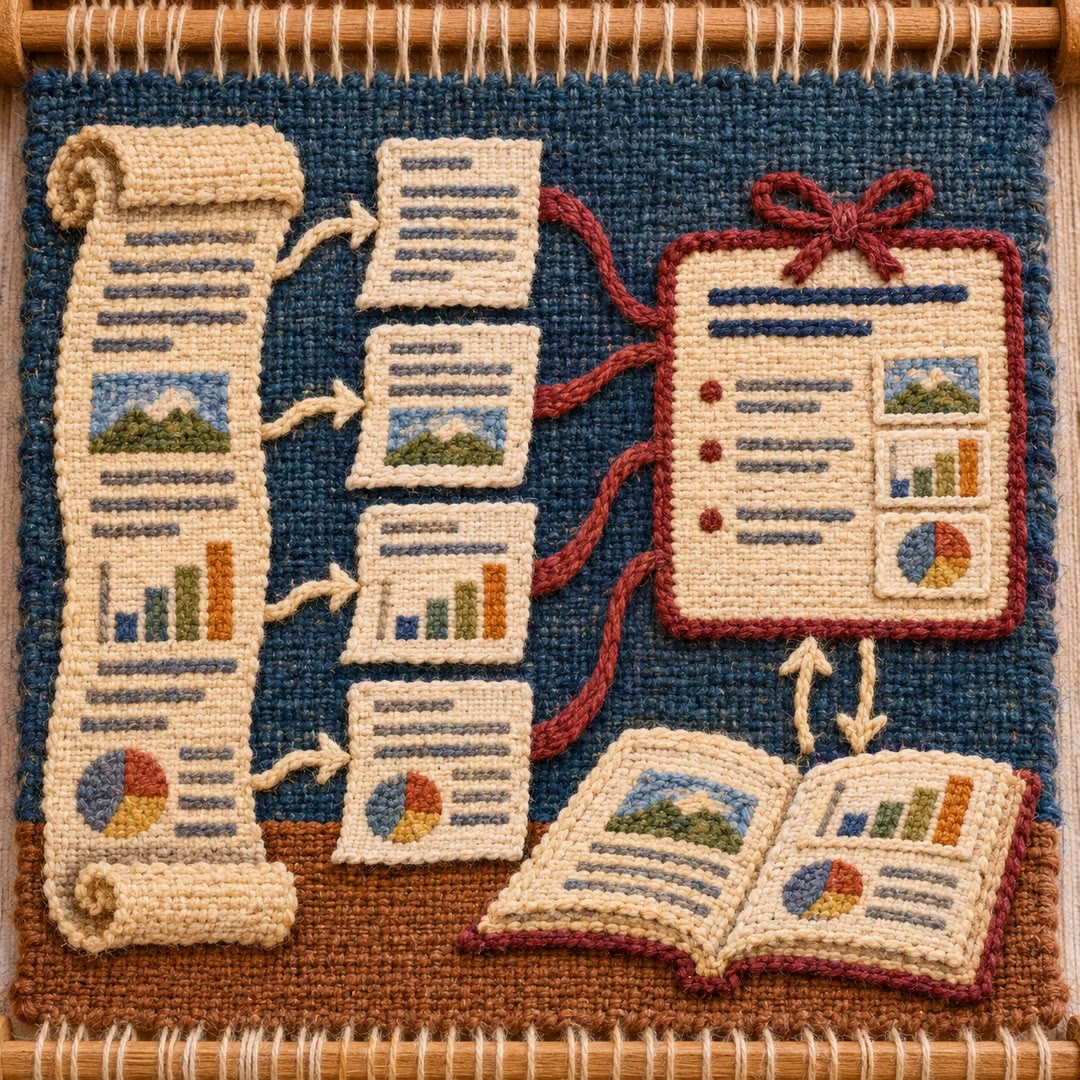
Read long PDFs with AI
Split a local document into page-based PDF and text chunks, read them in sequence and consolidate source-linked notes, checking important visuals against the original.
Free - SkillNew
Read research papers in stages with an agent
Choose a reading depth that fits your research question, then keep claims, evidence, assumptions and unperformed checks distinct in your notes.
Free