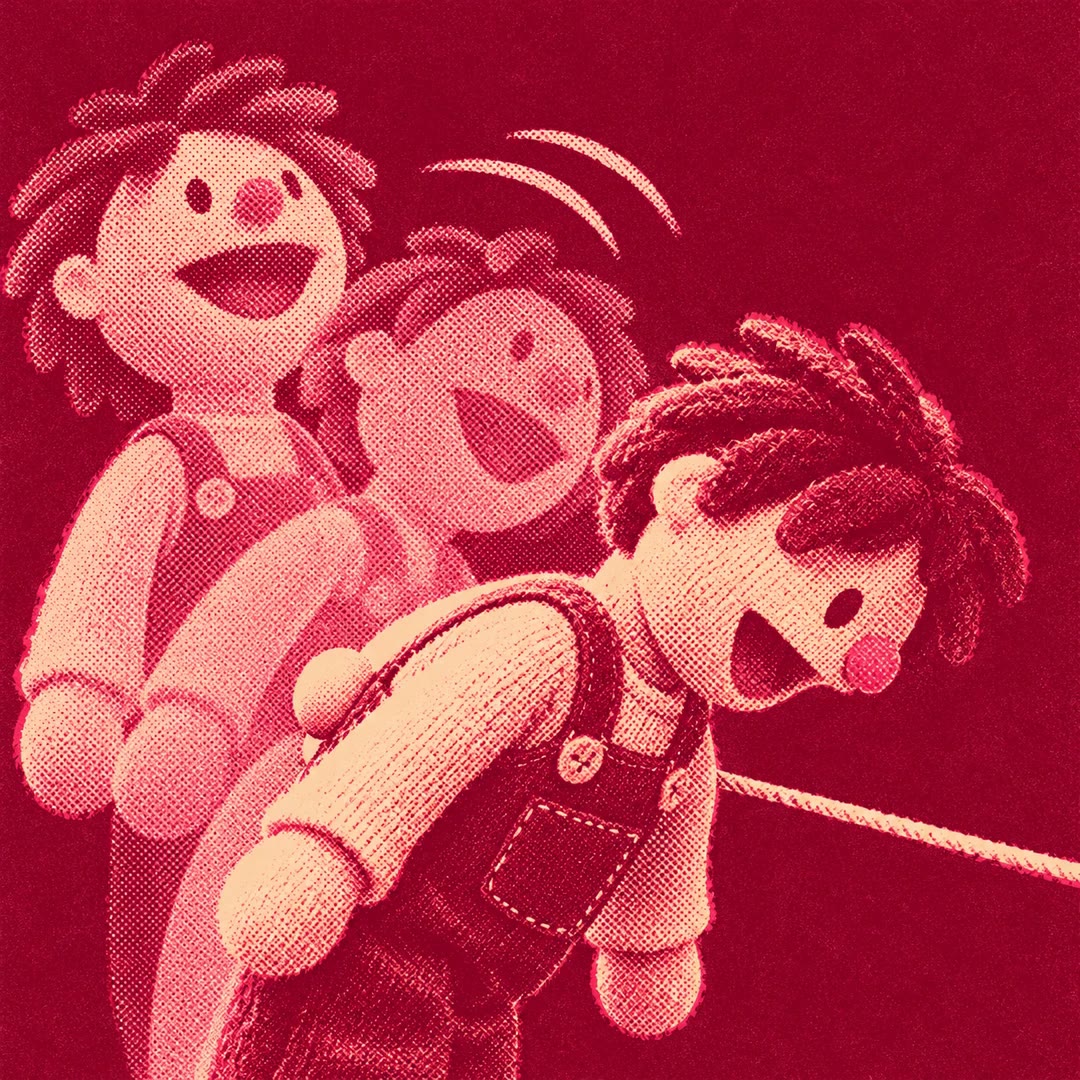
Create cartoon shorts with AI
Plan an invented vertical cartoon, author vector scenes, synchronise speech and captions, then review the render and prepare video files without automatic publishing.
Create cartoon shorts with AI from a clear story and visual direction. The cartoon-shorts skill asks about audience, format and style before building authored SVG/HTML scenes. It can keep those choices consistent across a series without requiring an image or video generation model.
Speech timing drives scenes, captions and effects. Local voices or authorised recordings are available alongside an optional OpenAI route. Reviewing actual frames, motion and sound remains part of production; preparing the files does not publish them or establish that story claims are true.
What it does
- Plan an invented short or recurring series
- Choose a documented cartoon style
- Author editable vector scenes
- Synchronise narration and captions
- Add procedural music and sound effects
- Prepare a reviewed video and upload kit
Install and use
- Supply the whole package to a file/shell-capable agent. Use Python 3.9+ with numpy, Node 22+, Chrome/Chromium, FFmpeg/ffprobe and a supported local voice tool or optional OpenAI account. Pages use Google Fonts; Windows is source-labelled untested.
- Request: “Make a short vertical comic-style story about an invented robot rescuing a dry plant. Show the story and selected frames before the final render.” Choose a supported narration language.
- Agree the brief, author scenes and align them to speech. Check factual claims and reference permissions rather than treating a source as permission to copy its characters or marks.
- Review motion, lettering, audio and the ending before final output. Render only trusted episode code, preserve source files and inspect the actual exported video.
FAQ
Source
Made by Matteoikarieth96. Original skill: cartoon-shorts, published on GitHub under the MIT licence.
View on GitHubRelated products
- SkillNew
Animate SVG scenes with AI
Create editable scene JSON containing vector artwork and keyframe tracks, choose a visual style and inspect the action through a local preview player.
Free - SkillNew
Create animated GIFs with AI
Turn text frames, image folders or vector motion into GIF/APNG, control timing and looping, and extract an existing animation into frames with their original delays.
Free - SkillNew
Create interactive Rive animations with AI
Build a character or interface control, then inspect its actual motion and response
Free