Review JPEG photo exports with AI
Get numbered contact sheets and a CSV inventory from a local shoot folder. Match a thumbnail to its original and decide which frames deserve a closer look.
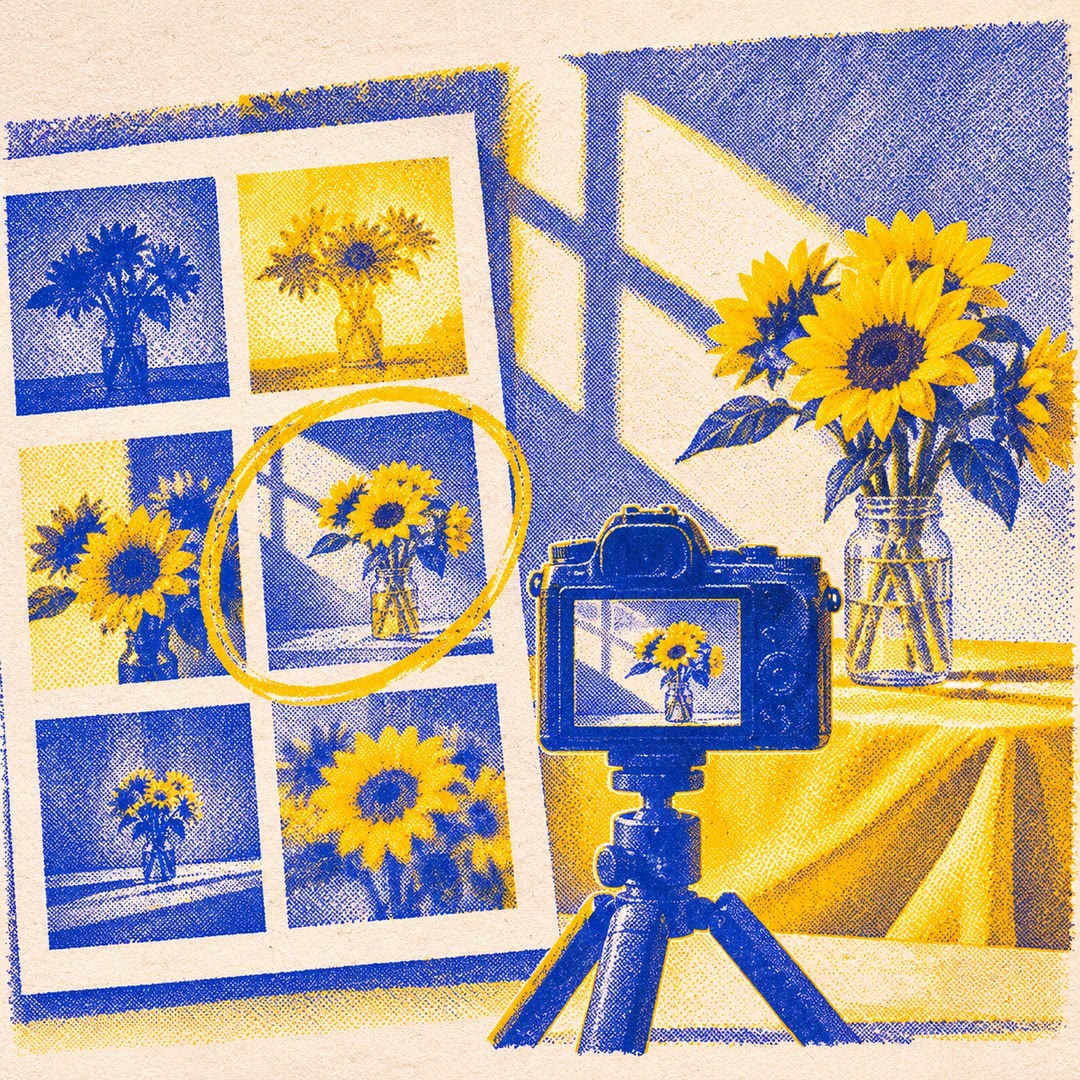
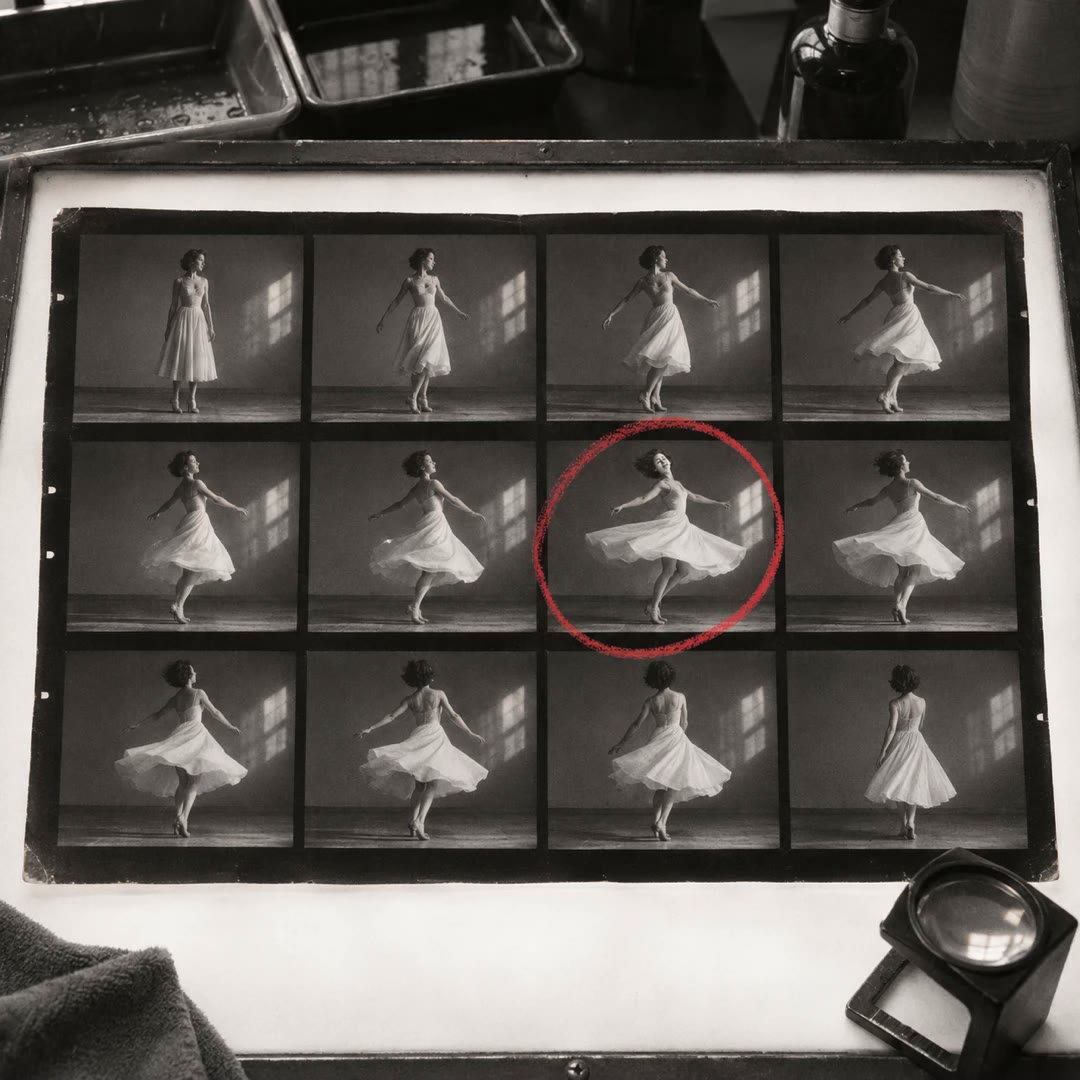
Review JPEG photo exports with AI when two similar frames are easy to recognise on screen but hard to refer to by filename. Give photo-review a local folder of full-size JPEGs. It generates numbered contact sheets, then uses those same numbers in a CSV inventory. The summary also records files it could not read.
The focus index measures image edges and the near-white percentage describes bright pixels. A pale background or deliberately soft portrait can score differently from a detailed street scene without either being a mistake. Use the figures to choose what to inspect at full size.
What it does
- Create a visual index for a shoot you have already exported.
- Find the original behind a thumbnail that caught your eye.
- Compare file dimensions, sizes and available capture dates across the folder.
- Locate unreadable files without searching through the whole export again.
- Keep selection and client delivery separate from the technical inventory.
Install and use
- Prepare Python 3.10 or later with Pillow and NumPy, and select an authorised JPEG folder.
- Ask, “Make a numbered review sheet for this export and report any files that need manual checking.” Include subfolders only when needed.
- Choose a new output folder outside the originals. Read the summary, then use the manifest when you return to the full-size images.
FAQ
Source
Made by Noah Gallagher. Original skill: photo-review, published on GitHub under the MIT licence.
View on GitHubRelated products
- SkillNew
Review photography with AI
Understand how composition, light, colour and expression affect a photograph, then turn the feedback into a specific experiment for your next image.
Free - SkillNew
Photo critique with AI
Review composition, lighting and editing with advice suited to your actual tools.
Free - SkillNew
Make a photo contact sheet with AI
Give a reviewer one image showing a whole folder of shots. Add filenames or numbers so you can both refer to the same frame when choosing a shortlist.
Free