Choose travel photos with AI
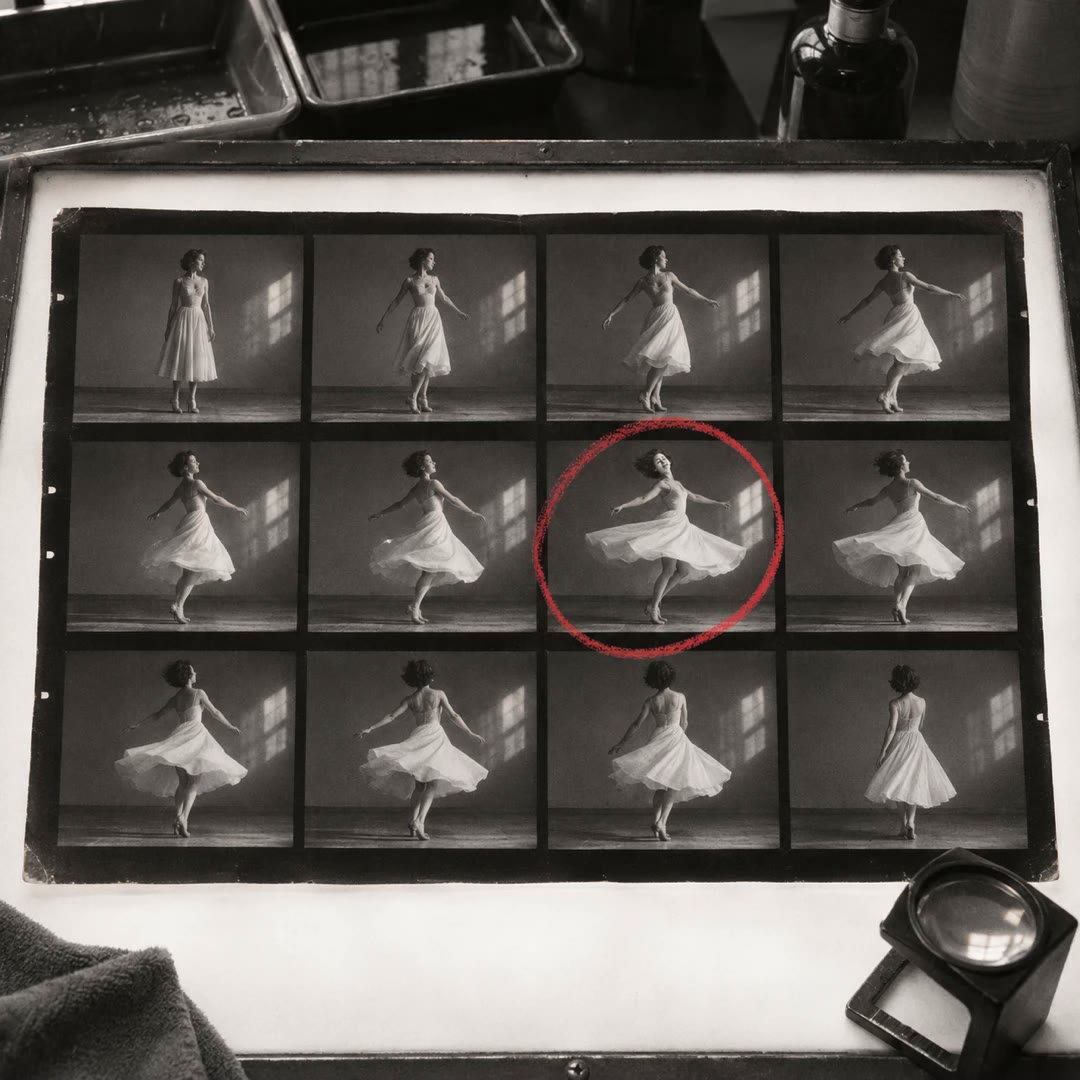
Review a trip by contact sheet, keep JPEG and raw files together, and make separate selections for sharing and personal memories. Originals stay protected during the edit.
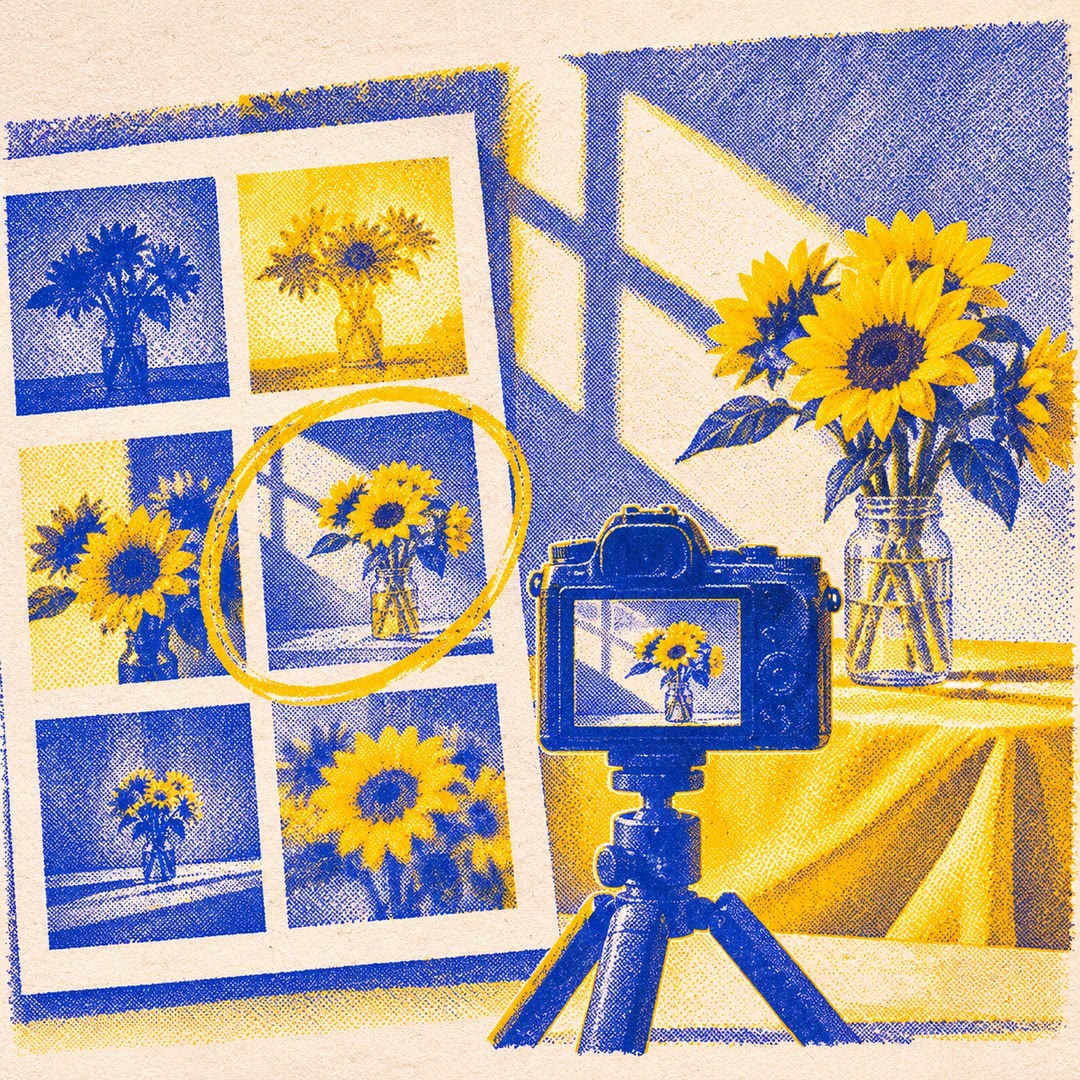
To choose travel photos with AI, decide what a good selection means to you. A slightly blurry family moment might matter more than the tenth sharp picture of the same view. The travel-photo-sort-edit skill asks for separate targets for the photographs you plan to share and the memories you want to keep.
It inventories the folder before changing files. Small previews make it easier to compare neighbouring frames, and a manifest shows which JPEGs have matching raw originals. A photograph can make either selection without losing its source. Any proposed cleanup comes after you have reviewed the results.
What it does
- Compare similar shots from the same stretch of a journey.
- Keep a selected JPEG with the raw file that shares its filename stem.
- Find raw-only or JPEG-only pictures before moving any copies.
- Balance portraits, landscapes and details in the selection for sharing.
- Try a consistent colour edit on copies and check faces against the originals.
Install and use
- Install the skill and give your agent local access to the photo folder and image tools. No particular editor or account is required.
- Ask, “Choose eight photos for a trip album and twelve personal keepers. Show me the contact sheets before making the edits.”
- Review the files without partners and compare the final counts with your request. Approve any later deletion separately.
FAQ
Source
Made by WonderTool. Original skill: travel-photo-sort-edit, published on GitHub under the MIT licence.
View on GitHubRelated products
- SkillNew
Review photography with AI
Understand how composition, light, colour and expression affect a photograph, then turn the feedback into a specific experiment for your next image.
Free - SkillNew
Photo critique with AI
Review composition, lighting and editing with advice suited to your actual tools.
Free - SkillNew
Make a photo contact sheet with AI
Give a reviewer one image showing a whole folder of shots. Add filenames or numbers so you can both refer to the same frame when choosing a shortlist.
Free