Stage product photos with AI in Scenario
Use an authorised photograph as the reference for a studio or lifestyle image and check that the item still matches what you sell.
You can stage product photos with AI in Scenario when the surroundings can change but the product cannot. A coffee tin photographed for a catalogue may also need a kitchen setting and a campaign crop. The scenario-product-shots skill starts from the real tin and records what the edit must preserve before asking for new lighting or scenery.
That reference gives you something concrete to check. A clean background is of little use if the label changes colour, the lid acquires a different shape or the tin seems to float. Exact promotional copy can be added separately after the product is accepted.
What it does
- Create a white-background packshot from a supplied photograph.
- Change the setting without changing the product’s proportions.
- Check the label and brand marks against the reference.
- Restore a believable contact shadow after a background change.
- Build several scenes around the same approved product image.
Install and use
- Connect an authorised Scenario account and its MCP. Generations use compute units. Use an image cleared for the service’s data terms, which can allow service and AI improvement on self-service plans.
- Identify what must remain exact and request one scene, such as a white-background catalogue shot.
- Compare the output with the original before reusing it for further variations.
FAQ
Source
Made by Scenario Inc. Original skill: scenario-product-shots, published on GitHub under the MIT licence.
View on GitHubRelated products
- SkillNew
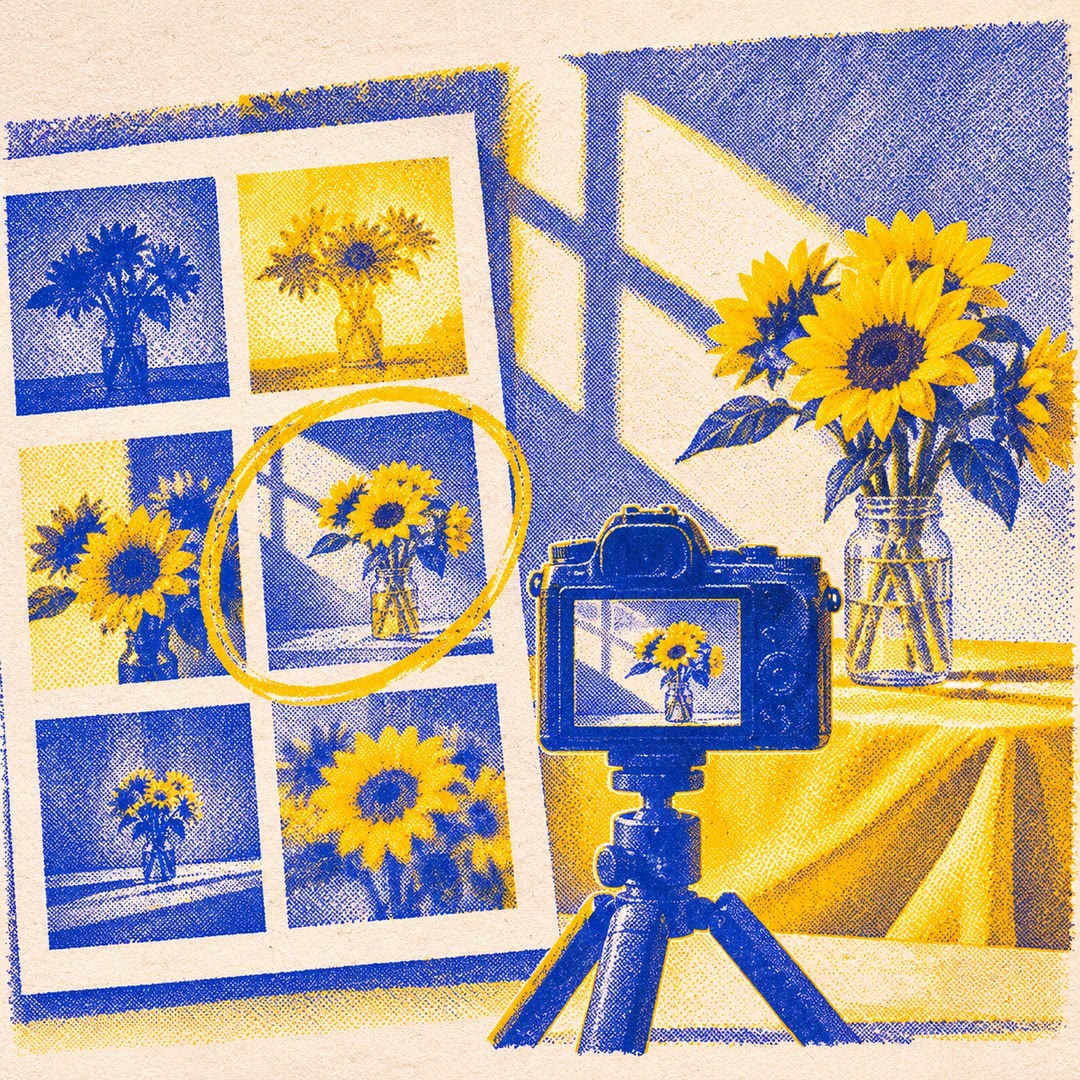
Review photography with AI
Understand how composition, light, colour and expression affect a photograph, then turn the feedback into a specific experiment for your next image.
Free - SkillNew
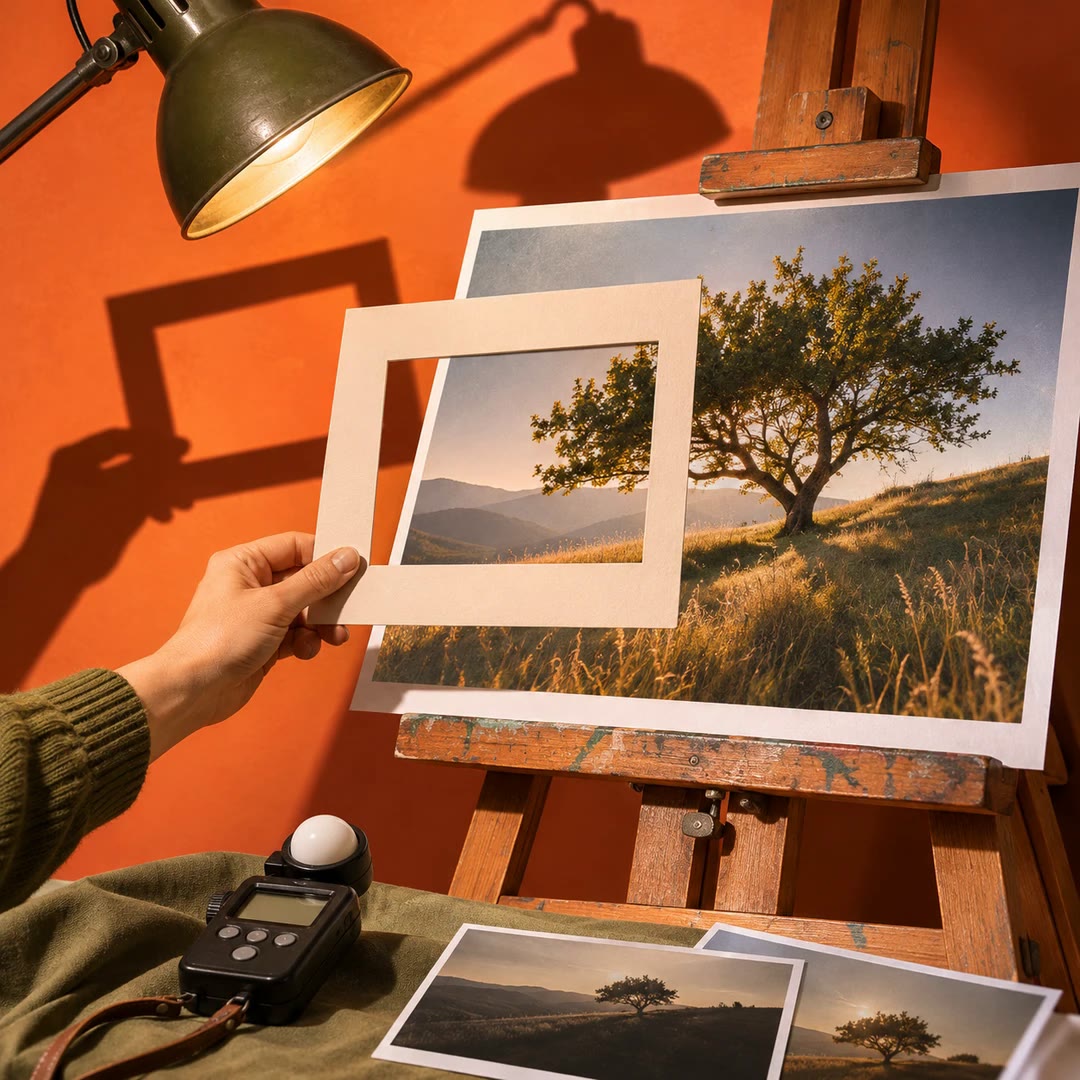
Photo critique with AI
Review composition, lighting and editing with advice suited to your actual tools.
Free - SkillNew
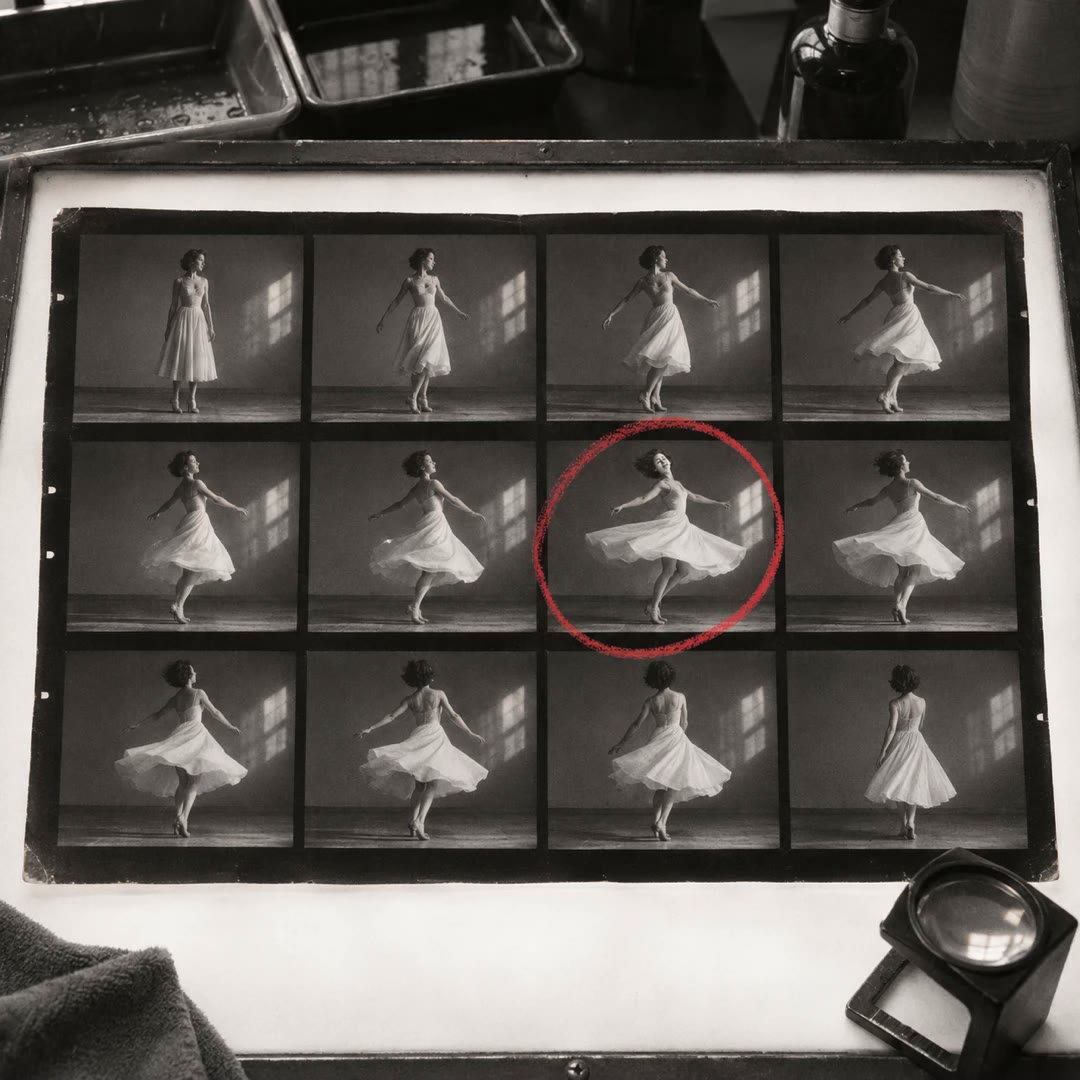
Make a photo contact sheet with AI
Give a reviewer one image showing a whole folder of shots. Add filenames or numbers so you can both refer to the same frame when choosing a shortlist.
Free