Rotate Immich photos with AI
Straighten a batch of sideways images in your Immich library with quarter-turn display edits that preserve the originals.
Rotate Immich photos with AI when one group from a scanner was fed in sideways. Put those images in a temporary album and tell your agent the direction of the correction. The rotate-photos workflow uses the edits API on your own Immich server. Your original files stay as they were, while the corrected orientation appears in previews and other albums that include the same assets.
Check a recognisable image before committing to a direction for a large batch. A sign that should read from left to right is more helpful than an ambiguous landscape. Quarter-turns accumulate, so an extra turn can correct a mistake. A full edit reset has a wider effect and removes crops and mirrors as well.
What it does
- Turn selected image IDs together or use one temporary album as the selection.
- Correct a sideways set by ninety degrees or an upside-down group by half a turn.
- Apply an opposite rotation while preserving earlier crop and mirror edits.
- Check the result in an edited thumbnail or the Immich web interface.
- Review failures separately if a mixed album also contains video.
Install and use
- Connect an authorised Immich instance through the maker’s MCP connector and an API key with asset edit access.
- Name the album or give selected asset IDs, then specify the clockwise angle.
- Open an edited preview to check the orientation and look at any per-asset failures.
FAQ
Source
Made by Drolosoft. Original skill: rotate-photos, published on GitHub under the MIT licence.
View on GitHubRelated products
- SkillNew
Review photography with AI
Understand how composition, light, colour and expression affect a photograph, then turn the feedback into a specific experiment for your next image.
Free - SkillNew
Photo critique with AI
Review composition, lighting and editing with advice suited to your actual tools.
Free - SkillNew
Make a photo contact sheet with AI
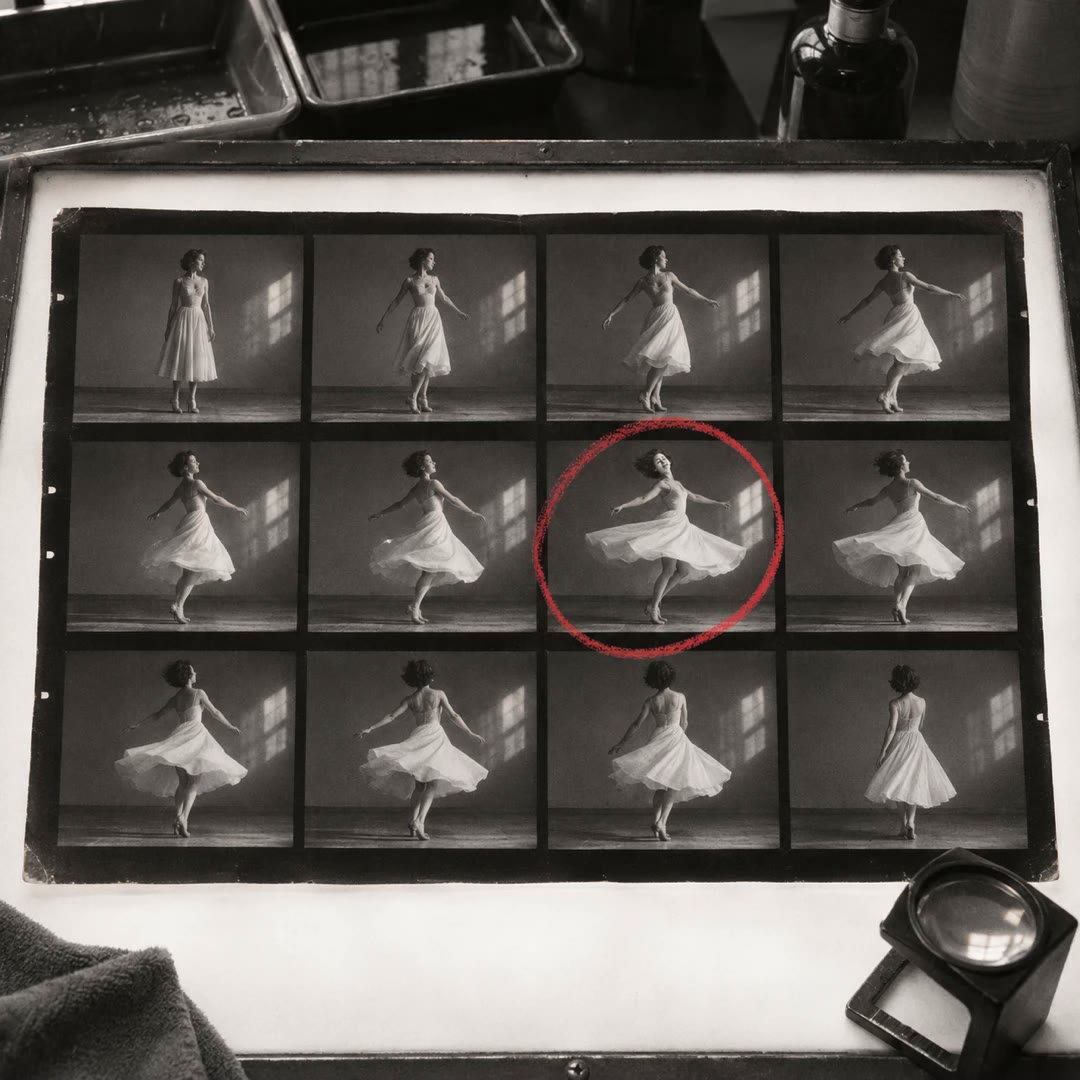
Give a reviewer one image showing a whole folder of shots. Add filenames or numbers so you can both refer to the same frame when choosing a shortlist.
Free