Make a photo contact sheet with AI
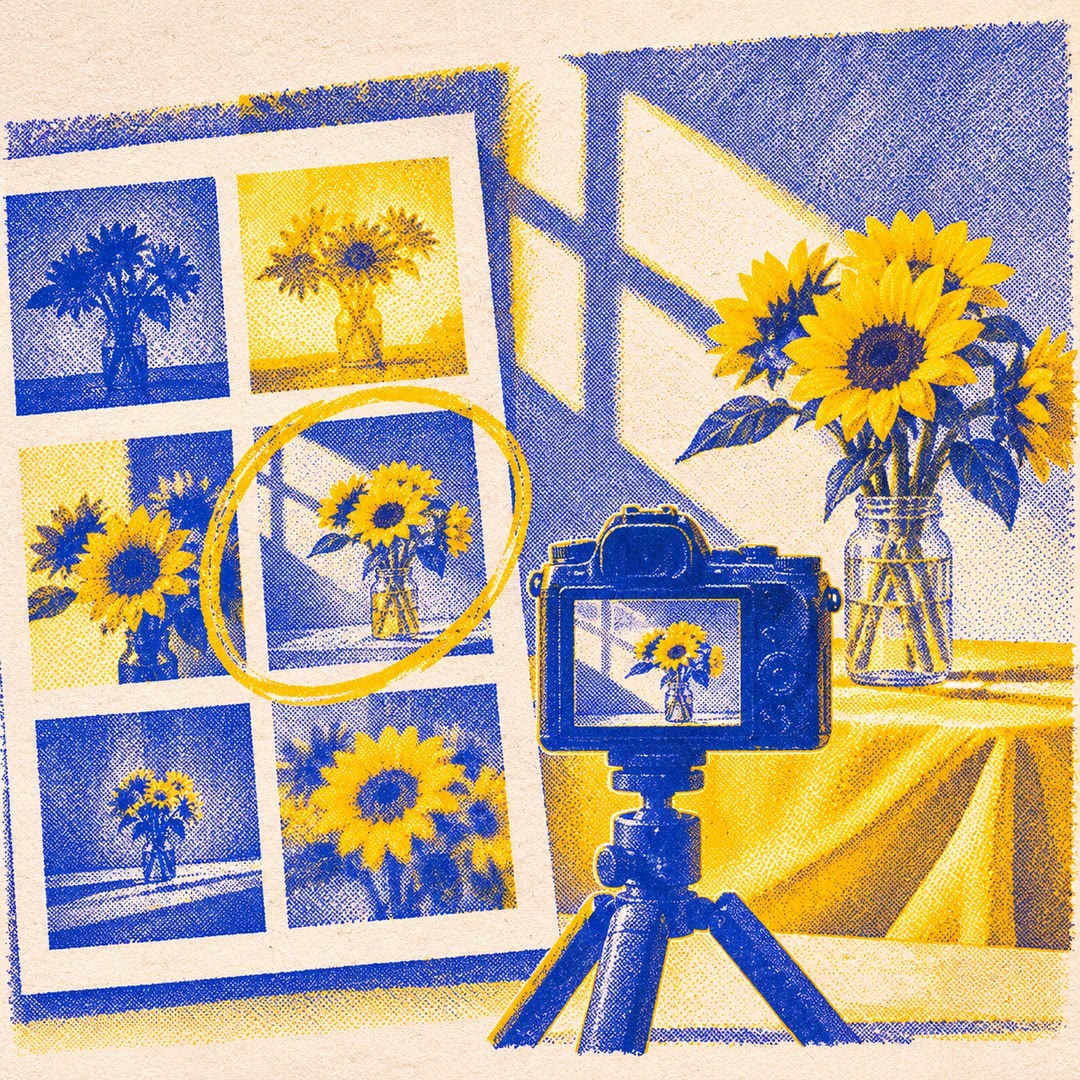
Give a reviewer one image showing a whole folder of shots. Add filenames or numbers so you can both refer to the same frame when choosing a shortlist.
You can make a photo contact sheet with AI when a client needs to choose between several takes before you start editing. Give photo-contact-sheet a folder and choose the labels that will make sense to the person reviewing it. A filename helps an editor pull the original. A simple number works well if the person choosing only needs to say which frame caught their eye.
The tool builds the sheet locally and writes it to a separate image path. The default layout has four columns. Choose a larger thumbnail width when expression or lighting matters. Once someone has marked a shortlist, open those few originals at full size to inspect focus and fine detail.
What it does
- Compare several product shots before choosing a hero image.
- Give a portrait client a numbered selection to discuss.
- Match a requested frame back to a filename in the source folder.
- Lay out a sequence without labels to see how the colours sit together.
- Create one proof sheet per shoot for a quick visual index.
Install and use
- Use a local Python environment with Pillow. Choose a photo folder and a new output filename outside the source set.
- Ask for the column count, thumbnail width and label style you want.
- Open the finished sheet and check the reported count against the readable photos you expected.
FAQ
Source
Made by Levi. Original skill: photo-contact-sheet, published on GitHub under the MIT licence.
View on GitHubRelated products
- SkillNew
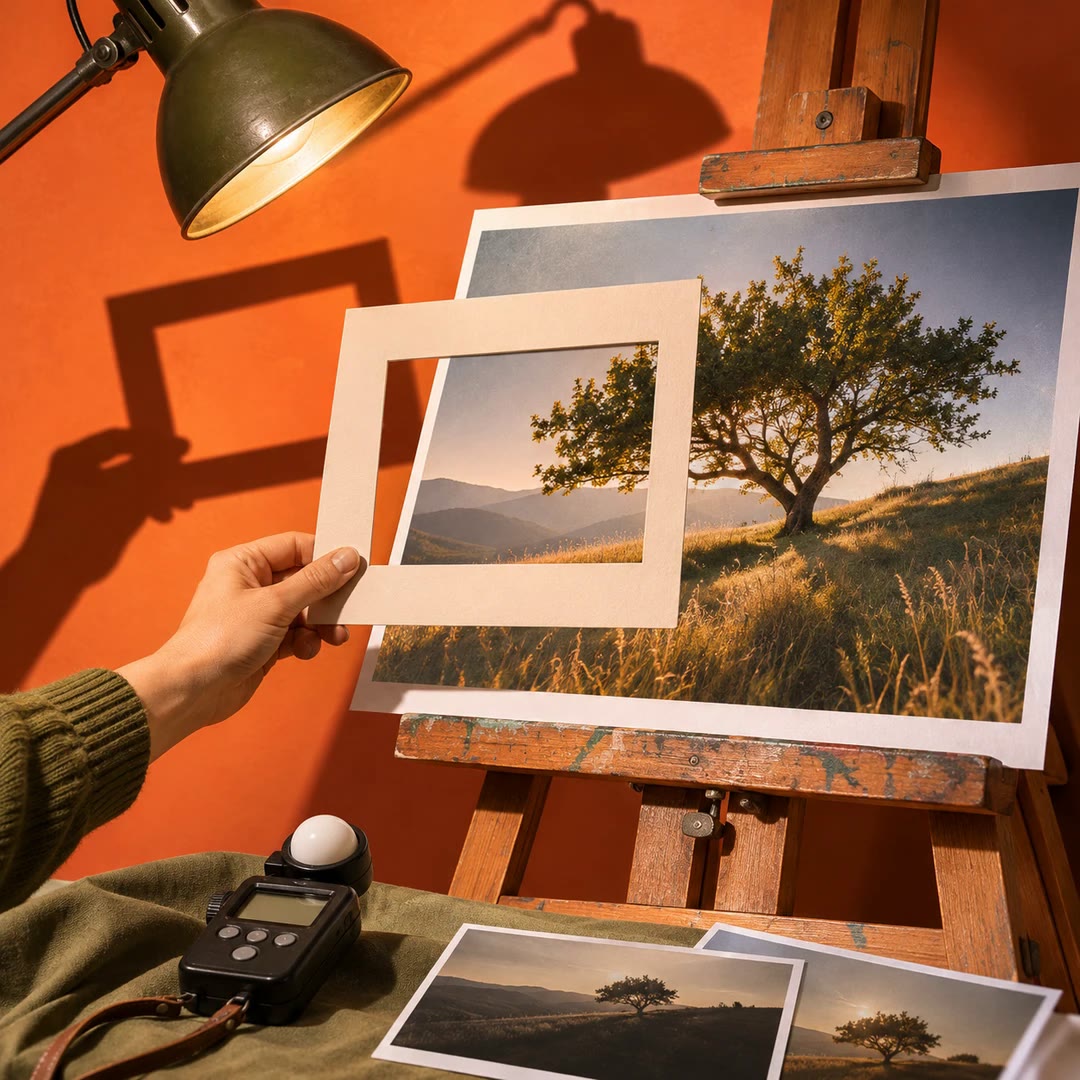
Review photography with AI
Understand how composition, light, colour and expression affect a photograph, then turn the feedback into a specific experiment for your next image.
Free - SkillNew
Photo critique with AI
Review composition, lighting and editing with advice suited to your actual tools.
Free - SkillNew
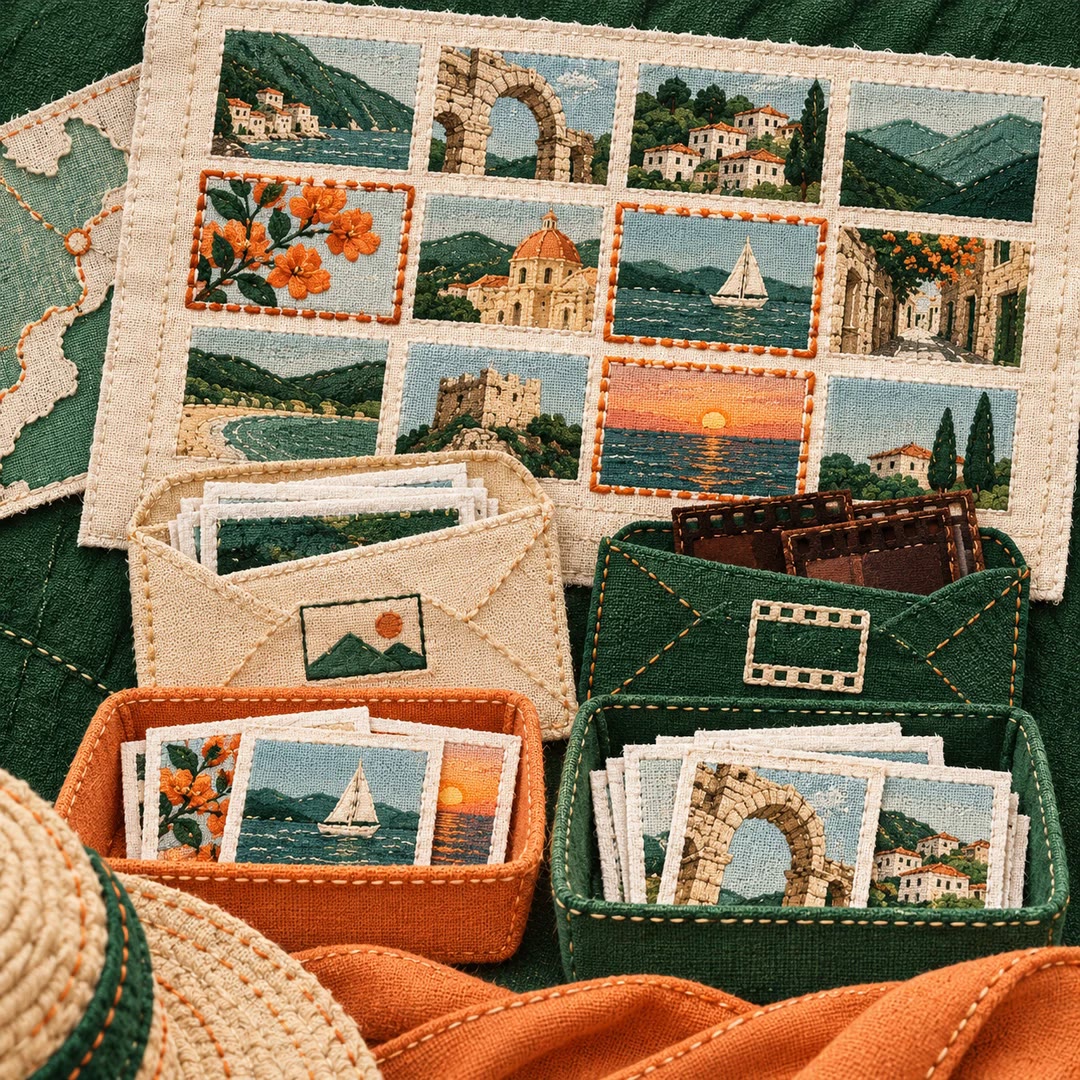
Choose travel photos with AI
Review a trip by contact sheet, keep JPEG and raw files together, and make separate selections for sharing and personal memories. Originals stay protected during the edit.
Free