Build ImageKit image URLs with AI
Describe the crop, size, background or overlay you need. Get a validated ImageKit delivery URL and check the resulting image without replacing your source file.
To build ImageKit image URLs with AI, describe the space the picture has to fill. A square catalogue tile may need the whole shoe with padding around it, while a wide banner needs the buckle kept in view and room for text.
The transformation-builder skill turns that brief into ordered operations and produces a delivery URL. You can use a hosted source or try the request on the sample image. When the tool reports an error, its previous response can guide the next attempt.
What it does
- Build a padded square product tile that keeps an entire object visible.
- Crop a wide banner around its subject rather than through the important detail.
- Place a caption on the final frame after deciding its output size.
- Request a transparent background or a specific colour behind the product.
- Create a thumbnail in the format and quality needed by its destination.
Install and use
- Install the skill and connect ImageKit DevTools. The builder needs no sign-in for a sample. To use your own media, provide an authorised ImageKit-hosted source URL.
- Ask, “Fit this bag into a square catalogue tile with white padding and leave the handle visible.”
- Preview the result at its intended size. If the tool rejects an operation, supply the error when refining the next request.
FAQ
Source
Made by ImageKit. Original skill: transformation-builder, published on GitHub under the MIT licence.
View on GitHubRelated products
- SkillNew
Review photography with AI
Understand how composition, light, colour and expression affect a photograph, then turn the feedback into a specific experiment for your next image.
Free - SkillNew
Photo critique with AI
Review composition, lighting and editing with advice suited to your actual tools.
Free - SkillNew
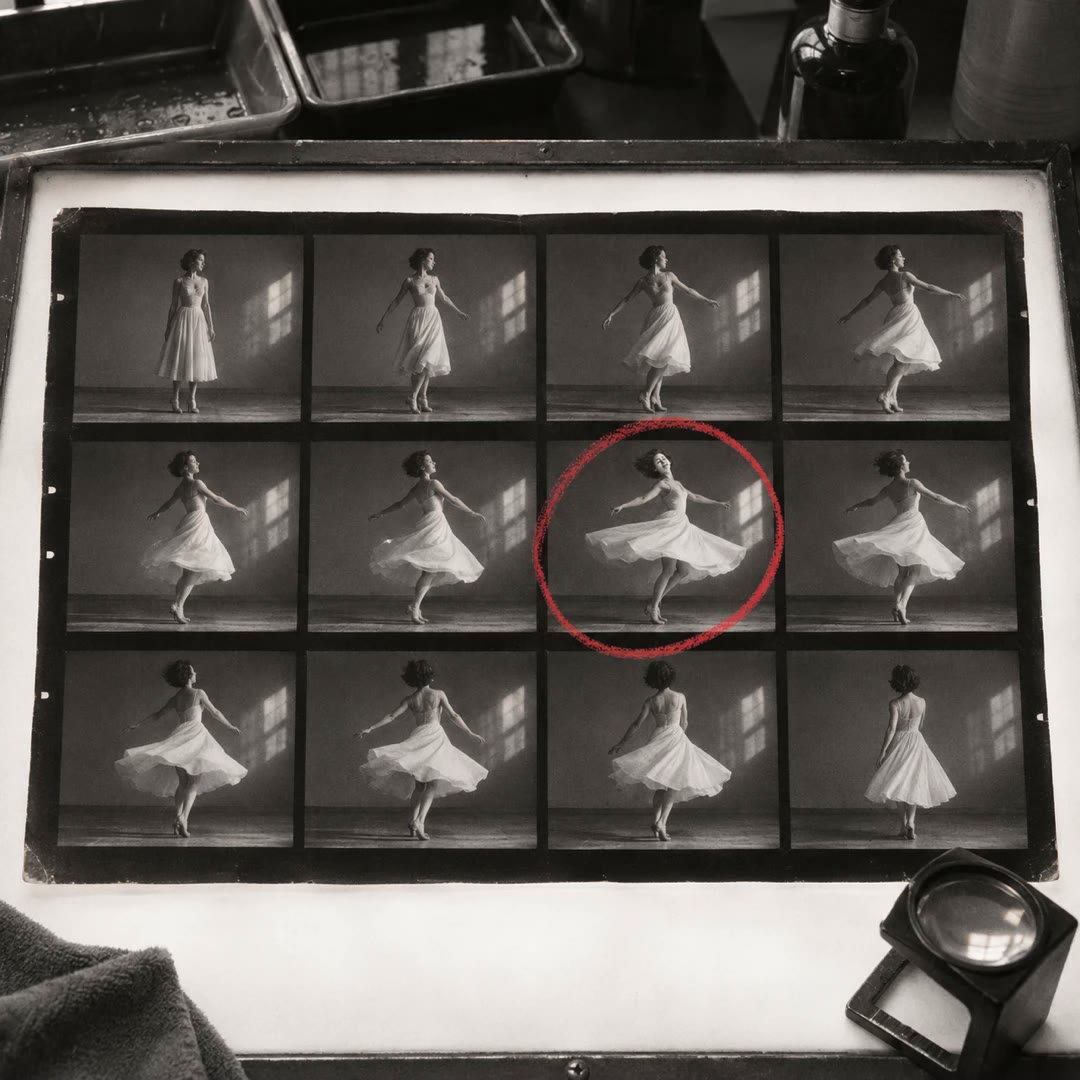
Make a photo contact sheet with AI
Give a reviewer one image showing a whole folder of shots. Add filenames or numbers so you can both refer to the same frame when choosing a shortlist.
Free