Choose camera settings with AI
Work out which camera setting to change first by describing the light, the subject and the result you want in the frame.
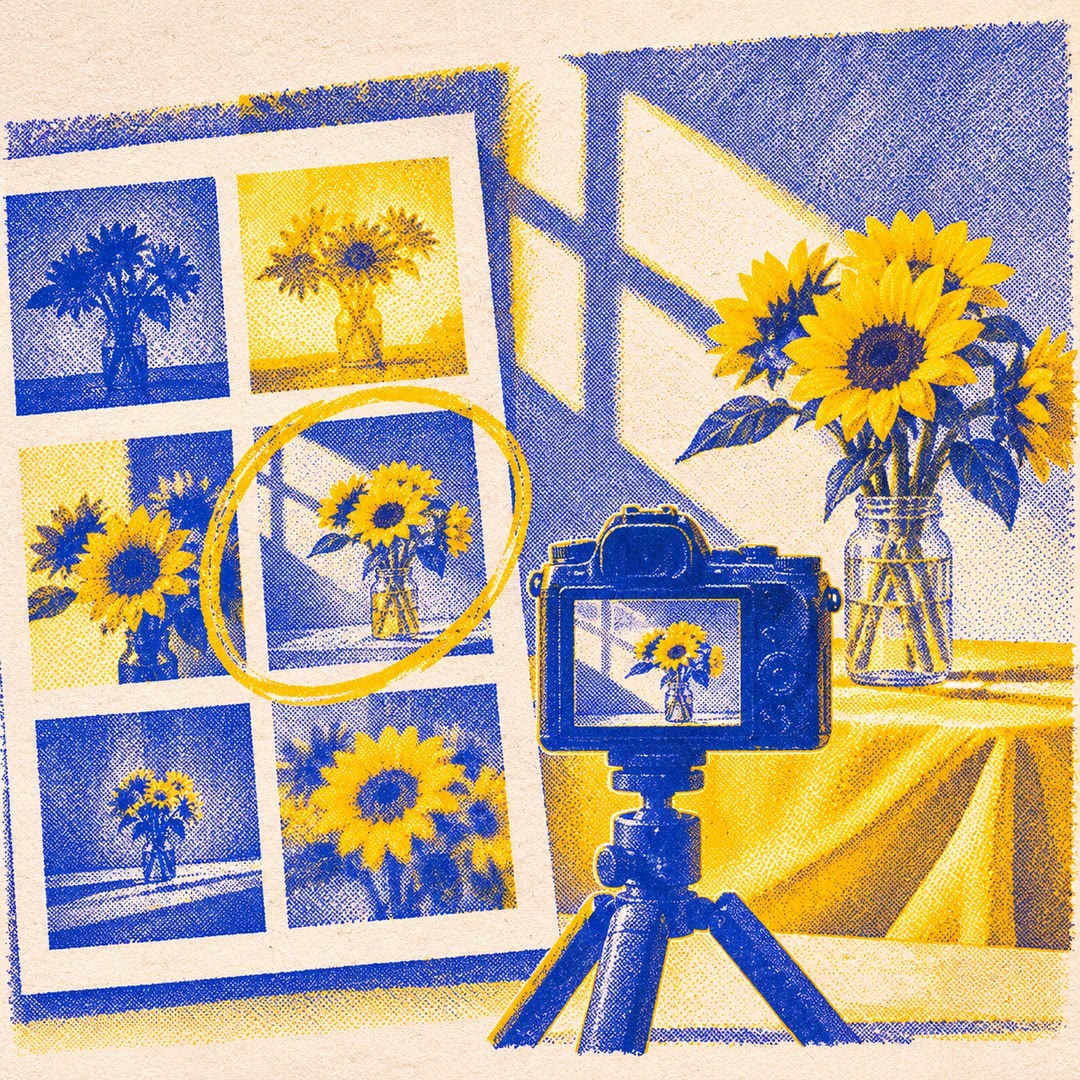
Choose camera settings with AI by describing the photograph that is not working. A ceramic bowl may look flat under a ceiling light even though the image is correctly exposed. The Photography skill can suggest a change in light direction or composition before you spend time adjusting unrelated controls.
Different subjects call for different trade-offs. Faster shutter speed helps with movement, while a smaller aperture can bring more of a still object into focus. Use the suggestions as starting points, inspect the next frame and change one variable at a time. You do not need to upload an image to describe what went wrong.
What it does
- Choose an initial shutter speed for a moving subject.
- Decide where to focus on a product with an important label.
- Move a still-life setup relative to a window to change the shadows.
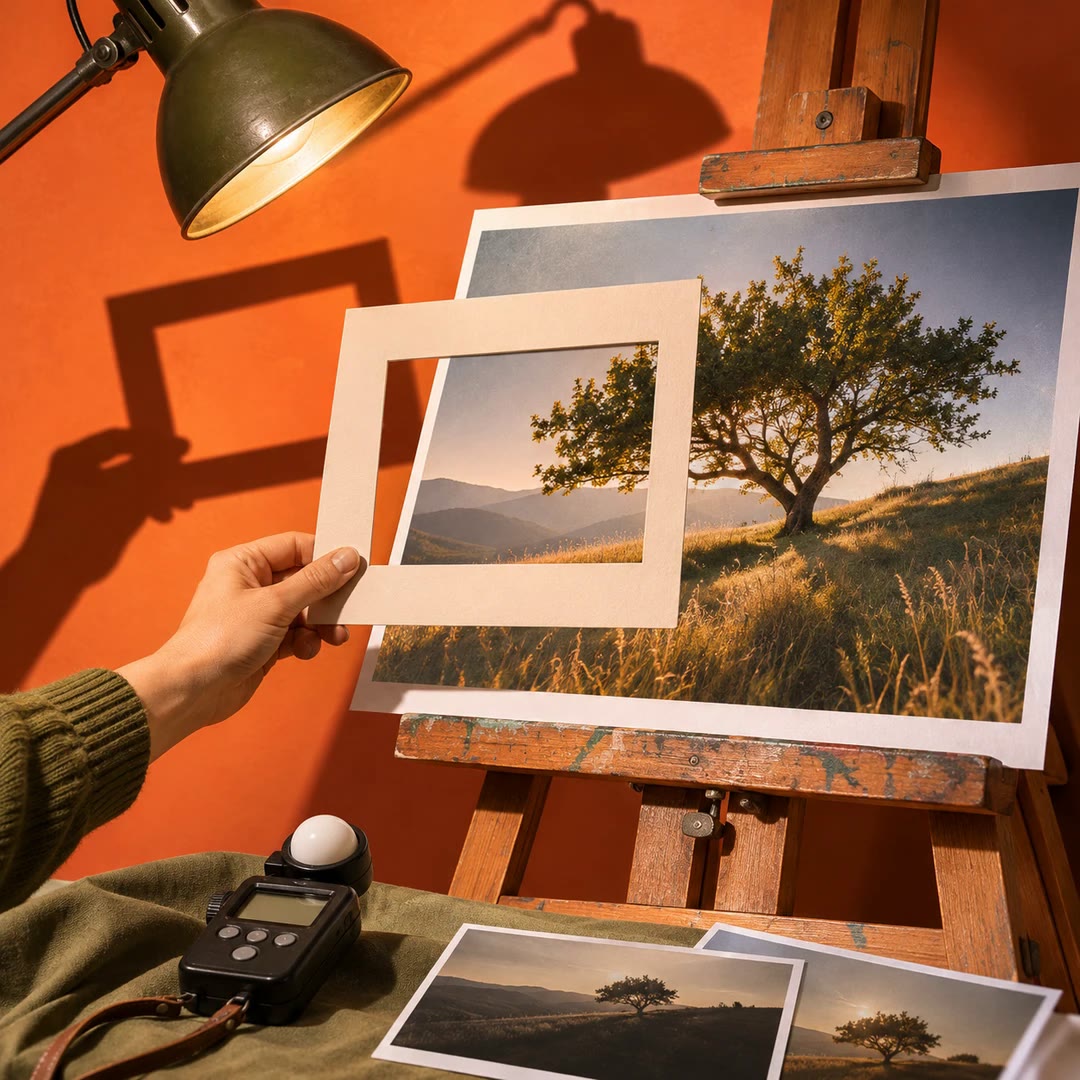
- Review the edges of the frame for distracting objects.
- Choose an appropriate file format for your intended editing workflow.
Install and use
- Use your camera or phone and describe the scene. No photography account or image upload is necessary.
- State the problem, desired result and settings you already tried, if known.
- Take another frame, inspect the result and use the difference to decide on the next adjustment.
FAQ
Source
Made by Ivan G. Davila (Clawic). Original skill: Photography, published on GitHub under the MIT licence.
View on GitHubRelated products
- SkillNew
Review photography with AI
Understand how composition, light, colour and expression affect a photograph, then turn the feedback into a specific experiment for your next image.
Free - SkillNew
Photo critique with AI
Review composition, lighting and editing with advice suited to your actual tools.
Free - SkillNew
Make a photo contact sheet with AI
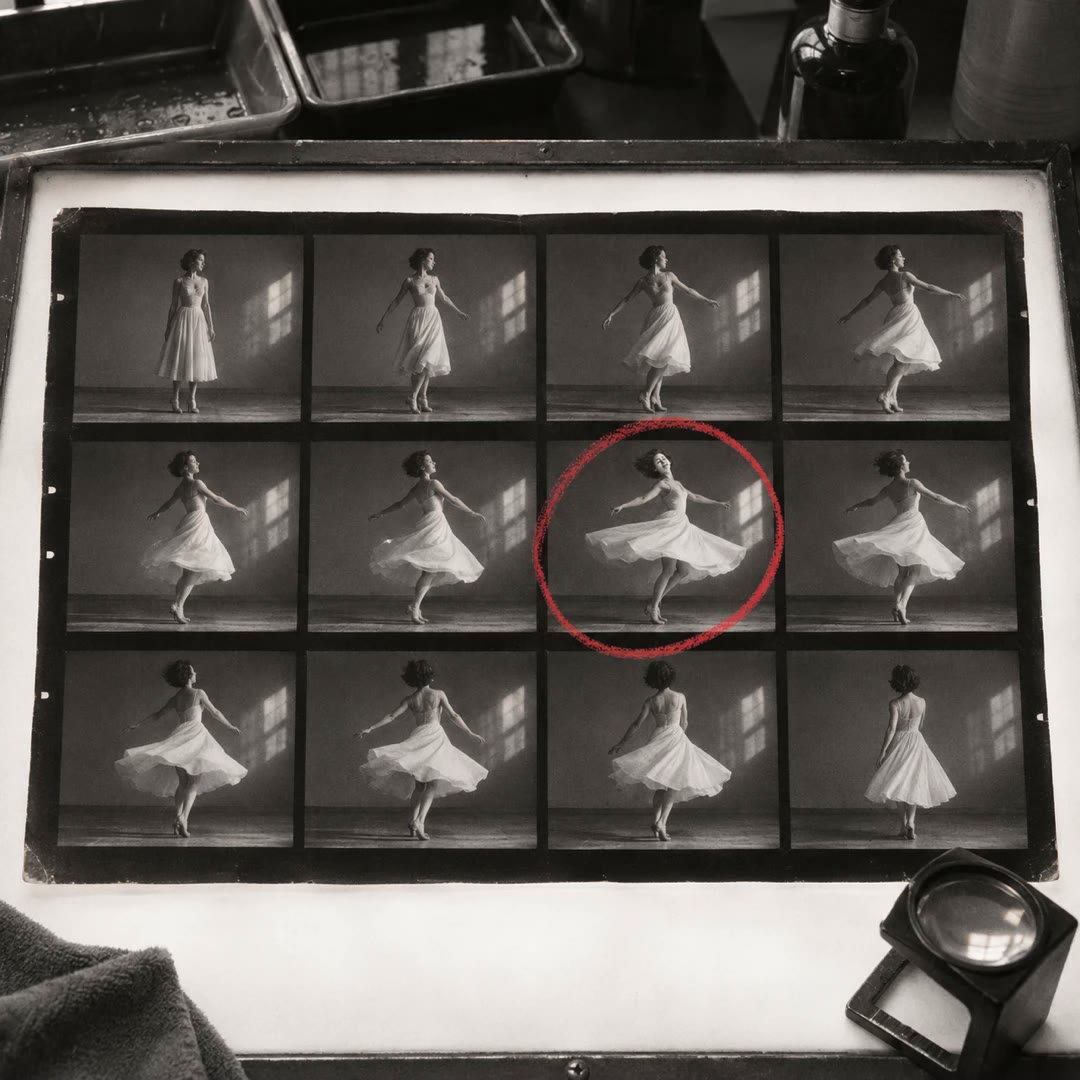
Give a reviewer one image showing a whole folder of shots. Add filenames or numbers so you can both refer to the same frame when choosing a shortlist.
Free