Design a brand board with AI
Plan the logo, colour and type for a specific use, then check how they hold together across a small set of panels.
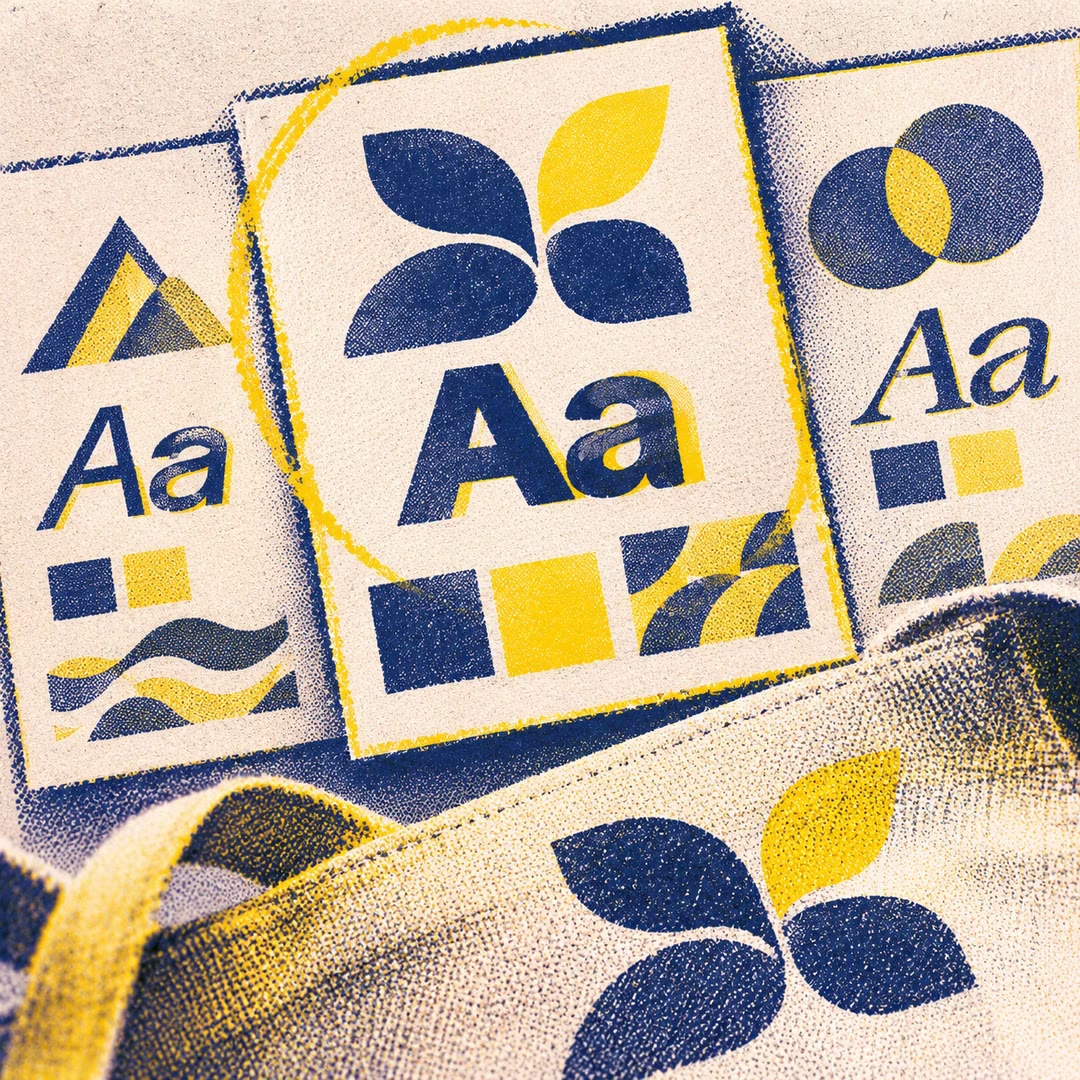
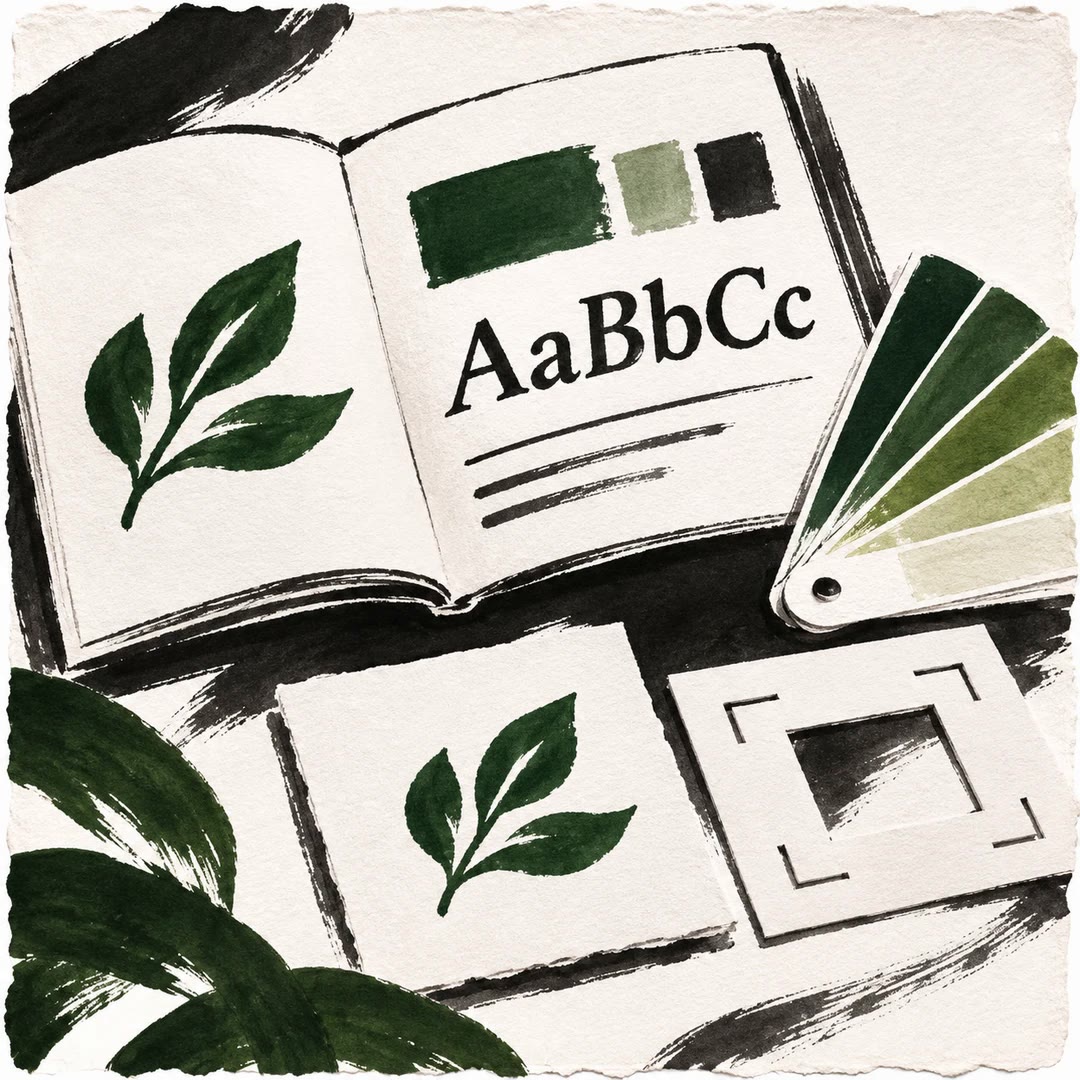
To design a brand board with AI, start with a place the identity will actually appear. A bicycle repair shop might need a window sign, a service ticket and a small sticker for a frame. The brandkit-gen skill turns those applications into a brief for an image tool. Decide which element carries the identity in each panel and what must remain identical across the board.
A reference can describe the finish or spacing you like. If it contains someone else’s mark, treat it as inspiration. If the mark is yours, give the agent the original and ask it to preserve the shape. Inspect the generated image against that file before handing it to anyone.
What it does
- Try the identity on packaging and a small label.
- Compare the darkest and lightest palette colours.
- Define a clear reading order for each panel.
- Spot a changed letter or a distorted mark.
- Request a targeted revision to one application.
Install and use
- Gather a short brand brief, exact wording and any authorised logo or reference files. Use an agent with an image tool to produce the actual board.
- Name the applications you want. For example, make a window sign readable from the pavement and a smaller version fit the service ticket.
- Review the type, colour and mark at the intended sizes. Retain the correct panels and specify what to change in the others.
FAQ
Source
Made by Yu-369. Original skill: brandkit-gen, published on GitHub under the MIT licence.
View on GitHubRelated products
- SkillNew
Design illustrated portrait marks with AI
Develop illustrated portrait-mark directions and separate square raster candidates, varying palette and composition while preserving a simple visual language.
Free - SkillNew
Design a visual identity with AI
Compare coordinated logo, typography and colour directions before choosing a kit
Free - SkillNew
Brand style guides with AI
Turn an approved identity into a practical reference for design and voice.
Free