AI brand book design in Paper
Build an editable brand book on the Paper canvas. Keep a shareable PDF for the wider team and matching brand assets and rules for your project agent.
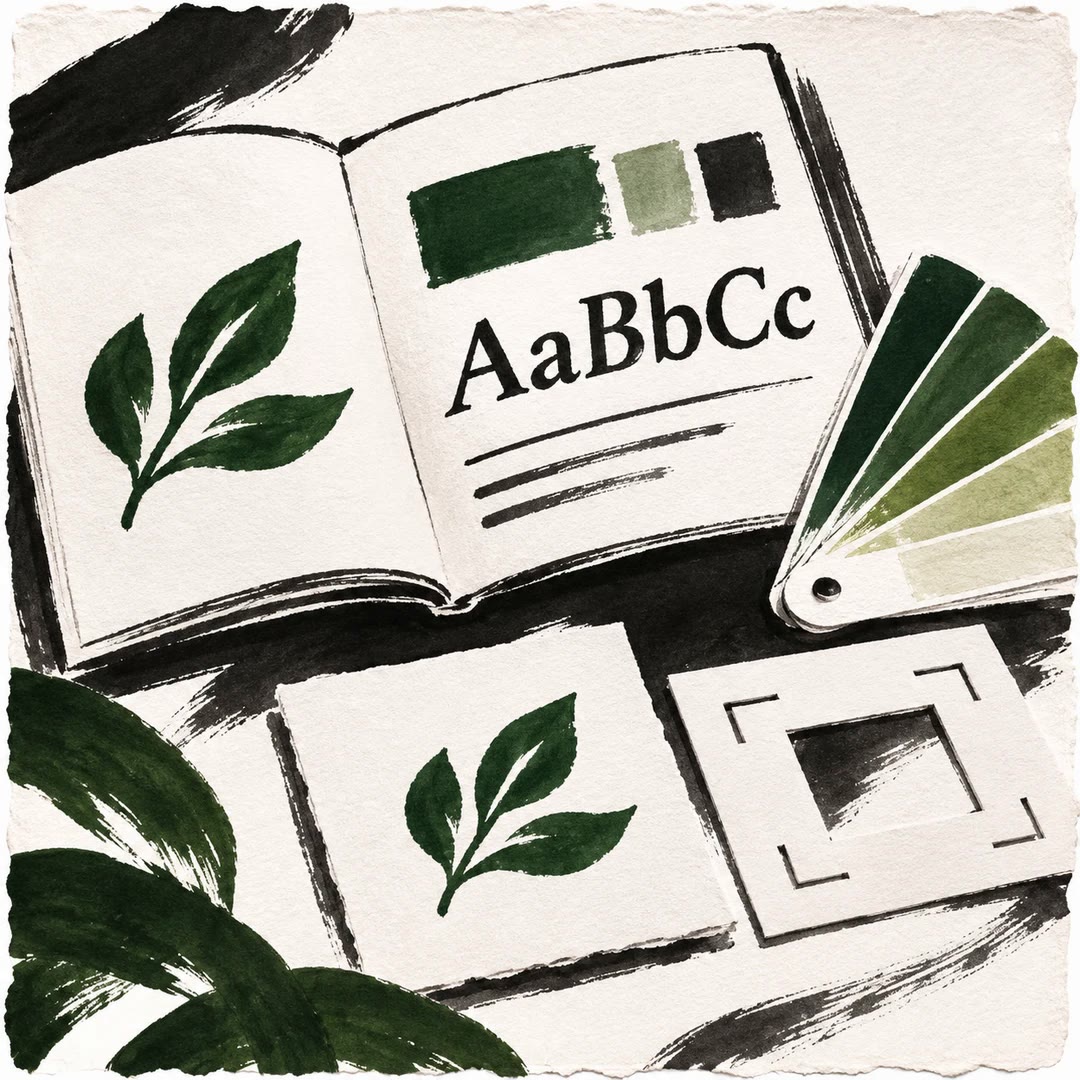
AI brand book design in Paper gives a design team a working canvas for decisions that are hard to settle in a text document. With brand-book-paper you can look at the symbol on a dark surface, check the required space around it and adjust the spread without rebuilding the whole book.
The same brand specification drives a companion skill for your codebase. A designer sees the finished colour palette on the canvas. An agent gets the named values and their uses in files it can read. The final PDF follows the arrangement of the artboards, so their position matters when an extra spread is inserted.
What it does
- Document approved logo variants and minimum size.
- Define colour roles, type sizes, spacing and corner radii.
- Arrange pages so their canvas position matches their reading order.
- Show examples of the language used in the product.
- Export the finished artboards together as a PDF.
Install and use
- Install the skill, connect Paper Desktop through its MCP integration and make Python available for the asset tools.
- Give the agent authorised brand assets or a brief. Ask, “Show the opening spread and how our symbol looks at a small size.”
- Review each spread in Paper before exporting. Keep the generated companion skill in your brand’s project.
FAQ
Source
Made by Ordinary Nerds. Original skill: brand-book-paper, published on GitHub under the MIT licence.
View on GitHubRelated products
- SkillNew
Design illustrated portrait marks with AI
Develop illustrated portrait-mark directions and separate square raster candidates, varying palette and composition while preserving a simple visual language.
Free - SkillNew
Design a visual identity with AI
Compare coordinated logo, typography and colour directions before choosing a kit
Free - SkillNew
Brand style guides with AI
Turn an approved identity into a practical reference for design and voice.
Free