Industrial poster design with AI
Build a fictional product identity across two browser sheets, then save individual marks, icons and pattern tiles from the vector sheet.
Industrial poster design with AI gets more interesting when the label copy comes from the product. For a fictional recording studio, a channel number or take count gives the layout something to say. With signal-print, that vocabulary can carry across type, stamps and a set of reusable symbols.
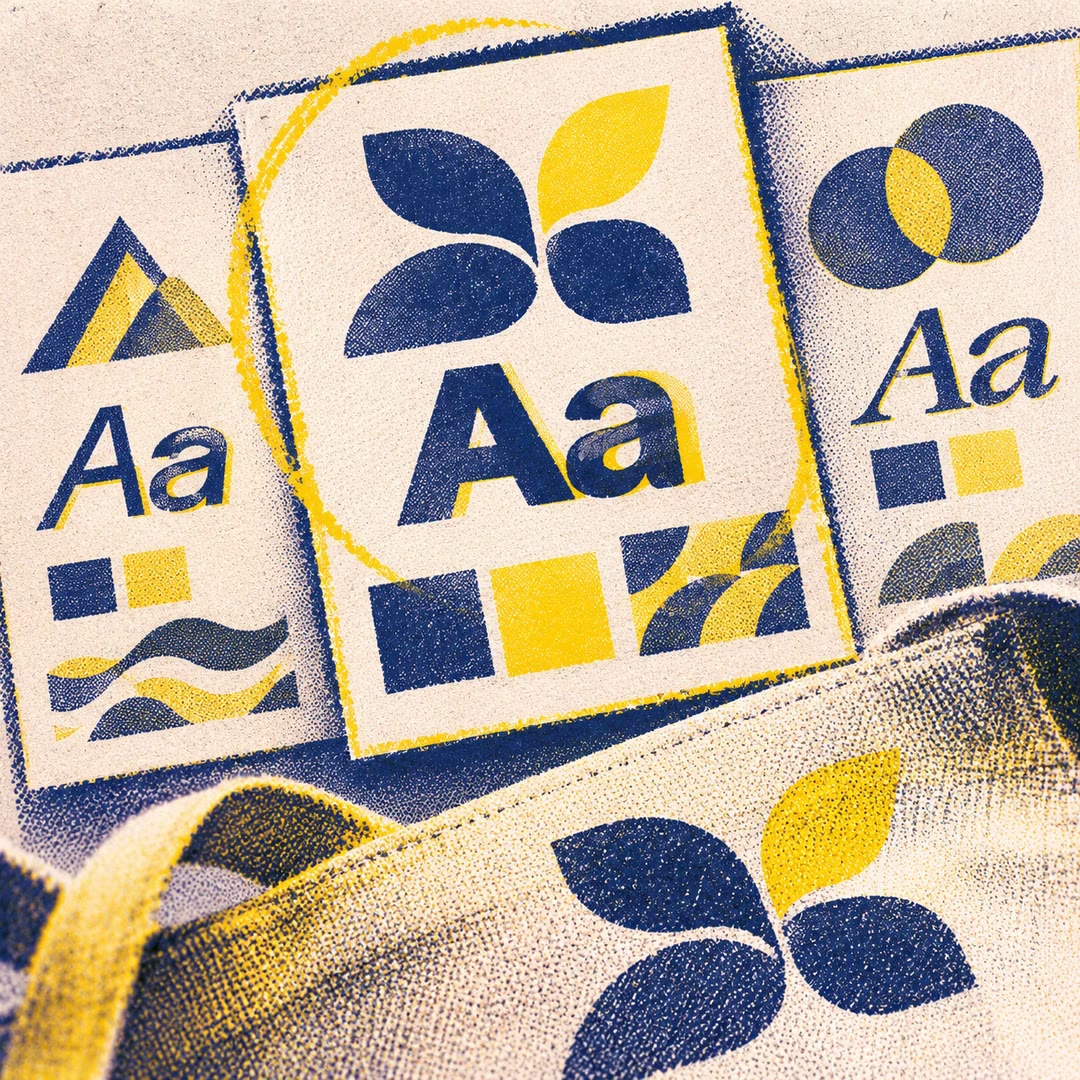
The first browser sheet shows the identity in use. The second lets you click a component and save its SVG separately. A symbol that looks good at poster size can be checked on its own before it goes into a smaller layout.
What it does
- Invent a mark and test it in a narrow label and a large panel.
- Pair condensed display type with compact operating notes.
- Change the accent colour across a coordinated poster set.
- Build small icons, stamps and repeatable patterns in the same style.
- Export a single vector asset without taking the entire sheet.
Install and use
- Install the skill in your agent. Its scaffolding uses Bash and the macOS version of sed. View the results in a browser.
- Choose a fresh output folder and describe a fictional product and its vocabulary.
- Ask, “Make a set for a recording studio. Carry the idea of a channel strip across the mark, icons and status labels.”
- Open both sheets and check the exported SVG in its final setting.
FAQ
Source
Made by Ishaan Kalra. Original skill: signal-print, published on GitHub under the MIT licence.
View on GitHubRelated products
- SkillNew
Design illustrated portrait marks with AI
Develop illustrated portrait-mark directions and separate square raster candidates, varying palette and composition while preserving a simple visual language.
Free - SkillNew
Design a visual identity with AI
Compare coordinated logo, typography and colour directions before choosing a kit
Free - SkillNew
Brand style guides with AI
Turn an approved identity into a practical reference for design and voice.
Free