Design a visual identity with AI
Compare coordinated logo, typography and colour directions before choosing a kit
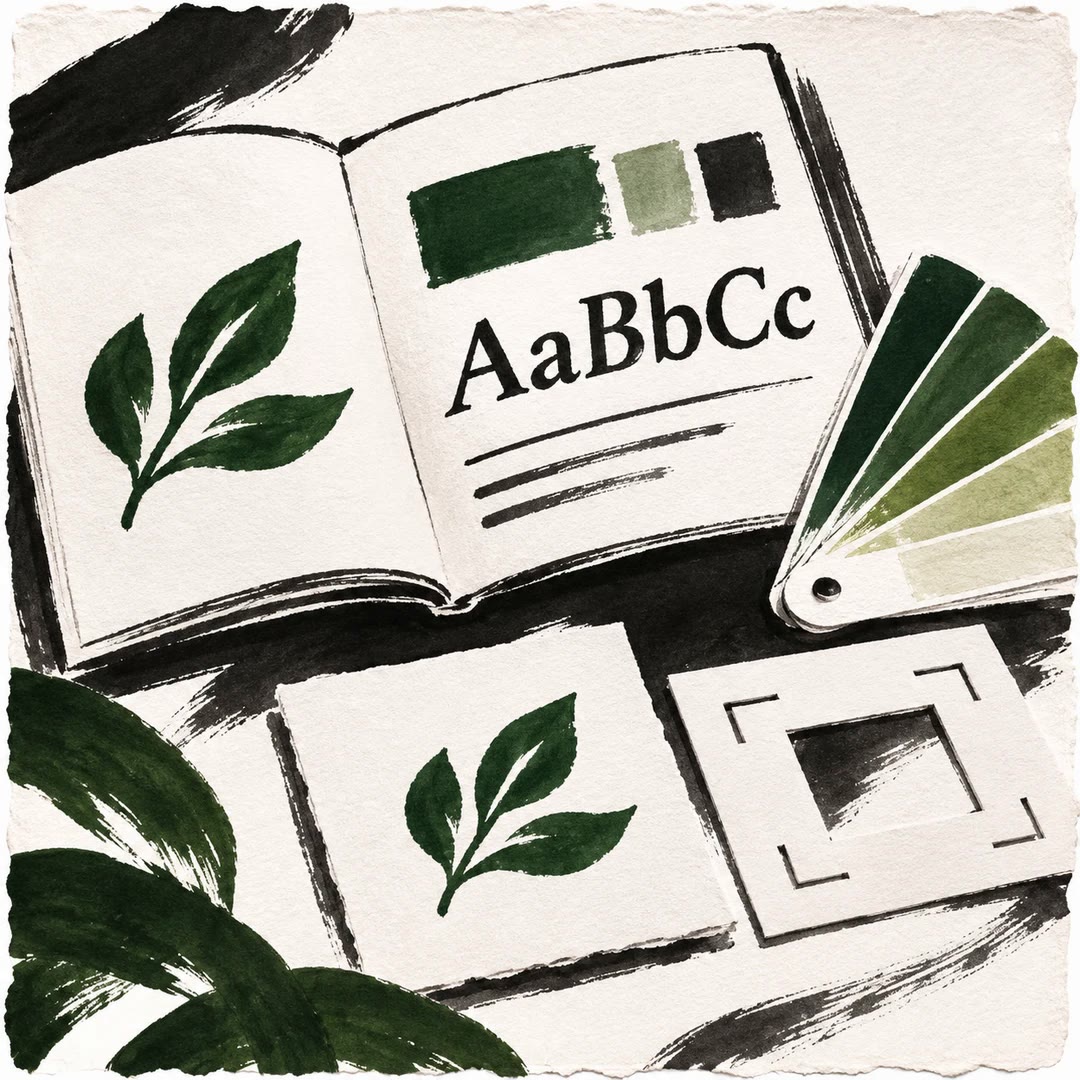
Design a visual identity with AI by deciding what should change first. The brand-identity skill treats logo, typography and palette separately: create something new, refresh it, keep it unchanged or omit that component. Existing assets can constrain the new work.
Alternative identity cards bring the components together for comparison. Small-size logo renders, contrast checks, language coverage and font-licence checks inform the review, while design judgements stay labelled as judgements. You choose a set before the guidelines kit is built. These checks do not guarantee comprehensive accessibility or clearance of every intended use.
What it does
- Compare coordinated identity cards
- Inspect a mark at small sizes
- Check required language glyphs
- Fit new type and colour to a retained logo
- Preview a direction on the existing site
- Build guidelines for the selected set
Install and use
- Prepare the complete skill in a compatible file-capable agent, with Python, its font/rendering packages and a supported browser for the full workflow. Supply an authorised brief, assets and site; site visits and font downloads may require internet access.
- Specify each component’s state, brand languages and whether numbers appear. For example: “Keep our existing logo and develop three colour and typography directions for our bilingual shop.”
- Review the cards, small marks, real text specimens and warnings. Kept components remain fixed; request a mixture of components if needed.
- Choose a set before the PDF guidelines, logo variants and design tokens are generated. Review asset permissions before final use.
FAQ
Source
Made by Fatih Aydost. Original skill: brand-identity, published on GitHub under the MIT licence.
View on GitHubRelated products
- SkillNew
Design illustrated portrait marks with AI
Develop illustrated portrait-mark directions and separate square raster candidates, varying palette and composition while preserving a simple visual language.
Free - SkillNew
Brand style guides with AI
Turn an approved identity into a practical reference for design and voice.
Free - SkillNew
Design a vector logo with AI
Build a mark from editable shapes, check how it reads at its smallest size and keep the approved master separate from exchange files and previews.
Free