Products
Skills, prompt kits and templates for working with AI.
For graphic design, logos, illustration, product photos and interfaces.
Product list
- SkillNew
Design interface motion with AI
Choose motion for a particular interaction and test how it responds to fast input, touch, keyboard use and reduced-motion settings.
Free - SkillNew
Plan a website structure with AI
Map pages, navigation and terminology around the things visitors come to do. Keep the structure in an editable document beside the project.
Free - SkillNew
Review website design with AI
Check what a running page actually shows at three widths and attach visual evidence to the design changes your team needs to discuss.
Free - SkillNew
Write a design brief with AI
Agree who a feature serves, how it should behave and which existing components it can use. Save the decisions in a brief that stays with the project.
Free - SkillNew
Choose game fonts with AI
Choose type by its job in the game, then check that adopted files, fallbacks and licence notices survive export.
Free - SkillNew
Plan game visuals with AI
Give the player, hazards and rewards clear visual roles before spending time on decorative artwork.
Free - SkillNew
Make pixel art with AI in Pixelbolt
Describe a small object or effect, then refine its editable recipe and export the frames for your game.
Free - SkillNew
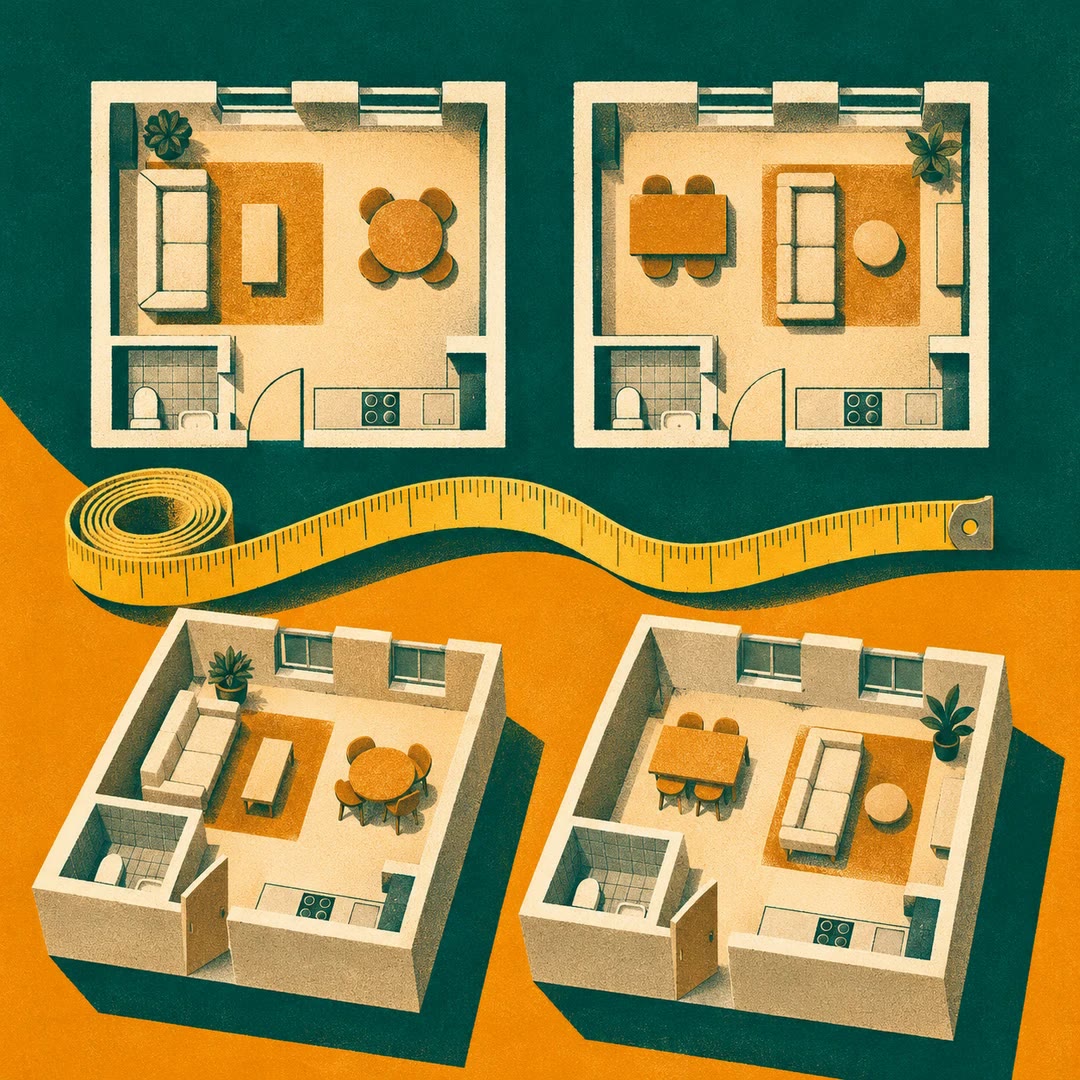
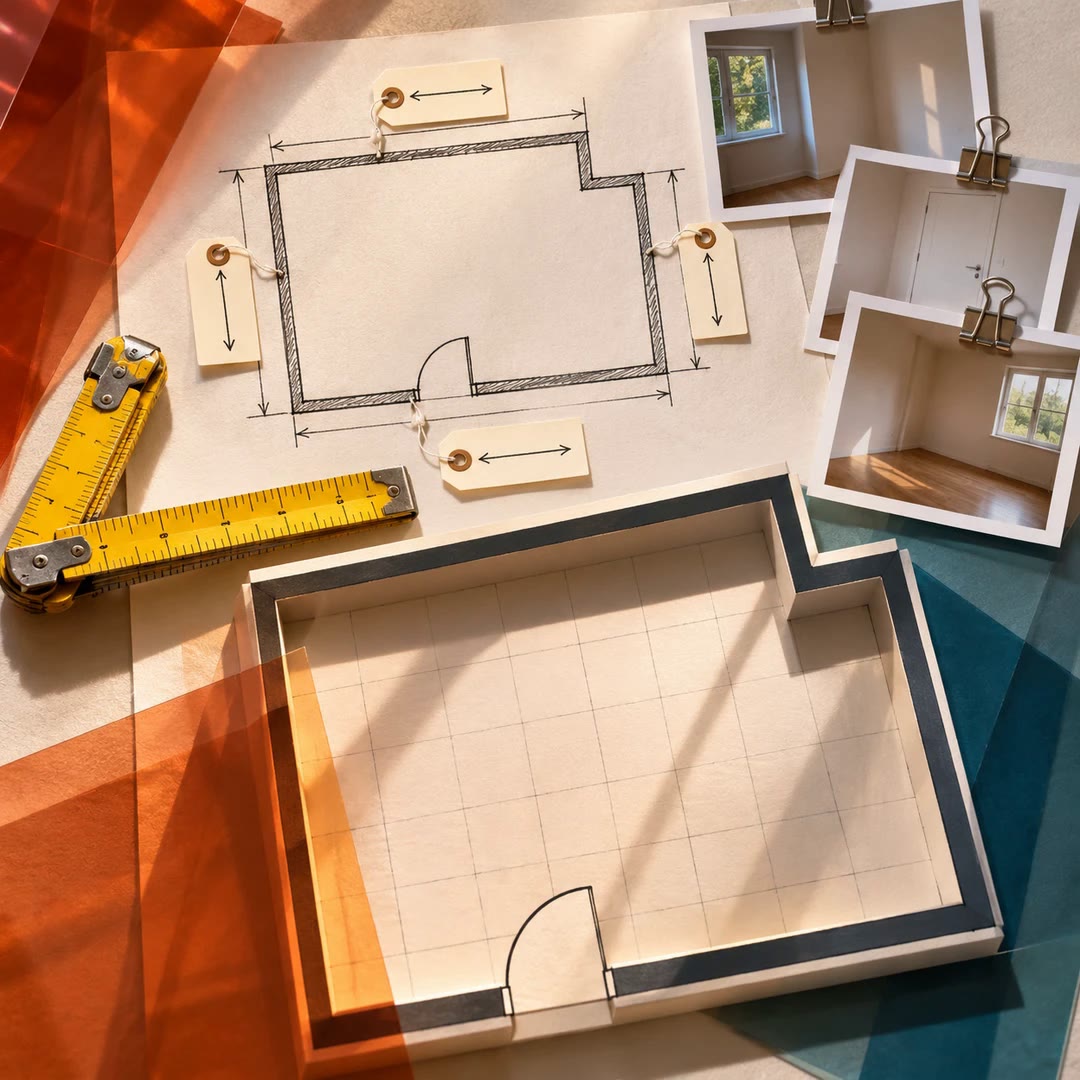
Present room layouts with AI
Render top and three-dimensional views from an existing Flat Planner model and present the measurable differences between layout options.
Free - SkillNew
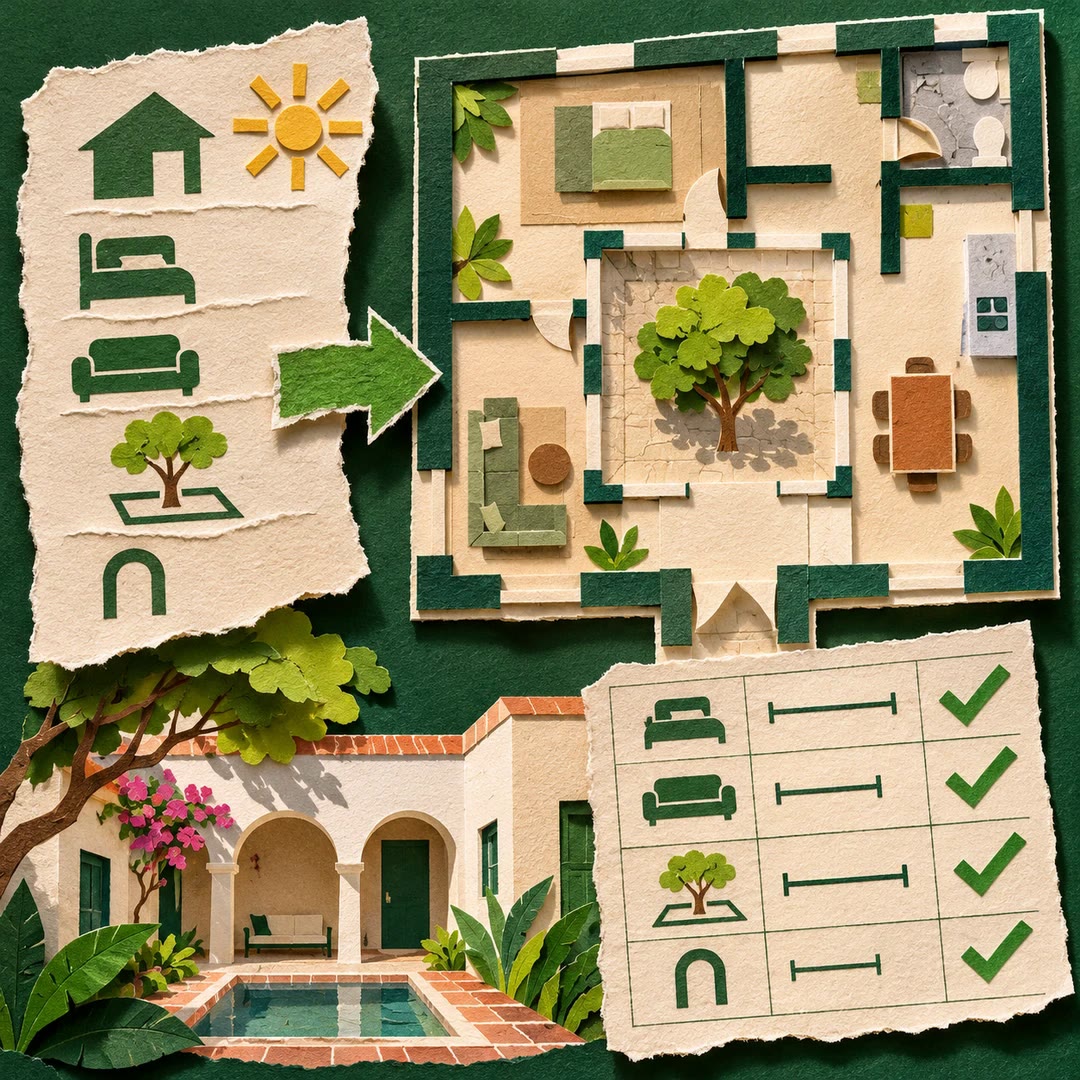
Plan furniture layouts with AI
Compare placements in Flat Planner against room dimensions, door movement and the routes people need to use.
Free - SkillNew
Record room measurements with AI
Build a first Flat Planner model from a sketch, authorised photographs and measured dimensions, keeping the source of each number visible.
Free - SkillNew
Set interface spacing with AI
Build a spacing scale from two base units and check where real components fall outside it. Keep dense layouts usable without inventing a new value for every gap.
Free - SkillNew
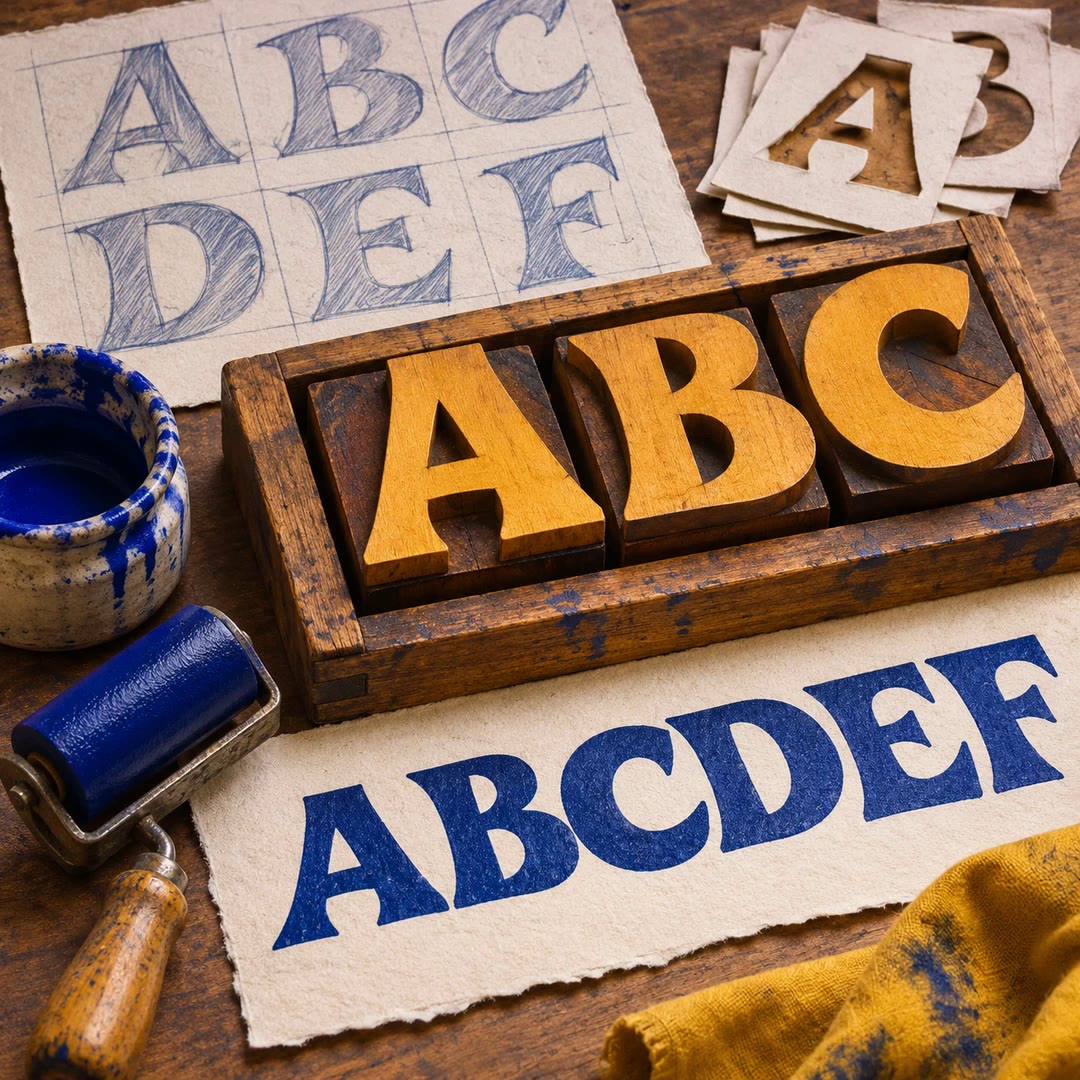
Make a display font with AI
Build a testable typeface from a permitted glyph sheet, inspect spacing in real words and keep the source drawings alongside the font files.
Free - SkillNew
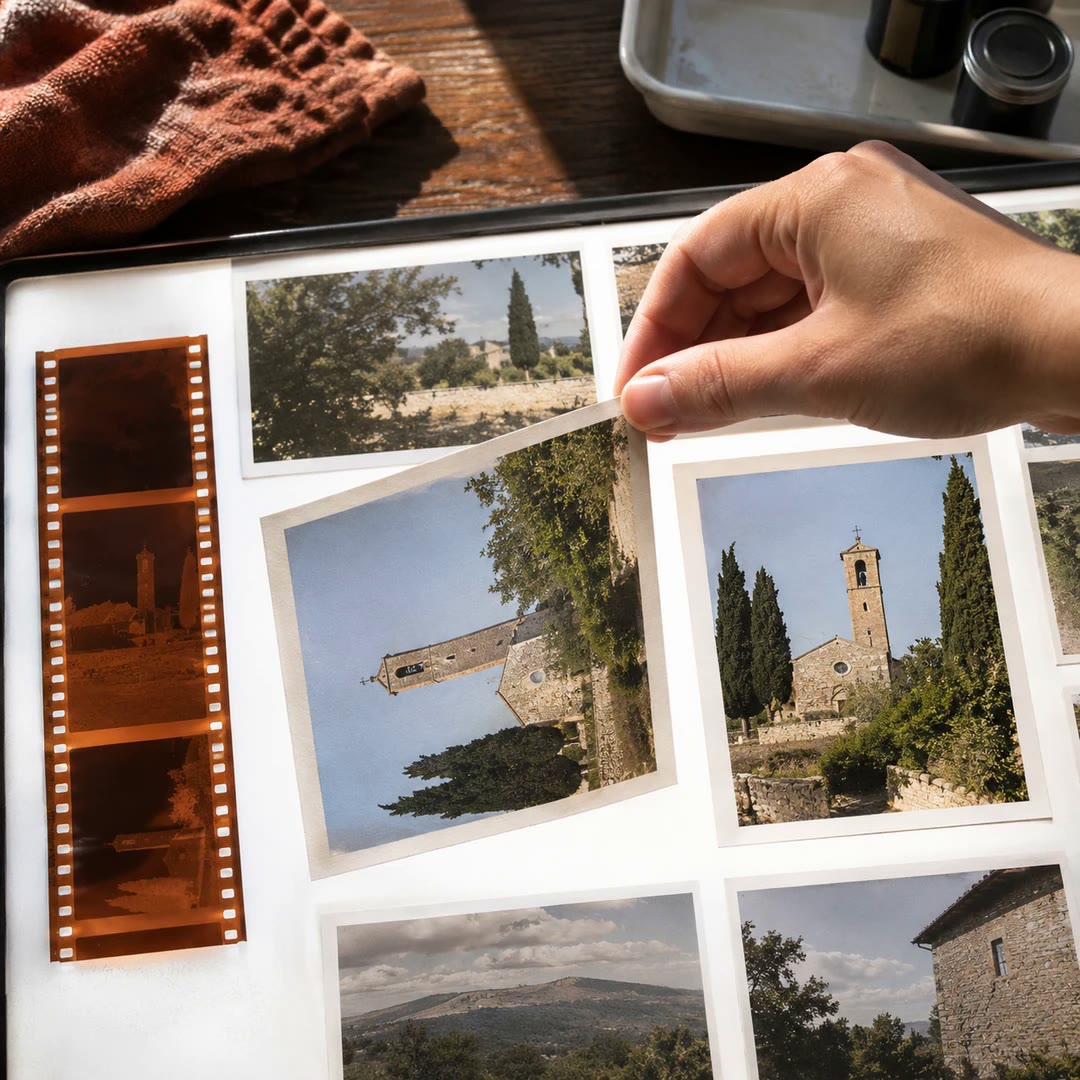
Rotate Immich photos with AI
Straighten a batch of sideways images in your Immich library with quarter-turn display edits that preserve the originals.
Free - SkillNew
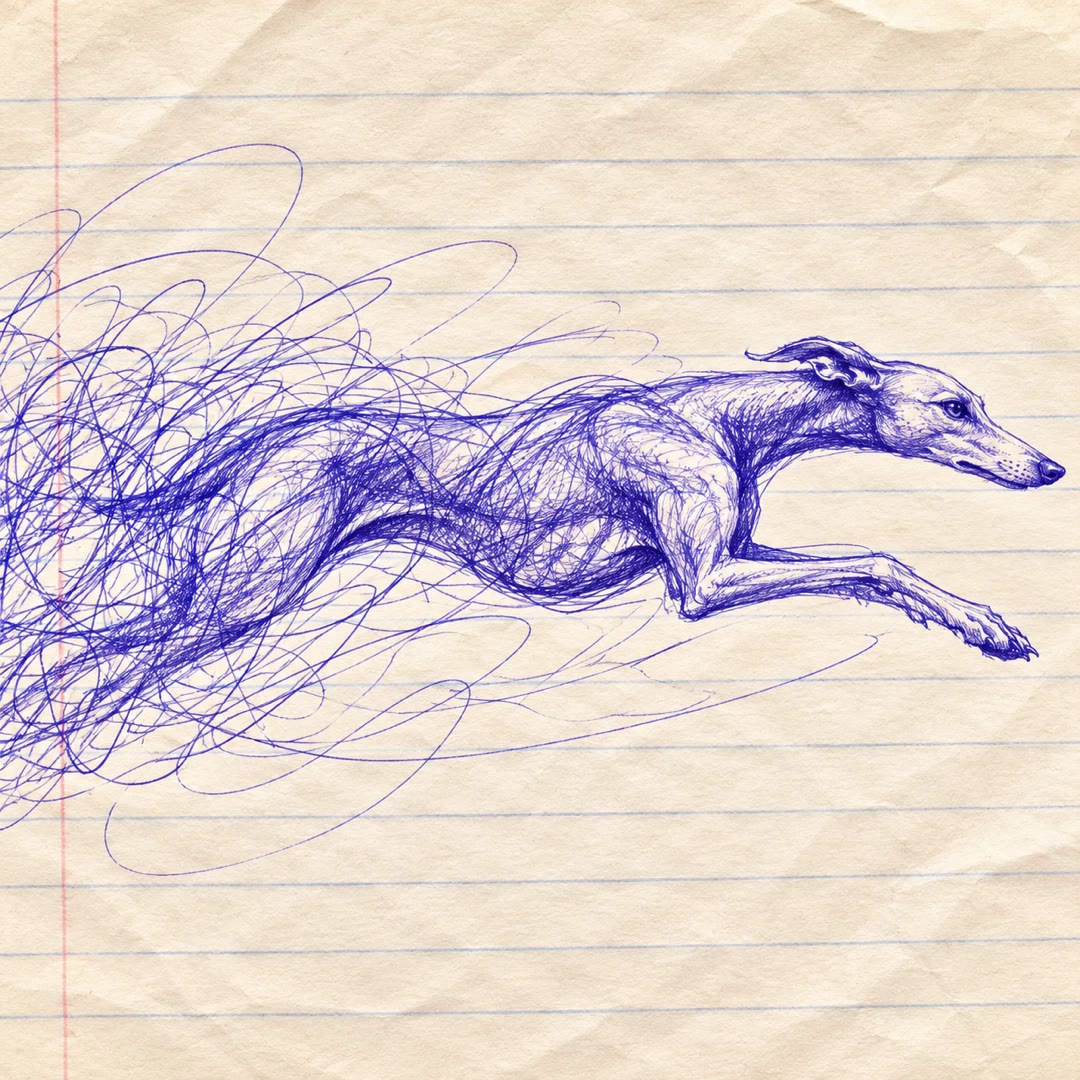
Draw scribble art with AI
Create a vector illustration from an idea or a permitted reference image, using a limited palette, angled hatching and irregular outlines.
Free - SkillNew
Write a creative design brief with AI
Turn a rough request into a brief a designer can work from. Capture the audience, intended response, deliverables, exclusions and the person who can sign off.
Free - SkillNew
Check shop accessibility with AI
Follow a purchase through product options, cart changes and checkout errors to find where keyboard or screen reader users lose their place.
Free - SkillNew
Review a storefront checkout with AI
Inspect totals, guest access, form recovery and repeat submissions in the flow a shopper follows to complete an order.
Free - SkillNew
Draw editable floor plans with AI
Keep room dimensions and connections in an ArchLang file, preview the result and revise individual decisions without starting the drawing again.
Free - SkillNew
Review an ArchLang floor plan with AI
Read the model, check a stated brief and examine circulation findings without applying changes to the design.
Free - SkillNew
Edit an ArchLang floor plan with AI
Apply a defined change to an existing model and compare neighbouring rooms, doors and measurements before accepting the new drawing.
Free - SkillNew
Draft a concept floor plan from text with AI
Turn a room brief into an editable drawing and compare its measured spaces, openings and connections with the original requirements.
Free - SkillNew
Choose camera settings with AI
Work out which camera setting to change first by describing the light, the subject and the result you want in the frame.
Free - SkillNew
Design print-ready SVG diagrams with AI
Build a figure for its actual page width and check that labels, boundaries and relationships remain legible in greyscale.
Free - SkillNew
Animate a retro interface with AI
Choose an animation for loading, progress or an opening panel, and connect it to the state that should trigger it.
Free - SkillNew
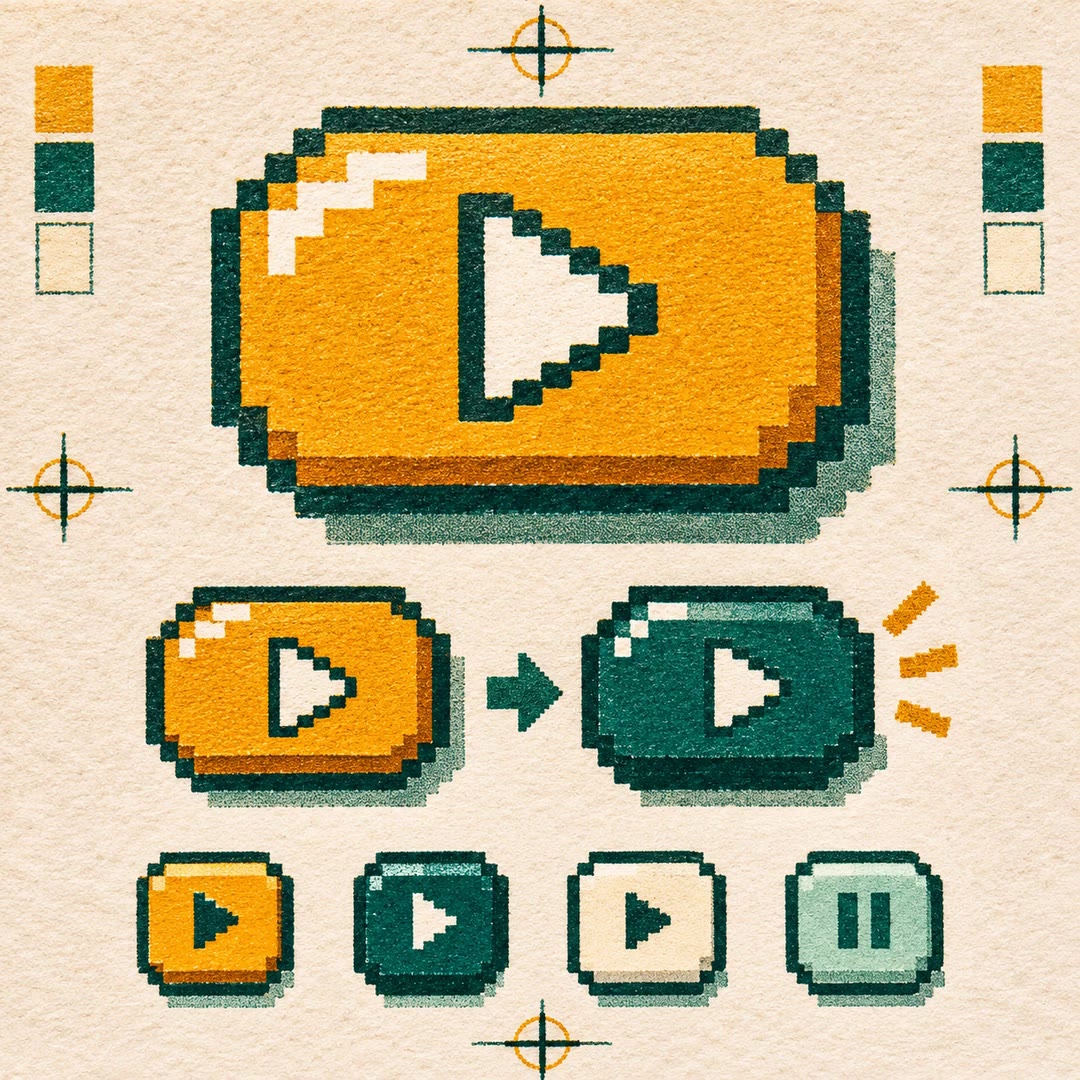
Design pixel buttons with AI
Give a working button a pixel-art frame and stepped shadow, with variations for compact icons, dark themes and quieter controls.
Free - SkillNew
Design an article cover with AI
Build an editorial cover from a headline, a short label and one visual idea, then render the finished design locally.
Free - SkillNew
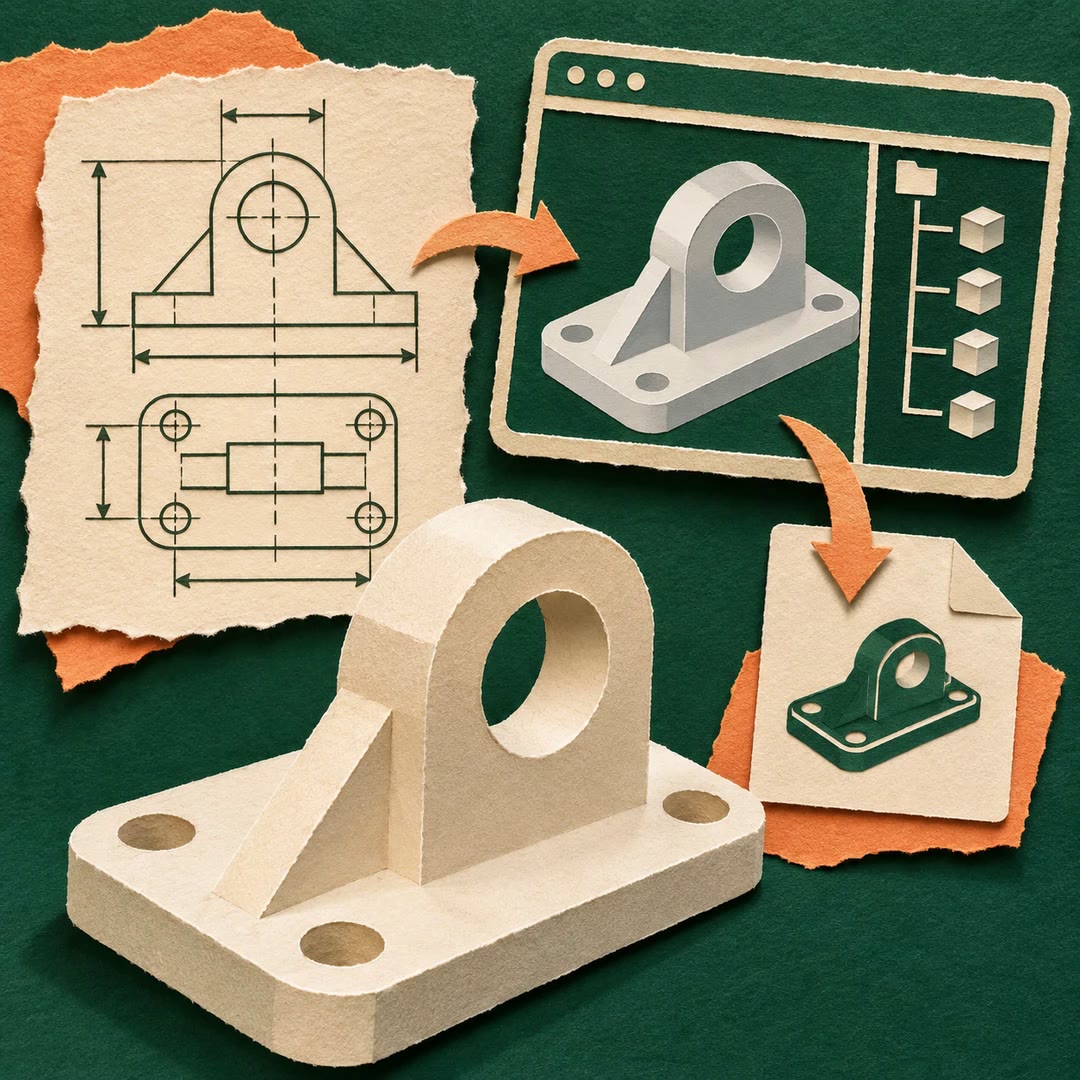
Create CAD files with AI in OpenCAD
Turn a dimensioned part brief into an editable local project and export STEP or STL files with a recorded feature tree.
Free - SkillNew
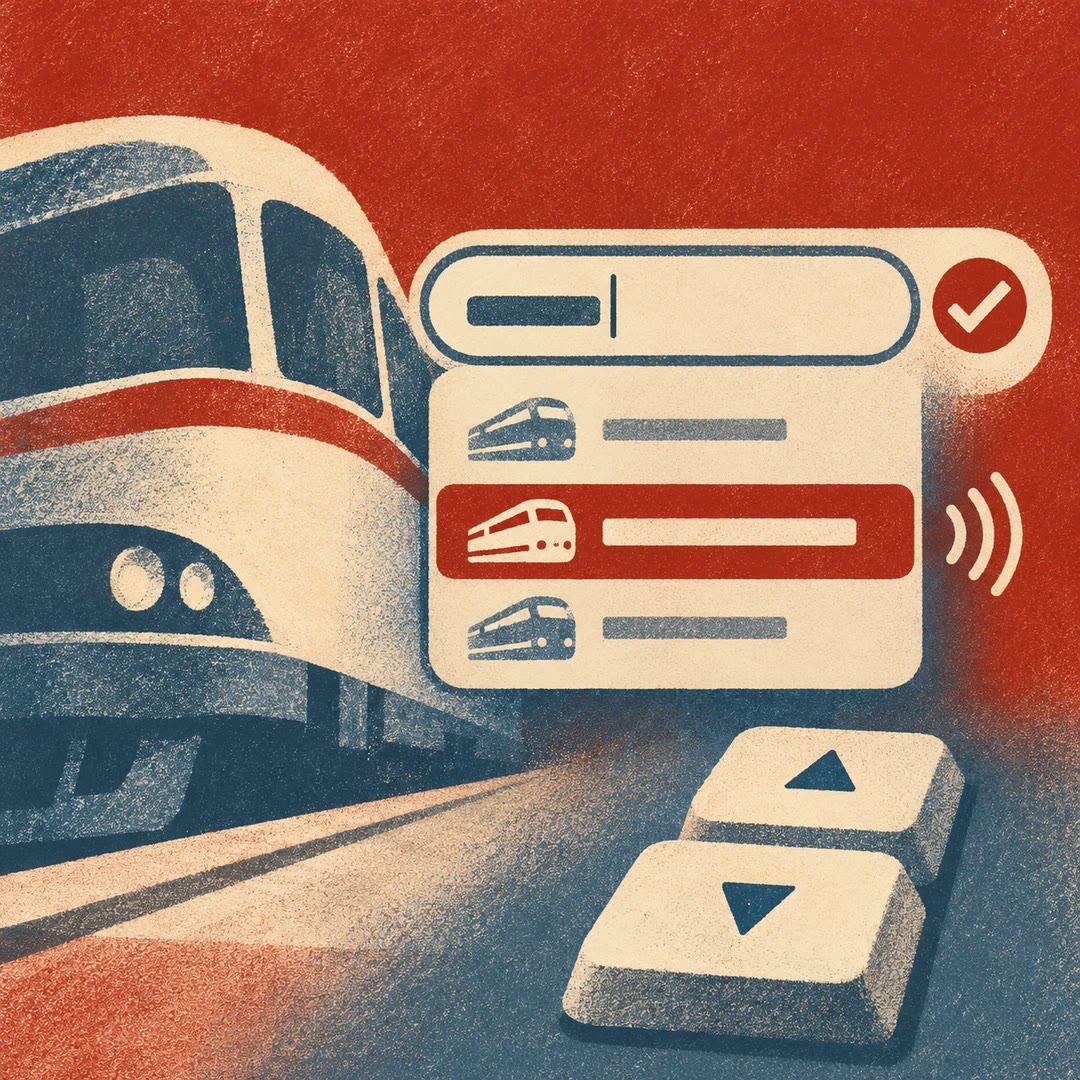
Test autocomplete accessibility with AI
Check the editable field, suggestion list and committed value together. Exercise keyboard selection, screen reader feedback and responses that arrive out of order.
Free - SkillNew
Test a keyboard journey with AI
Follow a real task from its starting state to completion without a pointer. Capture the key sequence, focus changes and recovery problems so the team can reproduce them.
Free - SkillNew
Test dialog accessibility with AI
Check a dialog from its trigger to its dismissal. Follow keyboard focus, accessible naming and background behaviour through the actual modal or non-modal interaction.
Free - SkillNew
Review screen reader announcements with AI
Check what people hear when a page loads results, completes a task or reports an error. Keep important status changes discoverable without interrupting ordinary interaction.
Free - SkillNew
Review accessible forms with AI
Test the full form journey with labels, instructions, invalid entries and successful submission. Make sure a user can find the error, correct it and continue.
Free - SkillNew
Review table accessibility with AI
Check whether users can read, sort and edit the intended records and whether focus still points somewhere meaningful after rows move or disappear.
Free - SkillNew
Review chart accessibility with AI
Test whether somebody using a keyboard or screen reader can answer the same question as a person reading a dashboard visually, including after a filter changes.
Free - SkillNew
Redesign a room photo with AI in MeltFlex
Generate visual alternatives from an authorised room photo, with optional reference images or a mask that narrows the edit.
Free - SkillNew
Create CAD product images with AI
Use an existing model’s geometry to produce stills, turntables or a Blender scene that can be edited afterwards.
Free - SkillNew
Create an OpenPlan3D floor plan with AI
Write an editable plan for the web editor or an interchange file for a compatible planner, with units and openings checked for the chosen format.
Free - SkillNew
Draw an SVG floor plan with AI
Compile an editable structural plan to SVG, then add furniture from a separate file after the rooms and openings have been reviewed.
Free - SkillNew
Draw an OAS plan as SVG with AI
Turn recorded plan geometry into a readable two-dimensional view, with a consistent scale and drawing order.
Free - SkillNew
Map a multi-level floor plan with AI
Place physical elements on the correct levels and record how rooms connect in a resolved OAS layout.
Free - SkillNew
Define floor plan geometry with AI in OAS
Describe points, curved features and closed boundaries in a consistent coordinate system before using them in a layout.
Free - SkillNew
Write an architectural space brief with AI
Write down which spaces a project needs, how much room each should have and which relationships are essential before placing any walls.
Free - SkillNew
Model floor plan elements with AI in OAS
Represent rooms, partitions and openings as connected records that a compatible plan viewer can read.
Free - SkillNew
Create multiple object views with AI in Scenario
Use a rough 3D reconstruction to guide several views of one subject, match the starting camera and keep its position consistent across the set.
Free - SkillNew
Create a 360 skybox with AI in Scenario
Build a panoramic environment for a game or virtual scene and check its wrap, poles and output format before paying for a larger render.
Free - SkillNew
Create game textures with AI in Scenario
Generate a surface for a particular use, inspect repeated tiles for seams or distracting patterns and upscale only after choosing a workable result.
Free - SkillNew
Build a 3D scene with AI in PixiJS
Place a lit 3D model inside a PixiJS interface and keep ordinary controls, captions and other 2D elements around it.
Free - SkillNew
Customise a Portolan browser with AI
Adapt an existing catalogue browser to a publisher’s visual identity and test the experience with actual map layers, collection details and download paths.
Free