Products
Skills, prompt kits and templates for working with AI.
Product list
- SkillNew
Draw KiCad schematics with AI
Give your agent a circuit specification and get an editable schematic, a netlist comparison and a rendered sheet you can inspect for readability.
Free - SkillNew
Create an SVG icon set with AI
Design a consistent set of interface icons and inspect the individual SVG files together on a local preview page.
Free - SkillNew
Choose game fonts with AI
Choose type by its job in the game, then check that adopted files, fallbacks and licence notices survive export.
Free - SkillNew
Plan game visuals with AI
Give the player, hazards and rewards clear visual roles before spending time on decorative artwork.
Free - SkillNew
Make a display font with AI
Build a testable typeface from a permitted glyph sheet, inspect spacing in real words and keep the source drawings alongside the font files.
Free - SkillNew
Write a creative design brief with AI
Turn a rough request into a brief a designer can work from. Capture the audience, intended response, deliverables, exclusions and the person who can sign off.
Free - SkillNew
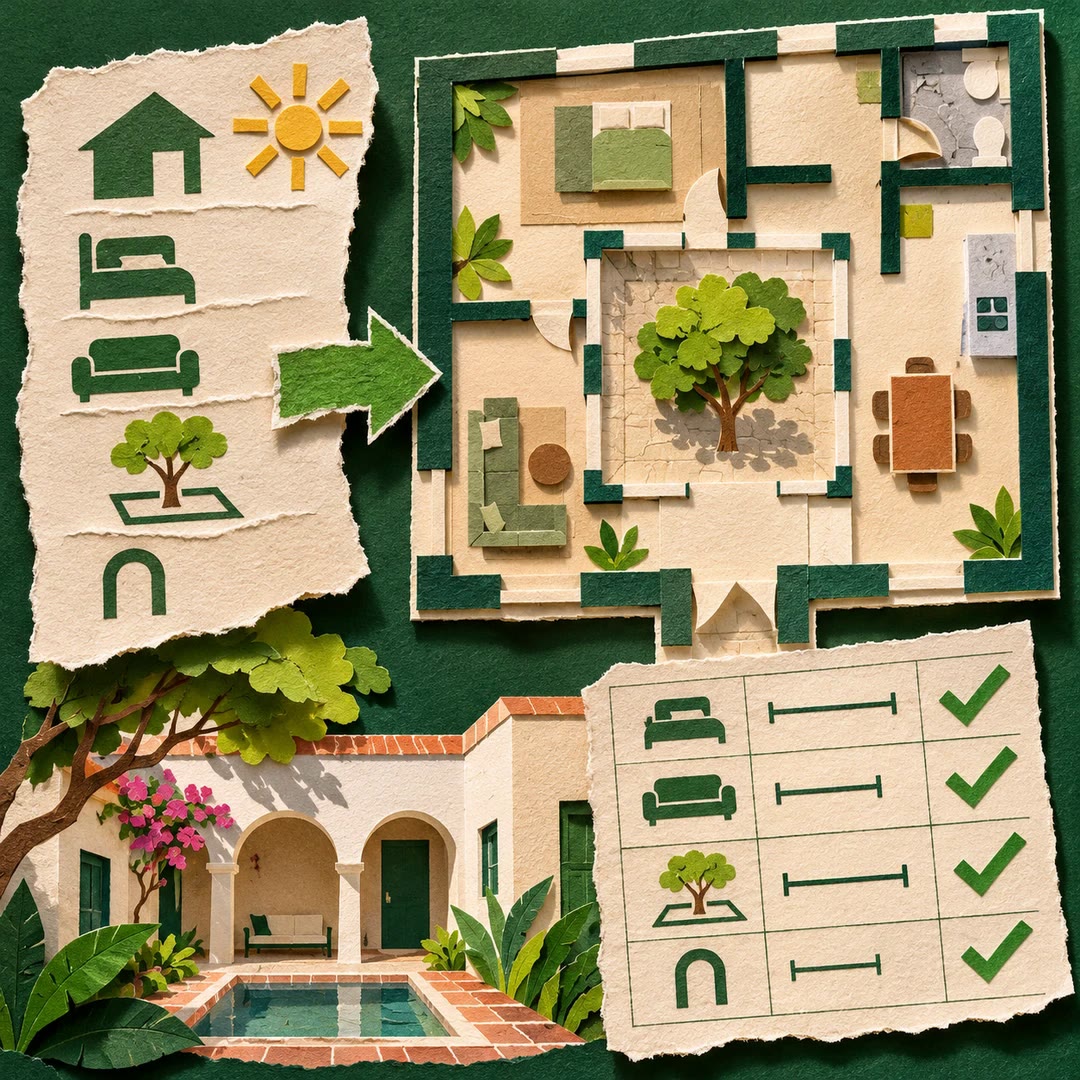
Draw editable floor plans with AI
Keep room dimensions and connections in an ArchLang file, preview the result and revise individual decisions without starting the drawing again.
Free - SkillNew
Review an ArchLang floor plan with AI
Read the model, check a stated brief and examine circulation findings without applying changes to the design.
Free - SkillNew
Edit an ArchLang floor plan with AI
Apply a defined change to an existing model and compare neighbouring rooms, doors and measurements before accepting the new drawing.
Free - SkillNew
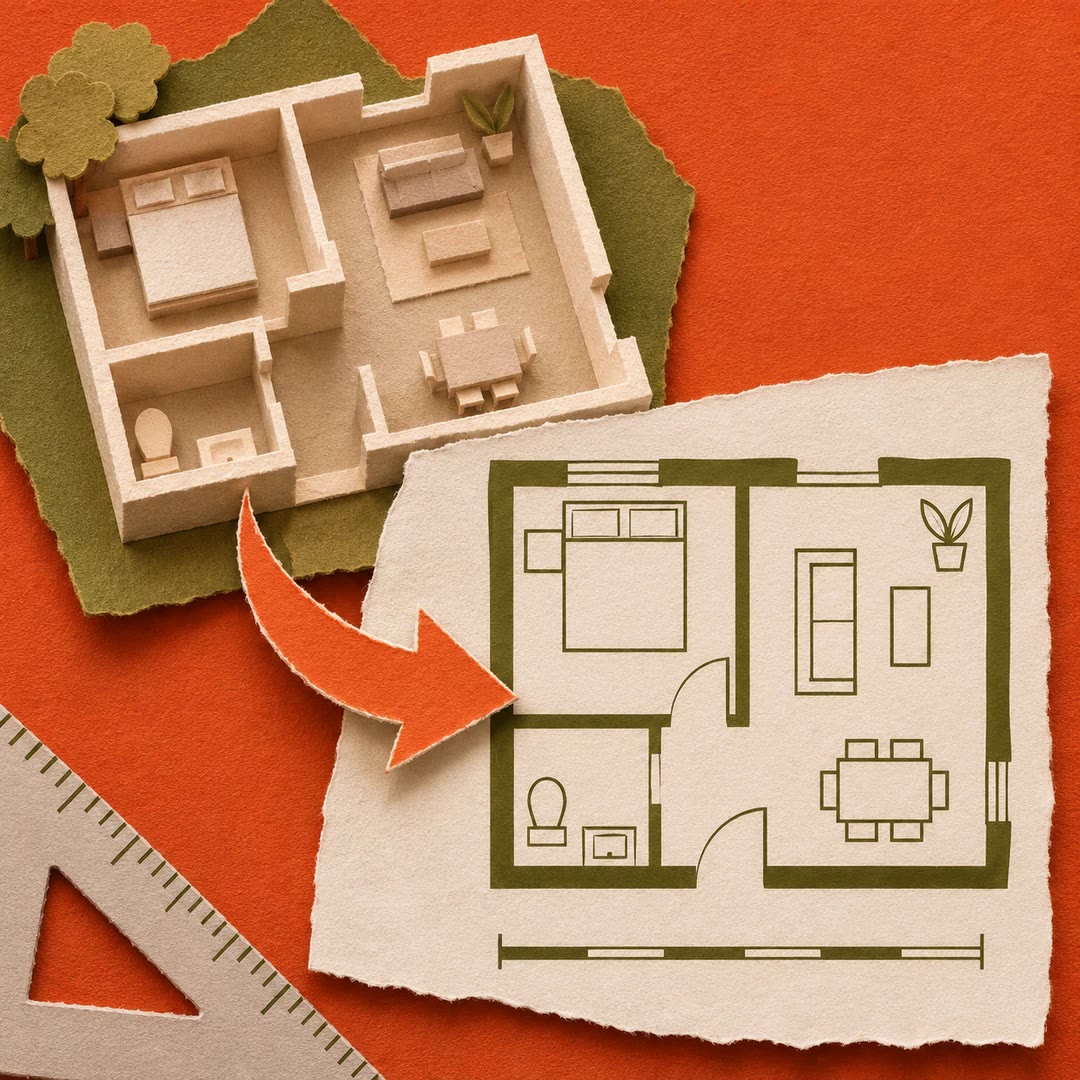
Draft a concept floor plan from text with AI
Turn a room brief into an editable drawing and compare its measured spaces, openings and connections with the original requirements.
Free - SkillNew
Design print-ready SVG diagrams with AI
Build a figure for its actual page width and check that labels, boundaries and relationships remain legible in greyscale.
Free - SkillNew
Design an article cover with AI
Build an editorial cover from a headline, a short label and one visual idea, then render the finished design locally.
Free - SkillNew
Draw an OAS plan as SVG with AI
Turn recorded plan geometry into a readable two-dimensional view, with a consistent scale and drawing order.
Free - SkillNew
Turn handwriting into a font with AI
Turn labelled handwriting samples into a local font and inspect a specimen before using it in a layout.
Free - SkillNew
Plan Chinese, Japanese and Korean text layout with AI
Choose layout rules for the exact language and medium, from a horizontal interface label to vertical Japanese typesetting.
Free - SkillNew
Design a slide with AI in Beautiful.ai
Review the actual rendered slide and give its most important message enough space and emphasis.
Free - SkillNew
Critique visual design with AI
Review a poster, page or slide against its intended message. Identify what draws the eye first, where emphasis competes and which change is worth trying.
Free - SkillNew
Design brand collateral with AI
Apply an approved identity to a fixed-format piece such as a one-sheet, card or social graphic. Check the layout at its intended size and preserve the original brand assets.
Free - SkillNew
Define brand imagery with AI
Turn an approved brand direction into practical guidance for photography, illustration, icons and texture. Record which references are for study and which assets the project may use.
Free - SkillNew
Design readable MapLibre maps with AI
Make roads, labels and point symbols easier to distinguish on a street map or aerial image. Review contrast and layer order against the places people actually see.
Free - SkillNew
Make an editable diagram with AI
Create an editable diagram for an article, meeting or presentation. Open the board in a local browser editor, adjust individual elements and export a visual copy.
Free - SkillNew
Crop photos and extract text with AI
Resize or crop a picture, examine its metadata and extract visible text using a local image-processing workflow.
Free - SkillNew
Draw diagrams in Typst with AI
Build an editable vector figure with CeTZ and compile it alongside the surrounding text. Test connections and labels at the width the figure will occupy.
Free - SkillNew
Style a Shiny dashboard with AI
Adjust a bslib theme and compare the result on controls, cards and charts. Inspect small labels as well as the elements that carry the brand colour.
Free - SkillNew
Add map icons in MapLibre with AI
Choose a marker, a sprite sheet or a runtime image for a map symbol. Diagnose missing icons, incorrect image names and road numbers that have lost their shields.
Free - SkillNew
Design a React email template with AI
Build a receipt or account notification from reusable components, then inspect both the HTML and plain text before connecting a delivery provider.
Free - SkillNew
Compress Webflow CMS images with AI
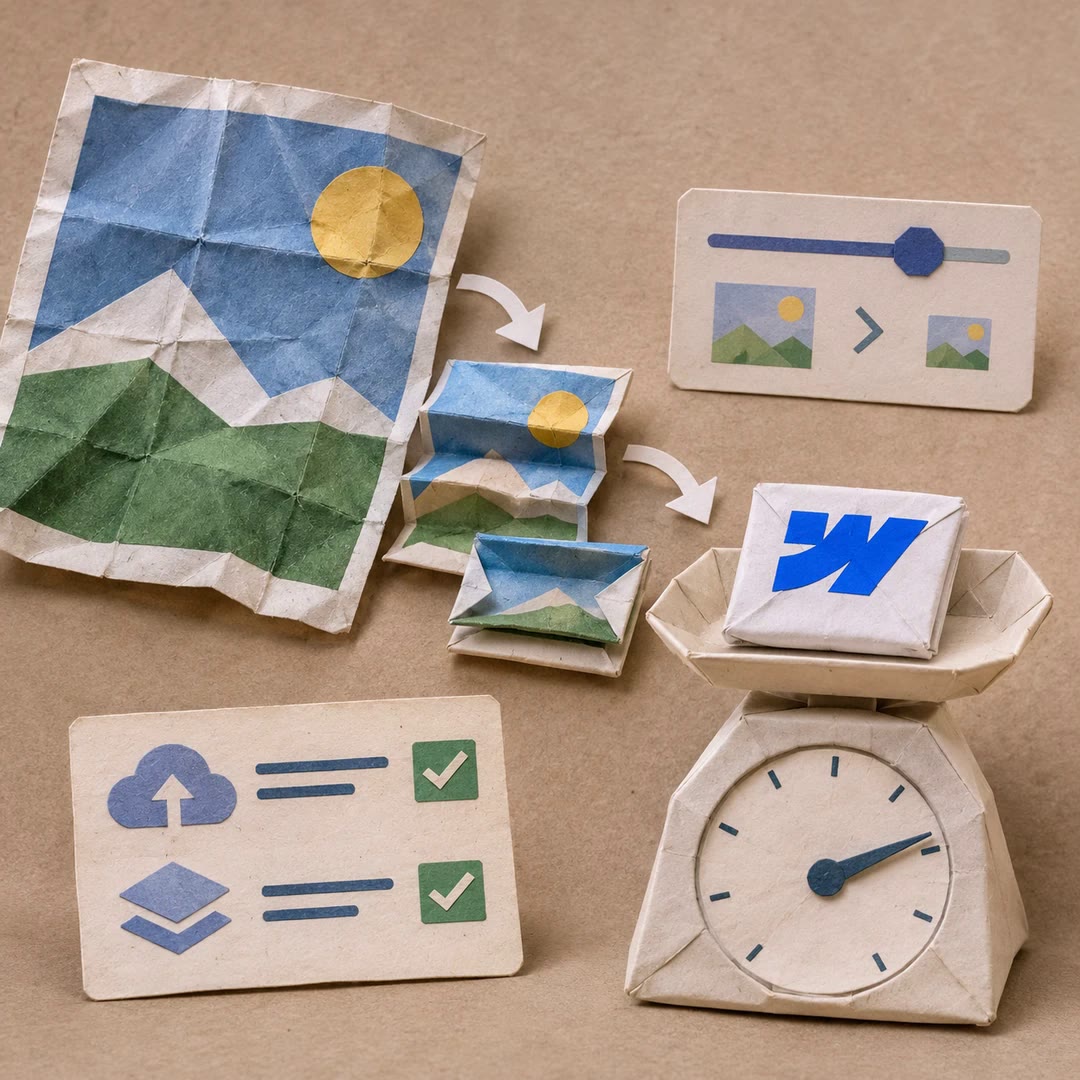
Convert the main picture or gallery on one CMS item, choose the quality and see the size difference. Confirmation covers uploading the assets and publishing that item.
Free - SkillNew
Apply Canva review comments with AI
Turn reviewers’ threads into a proposed edit list. Approve the plan, apply supported changes and keep a checklist for work that needs the Canva editor.
Free - SkillNew
Get Canva design feedback with AI
Get a page-specific critique of the existing artwork, including the most important changes and the design choices worth keeping.
Free - SkillNew
Edit a Canva design with AI
Request a specific change to an existing design, inspect the preview and decide whether to save it.
Free - SkillNew
Bulk create Canva designs with AI
Map spreadsheet columns to a brand template and get one editable design per row, including image assets where the template supports them.
Free