Products
Skills, prompt kits and templates for working with AI.
Product list
- SkillNew
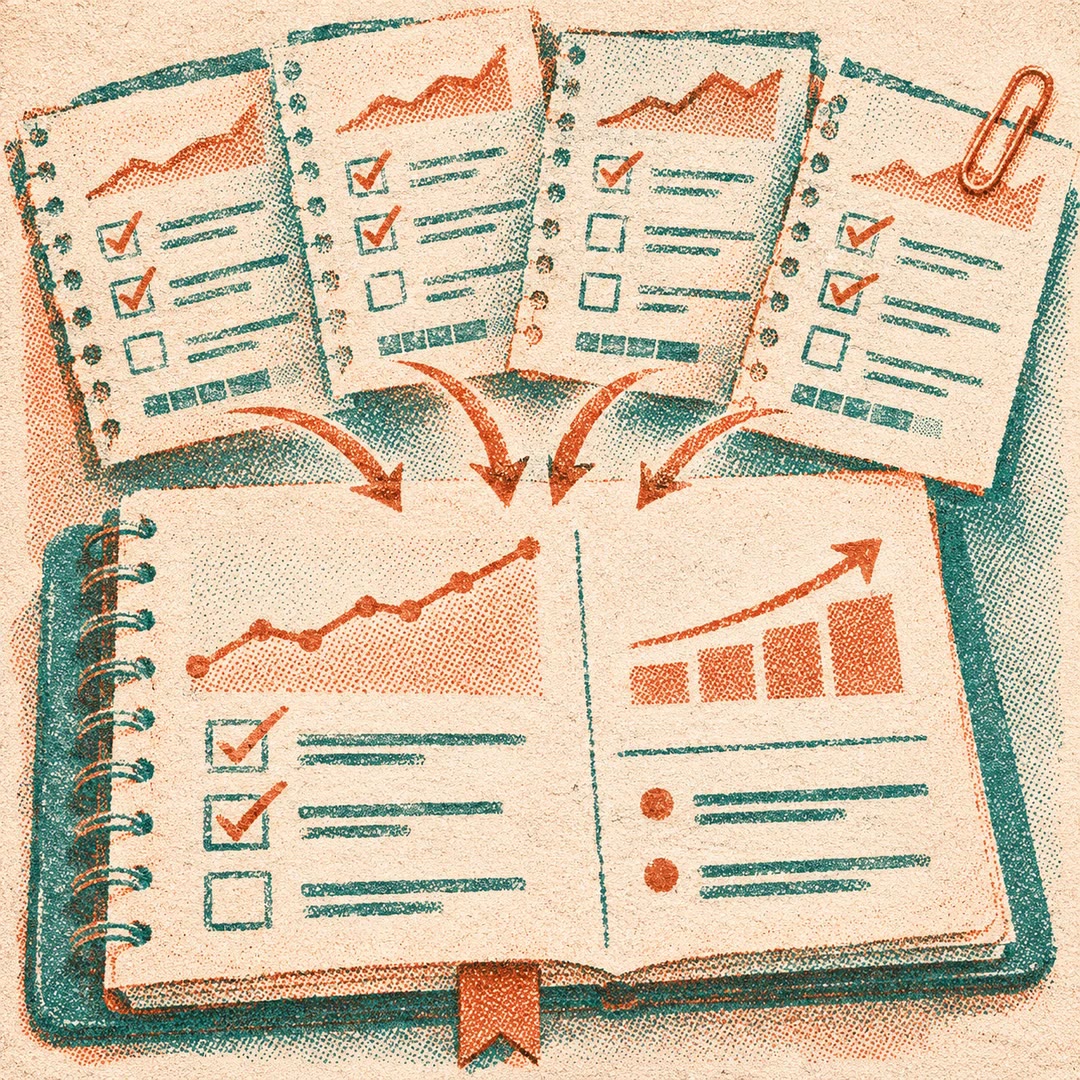
Keep a decision journal with AI
Record what you knew, what you chose and when to revisit it, then compare the original reasoning with the outcome.
Free - SkillNew
Review a month in Obsidian with AI
Read across weekly reviews, goals and project updates to decide what changed and which commitments carry into the next month.
Free - SkillNew
Manage Obsidian notes with AI
List and read local Markdown notes, find recently changed files and append new material to the note you choose.
Free - SkillNew
Manage Crowdin translation files with AI
Check which source files a configuration selects and where each translated file will land before an authorised sync.
Free - SkillNew
Filter Crowdin translations with AI
Turn an editorial question into a CroQL expression and check how language, approval and unresolved feedback affect the results.
Free - SkillNew
Model Contentstack content with AI
Decide which information belongs inside an entry, which deserves a shared record and how those choices affect editors and delivery queries.
Free - SkillNew
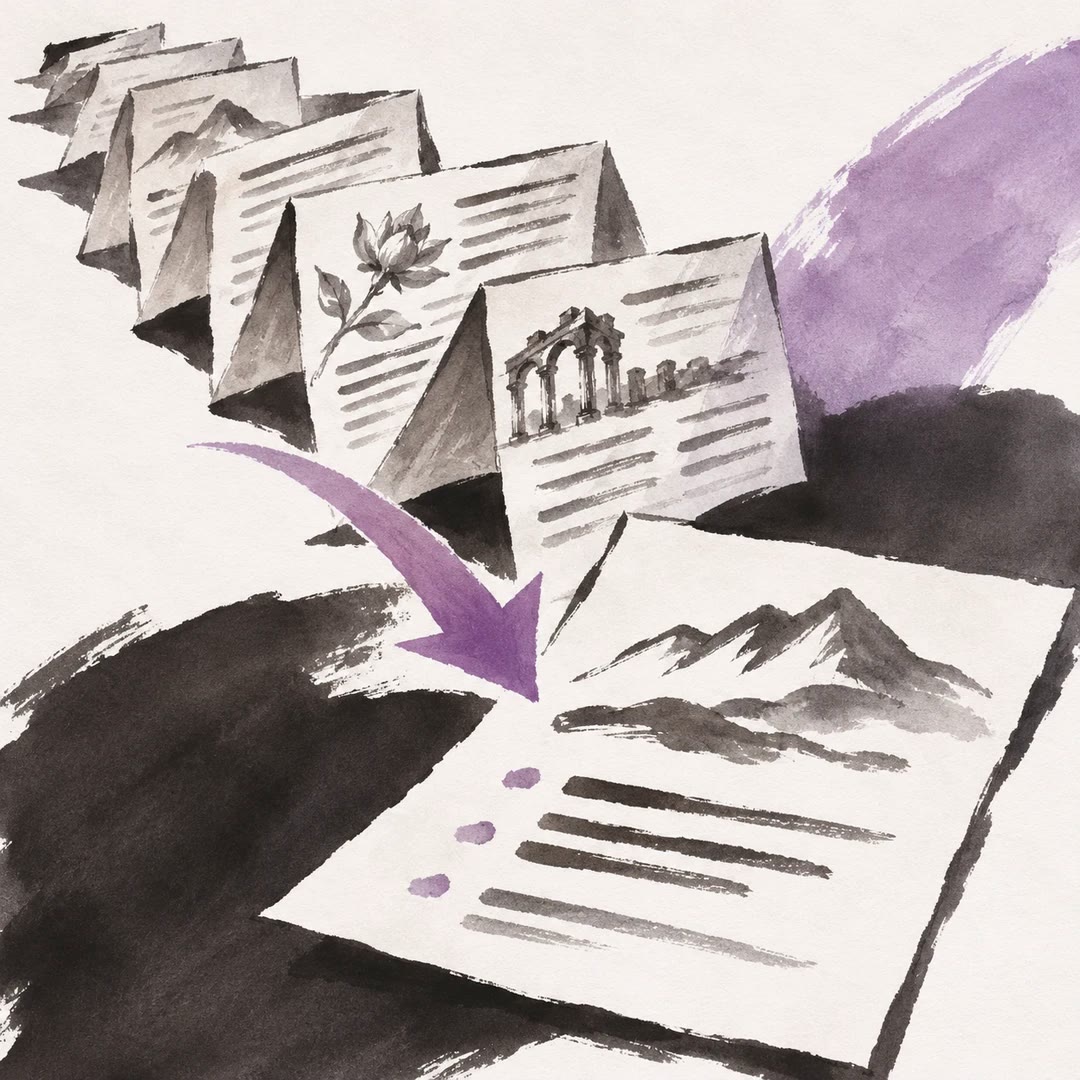
Summarise a long document with AI
Create a shorter text for a particular reader while preserving the original argument, evidence and important qualifications.
Free - SkillNew
Sync Notion with AI
Move a draft between a local Markdown file and a shared Notion page, and check whether the page has changed since your last review.
Free - SkillNew
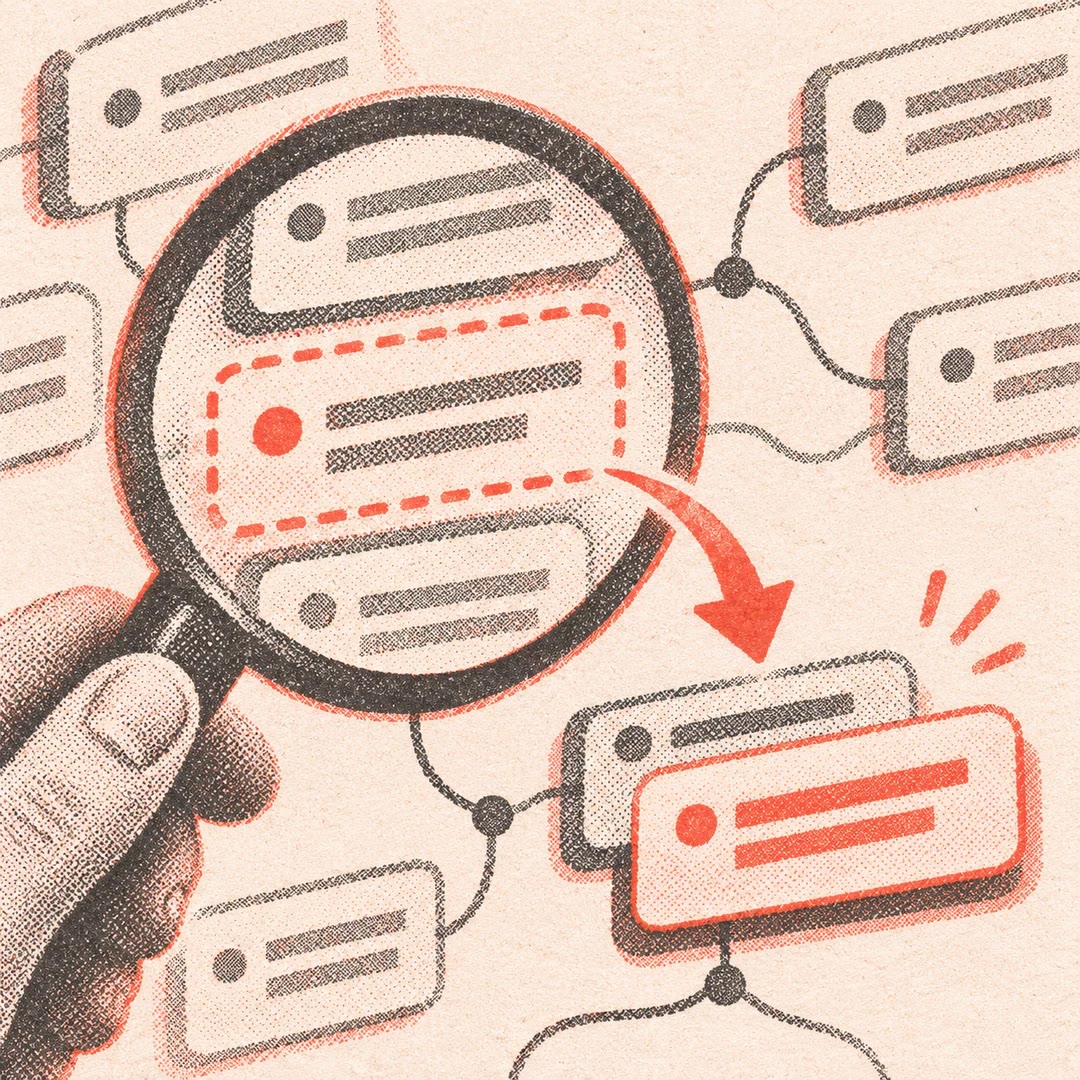
Outline a mind map with AI
Turn source notes into a compact, tab-indented hierarchy you can paste into a compatible mind-mapping tool.
Free - SkillNew
Search Logseq notes and edit blocks with AI
Find the block behind a note or reference in a file-based Logseq graph and preview a change before it affects the live graph.
Free - SkillNew
Check project documentation with AI
Compare commands, versions and paths in existing documentation with the repository, and distinguish stale facts from questions only the project owner can settle.
Free - SkillNew
Find files on a computer with AI
Search authorised folders using clues you remember and review candidate paths before opening any document.
Free - SkillNew
Reconcile project records with AI
Update the records that should reflect a proven outcome. Preserve historical evidence, avoid duplicate entries and report what remains inaccessible or unverified.
Free - SkillNew
Document the current workflow with AI
Record the way a process operates today, including workarounds, decision points and handoffs. Stable step IDs make it easier to reconcile conflicting accounts later.
Free - SkillNew
Clean up Mixpanel Lexicon with AI
Review event and property definitions, fill gaps and tidy tags in an authorised project. Preview the proposed changes and retain a local record of each write.
Free - SkillNew
Set up a team wiki with AI
Give contributors a place for each kind of note, a worked example to copy and shared conventions for naming and linking pages.
Free - SkillNew
Index research notes with AI
Create or refresh Markdown navigation pages for an existing collection of paper and concept notes while preserving filenames, link targets and local ownership.
Free - SkillNew
Manage Obsidian notes with AI
Search a local vault, inspect backlinks and properties, then make a targeted edit to the correct note and read it back afterwards.
Free - SkillNew
Write an architecture decision record with AI
Preserve the reasoning behind a technical choice. Document the alternatives, constraints and consequences using the structure the project already follows.
Free - SkillNew
Write a technical spike summary with AI
Record what a short investigation tested, what the evidence supports and whether the team should proceed, stop or continue under stated conditions.
Free - SkillNew
Build a project documentation site with AI
Scaffold a documentation site around a project’s existing content, with choices for navigation, renderer and whether to configure a publishing destination.
Free - SkillNew
Write a project README with AI
Build a newcomer’s route from the project’s purpose to a working first example, or refresh an existing README while retaining useful hand-written sections.
Free - SkillNew
Manage Storyblok content with AI and the CLI
Pull Storyblok content into local files, review changes and push an approved batch. Check the per-item results before assuming a whole operation succeeded.
Free - SkillNew
Capture project lessons with AI
Turn project notes into a searchable account for the next team. Keep the facts, your interpretation and the conditions behind each recommendation together.
Free - SkillNew
Search an ImageKit library with AI
Find media by the terms your team actually uses. The agent checks the library’s custom fields and tags before deciding how to search for a product or campaign.
Free - SkillNew
Build a fictional world with AI
Keep fictional places, routes, customs and objects in linked story records. Check the journey between towns or the meaning of an invented word while you draft.
Free - SkillNew
Build a character profile with AI
Give each fictional character a record that changes with the story. Keep relationships, speech habits and what the character knows at a particular chapter in view.
Free - SkillNew
Diagram a codebase in Miro with AI
Explain a subsystem with diagrams grounded in the repository. A short companion document records what the team knows and which relationships still need checking.
Free - SkillNew
Organise Contentstack assets with AI
Plan a useful structure for a shared asset library. Distinguish identical uploads from deliberate crops before making a cleanup decision in the DAM.
Free - SkillNew
Summarise search results with AI
Bring workplace search results into one answer, trace each decision to its evidence and show where sources disagree or repeat an earlier statement.
Free - SkillNew
Write an operations guide with AI
Document a recurring task with prerequisites, expected results, failure handling and enough detail for a colleague to take it over.
Free - SkillNew
Search company policies with AI
Ask a practical question about leave, travel or expenses and get an answer tied to a particular section in your organisation’s handbook.
Free - SkillNew
Write a help article with AI
Turn a resolved issue into instructions readers can follow, including prerequisites and a way to check the result.
Free - SkillNew
Document a business process with AI
Turn the way a team actually works into a procedure with handovers, decision points and clear responsibilities.
Free - SkillNew
Build an engineering wiki in Notion with AI
Give engineers a dependable way to find the current runbook, distinguish it from a proposal and see which decisions the team has actually accepted.
Free - SkillNew
Build a project glossary with AI
Agree on the meanings of ambiguous project terms and record them where the team can find them. Capture the reason behind a consequential decision when it matters.
Free - SkillNew
Manage Google Keep notes with AI
Read or create work notes through an authorised organisation account and retrieve an available attachment when needed.
Free - SkillNew
Build a team handbook in Notion with AI
Give colleagues a reliable answer to a routine question, a place to make the request and a way to see who keeps the instructions current.
Free - SkillNew
Manage Google Drive files with AI
Locate a project file, inspect its details or comments and decide exactly which change or sharing action it needs.
Free - SkillNew
Record team decisions in Notion with AI
Turn a discussion into a decision record that keeps the reason, the rejected options and any questions the team still needs to answer.
Free - SkillNew
Share a Google Drive folder with AI
Give collaborators the access their work requires and verify the roles recorded for the chosen folder.
Free - SkillNew
Organise Google Drive folders with AI
Create a project structure and move the files you identify into the right folders.
Free - SkillNew
Create a Google shared drive with AI
Set up a shared drive for a project, add a named member and verify the role attached to that account.
Free - SkillNew
Manage Obsidian notes with AI
Find a note in the intended vault, append the decision from a meeting and put a follow-up task in the daily note.
Free - SkillNew
Sync Obsidian notes with an AI agent
Set up a server copy of a vault, check its sync status and preview the separate list of notes marked for a Publish site.
Free - SkillNew
Turn CSV rows into notes with AI
Give each row its own Markdown file with a consistent heading, properties and filename. Preview the batch before writing the notes.
Free - SkillNew
Save a Google Drive folder’s files with AI
Bring a Drive folder’s files onto your computer. Save uploaded files in their original format and export Google Docs as PDFs for a readable local copy.
Free - SkillNew
Find large Google Drive files with AI
See which accessible Drive files use the most storage. Read their names, sizes and available ownership details before choosing which files deserve a closer look.
Free