Create FactorIA shaders with AI
Change a material’s appearance using snippets, parameters and compilation checks in FactorIA.
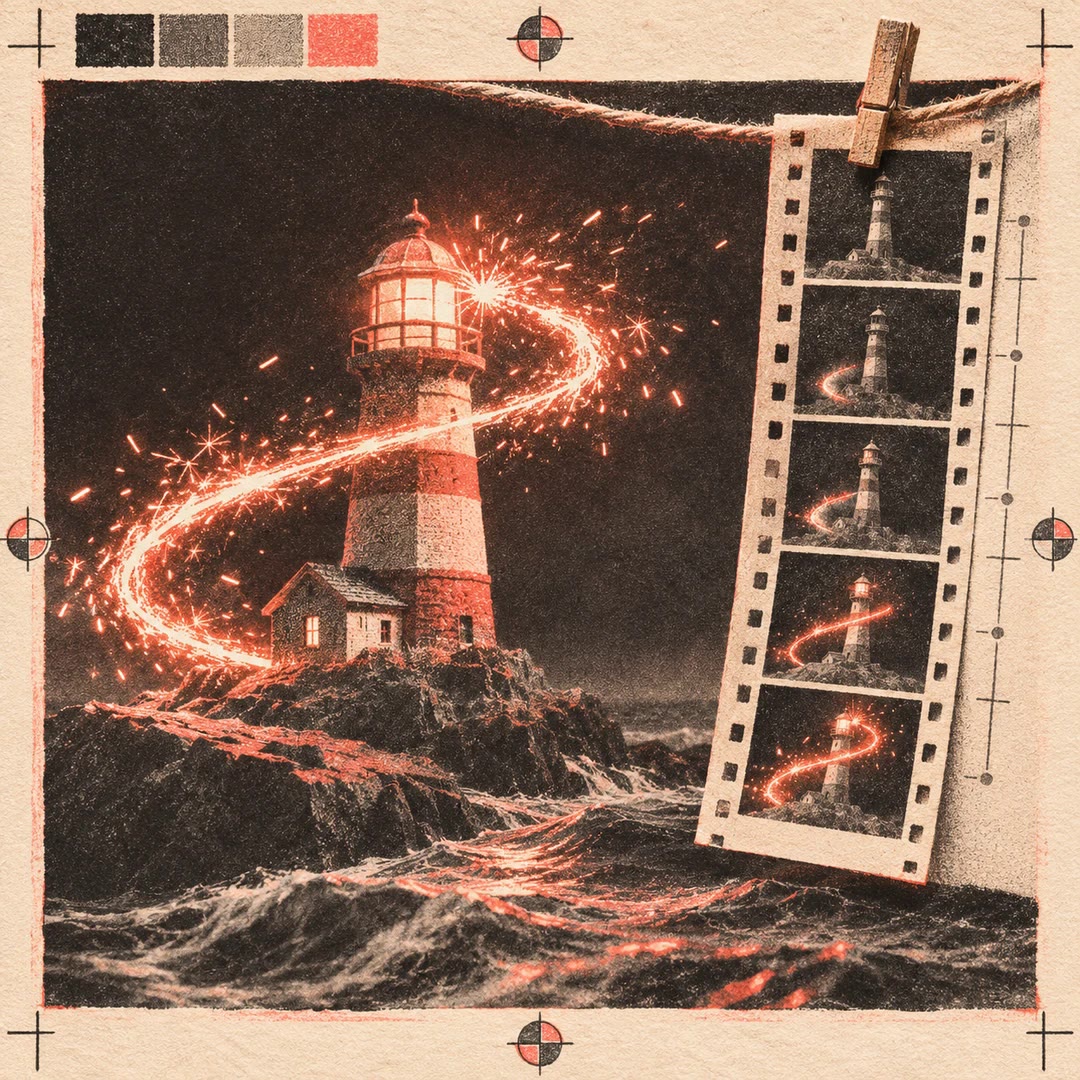
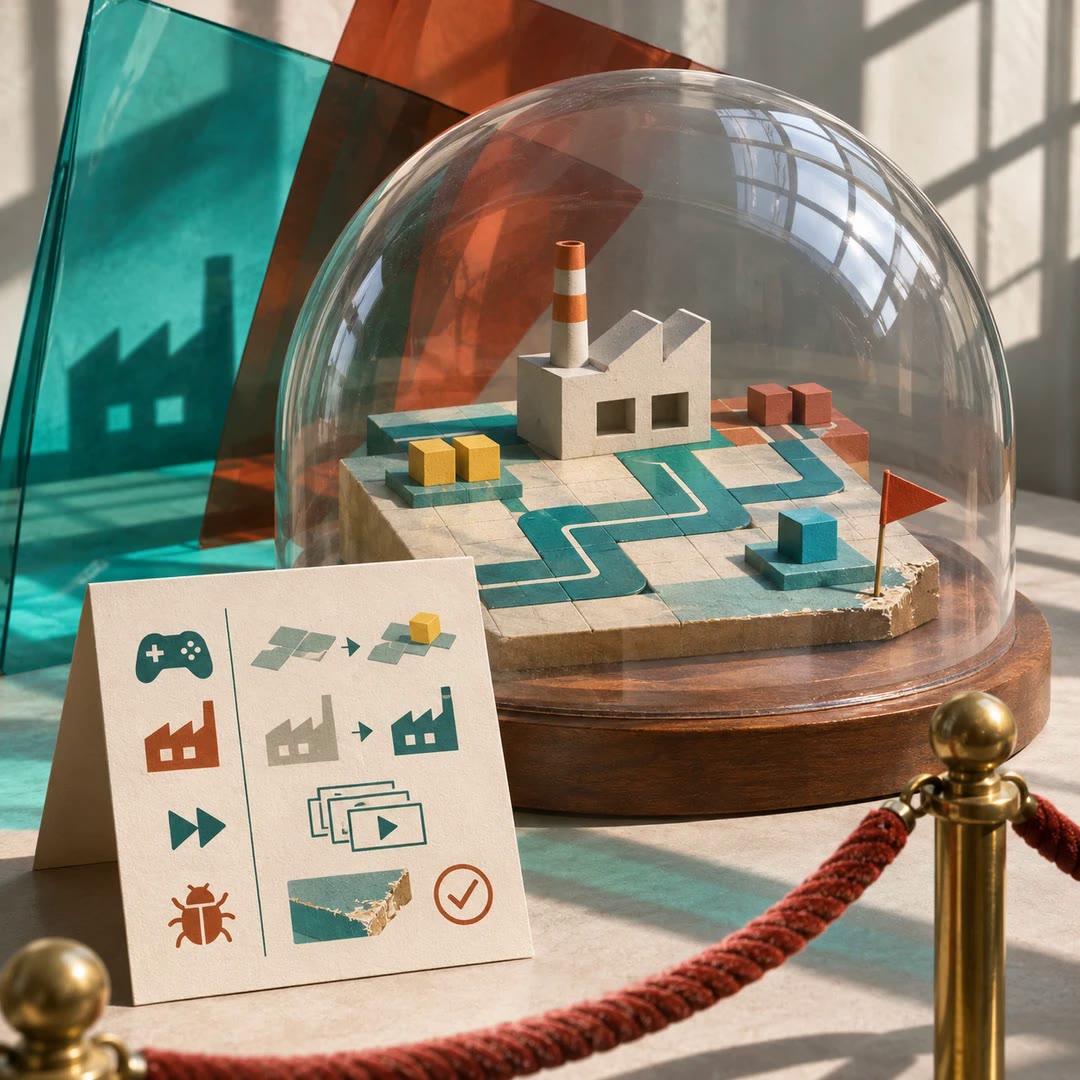
Create FactorIA shaders with AI by defining a material and a small snippet that changes its surface. custom-shaders guides your agent through writing those files, compiling them and inspecting the result on a mesh. Explore effects such as a pulse, a dissolve or simple vertex movement while retaining the engine’s material pipeline.
This is a FactorIA-specific workflow, not a general replacement for complete vertex and fragment shaders. Compilation checks catch invalid code, while screenshots reveal whether the effect actually looks right. Exposed parameters let you adjust colour, intensity or timing without rewriting the logic. Supply authorised textures and validate the platforms you intend to support before using the material throughout a project.
What it does
- Create a material with adjustable parameters
- Write a surface snippet for a particular look
- Explore glow, dissolve or simple vertex movement
- Resolve compilation errors before visual review
- Inspect the material on a mesh
- Adjust individual objects through material overrides
Install and use
- Prepare the skill, FactorIA, a local project and its shader compiler
- Describe the target mesh, intended effect and authorised textures
- Compile the material, correct errors and inspect a screenshot
- Adjust parameters and validate the required target platforms
FAQ
Source
Made by Oxtail Games. Original skill: custom-shaders, published on GitHub under the MIT licence.
View on GitHubRelated products
- SkillNew
Build FactorIA game menus with AI
Prepare menus, settings and game-finishing checks using FactorIA’s own kit.
Free - SkillNew
Create glow effects in FactorIA with AI
Guide FactorIA glow, particle bursts and short animated effects, then inspect frames at gameplay size to refine timing, colour and readability.
Free - SkillNew
Prepare a FactorIA game for review with AI
Prepare play instructions, build status, fast scene access and known issues so reviewers can inspect a FactorIA game without editing it.
Free