Products
Skills, prompt kits and templates for working with AI.
Product list
- SkillNew
Turn source material into a slide outline with AI
Build an outline from a report, notebook or transcript. Keep evidence beside each proposed slide so the team can review the argument before designing the deck.
Free - SkillNew
Turn PowerPoint into a handout with AI
Extract slide text and presenter notes into an editable Word or Markdown handout. Check speaker-only cues and figures before circulating the result.
Free - SkillNew
Review Excel accessibility with AI
Find workbook layouts that make sense at a glance but become hard to follow one cell at a time, from merged ranges to colour-only status codes.
Free - SkillNew
Check PowerPoint accessibility with AI
Review the sequence a screen reader follows through a slide, with findings tied to particular slide numbers and objects.
Free - SkillNew
Check Word document accessibility with AI
Inspect a DOCX file for problems that are easy to miss in print, including false headings, unlabeled table headers and links that make little sense on their own.
Free - SkillNew
Create an editable flowchart with AI in draw.io
Turn a process description into an editable diagram, label decision paths and export a suitable version once the team has checked the logic.
Free - SkillNew
Make Typst slides with AI
Build a Touying presentation from a text source. Control when an answer or annotation appears and check what readers receive in a handout.
Free - SkillNew
Typeset a report in Typst with AI
Set up headings, figures, mathematics and references in a small document. Check the rendered pages before carrying the same rules across a longer report.
Free - SkillNew
Convert Jupyter to marimo with AI
Convert an existing notebook into a Python-based marimo notebook, then review cell dependencies, maths, figures and interactive controls against the original.
Free - SkillNew
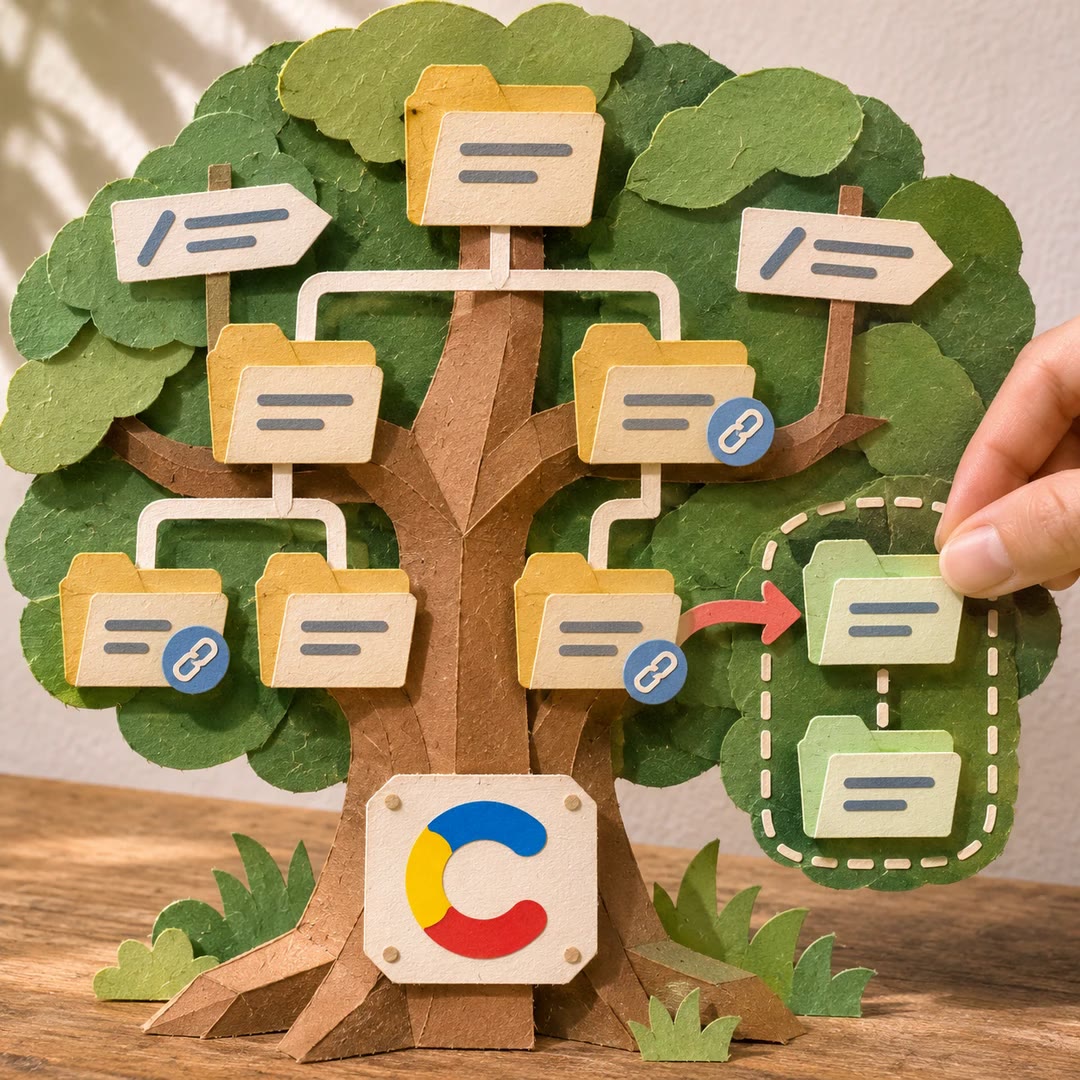
Manage Contentful page paths with AI
Inspect a Contentful destination tree before changing a route. See how its parent folders, linked experiences and redirects affect the proposed update.
Free - SkillNew
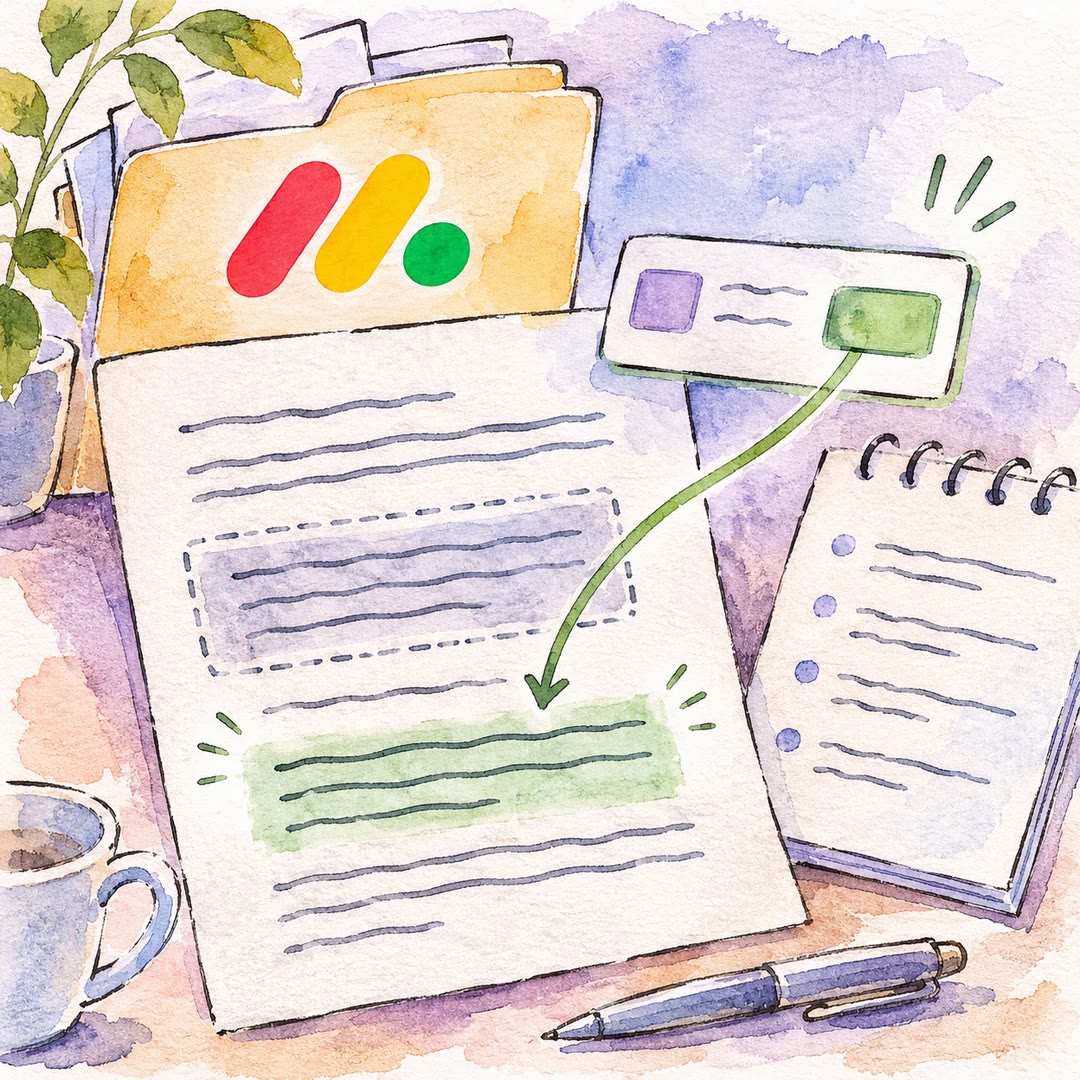
Edit monday documents with AI
Update a paragraph in an existing workdoc, prepare meeting notes or bring a live board value into a document that the team already uses.
Free - SkillNew
Upload files to ImageKit with AI
Send files from a local folder or a public source into the right media-library folder. Check individual results and add the metadata your team already uses.
Free - SkillNew
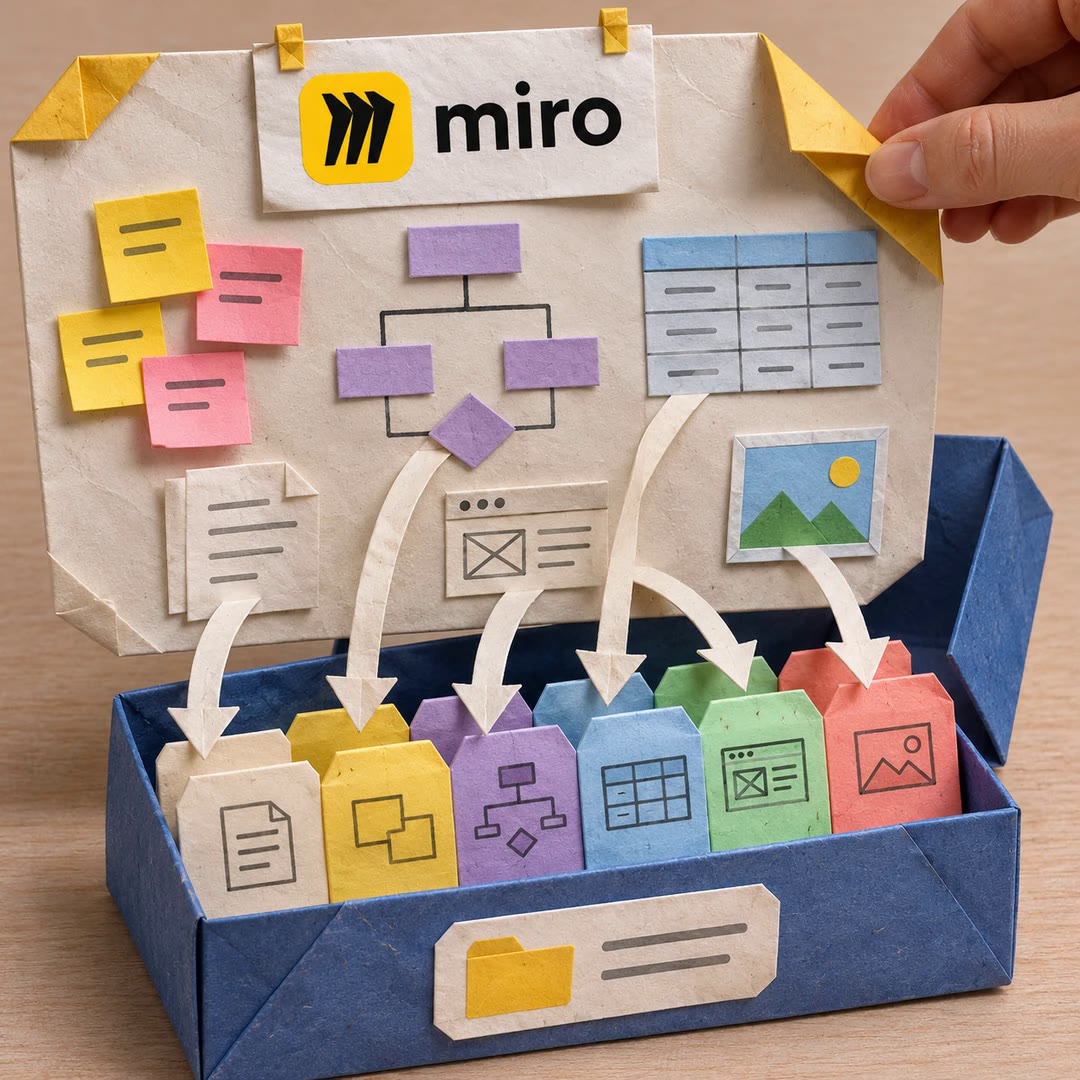
Export a Miro board with AI
Save a board's specifications or a single selected item into a local project. Documents, diagrams, table data, prototype HTML and images have separate locations.
Free - SkillNew
Bulk update Webflow CMS content with AI
Map tabular input to the right collection, check the proposed changes and choose how approved items should be saved.
Free - SkillNew
Edit Google Slides with AI
Find the right slide, inspect its contents and apply a specific change to the working presentation.
Free - SkillNew
Edit Google Docs with AI
Read the target section, make the requested change and check it in the same shared document.
Free - SkillNew
Create a Google Slides file with AI
Prepare a named presentation and give an editor access to the right file before the team starts writing.
Free - SkillNew
Export Google Sheets to CSV with AI
Save a local copy of the first sheet's values for a handover, an import or a dated record of the figures.
Free - SkillNew
Fill in PDF forms with AI
Give the agent a form and its answers. It can inspect interactive fields, position text on a flat page and produce a separate file for checking.
Free - SkillNew
Append text to Google Docs with AI
Add a handover note or a decision to the end of an existing Google Doc. You choose the document and the exact wording that should be appended.
Free