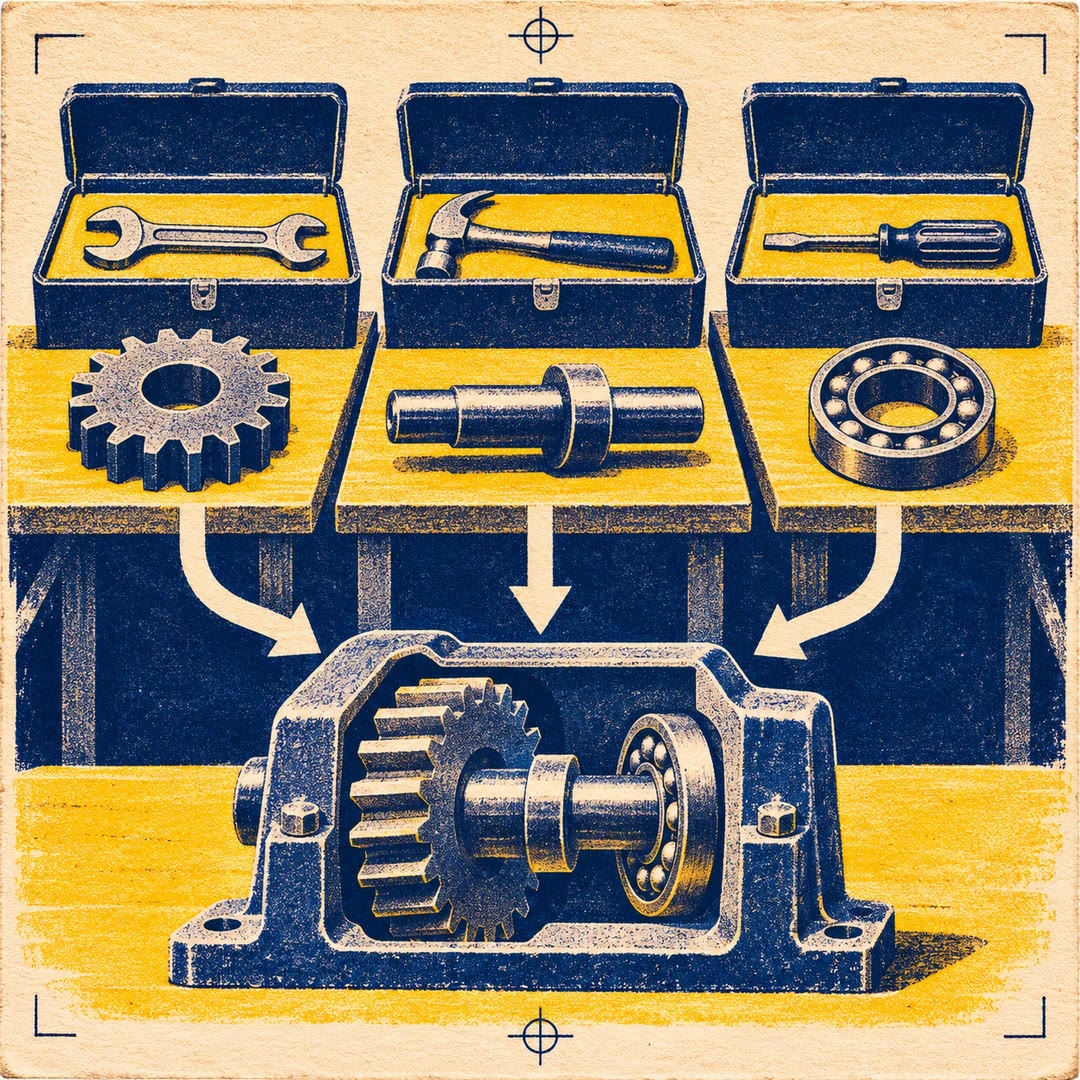
Build a Zapier workflow with AI
Turn a defined process into a durable workflow, check the real app connections and test a specific draft before publishing that revision.
To build a Zapier workflow with AI, specify the trigger and the intended end result. A new order might need a row in a team spreadsheet without sending a customer any email. The workflows-create guide discovers available actions and connections so the plan reflects what the account can actually do.
A draft test can have real effects. A step that writes a spreadsheet row or sends a message may reach the connected service even before the workflow is published. Choose a controlled input and destination and inspect the result. A subsequent edit means the new revision should be tested before publication.
What it does
- Choose a trigger and supported app actions
- Map input fields to their destinations
- Review a proposed workflow before building it
- Test an unpublished draft using controlled data
- Verify the published version and its trigger state
Install and use
- Install the official Zapier Workflows skills, compatibility doctor and SDK CLI with Node.js. Use an account enabled for Workflows Early Access and authorised app connections. The doctor may refresh the official skills.
- Ask “When this sample order arrives, add one row to our test sheet. Show the field mapping and real effects before running the draft.”
- Inspect the destination, confirm the tested revision and decide whether to publish it.
FAQ
Source
Made by Zapier. Original skill: workflows-create, published on GitHub under the MIT licence.
View on GitHubRelated products
- SkillNew
Export KiCad projects with AI
Prepare local schematic PDFs, bills of materials or board fabrication files, then inspect the reports and version of each output before handover.
Free - SkillNew
Split work between AI agents
Give each agent an independent problem, define what it may change and verify the combined result after the separate investigations finish.
Free - SkillNew
Sync Crowdin translations with GitHub using AI
Configure the direction of a translation sync, isolate the files it can commit and send changes to the right review branch.
Free