Split work between AI agents
Give each agent an independent problem, define what it may change and verify the combined result after the separate investigations finish.
Split work between AI agents when each investigation can proceed without answers from the others. A broken invoice printout and a folder list that sorts dates incorrectly might be good candidates. If both depend on the same date formatter, splitting them could cost more time than it saves. The dispatching-parallel-agents skill helps decide where that boundary belongs.
Send each agent a small brief with the symptom, expected behaviour, relevant files and the information you want back. Once the individual fixes arrive, someone still needs to inspect how they interact. Two patches that pass separately can disagree about the code they share.
What it does
- Identify tasks with separate inputs and failure modes.
- Write a focused investigation brief for each agent.
- Limit changes to the files or behaviour within its assignment.
- Collect the cause, the proposed fix and relevant test results.
- Review overlapping changes and run the full suite together.
Install and use
- Install the skill in a host that supports parallel subagents. Use a trusted project with its usual test runner.
- Ask whether two failing tests share a dependency, then request separate briefs only where the work can proceed independently.
- Read the returned summaries, inspect the combined changes and run the relevant integration checks before accepting them.
FAQ
Source
Made by Jesse Vincent (obra). Original skill: dispatching-parallel-agents, published on GitHub under the MIT licence.
View on GitHubRelated products
- SkillNew
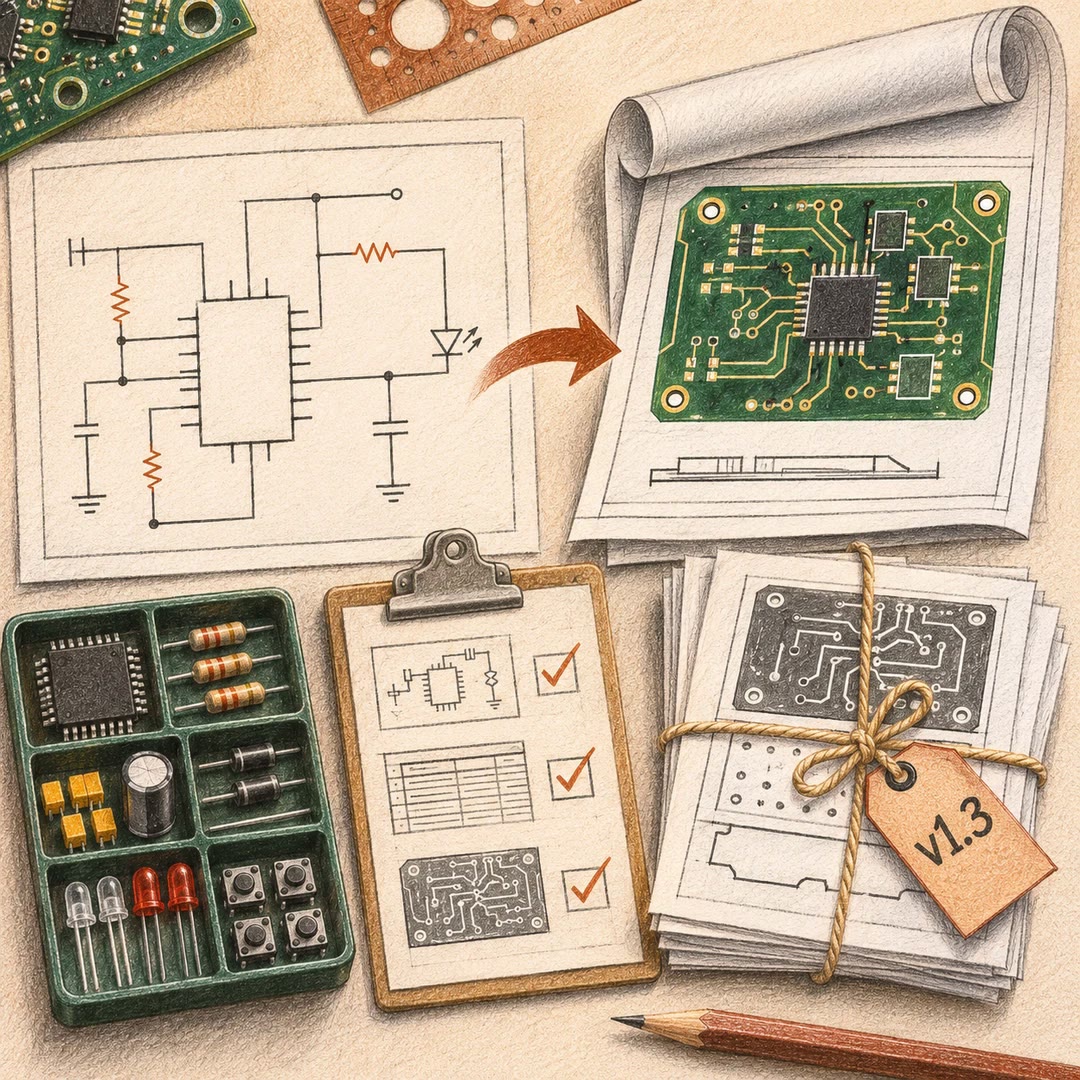
Export KiCad projects with AI
Prepare local schematic PDFs, bills of materials or board fabrication files, then inspect the reports and version of each output before handover.
Free - SkillNew
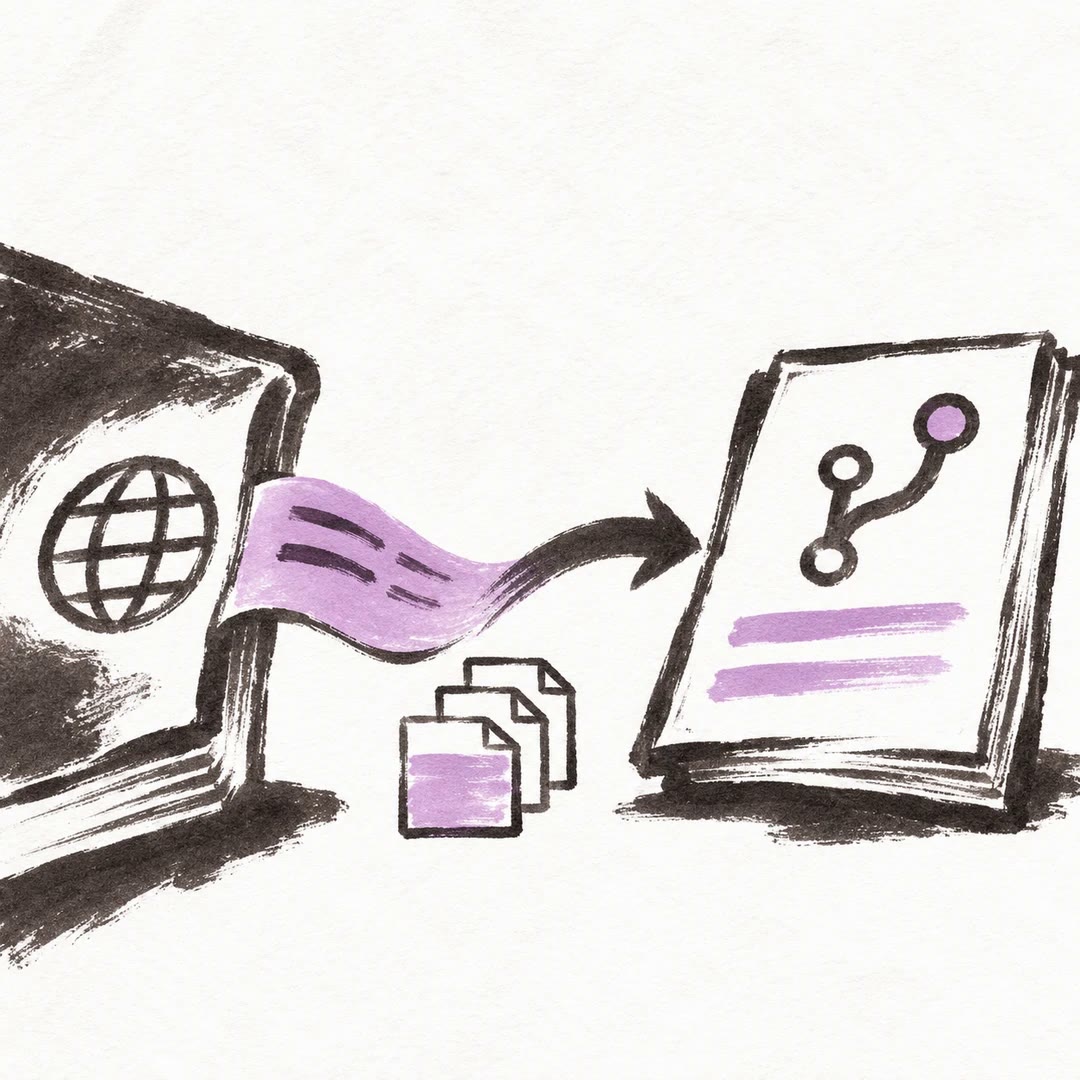
Sync Crowdin translations with GitHub using AI
Configure the direction of a translation sync, isolate the files it can commit and send changes to the right review branch.
Free - SkillNew
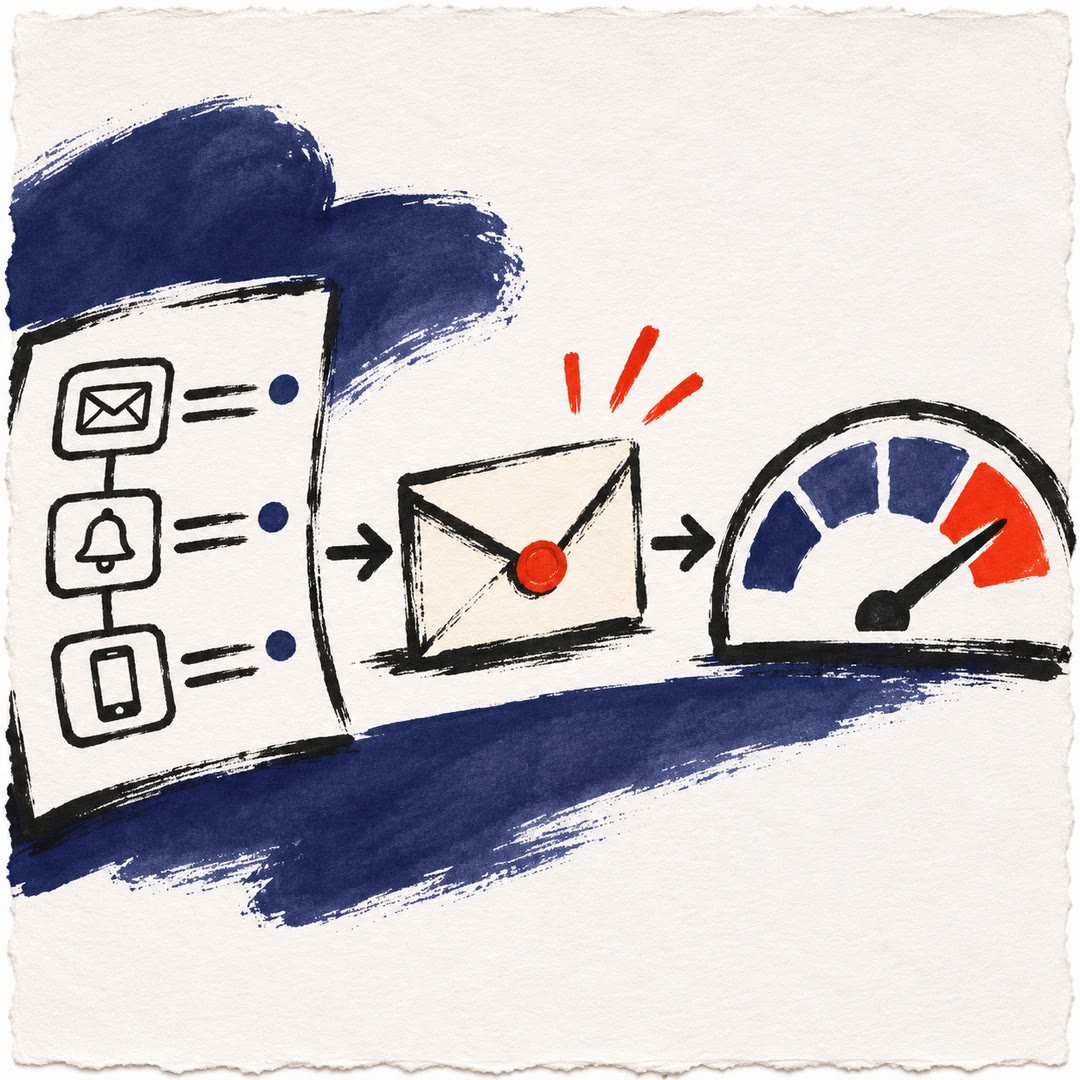
Author Novu dashboard notifications with AI
Write the content and conditions for individual Novu workflow steps, from email subjects to in-app actions. Match each variable to the editor and data schema.
Free