Connect a Runway workflow to an app with AI
Use a published Runway workflow from an application. Confirm the real project contract before connecting the form, server call and progress or error states.
To connect a Runway workflow to an app with AI, give runway-dev-workflows a published workflow and the project that owns it. A content team might already have a working generation process in Runway but need a simpler form for colleagues. Before designing that form, establish which files and fields the actual published workflow accepts.
The agent checks the setup guidance and verifies the live contract through an authorised source. A general integration guide cannot reveal the private schema of an unpublished workflow. Once the input and output are clear, the agent can implement the call on the server and connect it to the existing interface. Local validation comes before any approved live invocation that may spend credits.
What it does
- Identify the intended published project workflow.
- Check its actual input and output shape.
- Implement the server-side call with the official SDK.
- Connect progress, completion and failures to the application.
- Separate local checks from a live media invocation.
Install and use
- Install the skill in a compatible host. The live integration needs a Runway Dev account, an authorised published workflow and a server-side API secret.
- Ask “Connect our approved post-production workflow to this internal form. Verify its inputs and build the status UI before running a test.”
- Check the project and available credit before approving one live request with authorised input.
FAQ
Source
Made by Runway. Original skill: runway-dev-workflows, published on GitHub under the MIT licence.
View on GitHubRelated products
- SkillNew
Export KiCad projects with AI
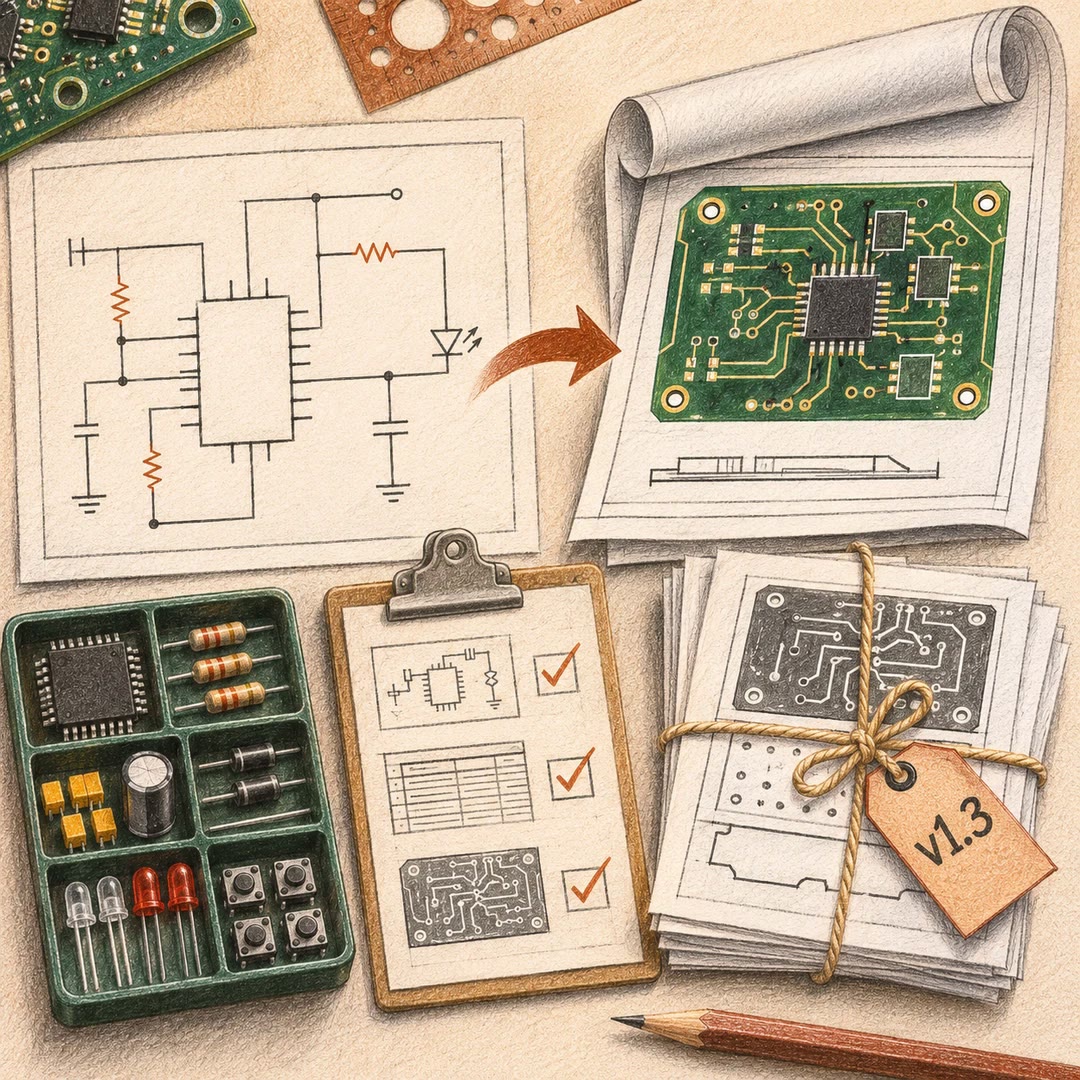
Prepare local schematic PDFs, bills of materials or board fabrication files, then inspect the reports and version of each output before handover.
Free - SkillNew
Split work between AI agents
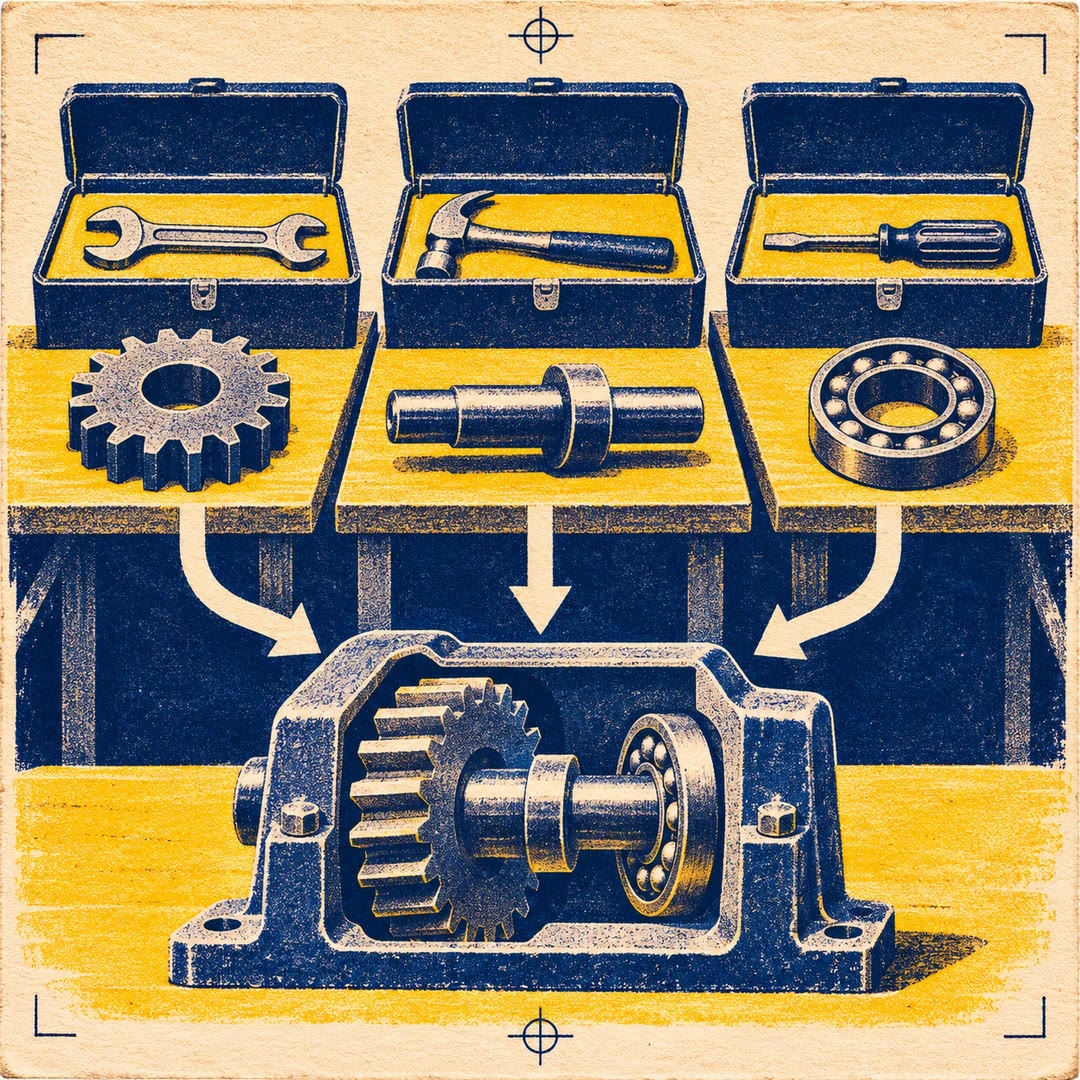
Give each agent an independent problem, define what it may change and verify the combined result after the separate investigations finish.
Free - SkillNew
Sync Crowdin translations with GitHub using AI
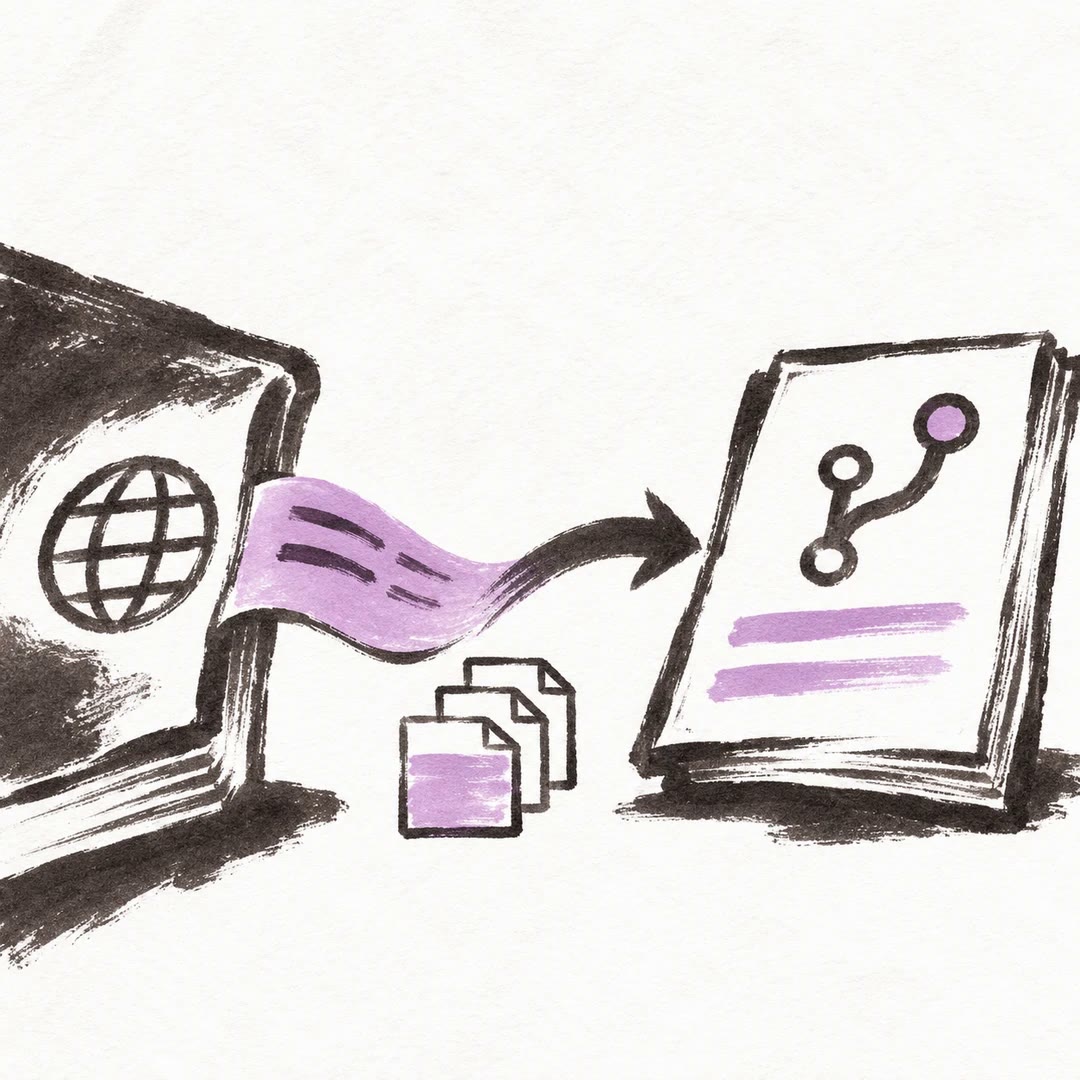
Configure the direction of a translation sync, isolate the files it can commit and send changes to the right review branch.
Free