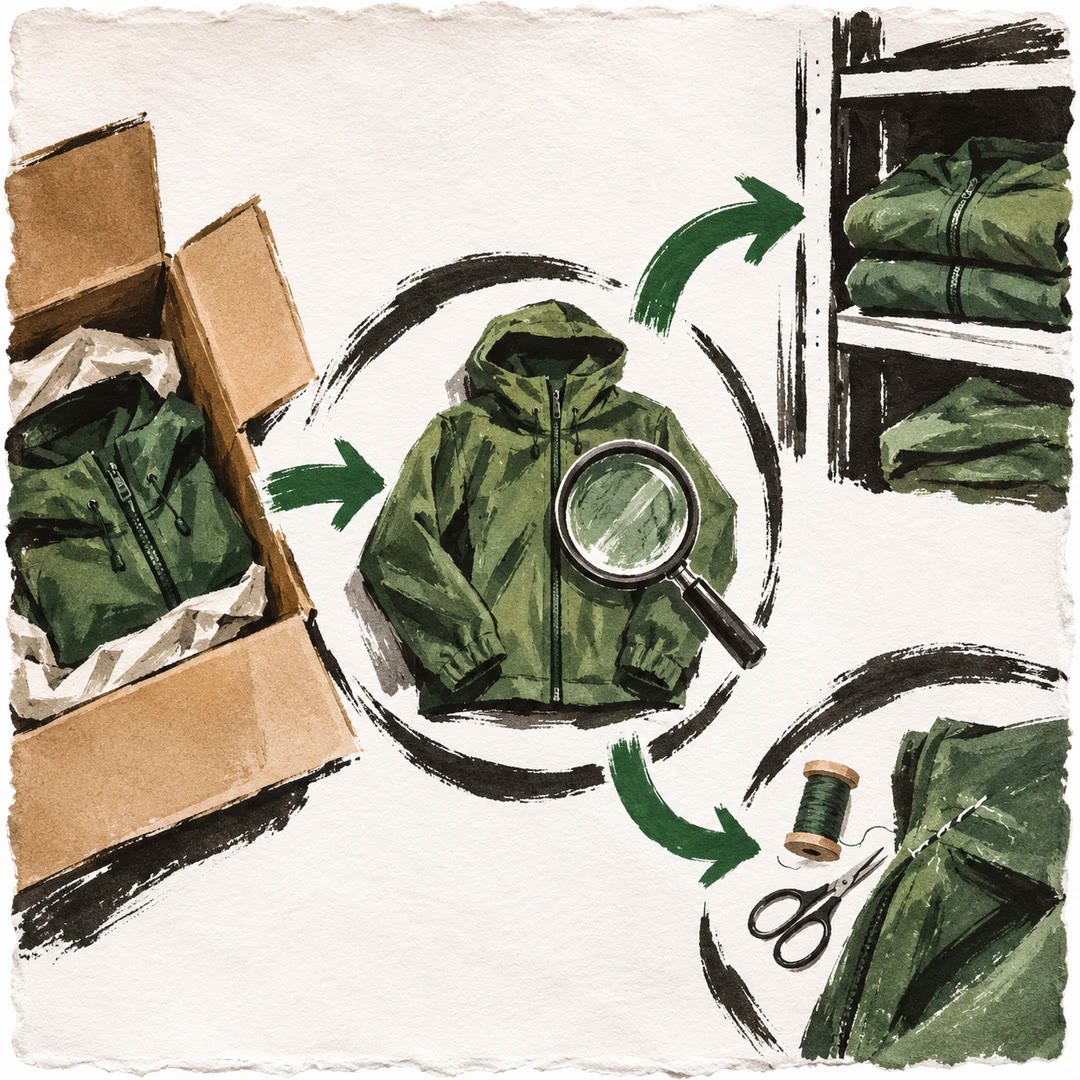
Review store inventory with AI
Build an operator briefing from current stock, sales pace, order issues and pending changes, then inspect the proposed action for each priority.
To review store inventory with AI, compare units on hand with the rate at which they are selling. Six units of a slow line and six units of a daily bestseller deserve different attention. The inventory-operations guide pulls current alerts, order issues and pending changes so yesterday’s briefing does not stand in for today’s figures.
Unsold stock raises another choice. The merchant might hold it, consider a markdown or pause the listing. Remaining time, sales pace and margin help explain which options make sense. When a projection is derived, show the source numbers beside it so someone can verify the calculation.
What it does
- Prepare a short daily inventory briefing
- Review low-stock and slow-moving variants
- Estimate days of stock from observed sales pace
- Identify repeated issues in order exceptions
- Stage a proposed restock or availability change
Install and use
- Install the skill in an official Merchant Agent deployment with model access, authorised inventory and order tools and a configured merchant approval surface.
- Ask “Prepare today’s briefing. For each item likely to run out, show units available, recent sales pace and the proposed replenishment quantity.”
- Check the variant, quantity and evidence before approving an action. Hand a proposed markdown to the store’s pricing workflow.
FAQ
Source
Made by Anthropic. Original skill: inventory-operations, published on GitHub under the Apache-2.0 licence.
View on GitHubRelated products
- SkillNew
Design subscription billing with AI
Model renewals, invoices, failed payments and cancellation timing without treating each billing period as a new checkout.
Free - SkillNew
Design a store returns process with AI
Keep the customer’s request, inspection, refund and stock movement traceable without rewriting the original order.
Free - SkillNew
Manage multi-warehouse inventory with AI
Separate physical stock from reservations and test how a store should allocate an order across available locations.
Free