Manage multi-warehouse inventory with AI
Separate physical stock from reservations and test how a store should allocate an order across available locations.
Manage multi-warehouse inventory with AI when the total number of units hides what each warehouse can actually sell. The inventory-and-multi-warehouse skill helps an agent model on-hand, reserved and available stock, define allocation rules and handle releases or returned items. Its local example calculates an allocation but does not lock a live inventory record.
If the first warehouse has two units reserved for earlier orders and the second has one available, three physical units do not mean three new orders can be fulfilled. Test an allocation with the current reservations, then consider what should happen if payment expires or a parcel comes back damaged.
What it does
- Calculate sellable units separately for each location.
- Choose a fulfilment location and explain a split shipment.
- Distinguish reservation expiry from a completed stock movement.
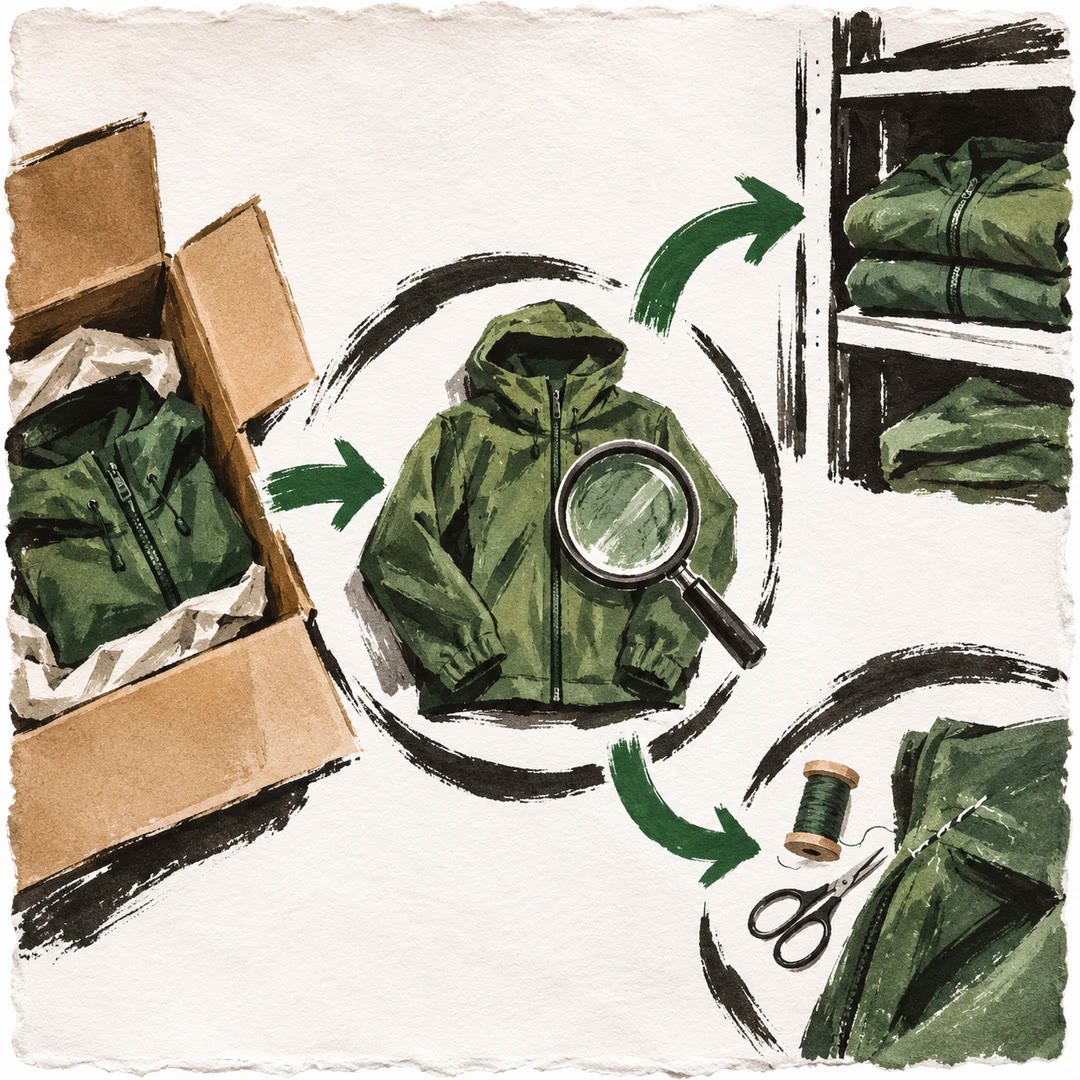
- Keep damaged returns out of sellable stock until inspected.
- Test two simultaneous attempts to reserve the final unit.
Install and use
- Give an agent authorised warehouse counts and reservation rules. Use Node 20+ for the local allocation example and staging access for concurrency checks.
- Ask it to allocate a two-line order across two warehouses and explain the decision for each line.
- Check cancellations, existing reservations and damaged returns before applying rules to real inventory.
FAQ
Source
Made by Naser Sadrmanesh. Original skill: inventory-and-multi-warehouse, published on GitHub under the MIT licence.
View on GitHubRelated products
- SkillNew
Design subscription billing with AI
Model renewals, invoices, failed payments and cancellation timing without treating each billing period as a new checkout.
Free - SkillNew
Design a store returns process with AI
Keep the customer’s request, inspection, refund and stock movement traceable without rewriting the original order.
Free - SkillNew
Migrate a product catalogue with AI
Map catalogue fields, test a small import and give each sellable unit a stable identity before writing to a new store.
Free