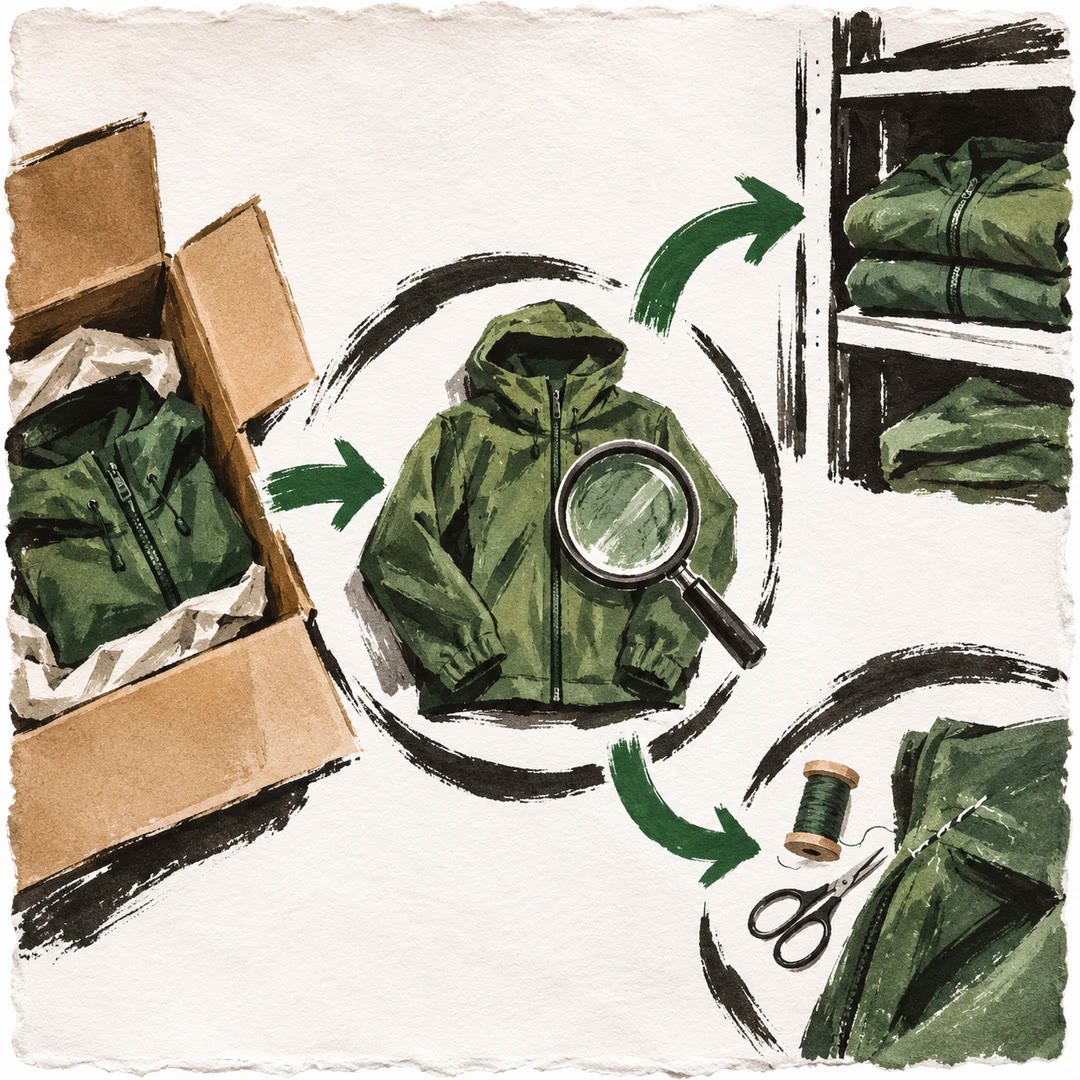
Migrate a product catalogue with AI
Map catalogue fields, test a small import and give each sellable unit a stable identity before writing to a new store.
Migrate a product catalogue with AI when a product export contains variants, images and category relationships that a simple copy would lose. The catalog-import-and-migration skill guides an agent through field mapping, normalisation, dry runs and a repeatable import sequence. Its local checker inspects rows; it does not upload the catalogue.
Consider a shirt available in three sizes. If one image fails during the first run, retrying the export should repair the same variant rather than create a fourth size. A stable source key, a report of each row and a staging run make that intention testable.
What it does
- Match source columns with the target store’s actual field meanings.
- Check missing or duplicated identifiers before writing records.
- Load categories and attributes before parent products and variants.
- Separate proposed creates, updates and skipped rows in a dry run.
- Check old URLs and media links after a small migration.
Install and use
- Use an agent with an authorised export, source and target schemas, and Node 20+ for the local row checker. Actual imports require a permitted staging store.
- Ask for a mapping and a dry-run plan for a small group of related products.
- Run the sample twice in staging and compare identities and row outcomes before a wider release.
FAQ
Source
Made by Naser Sadrmanesh. Original skill: catalog-import-and-migration, published on GitHub under the MIT licence.
View on GitHubRelated products
- SkillNew
Design subscription billing with AI
Model renewals, invoices, failed payments and cancellation timing without treating each billing period as a new checkout.
Free - SkillNew
Design a store returns process with AI
Keep the customer’s request, inspection, refund and stock movement traceable without rewriting the original order.
Free - SkillNew
Manage multi-warehouse inventory with AI
Separate physical stock from reservations and test how a store should allocate an order across available locations.
Free