Repeat GX data checks with AI
Package a validated batch and an expectation suite as a named checkpoint, run it once and get a script for the next delivery.
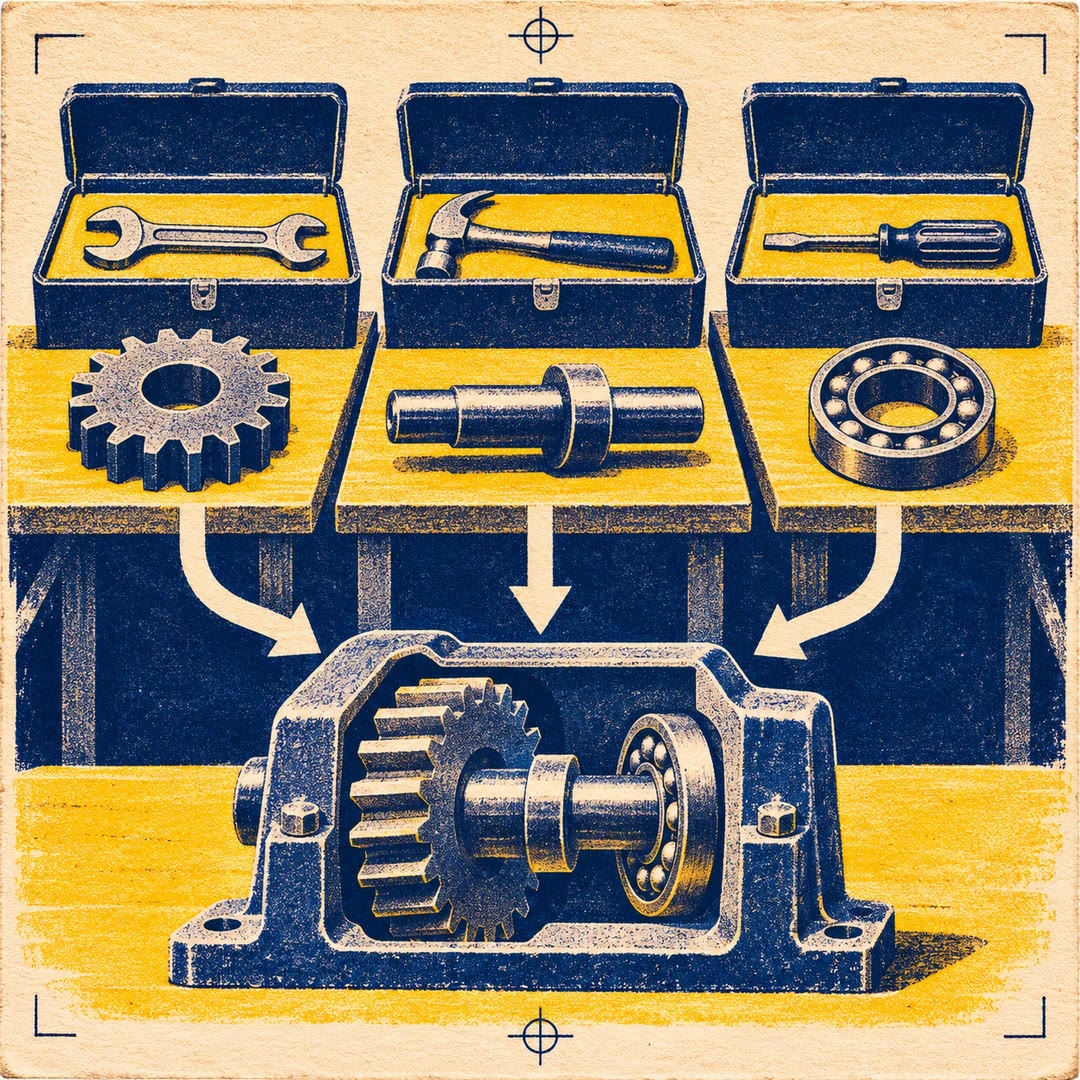
You can repeat GX data checks with AI when a one-off validation needs to become part of a handover. Imagine a new stock feed arriving each Monday. The rules already exist, yet the next person still needs to know which batch to open, which suite to run and where the outcome goes. The gx-configure-checkpoint skill connects those pieces and verifies a first run.
You decide whether a run should update local documentation or notify a recipient. Because a live notification can fire during verification, the destination matters from the first attempt. The final Python snippet gives your scheduler something to invoke.
What it does
- Connect a named suite to its intended batch definition.
- Group suitable validation definitions under a checkpoint.
- Inspect which result belongs to which validation.
- Select local documentation or an approved notification channel.
- Give the next operator a repeatable command for the project.
Install and use
- Have current GX Core, a supported agent, a working batch definition and a saved suite ready in Python. Any notification action needs its own authorised configuration.
- Ask for a checkpoint against the stock feed and specify whether the test run may notify anyone.
- Review the results, then place the supplied run snippet into your own scheduler if needed.
FAQ
Source
Made by Great Expectations. Original skill: gx-configure-checkpoint, published on GitHub under the Apache-2.0 licence.
View on GitHubRelated products
- SkillNew
Export KiCad projects with AI
Prepare local schematic PDFs, bills of materials or board fabrication files, then inspect the reports and version of each output before handover.
Free - SkillNew
Split work between AI agents
Give each agent an independent problem, define what it may change and verify the combined result after the separate investigations finish.
Free - SkillNew
Sync Crowdin translations with GitHub using AI
Configure the direction of a translation sync, isolate the files it can commit and send changes to the right review branch.
Free