Coordinate Google Workspace tasks with AI
Choose a documented cross-service workflow for a meeting, follow-up task, weekly summary or file announcement.
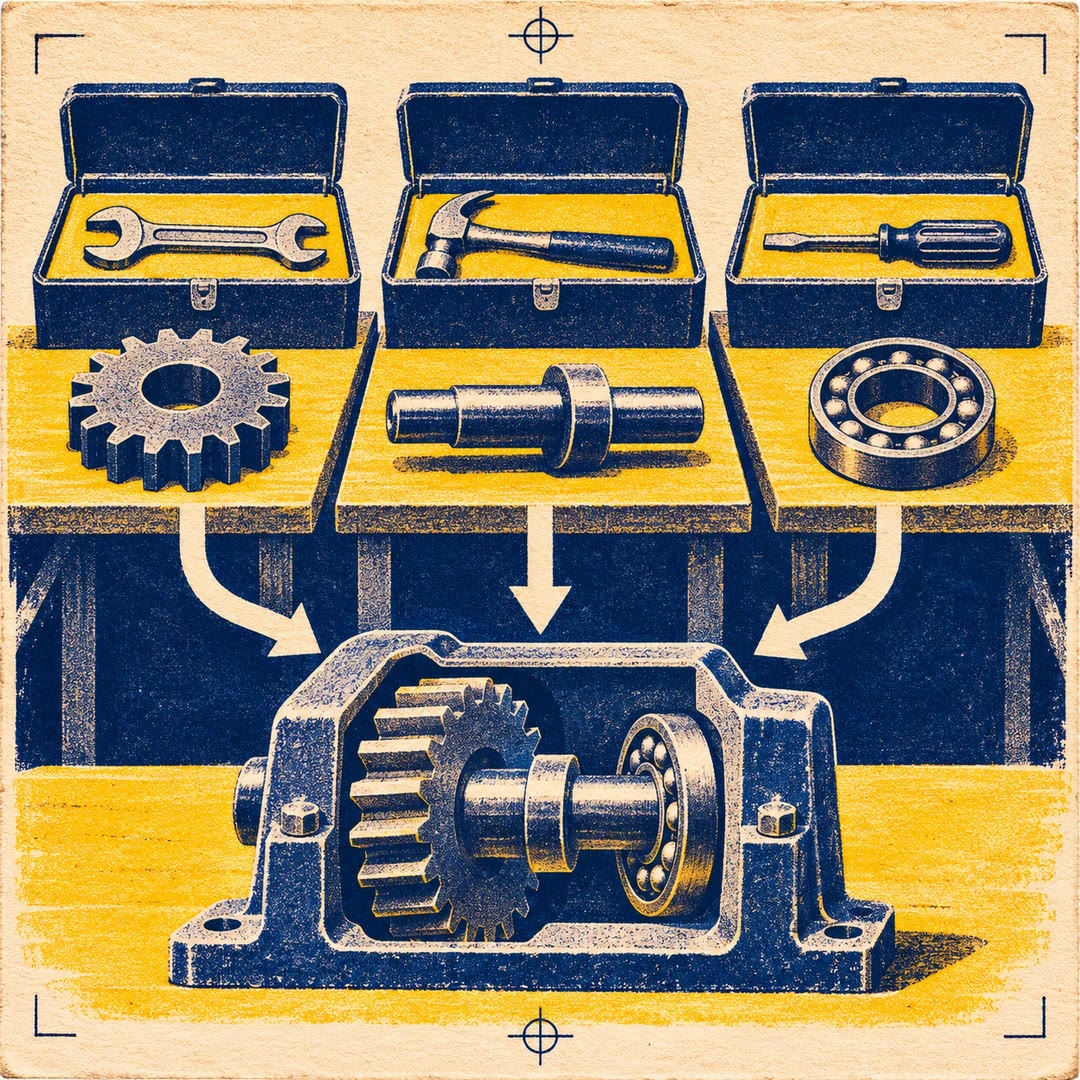
To coordinate Google Workspace tasks with AI, use gws-workflow to select the helper that matches the handover. Five workflows are listed: daily stand-up, meeting preparation, email to task, weekly digest and file announcement. You might read the morning schedule first, then turn a specific email into an action once you know what needs following up.
The operations have different audiences and effects. A meeting lookup returns information to the person running the command. A file announcement posts to a real Chat space, and creating a task copies selected email information into a task list. Name the destination explicitly before requesting one of those writes.
What it does
- Review today's meetings and open tasks
- Inspect details of the nearest calendar event
- Create a follow-up task from a particular email
- Check the weekly meeting snapshot and unread mail count
- Announce an existing Drive file in a selected Chat space
Install and use
- Install the skill, gws and the shared guidance. Connect an account authorised for the Google services needed by the particular helper.
- Ask “Show me today's stand-up summary. Keep it in this conversation while I decide which items concern the team.”
- For a subsequent write, identify the source message or file and its destination. Verify the resulting task or announcement.
FAQ
Source
Made by Google Workspace CLI contributors. Original skill: gws-workflow, published on GitHub under the Apache-2.0 licence.
View on GitHubRelated products
- SkillNew
Export KiCad projects with AI
Prepare local schematic PDFs, bills of materials or board fabrication files, then inspect the reports and version of each output before handover.
Free - SkillNew
Split work between AI agents
Give each agent an independent problem, define what it may change and verify the combined result after the separate investigations finish.
Free - SkillNew
Sync Crowdin translations with GitHub using AI
Configure the direction of a translation sync, isolate the files it can commit and send changes to the right review branch.
Free