Build Directus flows with AI
Choose a trigger, connect operations and check which permissions apply. Try the successful and rejected paths with a sample record before changing a live flow.
Build Directus flows with AI when a content rule needs to change what happens at save time. A notification sent after an article is saved cannot prevent an incomplete article from being written. The moment the flow runs matters as much as the condition it checks.
The directus-flows skill helps map a workflow against the Directus version and existing flows in the project. It covers triggers, the data passed between operations and the permissions under which they run. An editor can then try a successful case and a blocked one in a test environment.
What it does
- Choose between a manual trigger and an event
- Distinguish validation before a write from follow-up work
- Pass the relevant record data to the next operation
- Set permissions appropriate to the triggering user
- Check a failure path with a clear message
Install and use
- Install the skill in a compatible agent and use an authorised Directus environment. Check the server version, existing flows and active-flow allowance before changing configuration.
- Ask, “Prevent an article moving to Ready to publish without a headline. Prepare a test flow and show what an editor sees in both cases.”
- Try the workflow with an ordinary editor role and sample records. Review the operations and logged data before approving a change to an active flow.
FAQ
Source
Made by Directus. Original skill: directus-flows, published on GitHub under the MIT licence.
View on GitHubRelated products
- SkillNew
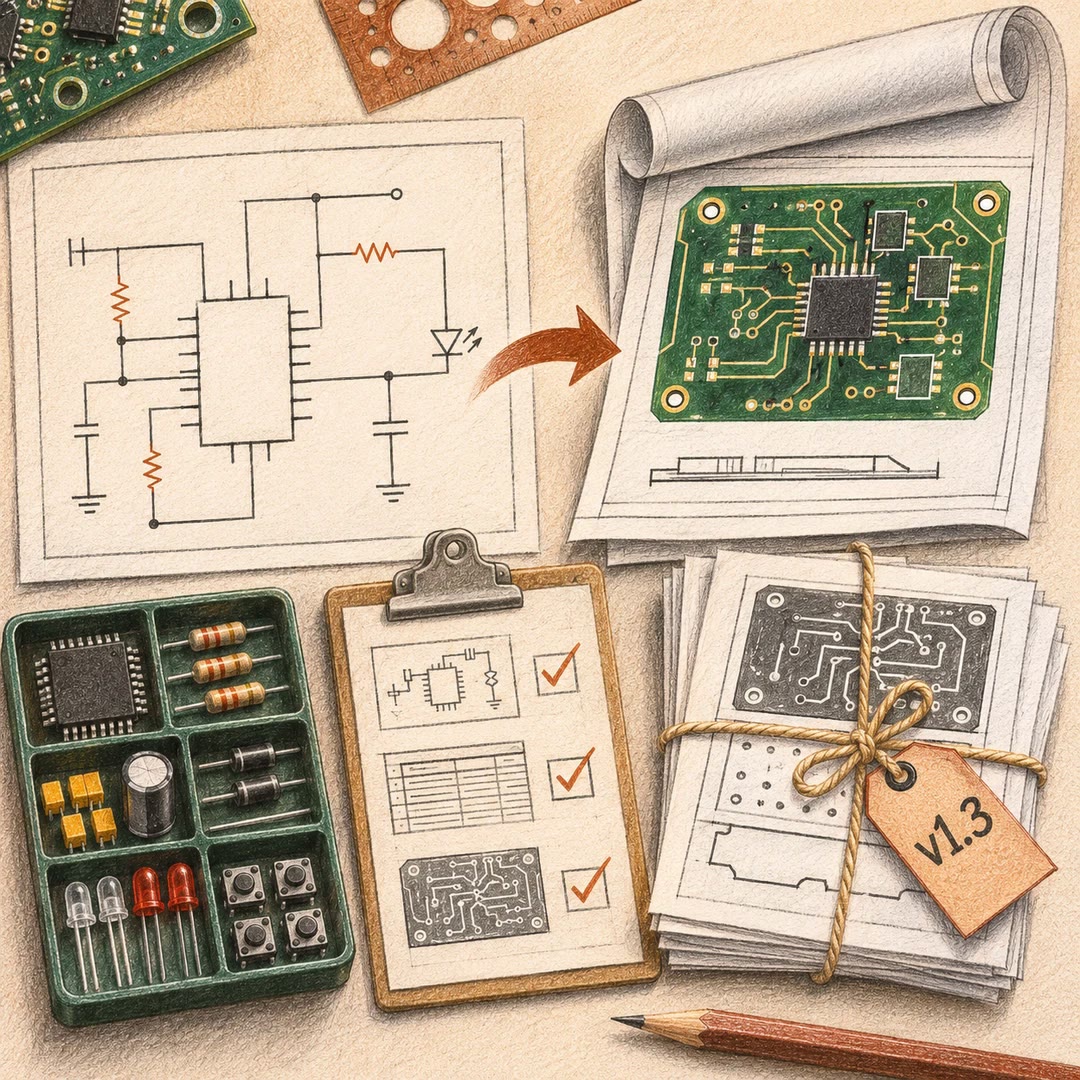
Export KiCad projects with AI
Prepare local schematic PDFs, bills of materials or board fabrication files, then inspect the reports and version of each output before handover.
Free - SkillNew
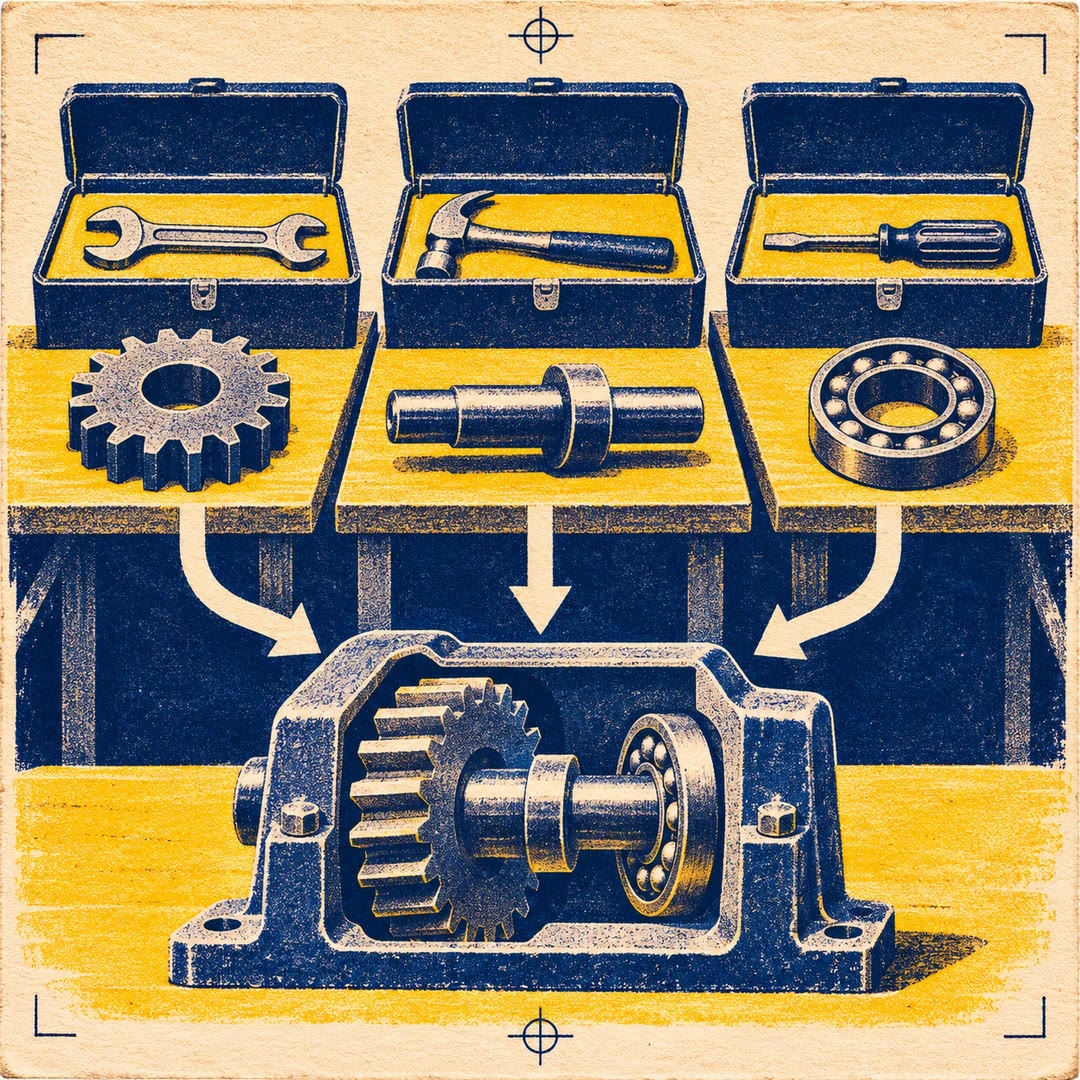
Split work between AI agents
Give each agent an independent problem, define what it may change and verify the combined result after the separate investigations finish.
Free - SkillNew
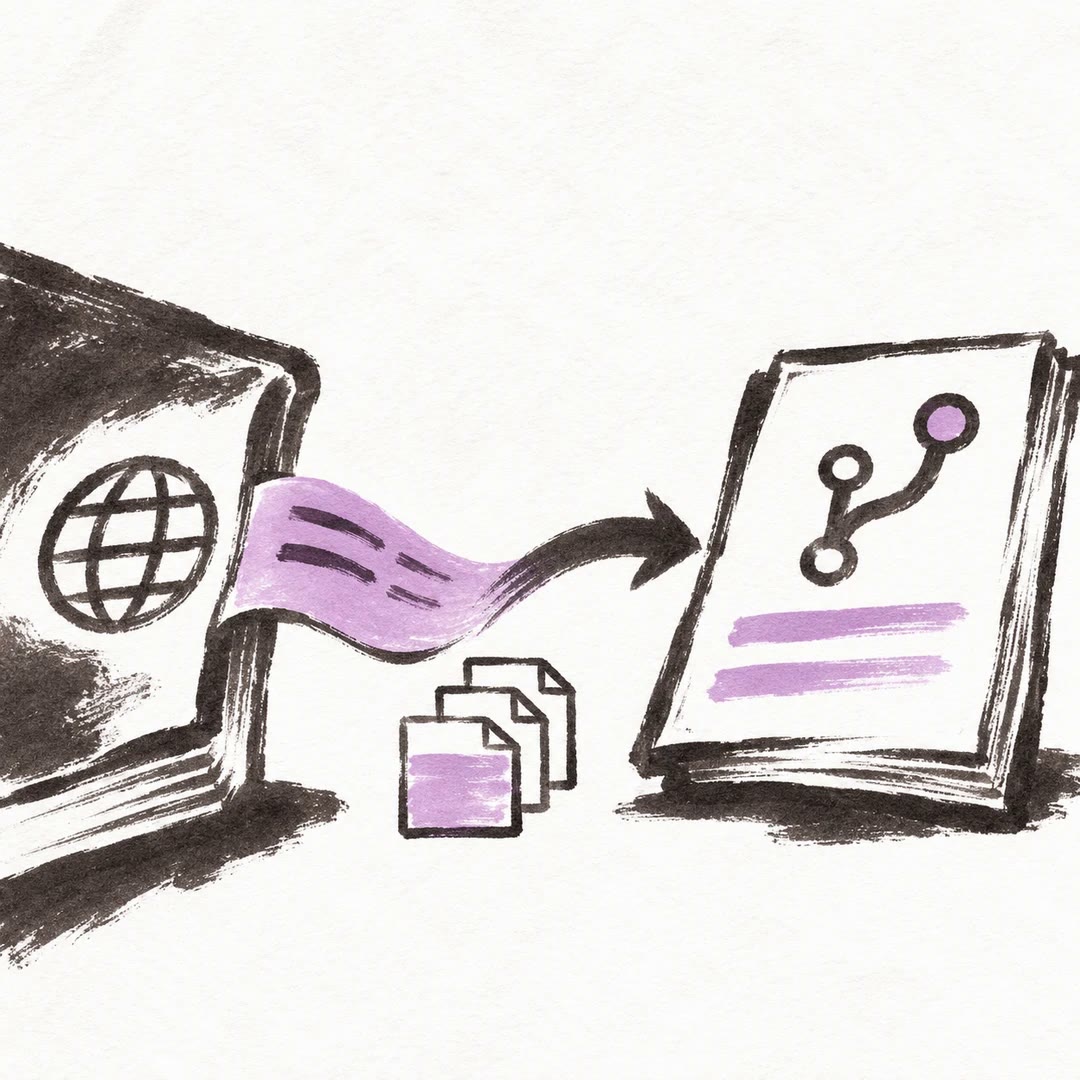
Sync Crowdin translations with GitHub using AI
Configure the direction of a translation sync, isolate the files it can commit and send changes to the right review branch.
Free