Write product backlog items with AI
Give each backlog item a reason, a brief description and observable acceptance criteria your team can discuss before estimating the work.
Write product backlog items with AI when a feature title leaves room for conflicting interpretations. A request to “show delivery dates” might mean printing an estimate on the receipt or helping a shopper choose before checkout. The wwas skill asks the team to establish why the change matters before describing the outcome.
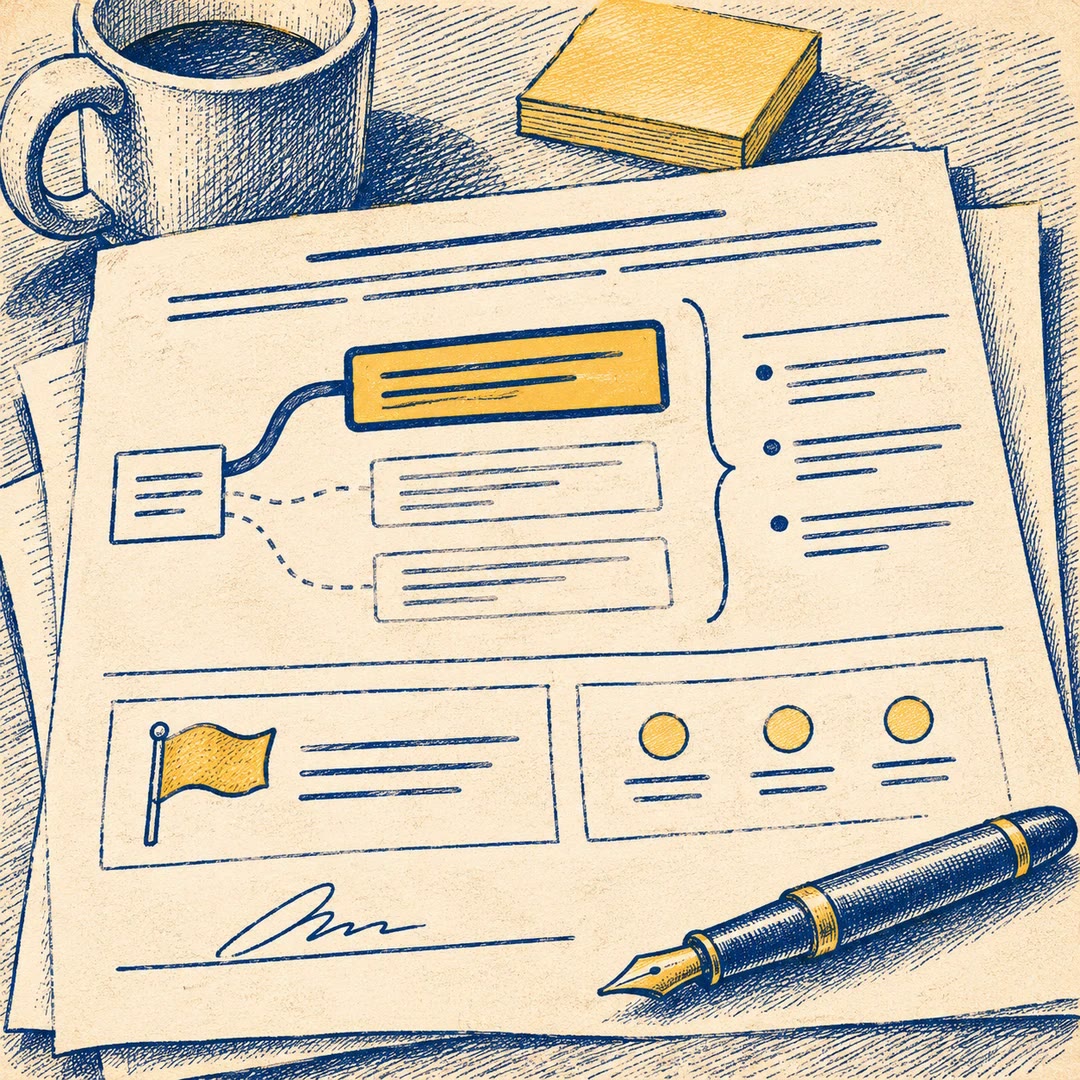
The resulting card has three parts. A brief rationale connects the change to a product goal. The description explains what the team intends to deliver and can point to a design. Acceptance criteria give the team something observable to demonstrate.
What it does
- Keep business context with the item it explains.
- Separate independently valuable increments of a larger feature.
- Describe the change without prescribing every implementation detail.
- Make acceptance criteria concrete enough to verify.
- Expose dependencies before the team estimates the work.
Install and use
- Install the skill in your agent. Give your agent the feature, its strategic context and any design you can share. No separate account is required.
- Ask for one card per deliverable, with a concise reason, description and a small set of high-level criteria.
- Read each card with the delivery team and check that it can fit into a sprint.
FAQ
Source
Made by Paweł Huryn. Original skill: wwas, published on GitHub under the MIT licence.
View on GitHubRelated products
- SkillNew
Review startup claim evidence with AI
Trace important startup claims to supplied evidence, preserve conflicting sources and prepare a register of gaps and follow-up questions.
Free - SkillNew
Write product decision documents with AI
Record a product choice, its alternatives and evidence, including what would reverse the decision and who needs to agree.
Free - SkillNew
Critique product plans with AI
Pressure-test a product plan by exposing its riskiest assumption, strongest objection and realistic alternatives, with findings anchored to the document.
Free