Write a website brief with AI
Turn project notes into a SITE.md file with a mission, audience, visual direction, sitemap and prioritised backlog. Keep decisions available to the people building the next page.
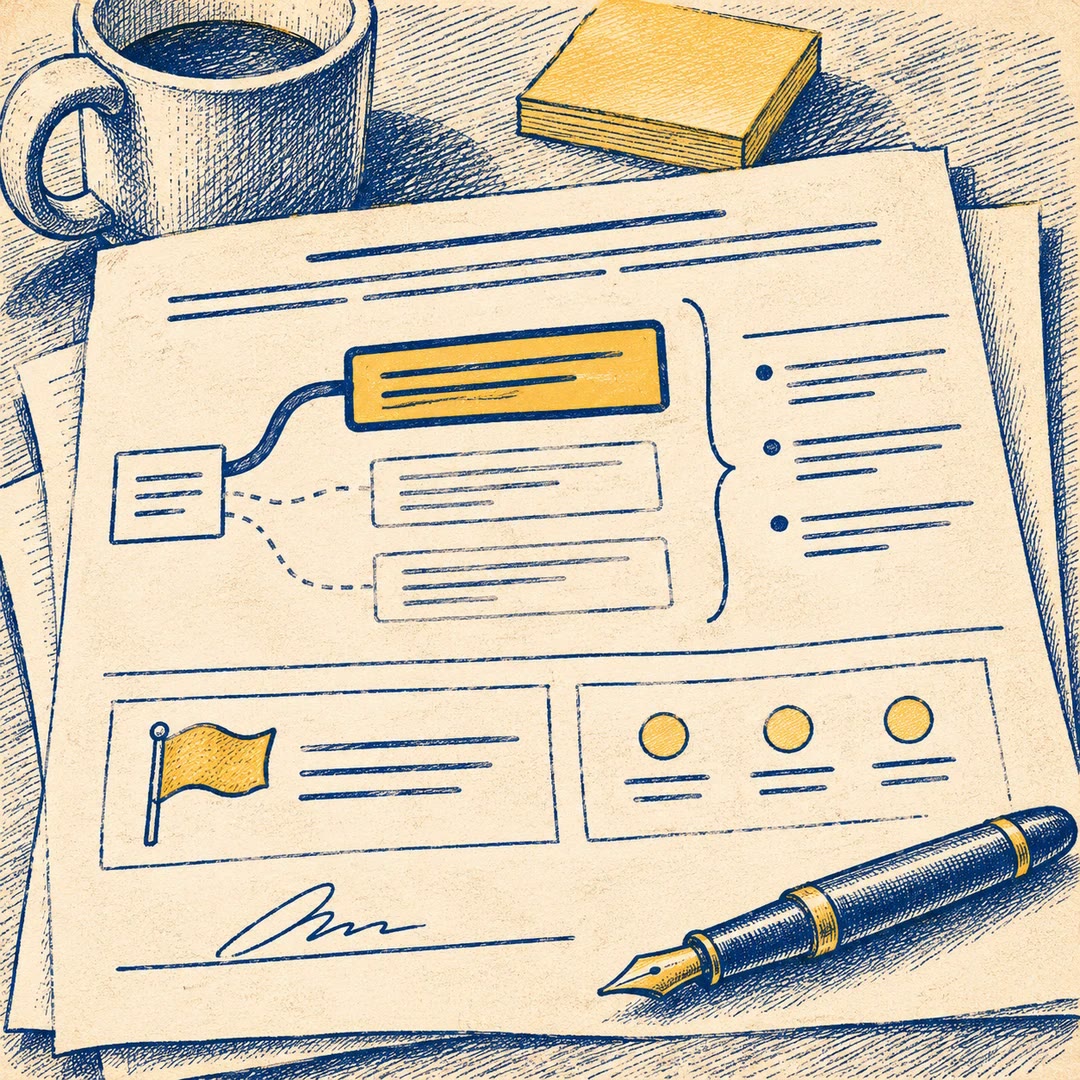
To write a website brief with AI, give site-md the decisions your team has already made. A community cinema might have agreed on one priority: visitors need to see what's on tonight. That carries more weight when it is written next to the proposed sitemap than when it sits halfway down an old meeting transcript.
The resulting file gives an agent working on a later page a place to check the audience, voice and project boundaries. It separates pages that already exist from those the team wants to build. Creative freedom can be recorded too, so a designer knows which choices have been made and which ones they can explore.
What it does
- Summarise the site's purpose and intended audience.
- Record a visual direction and tone of voice.
- Distinguish current pages from proposed additions.
- Group the work by priority for the first release.
- Identify decisions a designer can still make.
Install and use
- Install the Stitch utility skill in a supported agent and allow it to read the brief and write in the project. An existing Stitch project ID is optional.
- Ask “Draft a website brief for our community cinema. Put tonight's listings first and move the archive into a later release.”
- Review .stitch/SITE.md and correct uncertain assumptions before the next design session.
FAQ
Source
Made by Google Labs Code. Original skill: site-md, published on GitHub under the Apache-2.0 licence.
View on GitHubRelated products
- SkillNew
Review startup claim evidence with AI
Trace important startup claims to supplied evidence, preserve conflicting sources and prepare a register of gaps and follow-up questions.
Free - SkillNew
Write product decision documents with AI
Record a product choice, its alternatives and evidence, including what would reverse the decision and who needs to agree.
Free - SkillNew
Critique product plans with AI
Pressure-test a product plan by exposing its riskiest assumption, strongest objection and realistic alternatives, with findings anchored to the document.
Free