Manage editorial work with AI in Google Workspace
Keep drafts, media and review requests together across Docs, Drive, Gmail and Chat. Choose which step to hand to the agent.
To manage editorial work with AI in Google Workspace, use persona-content-creator to hand a particular draft and its assets to the right reviewer. For example, the illustrator may have finished the image while the editor is still waiting for a readable draft. Keep the handover tied to that file.
It describes how to update copy in Docs, organise and upload assets in Drive and announce a finished file in Chat. A shared sheet is suggested for the editorial calendar. The workflow does not include publishing to social platforms.
What it does
- Add copy to an existing draft
- Find the Drive folder for a piece
- Upload a selected local image
- Request editorial review by email
- Announce a finished file in a team space
Install and use
- Install the skill, gws and its Docs, Drive, Gmail, Chat and Slides companions. Connect a Google account that can open the draft and destination folder.
- Try “Add this copy to the newsletter draft and show me who would receive the review request.”
- Check the draft and destination before asking the agent to send anything.
FAQ
Source
Made by Google Workspace CLI contributors. Original skill: persona-content-creator, published on GitHub under the Apache-2.0 licence.
View on GitHubRelated products
- SkillNew
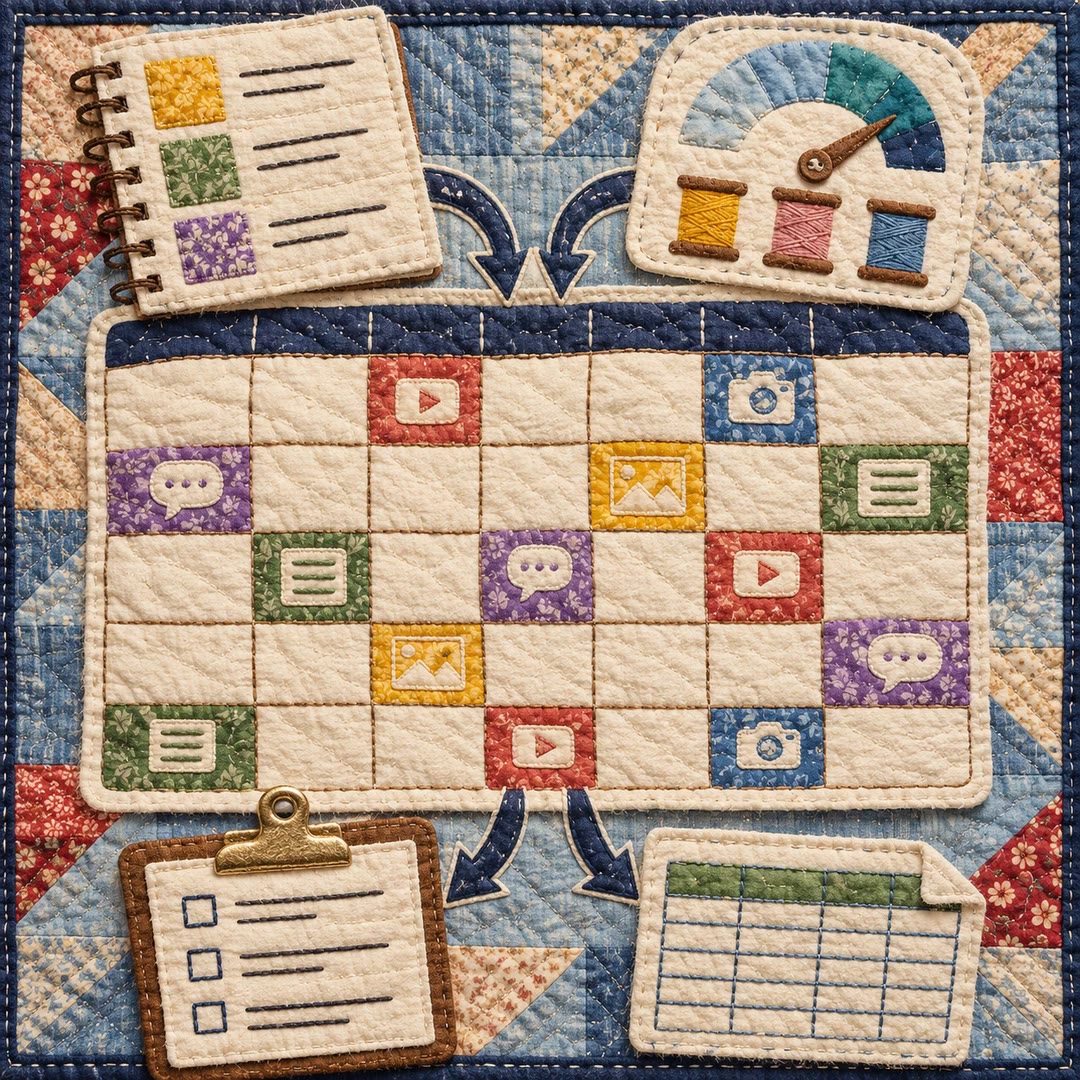
Build a content calendar with AI
Turn your themes and actual production capacity into a dated monthly plan, with platform formats, next actions and a CSV handover.
Free - SkillNew
Plan an article series with AI
Choose article topics and production order from existing research, with clear links back to the source material
Free - SkillNew
Content calendar planning with AI
Fit topics, formats and publication dates to the team’s actual capacity
Free