Content calendar planning with AI
Fit topics, formats and publication dates to the team’s actual capacity
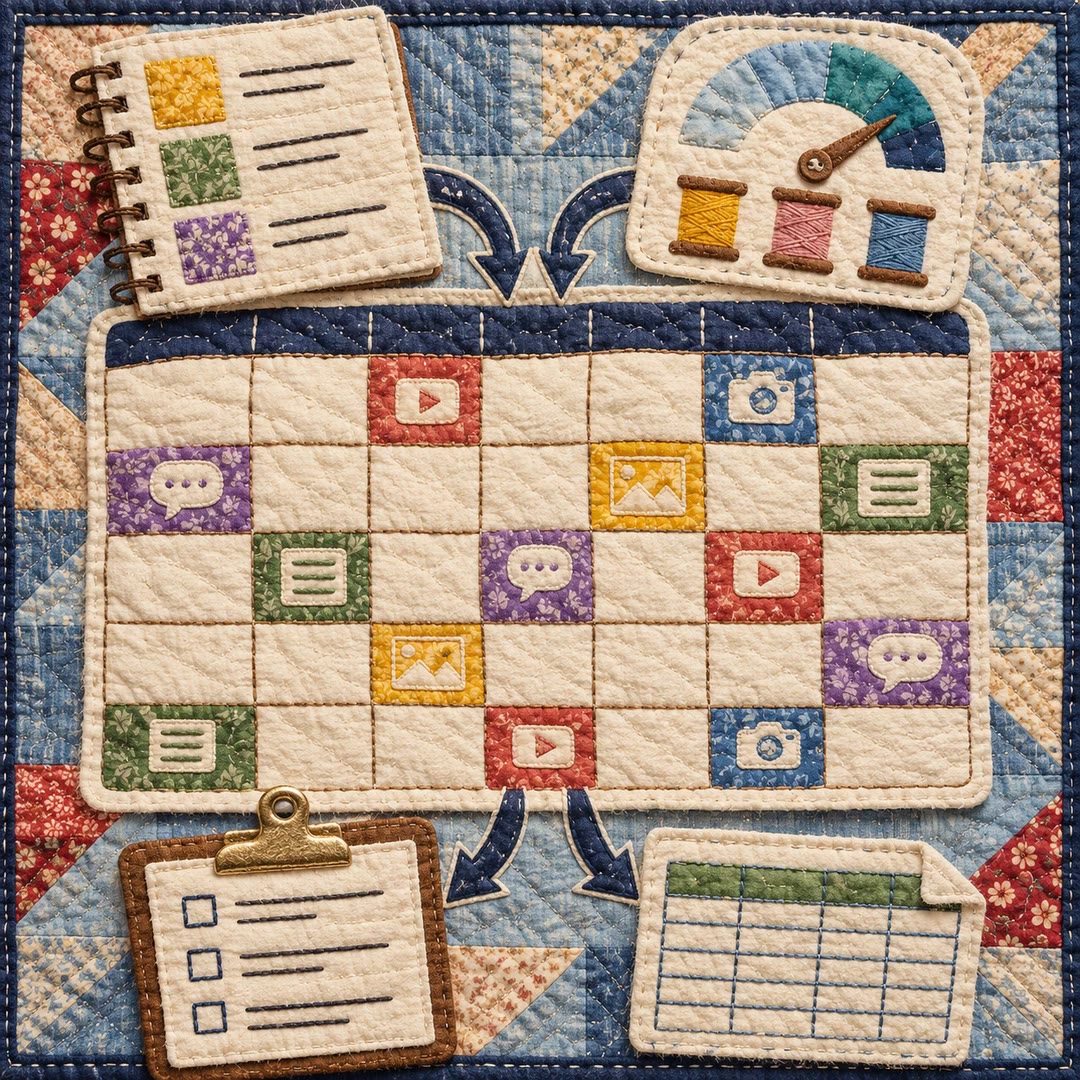
Content calendar planning with AI begins with what the team can actually produce. The content-calendar skill organises a monthly plan, campaign or connected series around channels, content pillars, fixed dates and work already in progress.
High-effort anchor pieces go in first, followed by lighter formats that can draw on them. Flexible slots leave space for changing priorities. The deliverable is a table or planning document: it neither publishes posts nor connects to social accounts, and suggested frequencies do not guarantee reach or growth.
What it does
- Plan a month across several channels
- Match publishing frequency to available capacity
- Balance topics across the planning period
- Sequence content that depends on earlier pieces
- Coordinate stages of a campaign
- Track ideas, drafts and review status in the table
Install and use
- Load the complete skill folder and templates in a compatible file-capable agent. Supply authorised brand files, channels, topics and existing work. State assumptions when brand guidance is missing.
- For example: “Plan four weeks with one article and two posts each week, a fixed product announcement date and one person producing the content.”
- Ask the agent to schedule anchor pieces, channel-specific adaptations and dependencies, leaving flexible slots for new developments.
- Review workload and dates, then maintain each item’s status. Moving the plan into a publishing tool or releasing content is a separate action.
FAQ
Source
Made by Vstorm. Original skill: content-calendar, published on GitHub under the MIT licence.
View on GitHubRelated products
- SkillNew
Build a content calendar with AI
Turn your themes and actual production capacity into a dated monthly plan, with platform formats, next actions and a CSV handover.
Free - SkillNew
Plan an article series with AI
Choose article topics and production order from existing research, with clear links back to the source material
Free - SkillNew
LinkedIn post ideation with an agent
Combine your content pillars with eight formats to produce a specific, reviewable idea grid
Free