Turn a Notion spec into tasks with AI
Break a product specification into deliverables with acceptance criteria, and decide which tasks to save after you have reviewed the plan.
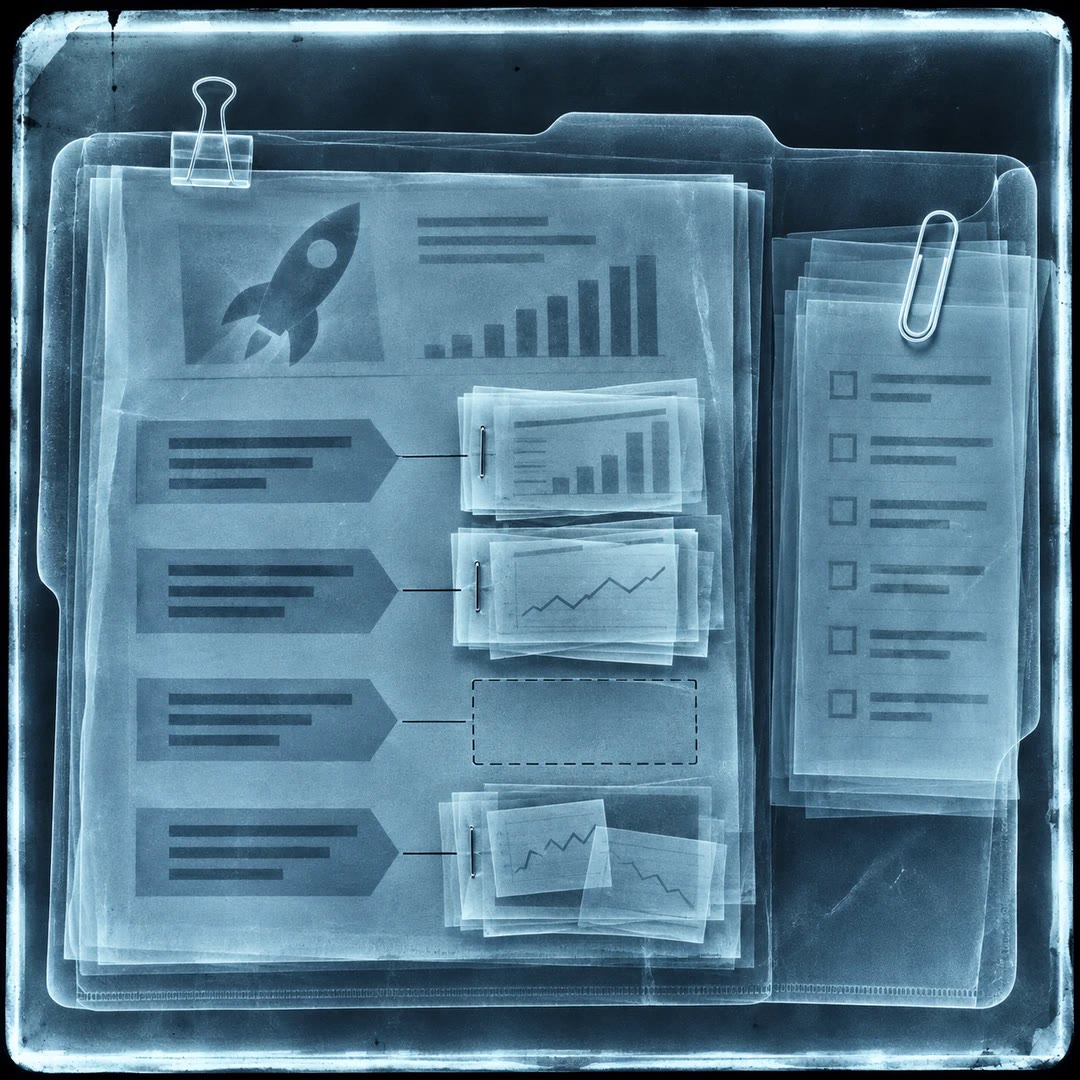
Turn a Notion spec into tasks with AI by asking what someone could inspect to decide that a piece of work is finished. “Support returns” is a requirement; showing the eligible orders and explaining why an order is ineligible are two outcomes a reviewer can check independently.
The notion-spec-to-implementation workflow keeps planning separate from creating records or marking work as started. If the return window is still undecided, the plan can preserve that question instead of quietly assigning a default.
What it does
- Break a broad requirement into testable deliverables.
- Attach an acceptance criterion to a task.
- Identify work that depends on a product decision.
- Compare existing tasks with a revised specification.
- Summarise progress using evidence from completed work.
Install and use
- Connect an authorised Notion workspace and provide the specification. If you want tasks created, identify the database; a planning request alone needs no task writes.
- Try: “Break the returns flow into reviewable pieces. Flag unresolved rules and give me a plan in chat before creating anything.”
- Compare the plan with the spec. Authorise the selected tasks, then check owners and dependencies against what the team actually agreed.
FAQ
Source
Made by Notion. Original skill: notion-spec-to-implementation, published on GitHub under the MIT licence.
View on GitHubRelated products
- SkillNew
Review startup claim evidence with AI
Trace important startup claims to supplied evidence, preserve conflicting sources and prepare a register of gaps and follow-up questions.
Free - SkillNew
Write product decision documents with AI
Record a product choice, its alternatives and evidence, including what would reverse the decision and who needs to agree.
Free - SkillNew
Critique product plans with AI
Pressure-test a product plan by exposing its riskiest assumption, strongest objection and realistic alternatives, with findings anchored to the document.
Free