Design landing pages with AI
Shape factual project material into page copy, colour, layout and restrained motion, preserving the existing brand and checking the built result locally.
Design landing pages with AI around what a visitor needs to understand and do next. The nakis skill establishes the copy before choosing colour, typography, layout and motion. An existing project keeps its stack and identity; a distinctive page should still belong to its owner.
The package includes local palette and audit tools alongside its design guidance. Detailed language patterns cover English and Turkish, while general visual principles are broader. An audit score is a heuristic result, not proof of human authorship, accessibility compliance or a good rendered layout.
What it does
- Ground page copy in supplied project facts
- Generate a role-based palette from one seed colour
- Vary repetitive layouts without replacing the brand
- Choose one motion that directs useful attention
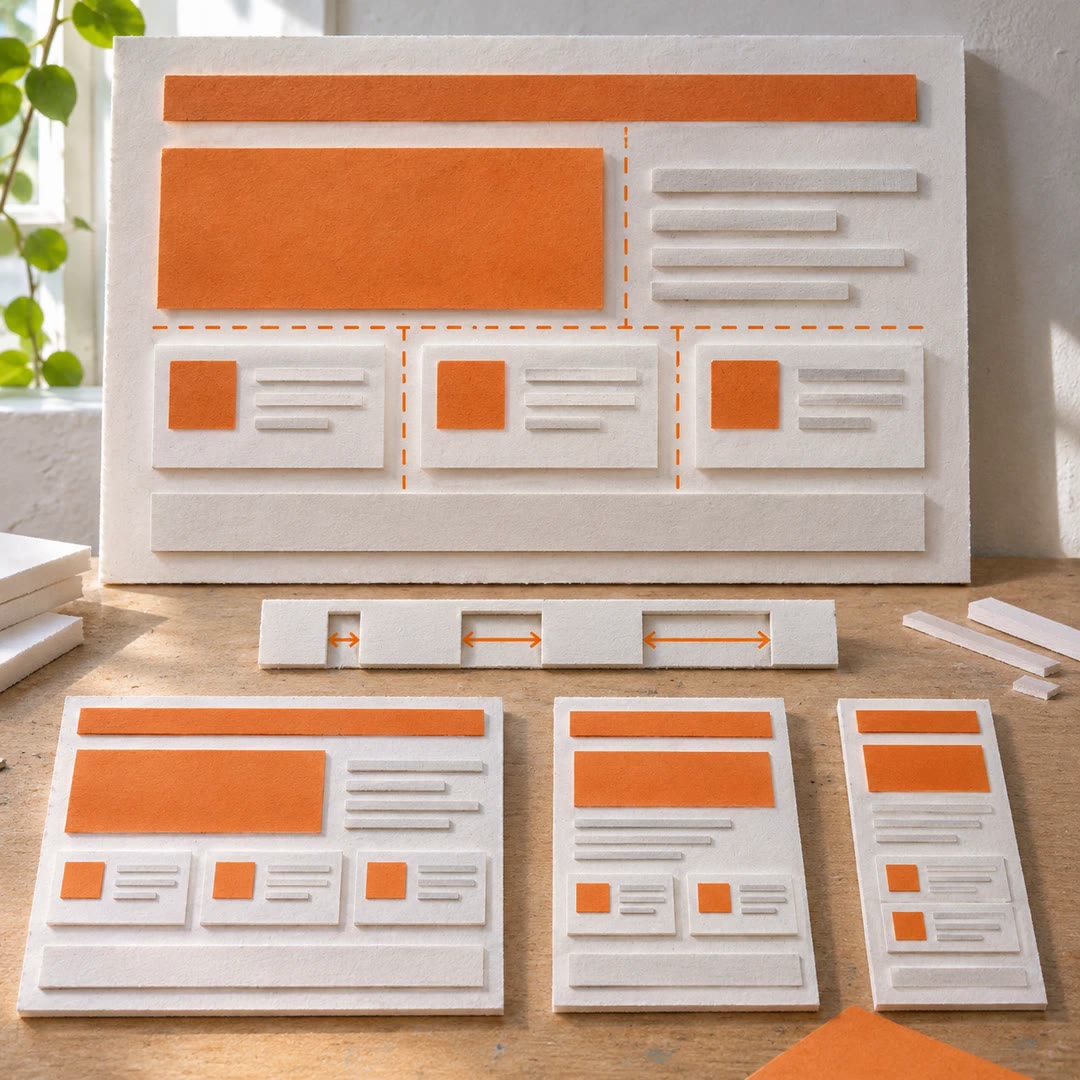
- Compare phone and desktop presentations
- Separate unsupported claims from publishable copy
Install and use
- Give the complete folder to a file and coding-capable agent. Optional palette and audit helpers require Python3; visual checks need an available browser or image tool. No additional service account or key is supplied.
- Define the audience, main action and authorised changes. Try: “Redesign my pottery-workshop page from this approved brief. Keep the brand, and invent no dates, prices or testimonials.”
- Review the copy before the visual direction. Every factual claim should come from your material. An appealing but unsupported sentence belongs in a suggestions list, not silently on the page.
- Audit the built HTML, then inspect phone and wide layouts, keyboard focus and reduced motion. Resolve serious findings and explain retained ones; a source-only script cannot see actual overlapping elements.
FAQ
Source
Made by Berat BOĞA. Original skill: nakis, published on GitHub under the MIT licence.
View on GitHubRelated products
- SkillNew
Design interface components with AI
Build coherent buttons, forms and dialogs around existing tokens, with clear states and practical keyboard and responsive checks.
Free - SkillNew
Redesign websites with AI
Review an existing site, choose a reasoned design direction and implement changes within its current stack, preserving approved content and working behaviour.
Free - SkillNew
Improve interface layout with AI
Use consistent gaps, suitable widths and meaningful grouping to make a page’s priorities clearer across screen sizes.
Free